

Turn recordings into transcripts and summaries in minutes
Upload audio or video for multilingual transcription, AI notes, and action items
Many people think a meeting AI agent is just a "meeting bot"—a bot that joins your meeting to record and take notes automatically. But in practice, the common pitfalls are: the bot joins and participants feel interrupted; the recording finishes but nobody reads the long transcript; the summary looks nice but no one follows up on action items. What a meeting AI agent should really solve isn't "did we record it?" but "after the meeting ends, can the data be used?"
What Is a Meeting AI Agent?
A meeting AI agent is a tool that assists with the meeting process using an AI agent approach. It typically records or imports meeting audio, automatically transcribes it, then generates summaries, chapters, key points, and action items—and may even support post-meeting Q&A, translation, and export to other tools. Simply put, it turns "having a meeting" into searchable, organized, actionable data. There are two common approaches: one is a meeting bot that joins online meetings as a participant; the other is a desktop tool that directly captures system audio without adding an extra participant. Tinrec falls into the latter category. Another tool I tested, Granola, is also bot-free, and the two are often compared.
Tinrec vs Granola | Quick Overview
One-line positioning: Tinrec is an AI meeting notes and collaboration tool for individuals and teams; Granola is a bot-free AI meeting note-taking tool. Pricing and platforms: Tinrec offers a free plan, weekly pass, Pro monthly, and annual plans. Team plan is USD 29.80 per paid seat per month, or USD 199 per paid seat per year. Granola Basic is free, Business is USD 14 per user per month, Enterprise is USD 35 per user per month. Key differences: Tinrec retains meeting audio, supports file import, and provides Chinese language and team data management; Granola emphasizes user handwritten notes with AI enhancement, but does not save meeting audio or support uploading pre-recorded files. This article compares 4 dimensions: Chinese transcription and summarization, online meeting recording method, post-meeting Q&A and action items, and team knowledge retention.
Dimension 1 | Chinese Meeting Transcription and Summarization
Granola has built a user base in English meeting note scenarios, with live transcripts that can be viewed, copied, and searched. However, it does not support uploading pre-recorded audio files, and meeting audio is not saved—a clear limitation for those who need to replay the original audio or organize historical recordings. Tinrec covers Chinese, Traditional Chinese, and multilingual meetings, supports live recording and audio/video file import, and automatically generates summaries, chapters, and action items. Actual results depend on recording quality, noise, accents, and overlapping speech, but for Chinese-speaking teams, Tinrec's organization workflow is more complete. → This dimension: Tinrec is better suited for Chinese and file import.
Dimension 2 | Online Meeting Recording Method
Both Granola and Tinrec desktop use a bot-free approach, directly capturing device system audio, suitable for Zoom, Google Meet, Microsoft Teams, Webex, and other online meetings. Neither requires a bot to join the meeting. The difference is that Tinrec explicitly supports retaining audio and centralizing meeting data management; Granola focuses on notes and does not save meeting audio. If you value post-meeting playback and archiving, Tinrec is more convenient. → This dimension: Tie on bot-free recording, Tinrec wins on audio retention.
Stop organizing recordings by hand
Upload audio or video and automatically get a transcript, summary, and action items
Dimension 3 | Post-Meeting Q&A and Action Items
Granola can combine handwritten notes with AI-generated summaries, and also offers Q&A and integration capabilities. Tinrec, beyond summaries and action item extraction, also supports AI Q&A around meeting content, real-time translation, multi-format export, and Agent post-processing to generate reports, tables, and documents. If what you want is "ask key points right after the meeting, push action items into your workflow," Tinrec's post-meeting workflow is more complete. → This dimension: Tinrec wins clearly.
Dimension 4 | Team Knowledge Retention and Management
Granola offers shared folders, user and enterprise management. Tinrec's team plan is a separate team space where meeting data belongs to the team, with management of members, roles, seats, sharing permissions, usage analytics, audit logs, and an audio recycle bin. When a member leaves, team resources can be transferred to other active members. Note that Tinrec's team plan is primarily team-level sharing, not document-level granular permissions; members without a seat can view and play but cannot upload, edit, or export. → This dimension: Tinrec is better suited for teams needing governance and knowledge retention.
What Unique Advantages Does Each Have?
Tinrec's unique advantages:
- Desktop bot-free recording of online meetings, with audio retention.
- Supports Chinese, mixed Chinese-English, and multilingual meetings, with real-time translation.
- Post-meeting AI Q&A, action items, reports, tables, and documents.
- Team plan provides seat, usage, audit, and recycle bin management. Granola's unique advantages:
- Handwritten notes as the core, AI enhances the user's own records.
- Good cross-meeting context and integration experience, suitable for English meeting note enthusiasts.
Conclusion: Which Should You Choose?
- If you need Chinese meeting transcription, audio retention, and historical file import → Tinrec.
- If you want to ask AI directly after the meeting, organize action items, and export to workflows → Tinrec.
- If you need team space, seat management, and auditing → Tinrec team plan.
- If you only meet in English, prefer handwritten notes, and don't need audio retention → Granola is sufficient. In one sentence: For most Chinese-speaking teams, Tinrec is the more complete meeting AI agent choice. You can start with Tinrec's free plan and test it with your own meeting recordings.
FAQ
Q1: Is a meeting AI agent the same as a meeting bot? A: Not exactly. A meeting bot usually joins as a participant; a meeting AI agent also includes desktop bot-free recording, post-meeting summaries, Q&A, action items, and team knowledge retention.
Q2: Which online meetings does Tinrec support? A: The desktop version can handle audio played on a computer from Zoom, Google Meet, Microsoft Teams, Webex, etc., without an extra bot joining.
Q3: Is Tinrec's free plan enough? A: The free plan is suitable for light use—you can try recording, importing, summarizing, and transcribing. If you use it regularly every week, consider Pro monthly or annual; teams have a 7-day trial.
Q4: Does Granola have transcripts? A: Yes, Granola supports live transcript viewing, copying, and searching, but does not support uploading pre-recorded audio files and does not save meeting audio.
Q5: Can the team plan set per-document permissions? A: Currently Tinrec's team plan is primarily team-level sharing, managing access through roles and seats, not document-level ACL.
Q6: Do I need consent to record meetings? A: Yes. Recording and transcription should comply with local laws and obtain participant consent when required.
References
Turn every recording into actionable outcomes
Get 60 free transcription minutes when you sign in. No credit card required.
Related Reading
You might also like

2026 AI Meeting Tools Comparison: Tinrec vs Otter.ai for SMBs
A hands-on comparison of Tinrec and Otter.ai from an SMB perspective, covering Chinese transcription, bot-free recording, meeting knowledge base, post-meeting output, team governance, and budget to help you decide which fits better.

Tinrec Review 2026: AI Meeting Q&A + Team Knowledge Base for Historical Meeting Records
Three months after a meeting, can you still find that one key conclusion? This article starts with the real pain of retrieving historical meeting records, breaks down 4 key buying factors, tests Tinrec's semantic Q&A, bot-free recording, and team data retention, and briefly compares who Otter.ai, Notta, and Granola are each best for, with a pitfall guide and scenario-based recommendations at the end.

Tinrec vs Otter.ai 2026: 5-Dimension Comparison for AI Meeting Agents in Chinese Scenarios
From a mid-level manager's practical perspective, this article breaks down common misconceptions about AI meeting agents and compares Tinrec and Otter.ai across 5 dimensions. It covers bot-free recording, Chinese transcription, post-meeting action items, AI Q&A, and team data retention to help you find a solution that truly saves post-meeting organization time.
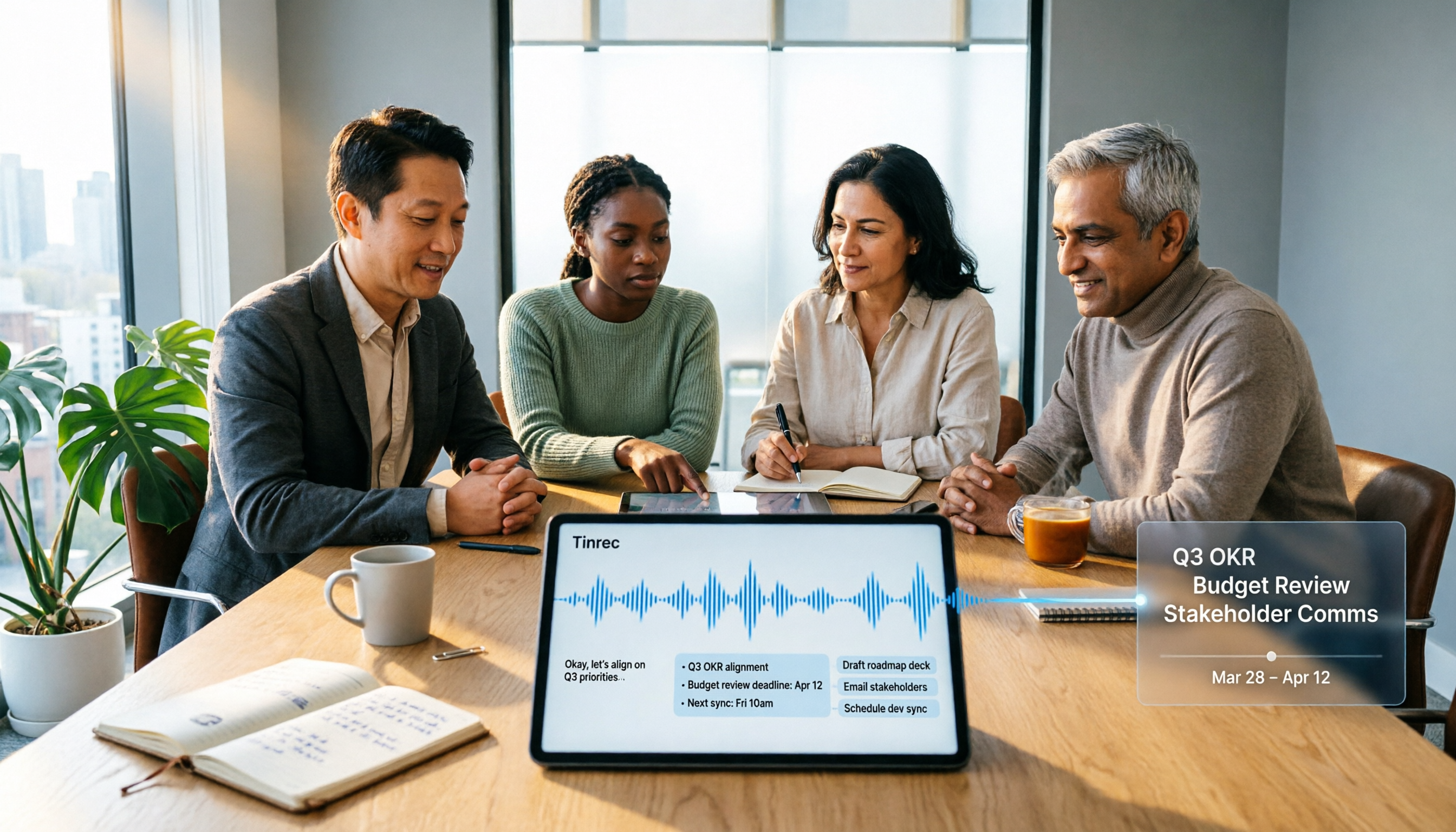
2026 Top 5 Meeting Knowledge Management Tools Compared: Which One Turns Meetings into Usable Team Data?
Meeting's over, but the recording just sits on your phone? Using Tinrec as an example, this article walks you through 5 steps to turn meeting recordings into transcripts, summaries, and action items, then into searchable team knowledge assets. It also compares Otter, Granola, Notta, and TurboScribe, highlighting their differences and best use cases.

2026 Comparison of 2 User Interview Analysis Tools: Tinrec vs Otter.ai — Which Handles Chinese Interview Organization Better?
After user interviews, transcribing, extracting insights, and organizing action items take the most time. This article compares Tinrec and Otter.ai across recording capture, Chinese transcription, post-interview follow-up, audio file import, team knowledge retention, and pricing plans to help you decide which tool fits your interview workflow.

2026 Meeting Recording Knowledge Base Comparison: Why Tinrec Is the Top Notta Alternative
A meeting recording knowledge base isn't just about turning recordings into transcripts—it's about making every meeting searchable, queryable, and transferable. This article examines the decision points for team data retention and compares Tinrec vs. Notta on bot-free recording, AI Q&A, team spaces, and Chinese language experience, plus an overview of Tinrec's core features, use cases, and buying advice.

4 AI Meeting Transcription Tools Compared for 2026: Which One Actually Builds a Searchable Meeting Archive?
Spending all day in meetings and then overtime writing notes? This article approaches the decision from whether meeting content can be retained long-term, comparing four AI meeting tools. It covers five key factors to understand before choosing, hands-on experience with Tinrec's bot-free recording and AI Q&A, and four common pitfalls to help you find a meeting archive you can actually search later.

Team Knowledge Base vs. Meeting Notes in 2026: A 5-Dimension Comparison — The Difference Isn't Just Whether You Can Find It Again
Meeting notes and team knowledge bases are often treated as the same thing, but they differ in purpose, lifecycle, searchability, action linkage, and ownership. This article breaks down the differences across 5 dimensions and explains how to use Tinrec to turn scattered meeting notes into a searchable, queryable, and transferable team knowledge asset.
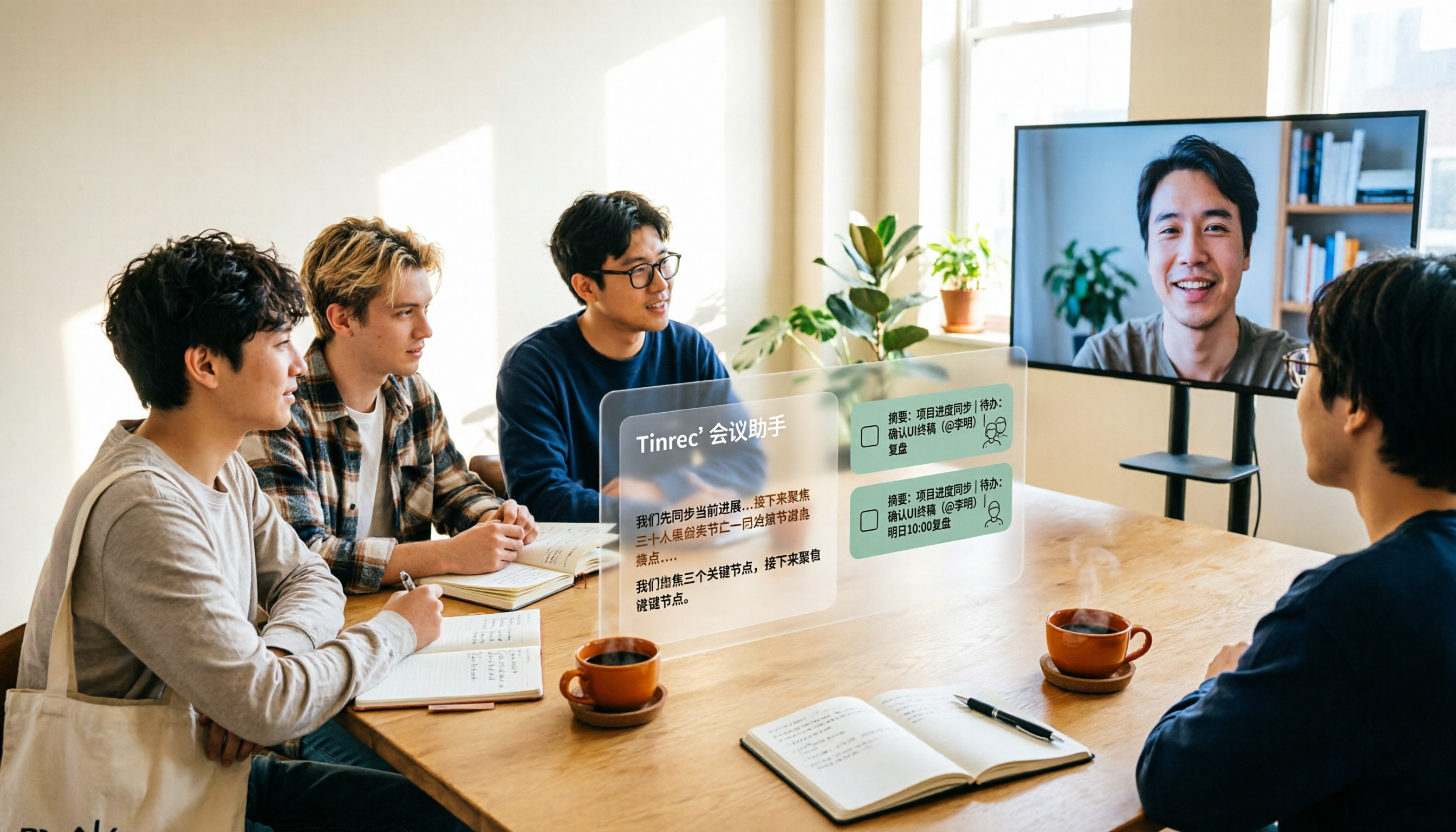
2026 Complete Guide to AI Team Meeting Assistants: Auto-Generate Transcripts, Summaries & Action Items
From student group projects to internship team weekly meetings, how do you actually use an AI team meeting assistant? This 2026 complete guide first breaks down common misconceptions, then explains core capabilities, real-world use cases, and 6 key considerations for choosing one. It also demonstrates Tinrec's full workflow for bot-free online meeting recording, real-time transcription, AI summaries, action item extraction, and meeting Q&A.