

Turn recordings into transcripts and summaries in minutes
Upload audio or video for multilingual transcription, AI notes, and action items
2026 AI Meeting Tools Comparison: Tinrec vs Otter.ai for SMBs
Small and medium-sized businesses (SMBs) make up 98.87% of all enterprises in Taiwan and employ 79.29% of the workforce. Most SMB teams are small, yet meetings keep piling up.
The real hassle usually isn't recording—it's what happens after: transcripts scattered across personal computers, to-dos written in LINE groups, and last month's decisions forgotten. If you're looking for a tool that turns meetings into a knowledge base, Tinrec and Otter.ai are two commonly compared options. In this article, I'll compare them across 5 dimensions from an SMB perspective.
Tinrec vs Otter.ai | Quick Overview
One-sentence positioning: Tinrec is an AI meeting notes and collaboration tool for individuals and teams; Otter.ai is a mature AI meeting assistant with a strong focus on English business meetings.
| Item | Tinrec | Otter.ai |
|---|---|---|
| Core positioning | AI meeting notes and team collaboration | AI meeting assistant and meeting automation |
| Meeting capture | Desktop app captures system audio without a bot; supports Zoom, Meet, Teams, Webex | Bot and desktop methods; covers mainstream online meetings |
| Chinese experience | Chinese, Traditional Chinese, mixed Chinese-English, and team hotwords | Primarily English business meetings; also supports multiple languages |
| Team knowledge base | Team space, member seats, usage, audit, recycle bin | Mature team and enterprise management capabilities |
This article compares 5 dimensions: Chinese transcription, bot-free recording, knowledge base accumulation, post-meeting output, and team governance and budget.
Dimension 1 | Chinese Meetings and Mixed Chinese-English Transcription
Otter.ai's strong suit is English business meetings, with mature experience in English transcripts, summaries, and AI Chat. If 80% of your team meetings are in English, Otter remains very handy.
Tinrec, on the other hand, focuses on Chinese, Traditional Chinese, and mixed Chinese-English, and supports real-time translation and bilingual viewing. The team version also allows maintaining hotwords so product names and proper nouns are less likely to be misheard.
→ This dimension: For teams mainly using Chinese, Tinrec clearly wins; for pure English teams, it's a tie.
Dimension 2 | Bot-Free Recording and Meeting Sources
Otter.ai is widely known for its meeting assistant and bot joining meetings, and it now also offers desktop capabilities. For those who don't want to install extra tools, platform coverage is its advantage.
Tinrec's desktop version directly captures computer system audio without needing a meeting bot to join, making it suitable for teams that don't want an extra account in the meeting list. Besides online meetings, it also supports real-time recording, audio and video uploads, and mobile recording.
→ This dimension: Tinrec is closer to SMB daily needs with its combination of "Chinese meetings + bot-free desktop recording."
Dimension 3 | Meeting Knowledge Base Accumulation
Otter has search and AI Chat, and its team plan offers management capabilities. However, if Chinese meeting data is scattered across an English interface and personal accounts, finding things still requires some getting used to.
Tinrec's team version centralizes Audio, Folder, and TODO in a team space. AI Q&A can follow up on a single meeting or multiple meetings, and historical data can be searched, reviewed, and handed over. When a member leaves or loses their seat, resources can be transferred to other active members and won't leave with the individual.
→ This dimension: Tinrec wins; this is where it comes closest to a "meeting knowledge base."
Stop organizing recordings by hand
Upload audio or video and automatically get a transcript, summary, and action items
Dimension 4 | Post-Meeting Output and Workflow
Otter provides summaries, action items, and AI Chat, suitable for quickly turning meeting notes into to-dos.
In addition to transcripts, summaries, chapters, and to-dos, Tinrec can also generate mind maps and export to tools like Notion, Google Docs, OneNote, and Dropbox. Agent post-processing can further turn meetings into reports, tables, and documents, ideal for teams that need post-meeting deliverables.
→ This dimension: Tinrec wins; more forms of post-meeting processing.
Dimension 5 | Team Governance and SMB Budget
Otter's Business plan offers unlimited meetings and more management capabilities; check the official page for specific pricing. For large teams, its enterprise capabilities are mature.
Tinrec's team version distinguishes roles and seats: roles determine governance permissions, seats determine whether one can record, upload, edit, and export. Administrators can view usage trends, member rankings, and audit logs. The first eligible team trial is 7 days, 1 free seat, 300 minutes of team shared import. Team monthly payment is USD 29.80 per paid seat per month; annual payment is USD 199 per paid seat per year, equivalent to about USD 16.58 per month, with each seat providing 2,000 minutes of shared import quota per month; real-time recording is currently not deducted by minutes.
→ This dimension: Prices are subject to official sources; neither is absolutely cheaper. But Tinrec's governance logic for seats, usage, and data handover is more suitable for SMBs with limited budgets.
What Unique Advantages Does Each Have?
Tinrec's unique advantages:
- Chinese meetings, mixed Chinese-English, and team hotwords are more friendly to Chinese teams.
- Desktop version records online meetings without a bot, so no extra person needs to join the meeting room.
- Meeting data belongs to the team space and can be handed over when members change.
- Post-meeting Q&A, export, and Agent-generated reports and tables.
Otter.ai's unique advantages:
- Stronger maturity and brand recognition for English business meetings.
- Rich third-party integrations and enterprise-level capabilities, suitable for pure English, cross-border collaboration teams.
Conclusion: Which One Should You Choose?
- If your meetings are mainly in Chinese and you want meeting data to become a searchable team knowledge base → Tinrec.
- If you don't want to invite a meeting bot to Zoom, Meet, Teams → Tinrec desktop version is more direct.
- If you need to process transcripts into reports, tables, or documents → Tinrec's Agent post-processing is more complete.
- If you need to manage member seats, usage, and audits → Tinrec's team version has clearer governance logic.
- If your team almost exclusively holds English meetings and relies heavily on existing third-party integrations → Otter.ai is still worth evaluating.
In one sentence: For most Taiwanese SMBs, Tinrec is a choice closer to the "meeting knowledge base" need. It's recommended to start with the free version or team trial and test Chinese transcription and post-meeting organization with a real meeting.
FAQ
Q1: Do SMBs have to use the team version? A: If only one person organizes meetings, the personal version is enough. If meeting data needs to be viewed, searched, and handed over by multiple people, the team version's team space, seats, and audit are more suitable.
Q2: Is Tinrec's free version enough? A: You can first experience recording, import, summary, and transcription with the basic quality quota. Once usage stabilizes, choose a weekly pass, Pro, or team plan based on frequency.
Q3: How does Otter.ai perform in Chinese? A: Otter focuses on English business meetings; the Chinese meeting experience varies with accents, mixed Chinese-English, and proper nouns. It's recommended to test with the same meeting recording.
Q4: Can team members without a seat still view data? A: Active members can still view, play, and read team data even without a seat; only after obtaining a seat can they record, upload, edit, and export.
Q5: Can deleted meeting recordings be recovered? A: After team audio enters the recycle bin, it can be recovered before permanent cleanup; the current retention period is 30 days. TODO is not within the scope of the team recycle bin.
Q6: Can 100% accuracy be guaranteed? A: It's not recommended to expect that. Recording quality, noise, accents, overlapping speakers, and technical terms all affect results. For important content, it's advisable to cross-check with transcript timestamps and recordings.
References
- National Association of Small and Medium Enterprises, R.O.C. | Hiring
- National Association of Small and Medium Enterprises, R.O.C.
- 2024 "SME Upgrading and Transformation Startup Problem Solving" ...
- National Association of Small and Medium Enterprises, R.O.C. - NCCU Career Platform
- Taiwan Small and Medium Enterprise Joint Counseling Foundation
Turn every recording into actionable outcomes
Get 60 free transcription minutes when you sign in. No credit card required.
Related Reading
You might also like

2026 Meeting AI Agent Comparison: Tinrec vs Granola — Which Is Better for Chinese-Speaking Teams?
What is a meeting AI agent? This article starts with common misconceptions, defines AI meeting agents, and then compares two bot-free meeting tools, Tinrec and Granola, across 4 dimensions: Chinese transcription, post-meeting Q&A, team knowledge retention, and pricing, to help you decide which fits your workflow.

Tinrec Review 2026: AI Meeting Q&A + Team Knowledge Base for Historical Meeting Records
Three months after a meeting, can you still find that one key conclusion? This article starts with the real pain of retrieving historical meeting records, breaks down 4 key buying factors, tests Tinrec's semantic Q&A, bot-free recording, and team data retention, and briefly compares who Otter.ai, Notta, and Granola are each best for, with a pitfall guide and scenario-based recommendations at the end.

Tinrec vs Otter.ai 2026: 5-Dimension Comparison for AI Meeting Agents in Chinese Scenarios
From a mid-level manager's practical perspective, this article breaks down common misconceptions about AI meeting agents and compares Tinrec and Otter.ai across 5 dimensions. It covers bot-free recording, Chinese transcription, post-meeting action items, AI Q&A, and team data retention to help you find a solution that truly saves post-meeting organization time.
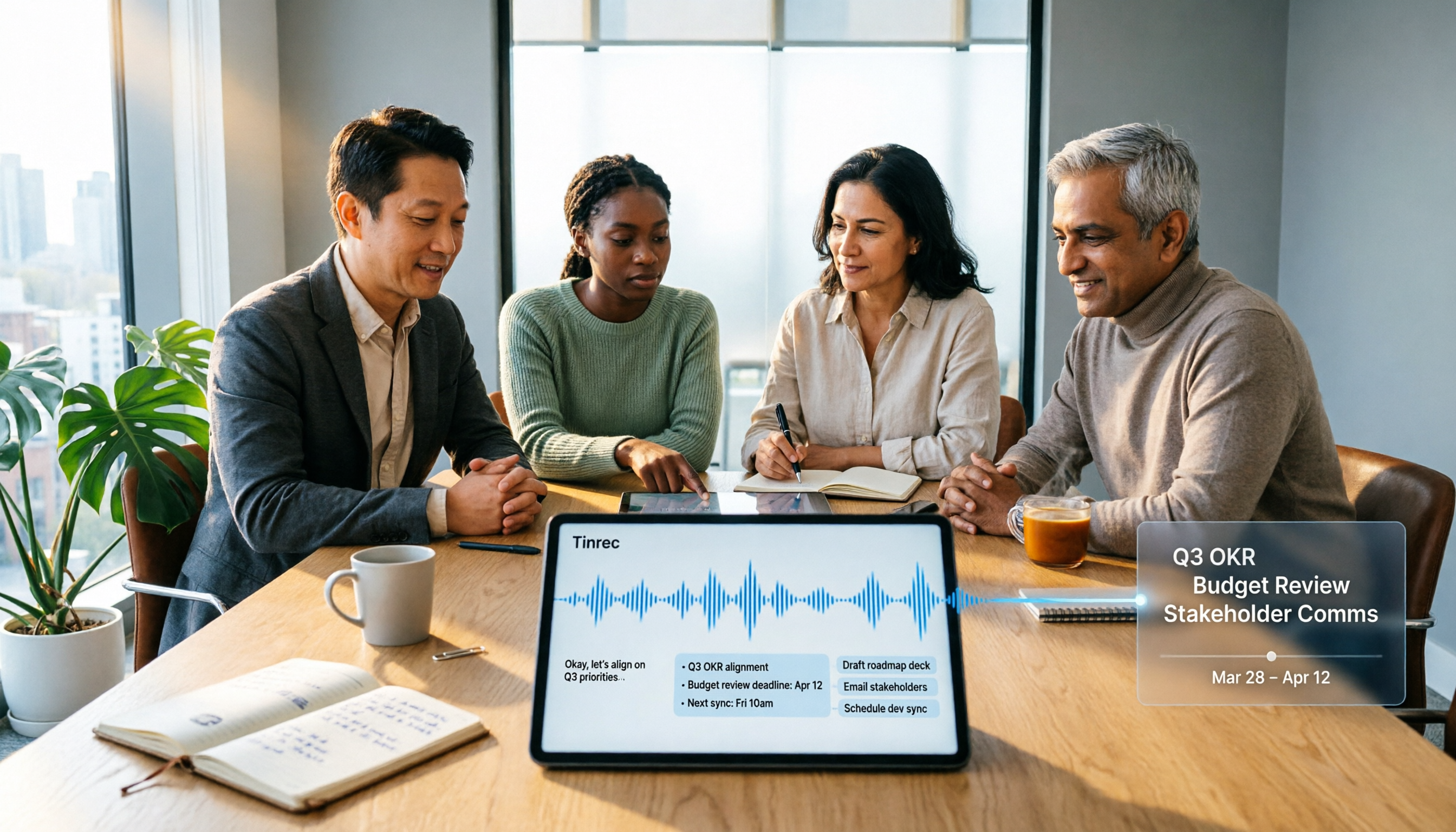
2026 Top 5 Meeting Knowledge Management Tools Compared: Which One Turns Meetings into Usable Team Data?
Meeting's over, but the recording just sits on your phone? Using Tinrec as an example, this article walks you through 5 steps to turn meeting recordings into transcripts, summaries, and action items, then into searchable team knowledge assets. It also compares Otter, Granola, Notta, and TurboScribe, highlighting their differences and best use cases.

2026 Comparison of 2 User Interview Analysis Tools: Tinrec vs Otter.ai — Which Handles Chinese Interview Organization Better?
After user interviews, transcribing, extracting insights, and organizing action items take the most time. This article compares Tinrec and Otter.ai across recording capture, Chinese transcription, post-interview follow-up, audio file import, team knowledge retention, and pricing plans to help you decide which tool fits your interview workflow.

2026 Meeting Recording Knowledge Base Comparison: Why Tinrec Is the Top Notta Alternative
A meeting recording knowledge base isn't just about turning recordings into transcripts—it's about making every meeting searchable, queryable, and transferable. This article examines the decision points for team data retention and compares Tinrec vs. Notta on bot-free recording, AI Q&A, team spaces, and Chinese language experience, plus an overview of Tinrec's core features, use cases, and buying advice.

4 AI Meeting Transcription Tools Compared for 2026: Which One Actually Builds a Searchable Meeting Archive?
Spending all day in meetings and then overtime writing notes? This article approaches the decision from whether meeting content can be retained long-term, comparing four AI meeting tools. It covers five key factors to understand before choosing, hands-on experience with Tinrec's bot-free recording and AI Q&A, and four common pitfalls to help you find a meeting archive you can actually search later.

Team Knowledge Base vs. Meeting Notes in 2026: A 5-Dimension Comparison — The Difference Isn't Just Whether You Can Find It Again
Meeting notes and team knowledge bases are often treated as the same thing, but they differ in purpose, lifecycle, searchability, action linkage, and ownership. This article breaks down the differences across 5 dimensions and explains how to use Tinrec to turn scattered meeting notes into a searchable, queryable, and transferable team knowledge asset.
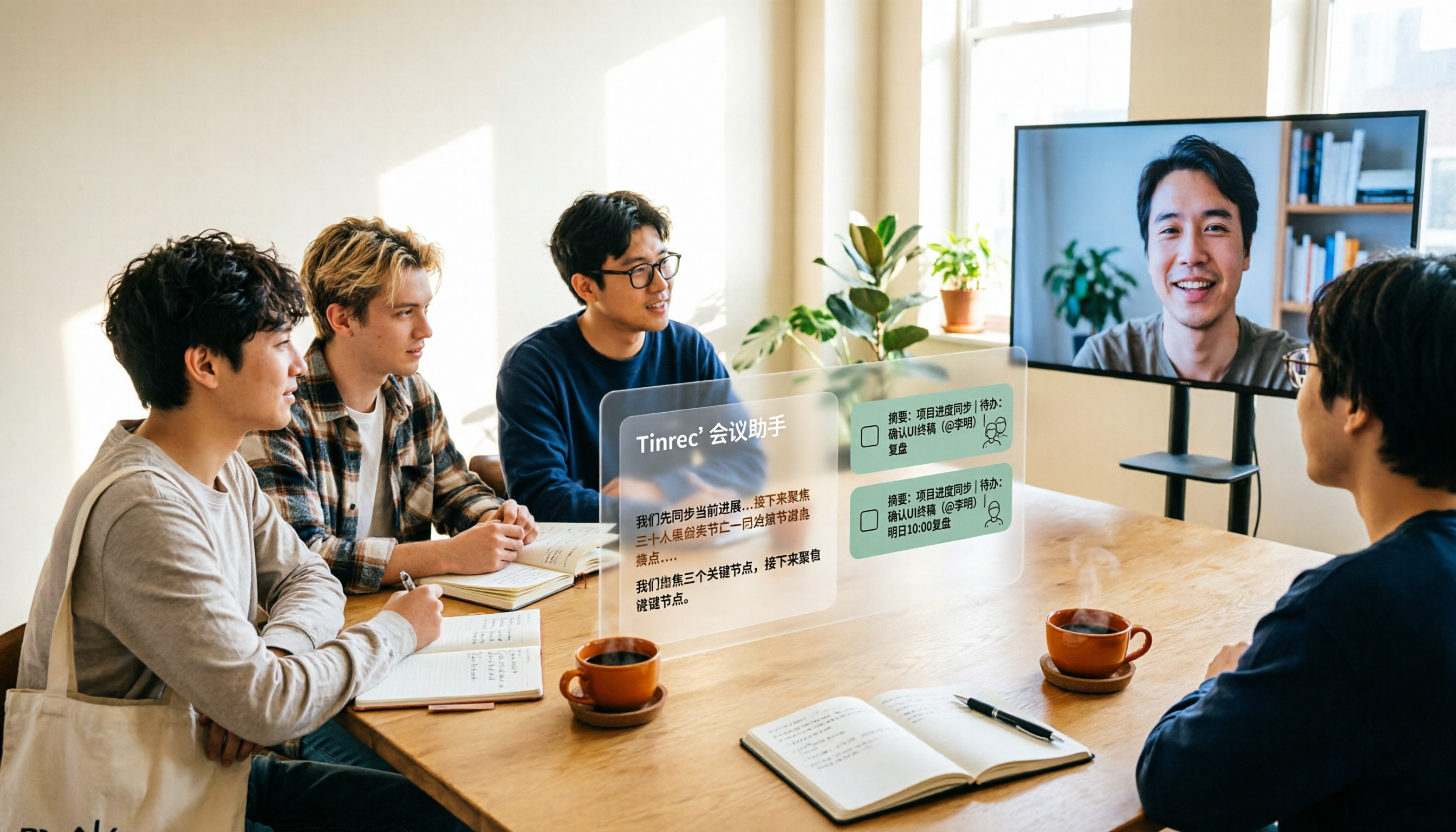
2026 Complete Guide to AI Team Meeting Assistants: Auto-Generate Transcripts, Summaries & Action Items
From student group projects to internship team weekly meetings, how do you actually use an AI team meeting assistant? This 2026 complete guide first breaks down common misconceptions, then explains core capabilities, real-world use cases, and 6 key considerations for choosing one. It also demonstrates Tinrec's full workflow for bot-free online meeting recording, real-time transcription, AI summaries, action item extraction, and meeting Q&A.