
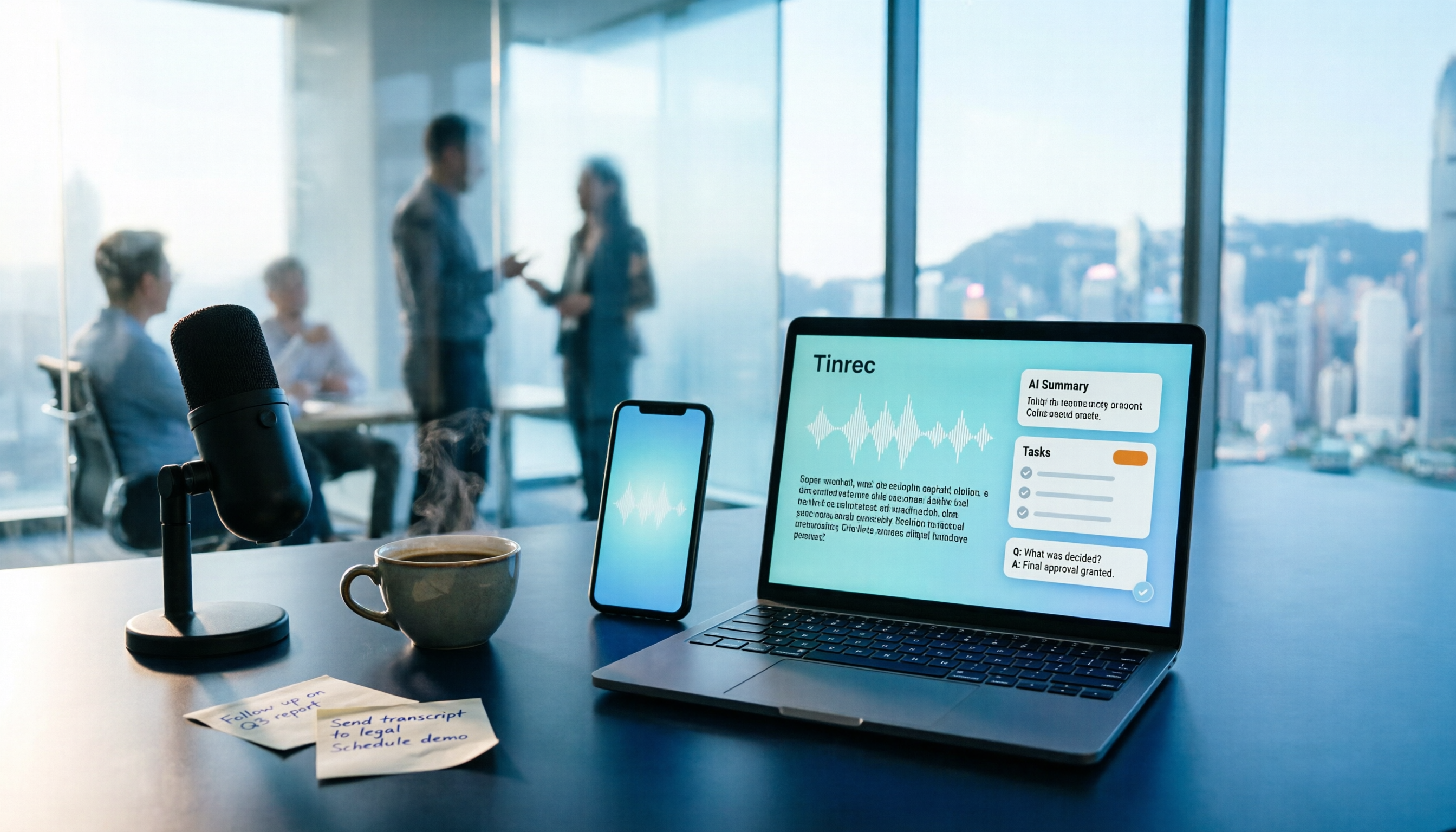
Turn recordings into transcripts and summaries in minutes
Upload audio or video for multilingual transcription, AI notes, and action items
Free Audio-to-Text Solutions in 2026: 5 Options Compared
It's 6:30 PM in a Midtown office. You still have an unfinished meeting summary on your desk—a two-hour meeting, and you have to wear headphones, pausing, playing, and pausing again, typing sentence by sentence. An hour of recording takes at least three hours. After a month of this overtime, you can't take it anymore.
So you start looking for audio-to-text tools. You've tried five or six, and disappointments outnumber successes: some produce a punctuation-less sea of text, some misrecognize Cantonese so badly you can't tell what was said, and some free versions limit you to 3 minutes per session—the meeting hasn't even gotten to the point before it cuts off.
Below, using Tinrec as a hands-on example, we'll round up free ways to get started with audio-to-text in 2026 and how to choose among 5 options, so you don't have to try each one and get burned.
What Can Audio-to-Text Do for You?
Scenario 1: Get meeting notes right after the meeting Previously, after a meeting, you'd spend double the time re-listening to the recording. With Tinrec, for example, it transcribes in real time during the meeting, and after it ends, AI automatically organizes summaries, chapters, and action items—who's responsible for what and when it's due, all on one page.
Scenario 2: Don't miss key points in client interviews After sales talks with a client, the worst is realizing back at the office that you misremembered a promise. Tinrec keeps the full transcript, and you can directly ask AI: "What objections did the client have about the pricing?" It answers based on the meeting content, no need to Ctrl+F through pages.
Scenario 3: Class, lecture, and training notes For a three-hour lecture, taking notes by hand is exhausting and still misses things. Record with Tinrec, and by the end of class you already have a transcript, chapters, and key points—reviewing is much faster.
Scenario 4: Turning video content into text For YouTube or podcasts, the most time-consuming part is subtitling and writing show notes. Tinrec can process audio and video files, transcribe them, and then export for further editing.
What Are the Core Capabilities of Audio-to-Text?
Real-time recording to text: Transcribes as you record, not after. During a meeting, you can watch the text to confirm no key points are missed, ask follow-up questions immediately if something is unclear, and avoid discovering problems only after the meeting.
Bot-free online meeting recording: This is the biggest difference between Tinrec and many tools. The desktop version directly captures computer system audio, handling Zoom, Google Meet, Microsoft Teams, and Webex meetings without inviting a meeting bot as a participant. To be precise: you actively start recording in Tinrec; it does not automatically join all meetings on your calendar.
AI summaries, chapters, and action items: Not just condensing the transcript into a paragraph of fluff, but structured organization—meeting topic, discussion conclusions, action items, and responsible parties listed separately. Long meetings are automatically divided into chapters for easy skimming.
AI Q&A: After transcription, you can directly ask Tinrec: "Who mentioned the budget in the meeting?" "What was the client's feedback?" It answers directly based on semantic understanding, so you don't have to search paragraph by paragraph.
Multilingual and real-time translation: During recording, you can view the original text, translation, or bilingual content, suitable for mixed Chinese-English meetings. Teams can also maintain a glossary to improve recognition of technical terms.
Multi-format export and further processing: Transcripts, summaries, and action items can be exported to Notion, Google Docs, OneNote, Dropbox, etc., for continued use, and can also generate reports, tables, and documents ready to submit.
Tinrec Free and Paid Plans: 5 Options at a Glance
| Plan | Best for | Key points |
|---|---|---|
| Free | Light trial | Use basic quota to experience recording, import, summary, and transcription |
| Weekly pass | Temporary high-frequency users | Suitable for short-term meetings, courses, interviews, or project sprints |
| Pro monthly | Regular users | Weekly meetings, learning, and content organization needs |
| Pro annual | Long-term users | Lower monthly cost, suitable for long-term data accumulation |
| Team | Departments, project teams, enterprise teams | Independent team space, meeting data owned by the team |
For the Team plan, note: the first eligible trial is 7 days, 1 free seat plus 300 minutes of team shared import quota; team monthly is USD 29.80 per paid seat per month, annual is USD 199 per paid seat per year, equivalent to about USD 16.58 per month; each paid seat has 2,000 minutes of team shared import quota per month; under an active team plan and active seats, real-time recording is currently not deducted by minutes. Prices, currencies, and promotions are subject to the official purchase page.
Stop organizing recordings by hand
Upload audio or video and automatically get a transcript, summary, and action items
Choosing a plan shouldn't just compare price, but look at the task: for occasional recording organization, start with the free version; for short-term intensive meetings or interviews, the weekly pass is enough; for weekly use, Pro monthly is smoothest; for long-term accumulation of recording data, the annual pass is more cost-effective; for a whole team sharing the same meeting data, go straight to the Team plan.
Practical Application Scenarios
Weekly stand-ups and cross-department meetings Before the meeting, open Tinrec desktop, and it directly captures Zoom, Meet, or Teams meeting audio without pulling a bot in. After the meeting, the transcript, summary, and action items are ready, and historical meetings are stored in the same space for later search, follow-up questions, and tracking.
Client interviews and user research Researchers can record in real time or import existing audio files. Tinrec produces transcripts, chapters, and summaries, then use AI Q&A to extract insights and quotes without replaying recordings multiple times to find a single phrase.
Classes, lectures, and training You can record with a mobile phone, and by the end of class you have text and chapters. For mixed Chinese-English lectures, turn on real-time translation to view content bilingually, saving a lot of time on review and report writing.
Content creation and subtitles Upload audio and video files, transcribe, and export for subtitles or article drafts. Podcast hosts can use transcripts for show notes, having a ready text before editing.
5 Things to Consider When Choosing an Audio-to-Text Tool
1. Free quota and pricing model Don't just look at "has a free version"; check if the free quota is enough to complete a real task. Tinrec's free version provides a basic quota covering recording, import, summary, and transcription, enough to test the actual effect. If it works for you, then upgrade to Pro or Team.
2. Chinese and Cantonese recognition Don't just trust official marketing; test with your worst recording. Tinrec covers Chinese, Traditional Chinese, and multilingual meeting scenarios. Actual performance is affected by recording quality, background noise, accents, overlapping speakers, and technical terms—no fixed accuracy rate can be guaranteed.
3. Post-transcription organization Transcription is only the first step. Tinrec automatically generates summaries, chapters, and action items, and supports AI Q&A, report and table generation. These are what truly save overtime hours and the biggest gap from tools that only produce a transcript.
4. Device and platform support Confirm the tool supports your daily devices. Tinrec has iOS, Android, desktop, and web versions. The desktop version can handle Zoom, Meet, Teams, and Webex meeting audio without extra hardware.
5. Team collaboration and data ownership If a whole team uses it, check who owns the data. Tinrec's Team plan has an independent team space, and meeting data belongs to the team; when a member leaves, is removed, or loses a seat, their team resources can be transferred to other active members, not following the person. Roles and seats are managed separately, and admins can view usage trends and audit logs, avoiding mistaking "members can view" for "members can edit."
FAQ
Q1: Is audio-to-text free? There are free entry points. Tinrec's free version provides a basic quota, enough to try a few recordings and see the transcript and summary results; the Team plan's first eligible trial is 7 days, 1 free seat plus 300 minutes of team shared import quota.
Q2: Does it support Cantonese? Tinrec covers Chinese, Traditional Chinese, and multilingual meeting scenarios, and supports real-time translation and team glossary. Actual performance is affected by recording quality, noise, accents, and multiple people speaking simultaneously—no fixed accuracy rate can be guaranteed. For important content, it's recommended to verify with recording playback.
Q3: Do I need to pull a bot into the meeting? No. Tinrec desktop directly captures computer system audio, and the user actively starts recording. It does not automatically join all your calendar meetings, nor does it imply official partnerships with Zoom, Teams, or other platforms.
Q4: Can team members without a seat view data? Active members without a seat can view, play, and read team data; a seat is required to record, upload, edit, import, and export. The Team plan is team-level sharing, with roles controlling governance and seats controlling usage eligibility, not file-level independent permissions.
Q5: How can I use the transcribed text? You can export to Notion, Google Docs, OneNote, Dropbox, and other common tools, and also generate meeting minutes, reports, and tables to directly fit into your existing workflow.
Q6: Can deleted recordings be recovered? After team audio enters the recycle bin, it can be restored before permanent cleanup begins. The current recycle bin retention period is 30 days.
Conclusion
By 2026, audio-to-text is no longer a question of "is it available" but "which one won't disappoint." Free entry points definitely exist, but what really matters is what happens after transcription—producing only a transcript versus producing meeting data with summaries, action items, and follow-up questions are two completely different things.
Tinrec is worth trying: it's practical for Chinese scenarios, the desktop version doesn't need a bot in meetings, transcripts can be further processed into reports and tables, and the free version's basic quota is enough to test it out. If you have more than three meetings a week, start with the free version, see how AI helps organize meeting notes, and then decide whether to upgrade to Pro or Team.
References
- Online AI speech, video, audio file auto-transcription - Free trial - cSubtitle
- Speech to Text: AI Transcript · Audio to Text · Voice Memo Recco App - App Store
- Online speech-to-text AI, free MP3 or audio file to transcript - MyEdit
- Tested 4 best online speech-to-text tools, free instant audio to transcript
- SoundType AI ultra-accurate transcript, speech to text, AI dictation - Google Play App
Turn every recording into actionable outcomes
Get 60 free transcription minutes when you sign in. No credit card required.
Related Reading
You might also like

2026 Comparison of 4 Audio-to-Text Tools: Which Transcripts Are Actually Ready to Use?
A hands-on comparison of 4 audio-to-text tools, covering how they capture online meetings, their performance with Chinese and mixed Chinese-English speech, post-transcription summaries and AI Q&A, and team seat management and handover. We explain how to choose based on different budgets and use cases, and highlight the 4 most common pitfalls before purchasing.

2026 Comparison of 4 Audio-to-Text Apps: Are Free Tiers Enough for Students?
Starting from questions in PTT discussion threads, I tested 4 audio-to-text apps over a full semester using class recordings and group meetings. I compared real-time transcription, free tiers, post-meeting AI summaries, and cross-platform export, explaining why Tinrec was the one I kept, and who Notta, PLAUD, and Otter.ai are best for.

5 Best Audio-to-Text Apps in 2026: Free Tiers and AI Summaries Compared
We tested audio-to-text apps on free tier limits, Chinese and mixed Chinese-English recognition, and post-meeting organization. We break down 5 key buying factors and 4 common pitfalls, then take a deep dive into Tinrec's bot-free online meeting recording, AI summaries, action item extraction, AI Q&A, and team workspace. Finally, we give clear recommendations based on budget and use case.
4 Best Audio-to-Text Apps in 2026: Which Free Tier Works Best for Students?
Starting from college and grad school scenarios like lectures, group discussions, and interviews, this article first highlights the three most common mistakes when choosing an audio-to-text app, then compares Tinrec, Notta, Otter.ai, and PLAUD Note across four key areas: free quota, AI organization, cross-platform support, and online meeting recording. It also includes buying advice and pitfalls to avoid for students.

4 Free Audio-to-Text Tools Compared in 2026: Is Tinrec, cSubtitle, or MyEdit's Free Version Enough?
How do you choose a free audio-to-text tool? This article compares the free quotas and limitations of Tinrec, cSubtitle, MyEdit, and Monica, explains Tinrec's real-time recording, bot-free online meeting recording, AI summaries and action items, AI Q&A, multi-format export, and team workspace, and breaks down the differences between free, personal, and team plans to help you decide which free option is truly sufficient.

How to Transcribe Audio to Text in 2026: 5-Step Mobile Tutorial
Transcribing audio to text on your phone doesn't mean typing every word. This article covers the top 3 mistakes people make, 4 key factors for choosing a tool, and 5 practical steps—from recording on your phone, live transcription, AI summaries and to-dos, AI Q&A, to exporting deliverables. It also compares Tinrec, iPhone's built-in transcription, Notta, and Otter.ai, and includes 4 common pitfalls and selection advice.

How to Transcribe iPhone Recordings in 2026: A 4-Step Hands-On Guide
You don't need third-party tools to turn iPhone recordings into text—iOS 18.4 and later include built-in transcription. This guide uses 4 key criteria to help you choose the right tool, and puts Tinrec to the test in Chinese meetings, online meetings, and team collaboration.

2026 Free Audio-to-Text AI Complete Guide: Free Tiers, Tool Comparison, and Tinrec Hands-On Review
From a student's hands-on perspective, this guide breaks down common misconceptions about free audio-to-text AI: how free quotas work, whether transcripts are directly usable, and how much time post-processing takes. It compares common free tools with Tinrec on Chinese recognition, AI summary and to-dos, bot-free online meeting recording, and team knowledge retention to help you find the one that truly saves time.

Tinrec vs Notta 2026: 5-Dimension Comparison — Which Free Audio-to-Text Tool Is Better?
How do you choose a free audio-to-text tool? This article compares them across 5 dimensions: free quota, Chinese recognition, post-meeting organization, meeting recording methods, and team permissions. Using Tinrec as an example, it explains what you can do with the free version and what you can do after transcription.