

Turn recordings into transcripts and summaries in minutes
Upload audio or video for multilingual transcription, AI notes, and action items
2026 AirPods Live Translation Cantonese Buying Guide: 4 Tested Options and Recommendations
The Most Common Misunderstanding: Buying AirPods Doesn't Mean They Can Translate Every Language
Many people think that once they put on AirPods, they'll automatically understand the whole world. In reality, Apple's Live Translation has a series of prerequisites that must be met first.
First is the model. You need AirPods 4 (Active Noise Cancellation), AirPods Pro 2 or later, or AirPods Max 2, paired with an iPhone 15 Pro or later with Apple Intelligence enabled, and both the system and earbud firmware must be updated to the latest version.
Second is language. Before use, you must download both the language the other person speaks and the language you want it translated into. Without downloading, it's as if the feature isn't turned on.
There are also regional restrictions. Apple officially states that this feature is not available in all languages or regions, and specifically notes it cannot be used in mainland China.
So the real answer to "Does AirPods Live Translation support Cantonese?" isn't yes or no—it's: open the language list in the iPhone Translate app and check for yourself. This list changes with iOS versions, and any hard-coded list online may be outdated.
Another often overlooked point: AirPods Live Translation is designed for face-to-face conversations, helping you understand the person in front of you. The translation appears on the "Live" tab of the iPhone Translate app. You can show the transcript to the other person on your phone screen or play it through the iPhone speaker. But it won't save an entire meeting as a file, nor will it generate summaries and action items.
In other words, if what you need is to "hold a meeting in Cantonese and organize notes afterward," what you're actually looking for isn't an earbud feature but a meeting notes tool.
Before Choosing a Live Translation or Meeting Notes Tool, Understand These 4 Key Points
1. Is your scenario "chatting" or "meeting"? Chatting emphasizes real-time understanding; meetings emphasize leaving a record you can look back on. These two needs require completely different tools, so figure out which one you need first.
2. Check the language list on the spot, don't rely on reposted articles Rather than trusting someone else's compiled list of supported languages, open the app or official website and see for yourself. Real-world scenarios like Cantonese or mixed Chinese-English are the most easily overlooked.
3. Is there a "post-meeting workflow"? A transcript is just the starting point. Whether it can automatically generate summaries, chapters, and action items, and whether you can directly ask questions about the meeting content, determines how much time you'll spend cleaning up after the meeting. This is what AirPods Live Translation lacks and what meeting tools should have.
4. Who ultimately owns the recording file? Meetings recorded under a personal account usually stay with the individual. If this is for team use, check whether the tool has team spaces, member and seat management, and usage and audit capabilities. This depends on whether you're using it individually or as a team.
Tinrec — Our Top Pick After Hands-On Testing
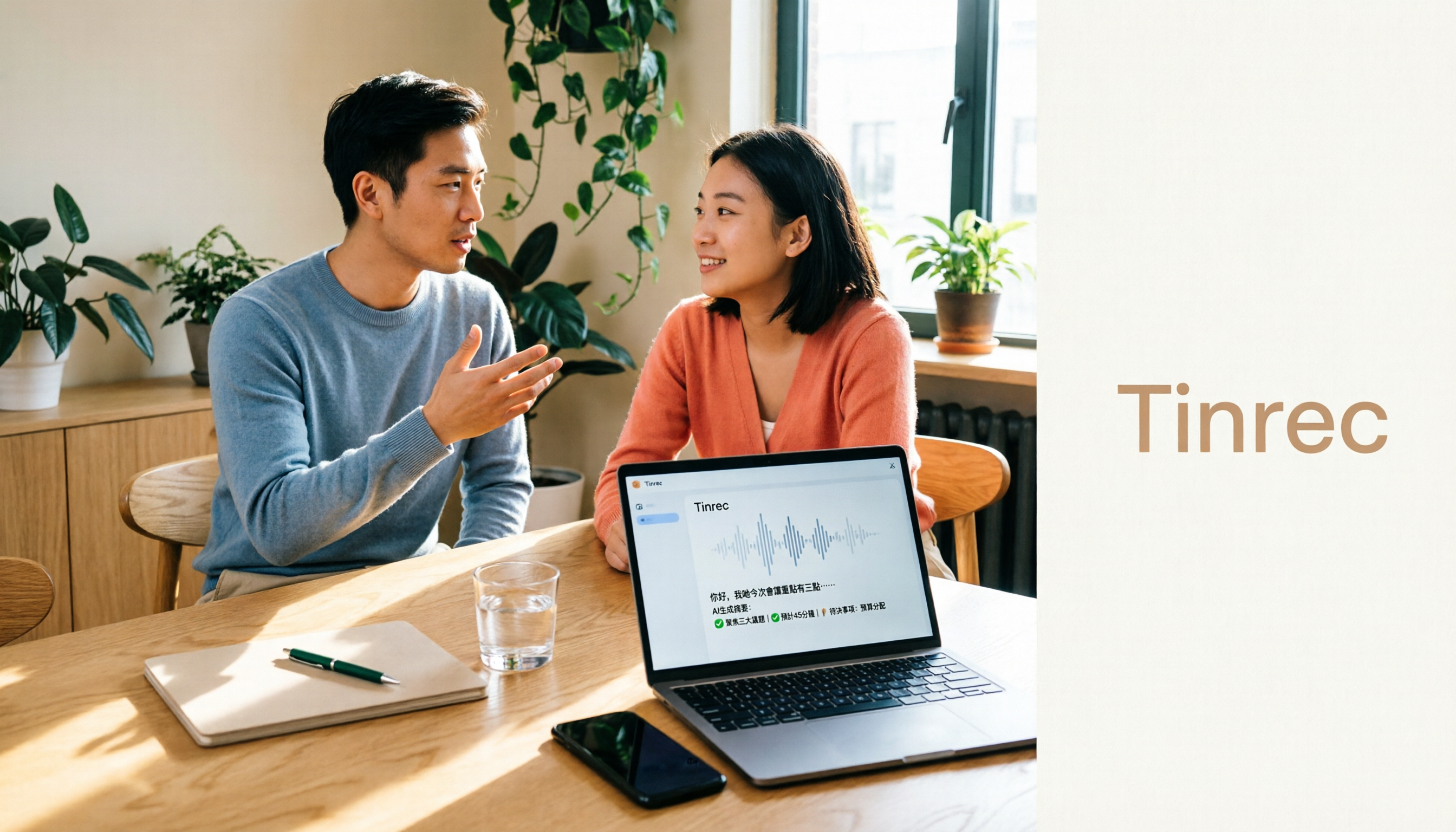
Tinrec is an AI meeting notes and collaboration tool for individuals and teams, supporting iOS, Android, and web. It's not an earbud feature but a tool that strings together recording, transcription, organization, follow-up questions, and export into one workflow.
Bot-free recording of online meetings The desktop version directly captures your computer's system audio, handling meetings played on your computer via Zoom, Google Meet, Microsoft Teams, or Webex without needing to throw a bot account into the meeting as a participant. For international teams, this matters more than you'd think—no need to explain to the other side why a stranger joined the meeting.
Automatic post-meeting organization—that's where the time savings come in After the meeting ends, Tinrec produces a transcript, AI summary, chapters, and key points, and extracts action items from the discussion. This is especially noticeable for Cantonese meetings: you don't have to listen and take notes simultaneously; let it settle the content first, then go back and verify key numbers.
AI Q&A is its biggest differentiator from same-priced tools After recording, you can directly ask Tinrec: "Who mentioned the budget in the last meeting?" It doesn't give you a list of keyword search results but understands the semantics and gives you the answer directly. Currently, almost no competitor at the same price has this feature.
Real-time translation and bilingual view During recording, you can switch between original text, translation, or bilingual display. For Cantonese or mixed Chinese-English meetings, this lets colleagues who aren't familiar with Cantonese follow the discussion.
Stop organizing recordings by hand
Upload audio or video and automatically get a transcript, summary, and action items
Export and further processing Results can be taken to Notion, Google Docs, OneNote, Dropbox, and other tools for continued use, and reports, tables, and documents can be generated via Agent.
In actual testing, a reminder: results are affected by recording quality, background noise, accents, and overlapping speakers. It performs best in quiet indoor settings with turn-taking; when multiple people talk over each other, it's still advisable to use recording playback to verify important details. This is why we don't recommend trusting any fixed accuracy numbers.
Limitations should also be clear The free version provides a basic quota, suitable for trying out first; heavy users need to pay. Also, file import and web link import consume the team's shared import minutes.
If you're using it in a team, the Tinrec team version is a separate team space, not multiple people sharing one account. Eligible teams get a 7-day trial on first use, including 1 free seat and 300 minutes of team shared import quota. Paid plans are USD 29.80 per paid seat per month, or USD 199 per paid seat per year (about USD 16.58 per month), with each paid seat providing 2,000 minutes of team shared import quota per month; under an active team plan and active seats, real-time recording currently does not deduct minutes. Prices and benefits are subject to the official purchase page.
It's important to distinguish between "roles" and "seats": roles determine who can manage the team and members, while seats determine whether you can record, upload, edit, and export. Members without seats can still view, play, and read team materials.
Who it's for If you frequently handle Cantonese or mixed Chinese-English meetings, want to ask AI directly for key points after the meeting, and switch between phone and computer, Tinrec is currently one of the most suitable choices.
Besides Tinrec, What Other Options Are There?
Apple AirPods Live Translation (with iPhone Translate app) Built-in once you buy the hardware, all processing happens on the iPhone, and conversations aren't sent back to Apple servers—a big plus for privacy. But it doesn't save recordings, doesn't produce searchable meeting files, doesn't generate summaries or action items; the language list is limited, and it's unavailable in some regions. Suitable for travel and face-to-face small talk. What Tinrec can do is keep the content and let you ask AI follow-up questions later.
Notta Multi-platform transcription, file import, translation, and team plans are all available, and Chinese support is decent. The official free version offers 120 minutes per month, up to 3 minutes per session; Pro annual billing is about USD 8.17 per month, with 1,800 minutes per month. Suitable for users who mainly "upload files and make subtitles." But it lacks Tinrec's bot-free desktop recording and Agent post-meeting generation capabilities.
PLAUD NotePin / Note Pro Hardware recording faction; on the US official site, NotePin is USD 159 and Note Pro is USD 189; membership Starter is 300 minutes per month, Pro annual is USD 99.99. The advantage is portability and the ability to record phone calls. Tinrec doesn't require carrying an extra device; web, desktop, and mobile all work, and online meetings can be handled by opening the desktop version.
Pitfall Guide: The 4 Most Common Mistakes When Choosing a Live Translation Tool
Pitfall 1: Thinking the earbuds will translate as soon as you put them on. You need to download languages first, have the right model, enable Apple Intelligence, and it's not available in every region. Confirm your device combination before buying.
Pitfall 2: Mistaking "face-to-face translation" for "meeting notes." AirPods Live Translation outputs real-time speech and a transcript screen on your phone; it doesn't leave a searchable meeting file. For meeting records, choose a tool with transcript saving, summaries, and action item extraction.
Pitfall 3: Only looking at the number of supported languages. Cantonese, mixed Chinese-English, multiple people talking over each other, technical terminology—these are what truly set tools apart. We recommend trying your own recordings, not just reading ad copy.
Pitfall 4: Ignoring data ownership. Meetings recorded under a personal account scatter when the person leaves. The advantage of a team version is that data belongs to the team and can be handed over to other active members when a member leaves or is removed.
Conclusion: Which One Should You Choose?
In one sentence: if your focus is recording and organizing Cantonese meetings, Tinrec is our top pick after this hands-on test.
- Traveling abroad, face-to-face chatting, just need real-time understanding → AirPods Live Translation (first confirm model, system, and language list all match)
- Cantonese or mixed Chinese-English meetings, need summaries, action items, and follow-up questions afterward → Tinrec
- Mainly uploading large amounts of files for subtitles and translation → Notta
- Often in situations without a computer, need to record phone calls → Hardware recording devices like PLAUD
- Team needs to share meeting data, manage seats and usage → Tinrec team version
We suggest starting with the free version to experience the basic quota, and consider upgrading if it feels right—no need to pay from the start. Finally, before recording and transcribing, please confirm local regulations and obtain consent from participants when necessary.
References
- How to use AirPods Live Translation? Supported models, activation methods, and supported languages at a glance - Mr. Mad
- Use Live Translation with AirPods - Apple Support (Taiwan)
- Translate face-to-face conversations with AirPods - Apple Support (Taiwan)
- Stop foolishly turning on Google Translate! Step-by-step guide to setting up AirPods Live Translation: supported models, setup steps, and Apple Intelligence at a glance | GQ Taiwan
- Unboxing AirPods Pro 3 hands-on test! Chinese live translation, call translation has a drawback? | Update highlights actual hands-on - YouTube
Turn every recording into actionable outcomes
Get 60 free transcription minutes when you sign in. No credit card required.
Related Reading
You might also like

5 Free Speech-to-Text Apps Tested and Compared for 2026: Which Free Version Is Actually Good Enough?
How do you choose a free speech-to-text app? This article tests and compares the free tiers, Chinese recognition, and post-meeting organization capabilities of Tinrec, Otter.ai, Notta, TurboScribe, and Yating Transcript, and provides buying criteria and pitfalls to avoid, helping you find the free plan that suits you best.

Free Speech-to-Text Tools in 2026: Free Tiers and AI Summaries Explained
Many people ask about free speech-to-text tools, but few explain how far the free versions actually go. This guide covers four key points: free quotas, Chinese recognition, post-meeting organization, and use cases. It compares Tinrec, Otter.ai, Notta, and TurboScribe with hands-on testing, plus practical tips to avoid pitfalls and selection advice.

2026 Real-World Comparison of 2 Live Translation Tools: iOS 26.1 Cantonese vs Tinrec Meeting Notes — Which Should You Choose?
iOS 26.1 finally supports Cantonese Apple Intelligence and AirPods live translation, but face-to-face translation and meeting notes are two different things. This article compares iOS 26.1 built-in features with Tinrec in terms of meeting transcripts, post-meeting summaries, bilingual translation, team collaboration, and pricing to help you decide which is better for your use case.

2026 Free Cantonese Speech-to-Text Options: 5 Tools Compared
Cutting through two common pitfalls—fake free plans and Mandarin models forced onto Cantonese—this guide reviews the free quotas and use cases of 5 Cantonese speech-to-text options. It also covers Tinrec's real-world performance in language coverage, cross-platform support, AI summary Q&A, bot-free meeting recording, and team collaboration, ending with free trial advice for students.
5 Best Audio-to-Text Apps for Cantonese Transcription in 2026: Which One Actually Works?
Turning Cantonese meetings, interviews, and lectures into transcripts can waste hours if you pick the wrong tool. This 2026 guide compares top audio-to-text apps on Cantonese models, spoken-to-written conversion, post-meeting AI summaries, and team collaboration. It also covers how Tinrec performs with bot-free online meeting recording, AI Q&A, and team knowledge retention—so you can choose the one that saves the most time.

Best Audio-to-Text Apps in 2026: 4 Tested, Tinrec Most Accurate for Cantonese
For iPhone users who want to turn Cantonese recordings into text, there's more than one way. This article breaks down 4 solutions available on iPhone: built-in Voice Memos, Cantonese.ai, Notta, and Tinrec. It compares Cantonese accuracy, post-meeting organization, and cross-platform sync to help you choose the right tool and stop wasting time typing transcripts.

4 Best iPhone Cantonese Real-Time Translation Solutions in 2026: Built-in, AirPods, and AI Meeting Notes Compared
How to choose an iPhone Cantonese real-time translation solution in 2026? This article compares iPhone built-in translation, AirPods real-time translation, Tinrec, Notta, and Otter.ai, covering Cantonese support in iOS 18 and iOS 26.1, key buying factors, pitfalls to avoid, and scenario recommendations.

Apple Intelligence vs Tinrec: Cantonese Real-Time Translation Comparison 2026
Apple Intelligence supports Traditional Chinese and Cantonese after iOS 26.1, with real-time translation integrated into Messages, FaceTime, Phone, and AirPods, but phone and AirPods voice translation still primarily uses Mandarin. This article compares Apple Intelligence and Tinrec in Cantonese translation, meeting transcripts, post-meeting organization, team collaboration, and cross-platform export to help you decide which one to choose.

2026 iPhone Live Translation Cantonese Showdown: Built-in vs Tinrec for Meeting Notes
We tested iPhone's built-in live translation against Tinrec for Cantonese meeting notes, comparing activation limits, transcript organization, file import, team collaboration, and cross-platform use to help you choose the right tool.