
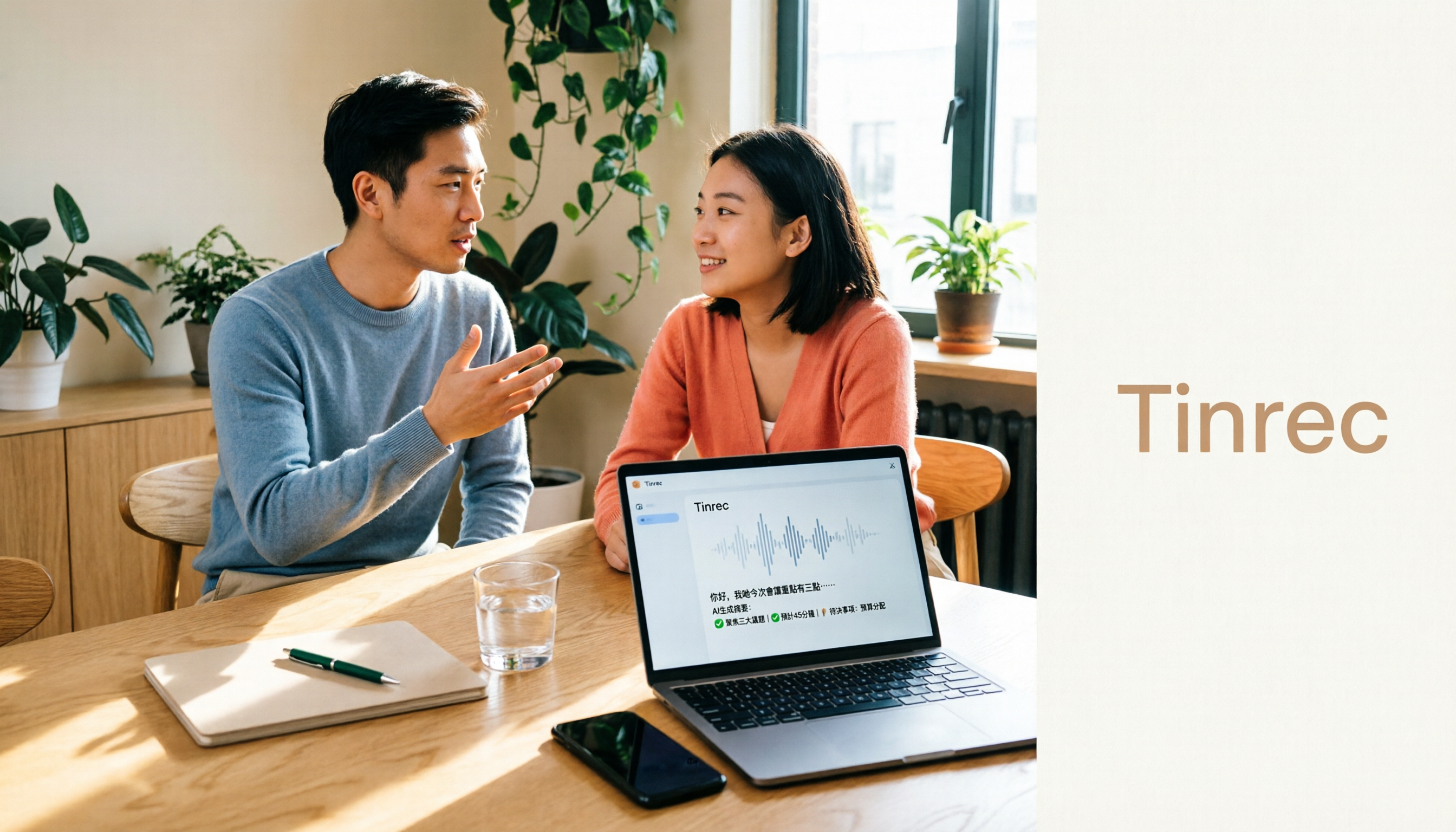
Turn recordings into transcripts and summaries in minutes
Upload audio or video for multilingual transcription, AI notes, and action items
5 Best Audio-to-Text Apps for Cantonese Transcription in 2026: Which One Actually Works?
A Two-Hour Cantonese Meeting, Then Three Hours of Transcribing—You Don't Need a Tool, You Need a Solution
It's 11 PM. You just finished a two-hour Cantonese client meeting. You open the recording to start transcribing, only to see the progress bar still has 118 minutes left—and your meeting notes are due at 9 AM tomorrow.
You've been there. Cantonese content has always been underserved by transcription tools: most services focus on Mandarin or English, so colloquial phrases like "佢哋" (they), "搞掂" (done), and "唔該" (please/thanks) often come out as homophonic errors. Sentences that mix in a few English words are even more likely to go completely off track.
There's an even more frustrating scenario. You finally find a tool that supports Cantonese, but the free version only gives you a few minutes. By the time you sit through the ads, your quota is gone.
And transcription is just the first hurdle. The real time sink is the second part: re-listening to find key points, figuring out who promised what, and writing it all up into meeting notes others can understand.
This article isn't about selling you another tool. It's about helping you figure out: what kind of audio-to-text app can actually handle Cantonese meetings, interviews, and lecture recordings?
5 Key Things to Understand Before Choosing an Audio-to-Text App
1. Does it use a Cantonese model, or is it forcing a Mandarin model?
This is the most critical and most overlooked point. Many tools list "supports Chinese" in their specs, but underneath it's a Mandarin model that starts guessing when it encounters Cantonese colloquialisms. When evaluating tools, I first look for whether they specifically address Cantonese use cases—not just the words "supports Chinese."
2. Can you choose whether to convert spoken language to written form?
"佢哋而家搞掂咗" and "他們現在處理好了" serve completely different purposes. The former is suitable for interview transcripts that preserve original speech; the latter is ready to use directly in meeting notes. A tool that lets you freely switch between spoken/written and traditional/simplified Chinese will save you enormous effort later.
3. After transcription, can you actually "use" the output?
The era of just getting a transcript is over. What really saves time is what happens after transcription: automatic summaries, chapters, action items, and whether you can ask questions directly about the meeting content.
4. Can it handle sentences that mix Chinese and English?
Cantonese meetings are almost never purely Cantonese—mixing in English words is the norm. If the tool forcibly translates English into phonetically similar Chinese, the transcript becomes very hard to read.
5. Cross-platform and team collaboration capabilities
Recording on your phone today and organizing on your computer tomorrow is a common workflow. If you also need to "keep meeting data for the team," whether the tool supports team spaces, member and seat management will directly affect whether you need to switch tools again later.
These five points are exactly where the options below differentiate themselves.
Tinrec—Our Top Pick After Testing
Tinrec is an AI meeting notes and collaboration tool for individuals and teams, supporting iOS, Android, desktop, and web. It doesn't just convert audio to text—it turns meeting recordings into searchable, summarizable, queryable, and exportable data.
No more pulling a bot into your meetings. Tinrec's desktop version directly captures your computer's system audio, handling Zoom, Google Meet, Microsoft Teams, Webex, and other online meetings without an extra bot joining the room. This is especially useful for Cantonese meetings—participants won't be disrupted by an "AI attendee," and you don't need to wait for the host's approval. For in-person meetings, you can start real-time recording and get transcripts as you go.
The real time-saver is what happens after the meeting. Once the meeting ends, Tinrec automatically generates summaries, chapters, key points, and action items. Our testing approach was simple: import a real Cantonese meeting recording (with mixed Chinese-English and air conditioning background noise), first check transcription accuracy, then test how well the AI Q&A works. Questions like "What were the two things the client cared about most?" or "Who promised to send the quote by Friday?" get answered directly based on semantic understanding—not a string of keywords you have to search through yourself. During recording, you can also switch between original text, translation, or bilingual view—great for cross-language meetings.
Team knowledge retention is where it really shines. The team version isn't "multiple people sharing one account"—it's an independent team space: meeting audio, folders, and action items are stored together; past meetings can be searched, queried, and further processed; admins can manage members, roles, and seats, view usage trends, query and export operation logs, and there's even an audio recycle bin to recover accidentally deleted files. When a member leaves or loses their seat, their team resources are transferred to other active members—data doesn't leave with the person.
Stop organizing recordings by hand
Upload audio or video and automatically get a transcript, summary, and action items
One thing to note: Tinrec doesn't publicly promise a fixed accuracy rate—which honestly can't be promised, since recording quality, accents, noise, multiple people talking over each other, and technical terminology all affect results. The official stance is: high-quality transcription in clear audio and common scenarios, with the recommendation to verify important content by replaying at specific timestamps. This is also my consistent advice for all transcription tools.
Three clear advantages:
- Bot-free online meeting recording, plus a complete post-meeting workflow (summaries, chapters, action items, Q&A, export)—from recording to use is one continuous line, no need to switch between three tools.
- Chinese and multilingual scenarios are a focus—mixed Chinese-English, real-time translation, and team hotwords all have corresponding designs, which helps with the practical needs of Cantonese meetings.
- Team data retention is more complete than most similar tools—roles, seats, usage, audit logs, and recycle bin are all there, suitable for teams that want to turn meetings into assets.
Limitations to note:
- The free version is a basic quota; heavy users should consider a weekly pass or Pro. The team version offers a 7-day trial with 1 free seat and 300 minutes of shared team import quota for first-time eligible users. Paid seats are USD 29.80/month, or USD 199/year (about USD 16.58/month), with each paid seat providing 2,000 minutes of shared team import quota per month. Under an active team plan, real-time recording currently doesn't deduct minutes; file and web imports consume the shared team quota. Prices and benefits are subject to the official purchase page.
- It won't automatically join every meeting on your calendar—you need to open the desktop app and start recording yourself.
- For Cantonese accent variants combined with industry terminology, we recommend testing with the free quota first.
Who it's for: People who frequently have Cantonese or mixed Chinese-English meetings, want to use AI to find key points right after recording, need to switch between phone and computer, or want to share meeting data with their team.
Besides Tinrec, What Are the Other Options?
Subanana — A transcription service specializing in Cantonese. You can upload files, paste YouTube/Instagram/Facebook links, or record directly in the browser. It preserves English in mixed Chinese-English content, and offers 4 output combinations of spoken/written and traditional/simplified Chinese. The first 15 minutes of each file can be previewed for free. If you only do pure Cantonese single-file transcription and don't need team collaboration at all, it's a straightforward option. However, its focus is "converting an audio file to text"—Tinrec's bot-free online meeting recording, AI Q&A, team space, and seat management aren't in its feature description.
cSubtitle — An online transcription service. Upload MP4/MOV/MP3/WAV/M4A/OGG/WMA files to get text. Supports Cantonese (HK), with a single file limit of 4GB and 5 hours. You can try it without an account. Suitable for one-off needs like "I have a video or recording and want a text file quickly." It's primarily file-upload based—no real-time recording, desktop meeting recording, or post-meeting AI Q&A workflow. Beyond the transcript, you're on your own for organization.
Otter.ai — A mature choice for English meetings. The free version's 300 minutes per month is generous, and team and workflow features are complete. But its home turf is English business meetings—Chinese and Cantonese scenarios aren't its focus. If almost all your recordings are in English, Otter.ai is more cost-effective than Tinrec; but if there's any Cantonese in your meetings, we recommend tools that support Chinese-language scenarios.
Pitfall Guide: 4 Most Common Mistakes When Choosing a Cantonese Transcription App
Pitfall 1: Only looking at "supports Chinese" without asking if it's a Cantonese model. For many tools, "Chinese" means Mandarin—you'll only find out when you test with Cantonese content. The right approach is to test with your own Cantonese recording, preferably one with colloquialisms and mixed Chinese-English.
Pitfall 2: Falling for "fake free" bait-and-switch. Some tools are free for the first few minutes, then you discover you need to pay big. Before choosing, check whether the free quota is per file or per month—the difference is huge.
Pitfall 3: Ignoring cross-platform and data ownership. Recording on your phone today and organizing on your computer tomorrow—if the tool doesn't support cross-platform, you'll suffer. If meeting data is for team use, ask clearly: when a member leaves, does the data go with them?
Pitfall 4: Only using the transcription tool as "audio-to-text." If you only use it to generate transcripts, you're using just one-third of its value. Features like Tinrec's AI Q&A, action item extraction, and summary chapters are the key to compressing a 40-minute recording into a 3-minute read.
Conclusion: Which One Should You Choose?
Simply put, before choosing a tool, ask yourself: besides a transcript, do I also want to "use" this meeting?
- Need to handle Cantonese and mixed Chinese-English meetings, plus summaries, action items, and AI Q&A → Tinrec
- Don't want to pull another bot into online meetings → Tinrec
- Want to ask "Who mentioned the budget last time?" right after recording → Tinrec
- Team needs to share meeting data, manage seats and usage → Tinrec Team
- Just occasionally convert a file to text, no team features needed → Subanana or cSubtitle
- Content is almost entirely English → Otter.ai
We recommend using the free quota first and testing with your most difficult Cantonese recording. The key isn't what it claims to support—it's whether it's accurate for your accent and your terminology. Only your own recording can answer that.
References
- Online AI Speech, Video, Audio File Auto Transcription - Free Trial - cSubtitle
- Free Cantonese Speech-to-Text App 2026 | Subanana
- "Free + Cantonese OK: How to Use Google AI Studio to Transcribe Your Recordings" Finding a good transcript app is painful; I don't know if you've tried different audio-to-text apps—either fake free, charging you a big price after a few minutes, or only supporting English, not Cantonese, or requiring a whole API setup to use. // Recently I discovered Google Gemini is world-class at this: - [Truly Free] No subscription fee after a few uses - [Cantonese-friendly] Gemini is accurate
- SoundType AI Ultra-Precise Transcripts, Speech-to-Text, AI Dictation - Google Play App
- AI Cantonese Speech-to-Text Professional Cantonese Recognition
Turn every recording into actionable outcomes
Get 60 free transcription minutes when you sign in. No credit card required.
Related Reading
You might also like

2026 Speech-to-Text Tools: How to Choose Free Tiers + AI Meeting Summaries Made Easy
The real difference between free speech-to-text tools isn't whether they're free—it's how the free quota is calculated and whether they can generate summaries and action items after transcription. This article addresses common misconceptions, outlines 5 key selection criteria, tests Tinrec's bot-free recording and AI Q&A workflow, compares Notta, TurboScribe, and Otter.ai for different use cases, and provides clear recommendations based on budget and needs.

2026 Voice-to-Text Tools Comparison: Tinrec vs Otter.ai for Chinese Meetings and Post-Meeting Efficiency
Most people choose a voice-to-text tool based on free minutes and accuracy, but overlook the post-recording workflow. This article compares Tinrec and Otter.ai across Chinese transcription, meeting recording methods, post-meeting organization, input sources, and team governance, with honest pricing and free tier limits, plus a 5-question FAQ to help you decide.

Tinrec Review 2026: Cantonese Audio to Text Tested + AI Meeting Notes
In 2026, choosing an audio-to-text tool isn't just about accuracy. This review breaks down Tinrec's Cantonese and mixed-language transcription, bot-free online meeting recording, AI Q&A, and team spaces, then briefly compares Otter.ai, Granola, and Notta. Includes pitfalls to avoid and selection advice to save you from typing transcripts after every meeting.

5 Best Speech-to-Text Tools in 2026: Real-World Comparison of Chinese Recognition, Summaries, and Post-Meeting Organization
How to choose a speech-to-text tool? This article covers real-world use cases and key capabilities like live transcription, bot-free online meeting recording, AI summaries, action item extraction, AI Q&A, and team collaboration. Using Tinrec as an example, it explains 6 key factors to consider, differences between personal and team plans, and answers common questions.

Tinrec vs Notta 2026: 5-Dimension Comparison for Chinese Meetings and Team Collaboration
Need an accurate speech-to-text app? This article compares Tinrec and Notta across 5 dimensions: Chinese recognition, meeting capture, post-meeting organization, team collaboration, and pricing flexibility. It also reviews 6 free and paid plans to help you find the best meeting notes tool.

2026 AI Speech-to-Text Comparison: Which Tool Saves the Most Time on Chinese Meeting Transcripts?
Tired of spending two hours on meeting notes? This article compares four AI speech-to-text tools—Tinrec, Otter.ai, Notta, and Granola—across three dimensions: Chinese meetings, bot-free recording, and post-meeting organization. It includes buying tips, pitfalls to avoid, and scenario-based recommendations.

5 Free Speech-to-Text Apps Tested and Compared for 2026: Which Free Version Is Actually Good Enough?
How do you choose a free speech-to-text app? This article tests and compares the free tiers, Chinese recognition, and post-meeting organization capabilities of Tinrec, Otter.ai, Notta, TurboScribe, and Yating Transcript, and provides buying criteria and pitfalls to avoid, helping you find the free plan that suits you best.

Free Speech-to-Text Tools in 2026: Free Tiers and AI Summaries Explained
Many people ask about free speech-to-text tools, but few explain how far the free versions actually go. This guide covers four key points: free quotas, Chinese recognition, post-meeting organization, and use cases. It compares Tinrec, Otter.ai, Notta, and TurboScribe with hands-on testing, plus practical tips to avoid pitfalls and selection advice.

2026 Real-World Comparison of 2 Live Translation Tools: iOS 26.1 Cantonese vs Tinrec Meeting Notes — Which Should You Choose?
iOS 26.1 finally supports Cantonese Apple Intelligence and AirPods live translation, but face-to-face translation and meeting notes are two different things. This article compares iOS 26.1 built-in features with Tinrec in terms of meeting transcripts, post-meeting summaries, bilingual translation, team collaboration, and pricing to help you decide which is better for your use case.