

Turn recordings into transcripts and summaries in minutes
Upload audio or video for multilingual transcription, AI notes, and action items
2026 Speech-to-Text Showdown: Google AI vs. Tinrec for Chinese Meetings — Which Saves More Time?
Your 3 PM project meeting just ended. You're staring at a 52-minute recording on your phone, and you're not thinking about who said what — you're thinking, "How late will I be up transcribing this?"
If you've searched for "speech to text Google AI," you've probably seen the Google Cloud Speech-to-Text page. It's a powerful backend API supporting over 85 languages and dialects, but for the average office worker, just integrating it into your own website or app is another hurdle entirely.
This article isn't about how to code. It starts from real-world usage scenarios to see how out-of-the-box tools like Tinrec can handle speech-to-text.
What Can Speech-to-Text Do for You?
Scenario 1: Meeting notes 5 minutes after the meeting ends
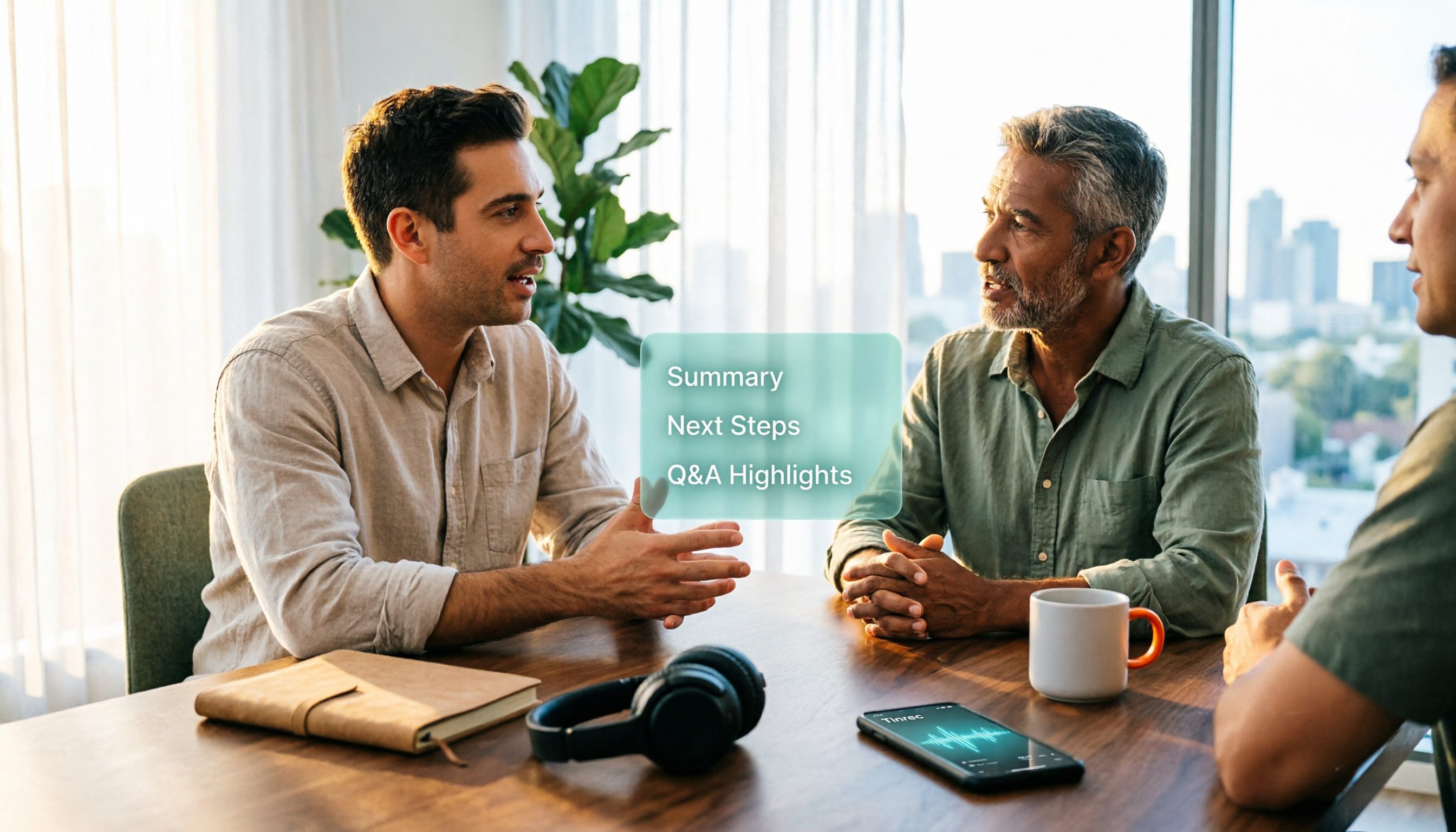
In the past, after a two-hour meeting, you might spend another hour writing up notes. With Tinrec, as the meeting ends, AI has already generated summaries, chapters, and action items — who's responsible for what and what's next is crystal clear.
Scenario 2: Classes or lectures automatically become transcripts
Professional development courses and industry talks often run two to three hours. Tinrec's real-time recording and transcription lets you see text as you listen. After class, you don't need to replay the recording — just search for keywords to find the key points.
Scenario 3: Client interviews — don't miss a thing
In sales or research interviews, the worst thing is missing a client's comment. After Tinrec finishes transcribing, you can ask questions directly about the meeting content — "What did the client say about the budget?" — and it will answer based on semantic understanding.
Scenario 4: Old audio and video files — upload and transcribe
Got a bunch of old recordings on your phone or downloaded interview videos? Tinrec supports audio and video file transcription, turning scattered content into searchable text.
What Are the Core Capabilities of Speech-to-Text?
Real-time recording and transcription
Transcribe as you record, not after. Tinrec's real-time transcription lets you verify text during the meeting, so you can immediately ask follow-up questions on missed points.
Bot-free online meeting recording
Tinrec's desktop version captures your computer's system audio directly, handling Zoom, Google Meet, Microsoft Teams, Webex, and other online meetings without inviting a meeting bot. Note: this isn't "auto-join all calendar meetings" — the user actively starts recording.
AI summaries and chapters
It's not just condensing a transcript into a paragraph — it's structured organization. Tinrec separates meeting topics, discussion conclusions, and action items, so even long meetings are easy to scan.
Action item extraction
Automatically organizes action items from discussions — great for project and client meetings, so you can follow up right after.
AI Q&A
After transcription, you can keep asking questions about one or multiple meetings. For example, "Who mentioned adjusting the timeline in last week's meeting?" Tinrec answers based on semantic understanding, so you don't have to dig through the transcript yourself.
Multi-format export and Agent post-processing
Tinrec supports exporting results to Notion, Google Docs, OneNote, Dropbox, and other tools, and can further generate reports, tables, and meeting minutes.
Real-time translation and bilingual view
For cross-language meetings, you can view the original, translation, or bilingual content as you record — especially useful for mixed Chinese-English meetings.
Team spaces and governance
For teams, Tinrec's team plan provides independent team spaces where meeting data belongs to the team, with management capabilities including members, roles, seats, usage analytics, audit logs, and audio recycle bin.
Real-World Use Cases
Meeting notes
Weekly standups, cross-department meetings, decision meetings — record with Tinrec and get summaries and action items directly. Meeting data is automatically saved to the team space, so new members can review past meetings.
Classes and lectures
Students or lifelong learners can use Tinrec to transcribe course content in real time, review with AI Q&A after class, or export transcripts to note-taking apps for further organization.
Stop organizing recordings by hand
Upload audio or video and automatically get a transcript, summary, and action items
Interviews and research
After journalists or researchers conduct interviews, Tinrec's transcript preserves original statements, while AI summaries and chapters help quickly locate viewpoints. Quoted passages are directly searchable.
Content creation
Podcasters and video creators can upload audio to Tinrec to quickly get transcripts and key summaries, then rewrite them into articles or social posts.
5 Things to Consider When Buying a Speech-to-Text Tool
1. Don't judge accuracy by official marketing alone
Real-world performance depends on recording quality, background noise, accents, overlapping speakers, and technical jargon. Test with your own recordings to see if it's good enough for your scenario. Tinrec doesn't promise a fixed accuracy rate, but emphasizes high-quality transcription under clear audio and common scenarios.
2. Backend API vs. out-of-the-box
Google Cloud Speech-to-Text is a backend service with no dedicated front-end platform or interface — developers need to integrate it themselves. If you're not an engineer and just want a transcript after a meeting, a tool like Tinrec with an app, web version, and desktop version is more direct.
3. Can it help you organize after transcription?
Transcription is just the first step. Tinrec's value lies in post-transcription summaries, chapters, action items, AI Q&A, and Agent post-processing — so you get more than a transcript; you get data you can keep working with.
4. Chinese and multilingual support
If you often have Chinese meetings or mixed Chinese-English meetings, pay attention to how well the tool supports Chinese. Tinrec covers Chinese, Traditional Chinese, and multilingual meeting scenarios, and supports real-time translation, bilingual transcripts, and team hotwords. Actual results still depend on audio conditions.
5. Team collaboration and permission management
For multiple users, distinguish between "roles" and "seats." Tinrec's team plan uses roles to control governance permissions and seats to control resource usage eligibility; valid members without a seat can still view, play, and read team data, but cannot upload, edit, or export. Team plan pricing is USD 29.80 per paid seat per month, or USD 199 per paid seat per year (about USD 16.58/month); each paid seat provides 2,000 minutes of shared team import quota per month, and real-time recording is currently not deducted by minutes under a valid team plan and valid seat. Prices and benefits are subject to the official purchase page.
FAQ
Q1: What's the difference between Google AI's speech-to-text and Tinrec?
Google Cloud Speech-to-Text is a backend API for developers, suitable for integrating into apps or websites, with no ready-made front-end interface. Tinrec is a ready-to-use tool for general users — open it and you can record, transcribe, generate summaries and action items, with a focus on post-meeting organization and collaboration.
Q2: Is Tinrec's free version enough?
Tinrec's free version provides basic quota, suitable for occasionally transcribing a recording or trying out the workflow. If you have a short period of intensive meetings or interviews, consider a weekly pass; if you have steady weekly needs, Pro monthly or annual plans are more suitable. Actual plans are subject to the official website.
Q3: Without a meeting bot, how do I record Zoom or Google Meet?
Use Tinrec's desktop version and start recording yourself — it captures computer system audio without a bot joining the meeting. Currently this is not a mode that auto-joins all calendar meetings, and supporting platform recording does not mean official partnerships with Zoom or Google Meet.
Q4: What's the difference between the team plan and personal plan?
Personal plan data is managed under your personal account. The team plan provides independent team spaces where meeting data belongs to the team, plus capabilities including members, roles, seats, shared benefits, usage analytics, audit logs, and audio recycle bin. When a member leaves or is removed, team resources need to be handed over to other valid members.
Q5: Can Tinrec guarantee 100% accuracy?
It's not recommended to expect that. AI transcription may miss or misinterpret details. Tinrec can greatly reduce manual note-taking and organization costs, but for important content, it's best to verify with transcript timestamps and recording playback.
Q6: Which online meeting platforms does Tinrec support?
Tinrec's desktop version can handle meeting audio from Zoom, Google Meet, Microsoft Teams, Webex, etc. played on your computer. This means it can technically capture system audio, not that it has official partnerships with these platforms.
Conclusion
Speech-to-text is no longer just a "nice to have" feature — it's about whether meeting content can become searchable, trackable, and collaborative data. Google Cloud Speech-to-Text is suitable for developers building their own solutions; if you're an average office worker or team wanting an out-of-the-box tool that delivers summaries and action items right after a meeting, Tinrec is the more time-saving choice. The free version has basic quota — try its real-time transcription and AI summaries first, then decide whether to upgrade.
References
- Speech-to-Text: AI speech input and transcription | Google Cloud
- Website integration with Google AI product "Speech-to-Text" for automatic speech-to-text conversion!
- Convert speech to text | Gemini Enterprise Agent Platform | Google Cloud Documentation
- Convert text to speech | Gemini Enterprise Agent Platform | Google Cloud Documentation
- Generate text-to-speech files (TTS) | Gemini API | Google AI for Developers
Turn every recording into actionable outcomes
Get 60 free transcription minutes when you sign in. No credit card required.
Related Reading
You might also like

5 Best Free Speech-to-Text AI Tools in 2026: Free Tiers, Chinese Recognition, and Post-Meeting Summaries Compared
We compare five free speech-to-text AI tools in 2026, breaking down free tier limits, Chinese and mixed-language recognition, post-meeting organization, and team data ownership. Find out which free plan can handle a full meeting, what upgrades offer, and how Tinrec fits Chinese meetings and team collaboration.

5 Best AI Speech-to-Text Tools in 2026: Real-World Comparison — Which Saves the Most Time on Meeting Notes?
A hands-on 2026 comparison of AI speech-to-text tools for meeting notes. We cut through common misconceptions and compare Tinrec, Granola, Notta, and PLAUD on Chinese recognition, meeting capture methods, post-meeting organization, and team collaboration to help you find the most time-saving meeting documentation solution.

2026 Voice-to-Text Comparison: Is Google's Free Built-in Tool Enough?
People searching for 'Google voice to text' fall into two camps: those who just want to type by speaking, and those who need to turn entire meetings into searchable, queryable data. This article uses 4 key points to help you decide, comparing Google Docs voice typing, Google Cloud Speech-to-Text, Notta, and Tinrec, with a guide to avoid pitfalls and selection advice.
2026 Voice-to-Text AI Apps: No-Bot Recording + AI Q&A Summaries
Starting from the common misconception that 'free download doesn't mean free to use,' this guide compares Tinrec, Notta, Granola, and TurboScribe across four key areas: input sources, post-meeting workflows, Chinese and multilingual support, and team sharing. It also includes a pitfalls guide and selection recommendations.

Tinrec Voice to Text 2026: Auto-Generate Meeting Transcripts, Summaries & Action Items
Tired of spending hours typing up meeting transcripts? This article uses Tinrec to demonstrate what a voice-to-text AI tool can do: real-time transcription, bot-free online meeting recording, AI summaries and action item extraction, AI Q&A, multi-format export, and team spaces. It also covers 5 key considerations for choosing a tool and answers common questions to help you decide between the free and team versions.

2026 Comparison of 3 Speech-to-Text Tools: When Google Docs Isn't Enough, How Tinrec Takes Over Meeting Notes
Many people search for 'speech to text Google Docs' to find a free way to transcribe, but Google Docs' voice typing is better for real-time dictation. It falls short for meeting recordings, summaries, action items, and team sharing. This article uses Tinrec as an example to show what speech-to-text can do, its core capabilities, practical use cases, and purchasing considerations, plus answers to common questions.

Tinrec vs Notta 2026: 5-Dimension Comparison for Chinese Meeting Transcription
Still unsure how to choose a speech-to-text app after scrolling through forums? This article breaks down three common pitfalls, compares Tinrec and Notta across five key dimensions, and includes positioning differences for Otter.ai and PLAUD Note, four pitfalls to avoid, and scenario-based recommendations to help you decide which tool truly saves post-meeting cleanup time.
4 Speech-to-Text AI Tools Tested and Compared in 2026: What Dcard Users Really Want to Know
There's a lot of discussion on Dcard and PTT about speech-to-text AI, but most people start by asking the wrong questions. This article addresses common misconceptions, outlines 4 key factors for choosing a tool, and compares Tinrec, Notta, Granola, and PLAUD in real tests, covering their free tiers, pricing, and limitations to help you find the one that truly saves time on meeting notes.

2026 Voice-to-Text App Comparison: Yating Transcript vs Tinrec — Which Should Students Choose?
Starting from the pain point of students taking notes in class, this hands-on comparison tests Yating Transcript and Tinrec, two apps popular on Dcard, across five dimensions: AI post-class organization, online meeting recording, file import and export, group project sharing, and Taiwanese accent recognition. It also provides selection advice for different student scenarios.