

Turn recordings into transcripts and summaries in minutes
Upload audio or video for multilingual transcription, AI notes, and action items
5 Best Free Speech-to-Text AI Tools in 2026: Free Tiers, Chinese Recognition, and Post-Meeting Summaries Compared
Open the App Store or search Google for "free speech-to-text AI," and the first twenty results almost all say free. But after downloading a few, you'll realize "free" means very different things: some give you a few minutes before hitting a paywall, some offer a fixed number of minutes per month but severely limit the length of a single upload, and some free versions don't even let you export the transcript.
So this article isn't about which tool has the most features—it's about a more practical decision: based on your real-world scenario, which free plan can actually hold up? If it can't, what do you get for your money after upgrading? We compare five tools—Tinrec, Otter.ai, Notta, TurboScribe, and PLAUD Note—under the same set of criteria.
Free Doesn't Mean Enough—You Need a Solution That Can Handle a Full Meeting, Not Just a Tool
The first scenario is meeting notes. A 90-minute department meeting: if the free plan only processes 3-minute files, you'd have to manually split it into 30 segments, upload each one, and copy-paste each transcript—the time you saved typing is given back to the tool.
The second scenario is Chinese meetings. Most people mix Chinese and English, with product names, project codes, and people's names all in the same sentence. Recognition quality often shows its true colors in these sentences.
The third scenario is "after recording." The audio sits on your phone for three weeks, no one listens, and when you finally need to write meeting minutes, you have to fast-forward from the beginning. What really saves time isn't turning audio into text—it's being able to ask directly after recording, "What was the final decision of this meeting?"
If your pain points fall into these situations, then the key to choosing a tool isn't the word "free"—it's "how far can the free plan take you?"
Before Choosing a Free Speech-to-Text Tool, Understand These 5 Key Points
1. What is the "unit" of the free quota? Minutes, number of files, and maximum length per upload are three completely different things. Here are the free plans published on each vendor's official page in this comparison:
| Tool | Free Plan | Main Limitations |
|---|---|---|
| Tinrec | Free version offers basic quota, allowing you to try recording, file import, summaries, and transcription | Official fixed minutes not published; heavy use requires upgrade |
| Otter.ai | Basic: 300 minutes per month | Primarily strong for English business meetings |
| Notta | Free: 120 minutes per month | Maximum 3 minutes per upload |
| TurboScribe | 3 files per day | Maximum 30 minutes per file |
| PLAUD Note | Entry-level plan: 300 minutes per month (also annual Pro/Unlimited) | Requires purchasing recording hardware first |
Plans and prices change, so be sure to check the official page before deciding.
2. Chinese and mixed Chinese-English recognition experience. Don't just look at the accuracy rates claimed by the vendor—those are usually measured in quiet environments. Real meeting rooms have air conditioning noise, keyboard sounds, and people talking over each other, and that's where the differences really show. The most practical approach is to test with your own real recording.
3. Can you use it directly after the meeting? The transcript is just raw material. Summaries, chapters, action items, and the ability to ask follow-up questions about the content determine how much time you actually save on organizing.
4. How to record online meetings. One way is to send a meeting bot as a participant; the other is to use a desktop app that captures the computer's system audio directly, without adding any participants. The latter is especially important for external client meetings.
5. For team use, who owns the data? In team scenarios, distinguish between "roles" and "seats": roles determine who can manage members and settings, seats determine who can record, upload, edit, and export. Members without a seat can usually still view and play team data, but cannot perform resource-consuming operations.
Tinrec—The Top Choice for Turning Meetings from "Recordings" into "Usable Data"
Tinrec is an AI meeting notes and collaboration tool for individuals and teams, available on iOS, Android, desktop, and web. Its biggest difference from pure transcription tools is that it processes "a meeting" as a unit, not "a file."
During the meeting, the desktop app captures system audio directly. For online meetings on Zoom, Google Meet, Microsoft Teams, and Webex, you don't need to invite any bot—just open the Tinrec desktop app to record and get live transcription. For those who meet with external clients, this is very practical—no unfamiliar account appears on the participant list. You can also enable real-time translation during recording and view it in original, translated, or bilingual mode.
As soon as the meeting ends, the summary and action items are ready. Tinrec automatically generates summaries, chapters, and key points, and extracts action items from the discussion. For a 90-minute meeting, you don't get a transcript you have to read through yourself—you get a structure you can act on.
After recording, you can ask it directly. This is Tinrec's most critical differentiator: AI Q&A across single or multiple meetings. For example, "Who mentioned the budget in last week's meeting?" It gives answers based on semantic understanding, not keyword search results. The same meeting content can be further processed with an Agent to generate reports, tables, and documents, or exported to existing workflows like Notion, Google Docs, OneNote, and Dropbox.
Stop organizing recordings by hand
Upload audio or video and automatically get a transcript, summary, and action items
Pros:
- No meeting bot needed for online meetings; desktop app captures system audio for recording and live transcription.
- Core focus on Chinese, Traditional Chinese, and multilingual meeting scenarios, with team hotwords to improve recognition of technical terms.
- Complete post-transcription workflow: summaries, chapters, action items, mind maps, AI Q&A, multi-format export, and further generation of reports and tables.
Limitations:
- The free version offers basic quota; official fixed minutes are not published. If you transcribe long meetings daily, consider upgrading (personal plans include weekly, Pro monthly, and Pro annual).
- Accuracy is affected by recording quality, accents, background noise, and overlapping speakers. For important content, verify with transcript timestamps and audio playback. Tinrec does not promise a fixed accuracy rate—no tool should.
For team use: The team version is a separate team space, not multiple people sharing a personal account. Meeting data belongs to the team, and you can manage members, roles, and seats, view usage analytics, query and export audit logs, and recover accidentally deleted audio from the recycle bin. Eligible teams can try 7 days, 1 free seat, and 300 minutes of shared team import quota. Paid seats are USD 29.80/seat/month, or USD 199/seat/year (about USD 16.58/month). Each paid seat provides 2,000 minutes of shared team import quota per month. Real-time recording is currently not deducted by minutes under an active team plan. Prices and benefits are subject to the official purchase page.
Who it's for: Those who mainly handle Chinese or mixed Chinese-English meetings, don't want a meeting bot to join, want to use AI to ask about key points right after recording, or need to turn meeting content into team assets.
Besides Tinrec, What Other Free Plans Are Worth Considering?
Otter.ai — A mature choice for English business meetings. The Basic free plan offers 300 minutes per month, a generous quota at this level, and includes desktop capabilities and AI Chat. Its home turf is English meetings; Chinese and mixed-language scenarios are not its focus, whereas Tinrec offers team hotwords to maintain recognition of technical terms. If almost all your recordings are English meetings, Otter.ai is more cost-effective than Tinrec; if meetings are mainly in Chinese, Tinrec is a better fit.
Notta — A multi-platform transcription tool with significant overlap with Tinrec, strong in multilingual and subtitle translation. Note that the Free plan offers 120 minutes per month and a maximum of 3 minutes per upload—you'll hit the limit in a real meeting. Only the paid Business plan offers unlimited transcription and usage reports. Tinrec focuses on bot-free desktop recording and post-meeting Agent processing to directly produce reports, tables, and documents—a step Notta emphasizes less.
TurboScribe — A cost-effective file transcription tool. The free version allows 3 files per day, up to 30 minutes per file. After paying, single files can be up to 10 hours or 5 GB, and you can upload 50 files at once—long files and batch processing are its strengths. Its approach is file in, text out; live meeting recording, AI Q&A, and team collaboration spaces are not its focus. If you need to clear dozens of historical recordings at once, choose TurboScribe; if you need to handle live meetings and post-meeting follow-up, choose Tinrec.
PLAUD Note/NotePin — A representative of AI recording hardware, with advantages in portable recording, phone call recording, and long battery life. The entry-level plan offers 300 minutes per month. The trade-off is you need to buy a device first (official prices: NotePin USD 159, Note Pro USD 189), and online meeting processing still requires the companion app. Tinrec requires no extra hardware, works on web, desktop, and mobile, and puts online meeting recording, historical file import, and team data management in one workspace.
Pitfall Guide: 4 Most Common Mistakes When Choosing a Free Speech-to-Text Tool
Pitfall 1: Only looking at the word "free," not the unit of the free quota. 120 minutes per month sounds like a lot, but if the per-upload limit is only 3 minutes, a 60-minute meeting requires 20 segments. Test with your longest file first to see if the quota is enough.
Pitfall 2: Using the vendor's claimed accuracy as a purchase basis. Numbers measured in a quiet studio are different from a real meeting room with air conditioning noise, keyboard sounds, and people talking over each other. When you see an accuracy number, check whether it includes a caveat about being affected by recording quality, accents, and noise.
Pitfall 3: Ignoring how online meetings are recorded. A meeting bot appears as a participant on the list. For internal meetings it may not matter, but for external clients or interviews it's awkward. If this matters to you, a desktop app that captures system audio directly is more suitable.
Pitfall 4: Teams sharing a single personal account. It saves money short-term but is a disaster long-term: unclear data ownership, content leaves when someone resigns, and you don't know who used how much quota. Team scenarios should choose a solution with a separate team space and distinguish roles from seats—only seats can record, upload, and edit; members without seats can still view and play. When a member leaves, team resources should be transferable to others, not disappear with the account.
Summary: Which One Should You Choose for Your Situation?
To sum up the comparison in one sentence: Before looking at free plans, first confirm whether you need to "transcribe a file" or "handle a whole meeting."
- Meetings mainly in Chinese or mixed Chinese-English → Tinrec (designed for Chinese and multilingual meeting scenarios)
- Don't want a meeting bot joining Zoom, Meet, Teams → Tinrec (desktop app captures system audio)
- Want to ask directly after recording, "What was the conclusion of that meeting?" → Tinrec (supports AI Q&A about meeting content)
- Need to use on phone and computer, and export to Notion, Google Docs → Tinrec (iOS, Android, desktop, and web)
- Want to turn meetings into searchable, traceable team data and manage members and seats → Tinrec team version (eligible teams can try 7 days, 1 free seat, and 300 minutes shared import quota)
- Zero budget, content almost all English meetings → Otter.ai (the only exception recommended in this article)
- Need to clear dozens of long recordings at once → TurboScribe (long files and batch processing)
Recommended approach: First use the free quota to process a real meeting recording you have, check the transcription quality, see if summaries and action items are directly usable, and whether export formats fit your workflow. If it works, consider upgrading—no need to pay upfront.
Final reminder: Recording and transcription involve others' privacy. Please comply with local regulations and obtain participant consent when necessary.
References
- Online AI speech, video, audio file auto transcription - free trial - cSubtitle
- Yating Transcript
- Online speech-to-text AI, free MP3 or audio file to text transcript - MyEdit
- AI Speech to Text | Free and easy online speech-to-text tool
- No time limit! 3 free AI transcript tools, highly recommended! AI voice notes generate meeting minutes, presentations, mind maps | 104 Career Power
Turn every recording into actionable outcomes
Get 60 free transcription minutes when you sign in. No credit card required.
Related Reading
You might also like

2026 AI Speech-to-Text Guide: Notta vs. Tinrec for Chinese Transcription
Starting from student classroom and group discussion scenarios, this guide explains the differences between AI speech-to-text tools in Chinese recognition, transcript organization, AI Q&A, and team collaboration. It compares the user experience of Tinrec and Notta to help you find the right Chinese speech-to-text tool.

Free Speech-to-Text AI Models in 2026: 5 Options Compared
A 2026 roundup of free speech-to-text AI models, covering the free tiers and limits of Tinrec, Otter.ai, Notta, TurboScribe, and MyEdit, plus an in-depth comparison of Tinrec vs Otter.ai on bot-free recording, Chinese-language experience, post-meeting workflows, and team collaboration to help you decide which one to choose.
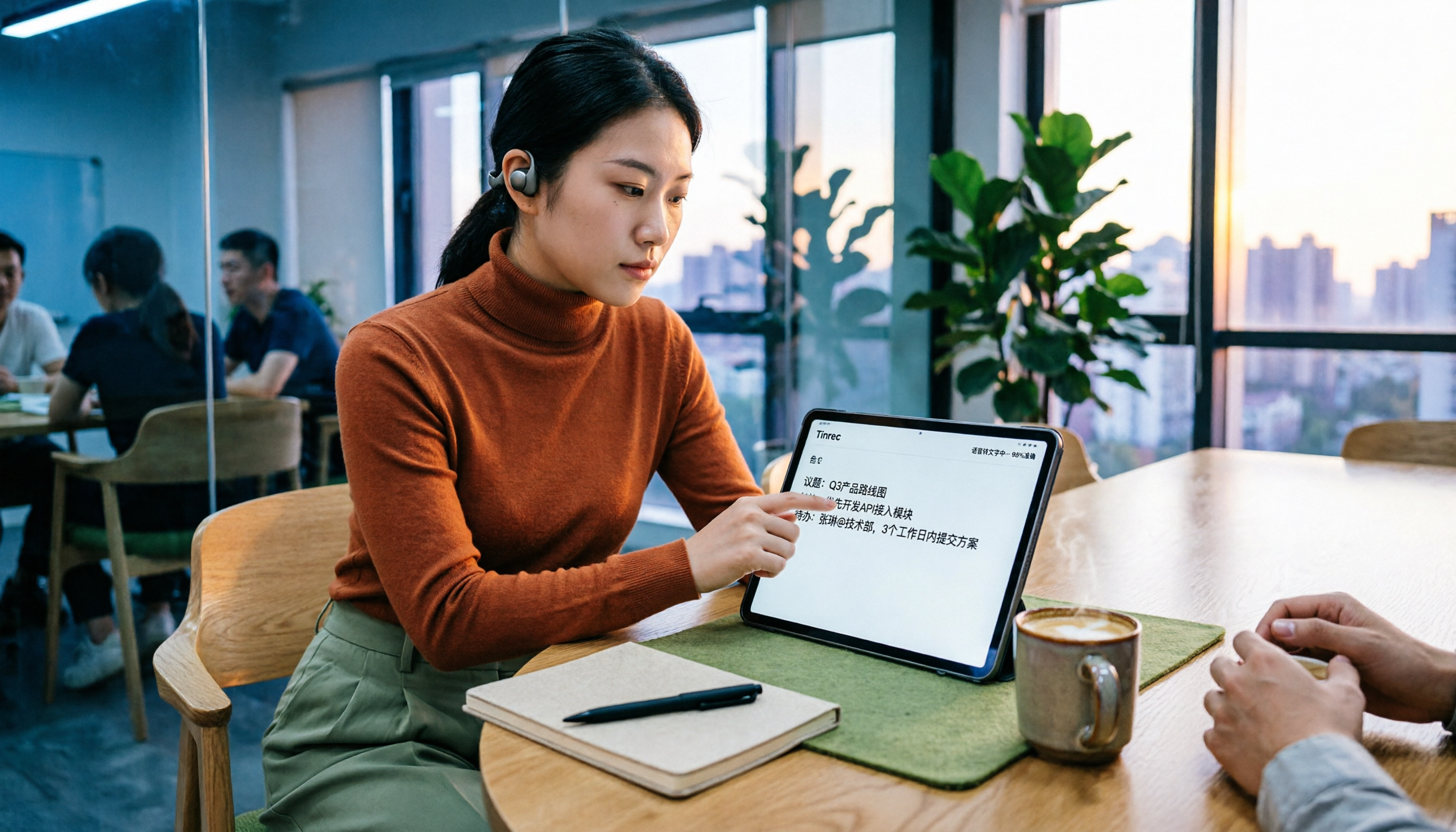
4 Speech-to-Text Apps Compared in 2026: Free Tiers, AI Summaries, and Chinese Recognition
Tired of spending hours after meetings writing notes? This guide compares four speech-to-text apps in 2026—Tinrec, Otter.ai, Notta, and Granola—on free tiers, AI summaries, Chinese recognition, and team collaboration. We break down each tool's strengths and limitations, then help you decide which one fits your workflow.

4 Speech-to-Text AI Tools Tested: Which AI Meeting Notes Save the Most Time?
How do you choose a speech-to-text AI tool? This article breaks down 5 key buying factors—accuracy, AI meeting notes, recording methods, free tiers, and team collaboration—based on real meeting scenarios, and compares Tinrec, Otter.ai, Notta, and PLAUD Note to help you find the best fit for your meeting workflow.

2026 Voice-to-Text App Guide: Bot-Free Meeting Recording + AI Summaries and Q&A
How to choose a voice-to-text app in 2026? This guide features Tinrec, covering 4 key buying factors, 3 common pitfalls to avoid, and a real-world workflow. It also compares Otter.ai, Notta, and Granola, including bot-free meeting recording, AI summaries, action item extraction, and team plan pricing.

5 Best AI Speech-to-Text Tools in 2026: Real-World Comparison — Which Saves the Most Time on Meeting Notes?
A hands-on 2026 comparison of AI speech-to-text tools for meeting notes. We cut through common misconceptions and compare Tinrec, Granola, Notta, and PLAUD on Chinese recognition, meeting capture methods, post-meeting organization, and team collaboration to help you find the most time-saving meeting documentation solution.

2026 Voice-to-Text Comparison: Is Google's Free Built-in Tool Enough?
People searching for 'Google voice to text' fall into two camps: those who just want to type by speaking, and those who need to turn entire meetings into searchable, queryable data. This article uses 4 key points to help you decide, comparing Google Docs voice typing, Google Cloud Speech-to-Text, Notta, and Tinrec, with a guide to avoid pitfalls and selection advice.
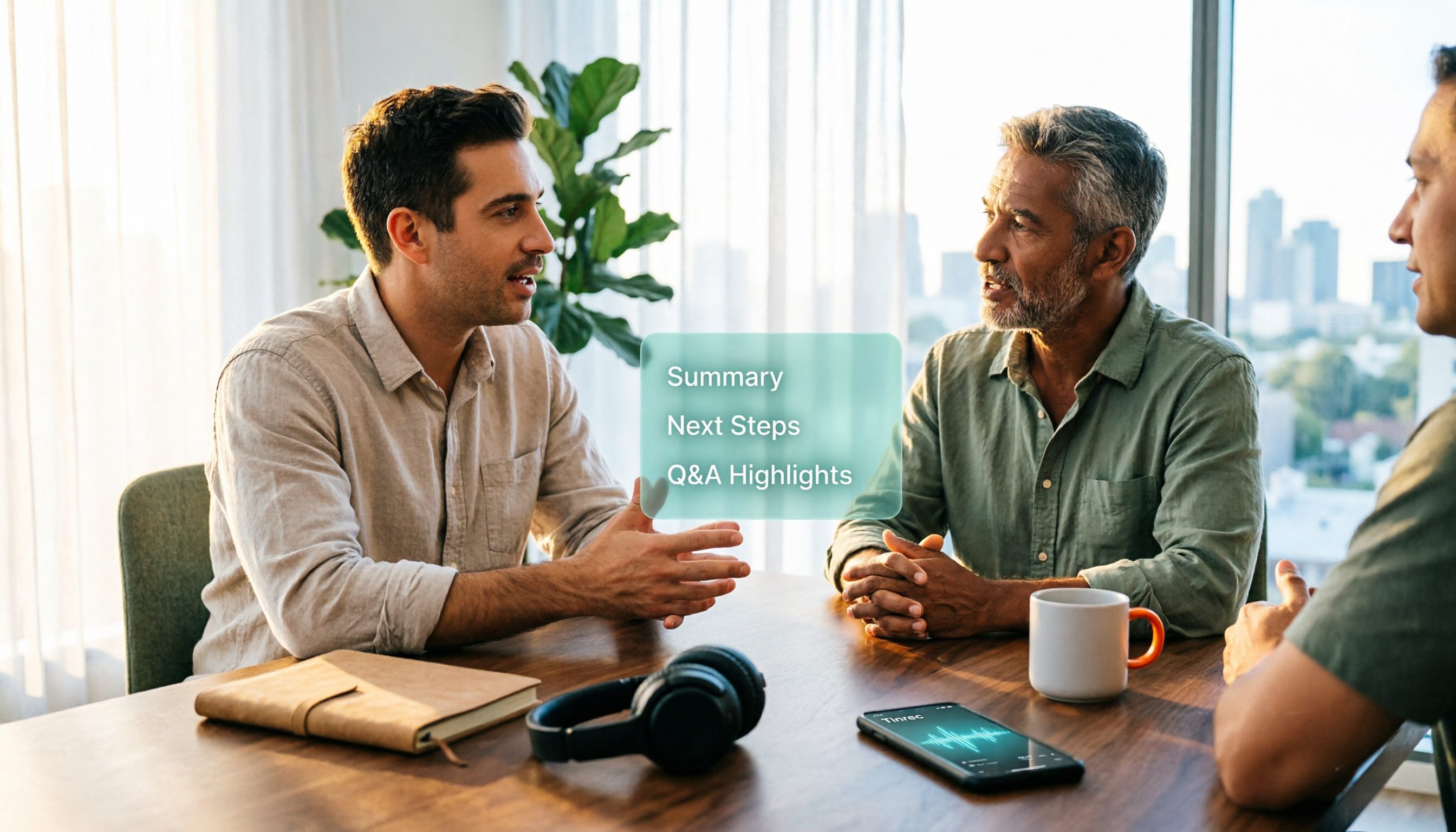
2026 Voice-to-Text AI Apps: No-Bot Recording + AI Q&A Summaries
Starting from the common misconception that 'free download doesn't mean free to use,' this guide compares Tinrec, Notta, Granola, and TurboScribe across four key areas: input sources, post-meeting workflows, Chinese and multilingual support, and team sharing. It also includes a pitfalls guide and selection recommendations.

Tinrec Voice to Text 2026: Auto-Generate Meeting Transcripts, Summaries & Action Items
Tired of spending hours typing up meeting transcripts? This article uses Tinrec to demonstrate what a voice-to-text AI tool can do: real-time transcription, bot-free online meeting recording, AI summaries and action item extraction, AI Q&A, multi-format export, and team spaces. It also covers 5 key considerations for choosing a tool and answers common questions to help you decide between the free and team versions.