

Turn recordings into transcripts and summaries in minutes
Upload audio or video for multilingual transcription, AI notes, and action items
5 Best Free Speech-to-Text Tools in 2026: A Complete Comparison
Common Misconceptions About Free Speech-to-Text Tools—You Need More Than Just "Good Enough"
Many people think that as long as they find an online speech-to-text tool that supports Chinese, they can just upload an audio file and get a usable transcript.
But in reality, the limitations of free plans are often hidden in the details: some have very short limits on file length, some offer a pitifully small monthly quota, some don't support uploading existing audio files, and some produce text without punctuation or paragraph breaks—let alone help you summarize key points and action items.
Another common misconception is focusing only on "free" and ignoring the post-transcription work. Converting meeting recordings to transcripts is just the first step. If you still have to manually copy and paste, highlight key points yourself, and organize action items on your own, the time saved is actually quite limited.
This article reviews 5 speech-to-text tools with free plans in 2026 and compares their Chinese language support, free quotas, AI post-meeting processing, and team collaboration capabilities.
Before Choosing a Speech-to-Text Tool, Understand These 4 Key Points
Rather than comparing who offers more free minutes, it's better to first look at these dimensions that will affect your long-term experience.
1. Chinese Recognition and Multilingual Capabilities Many tools are strong in English but mediocre in Chinese, and they struggle even more with meetings that mix Chinese and English. If you mainly record Chinese meetings or have mixed-language content, pay special attention to the tool's support for Chinese and mixed languages.
2. How Free Quotas Are Calculated Free plans usually have two types of limits: one is "total minutes per month," and the other is "maximum length per file." Some tools give you 300 minutes per month on the free plan, but only allow a few minutes per file; others allow very long files but limit the number of files per day. First confirm your usage frequency and typical recording length, then choose a plan.
3. What You Can Do After Transcription A transcript is just raw material. If the tool can automatically generate summaries, chapters, action items, and even let you ask AI questions like "Who mentioned the budget in the last meeting?", the time saved on organizing will be much more noticeable. This is also where free and paid plans differ the most.
4. Do You Need Team Collaboration? If you're just organizing interviews or class recordings on your own, a personal plan is sufficient. But if your team shares meeting notes, you need to check whether the tool has team spaces, member permissions, and usage management. Otherwise, everyone's recordings will be scattered across different accounts, making it painful to find information later.
Tinrec—Our Top Pick After Hands-On Testing
Tinrec is an AI meeting notes and collaboration tool for individuals and teams. It supports iOS, Android, and web versions, and the desktop version can directly capture computer system audio to handle online meetings on Zoom, Google Meet, Microsoft Teams, Webex, and more.
In one sentence: it doesn't just convert audio to text—it turns meetings into searchable, collaborative, and actionable team data.
My most-used feature is "bot-free online meeting recording." Traditional meeting bots need to join the meeting as a participant, which may show a notification on some platforms and feel intrusive to some attendees. Tinrec's desktop version directly captures system audio without inviting an extra bot, so the meeting flow isn't interrupted.
When you open Tinrec during a meeting, it transcribes in real time. After the meeting, AI has already automatically generated a summary and chapters, and can extract action items from the discussion—who is responsible for what and what to do next—much faster than manually going through the transcript.
Another highlight is AI Q&A. After recording, you can directly ask Tinrec: "Who mentioned the budget in the last meeting?" It will give you an answer based on semantic understanding, rather than just throwing keyword search results at you. This is a very practical feature of Tinrec.
If you have cross-language meeting needs, Tinrec also supports real-time translation, allowing you to view the original text, translation, or bilingual content. This is very useful for meeting notes that mix Chinese and English.
Tinrec also supports uploading audio and video files for transcription, making it suitable for organizing historical meetings and interview recordings. After transcription, you can export to various formats or bring it to Notion, Google Docs, OneNote, Dropbox, and other tools for further use. The built-in Agent post-processing can also generate reports, tables, and documents based on meeting content.
As for the free plan, Tinrec offers a basic quota so users can experience recording, importing, summarizing, and transcription. If you have a lot of meetings in the short term, you can consider a weekly card; for steady weekly use, the Pro monthly card is suitable; if you need to accumulate recording data long-term, the annual card has a lower monthly equivalent.
Stop organizing recordings by hand
Upload audio or video and automatically get a transcript, summary, and action items
One thing to note: Tinrec's free plan quota is enough for light users, but if you process a large number of files every day, you'll still need to evaluate a paid plan. Also, Tinrec is currently not a meeting bot that "automatically joins all calendar meetings"—instead, users actively initiate recording through the desktop version. Keep this in mind.
For team use, Tinrec for Teams provides an independent team space where meeting data belongs to the team, and adds management capabilities such as members, roles, seats, shared benefits, usage analytics, audit logs, and an audio recycle bin. Eligible teams can try it for 7 days with 1 free seat and 300 minutes of team shared import quota. Paid seats provide 2,000 minutes of team shared import quota per month. Team monthly payment is USD 29.80 per paid seat per month, and annual payment is USD 199 per paid seat per year, equivalent to about USD 16.58 per month. Under an active team plan and active seats, real-time recording currently does not deduct minutes; file and web imports consume team shared import minutes.
Who it's for: If you frequently need Chinese meeting notes, want to use AI to find key points right after recording, or need to turn meeting data into a searchable team database, Tinrec is a very suitable choice right now.
Besides Tinrec, What Other Free Options Are There?
The following 4 tools all have free plans, each with its own strengths. They're not bad—they're just suited for different tasks than Tinrec.
Otter.ai Otter is a mature AI meeting assistant with a great experience for English business meetings. The free Basic plan offers 300 minutes per month. It supports meeting notes for Zoom, Microsoft Teams, Google Meet, and other platforms, and also has AI Chat and team management features. However, Otter has less focus on Chinese meetings. If you mainly record Chinese content, you may need to compare more. Also, Tinrec's desktop bot-free recording doesn't require inviting a bot to join the meeting, making it smoother for those who don't want to interrupt the meeting flow.
Notta Notta overlaps significantly with Tinrec, both supporting multi-platform transcription, meeting notes, file import, and translation. Notta's free plan offers 120 minutes per month, with a maximum of 3 minutes per item. Its multilingual transcription is decent, but Tinrec is more complete in bot-free online meeting recording, team spaces, AI Q&A, and Agent post-processing—for example, Tinrec can directly generate reports, tables, and documents based on meeting content, while Notta leans more toward transcription and subtitle organization.
TurboScribe TurboScribe is a file transcription tool focused on high cost-effectiveness. The free plan allows 3 files per day, up to 30 minutes per file. The paid Unlimited plan is USD 120 per year, about USD 10 per month, with a maximum of 10 hours or 5 GB per file, and you can upload 50 files at once. If you have many long audio files to batch transcribe, TurboScribe is a great deal. But Tinrec is better for real-time meetings, post-meeting organization, AI Q&A, action item extraction, and team collaboration—the use cases are different.
Granola Granola is a bot-free AI meeting notes tool that transcribes meetings in real time through the desktop device's system audio and microphone, and combines them with the user's handwritten notes to generate meeting content. The Basic plan is free. Keep in mind that Granola does not support uploading pre-recorded audio files and does not save meeting audio. Tinrec, on the other hand, supports retaining recordings, file import, Chinese experience, real-time translation, and more export options, and also provides team data management capabilities.
Pitfall Guide: The 4 Most Common Mistakes When Choosing a Speech-to-Text Tool
Pitfall 1: Only Looking at Free Minutes, Ignoring Per-File Length Limits Some tools give you 300 minutes per month on the free plan, but only allow 3 minutes per file—meaning a one-hour meeting would need to be split into 20 parts. Another type limits the number of files per day. Before choosing, confirm your typical recording length, not just the total.
Pitfall 2: Thinking Transcription Is the End A transcript is just the first step. If the tool can't automatically segment, generate summaries, and extract action items, you'll still have to organize manually. Free plans especially tend to limit AI features, so pay attention to which features are paid-only when trying them out.
Pitfall 3: Ignoring Chinese and Mixed-Language Recognition Many tools have strong English recognition but poor Chinese, and meetings that mix Chinese and English are a disaster. It's best to test with your own real recordings, not just the official demo examples. Also, actual recognition quality is affected by recording quality, background noise, accents, and overlapping speakers—no tool is 100% accurate.
Pitfall 4: Choosing a Personal Plan for Team Use If your team shares meeting notes, a personal plan will scatter everyone's data across different accounts, making handovers and searches troublesome. Team plans usually provide independent spaces, member management, seat allocation, and usage analytics. For example, Tinrec's team plan distinguishes roles and seats. Members without a seat can still view, play, and read team data, but need a seat to record, upload, edit, and export. This design is more friendly for teams that need governance.
Conclusion: Which One Should You Choose?
In one sentence: If you need Chinese meeting transcription, bot-free online meeting recording, and AI-powered key point finding and action item organization after meetings, Tinrec is our top pick after hands-on testing.
Here's how to choose for these scenarios:
- Need Chinese meeting notes and want to ask AI "What was the conclusion last time?" right after recording → Tinrec (supports AI Q&A, summaries, action item extraction)
- Don't want a bot in the meeting but need to record Zoom, Meet, Teams meetings → Tinrec (desktop captures system audio)
- Need to turn meeting data into a searchable team asset → Tinrec team plan (team space, members, roles, seats, usage, and audit)
- Mainly record English meetings and have a limited budget → Otter.ai (free 300 minutes/month, mature for English meetings)
- Have many long audio files to batch transcribe → TurboScribe (free 3 files per day, paid handles long files)
We recommend starting with tools that have free plans. Tinrec offers a basic quota so you can experience recording, importing, summarizing, and transcription first. If it meets your needs, then consider upgrading—no need to pay from the start.
Tags: speech to text, transcription, AI meeting notes, free tools
References
- Free! Chinese video speech-to-text subtitles, supports very large videos and long recordings
- Speech-to-Text: AI speech input and transcription | Google Cloud
- Speech to Text — Chinese — Free Online Speech Input | Speecher
- Text To Speech - Online Text to Speech
- Online Speech-to-Text AI, Free MP3 or Audio File to Text Transcript - MyEdit
Turn every recording into actionable outcomes
Get 60 free transcription minutes when you sign in. No credit card required.
Related Reading
You might also like

Good Tape vs Tinrec 2026 Comparison: Avoid Cracked Versions, 5 Dimensions to Find Your Best Fit
Good Tape has no official cracked version, and pirated files online pose serious risks. This article compares Good Tape and Tinrec across 5 dimensions—online meeting recording, post-meeting output, real-time translation, team collaboration, and data retention—to help you decide which tool truly suits your needs.
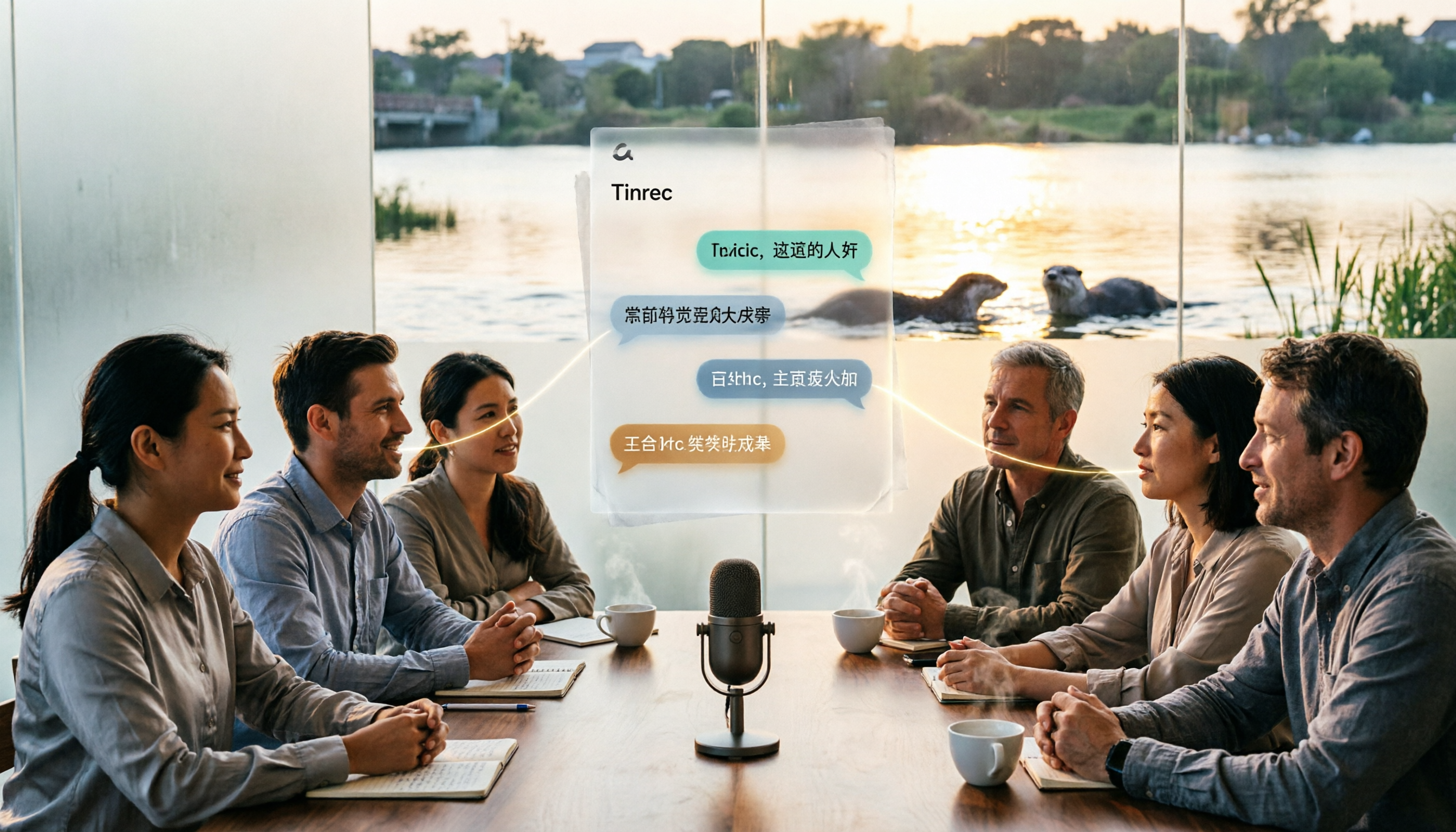
Otter in Chinese: Complete Guide to Translating Otter, Sea Otter, and Otter.ai
The Chinese translation of 'otter' depends on context: the animal is 水獺 (shuǐ tǎ), a sea otter is 海獺 (hǎi tǎ), when referring to material it's 水獺皮 (shuǐ tǎ pí), and the brand Otter.ai is usually left untranslated. This article first clarifies these three common translations, then compares Tinrec and Otter.ai in terms of Chinese transcription, recording methods, post-meeting processing, team governance, and pricing.

Best Audio Transcription Tools in 2026: 6 Tested, This One Excels at Chinese Meetings
Good Tape remains a popular search term for audio transcription in 2026. This article reviews 6 audio-to-text and AI meeting note tools, including Tinrec, Good Tape, Yating Transcription, Notta, TurboScribe, and Otter.ai. We compare Chinese recognition, bot-free meeting recording, AI Q&A, team collaboration, and pricing to help you find the best transcription tool.

2026 AI Meeting Transcription Tools Comparison: How to Use Otter for Chinese Meetings vs Tinrec 5-Dimension Test
Otter.ai currently does not have a Traditional Chinese interface. This article compares Otter and Tinrec in five dimensions: Chinese language experience, bot-free recording, post-meeting workflow, historical file organization, and team governance, and provides a ready-to-follow starter checklist.

Otter.ai Chinese Guide 2026: How Tinrec Improves Chinese Meeting Notes
Searching for 'otter Chinese' often brings up dictionary definitions of the animal, but you might be looking for Otter.ai. This guide, from a student's perspective, covers common pitfalls in Chinese meeting transcription and shows how Tinrec fills the gap with bot-free recording, Chinese transcription, AI summaries, and Q&A—so you don't have to read through the entire transcript yourself.

Google Speech-to-Text Online Free Options in 2026: 2 Tools Compared
Google's speech-to-text capabilities are spread across the Cloud Speech-to-Text API, Google Docs voice typing, and Android Live Transcribe, while Tinrec is a ready-to-use meeting workspace. This article compares them across 6 dimensions: onboarding, Chinese and multilingual support, post-meeting organization, online meeting recording, team collaboration, and pricing, to help you decide which one to choose.

3 Best iPhone Speech-to-Text Tools in 2026: Built-in vs Plaud vs Tinrec
iPhone's built-in Voice Memos transcription works for basic needs, but struggles with mixed languages, online meetings, and post-meeting organization. This comparison of iPhone's built-in features, Plaud recording devices, and Tinrec covers language support, input sources, post-meeting organization, and team collaboration to help you decide which tool fits your workflow.

2026 Comparison of 3 Speech-to-Text Tools: MyEdit Free Credits vs. Tinrec Meeting Organization—Which Saves More Time?
This article compares MyEdit, Tinrec, and Notta in a hands-on test, analyzing Chinese recognition, free quotas, post-meeting organization, and team collaboration. MyEdit is suitable for lightweight transcription, while Tinrec is more complete for bot-free meeting recording, AI Q&A, and team knowledge retention. If you're looking for a meeting transcription tool, this article helps you quickly decide.
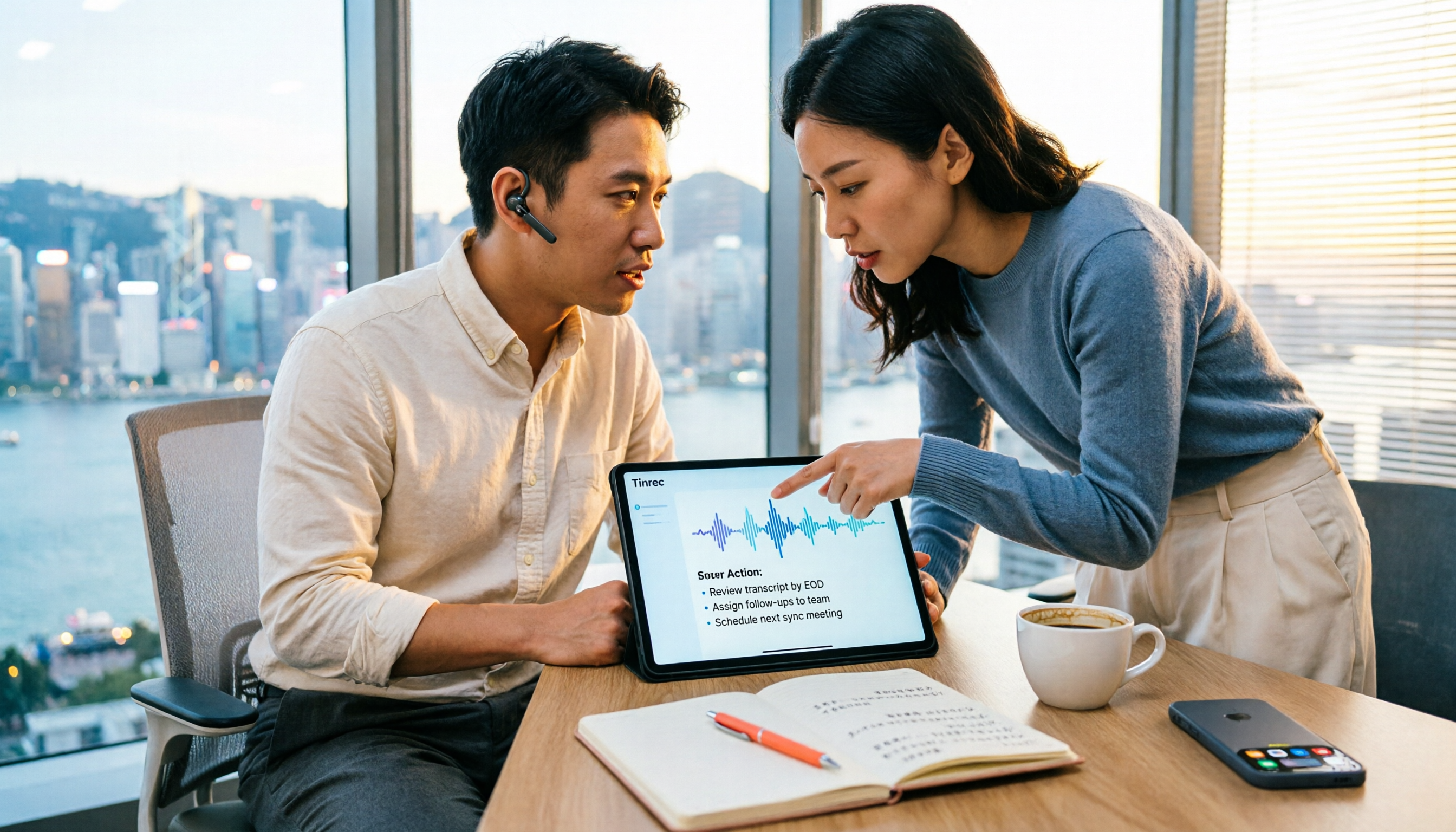
How to Choose a Free Speech-to-Text AI in 2026: 5 Steps to Compare Tinrec and MyEdit
How do you choose a free speech-to-text AI in 2026? This article compares Tinrec and MyEdit across 5 dimensions, from free quotas, Chinese and Cantonese transcription, post-meeting organization, online meeting recording, and cross-platform team collaboration, to help Hong Kong office workers decide which is better suited for meeting notes, transcripts, and post-meeting follow-up.