

Turn recordings into transcripts and summaries in minutes
Upload audio or video for multilingual transcription, AI notes, and action items
How to Use Otter for Chinese? First, a Fact That Stumps Many
When you type "Otter Chinese" into a search bar, you usually see two types of results.
One is the Cambridge Dictionary, telling you that an otter is a water mammal.
The other is the Otter.ai login page, with an entirely English interface.
If you're looking for the latter, this article is for you.
I've personally tested Otter.ai in Chinese meetings and tried several meeting note workflows with my team.
The first fact to clarify: based on my own use and third-party reviews, Otter.ai currently does not have a Traditional Chinese interface, and its official product documentation and customer support are primarily in English.
(Screenshot: Otter.ai account settings page language field, arrow pointing to menu with only English and other options)
So the real answer to "How to use Otter for Chinese" is not where to switch languages.
It's: what method will you use to make Chinese meeting content run smoothly in the tool?
This splits into two paths.
First, continue using Otter, accept the English interface, and slowly verify Chinese content yourself.
Second, switch to a tool designed from the ground up for Chinese meetings. I eventually handed my Chinese meeting notes to Tinrec.
Below, I compare these two paths across five dimensions.
Tinrec vs Otter.ai | Quick Overview
Otter.ai is a mature English AI meeting assistant, strong in meeting automation, summaries, AI Chat, and team management.
Tinrec is a Chinese-oriented AI meeting notes and collaboration tool, strong in Chinese meetings, bot-free recording, post-meeting workflow, and team data retention.
| Item | Tinrec | Otter.ai |
|---|---|---|
| Core positioning | Chinese meeting notes and team collaboration | English business AI meeting assistant |
| Chinese scenarios | Chinese, Traditional Chinese, mixed Chinese-English, real-time translation and bilingual view | Product mindset and documentation focused on English meetings |
| Meeting capture | Desktop version captures system audio without a bot | Meeting bot and desktop app in parallel |
| Free entry | Free version offers basic quota | Basic plan: 300 minutes per month |
Next, I compare: Chinese experience, recording method, post-meeting workflow, historical file organization, and team governance.
Dimension 1 | Chinese and Multilingual Experience
Otter's interface, settings, and documentation are primarily in English, so Chinese users must figure out terms and processes themselves. Chinese transcription works, but my habit is to cross-check each segment with the recording, because when mixed Chinese-English or proper nouns are wrong, no one will alert you.
Tinrec, on the other hand, treats Chinese as its home turf: organizing Chinese and mixed Chinese-English content, multilingual meeting transcription, real-time translation during recording, and switching between original text, translation, or bilingual view. The team version also offers team hotwords, so you can feed in internal product names and project codes.
Actual results will still be affected by recording quality, accents, background noise, multiple people speaking at once, and technical terminology—just like any tool.
→ This dimension: For Chinese meeting scenarios, Tinrec is clearly more convenient.
Dimension 2 | How to Record Online Meetings
Otter's common mindset is "send a meeting bot into the meeting." Although it now offers desktop capabilities, most people first encounter it through the bot.
Tinrec's desktop version takes a different path: it directly captures the computer's system audio, handling meeting audio played on the computer from Zoom, Google Meet, Microsoft Teams, and Webex, without an extra bot appearing in the participant list.
This is especially noticeable in external meetings. When the other party sees an unfamiliar account in the list, they usually ask, "What is this?"
Note: Tinrec does not automatically join all calendar meetings; you open the desktop version yourself to start recording. This also means you must obtain participants' consent before recording and comply with local recording laws.
→ This dimension: For scenarios where you don't want a bot to appear, Tinrec's approach is simpler.
Dimension 3 | Workflow After Transcription
Otter provides summaries, action items, and AI Chat after meetings; this part is quite mature, especially for English meetings.
Stop organizing recordings by hand
Upload audio or video and automatically get a transcript, summary, and action items
Tinrec's difference is that it extends "after the meeting" further: beyond the transcript, it automatically generates summaries, chapters, key points, and to-dos. You can continue AI Q&A for a single meeting or across multiple meetings, and use Agent post-processing to turn meeting content into reports, tables, and documents, then export to Notion, Google Docs, OneNote, Dropbox, and other tools for further work.
(Screenshot: Tinrec meeting details page, arrows pointing to AI summary section and to-do list)
My approach: after the meeting, read the summary first, then decide which task to tackle today from the to-do list. The transcript is only a reference for verification.
→ This dimension: Both can do it, but for Chinese content to reach the "deliverable document" stage, Tinrec takes fewer detours.
Dimension 4 | Organizing Historical Audio and Video Files
Otter's Pro plan includes a fixed monthly quota for in-app recording and file import; document import has limits.
Tinrec supports uploading existing audio and video files, turning historical meetings, interviews, and course recordings into text. Some public web link content can also be imported. The team version's audio recycle bin provides recovery after accidental deletion, currently with a 30-day retention period.
(Screenshot: Tinrec file upload screen, arrow pointing to supported audio and video format description)
If your problem is "three years' worth of meeting recordings sitting in a folder," this dimension's difference will be very noticeable.
→ This dimension: To turn historical recordings into searchable data, Tinrec is more suitable.
Dimension 5 | Team Data Retention and Governance
Otter's Business plan offers unlimited meetings and in-app recording, plus mature team management capabilities—very complete for English business teams.
Tinrec's team version is not "multiple people sharing one personal account" but an independent team space: meeting data belongs to the team, you can switch between multiple teams, invite members via link, set Owner/Admin/Member roles, assign and revoke seats, view usage trends and member rankings, and query and export audit logs.
One easily confused point: roles determine who can manage the team, seats determine who can record, upload, edit, and export.
Members without a seat can still view, play, and read team data, but cannot upload, edit, or export.
When a member leaves or loses their seat, team resources need to be handed over to other active members and will not disappear with the personal account.
Currently, the team version focuses on team-level sharing, not a file-level granular permission system.
→ This dimension: Each has its strengths, but for the governance granularity Chinese teams need, Tinrec is sufficient.
What Unique Advantages Does Each Have?
Tinrec's unique advantages:
- Chinese, mixed Chinese-English, and real-time translation bilingual view, plus team hotwords to adjust technical term recognition.
- Desktop version captures system audio without a bot, so online meetings don't have an extra participant.
- Agent post-processing can directly generate reports, tables, and documents, so post-meeting delivery doesn't require retyping.
- Team space centrally stores transcripts, to-dos, and meeting data, and provides roles, seats, usage, and audit.
Otter's unique advantages:
- Mature product mindset and content ecosystem for English business meetings; English teams get up to speed quickly.
- Basic plan offers 300 free minutes per month, lowering the barrier to entry.
Conclusion: Which Should You Choose?
• If your meeting content is mainly in Chinese and you don't want to translate the interface while meeting → Tinrec
• If you don't want an extra bot in the meeting list → Tinrec (desktop version captures system audio)
• If you want to ask AI after the meeting, "What was the price we discussed last time?" → Tinrec (single and cross-meeting Q&A)
• If you need team data retention, seat and usage management → Tinrec team version
• If your team mainly holds English meetings and already operates smoothly in the Otter ecosystem → Otter is sufficient
In one sentence: For most Chinese meeting scenarios, Tinrec is the more complete choice.
Quick Start: 6 Steps
- Start with the free version and test with a recording of your own Chinese meeting.
- Before starting a recording on the desktop version, inform participants and obtain consent.
- During the meeting, don't worry about it; after it ends, read the summary and chapters first.
- Open the to-do list and assign action items.
- When you need to verify, use AI Q&A to follow up on the transcript.
- When you need to deliver, use Agent to generate a report or table, then export to your existing workflow.
Whether to switch tools isn't actually the hardest part.
The hard part is whether you're willing to move "post-meeting organization" from someone's memory into a repeatable process.
Test step by step, and you'll gradually master this method.
References
- OTTER Chinese (Traditional) Translation: Cambridge Dictionary
- OTTER Chinese (Simplified) Translation: Cambridge Dictionary
- otter Chinese translation | VoiceTube Learn English with Videos
- otter - Chinese translation - example sentences | Reverso Context
- 2026 Otter.ai Review: Complete Chinese Tutorial, Features, Pricing, User Experience | Meeting Notes, Automatic Transcript Helper - RosyArts
Turn every recording into actionable outcomes
Get 60 free transcription minutes when you sign in. No credit card required.
Related Reading
You might also like

Good Tape vs Tinrec 2026 Comparison: Avoid Cracked Versions, 5 Dimensions to Find Your Best Fit
Good Tape has no official cracked version, and pirated files online pose serious risks. This article compares Good Tape and Tinrec across 5 dimensions—online meeting recording, post-meeting output, real-time translation, team collaboration, and data retention—to help you decide which tool truly suits your needs.
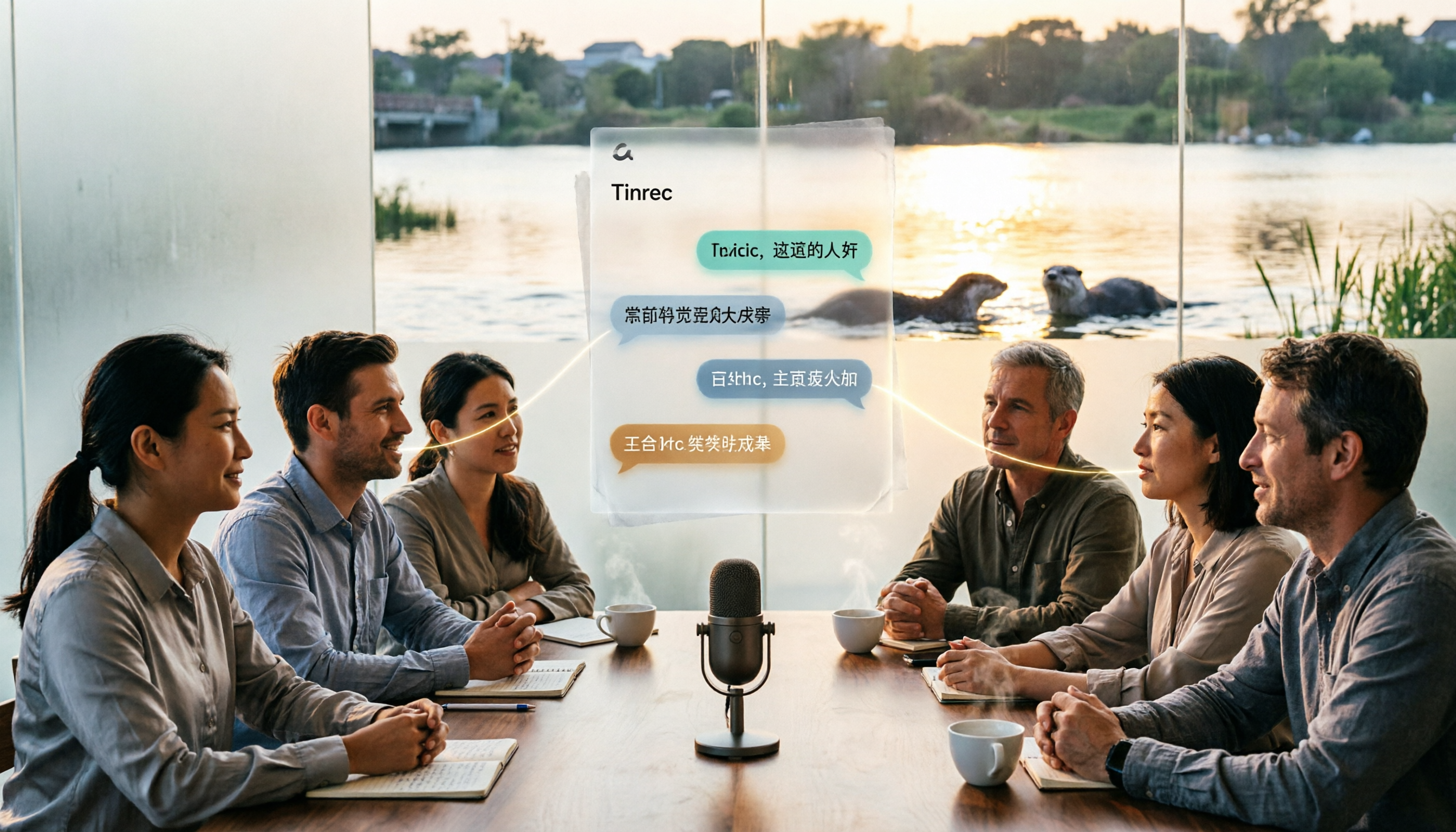
Otter in Chinese: Complete Guide to Translating Otter, Sea Otter, and Otter.ai
The Chinese translation of 'otter' depends on context: the animal is 水獺 (shuǐ tǎ), a sea otter is 海獺 (hǎi tǎ), when referring to material it's 水獺皮 (shuǐ tǎ pí), and the brand Otter.ai is usually left untranslated. This article first clarifies these three common translations, then compares Tinrec and Otter.ai in terms of Chinese transcription, recording methods, post-meeting processing, team governance, and pricing.

Best Audio Transcription Tools in 2026: 6 Tested, This One Excels at Chinese Meetings
Good Tape remains a popular search term for audio transcription in 2026. This article reviews 6 audio-to-text and AI meeting note tools, including Tinrec, Good Tape, Yating Transcription, Notta, TurboScribe, and Otter.ai. We compare Chinese recognition, bot-free meeting recording, AI Q&A, team collaboration, and pricing to help you find the best transcription tool.

Otter.ai Chinese Guide 2026: How Tinrec Improves Chinese Meeting Notes
Searching for 'otter Chinese' often brings up dictionary definitions of the animal, but you might be looking for Otter.ai. This guide, from a student's perspective, covers common pitfalls in Chinese meeting transcription and shows how Tinrec fills the gap with bot-free recording, Chinese transcription, AI summaries, and Q&A—so you don't have to read through the entire transcript yourself.

Google Speech-to-Text Online Free Options in 2026: 2 Tools Compared
Google's speech-to-text capabilities are spread across the Cloud Speech-to-Text API, Google Docs voice typing, and Android Live Transcribe, while Tinrec is a ready-to-use meeting workspace. This article compares them across 6 dimensions: onboarding, Chinese and multilingual support, post-meeting organization, online meeting recording, team collaboration, and pricing, to help you decide which one to choose.

3 Best iPhone Speech-to-Text Tools in 2026: Built-in vs Plaud vs Tinrec
iPhone's built-in Voice Memos transcription works for basic needs, but struggles with mixed languages, online meetings, and post-meeting organization. This comparison of iPhone's built-in features, Plaud recording devices, and Tinrec covers language support, input sources, post-meeting organization, and team collaboration to help you decide which tool fits your workflow.

2026 Comparison of 3 Speech-to-Text Tools: MyEdit Free Credits vs. Tinrec Meeting Organization—Which Saves More Time?
This article compares MyEdit, Tinrec, and Notta in a hands-on test, analyzing Chinese recognition, free quotas, post-meeting organization, and team collaboration. MyEdit is suitable for lightweight transcription, while Tinrec is more complete for bot-free meeting recording, AI Q&A, and team knowledge retention. If you're looking for a meeting transcription tool, this article helps you quickly decide.

5 Best Free Speech-to-Text Tools in 2026: A Complete Comparison
Compare 5 free speech-to-text tools in 2026, including Tinrec, Otter.ai, Notta, TurboScribe, and Granola. We break down free tiers, Chinese language support, AI post-meeting summaries, and team collaboration to help you find the best transcription tool.
How to Choose a Free Speech-to-Text AI in 2026: 5 Steps to Compare Tinrec and MyEdit
How do you choose a free speech-to-text AI in 2026? This article compares Tinrec and MyEdit across 5 dimensions, from free quotas, Chinese and Cantonese transcription, post-meeting organization, online meeting recording, and cross-platform team collaboration, to help Hong Kong office workers decide which is better suited for meeting notes, transcripts, and post-meeting follow-up.