

Turn recordings into transcripts and summaries in minutes
Upload audio or video for multilingual transcription, AI notes, and action items
3 Best iPhone Speech-to-Text Tools in 2026: Built-in vs Plaud vs Tinrec
Why iPhone Users Are Looking Beyond Built-in Speech-to-Text
After a 50-minute online meeting, you want to find that one thing the client said in the recording, but you have to put on headphones and fast-forward from the beginning. This is probably why many people first seriously search for an "iPhone speech-to-text app."
Actually, the built-in Voice Memos on iPhone can already handle half the problem.
Starting with iOS 18, iPhone 12 and later can view transcripts while recording or after recording; even recordings made with iOS 17 or earlier will automatically transcribe as long as they contain speech. Transcripts can be selected, copied, and pasted into Notes or Mail.
However, this feature has clear limitations.
Supported languages include English (all variants), Spanish, Portuguese, Italian, French, German, Japanese, Korean, Simplified Chinese, and Traditional Chinese, and it's not available in some countries or regions. Transcripts are also per individual recording, so after a meeting, summaries, action items, and cross-device search still need to be handled manually.
There are also AI recording hardware like Plaud NotePin that integrate recording and transcription into a standalone device, suitable for those who need portable, long-duration recording, at the cost of carrying an extra device.
If you have weekly online meetings, classes, or interviews to organize and want to get key points and action items right after recording, then a tool like Tinrec is worth checking out.
Tinrec vs iPhone Built-in Voice Memos: What's the Core Difference?
Language Support and Mixed Chinese-English
Meetings in Taiwan rarely stick to one language from start to finish; "let's follow up on this case" is everyday talk. The built-in transcript supports a list of languages as listed above; Tinrec covers Chinese, Traditional Chinese, and multilingual meeting scenarios, supports mixed Chinese-English content, and offers real-time translation, allowing you to view transcripts in original, translated, or bilingual mode.
Keep in mind that any tool's performance is affected by recording quality, accent, background noise, overlapping speakers, and technical jargon, and cannot be summarized by a single number. If your meetings often include English technical terms, the team version can maintain team hotwords to improve recognition of specialized terms.
Input Sources: Only iPhone Recordings, or Your Entire Computer?
The built-in feature handles audio you record on your iPhone. Tinrec's desktop version can directly capture computer system audio, handling meetings played on your computer from Zoom, Google Meet, Microsoft Teams, Webex, etc., without inviting a meeting bot. Existing audio and video files can also be uploaded and transcribed.
For those who mainly attend online meetings, this is the most direct difference.
What You Get After Recording
The built-in gives you a transcript; if your device supports Apple Intelligence, you can also use Writing Tools to generate summaries and proofread text. Tinrec does everything after the transcript: automatically generates summaries, chapters, key points, action items, and mind maps, and you can directly ask questions about the meeting content, such as "What was the conclusion of this meeting?" or "Who is responsible for what?" without digging through dozens of pages of transcript.
Cross-Device and Team Data
The built-in transcript stays with that iPhone's recording. Tinrec offers iOS, Android, and web versions, so the same meeting data can be accessed and queried across devices.
The team version is a separate team space, not multiple people sharing a personal account. Meeting data belongs to the team; members can view, play, and read team data even without a seat; only seat holders can record, upload, edit, import/export, and use team resources.
Export and Further Processing
Tinrec supports exporting results to Notion, Google Docs, OneNote, Dropbox, and other common tools, and can use Agent post-processing to generate reports, tables, and meeting minutes, directly connecting to your existing workflow without manual copy-pasting.
Tinrec's Core Features at a Glance
Real-time Speech-to-Text Press record, and text appears simultaneously, so you can check for missed key points during the meeting. Suitable for in-person meetings, interviews, and classes.
Bot-free Online Meeting Recording The desktop version captures system audio to record online meetings on Zoom, Google Meet, Microsoft Teams, Webex, etc., without extra participants. To be clear, this is not "automatically joining all calendar meetings," but rather the user actively opening Tinrec to start recording.
AI Summary, Chapters, and Action Items Long meetings are automatically broken into chapters and key points, and follow-up actions are organized, so you don't have to re-listen after the meeting.
AI Conversational Query This is a feature many can't go back from. After recording an hour-long meeting, just ask what the conclusion was or who agreed to what, and it will answer semantically rather than matching keywords.
Real-time Translation and Bilingual Transcript For cross-language meetings, you can see translations while recording, and after the meeting, you can confirm the original words with bilingual comparison.
Stop organizing recordings by hand
Upload audio or video and automatically get a transcript, summary, and action items
Multi-format Export and Agent Post-processing Take transcripts and summaries to Notion, Google Docs, OneNote, or Dropbox for further use, and generate reports, tables, and meeting minutes.
Team Space and Governance (Team Version) Centrally store team meeting data, with member and seat management, usage analytics, audit logs, audio recycle bin, and team hotwords.
Real-world Use Cases
Online Meetings Recording online meetings with built-in Voice Memos captures sound from the phone speaker, resulting in unstable audio quality; using Tinrec's desktop version to capture system audio, the transcript is generated in sync during the meeting. Summaries, action items, and decisions are generated directly after the meeting, and you can ask questions about the entire meeting.
Classes and Lectures Record class content with iPhone; the built-in transcript gives you text, but you still have to organize notes yourself. Tinrec's summaries and chapters break a two-hour class into sections, so you can review only the key points before an exam and refer back to the original transcript.
Customer Interviews The biggest fear in interviews is missing what the customer promised. Tinrec automatically extracts action items, organizes requirements, objections, and follow-ups, and after the meeting, you can export directly to work documents or generate an interview summary.
Personal Knowledge Management After accumulating many recordings, the real trouble is "finding." Tinrec lets you ask questions about historical recordings, such as "What was that pricing idea I mentioned last time?" turning scattered recordings into a searchable personal database.
Things to Consider When Choosing a Speech-to-Text Tool
1. Check the Language Support List First The built-in transcript supports a limited number of languages and is unavailable in some regions; Tinrec covers Chinese and multilingual scenarios and supports mixed Chinese-English. Before choosing a tool, confirm that your most common language combination is supported.
2. Confirm Whether Original Audio is Retained No matter how accurate the transcript, you'll want to listen to the original audio for important content. Tinrec retains recordings, and the team version has an audio recycle bin with a current retention period of 30 days, allowing recovery before permanent deletion begins.
3. See How Much Post-Meeting Organization is Done Having only a transcript saves typing time, but organization time remains. If a tool can also provide summaries, chapters, action items, and Q&A, it saves more than just typing.
4. Cross-Device and Team Collaboration If meeting data needs to be accessed across phones, computers, and colleagues, check for team spaces, roles, and seat design. Note that most tools' team versions are team-level sharing, not per-file permission settings.
5. Free Quota and Pricing Tinrec's personal version offers a free tier to experience basic functions like recording, import, summary, and transcription; for short-term high-frequency needs, a weekly pass may be considered, while long-term use is cheaper per month with an annual pass. The team version's first eligible trial is 7 days, 1 free seat, and 300 minutes of team shared import quota; after payment, monthly is USD 29.80 per paid seat per month, annual is USD 199 per paid seat per year (about USD 16.58 per month), and each paid seat provides 2,000 minutes of team shared import quota per month. Actual prices, currencies, and promotions are subject to the official purchase page.
6. Recording Authorization and Legal Compliance Regardless of the tool, it's advisable to comply with local laws before recording and obtain consent from participants when necessary. Tools are just aids; the responsibility lies with the user.
Conclusion: Is Tinrec Worth a Try?
If you only occasionally record a memo, the built-in Voice Memos on iPhone is sufficient, free, and done directly on the phone, with no reason to switch.
But if you have weekly online meetings, classes, or interviews to handle and want to get summaries and action items right after recording, and later ask about meeting content with a single question, then Tinrec fills exactly the gap not covered by built-in features: bot-free online meeting recording, cross-device search, multi-format export, and team version's data accumulation and governance.
We suggest starting with the free version and testing it with one of your own meeting recordings. That's more direct than reading any review.
FAQ
Q1: iPhone's built-in Voice Memos can transcribe, do I still need another app? It depends on how you use it. For occasional voice memos and only needing text, built-in is enough. But if you need to handle online meetings, need summaries and action items, want cross-device search or team sharing, the built-in design of per-recording will be limiting.
Q2: What can Tinrec's free version do? The free version provides basic quota to experience recording, import, summary, and transcription. Actual quota and benefits are subject to the official page.
Q3: Which online meeting platforms does Tinrec support? Through the desktop version capturing computer system audio, it can handle meeting content played on your computer from Zoom, Google Meet, Microsoft Teams, Webex, etc., without a meeting bot. This does not imply an official partnership between Tinrec and these platforms.
Q4: What is Tinrec's recognition accuracy? Tinrec does not promise a single accuracy number. Actual performance is affected by recording quality, background noise, accent, overlapping speakers, and technical jargon. The practical approach is to start with the free version and test with your own recording.
Q5: What's the difference between "roles" and "seats" in the team version? Roles determine who can manage the team, members, audits, and team settings; seats determine whether members can record, upload, edit, import/export, and use team resources. Active members without a seat can still view, play, and read team data.
Q6: If a team member leaves, will meeting data be taken away? No. Team resources belong to the team; when a member exits, is removed, or loses their seat, their team resources need to be handed over to other active members.
Q7: What should I pay attention to before recording? Comply with local laws and obtain consent from participants when necessary, especially in meetings, interviews, or customer communications.
References
- View Voice Memos transcripts on iPhone - Apple Support (Taiwan)
- iPhone's speech recognition: Voice Memos, automatic punctuation and paragraphing - Let's Write
- iPhone Notes and Voice Memos also have transcript features! Turn class, meeting, and lecture content into text in seconds: simple 4-step tutorial | BusinessNext
- [iPhone Voice Memos to Text] Complete tutorial of 3 methods! iOS built-in, app, recorder, which is best?
- iPhone speech-to-text setup tips: 5 methods to achieve voice-to-text - Mr. Mad
Turn every recording into actionable outcomes
Get 60 free transcription minutes when you sign in. No credit card required.
Related Reading
You might also like

Good Tape vs Tinrec 2026 Comparison: Avoid Cracked Versions, 5 Dimensions to Find Your Best Fit
Good Tape has no official cracked version, and pirated files online pose serious risks. This article compares Good Tape and Tinrec across 5 dimensions—online meeting recording, post-meeting output, real-time translation, team collaboration, and data retention—to help you decide which tool truly suits your needs.
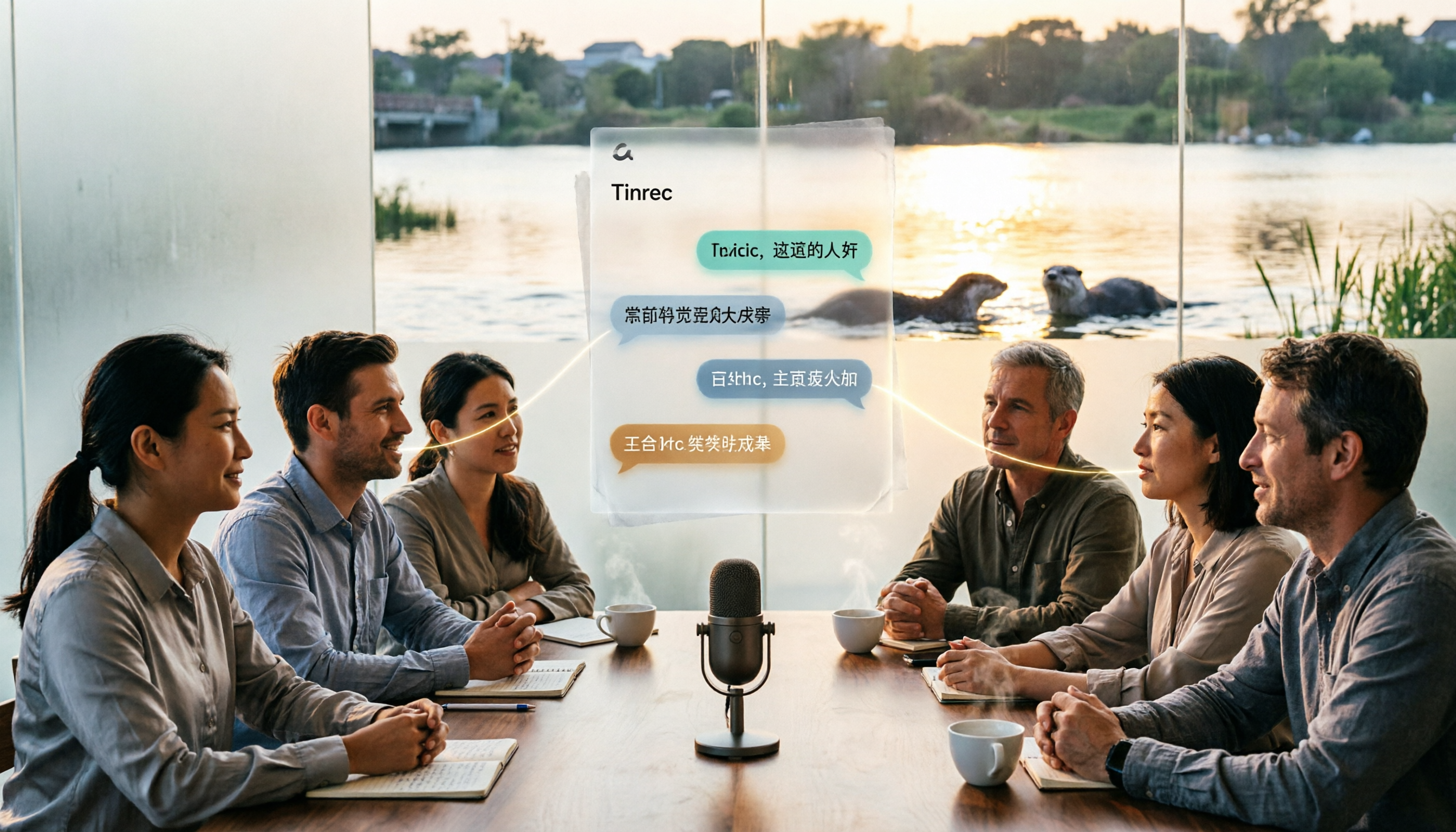
Otter in Chinese: Complete Guide to Translating Otter, Sea Otter, and Otter.ai
The Chinese translation of 'otter' depends on context: the animal is 水獺 (shuǐ tǎ), a sea otter is 海獺 (hǎi tǎ), when referring to material it's 水獺皮 (shuǐ tǎ pí), and the brand Otter.ai is usually left untranslated. This article first clarifies these three common translations, then compares Tinrec and Otter.ai in terms of Chinese transcription, recording methods, post-meeting processing, team governance, and pricing.

Best Audio Transcription Tools in 2026: 6 Tested, This One Excels at Chinese Meetings
Good Tape remains a popular search term for audio transcription in 2026. This article reviews 6 audio-to-text and AI meeting note tools, including Tinrec, Good Tape, Yating Transcription, Notta, TurboScribe, and Otter.ai. We compare Chinese recognition, bot-free meeting recording, AI Q&A, team collaboration, and pricing to help you find the best transcription tool.

2026 AI Meeting Transcription Tools Comparison: How to Use Otter for Chinese Meetings vs Tinrec 5-Dimension Test
Otter.ai currently does not have a Traditional Chinese interface. This article compares Otter and Tinrec in five dimensions: Chinese language experience, bot-free recording, post-meeting workflow, historical file organization, and team governance, and provides a ready-to-follow starter checklist.

Otter.ai Chinese Guide 2026: How Tinrec Improves Chinese Meeting Notes
Searching for 'otter Chinese' often brings up dictionary definitions of the animal, but you might be looking for Otter.ai. This guide, from a student's perspective, covers common pitfalls in Chinese meeting transcription and shows how Tinrec fills the gap with bot-free recording, Chinese transcription, AI summaries, and Q&A—so you don't have to read through the entire transcript yourself.

Google Speech-to-Text Online Free Options in 2026: 2 Tools Compared
Google's speech-to-text capabilities are spread across the Cloud Speech-to-Text API, Google Docs voice typing, and Android Live Transcribe, while Tinrec is a ready-to-use meeting workspace. This article compares them across 6 dimensions: onboarding, Chinese and multilingual support, post-meeting organization, online meeting recording, team collaboration, and pricing, to help you decide which one to choose.

2026 Comparison of 3 Speech-to-Text Tools: MyEdit Free Credits vs. Tinrec Meeting Organization—Which Saves More Time?
This article compares MyEdit, Tinrec, and Notta in a hands-on test, analyzing Chinese recognition, free quotas, post-meeting organization, and team collaboration. MyEdit is suitable for lightweight transcription, while Tinrec is more complete for bot-free meeting recording, AI Q&A, and team knowledge retention. If you're looking for a meeting transcription tool, this article helps you quickly decide.

5 Best Free Speech-to-Text Tools in 2026: A Complete Comparison
Compare 5 free speech-to-text tools in 2026, including Tinrec, Otter.ai, Notta, TurboScribe, and Granola. We break down free tiers, Chinese language support, AI post-meeting summaries, and team collaboration to help you find the best transcription tool.
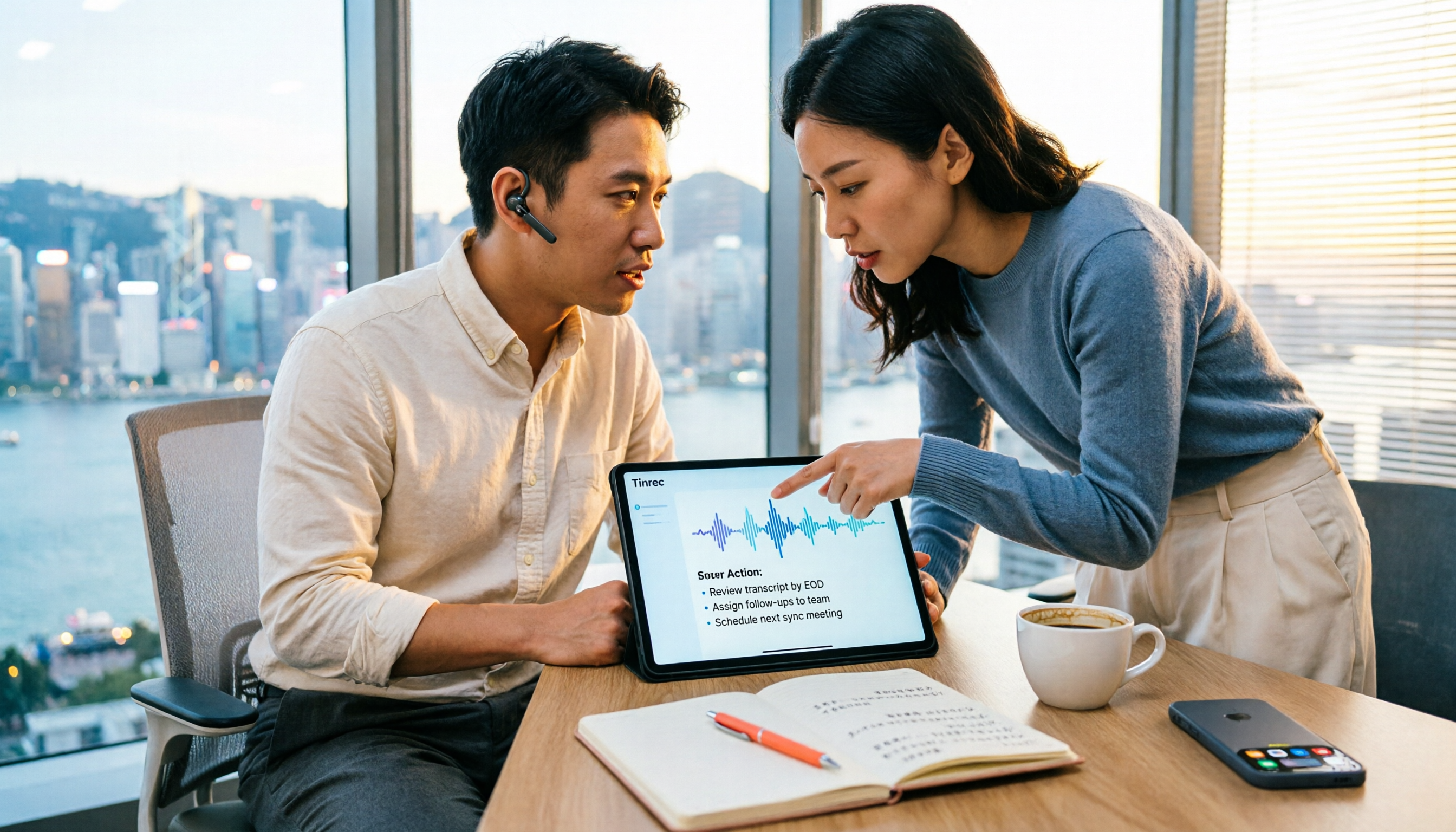
How to Choose a Free Speech-to-Text AI in 2026: 5 Steps to Compare Tinrec and MyEdit
How do you choose a free speech-to-text AI in 2026? This article compares Tinrec and MyEdit across 5 dimensions, from free quotas, Chinese and Cantonese transcription, post-meeting organization, online meeting recording, and cross-platform team collaboration, to help Hong Kong office workers decide which is better suited for meeting notes, transcripts, and post-meeting follow-up.