

Turn recordings into transcripts and summaries in minutes
Upload audio or video for multilingual transcription, AI notes, and action items
Every time a junior asks me "Which AI recording tool should I choose?", my first question isn't about budget—it's: What are you mainly recording?
I learned this the hard way during the first week of last semester. The professor spoke about 1.5 times faster than normal and flipped through slides faster than turning pages. I took handwritten notes for two classes straight. Before midterms, I opened my notebook and couldn't even read my own handwriting—that's when I seriously started looking for AI recording tools.
Later, I recorded all my classes, group discussions, and thesis interviews for the entire semester, and tried several different tools. In the end, there are really only three questions that matter:
- Are you recording an in-person class, an online meeting, or an existing audio file?
- Do you just need a transcript, or do you need someone to summarize the key points?
- Is this for your eyes only, or will your group use it together?
This article uses these three questions to compare the 4 common AI recording approaches, and uses Tinrec, which I've been using this semester, as a hands-on example. I'll also answer the most common question: Is the free version enough?
What Can AI Recording Do for You?
Scenario 1: A two-hour class, transcript ready when class ends I used to listen and take notes at the same time, and ended up doing both poorly. Now I put my phone on the desk and start live recording—with Tinrec, for example, it transcribes as it records. Wherever the professor goes, the transcript follows. By the end of class, I have a searchable full text, no need to rely on memory to recall what was said.
Scenario 2: Online group meetings, no need to invite a bot Our project meetings this semester are almost all online. Some tools use a "meeting bot" that joins as a participant, and every time I have to explain to my group what it is. Tinrec's desktop version directly captures the computer's system audio, so no extra account is in the meeting. It works with Zoom, Google Meet, Microsoft Teams, and Webex.
Scenario 3: Before finals, just ask AI what was covered this semester Listening to recordings from start to finish is the least efficient way to review. Tinrec breaks long content into chapters, generates summaries and key points. During review, I can even ask it questions directly—like "How many times did the professor mention the final report format?" Questions like that used to require flipping through a stack of notes; now I type one sentence and get the answer.
Scenario 4: Thesis interviews, a two-hour audio file organized in one afternoon For my thesis, I interviewed 6 industry seniors, all recorded. I used to wear headphones and type word by word, spending an entire evening on one interview. Now I import the audio into Tinrec, and the transcript, summary, and mind map come out at once. I just pick the quotes I need.
What Are the Core Capabilities of AI Recording?
Live recording to text: Not transcribing after recording, but producing text while recording. Most intuitive for in-person classes, lectures, and face-to-face interviews. You can check for missed points while listening, and no need to wait for conversion after recording.
Bot-free online meeting recording: Tinrec's desktop version directly captures system audio, no extra meeting bot needed. Suitable for online classes and online project meetings. Note that you need to open Tinrec and start recording yourself; it's not a tool that automatically joins calendar meetings.
AI summary, chapters, and to-dos: Transcripts are just raw material. Tinrec organizes content into summaries, breaks long meetings into chapters, and extracts action items into a to-do list—so after group meetings, there's no more arguing about who's responsible for what.
AI Q&A: This is the most practical feature for students. You can ask questions directly within a single meeting or across multiple documents, such as "What were the interviewee's concerns about pricing?" It answers based on semantics, not just keyword matching.
Multi-format export and post-processing: Organized content can be exported to Notion, Google Docs, OneNote, Dropbox, etc. for further work. You can also ask Tinrec to generate reports, tables, and documents. For project teams that need to submit proposals, this saves writing a first draft.
Real-time translation: If the class or lecture is in English or mixed Chinese-English, you can switch between original, translated, or bilingual view during recording. Many of our department's classes are taught in English, so this feature is more useful than expected.
Practical Use Cases
Classes and lectures Start live recording, then use summaries and chapters to review quickly after class. Especially useful for general education courses where key points are scattered over two hours—you don't need to re-listen, just look at chapter titles to pick key sections, then check the transcript timestamps. With Tinrec, recording, transcription, and summarization all happen in one workflow, no need to switch tools.
Stop organizing recordings by hand
Upload audio or video and automatically get a transcript, summary, and action items
Group projects and team collaboration If the whole group needs to share meeting notes, Tinrec's team version is a separate team space, not multiple people sharing one personal account. Meeting data belongs to the team. You can invite members, set owners/admins/regular members, and use seats to control who can record, upload, edit, and export. The most practical thing for group reports: when a member drops the class or graduates and leaves the team, the data doesn't disappear with them—it can be handed over to other members. The team version includes 2,000 minutes of shared import quota per paid seat per month; live recording currently doesn't deduct minutes. Eligible new teams also get a 7-day trial, 1 free seat, and 300 minutes of shared import quota.
Thesis interviews and research Import existing interview audio for transcription, then use AI Q&A to organize interviewee viewpoints. The transcript preserves original speech, so when writing your thesis and needing quotes, you can look them up directly without re-listening to the whole recording.
Online lectures and internship info sessions Record online content via the desktop version, then extract key points like FAQs and deadlines. A reminder: before recording, inform the other party and get consent. Laws vary by country, so don't skip this.
5 Things to Consider When Choosing an AI Recording Tool
- How free quota is calculated, not just the number: Some tools limit single-session length, others limit monthly total. Tinrec's free version provides basic quota so you can fully experience recording, importing, summarizing, and transcribing. If you only occasionally organize a recording, start with the free version.
- Input source coverage: In-person classes need live recording, online meetings need system audio, old audio files need import—you need all three. Missing one means "I can't record this class." Tinrec supports live recording, desktop online meetings, audio and video file import, and mobile for quick notes.
- What it can do after transcription: Transcripts are everywhere; what really makes a difference is summary, chapters, to-dos, AI Q&A, and export. Comparing only "price per hour" makes it easy to choose a machine that only types but doesn't organize.
- Chinese and mixed Chinese-English experience: Our classes often mix Chinese and English, with many technical terms. Tinrec supports Chinese, Traditional Chinese, and multilingual scenarios, and has team hotwords to maintain department-specific terminology. Actual performance is affected by recording quality, background noise, accents, multiple speakers talking at once, and technical terms. No tool can guarantee 100%. For important content, check against transcript timestamps and recording playback.
- Data ownership and collaboration: Personal version data follows your account; team version is a team space where roles determine who can manage, and seats determine who can record, upload, and export. They should be viewed separately. Tinrec's team version also has usage analytics, audit logs, and an audio recycle bin (30-day retention), which provides more security for team handovers or accidental deletions.
Frequently Asked Questions
What's the difference between AI recording tools and the built-in recorder on my phone? Phone recording only "records." AI recording further transcribes, organizes summaries, chapters, and to-dos, and lets you ask questions and export. With Tinrec, for example, recording, transcription, and note generation all happen in one place.
Is the free version enough for students? If you only record key subjects or organize one or two interviews per week, the free version can usually hold you over. I suggest running the free version for a week to see which recording scenario you encounter most, then decide whether to use a weekly pass or Pro—choosing a plan based on tasks is more cost-effective than buying the most expensive one.
Do online meetings need a bot invited? No. Tinrec's desktop version directly captures system audio, so no unfamiliar account appears in the meeting. But you need to start recording yourself; it's not a service that automatically joins all calendar meetings.
Is transcription accurate? It performs best with clear audio, quiet environments, and common scenarios. Actual results are affected by recording quality, noise, accents, overlapping speakers, and technical terms. Tinrec's approach reduces your manual organizing cost; for important sections, still check against the recording.
What if my group wants to use it together? With the personal version, you can export and share organized content. But if the whole group needs a shared meeting database, look at the team version: separate team space, member and seat management, shared benefits, usage analytics all in one place. Team monthly is USD 29.80 per paid seat per month, annual is USD 199 per paid seat per year (about USD 16.58 per month). Actual prices and promotions are subject to the official purchase page.
Conclusion
Back to the three questions: what to record, whether to organize, and how many people use it. If you only record in-person classes and just need transcripts, start with the free version. If you have online meetings every week and need to turn them into reports you can submit, that's when it's worth paying.
My takeaway this semester: what AI recording really saves isn't typing time, it's "recalling later" time. Before midterms, I spent only two evenings reviewing the entire semester's content, thanks to a few minutes of recording per class plus AI organization. If you want to try, start with Tinrec's free version for a week, use your most troublesome class as a test, and see how its summaries compare to your original notes.
References
- Plaud Taiwan | Official Website | Leading AI Recording Device Brand
- SoundType AI Ultra-Accurate Transcript, Voice to Text, AI Dictation - Google Play App
- ai recording - PChome 24h Shopping
- SoundType AI Ultra-Accurate Transcript, Voice to Text, AI Dictation App - App Store
- Penpower AI Recording King | AI Voice Recorder, Voice to Text, Transcript to Notes with One-Click Summary, Project Management
Turn every recording into actionable outcomes
Get 60 free transcription minutes when you sign in. No credit card required.
Related Reading
You might also like
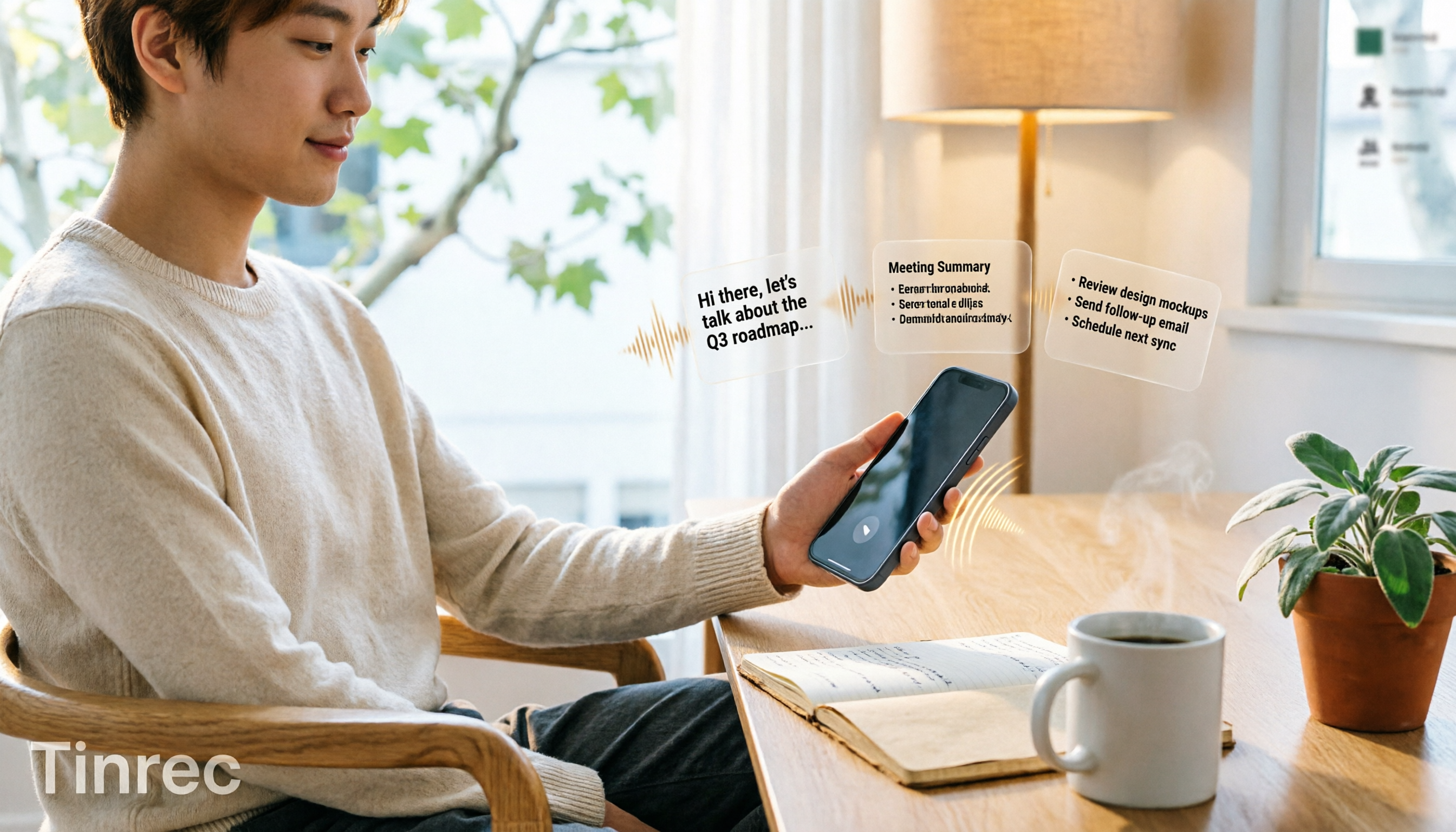
3 iPhone Quick Recording Methods Tested: Which One Auto-Organizes Transcripts After One-Tap Start?
Want to record quickly on iPhone? There are three one-tap start methods: Action Button, Back Tap, and Shortcuts. This article tests the setup steps, compatible models, and limitations of each, then compares what happens after you hit record—showing how Tinrec turns a phone recording into a searchable transcript, summary, and to-do list.

Complete Guide to iPhone Recording in 2026: Voice Memos Location, Export, and Meeting Organization
Where are iPhone recordings stored? The answer is the Voice Memos app, but many people can't find them in Files after recording. This complete guide first explains the three locations of iPhone recordings, how to export to the Files app, and quick launch settings, then discusses how to choose organization tools to turn meeting recordings into searchable, queryable, and deliverable data.

2026 Recording App Buying Guide: Tinrec vs Notta and 3 More Compared
A recording app shouldn't just capture audio. This guide compares Tinrec, Notta, Otter, Granola, and TurboScribe on Chinese transcription, bot-free meeting recording, post-meeting organization, and team collaboration—with a focus on whether you can use the output right away. It also covers free tiers, pricing, and key buying considerations.
5 Ways to Record Computer Audio in 2026: Which Is Easiest for System Sound?
Computer recording actually serves two different needs: recording your microphone or recording the sound your computer is playing. This article starts with common recording mistakes and covers Windows built-in Voice Recorder, Stereo Mix, Audacity, Otter.ai, and Tinrec, comparing their use cases and testing differences in system sound recording, transcription, AI summaries, and team collaboration to help you find the easiest approach.
4 Computer Recording Tools Tested and Compared in 2026: Why Your Screen Recording Has No Sound (It's Probably Not Your Microphone)
When your computer recording has no sound, it's usually not a broken microphone—it's that system audio wasn't captured. This article breaks down 5 common causes, 4 key factors for choosing a tool, and compares Tinrec, Granola, TurboScribe, and PLAUD for computer recording, so you can figure out whether to fix your settings or switch tools.

2026 AI Meeting Recorder Comparison: Why Tinrec Beats Notta for Students
A senior information management student tests AI meeting note tools including Tinrec and Notta across lectures, group discussions, and finals prep. This student-focused review breaks down free tiers, bot-free recording, post-meeting AI processing, and export options to find the best fit for students on a budget.

4 Best Cantonese Speech-to-Text Tools in 2026: Free Version Comparison
We tested 4 Cantonese speech-to-text tools in 2026, comparing free tiers, Cantonese and mixed Chinese-English recognition, post-meeting organization, and team collaboration. Tinrec stands out as our top pick for Chinese-language meetings, bot-free online meeting recording, AI Q&A, and team spaces.
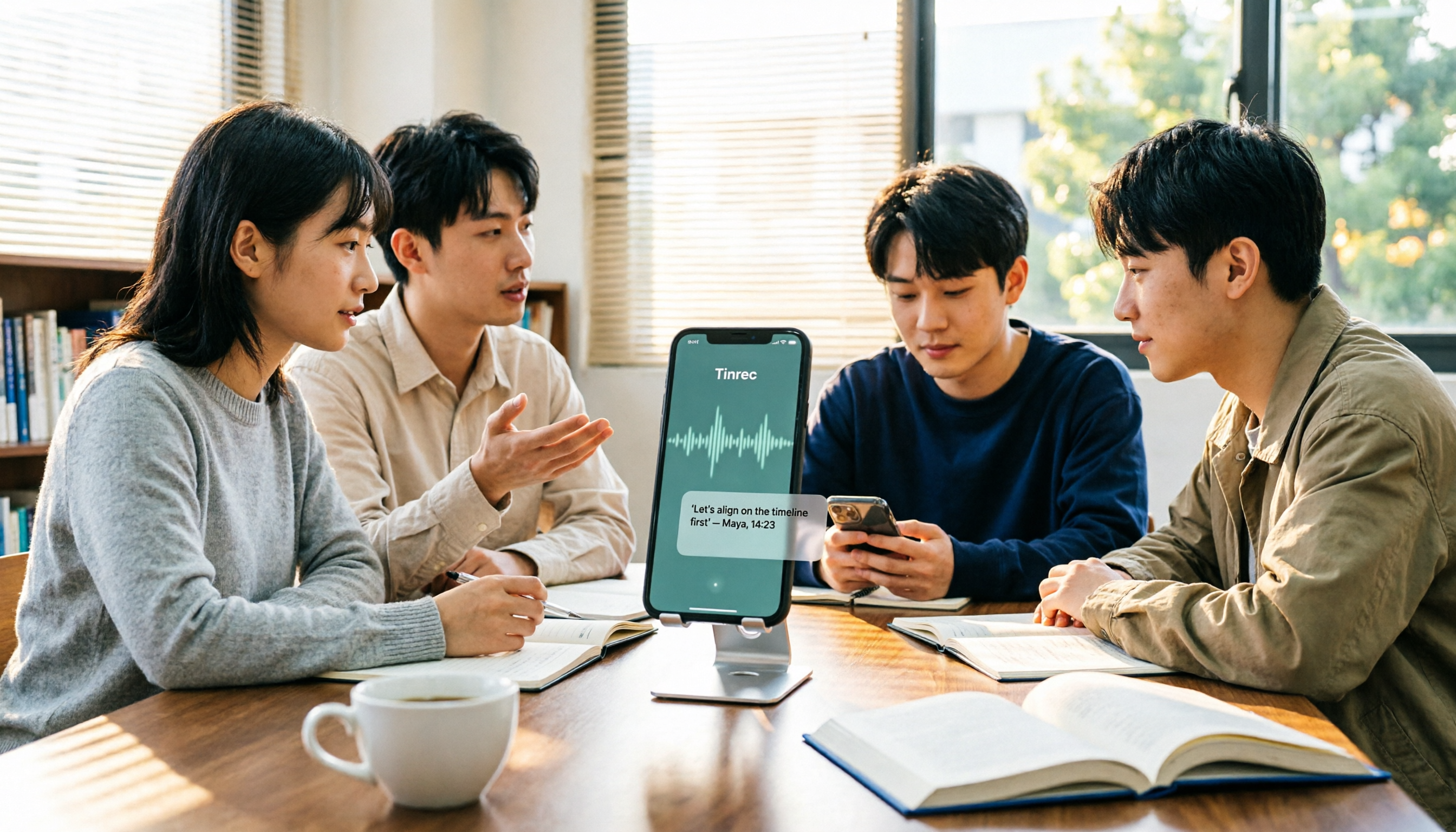
2 Recording Tools Compared in 2026: Understand 'Can You Record Anyone?' Before Choosing
Students often want to record classes, group discussions, or phone calls for self-protection, but 'can you record anyone?' depends on whether you're part of the conversation, your purpose, and how you use the recording. This article explains key Taiwan recording laws from a student's perspective, then compares Tinrec and PLAUD Note across entry cost, recording scenarios, post-meeting organization, old file search, and team sharing, with final recommendations for students.

2026 Comparison of 3 Recording Meeting Note Tools: Which Saves the Most Time with Bot-Free Recording, AI Q&A, and Team Knowledge Retention?
2026 real-world comparison of recording meeting note tools, covering bot-free meeting capture, Chinese and mixed Chinese-English experience, post-meeting organization, team knowledge retention, and pricing quotas. Compares Tinrec and Otter.ai, and explains the positioning of similar tools like Notta, helping you choose the right meeting notes workflow for your needs.