

Turn recordings into transcripts and summaries in minutes
Upload audio or video for multilingual transcription, AI notes, and action items
2026 Recording App Buying Guide: Tinrec vs Notta and 3 More Compared
You might already have two or three recording apps on your phone, but every time you actually need to turn in meeting minutes, you still have to listen to the recording from the beginning.
That's where most people get stuck when looking for a recording app: the problem isn't whether you can record, but whether you can use the recording right after it's done.
So before you look at any recommendation list, ask yourself one question: do you want to save the audio, or turn the content into searchable, organized data?
This article uses that standard to compare common tools like Tinrec, Notta, Otter, Granola, and TurboScribe, and explains why Tinrec deserves a spot on your shortlist for Chinese meetings and post-meeting organization.
Why more people want to replace their current recording app
Tools like Notta and Otter have become popular in recent years. Many people start using them to turn meetings or interviews into text, or to add subtitles to videos.
But after using them for a while, common pain points emerge: free tiers run out and require an upgrade, mixed Chinese-English content often needs manual correction, and even after getting a transcript, you still have to organize the key points yourself.
If what you care about is Chinese meetings, producing minutes afterward, or sharing data with your team, then Tinrec is worth a look.
5 key differences between Tinrec and tools like Notta
1. Chinese and mixed Chinese-English meeting content
Meetings in Taiwan are rarely pure Chinese. You often hear sentences like "Let's review this campaign's KPI next week." How well a transcription tool handles mixed Chinese-English directly determines how much time you'll spend editing afterward. Tinrec covers Chinese, Traditional Chinese, and multilingual meeting scenarios, and lets teams maintain their own custom terminology.
Keep in mind that actual performance still depends on recording quality, accents, background noise, and overlapping speakers. No tool can guarantee a fixed accuracy rate.
2. How to record online meetings: do you need a bot in the room?
Tools like Otter and Fireflies typically send a meeting bot to join as a participant.
Tinrec's desktop version instead captures your computer's system audio directly. It can handle meetings on Zoom, Google Meet, Microsoft Teams, and Webex without adding a bot to the participant list. For external client meetings, this makes a big difference.
3. What you can do after recording
Most tools stop at the transcript. Tinrec treats it as a starting point: it automatically generates summaries, chapters, key points, and action items. You can also ask questions directly about the meeting content, or generate reports, tables, and documents.
Simply put, the transcript is just an intermediate product. The finished output you can hand in is what matters.
4. Are audio files kept? Can old files be imported?
Tinrec keeps recordings and supports uploading existing audio and video files for transcription. This is useful for situations like "I want to double-check that interview from three months ago."
Some privacy-focused meeting note tools don't save meeting audio and don't support importing pre-recorded files. It's worth confirming before you buy.
5. Team sharing and member management
Personal use and team use have very different needs. Tinrec's team plan is a separate team space where meeting data belongs to the team. It offers roles, seats, usage analytics, audit logs, and an audio recycle bin. Notta and Otter also have team and enterprise plans. The difference is that Tinrec separates "who can use it" and "who can manage it" into two concepts: seats and roles.
Tinrec's core features at a glance
Real-time recording and transcription: Open the app and transcribe as you record. Great for in-person meetings, interviews, and classes. The transcript is ready as soon as you finish, with no waiting in a processing queue.
Bot-free online meeting recording: The desktop version captures system audio and works with Zoom, Meet, Teams, and Webex. No unknown account appears in the participant list.
Real-time translation and bilingual view: For cross-language meetings, you can switch between original text, translation, or side-by-side bilingual view to confirm what the other person is saying as the meeting happens.
AI summaries, chapters, and action items: Long meetings are broken into readable sections, with key points and action items automatically organized. This is the part I use most myself.
Stop organizing recordings by hand
Upload audio or video and automatically get a transcript, summary, and action items
AI Q&A and Agent post-processing: After recording a one-hour meeting, just ask "What was the conclusion?" or "Who is responsible for what?" instead of scrolling through the entire transcript. You can also generate reports, tables, and documents.
Multi-format export and team space: Results can be sent to Notion, Google Docs, OneNote, Dropbox, and other tools for further work. The team plan keeps meetings in one shared space.
Real-world use cases
Weekly recurring meetings: Instead of trying to remember who said what after the meeting, the transcript and summary are ready as soon as it ends. To follow up on action items next week, just search for keywords from the last meeting.
Customer interviews and requirements gathering: Budget, timeline, and concerns mentioned by the client can be pulled from the transcript and exported as proposal material. This is far more reliable than writing meeting notes from memory.
Classes and lectures: After a two-hour class, you often only remember fragments. Tinrec's chapters and Q&A features let you ask questions directly about the recording when you need a specific concept later.
Department weekly meetings and cross-department meetings: The team plan centralizes data in a team space. New members can review past meetings, and data doesn't leave with people when team members change.
What to look for when buying a recording app
Check how the free tier works first: Most tools have a free plan, but limits may apply to single-session length, monthly minutes, or number of files. Notta's free plan is 120 minutes per month with a 3-minute limit per session. Otter's free plan is 300 minutes per month. TurboScribe's free plan is 3 files per day. First see which type fits your usage frequency.
Confirm supported platforms and languages: Mobile (iOS, Android), desktop, and web versions often have different capabilities. If your meetings span multiple platforms, cross-platform consistency matters more than having extra features on a single platform.
Post-meeting output matters more than transcription itself: Ask yourself: after getting the transcript, how much time will you spend organizing it? Tools that directly produce summaries, action items, and documents save you that time in the long run.
Will your team use it together? If meeting data needs to be shared among multiple people, look at team space, permissions, and usage management. Tinrec's team plan distinguishes roles and seats. Members with a seat can record, upload, and edit. Members without a seat can still view and play back.
Data retention and recycle bin: Can you recover accidentally deleted items? What happens to data after a team is dissolved? These questions usually come up only when there's a problem. Tinrec provides an audio recycle bin with a current retention period of 30 days.
Summary: Is Tinrec worth trying?
If you just want a simple recording tool that starts recording when you press a button, your phone's built-in voice memo app is enough.
But if you need Chinese meeting transcription, don't want a meeting bot in the participant list, and need to produce minutes and action items after recording, Tinrec is one of the few options that handles all of these at once.
The team plan is also worth noting: USD 29.80 per paid seat per month, or USD 199 per paid seat per year (about USD 16.58 per month). Each paid seat provides 2,000 minutes of shared team import quota per month. Real-time recording under an active plan and active seat is currently not deducted by the minute. Eligible teams also get a 7-day trial, 1 free seat, and 300 minutes of shared import quota for the first time.
We suggest running your most realistic meeting recording through the free version first to see if the transcription quality and organization workflow fit your habits, then decide whether to upgrade.
FAQ
Q1: How is Tinrec different from my phone's built-in recording feature?
Built-in recording only saves audio. Tinrec turns recordings into text and organizes summaries, chapters, key points, and action items. It also supports AI Q&A, translation, and export.
Q2: Do I need to invite a bot to meetings?
No. Tinrec's desktop version captures system audio directly. You just start recording yourself, and no extra account appears in the participant list. Note that it currently does not automatically join all calendar meetings.
Q3: Is the free version enough?
It depends on how often you use it. The free plan provides basic quota, suitable for trying out recording, importing, summaries, and transcription. For short-term intensive use, consider a weekly pass. For steady weekly needs, Pro is a better fit.
Q4: What's the difference between the team plan and the personal plan?
Personal plan data belongs to your individual account. The team plan has a separate team space where data belongs to the team. It adds members, roles, seats, shared benefits, usage analytics, audit logs, and a recycle bin.
Q5: Can members without a seat see the data?
They can view, play back, and read team data, but cannot record, upload, edit, or perform import/export operations.
Q6: Can transcription accuracy be guaranteed?
It's not recommended to think of it that way. Actual performance depends on recording quality, background noise, accents, overlapping speakers, and specialized terminology. For important content, verify against transcript timestamps and recording playback. Also note: follow local regulations for recording and transcription, and obtain consent from participants when necessary.
References
Turn every recording into actionable outcomes
Get 60 free transcription minutes when you sign in. No credit card required.
Related Reading
You might also like
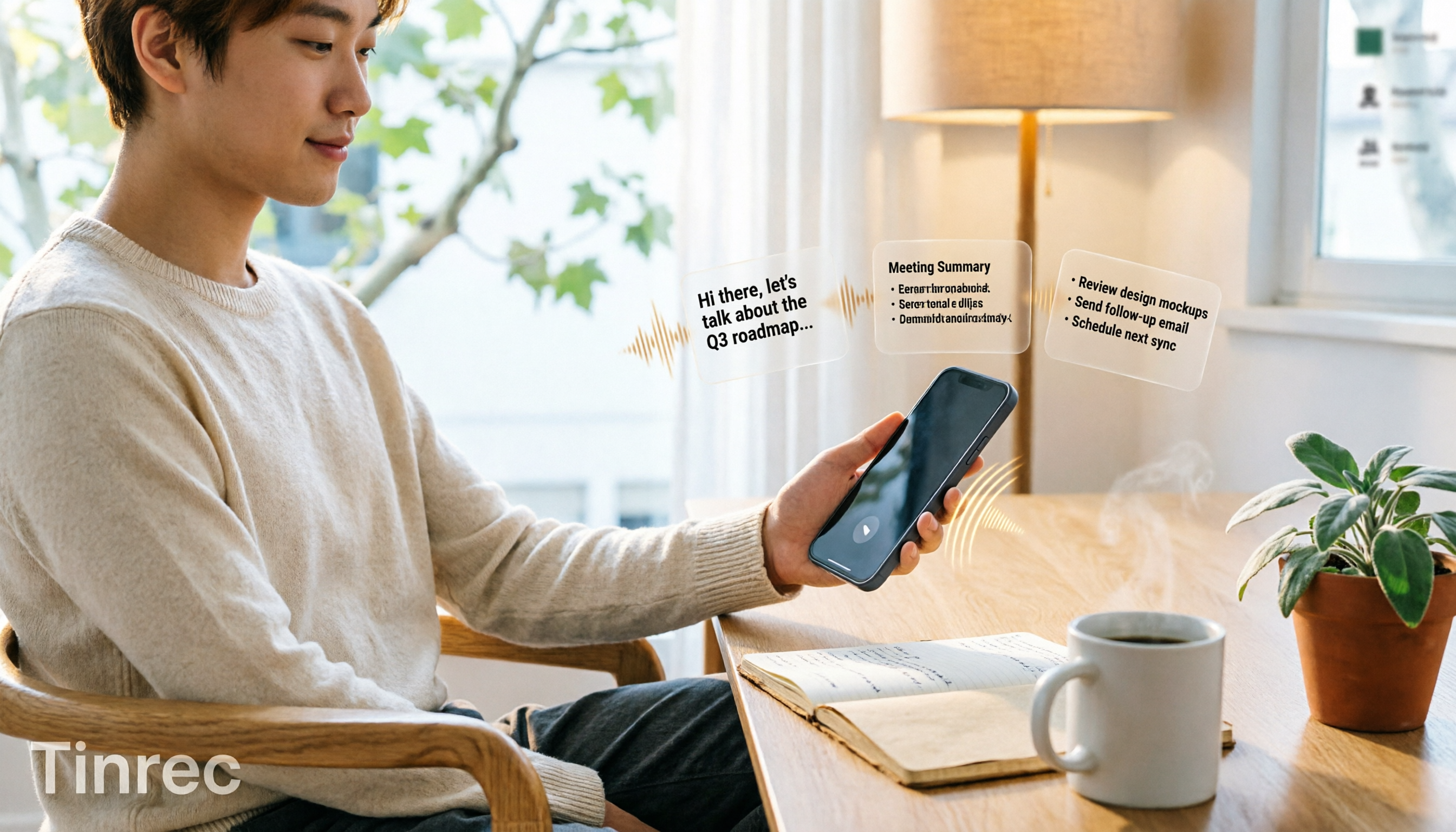
3 iPhone Quick Recording Methods Tested: Which One Auto-Organizes Transcripts After One-Tap Start?
Want to record quickly on iPhone? There are three one-tap start methods: Action Button, Back Tap, and Shortcuts. This article tests the setup steps, compatible models, and limitations of each, then compares what happens after you hit record—showing how Tinrec turns a phone recording into a searchable transcript, summary, and to-do list.

Complete Guide to iPhone Recording in 2026: Voice Memos Location, Export, and Meeting Organization
Where are iPhone recordings stored? The answer is the Voice Memos app, but many people can't find them in Files after recording. This complete guide first explains the three locations of iPhone recordings, how to export to the Files app, and quick launch settings, then discusses how to choose organization tools to turn meeting recordings into searchable, queryable, and deliverable data.

4 AI Recording Tools Compared for 2026: Should Students Start with Free or Paid?
From class notes and group discussions to thesis interviews, we compare 4 common approaches to AI recording tools and demonstrate with Tinrec to explain whether the free version is enough, when to upgrade, and if group projects need the team plan.
5 Ways to Record Computer Audio in 2026: Which Is Easiest for System Sound?
Computer recording actually serves two different needs: recording your microphone or recording the sound your computer is playing. This article starts with common recording mistakes and covers Windows built-in Voice Recorder, Stereo Mix, Audacity, Otter.ai, and Tinrec, comparing their use cases and testing differences in system sound recording, transcription, AI summaries, and team collaboration to help you find the easiest approach.
4 Computer Recording Tools Tested and Compared in 2026: Why Your Screen Recording Has No Sound (It's Probably Not Your Microphone)
When your computer recording has no sound, it's usually not a broken microphone—it's that system audio wasn't captured. This article breaks down 5 common causes, 4 key factors for choosing a tool, and compares Tinrec, Granola, TurboScribe, and PLAUD for computer recording, so you can figure out whether to fix your settings or switch tools.

2026 AI Meeting Recorder Comparison: Why Tinrec Beats Notta for Students
A senior information management student tests AI meeting note tools including Tinrec and Notta across lectures, group discussions, and finals prep. This student-focused review breaks down free tiers, bot-free recording, post-meeting AI processing, and export options to find the best fit for students on a budget.

4 Best Cantonese Speech-to-Text Tools in 2026: Free Version Comparison
We tested 4 Cantonese speech-to-text tools in 2026, comparing free tiers, Cantonese and mixed Chinese-English recognition, post-meeting organization, and team collaboration. Tinrec stands out as our top pick for Chinese-language meetings, bot-free online meeting recording, AI Q&A, and team spaces.
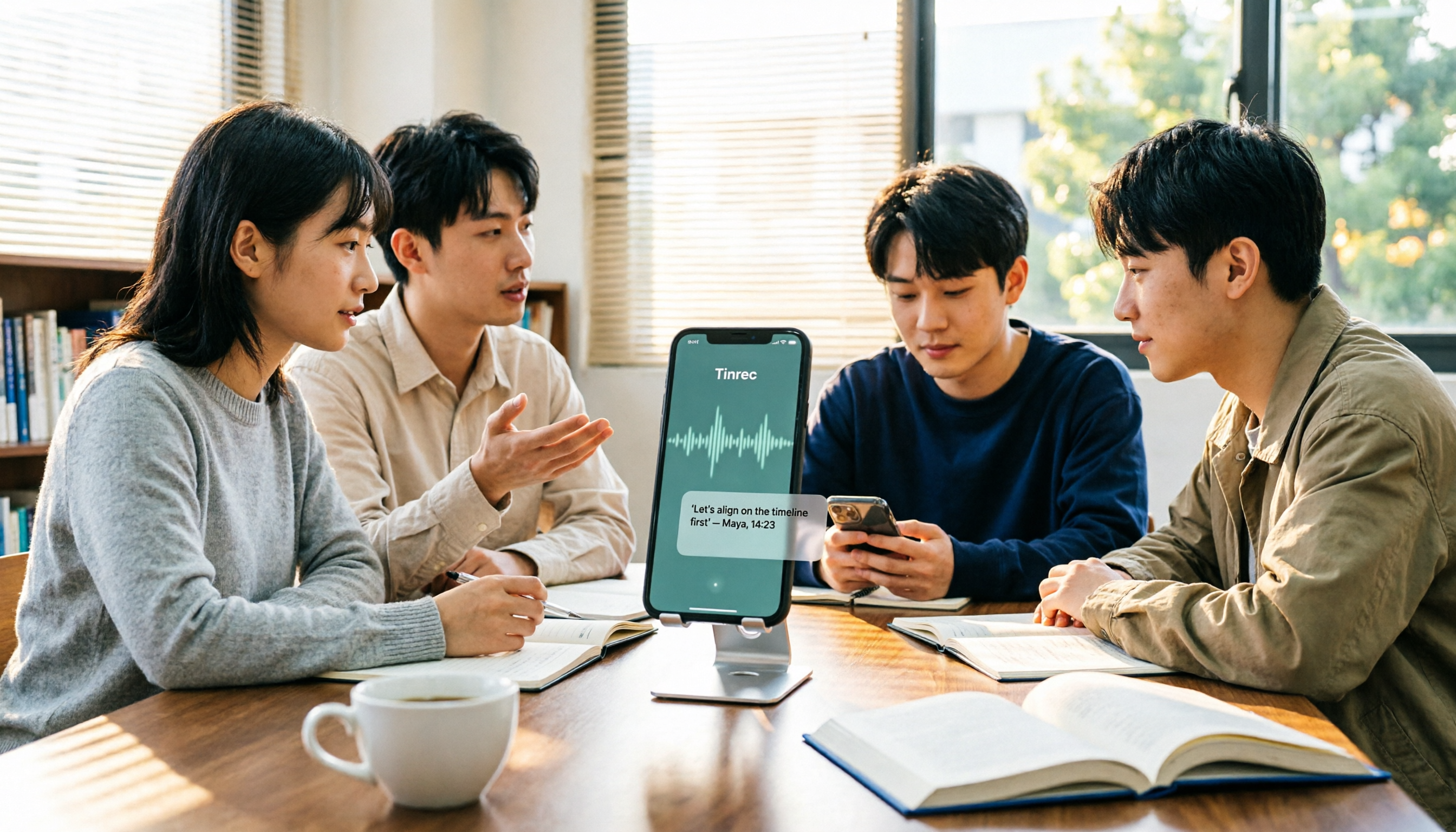
2 Recording Tools Compared in 2026: Understand 'Can You Record Anyone?' Before Choosing
Students often want to record classes, group discussions, or phone calls for self-protection, but 'can you record anyone?' depends on whether you're part of the conversation, your purpose, and how you use the recording. This article explains key Taiwan recording laws from a student's perspective, then compares Tinrec and PLAUD Note across entry cost, recording scenarios, post-meeting organization, old file search, and team sharing, with final recommendations for students.

2026 Comparison of 3 Recording Meeting Note Tools: Which Saves the Most Time with Bot-Free Recording, AI Q&A, and Team Knowledge Retention?
2026 real-world comparison of recording meeting note tools, covering bot-free meeting capture, Chinese and mixed Chinese-English experience, post-meeting organization, team knowledge retention, and pricing quotas. Compares Tinrec and Otter.ai, and explains the positioning of similar tools like Notta, helping you choose the right meeting notes workflow for your needs.