

Turn recordings into transcripts and summaries in minutes
Upload audio or video for multilingual transcription, AI notes, and action items
4 Best Free Transcription Apps in 2026: Which Free Version Is Actually Enough?
Is the free version enough? That's the question most people want answered before downloading a transcription app.
There are many tools out there, but the real issue isn't whether they offer a free version—it's how long the free minutes last, whether AI features are locked behind a paywall, and whether you can export your data.
If you're stuck deciding among these options, this article is for you. I'll look at free tiers, post-meeting organization, cross-platform support, and team collaboration from the perspective of a typical office worker, and tell you which one is worth trying first.
The Pain Point: Two-Hour Meetings, Two Hours of Organizing—You Need a Solution, Not Just a Tool
Two-hour meetings, then another hour or two to transcribe, extract key points, and write action items. That's the daily reality for many professionals.
If you're recording Chinese meetings, mixed Chinese-English discussions, or online meetings without a bot, the problem is even more obvious: the tool needs to not only understand but also turn content into searchable, queryable, and deliverable data.
Worse, many apps that claim to be free only give you a few minutes of transcription before requiring payment. For people who have meetings or classes daily, free minutes run out quickly.
The right tool can transform your workflow from "record, then manually organize" to "record, then ask for key points directly." That's what this article will help you figure out.
4 Key Points to Understand Before Choosing a Transcription App
1. How Are Free Minutes Calculated? It's Not Just Monthly Minutes
Many tools advertise "XXX free minutes per month," but you also need to check the per-recording limit. For example, Notta's free plan offers 120 minutes per month but limits each recording to 3 minutes; TurboScribe's free plan allows 3 files per day, up to 30 minutes each. Otter.ai's free plan gives 300 minutes per month, which is generous for English meetings.
Tinrec's free plan provides a basic quota to let you try recording, importing, summarizing, and transcribing. For actual quotas and plan details, please refer to the official purchase page.
2. Are AI Features Included in the Free Plan?
Turning audio into a transcript only uses a third of what these tools can do. What you really need are summaries, chapters, action items, and AI Q&A like "What did we discuss in the last meeting?"
If the free plan only gives you transcription without summaries or Q&A, you'll still have to organize manually. When choosing, first confirm whether the free plan lets you complete a full workflow.
3. Does It Keep Recordings? Can You Import Existing Files?
Some meeting note tools don't save meeting audio and don't support uploading pre-recorded files. For example, Granola supports live transcript viewing, copying, and searching, but does not support uploading pre-recorded audio files and does not save meeting audio files.
If you need to review recordings, organize past interviews, or transcribe old meeting files, choose a tool that supports file import and keeps recordings. Tinrec supports audio and video file transcription and keeps recordings.
4. For Team Use, Look at Data Ownership and Seat Management
If it's just for yourself, a personal account is enough. But for a department or project team, the key isn't "multiple people sharing one account"—it's whether there's a separate team space, member roles, seats, usage analytics, and auditing.
Tinrec's team plan separates roles and seats: roles determine who can manage the team, seats determine who can record, upload, edit, and export. Members with valid access but no seat can still view, play, and read team data. This design is clearer for teams that need governance.
Tinrec—Our Top Pick After Testing
Tinrec is an AI meeting notes and collaboration tool for individuals and teams. It doesn't just convert audio to text; it turns meeting recordings into searchable, summarizable, queryable, exportable, and further processable data.
The most common question I get from readers is: "Is the free version actually usable?" For Tinrec, the free plan provides a basic quota so you can try recording, importing, summarizing, and transcribing. You can test it with a real meeting recording before deciding to upgrade.
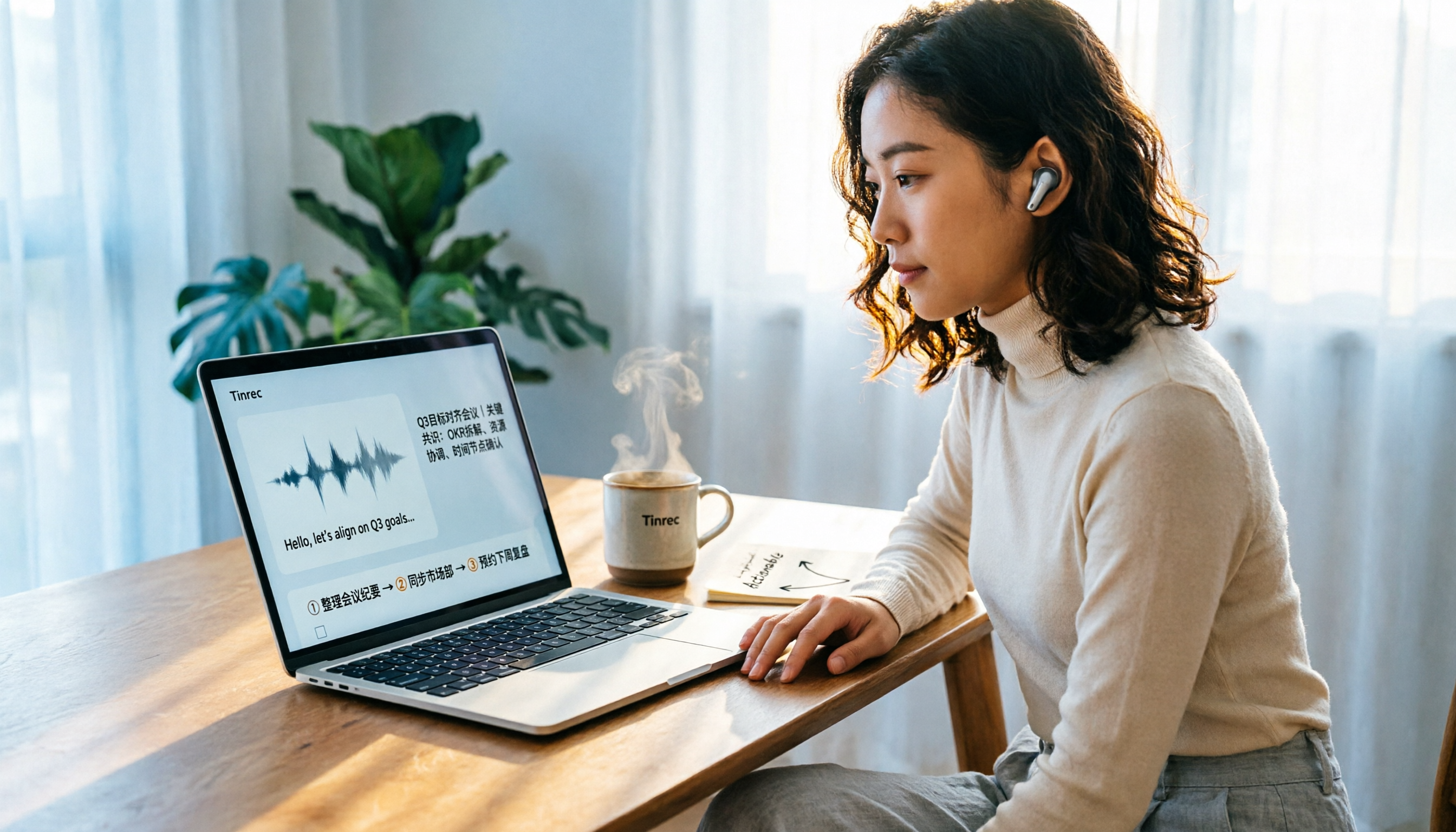
In practice, Tinrec's workflow is: open the desktop or mobile app to record, or upload an existing audio/video file; the system starts transcribing; after finishing, it automatically generates a summary, chapters, and action items; then you can continue asking questions via AI Q&A.
Its core features can be divided into three parts:
First, bot-free online meeting recording. Tinrec's desktop version directly captures computer system audio, handling meeting audio from Zoom, Google Meet, Microsoft Teams, Webex, etc., played on the computer, without inviting a meeting bot. Note that this is not automatically joining all calendar meetings; the user actively opens Tinrec to start recording.
Stop organizing recordings by hand
Upload audio or video and automatically get a transcript, summary, and action items
Second, post-transcription workflow. After the meeting, Tinrec provides a transcript, AI summary, chapters, key points, action items, and a mind map. Even better is AI Q&A: you can directly ask "Who mentioned the budget in the last meeting?" or "What was the client's conclusion?" It answers based on meeting content, not just keyword search results. This saves a lot of time for those who need to find decision rationale.
Third, multi-format export and Agent post-processing. You can take results to Notion, Google Docs, OneNote, Dropbox, etc., for further use, and also generate reports, tables, and meeting minutes. The team plan also centralizes meeting data in a team space, so new members can view historical data, and when members leave, team resources can be handed over.
My impression from testing: Tinrec's value isn't in "transcribing fast" but in "being usable after transcription." However, note that actual transcription quality is affected by recording quality, noise, accents, overlapping speech, and technical terms. It's not recommended to rely solely on official accuracy claims. Important content should still be verified with transcript timestamps and recording playback.
Pros: First, the free plan lets you experience the full workflow without paying upfront. Second, bot-free online meeting recording is friendly for those who don't want a bot joining their meetings. Third, post-meeting AI Q&A, action item extraction, multi-format export, and team space make transcripts truly usable data.
Limitations: The free plan has a basic quota, and heavy users need to pay; the team plan also distinguishes roles and seats, so not all members can edit. For actual plans and pricing, please refer to the official purchase page.
Overall, if you frequently handle Chinese meetings, don't want to use a meeting bot, want to use AI to find key points right after recording, or need to turn meetings into team data, Tinrec is currently the closest choice to these needs.
Besides Tinrec, What Other Options Are There?
Otter.ai
Otter.ai is a mature English meeting assistant. Its Basic free plan offers 300 minutes per month, which is generous for English meetings. It also has a desktop app and AI Chat, not just a meeting bot. If you mainly record English content, Otter.ai's free plan is worth trying first. But if meetings are mainly in Chinese, Tinrec's Chinese meeting experience, team hotwords, and post-meeting Agent output will be more relevant.
Notta
Notta overlaps significantly with Tinrec, both supporting multi-platform transcription, meeting notes, file import, and translation. Notta's free plan offers 120 minutes per month, with a maximum of 3 minutes per recording, which is less friendly for long meetings. Tinrec can handle live recording, online meetings, and audio/video files, making it more suitable for complete meeting records and can store data in a team space.
Granola
Granola is a bot-free AI meeting note tool. Basic is free, Business is USD 14/user/month. It supports live transcript viewing, copying, and searching, but note: it does not support uploading pre-recorded audio files and does not save meeting audio files. Tinrec supports audio/video file transcription and keeps recordings, and can also export meeting results and put them into a team space, suitable for users who need to review and accumulate long-term.
Pitfall Guide: 4 Most Common Mistakes When Choosing a Transcription App
Pitfall 1: Only looking at official accuracy claims. Many tools claim "98% accuracy," but that's usually measured in a quiet environment. Real meetings have air conditioning noise, keyboard sounds, and people talking over each other, so accuracy will be affected. Test the free version with your own meeting recording, don't just look at ad numbers.
Pitfall 2: Ignoring per-recording limits on free plans. Some free plans seem to have enough monthly minutes, but each recording can only be 3 minutes, making long meetings impossible to process in one go. Before downloading, check both "monthly minutes" and "per-recording limit."
Pitfall 3: Using a transcription tool as just a transcript. If you only convert audio to text, you're only using part of its capability. Features like Tinrec's AI Q&A, action item extraction, and Agent post-processing let you ask "What was the meeting conclusion?" right after recording, much faster than manually scanning a 30-minute transcript.
Pitfall 4: Ignoring seats and data ownership for team use. A team plan is not multiple people sharing a personal account. Tinrec's team plan separates roles and seats, team resources belong to the team, and when members leave, handover is required. If you share meeting data among multiple people, be sure to clarify this upfront.
Conclusion: Which One Should You Choose?
Simply put, if you want to start with a free version, Tinrec is the most worth trying among these 4, because it lets you complete the full workflow from recording, transcription, summary, action items, to AI Q&A.
Scenario-based recommendations:
- Chinese meetings, mixed Chinese-English, no meeting bot → Tinrec (desktop bot-free recording, supports Chinese and multilingual meetings)
- Want to use AI to find key points and ask conclusions right after recording → Tinrec (AI Q&A, action items, summaries, chapters)
- Need to store meeting data for the team → Tinrec team plan (team space, roles, seats, usage, audit)
- Mainly record English meetings, budget is $0 → Otter.ai free plan (300 minutes per month, top choice for English)
- Need to upload many pre-recorded files for long document transcription → TurboScribe (free 3 files per day, paid suitable for batch)
Finally, we suggest starting with Tinrec's free plan and testing it with a real meeting recording you have. Whether the free quota is enough and whether the transcription quality is suitable—testing is the most accurate. If it meets your needs, you can consider upgrading later.
References
Turn every recording into actionable outcomes
Get 60 free transcription minutes when you sign in. No credit card required.
Related Reading
You might also like

How to Record Phone Calls on iPhone and Android in 2026: Built-in Features and Settings Explained
Can you record phone calls on your smartphone? This guide covers iPhone's built-in call recording (iOS 18.1 and later), Android brand-specific settings, and alternatives for LINE calls. It also compares Tinrec and PLAUD Note as two recording approaches, including pricing and use cases, to help you choose the right tool.

Tinrec vs Notta 2026: 5-Dimension Comparison — Which Real-Time Translation App Is Right for You?
Looking for an app that can translate in real time? This article compares Tinrec and Notta across five dimensions: real-time translation presentation, online meeting capture methods, post-meeting processing depth, team data management, and Chinese multilingual scenarios. It also covers Tinrec's core features, practical use cases, purchasing considerations, and FAQs to help you decide which tool is better suited for cross-language meetings and team collaboration.

4 MP3 Transcription Tools Tested in 2026: Which Audio-to-Transcript Tool Saves the Most Time?
The phrase "MP3 transcription" can mean two very different things: converting file formats or turning MP3 audio into a written transcript. This article first uses 5 key points to help you distinguish between these two needs, then compares four tools—Tinrec, Notta, TurboScribe, and Otter.ai—and explains Tinrec's actual performance and limitations in Chinese meeting transcription, AI Q&A, action item extraction, and team knowledge retention.

Gemini Audio to Transcript in 2026: Step-by-Step Test + Tinrec Meeting Notes Review
Can Gemini turn audio files into transcripts? This article, from a mid-level manager's hands-on perspective, first answers the feasibility and limitations of uploading audio to Gemini for transcription, then compares tools like Tinrec, Otter.ai, and Notta. If you have multiple meetings every week and need summaries, action items, AI Q&A, and team knowledge retention, Tinrec is more suitable than general-purpose AI.

4 Audio-to-Text Tools Tested and Compared in 2026: Can Google Docs Really Transcribe Audio Files?
Can Google Docs really turn audio files into text? This article tests and compares 4 audio-to-text methods, breaks down how Google Docs voice typing works and the setup barriers of virtual audio cables, and explains how Tinrec differs with bot-free online meeting recording, AI summaries, and Q&A, helping you choose the right tool for your situation.

Word Voice Input in 2026: Built-in Dictation vs Windows Speech vs Tinrec for Meeting Notes
This guide covers how to use voice input in Word and common issues, from microphone permissions and internet connection to punctuation in Chinese and the differences between Word's built-in dictation, Windows speech recognition, and Tinrec for meeting notes. If you just want to type quickly in Word, built-in dictation is enough; if you need to organize meeting transcripts, summaries, action items, and team data, Tinrec is a better fit.

4 iPhone Recording to MP3 Tools Tested and Compared in 2026: Tinrec Makes Recordings Searchable and Queryable
iPhone Voice Memos record in m4a, so how do you convert them to MP3? This article covers 4 tested methods including online conversion services and mobile apps, then goes further to compare post-conversion organization needs, explaining how Tinrec turns meeting recordings into searchable, summarizable, and queryable data.
2026 Guide: Computer Speech-to-Text Without Meeting Bots + AI Summaries & Action Items
Computer speech-to-text isn't just turning on dictation. This article breaks down three common misconceptions, five key selection criteria, and compares Tinrec, Notta, Otter.ai, and Windows built-in dictation with practical tips and recommendations. Learn how to capture system audio on desktop to turn online meetings directly into transcripts, summaries, and action items.

Tinrec vs MyEdit 2026: 5-Factor Comparison for Online MP3 to Text
Looking for an online MP3 to text tool? This article covers common pitfalls and reviews 5 online speech-to-text options, including Tinrec, MyEdit, VEED, SpeakApp, and UniScribe. Compare features, free tiers, and use cases to find the best MP3 transcription tool for you.