

Turn recordings into transcripts and summaries in minutes
Upload audio or video for multilingual transcription, AI notes, and action items
How to Choose Smart Meeting Collaboration Tools in 2026: 5 Steps to Find the Best AI Meeting Assistant
You're looking for a smart meeting collaboration tool, but the search results are all spec sheets and official claims. Honestly, most people's real struggle isn't about how many features there are—it's: which tool should I use for this meeting? Online meetings need recording, post-meeting summaries, team sharing, plus Chinese recognition and budget—when you put all these conditions together, the choice becomes complicated.
In this article, I've tested them for you, organizing 5 key decision points from meeting capture methods, post-meeting AI processing, team governance, to pricing limits, and I've compared Tinrec, Otter.ai, Granola, and Notta, so you can understand how to choose at a glance.
Meeting notes take time, and you can't find key points afterward—what you need isn't more tools, but a solution
Two-hour meetings, then two more hours to organize transcripts and action items—this is the daily routine for many office workers.
What's worse, someone mentioned budget and deadlines in the meeting, but three days later when you want to look back, you can only scrub through an hour-long recording, and keyword search just gives you a bunch of fragments.
If it's a cross-department or cross-language meeting, it's even more complex: mixed Chinese and English, different accents, and afterward you have to manually paste conclusions into group chats or project management tools.
If you've experienced these situations, this article is for you. With the right tool, meeting content can go from "recorded" to "findable, usable, and transferable."
Before choosing a smart meeting collaboration tool, understand these 5 key points
1. Meeting capture method: bot or bot-free?
Traditional AI meeting tools often require adding a bot to the meeting, and participants see an extra account, which some company security policies don't allow. Another approach is desktop capture of system audio directly, without adding participants. If you don't want an extra bot in the meeting, pay special attention to this difference.
2. Post-meeting processing: what else besides transcripts?
Transcripts are just the starting point. What really saves time is automatic summaries, chapters, highlights, action item extraction, and the ability to ask questions directly about meeting content. For example, ask "Who mentioned the budget in the last meeting?" The tool should answer based on semantics, not just give you a keyword list.
3. Input sources and cross-platform: only real-time, or also file import?
Some tools are strong for real-time meetings but you can't upload yesterday's recording; others are the opposite. Ideally, it handles real-time recording, online meetings, audio/video files, and phone recordings, and works on mobile, desktop, and web.
4. Team collaboration and governance: spaces, roles, seats, usage, audit
Personal and team use differ greatly. Teams need independent spaces, member roles, seat allocation, usage analytics, and activity logs. There's also an often-overlooked issue: when a member leaves, will meeting data disappear with them? Team resources should belong to the team, not individual accounts.
5. Language and Chinese experience: Chinese, mixed Chinese-English, real-time translation
Taiwanese teams often mix Chinese and English, and even need real-time bilingual translation. The tool's recognition of Chinese and technical terms directly affects transcript usability. Team hotwords can make technical vocabulary recognition more stable.
6. Pricing and limits: is the free version enough? How is paid calculated?
Free versions usually have minute or single-session length limits, while team versions are billed per seat. Instead of just looking at price, calculate how many meetings you have per week and how long each is, then compare plan limits.
Tinrec—our top pick after testing
Tinrec is an AI meeting notes and collaboration tool for individuals and teams, supporting iOS, Android, and web. The desktop version captures system audio directly, handling Zoom, Google Meet, Microsoft Teams, Webex, and other online meetings without a meeting bot.
Core features integrated into scenarios
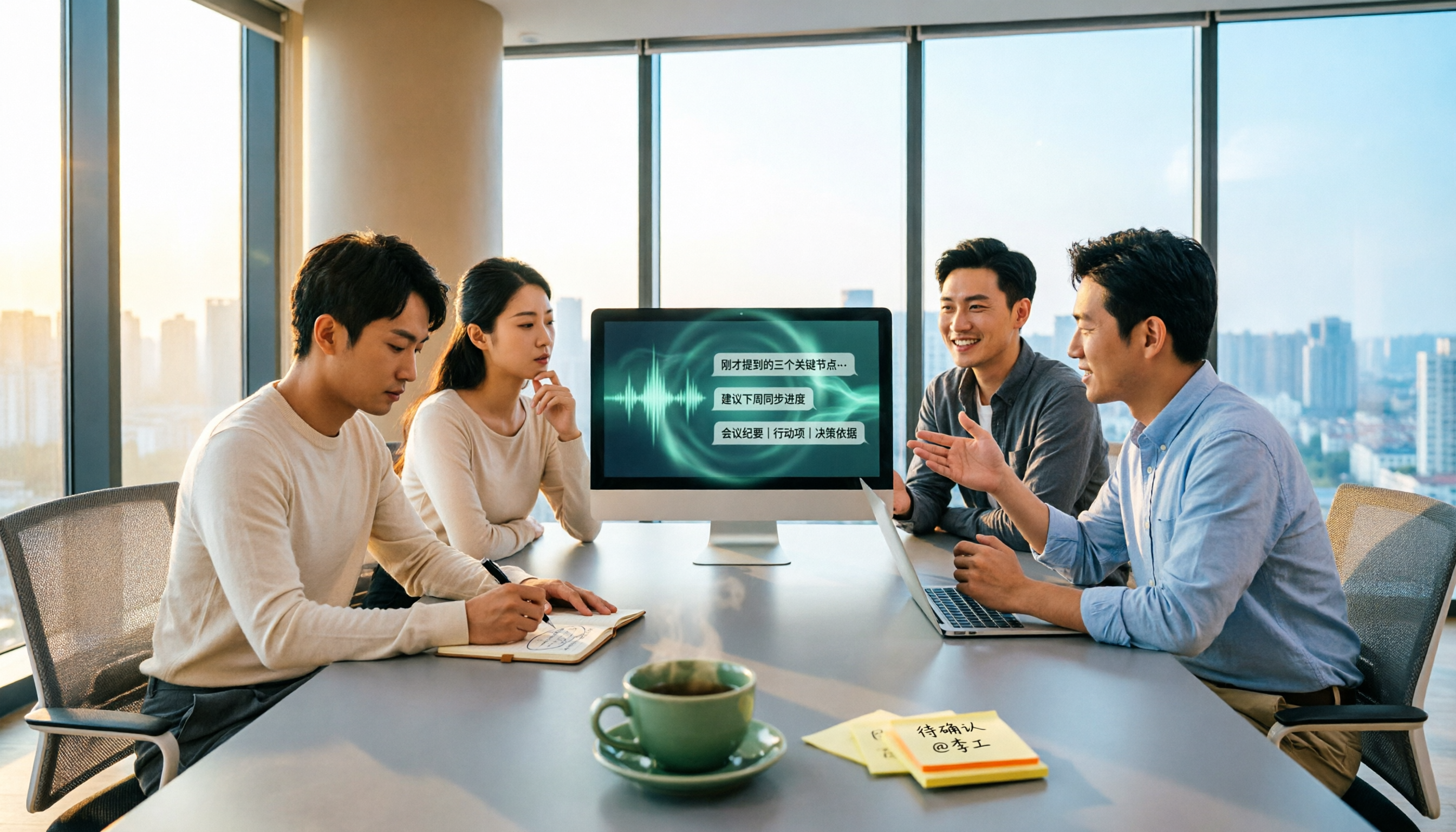
During online meetings, open Tinrec desktop to generate transcripts while meeting, and participants won't see an extra bot. After the meeting, AI automatically generates summaries, chapters, highlights, and action items—who's responsible for what, deadlines, organized into a list.
Even better is AI Q&A. After recording, you can directly ask Tinrec: "Who mentioned the budget in the last meeting?" It won't just return keyword search results, but directly tell you the answer based on semantic understanding. This saves a lot of time for those who need to review past meetings.
Stop organizing recordings by hand
Upload audio or video and automatically get a transcript, summary, and action items
If you need to bring meeting content to other tools, Tinrec supports export to Notion, Google Docs, OneNote, Dropbox, etc., and can also generate reports, tables, and meeting minutes through Agent post-processing.
Test performance
In our tests of several Chinese meetings, Tinrec performed stably on transcripts with clear audio, and handled mixed Chinese-English content. Note that actual results are affected by recording quality, ambient noise, accents, and overlapping speech; for important content, it's recommended to cross-check with transcript timestamps and recording playback.
Team version capabilities
The team version isn't multiple people sharing a personal account, but an independent team space. Meeting data belongs to the team, with member, role, and seat management. Admins can assign or revoke seats, view team usage trends, member rankings, and details, plus audit logs, audio recycle bin, and team hotwords. When a member leaves or loses a seat, their team resources can be transferred to other active members.
Team pricing is currently USD 29.80 per paid seat per month, or USD 199 per paid seat per year (about USD 16.58 per month). Each paid seat provides 2,000 minutes of team shared import quota per month; under an active team plan and active seat, real-time recording currently does not deduct minutes. First-time eligible teams can try 7 days, 1 free seat, 300 minutes of team shared import quota.
Limitations and target users
The free version offers basic quota to experience recording, import, summary, and transcription; heavy users need to upgrade. Personal plans include weekly, Pro monthly, and Pro annual, choose based on usage frequency; prices are subject to the official website.
If you frequently have Chinese meetings, don't want a bot to join, want to use AI to find key points after meetings, or need a team to share meeting data and manage seats and usage, Tinrec is a very suitable choice.
Besides Tinrec, what other options are there?
Otter.ai
Otter is a mature English meeting assistant. Basic is free with 300 minutes per month; Pro annual is about USD 8.49 per month including 1,200 minutes of in-app recording and 10 file imports. If you mainly have English meetings, Otter's free quota is very practical. But if you need Chinese meetings, bot-free desktop recording, real-time translation, and team data accumulation, Tinrec is closer to these needs.
Granola
Granola is a bot-free AI meeting notes tool. Basic is free, Business is USD 14 per user per month. It transcribes in real-time via desktop system audio and microphone, and combines with handwritten notes to generate content. However, it doesn't support uploading pre-recorded audio files and doesn't save meeting audio; Tinrec supports audio/video file import and retains recordings for later playback and verification.
Notta
Notta is a multilingual transcription tool. Free is 120 minutes per month, max 3 minutes per session; Pro annual is about USD 8.17 per month including 1,800 minutes. It overlaps significantly with Tinrec, but Tinrec emphasizes bot-free online meeting recording, team spaces, AI Q&A, and Agent post-processing, suitable for users who want to turn meetings into team data.
Pitfall guide: 4 most common mistakes when choosing smart meeting collaboration tools
Pitfall 1: Only looking at official accuracy claims.
Many tools advertise high accuracy, but that's usually in quiet environments. Real meeting rooms have air conditioning noise, keyboard sounds, and multiple people talking over each other, so performance drops. Test with your own recordings, don't just look at ad numbers.
Pitfall 2: Ignoring the meeting capture method.
If your company doesn't allow meeting bots, choose a desktop solution that captures system audio without a bot. Otherwise, you might buy it and find it unusable, which is a hassle.
Pitfall 3: Thinking transcripts are enough.
Using the tool only as audio-to-text is like using only a small part of its capabilities. Features like Tinrec's AI Q&A and action item extraction let you ask "What was the meeting conclusion?" right after recording, much faster than manually scrolling through a 30-minute transcript.
Pitfall 4: Ignoring team governance.
For team use, confirm roles, seats, usage, and audit features, and pay attention to data ownership after members leave. Team resources should belong to the team, not tied to personal accounts.
Conclusion: Which one should you choose?
Simply put, ask yourself three questions: Are meetings mainly in Chinese or English? Do you need bot-free recording? Do you need team sharing and governance after meetings?
Need Chinese meetings, mixed Chinese-English, real-time translation → Tinrec
Don't want a bot in meetings, use desktop bot-free recording → Tinrec
Want to use AI to ask key points and extract action items after meetings → Tinrec
Team needs to share meeting data, manage seats and usage → Tinrec team version
Mainly English meetings, limited budget → Otter.ai free version is worth considering
Overall, Tinrec is closest to Taiwanese teams' needs in Chinese meetings, bot-free recording, and post-meeting AI workflows. We recommend downloading Tinrec free version first to try recording, import, summary, and transcription; teams can apply for a 7-day trial to confirm if the collaboration process fits your workflow. Upgrade only if you find it useful; no need to pay upfront.
References
- Top 5 recommended online meeting software to greatly improve remote work meeting efficiency | On-line to Know
- Google Meet: Online voice and video conferencing | Google Workspace
- How to choose online meeting software? 5 software features, prices, and use cases at a glance! - 棋崚ALEN
- 5 AI meeting notes tools compared: Otter, Notta features and prices
- Video conferencing software recommendations: Google Meet, Microsoft Teams, Zoom comparison
Turn every recording into actionable outcomes
Get 60 free transcription minutes when you sign in. No credit card required.
Related Reading
You might also like

4 Free AI Meeting Collaboration Platforms Compared in 2026: Which Handles Chinese Meeting Notes Best?
Still spending an hour after every meeting writing up notes? We tested 4 free AI meeting collaboration platforms—Tinrec, Otter.ai, Granola, and the built-in transcription in Google Meet/Microsoft Teams—comparing free tiers, Chinese recognition, bot-free recording, post-meeting summaries and Q&A, and team data ownership. We also break down individual and team pricing and common pitfalls to help budget-conscious professionals find a free plan that actually works.

2026 Top 6 AI Meeting Collaboration Platforms Compared: Which Makes Chinese Meeting Notes and Follow-Ups Easiest?
Starting from the real pain of 'can't find key decisions after a meeting,' this guide reviews 6 AI meeting collaboration platforms, covering use cases, plans, and pricing. It explains how to choose for Chinese meeting notes, post-meeting organization, and building a team knowledge base.

2026 Top 5 AI Meeting Collaboration Tools Compared: Capture Usable Data Without a Meeting Bot
After a meeting ends, the transcript often never gets opened again—the problem isn't that the tool is bad, but that the workflow wasn't designed well. This article starts with buying criteria, shares my evaluation method after hands-on testing, and compares Tinrec, Otter.ai, Granola, and Notta on bot-free recording, post-meeting organization, data ownership, and team collaboration to help you choose a solution that truly captures your meetings.

2026 Smart Meeting Collaboration Platforms: 5 Tools Compared + Tinrec Bot-Free Recording
This article reviews 5 smart meeting collaboration platforms in 2026, including Tinrec, Otter.ai, Notta, Google Meet, and Microsoft Teams. It compares bot-free recording, AI summaries, real-time translation, team collaboration, and pricing to help you find the best meeting notes solution.

Smart Meeting Collaboration in 2026: 5 Steps from Choosing Tools to Post-Meeting Follow-Up
Managing a 10-person team and 15 meetings a week, the most time-consuming part is never the meeting itself—it's the post-meeting cleanup. This article, from the perspective of a mid-level manager, breaks down whether smart meeting collaboration tools are practical, which 5 steps to check, and how Tinrec works in practice for bot-free recording, transcripts, AI summaries, action item extraction, and team knowledge retention, along with its limitations.
2026 Top 5 AI Meeting Collaboration Platforms Compared: Which Is Best for Chinese Meeting Notes and Team Knowledge Retention?
We tested 5 AI meeting collaboration platforms in 2026, comparing recording methods, Chinese recognition, post-meeting organization, and team knowledge retention. Tinrec (秒聽錄音) ranks first for its desktop system audio capture without a bot, AI Q&A, and team workspace. This article also covers use cases, pricing, and pitfalls for Otter.ai, Notta, and Granola.
4 AI Meeting Assistants Tested for 2026: Which Handles Chinese Meetings and Free Tiers Best?
Cutting through two common misconceptions—focusing only on free minutes and assuming a meeting bot is required—this hands-on comparison of Tinrec, Notta, Otter.ai, and Granola covers Chinese transcription, post-meeting organization, AI Q&A, and team pricing to help you decide which one truly fits your needs.

2026 Smart Meeting Collaboration Tools Compared: How Much Time Can AI Meeting Notes Really Save?
Smart meeting collaboration isn't just about saving typing time—it's about making meeting content findable, searchable, and trackable after the meeting ends. This article addresses common misconceptions, outlines 4 key criteria for choosing a tool, compares Tinrec, Otter.ai, Notta, and PLAUD, and includes a pitfalls guide and selection recommendations.

Best AI Meeting Collaboration Tools for English Meetings in 2026: 5 Steps to Choose the Right One
Which AI meeting collaboration tool should you use for English or mixed Chinese-English meetings? This article compares Tinrec, Otter.ai, Fireflies.ai, Notta, Granola, and TurboScribe—covering positioning, pricing, and ideal users—then walks through 5 decision steps based on meeting language mix, real-time vs. file-based needs, recording retention, and team knowledge management to help you narrow down the best fit.