

Turn recordings into transcripts and summaries in minutes
Upload audio or video for multilingual transcription, AI notes, and action items
2026 Smart Meeting Collaboration Tools Compared: How Much Time Can AI Meeting Notes Really Save?
Two-Hour Meeting, Two-Hour Cleanup—The Problem Isn't a Lack of Tools
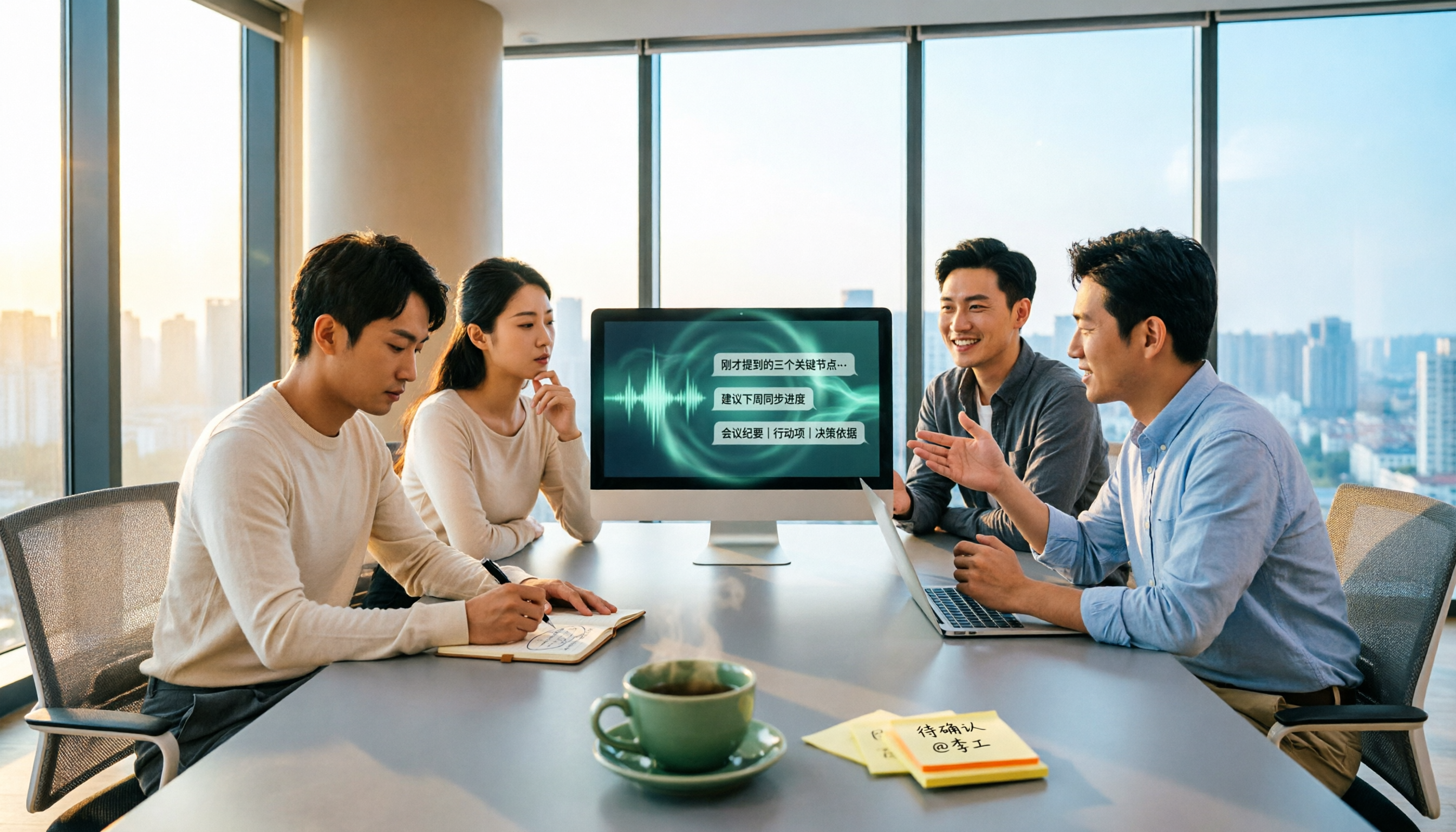
When most people hear "smart meeting collaboration," the first benefit that comes to mind is "saving typing time."
So they spend their budget on more devices and more licenses, and end up with three different remotes in the conference room—yet after the meeting, no one still knows who's responsible for what.
That's the first common misconception: equating "smart" with "hardware upgrades."
The real inefficiency actually happens after the meeting ends.
Recordings sit on someone's phone and nobody listens. Transcripts are too long and nobody reads them. Action items are scattered across chat threads. Two weeks later, trying to find "who mentioned the budget last time" comes down to memory.
In other words, smart meeting collaboration isn't about solving "how to run a meeting"—it's about "after the meeting, how does that content get found, used, and tracked."
That's the focus of this article: the benefit isn't saving typing time, it's turning meetings into reusable data.
Before Choosing a Smart Meeting Collaboration Tool, Understand These 4 Key Points
1. How meeting audio gets captured
There are two common approaches: sending a "meeting bot" to join online meetings as a participant, or capturing system audio directly from the user's own computer.
The bot approach is convenient, but the other side sees an extra attendee—some client meetings may take issue with that. System audio capture doesn't require an extra account.
2. Is it just a transcript, or can it do more?
A transcript is just raw material. What you really need are summaries, chapters, action items, and ideally the ability to ask questions directly about the meeting content.
If a tool only converts "audio to text," you still have to read through a 30-minute transcript yourself.
3. Performance with Chinese and mixed Chinese-English
Many tools perform well in English meetings but start making errors with Chinese, regional terminology, or mixed Chinese-English speech.
Actual accuracy is affected by recording quality, background noise, accents, and multiple people talking over each other. Official accuracy numbers should only be taken as a reference.
4. How the team uses it together
Personal use and team use are two different things. Teams need shared workspaces, member roles, seat management, usage tracking, and audit logs.
If you're just "sharing one account across everyone," data ownership and permissions will become a problem.
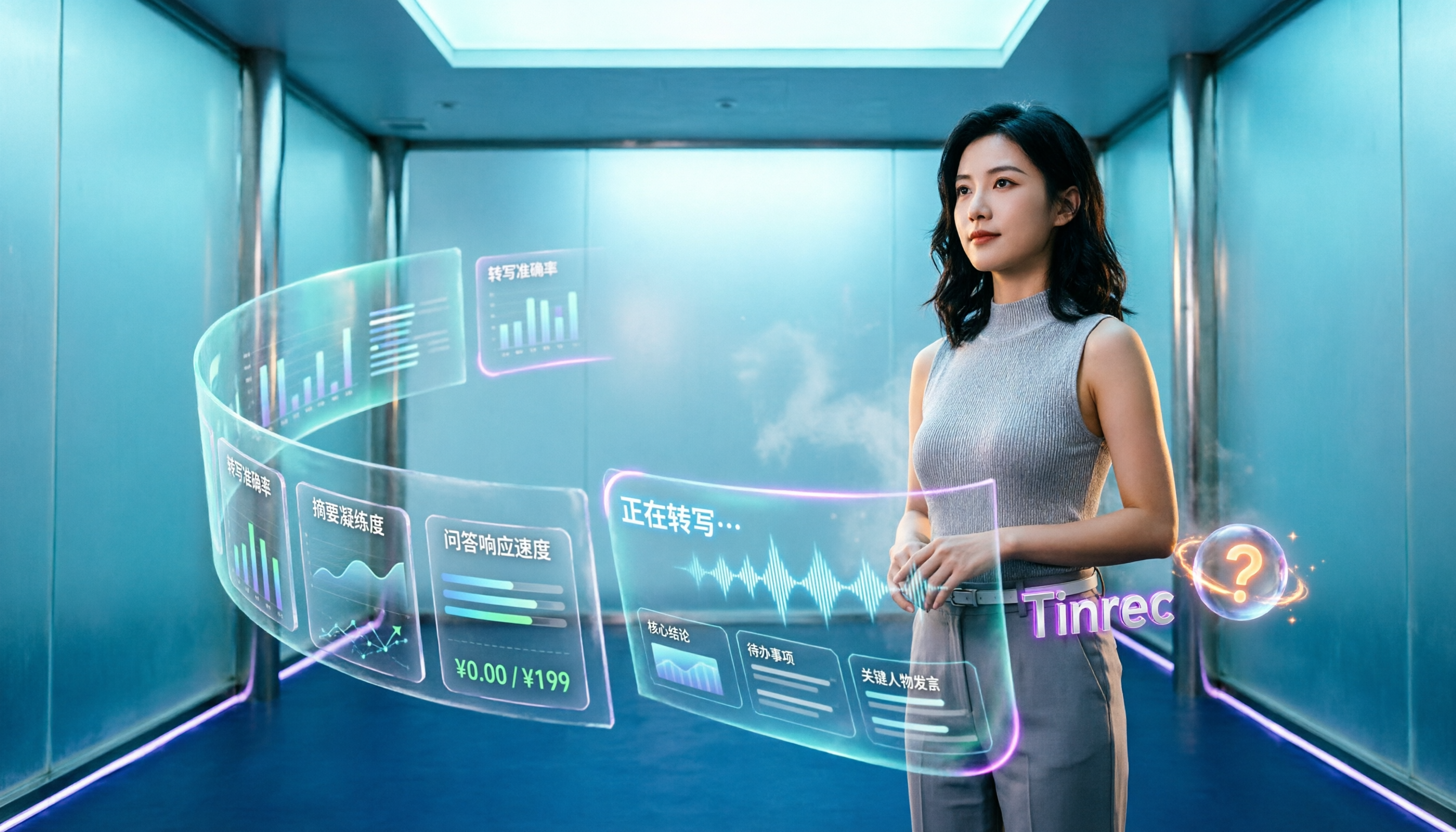
Tinrec—Our Top Pick After Testing
Tinrec is an AI meeting notes and collaboration tool for individuals and teams, available on web, desktop, and mobile.
It's not just "audio-to-text"—it turns meetings into searchable, collaborative, trackable data.
During the meeting: Desktop app captures system audio directly, no bot invitation needed
The most annoying part of online meetings is "how to record." Tinrec's desktop app captures your computer's system audio directly, handling Zoom, Google Meet, Microsoft Teams, Webex, and similar meetings played on your computer—without pulling an extra bot into the meeting room.
This is especially useful for client meetings—the other side won't see an unfamiliar account, and you don't have to change your workflow just to record.
One thing to note: this is user-initiated recording, not automatic joining of every meeting on your calendar.
After the meeting: Summary, chapters, and action items all at once
After the meeting ends, Tinrec generates a transcript, AI summary, and chapters, and extracts action items from the discussion.
For cross-language meetings, you can enable real-time translation and view in original, translated, or bilingual mode.
After recording: Ask questions directly about the meeting content
This is where it stands out most clearly from tools in the same price range. You can directly ask: "What was the conclusion from last meeting?" "Who mentioned the budget?"
It doesn't dump a list of keyword search results on you—it organizes answers based on semantic understanding. Recorded content can also be further turned into reports, tables, and documents, or exported to Notion, Google Docs, OneNote, Dropbox, and other tools for further processing.
Team use: Meeting data belongs to the team, not individuals
The team plan is a separate team workspace, not "multiple people sharing one personal account." You can create multiple teams, invite members via link, and distinguish between owner, admin, and regular member roles.
Two concepts need to be clearly distinguished here: roles determine who can manage the team, members, audit logs, and team settings; seats determine whether a member can record, upload, edit, import, and export.
Stop organizing recordings by hand
Upload audio or video and automatically get a transcript, summary, and action items
Active members without a seat can still view, play, and read team data, but cannot edit or export. Additionally, when a member leaves or is removed, team resources need to be transferred to other active members—data doesn't disappear with the individual's account.
The current team plan details are: first-time eligible teams can try 7 days free, including 1 free seat and 300 minutes of shared team import quota; monthly billing is USD 29.80 per paid seat per month, annual billing is USD 199 per paid seat per year (about USD 16.58 per month), with each paid seat providing 2,000 minutes of shared team import quota per month. Real-time recording under an active team plan is currently not deducted by the minute. The personal plan offers a free tier, weekly pass, Pro monthly, and Pro annual options. Actual prices are subject to the official page.
Things to watch out for
Tinrec isn't suited for "one-time bulk file transcription." If your need is to throw fifty long files in every day, that's where a different category of product excels.
Also, it shouldn't be understood as "automatically joining all meetings"—the current workflow is that the user initiates recording through the desktop app.
Who it's for
If you need Chinese meeting notes, don't want a bot joining your meetings, want to use AI to find key points directly after the meeting, or want to turn meeting data into a team asset, Tinrec is currently one of the most fully integrated options.
Besides Tinrec, What Other Options Are There?
Otter.ai: A mature English AI meeting assistant. Free tier offers 300 minutes per month; Pro annual billing works out to about USD 8.49 per user per month. It has a strong understanding of English business meetings—if you mainly record English content, it's worth evaluating. But Chinese meeting experience and bot-free desktop recording aren't its focus, and the team hotwords, Agent post-processing, and complete export workflow that Tinrec offers aren't Otter's positioning either. Actual prices are subject to the official page.
Notta: The competitor with the most overlap with Tinrec—multi-platform transcription, file import, translation, and team plans are all available. Free tier offers 120 minutes per month with a 3-minute limit per recording; Pro annual billing works out to about USD 8.17 per month. Its strengths are fast transcription and multi-language support, but Tinrec can emphasize bot-free online meeting recording, AI Q&A around meetings, and team data retention. Prices are subject to the official page.
PLAUD Note / NotePin: The AI recording hardware representative. NotePin is priced at USD 159, Note Pro at USD 189, with membership plans having separate monthly minute limits. The value of hardware is in portable recording and phone call recording—things pure software can't do. But if what you need to handle is online meetings, historical audio files, and shared team data, Tinrec doesn't require buying extra devices—you can do it all from the desktop and web versions. Prices are subject to the official page.
Pitfalls Guide: The 4 Most Common Mistakes When Choosing Smart Meeting Tools
Pitfall 1: Only looking at official accuracy claims
"98% accuracy" is usually measured in a quiet environment. Real conference rooms have air conditioning noise, keyboard sounds, and multiple people talking over each other—performance will drop. We recommend testing with your own meeting recordings, not just looking at advertising numbers.
Pitfall 2: Assuming "having a transcript" equals "being able to collaborate"
A transcript is raw material, not a finished product. Make sure the tool can produce summaries, action items, and a searchable database—otherwise you're just swapping "listening to recordings" for "reading transcripts," and no time is actually saved.
Pitfall 3: Ignoring team permission and seat design
Many teams start with a shared account, and only when someone leaves, needs to hand off, check usage, or adjust permissions do they discover it's a mess. When choosing a tool, first confirm whether it has roles, seats, usage tracking, and audit logs.
Pitfall 4: Not confirming the legality of meeting recording
Before recording, confirm local regulations and obtain participant consent when necessary. This isn't a tool problem—it's the user's responsibility, but many people only think of it after getting burned.
Summary: Which Smart Meeting Collaboration Benefit Is Most Worth It?
Back to the original question. Smart meeting collaboration has many benefits, but three things truly make the difference: meeting audio gets captured, post-meeting content gets found, and team members can pick up where it left off.
If you just want to "turn audio into text," there are plenty of options. If what you want is to ask about key points directly after the meeting, extract action items, and let the team share one database, then integration is key.
Need Chinese meeting and mixed Chinese-English transcription → Tinrec
Don't want a bot joining your meetings → Tinrec (desktop system audio capture)
Want to use AI to ask about key points right after recording → Tinrec (AI Q&A and Agent post-processing)
Want meeting data to stay with the team, not a personal account → Tinrec team plan (roles, seats, usage, audit)
Only record English, limited budget → Otter.ai free tier (300 minutes per month) is a viable option
Need portable hardware recording, phone call recording → Hardware products like PLAUD are a better fit
To determine if it's right for you, start with Tinrec's free tier or team trial, run a round with your own meeting recordings, and see if the summaries and action items are actually usable. Plans and prices are subject to the official purchase page.
References
- What Is a Smart Meeting Room? A Guide to Benefits, Feature Recommendations, and Application Examples - DC Sales Portal
- Smart meetings - Smart Meetings and Workspaces
- Office Smart Meetings | BW Network Hong Kong Business Technology Systems Center
- Google Meet: Online Voice and Video Meeting Calls | Google Workspace
- Smart Meetings, Meeting Room Management_Virsical
Turn every recording into actionable outcomes
Get 60 free transcription minutes when you sign in. No credit card required.
Related Reading
You might also like

4 Free AI Meeting Collaboration Platforms Compared in 2026: Which Handles Chinese Meeting Notes Best?
Still spending an hour after every meeting writing up notes? We tested 4 free AI meeting collaboration platforms—Tinrec, Otter.ai, Granola, and the built-in transcription in Google Meet/Microsoft Teams—comparing free tiers, Chinese recognition, bot-free recording, post-meeting summaries and Q&A, and team data ownership. We also break down individual and team pricing and common pitfalls to help budget-conscious professionals find a free plan that actually works.

2026 Top 6 AI Meeting Collaboration Platforms Compared: Which Makes Chinese Meeting Notes and Follow-Ups Easiest?
Starting from the real pain of 'can't find key decisions after a meeting,' this guide reviews 6 AI meeting collaboration platforms, covering use cases, plans, and pricing. It explains how to choose for Chinese meeting notes, post-meeting organization, and building a team knowledge base.

2026 Top 5 AI Meeting Collaboration Tools Compared: Capture Usable Data Without a Meeting Bot
After a meeting ends, the transcript often never gets opened again—the problem isn't that the tool is bad, but that the workflow wasn't designed well. This article starts with buying criteria, shares my evaluation method after hands-on testing, and compares Tinrec, Otter.ai, Granola, and Notta on bot-free recording, post-meeting organization, data ownership, and team collaboration to help you choose a solution that truly captures your meetings.

2026 Smart Meeting Collaboration Platforms: 5 Tools Compared + Tinrec Bot-Free Recording
This article reviews 5 smart meeting collaboration platforms in 2026, including Tinrec, Otter.ai, Notta, Google Meet, and Microsoft Teams. It compares bot-free recording, AI summaries, real-time translation, team collaboration, and pricing to help you find the best meeting notes solution.

Smart Meeting Collaboration in 2026: 5 Steps from Choosing Tools to Post-Meeting Follow-Up
Managing a 10-person team and 15 meetings a week, the most time-consuming part is never the meeting itself—it's the post-meeting cleanup. This article, from the perspective of a mid-level manager, breaks down whether smart meeting collaboration tools are practical, which 5 steps to check, and how Tinrec works in practice for bot-free recording, transcripts, AI summaries, action item extraction, and team knowledge retention, along with its limitations.
2026 Top 5 AI Meeting Collaboration Platforms Compared: Which Is Best for Chinese Meeting Notes and Team Knowledge Retention?
We tested 5 AI meeting collaboration platforms in 2026, comparing recording methods, Chinese recognition, post-meeting organization, and team knowledge retention. Tinrec (秒聽錄音) ranks first for its desktop system audio capture without a bot, AI Q&A, and team workspace. This article also covers use cases, pricing, and pitfalls for Otter.ai, Notta, and Granola.
4 AI Meeting Assistants Tested for 2026: Which Handles Chinese Meetings and Free Tiers Best?
Cutting through two common misconceptions—focusing only on free minutes and assuming a meeting bot is required—this hands-on comparison of Tinrec, Notta, Otter.ai, and Granola covers Chinese transcription, post-meeting organization, AI Q&A, and team pricing to help you decide which one truly fits your needs.

How to Choose Smart Meeting Collaboration Tools in 2026: 5 Steps to Find the Best AI Meeting Assistant
Which smart meeting collaboration tool is best? This article compares Tinrec, Otter.ai, Granola, and Notta across meeting capture, post-meeting AI processing, team governance, and pricing limits, and outlines 5 key purchasing factors and pitfalls to help you find the best AI meeting notes solution for individuals and teams.

Best AI Meeting Collaboration Tools for English Meetings in 2026: 5 Steps to Choose the Right One
Which AI meeting collaboration tool should you use for English or mixed Chinese-English meetings? This article compares Tinrec, Otter.ai, Fireflies.ai, Notta, Granola, and TurboScribe—covering positioning, pricing, and ideal users—then walks through 5 decision steps based on meeting language mix, real-time vs. file-based needs, recording retention, and team knowledge management to help you narrow down the best fit.