

Turn recordings into transcripts and summaries in minutes
Upload audio or video for multilingual transcription, AI notes, and action items
2026 Comparison of 4 Google Text-to-Speech Online Tools: Which Free Tier Is Actually Enough?
I Started Off Wrong: Three Common Misconceptions About "Google Text-to-Speech Online"
Last semester I took a three-credit required course. The professor spoke fast and flipped through slides even faster. My thinking at the time was naive: there are so many "Google text-to-speech online" tools now, I'll just paste my shared notes in and have it read them out, then listen while commuting—problem solved, right?
So I pasted an 8,000-word set of notes, listened for three minutes, and turned it off. It wasn't that the tool was bad—it was that I had the wrong approach from the start. After stumbling a few times, I realized most people make three mistakes when using these tools:
Misconception 1: Assuming all free text-to-speech sounds the same. In reality, free tools usually offer only one voice with a flat tone. When they hit technical terms or English abbreviations, they start mispronouncing them, and you want to turn it off after two sentences.
Misconception 2: Thinking "press play" is the end goal. Many online tools are listen-only—no download, no saving. Switch devices and you have to start over from scratch.
Misconception 3: Believing that hearing it means you've absorbed it. This is the lesson that cost me the most—text-to-speech just changes the format of the text. If your source material is messy (like a two-hour class recording), no amount of beautiful narration will save you.
So I adjusted my approach: first use tools to turn "audio" into searchable, skimmable text, then hand off the parts I need to memorize repeatedly to text-to-speech. In this article, I'll share the four solutions I tested this semester.
Before Choosing a Text-to-Speech Tool, Understand These 4 Key Points
1. How the free tier is calculated. Google Cloud's text-to-speech is billed by "characters," not minutes. WaveNet voices include the first 1 million characters free per month; standard voices include the first 4 million characters free per month. For students, if you're just reading your own notes, this quota is actually hard to exhaust. But if you plan to process an entire textbook, do the math first.
2. Voice naturalness and language support. Google's own service offers over 380 voices, supports more than 75 languages and dialects, and lets you specify style, accent, speaking rate, and emotion using natural language prompts. The key point: don't just try the default voice and make a judgment.
3. Can you download audio files and integrate into your workflow? Some tools only play online—close the webpage and it's gone. Others let you download MP3s to your phone. For commuters, this matters more than how good the voice sounds.
4. Do you want it "read aloud" or "understood"? If your pain point is not being able to finish listening to a two-hour class or no one remembering the conclusions after a group meeting, what you actually need isn't text-to-speech—it's turning speech into searchable transcripts and summaries first.
Tinrec (秒聽錄音) — The One I Kept After Testing
Let me cut to the chase: the tool I used most this semester wasn't any TTS website—it was Tinrec. It's not a text-to-speech tool; it's a tool that turns speech into usable data, which fills exactly the gap I mentioned earlier.
Tinrec (秒聽錄音) is an AI meeting notes and collaboration tool for individuals and teams, available on iOS, Android, and web.
Scenario 1: Recording lectures. Now I turn on Tinrec for real-time recording during class, and a transcript appears as it records. By the time class ends, the summary and chapters are already organized. I can just look at the chapter titles to know which section is the exam focus—no need to listen from the beginning again.
Scenario 2: Online group discussions. Our group meets on Google Meet in the evenings. Tinrec's desktop version can capture your computer's system audio directly—no need to invite a meeting bot as a "fifth group member," and no need to ask everyone "can I record this?" and wait forever. After the discussion, the to-do list is already there—who's responsible for which page, when it's due—all clear.
Scenario 3: Finding answers before exams. This is what I think is the most powerful feature. I used to review by dragging the recording from start to finish. Now I just ask Tinrec: "Where did the professor mention the final exam scope?" It answers based on semantic understanding, not by dumping a list of keywords for you to search through. Currently, almost no transcription tool at the same price point has this kind of AI Q&A.
My testing conditions: Phone on the desk, classroom with echo, professor with a slight Taiwanese Mandarin accent, occasional mixing of Chinese and English. Under these conditions, the transcript definitely needs editing—Chinese technical terms are occasionally wrong. But the summary's accuracy in capturing key points is far better than my handwritten notes, and the key thing is—I don't need to re-listen from the beginning.
Stop organizing recordings by hand
Upload audio or video and automatically get a transcript, summary, and action items
Three reasons I think it's worth it:
- You can ask follow-up questions right after recording. No need to Ctrl+F for keywords yourself—just ask "What was the meeting conclusion?" and get an answer.
- Complete Chinese meeting experience. Supports Chinese meeting transcription, mixed Chinese-English content organization, and real-time translation during recording, viewable in original, translated, or bilingual mode.
- Group projects can directly open a team space. Meeting data belongs to the team. Members can view historical data after joining—it won't disappear just because someone graduates or leaves the group. The team version has independent team spaces, role and seat management, usage analytics, and activity logs. Monthly is USD 29.80 per paid seat; annual is USD 199 per paid seat (about USD 16.58 per month). Actual prices and benefits are subject to the official purchase page.
Limitations to be clear about:
- The free version only has a basic quota. If you record two hours every class, it definitely won't be enough—you'll need to upgrade.
- It doesn't promise a fixed accuracy rate. Recording quality, ambient noise, and multiple people talking over each other all affect results. For important content, go back and verify the transcript.
- The team version isn't "multiple people sharing one account"—it's an independent team space with roles and seats: members without a seat can view and play data, but need a seat to upload, edit, and export.
Who it's for: If you have lectures to record every week, meetings to organize, or group projects where no one remembers the conclusions after discussing, Tinrec will be closer to your needs than any text-to-speech tool. When you need text-to-speech, just paste the summary into a TTS tool and have it read aloud.
Besides Tinrec, What Other "Google Text-to-Speech Online" Options Are There?
Google Cloud Text-to-Speech: Google's own text-to-speech service, offering over 380 natural, fluent voices, supporting more than 75 languages and dialects, and using Gemini technology to synthesize single-speaker or multi-speaker speech. Billing is by characters; WaveNet voices include the first 1 million characters free per month. Suitable for those who need to produce large amounts of speech for projects or products. But it's one-way output—it only reads text aloud; it won't turn a two-hour class recording into a transcript and summary. That's something Tinrec can do.
Sound of Text: A free, no-registration online tool that uses Google Translate's speech engine. Enter text, select a language, and you can preview online or download an MP3. The biggest advantage is it's completely free—handy for a quick voiceover. The downside is it only has a female voice that sounds robotic, especially noticeable with long texts. It has no AI Q&A, no to-do extraction, and no team space.
Chrome Text-to-Speech Extension: A browser extension that can read any text on a webpage aloud. It supports multiple languages and adjustable speed, great for reading English literature or for accessibility. However, it only works in the browser—it can't process class recordings on your phone, nor can it turn content into shareable group data.
Pitfall Guide: The 4 Most Common Mistakes When Using Google Text-to-Speech
Pitfall 1: Pasting an entire long document at once. Text-to-speech doesn't take breaths. Listening to 20,000 words in one go will put you to sleep. Break it into 5- to 10-minute segments, or have AI condense it into key points first.
Pitfall 2: Deciding based only on "free." Free tiers are calculated very differently—some charge by characters but include millions free (Google Cloud), while others are completely free but very basic (Sound of Text). Figure out roughly how much you'll use per month first.
Pitfall 3: Using it for "content that needs to be understood." Text-to-speech only changes the playback format; it won't organize anything for you. If your notes have no key points, reading them aloud will just make you listen to unorganized content ten times. The truly time-saving order is: first get a transcript and summary, then have text-to-speech read the key points.
Pitfall 4: Not getting consent when you should. Before recording, ask the people present. This isn't just good practice—it's also a legal matter.
Conclusion: Which One Should You Actually Choose?
- Turning class or meeting recordings into transcripts, summaries, and to-dos → Tinrec
- Wanting to ask directly after recording "What exam scope did the professor mention?" → Tinrec (AI Q&A)
- Group projects needing shared data, member and usage management → Tinrec Team Version (role and seat management)
- Just need to quickly read a piece of text aloud and download an MP3 → Sound of Text (completely free)
- Need large amounts of natural speech with specified emotions → Google Cloud Text-to-Speech
- Want to read web articles aloud in the browser → Chrome Text-to-Speech Extension
My own approach is to separate the two tasks: use Tinrec to turn audio into data you can read, search, and query, then use text-to-speech tools to read the key points you need to memorize to your ears. I suggest you start with Tinrec's free version, test it with your own class recording to see if the summary captures the key points, then decide whether to upgrade—students' money should be spent where it counts.
References
- Text-to-Speech: Natural, fluent AI voices and speech synthesis service | Google Cloud
- Speech-to-Text: AI voice input and transcription | Google Cloud
- Sound of Text: Download Google Translate's voice without software, online text-to-speech MP3
- Sound of Text: Free online text-to-speech tool, easily create Google voice narration files - Computer King Ada
- Text-to-Speech — Text to Speech Extension - Chrome Web Store
Turn every recording into actionable outcomes
Get 60 free transcription minutes when you sign in. No credit card required.
Related Reading
You might also like

4 Audio-to-Text Tools Tested for 2026: Which Free Tier Works Best for Students?
Can't keep up with note-taking in class? No one remembers the group discussion conclusions? Spending three hours re-listening to interview recordings for your project? This article starts from real student scenarios, breaks down the most common pitfalls when choosing an audio-to-text tool, and compares Tinrec, Notta, Otter.ai, and TurboScribe on Chinese recognition, free tiers, and post-meeting organization capabilities, so you can find the best fit for classes and group discussions.

5 Best Audio-to-Text Apps in 2026: Which AI Meeting Notes Actually Save Time?
Looking for an audio-to-text app? This guide compares 5 popular tools, covering bot-free online meeting recording, Chinese and mixed-language recognition, AI summaries, action items, and team spaces, with free tiers and team pricing to help you decide which one truly saves time.

2026 Voice-to-Text App Comparison: Which Is Best for Chinese Meeting Transcription and Post-Meeting AI Q&A?
How to choose a voice-to-text app in 2026? This hands-on comparison of Tinrec, Yating Transcription, SoundType AI, and Notta covers Chinese meeting transcription, bot-free recording, post-meeting AI Q&A, and team knowledge retention, with buying criteria and pitfalls to help you find the best fit.

4 Real-Time Speech-to-Text Tools for PC Tested and Compared: Get Chinese Transcripts Without a Meeting Bot
If you can't finish meeting notes, it's often not because you're too slow, but because you chose the wrong tool. This article tests 4 tools that can transcribe speech to text in real time on a computer, comparing recording methods, Chinese recognition, post-meeting organization, and free quotas. It also explains why Tinrec is better suited for daily meetings with bot-free recording, AI Q&A, and team data retention.

4 Online Text-to-Speech Tools Compared (2026): Free Tiers, Voice Naturalness, and Commercial Licensing
Looking for an online text-to-speech tool but not sure where to start? This article first uses 4 key criteria to help you clarify your needs, then compares TTSMaker, Luvvoice, Vidnoz, and other text-to-speech tools, as well as Tinrec, which is suitable for processing meeting and interview recordings. From voice naturalness, free quotas, output formats to commercial licensing and team collaboration, you'll understand how to choose and who each tool is for.

4 One-Click AI Summary Tools Tested for 2026: Which Saves the Most Time on Meeting Minutes?
There are many one-click AI summary tools, but meeting notes require more than just a summary—they need to retain recordings, generate action items, support follow-up questions, and enable team sharing. This article features Tinrec as the main subject, comparing it with Xiaojie, Notta, and Granola, and outlines 4 key purchasing factors, pitfalls to avoid, and scenario recommendations to help you decide which tool is best for meetings.
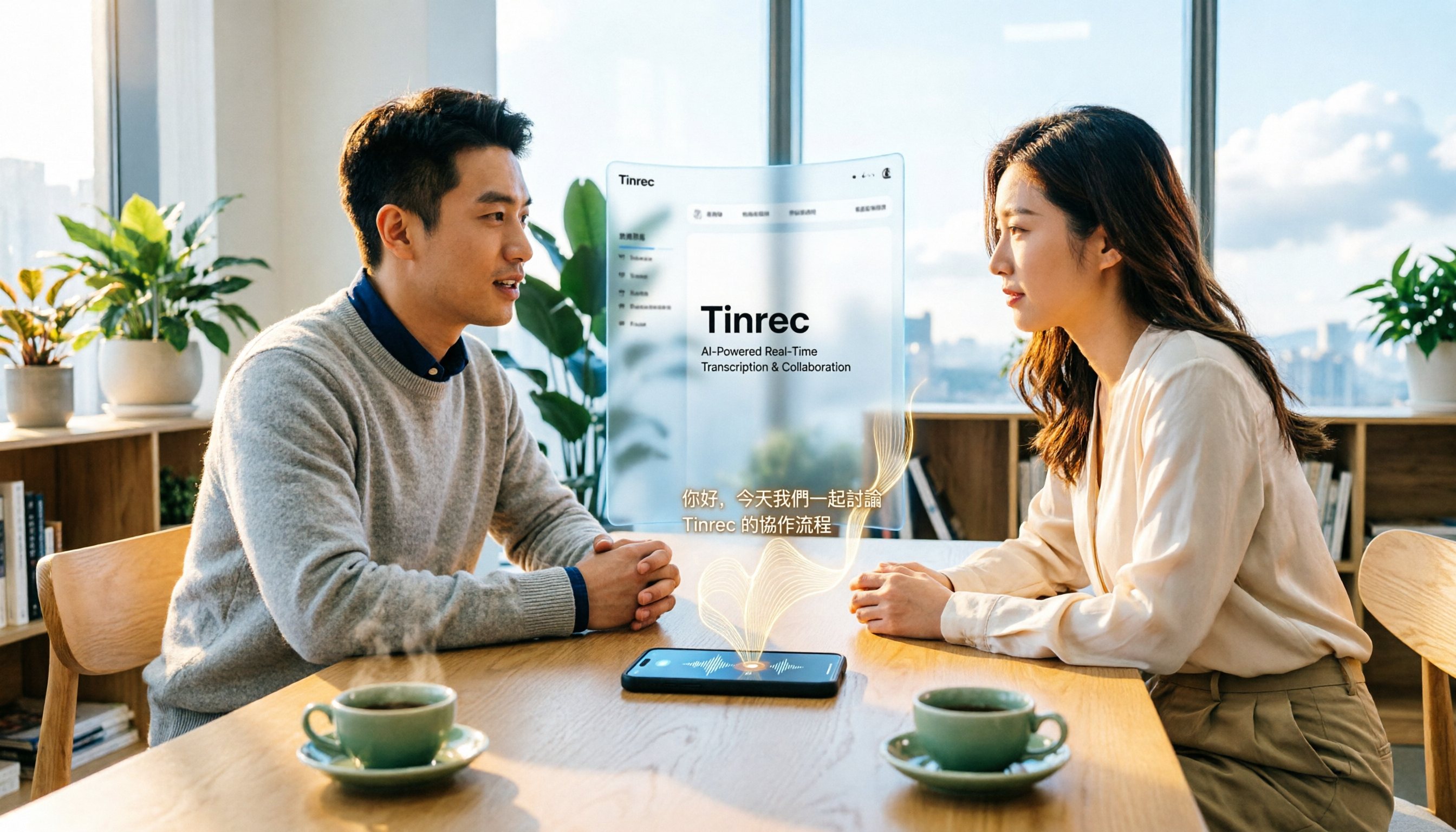
2026 iPhone Audio-to-Text Guide: Built-in Transcription vs. Tinrec — 5 Key Comparisons
Starting with iOS 18, iPhone's built-in Voice Memos supports audio transcription, and iOS 18.4 adds Chinese (including Traditional Chinese). This guide helps you check if your device is compatible and compares iPhone's built-in feature with Tinrec across five dimensions: Chinese recognition, post-meeting output, online meeting recording, file organization, and team collaboration. Includes FAQs.

5 Audio-to-Text Tools Tested for 2026: Which Is Fastest for Chinese Meeting Transcripts?
Turning meeting recordings, interviews, and lectures into transcripts by hand is time-consuming. This guide covers 4 key factors for choosing an audio-to-text tool, compares 5 tools including Tinrec, Notta, Otter.ai, and PLAUD in real-world scenarios, and includes a pitfalls guide plus recommendations for different budgets.
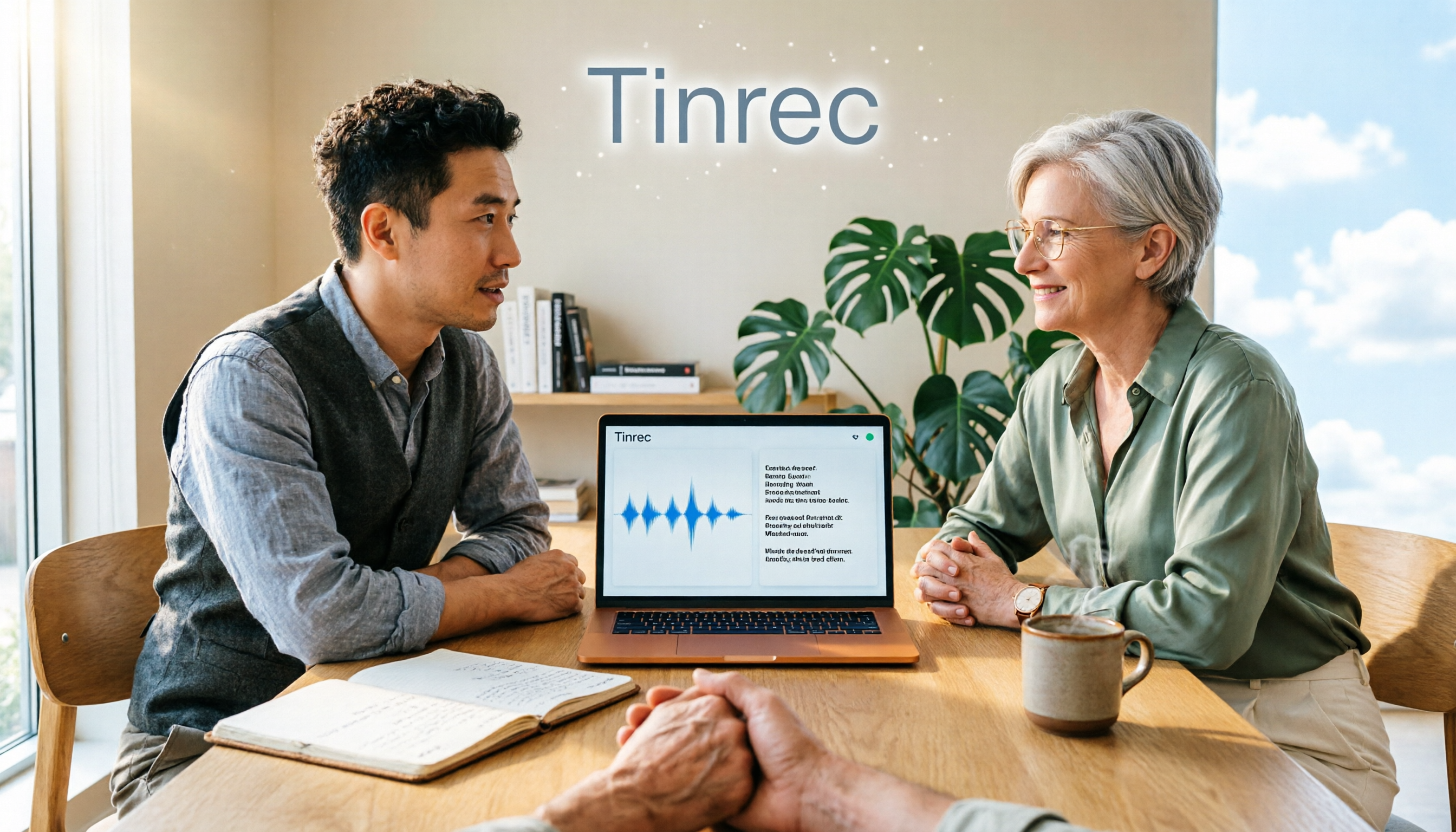
Is There a Recording-to-Text App in 2026? 5 Steps to Pick the Right Tool and Avoid Pitfalls
There are many recording-to-text apps, but most people try a few and end up typing manually. This article uses 5 steps to help you choose the right tool: from language and accent support, online meeting recording methods, post-meeting summaries and AI Q&A, to free quotas and cross-device compatibility. It also compares Tinrec, Otter.ai, Notta, and Granola to help you find a solution that truly saves time.