

Turn recordings into transcripts and summaries in minutes
Upload audio or video for multilingual transcription, AI notes, and action items
The meeting ends, and the real work begins
Your cross-department meeting wraps up on Wednesday afternoon, and your manager says, "I need the meeting minutes by tomorrow morning." All you have is a two-hour recording, so you start the cycle of pausing, playing, re-listening, and typing—and that alone eats up your entire evening.
Another common scenario: a 30-minute client interview recording sits on your phone for two weeks. By the time you need to write a proposal, all you remember is that the client "mentioned something about budget," and the details are gone.
Then there's the toughest case: meetings that mix Chinese and English. The speaker switches languages mid-sentence, technical terms fly around, and manual transcription actually produces more errors.
The common thread here is that what you really need isn't a recording file—it's text you can use immediately. With the right tool, this can go from hours to minutes.
4 key factors before choosing an audio-to-text tool
1. Can you use the output directly? A tool that only gives you a transcript just shifts the work from typing to reading 20,000 words. What matters is whether it can automatically generate summaries, chapters, and action items—and ideally let you ask questions about the content directly.
2. For online meetings, does it use a bot that joins or capture system audio directly? A meeting bot appears as an extra participant in the meeting list, which isn't ideal for some clients or external meetings. Capturing your computer's system audio from a desktop app avoids adding a bot to the meeting and is much friendlier for external calls.
3. Does it support enough input sources? If it only supports file uploads or only live recording, you'll hit a wall. The ideal setup is: live recording, online meetings, existing audio files, and phone recordings all flowing into one place.
4. Can a team actually use it? Personal use and department use are different things. For teams, the questions are: who owns the meeting data, does data disappear when a member leaves, and is there seat and usage management? This is the item most likely to stump you during procurement.
Tinrec — our top pick after testing
Tinrec is an AI meeting notes and collaboration tool for individuals and teams, available on iOS, Android, desktop, and web. It doesn't just convert audio to text—it turns meetings into searchable, summarizable, queryable, and reusable data.
During the meeting: no bot to invite The desktop version captures your computer's system audio directly, so for Zoom, Google Meet, Microsoft Teams, Webex, and other online meetings, no extra bot joins the participant list. For in-person meetings, you can use live recording to transcribe as you go. This is especially useful for anyone working with external clients—you don't have to explain who the extra participant is.
After the meeting: summaries, chapters, and action items are ready Once recording stops, Tinrec automatically generates a summary, chapters, and action items. Who's responsible for what and what the deadlines are get pulled straight from the discussion, so you don't have to dig through the transcript line by line. Long meetings are broken into browsable sections, so you don't have to re-listen to review.
After the meeting: ask it questions directly This is where Tinrec stands out most from ordinary transcription tools. After recording, you can ask things like "Who mentioned the budget in the last meeting?" or "What concerns did the client have about the delivery date?" It gives you semantic answers, not a list of keyword search results you have to sift through yourself. When a recording has been sitting for too long and you've forgotten the content, this feature saves a lot of time.
We tested with a meeting recording that mixed Chinese and English, with Chinese and English segments alternating. Tinrec preserves both the original text and translation, and you can view them in original, translated, or bilingual mode—very useful for cross-language teams. One caveat: actual transcription quality depends on the recording environment, background noise, accents, overlapping speakers, and technical terminology. For important numbers and commitments, we recommend cross-checking against the recording using timestamps in the transcript.
Stop organizing recordings by hand
Upload audio or video and automatically get a transcript, summary, and action items
Other capabilities worth adding to your procurement list:
- Transcripts can be exported and brought into Notion, Google Docs, OneNote, Dropbox, and other tools for further use, so you're not locked into a single platform.
- Beyond transcripts, it can generate meeting minutes, reports, tables, and mind maps—great for post-meeting deliverables.
- The team plan is a separate team workspace, not multiple people sharing one account. Meeting data belongs to the team, with member, role, seat, usage analytics, audit logs, and an audio recycle bin.
Limitations to be clear about: The free plan provides a basic quota so you can try recording, importing, summaries, and transcription; heavy users will need to pay. Actual quotas and plans are subject to the official pricing page. Also, the team plan currently focuses on team-level sharing, managing governance and usage eligibility through roles and seats—it's not a file-level granular permission system. If you need "different visibility for different people per file," it's not the right fit at this stage.
Who it's best for: People who frequently handle Chinese or mixed Chinese-English meetings, need bot-free recording for online meetings, want to ask AI directly for key points after a meeting, and plan to turn meeting data into a team asset.
What other options are there besides Tinrec?
Notta: Solid multilingual transcription and file import, with significant overlap with Tinrec. Free plan: 120 minutes per month, max 3 minutes per session. Pro annual billing works out to about USD 8.17/month (subject to the official pricing page; same below). Its meeting notes lean toward a file-transcription mindset, and it doesn't emphasize bot-free desktop recording and team workspace governance the way Tinrec does.
Otter.ai: A mature choice for English business meetings. Basic is free with 300 minutes per month; Pro annual billing is about USD 8.49/user/month. If almost everything you record is in English, it's a great value. But Chinese meetings and mixed Chinese-English content aren't its strong suit, and Tinrec's agent post-processing and multi-format export workflow are more complete.
PLAUD Note / NotePin: The hardware recorder approach. NotePin is officially USD 159, Note Pro USD 189, with membership plans extra. Portable recording and phone call recording are convenient, but you need to carry an extra device and budget for hardware. Tinrec handles online meetings and existing audio files with just desktop and mobile—no extra device needed.
Pitfalls guide: 3 most common mistakes when choosing an audio-to-text tool
Pitfall 1: Only looking at the number of supported languages. The number of languages doesn't equal good performance in your scenario. What matters is real-world performance with Chinese, mixed Chinese-English, and technical terminology. Test with a real meeting recording of your own—don't just rely on official demo audio.
Pitfall 2: Ignoring how meetings are recorded. If your meetings often include external clients, a bot that joins can be a problem. Before buying, confirm whether it uses "bot joins" or "captures system audio"—this directly affects whether you can actually use it.
Pitfall 3: Treating a transcription tool as just a typewriter. If you only convert audio to text and stop there, you're using only a third of its capability. With Tinrec's AI Q&A, for example, asking "What was the meeting conclusion?" right after recording is much faster than manually scanning a 30-minute transcript—and the gap becomes even more obvious after accumulating dozens of meetings over time.
Conclusion: Which one should you choose?
- Need Chinese/mixed Chinese-English meeting transcription, plus post-meeting summaries and action items → Tinrec
- Don't want an extra bot joining online meetings → Tinrec (desktop captures system audio directly)
- Want to ask questions about meeting content right after recording → Tinrec (AI Q&A is where it stands out most from similar tools)
- Need to continue on phone, computer, and web → Tinrec (multi-platform coverage, centralized data)
- Department needs shared management of meeting data and usage → Tinrec team plan (separate team workspace, seats, and audit; first eligible trial is 7 days, 1 free seat, 300 minutes of shared team import quota)
- Only record English meetings, zero budget → Otter.ai is the most practical exception
Procurement advice is simple: run one real meeting through the free plan first, check summary quality, Chinese recognition, and Q&A accuracy, then decide whether to upgrade. What you save isn't just typing time—it's the cleanup work nobody wants to do after every meeting.
References
- Online AI speech, video, and audio file auto-transcription - free trial - cSubtitle
- Audio to text - free speech-to-text tool
- Convert audio to text - instant AI transcription - VEED.IO
- No time limit! 3 free AI transcription tools, highly recommended! AI voice notes generate meeting minutes, presentations, mind maps | 104 Career Power
- Yating Transcription
Turn every recording into actionable outcomes
Get 60 free transcription minutes when you sign in. No credit card required.
Related Reading
You might also like

4 Audio-to-Text Tools Tested for 2026: Which Free Tier Works Best for Students?
Can't keep up with note-taking in class? No one remembers the group discussion conclusions? Spending three hours re-listening to interview recordings for your project? This article starts from real student scenarios, breaks down the most common pitfalls when choosing an audio-to-text tool, and compares Tinrec, Notta, Otter.ai, and TurboScribe on Chinese recognition, free tiers, and post-meeting organization capabilities, so you can find the best fit for classes and group discussions.

5 Best Audio-to-Text Apps in 2026: Which AI Meeting Notes Actually Save Time?
Looking for an audio-to-text app? This guide compares 5 popular tools, covering bot-free online meeting recording, Chinese and mixed-language recognition, AI summaries, action items, and team spaces, with free tiers and team pricing to help you decide which one truly saves time.

2026 Voice-to-Text App Comparison: Which Is Best for Chinese Meeting Transcription and Post-Meeting AI Q&A?
How to choose a voice-to-text app in 2026? This hands-on comparison of Tinrec, Yating Transcription, SoundType AI, and Notta covers Chinese meeting transcription, bot-free recording, post-meeting AI Q&A, and team knowledge retention, with buying criteria and pitfalls to help you find the best fit.

4 Real-Time Speech-to-Text Tools for PC Tested and Compared: Get Chinese Transcripts Without a Meeting Bot
If you can't finish meeting notes, it's often not because you're too slow, but because you chose the wrong tool. This article tests 4 tools that can transcribe speech to text in real time on a computer, comparing recording methods, Chinese recognition, post-meeting organization, and free quotas. It also explains why Tinrec is better suited for daily meetings with bot-free recording, AI Q&A, and team data retention.

4 Online Text-to-Speech Tools Compared (2026): Free Tiers, Voice Naturalness, and Commercial Licensing
Looking for an online text-to-speech tool but not sure where to start? This article first uses 4 key criteria to help you clarify your needs, then compares TTSMaker, Luvvoice, Vidnoz, and other text-to-speech tools, as well as Tinrec, which is suitable for processing meeting and interview recordings. From voice naturalness, free quotas, output formats to commercial licensing and team collaboration, you'll understand how to choose and who each tool is for.

4 One-Click AI Summary Tools Tested for 2026: Which Saves the Most Time on Meeting Minutes?
There are many one-click AI summary tools, but meeting notes require more than just a summary—they need to retain recordings, generate action items, support follow-up questions, and enable team sharing. This article features Tinrec as the main subject, comparing it with Xiaojie, Notta, and Granola, and outlines 4 key purchasing factors, pitfalls to avoid, and scenario recommendations to help you decide which tool is best for meetings.
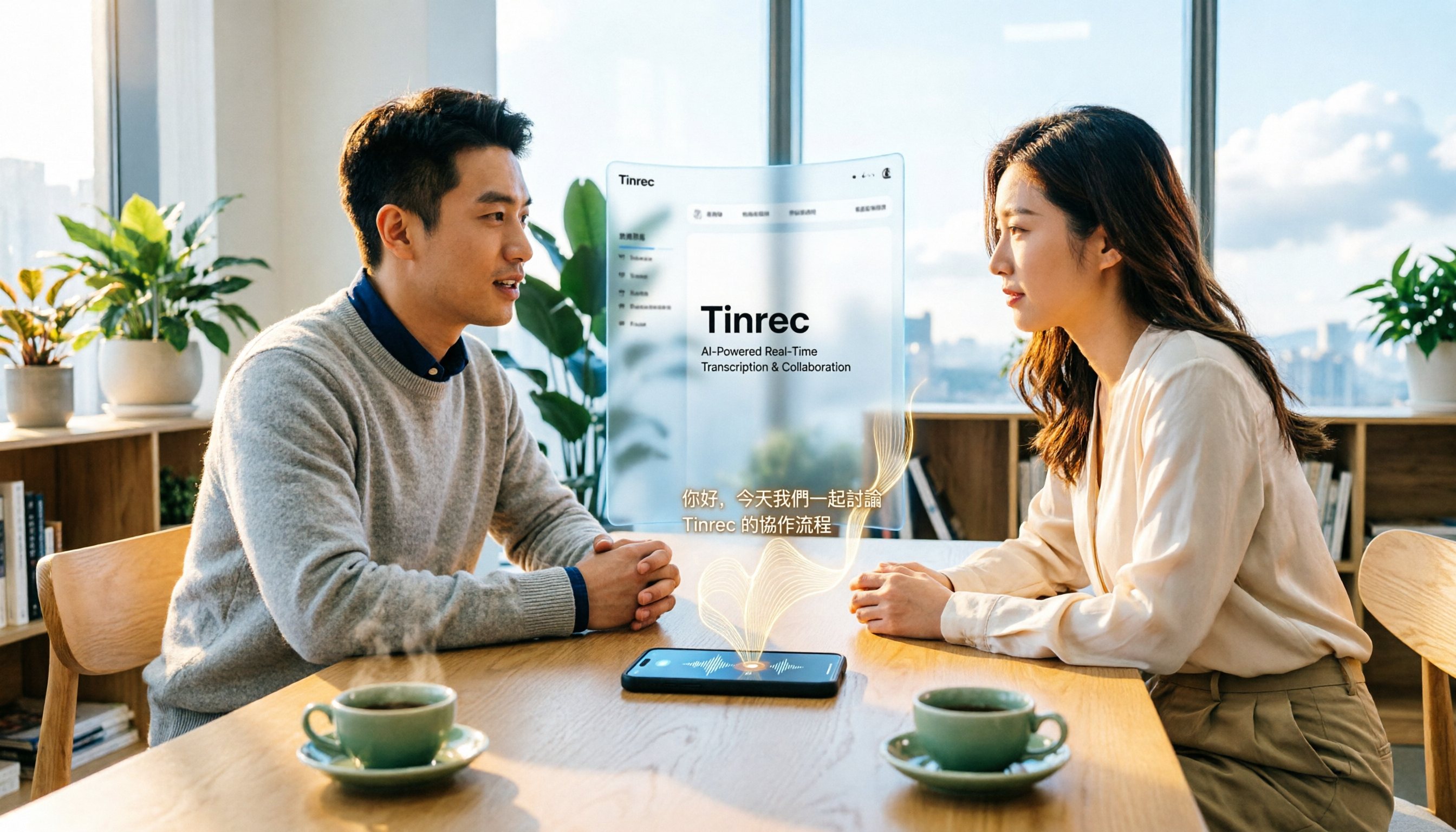
2026 iPhone Audio-to-Text Guide: Built-in Transcription vs. Tinrec — 5 Key Comparisons
Starting with iOS 18, iPhone's built-in Voice Memos supports audio transcription, and iOS 18.4 adds Chinese (including Traditional Chinese). This guide helps you check if your device is compatible and compares iPhone's built-in feature with Tinrec across five dimensions: Chinese recognition, post-meeting output, online meeting recording, file organization, and team collaboration. Includes FAQs.
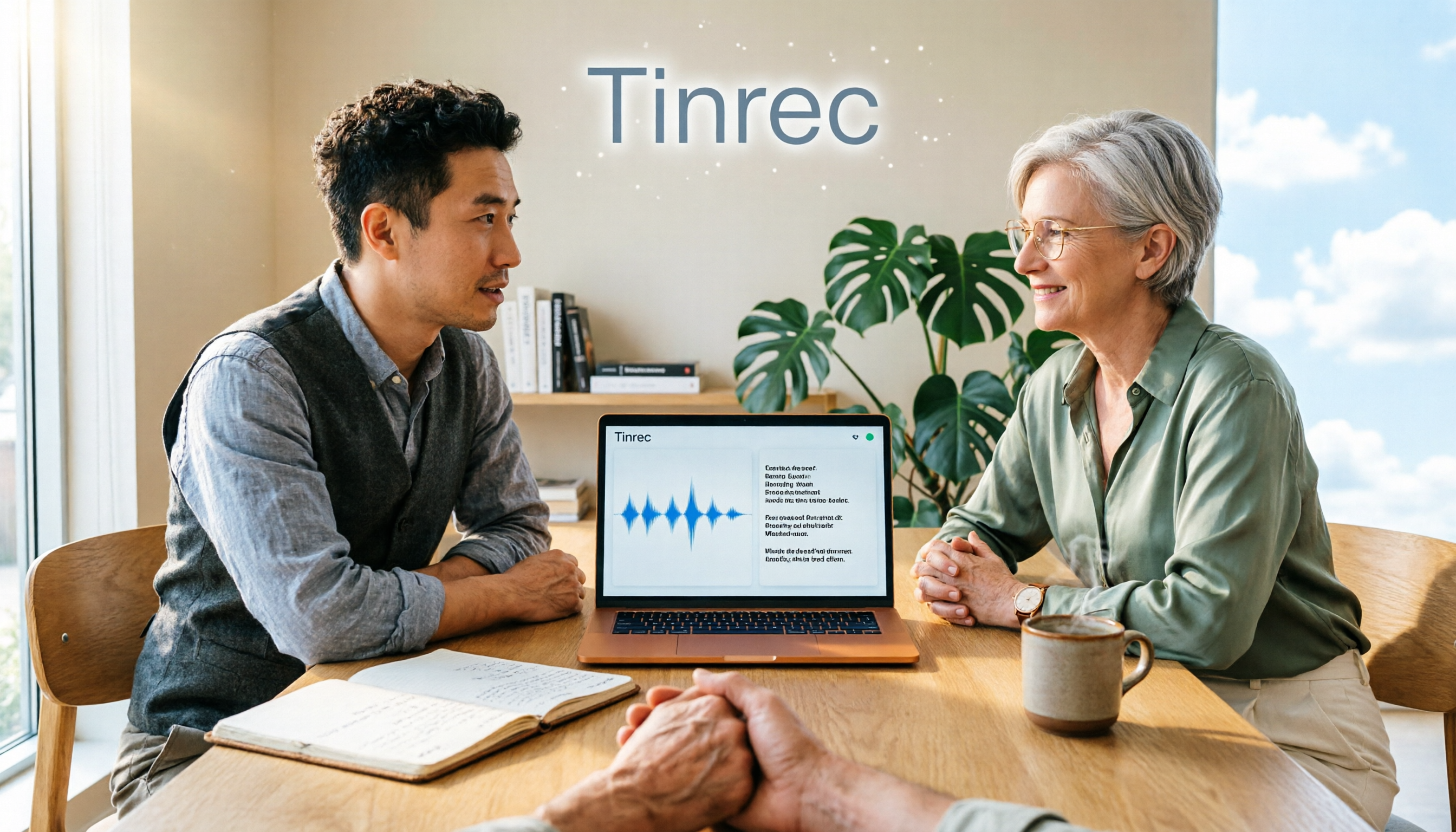
Is There a Recording-to-Text App in 2026? 5 Steps to Pick the Right Tool and Avoid Pitfalls
There are many recording-to-text apps, but most people try a few and end up typing manually. This article uses 5 steps to help you choose the right tool: from language and accent support, online meeting recording methods, post-meeting summaries and AI Q&A, to free quotas and cross-device compatibility. It also compares Tinrec, Otter.ai, Notta, and Granola to help you find a solution that truly saves time.
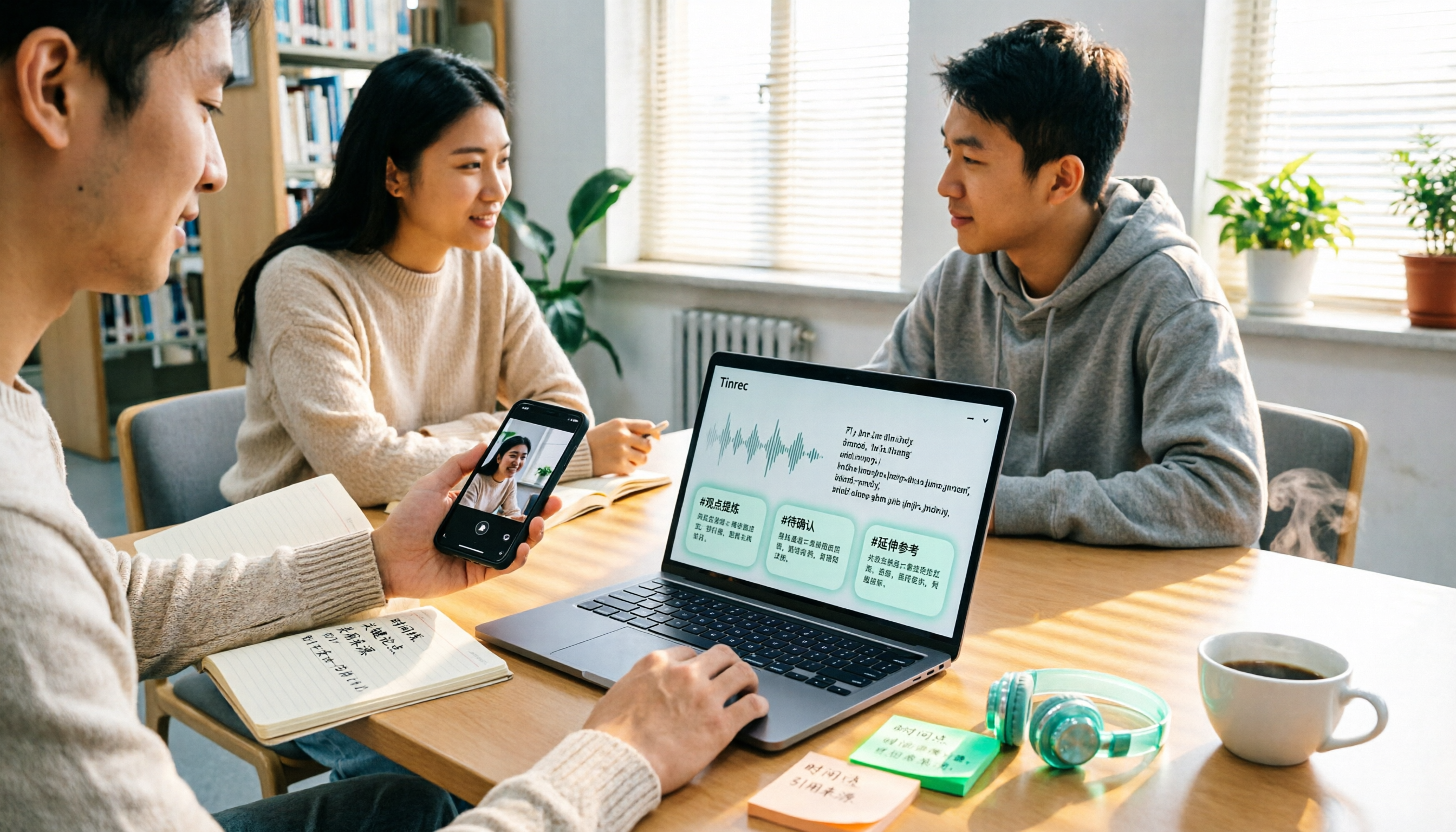
2026 Comparison of 4 Google Text-to-Speech Online Tools: Which Free Tier Is Actually Enough?
Starting from campus use cases, we tested four tools—Google Cloud Text-to-Speech, Sound of Text, Chrome Text-to-Speech extension, and Tinrec—and compared free tier calculations, voice naturalness, whether you can download audio files, and post-recording organization capabilities. We also include common misconceptions and pitfalls to help you decide which one truly fits your class and group collaboration needs.