
Turn recordings into transcripts and summaries in minutes
Upload audio or video for multilingual transcription, AI notes, and action items
5 Best PNG Image Summary Apps in 2026: Meeting Notes and Image Organization Compared
After a meeting, you have a stack of PNG screenshots of presentation slides, photos of the whiteboard, and a two-hour meeting recording. You want to piece these together into a meeting summary you can hand off, but just cross-referencing screenshots and audio eats up an entire afternoon.
Tools marketed for "PNG image summary" generally fall into 5 categories: image conversion, collage, overlay composition, background removal, and meeting content summarization. The first 4 handle static images, while the 5th is the key to turning an entire meeting into usable data.
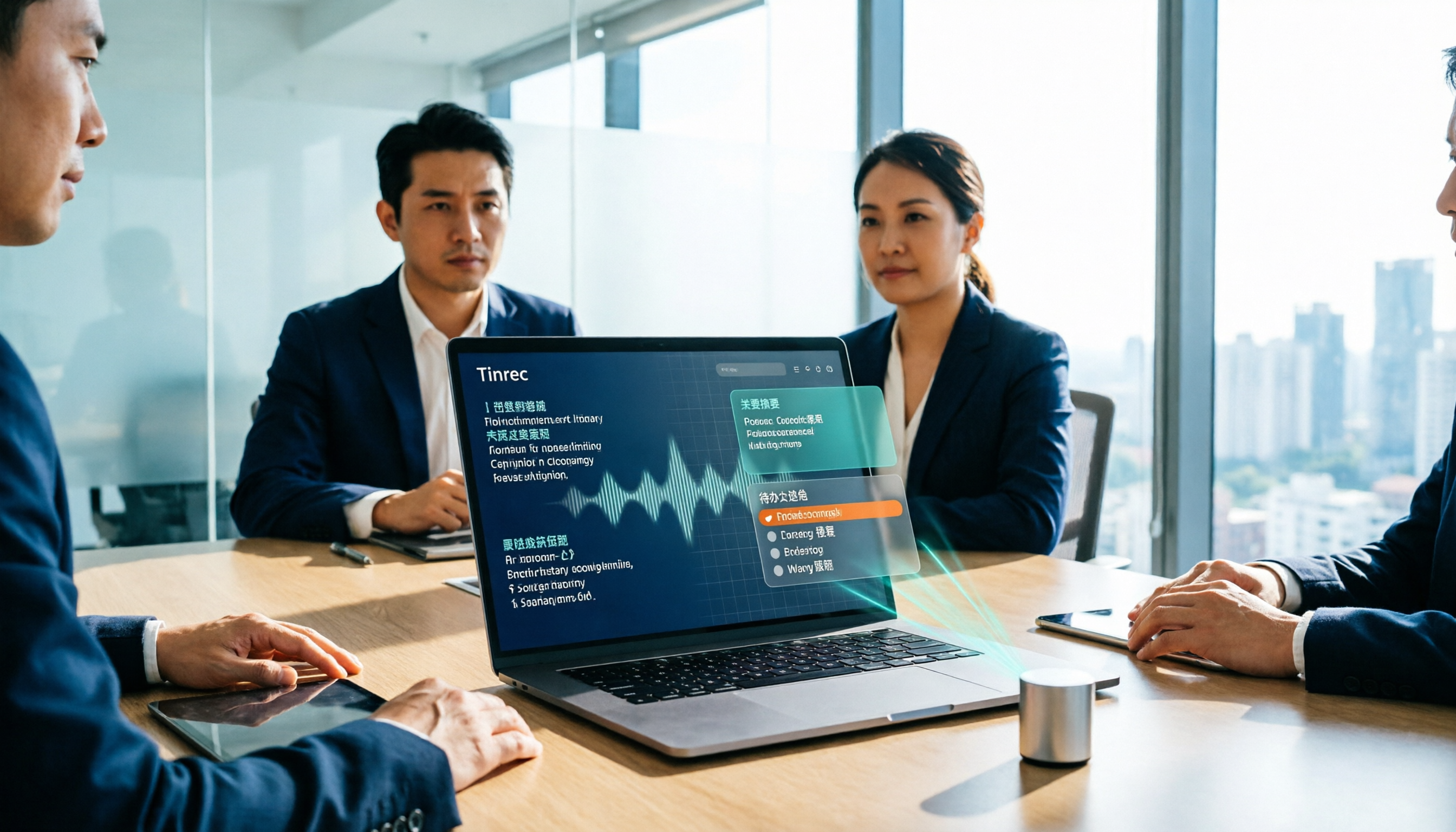
This is why I switched to Tinrec. It doesn't do OCR on PNG images, but it turns meeting audio and video into searchable, summarizable, queryable data, filling the gap that image tools can't.
What Can PNG Image Summary Do for You?
Bottom line: pure PNG image tools can solve "visible" problems, but they can't solve the "audible" meeting content.
Scenario 1: Meeting whiteboards and presentation screenshots You took a bunch of PNGs of whiteboards and slides during the meeting, but afterward you can't remember what was discussed. Take Tinrec for example: it records audio simultaneously during the meeting and automatically generates a transcript and summary afterward, so you can match images with the discussion.
Scenario 2: Meeting minutes 5 minutes after the meeting Previously, a two-hour meeting required another hour to organize notes. Tinrec automatically generates summaries, chapters, and action items, listing who is responsible for what and when it's due.
Scenario 3: Client interviews and requirement gathering Drop the interview recording into Tinrec, convert it to a transcript, and you can directly ask it "What budget constraints did the client mention?" "What objections were raised?" without listening from the beginning.
Scenario 4: Turn meeting recordings into text data If you have meeting video files, Tinrec supports importing audio and video files for transcription, organizing them into searchable and exportable text.
What Are the Core Capabilities of Meeting Content Summarization?
Real-time transcription: transcribe while recording, not after. Tinrec's real-time transcription lets you confirm during the meeting whether you missed any key points.
AI semantic summarization: not just condensing the transcript into a paragraph, but structured organization—meeting topic, discussion conclusions, action items, and responsible parties listed separately.
Action item extraction: pull out follow-up actions from the conversation, especially useful for project meetings and client meetings.
AI conversational query: after transcription, you can directly ask Tinrec, and it will answer based on semantic understanding, without having to search through the full text yourself.
Bot-free online meeting recording: Tinrec desktop version captures computer system audio to handle meetings on Zoom, Google Meet, Microsoft Teams, Webex, etc., without needing an extra bot to join.
Team workspace: put meeting data into a team workspace so members can view and reuse historical records, and nothing disappears when someone leaves.
Stop organizing recordings by hand
Upload audio or video and automatically get a transcript, summary, and action items
Practical Use Cases
Weekly and project meetings: for regular weekly meetings, Tinrec helps you capture each decision and action item, so you can follow up directly the next week.
Client interviews: sales and customer success teams use Tinrec to record requirements, objections, and commitments, and export follow-up materials directly after the meeting.
Courses and lectures: when the speaker talks fast and the content is long, Tinrec's transcript and chapters let you skip around afterward.
Content creation: after converting interview material to text, use AI Q&A to extract key points, then rewrite into articles or scripts.
5 Things to Consider When Choosing a PNG Image Summary Tool
Does it handle images or meetings? Pure image tools can only recognize static content, and the decision context of a meeting is usually not in the images. Tinrec fills in the audio and video part.
Chinese and mixed Chinese-English support Meetings in Taiwan often mix Chinese and English. Tinrec covers Chinese, Traditional Chinese, and multilingual scenarios, and also supports team hotwords, so technical terms are less likely to be misheard.
Post-meeting organization capabilities Transcription is only the first step. Tinrec provides summaries, chapters, action items, mind maps, and AI Q&A, making the transcript truly usable.
Team collaboration and data ownership Personal tool data follows the individual. Tinrec team edition meeting data belongs to the team, can be handed over when members change, and managers can view usage and audits.
Export and workflow integration Tinrec supports multiple export formats and can bring results to Notion, Google Docs, OneNote, Dropbox, and other tools for continued use.
Frequently Asked Questions
Can PNG images be directly dropped into Tinrec for summarization? No. Tinrec currently focuses on audio and video file transcription and does not support directly parsing PNG image content. If you want to organize the meeting process, it's recommended to use audio or video recording.
Which online meetings can Tinrec handle? The desktop version captures system audio and can handle meeting audio played on a computer from platforms like Zoom, Google Meet, Microsoft Teams, and Webex.
What's the difference between the team and personal versions? Personal version data belongs to the individual account. The team version is a separate team workspace with additional members, roles, seats, shared benefits, usage analytics, audit logs, and audio recycle bin.
Can members without a seat view data? They can view, play, and read team data, but recording, uploading, editing, or exporting requires a seat.
Are there official accuracy numbers? Tinrec does not recommend promising a fixed accuracy rate. Actual results are affected by recording quality, noise, accents, overlapping speakers, and technical terms. For important content, it's recommended to cross-reference the transcript timestamps and recording playback.
Conclusion
PNG image summary apps can help you handle static images, but the truly valuable part of a meeting is usually in the conversation. If you have meetings every week, organize notes, and track action items, Tinrec will get you closer to the results you want than pure image tools. The free version offers a basic quota, so you can try it with one meeting and see what it's like to have AI organize your meeting content.
References
Turn every recording into actionable outcomes
Get 60 free transcription minutes when you sign in. No credit card required.
Related Reading
You might also like
How to Transcribe Audio to Text with Tinrec in 2026: 3 Steps to Transcripts + AI Summaries
Drowning in lecture recordings, group discussions, and interview files but can never find the key points? This guide starts with the most common mistakes students make and shows how to turn recordings into notes you can actually use: how to use Tinrec's real-time transcription, AI summaries, and follow-up questions, whether the free version is enough, if the team plan suits group projects, and the differences and pitfalls of Notta, Otter.ai, and PLAUD.

4 AI Meeting Minutes Tools Tested for 2026: Which Handles Chinese Meeting Notes and Team Knowledge Best?
How do you write company meeting minutes that people actually read? Starting from real post-meeting pain points, this article breaks down the 7 elements of a qualified meeting summary, the core capabilities and buying considerations for AI tools, and uses Tinrec to demonstrate a complete workflow from recording, summarization, and action items to team knowledge retention, ending with pricing and quotas for personal and team plans.

2026 Audio-to-Text App Comparison: 4 Apps Tested — Don't Just Look at Accuracy, Avoid These 3 Mistakes First
There are countless audio-to-text apps, but most people make the wrong choice from the start. This article tackles common misconceptions, outlines 4 key buying factors, and compares Tinrec, Yating Transcription, Otter.ai, and Notta. It also lists 3 pitfalls to avoid, helping you find the one that truly saves time.

How to Choose a Live Audio-to-Text App in 2026: 5 Steps to Find Your Best Fit
How do you pick a live audio-to-text app? This guide breaks down five key factors—online vs. offline meetings, what you get after transcription, Chinese language support, team data ownership, and pricing—with hands-on comparisons of Tinrec, Otter.ai, Granola, and PLAUD, plus four common pitfalls to avoid so you can choose the one that truly fits your needs.

How to Extract Subtitles in 2026: 5 Steps from Video to Transcript
Student-tested review: subtitle extraction isn't just one-click SRT download. This article compares Tinrec and CapCut across 5 dimensions—workflow, language support, post-transcription organization, cross-platform collaboration, and pricing—and shows you how to turn lecture videos into searchable, summarizable transcripts in 5 steps.
4 Best Speech-to-Text Software in 2026: Which One Saves the Most Time After Meetings?
Speech-to-text software isn't just about turning recordings into transcripts. This article starts from the need for post-meeting organization, outlines 4 key factors for choosing a tool, and compares Tinrec, Otter.ai, Notta, and PLAUD in terms of positioning, pricing, and limitations. It also includes common pitfalls and scenario-based recommendations to help you find the one that truly saves time.

How to Summarize Skill-Learning Videos in 2026: A Complete 5-Step Tutorial
Do you forget skill-learning videos right after watching them or struggle to find key steps? This article covers 4 key factors for summarizing skill-learning videos and demonstrates a 5-step workflow using Tinrec: from uploading videos and generating transcripts to AI Q&A and exporting notes. It also compares TurboScribe, Notta, and Otter.ai for different use cases to help you find the most time-efficient way to organize your learning.
6 Best Audio-to-Text Tools in 2026: Which AI Meeting Notes Actually Save Time?
We tested 6 popular audio-to-text tools in 2026, from free online transcription to AI meeting assistants. Compare their positioning, key features, pricing, and best use cases, plus the most overlooked factors when choosing a tool.
Tinrec vs Otter.ai 2026: 5-Dimension Comparison for Chinese Meeting Minutes
Tired of transcribing meeting recordings yourself? This article compares Tinrec and Otter.ai across 5 dimensions for AI meeting minutes, covering bot-free recording, Chinese and mixed-language transcription, summary and action item extraction, AI Q&A and export, and team workspace and seat management, to help you decide which is better for Chinese meeting scenarios.