
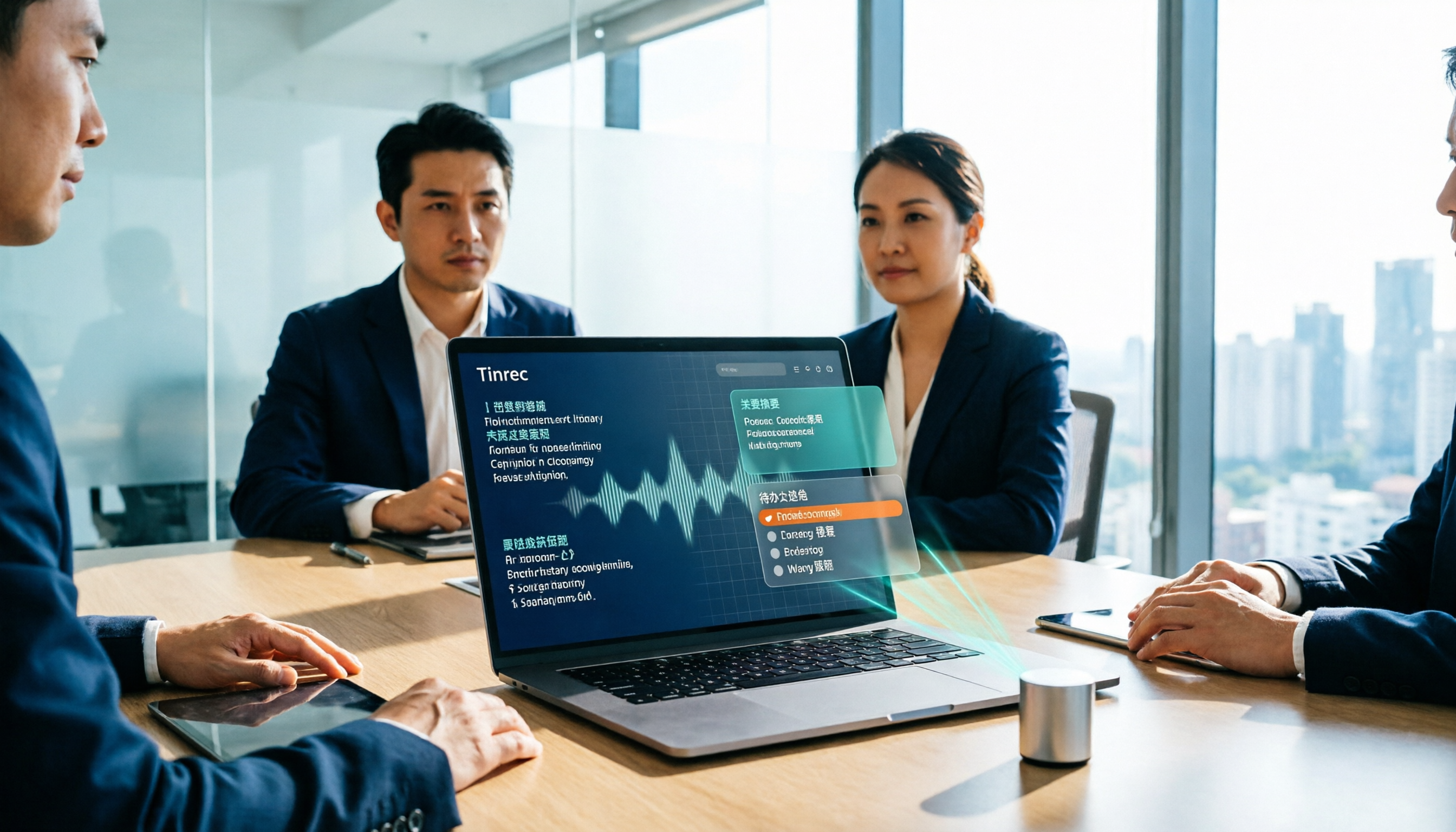
Turn recordings into transcripts and summaries in minutes
Upload audio or video for multilingual transcription, AI notes, and action items
After a meeting ends and the room clears, all you have left is a recording file, and you still have to listen and type out the transcript yourself—this is probably the half hour every office worker wants to avoid most. Nowadays everyone wants to throw the recording to AI to organize meeting minutes, but if you choose the wrong tool, what comes out is still a running log, and you end up rewriting it yourself. This article uses 5 dimensions to compare Tinrec and Otter.ai side by side, to see which is more suitable for teams that hold meetings in Chinese.
Tinrec vs Otter.ai | Quick Overview
Tinrec positions itself as an "AI meeting notes and team collaboration tool," while Otter.ai is a mature English business meeting AI assistant. Both can turn meetings into text and summaries, but they differ in recording method, Chinese experience, and how far they can go after the meeting.
| Item | Tinrec | Otter.ai |
|---|---|---|
| Core positioning | AI meeting notes + team data accumulation | AI meeting assistant and meeting automation |
| Meeting capture | Desktop version captures system audio without a bot | Meeting bot joins, also has desktop and other methods |
| Free usage | Free version provides basic quota to experience recording, import, summary, and transcription | Basic free, 300 minutes per month |
| Paid reference | Personal version has weekly pass, Pro monthly, annual; team version monthly USD 29.80 per paid seat, annual USD 199 per paid seat | Pro annual equivalent to about USD 8.49 per user per month, includes 1,200 minutes of in-app recording and 10 file imports per month |
Prices, currencies, and plan contents are subject to change; always refer to the official purchase page and Otter's official pricing page. The 5 dimensions compared in this article are: recording method, Chinese transcription, post-meeting organization, AI Q&A and export, and team collaboration.
Dimension 1 | Meeting Recording Method: Bot-free vs Meeting Bot
Otter.ai started with a model where a meeting bot joins as a participant, which works well for fully online, English-only teams; but having an extra bot in the meeting list can sometimes seem intrusive to clients or external participants. Otter currently also offers desktop and other audio capture methods, so it's not just the bot route.
Tinrec's desktop version directly captures the computer's system audio, without needing to add an extra bot to the meeting, and can handle meeting audio played on a computer from platforms like Zoom, Google Meet, Microsoft Teams, Webex, and generate real-time transcripts; for offline in-person meetings, real-time recording can be used. Note that Tinrec is not a bot that automatically joins all calendar meetings; the user needs to actively start recording.
→ This dimension: If you frequently have client meetings or cross-company meetings and don't want an extra participant on the list, Tinrec's approach is more natural.
Dimension 2 | Chinese and Mixed Chinese-English Transcription
Otter.ai's strength is English business meetings, with high maturity in English scenarios and complete team and enterprise management; but Chinese meetings and mixed Chinese-English vocabulary switching are usually not its home turf.
Tinrec can handle Chinese, Traditional Chinese, and multilingual meeting scenarios, supports mixed Chinese-English content organization, real-time translation during recording, and can be viewed in original text, translation, or bilingual format. Teams can also maintain "team hotwords" to add common product names, project codes, and technical terms to improve recognition of specialized vocabulary. Actual performance is still affected by recording quality, background noise, accents, overlapping speakers, and technical terms; no tool can guarantee a fixed accuracy rate under all conditions.
→ This dimension: For teams that mainly hold meetings in Chinese, Tinrec's focus is clearer.
Stop organizing recordings by hand
Upload audio or video and automatically get a transcript, summary, and action items
Dimension 3 | AI Meeting Minutes Organization: Summary, Chapters, and Action Items
Otter provides capabilities like summaries, action items, and AI Chat, compressing long meetings into key points.
After transcription, Tinrec automatically generates summaries, chapters, key points, and action items, breaking long meetings into easily browsable sections; it also has mind maps to see relationships between topics. For those who need to send minutes immediately after a meeting, this part is key to saving time.
→ This dimension: Tie. Both can condense transcripts into summaries; the real difference comes in the next dimension.
Dimension 4 | AI Q&A, Post-Processing, and Export
Otter has AI Chat and workflow capabilities, with good integration in the English meeting ecosystem.
Tinrec allows continued questioning and cross-comparison across single or multiple meeting data, and can turn results into reports, tables, and documents, and export to Notion, Google Docs, OneNote, Dropbox, etc. for further processing; meeting audio files are also retained for later verification. This is especially practical for those who need to submit reports or write retrospectives—what you buy is not just a transcript, but data you can directly use for work.
→ This dimension: Tinrec wins.
Dimension 5 | Team Collaboration and Data Accumulation
Otter is quite mature in team and enterprise management, which is its long-accumulated advantage.
Tinrec's team version centralizes recordings, transcripts, summaries, and action items in one team space: new members can view and reuse historical meeting data, administrators can manage roles, seats, sharing permissions, usage analytics, and audit logs, and can handle accidentally deleted audio files through the audio recycle bin. Here it's important to distinguish "roles" and "seats"—roles determine who can manage the team and settings, seats determine whether members can record, upload, edit, import/export; members who are active but have no seat can still view, play, and read team data. When a member leaves or is removed, their team resources need to be handed over to other active members; data does not follow the individual.
→ This dimension: If you care about "meeting data becoming a team asset," Tinrec wins.
What Unique Advantages Does Each Have?
Tinrec's unique advantages:
- No extra hardware needed; works on desktop, web, and mobile; desktop version records online meetings directly via system audio.
- Clear handling of Chinese, mixed Chinese-English, real-time translation, and bilingual comparison; team hotwords can customize technical terms.
- After transcription, Agent post-processing turns meetings into reports, tables, and documents, not just a transcript.
- Team space plus members, seats, usage, audit, and audio recycle bin, suitable for teams needing governance.
Otter.ai's unique advantages:
- Mature English business meeting mindset, long-accumulated enterprise management and ecosystem integration.
- Basic plan free with 300 minutes per month, low entry barrier.
Conclusion: Which Should You Choose?
- If your meetings are mainly in Chinese or mixed Chinese-English → Tinrec (Chinese and multilingual scenarios are its home turf).
- If you don't want a bot joining the meeting or an extra participant in front of clients → Tinrec (desktop version captures system audio).
- If you want to directly produce reports, tables, and documents after the meeting → Tinrec (Agent post-processing after transcription).
- If you need team space, seat management, usage, and audit → Tinrec team version (clear role and seat division).
- If your team meets almost entirely in English and already uses Otter's ecosystem → Otter.ai is sufficient.
In one sentence: For most teams that meet in Chinese, Tinrec is a more complete choice. It's recommended to first run your own meeting recording through the free version to see if the transcription and organization process fits your work habits. Finally, remember to inform participants and obtain consent before recording and transcription, comply with local regulations, and for important information, verify against transcript timestamps and recording playback.
References
- How to use AI for meeting minutes? How to organize meeting transcripts? | AI speech-to-transcript tutorial | 104 Workplace Power
- After the meeting, do you only ask AI to summarize key points? That's just the most basic 1% technique | Three-level meeting minutes prompts, turn AI into your strategic analyst | Personal Knowledge Management X AI Applications | Coach Jiang Jiang
- Organizing meeting minutes is so painful? 5 tricks for NotebookLM's "AI note transformation," accurately translating mixed Chinese-English and technical terms | BusinessNext
- How to do AI meeting minutes? Complete tutorial from writing principles, tool selection to automated prompts | Manager Today
- Meeting Ink - 2026 AI meeting minutes tool test | 7 speech-to-text and summary speed comparison | Meeting Ink - AI meeting minutes assistant automatically transcribes and summarizes meeting minutes
Turn every recording into actionable outcomes
Get 60 free transcription minutes when you sign in. No credit card required.
Related Reading
You might also like
How to Transcribe Audio to Text with Tinrec in 2026: 3 Steps to Transcripts + AI Summaries
Drowning in lecture recordings, group discussions, and interview files but can never find the key points? This guide starts with the most common mistakes students make and shows how to turn recordings into notes you can actually use: how to use Tinrec's real-time transcription, AI summaries, and follow-up questions, whether the free version is enough, if the team plan suits group projects, and the differences and pitfalls of Notta, Otter.ai, and PLAUD.

4 AI Meeting Minutes Tools Tested for 2026: Which Handles Chinese Meeting Notes and Team Knowledge Best?
How do you write company meeting minutes that people actually read? Starting from real post-meeting pain points, this article breaks down the 7 elements of a qualified meeting summary, the core capabilities and buying considerations for AI tools, and uses Tinrec to demonstrate a complete workflow from recording, summarization, and action items to team knowledge retention, ending with pricing and quotas for personal and team plans.

2026 Audio-to-Text App Comparison: 4 Apps Tested — Don't Just Look at Accuracy, Avoid These 3 Mistakes First
There are countless audio-to-text apps, but most people make the wrong choice from the start. This article tackles common misconceptions, outlines 4 key buying factors, and compares Tinrec, Yating Transcription, Otter.ai, and Notta. It also lists 3 pitfalls to avoid, helping you find the one that truly saves time.

How to Choose a Live Audio-to-Text App in 2026: 5 Steps to Find Your Best Fit
How do you pick a live audio-to-text app? This guide breaks down five key factors—online vs. offline meetings, what you get after transcription, Chinese language support, team data ownership, and pricing—with hands-on comparisons of Tinrec, Otter.ai, Granola, and PLAUD, plus four common pitfalls to avoid so you can choose the one that truly fits your needs.

How to Extract Subtitles in 2026: 5 Steps from Video to Transcript
Student-tested review: subtitle extraction isn't just one-click SRT download. This article compares Tinrec and CapCut across 5 dimensions—workflow, language support, post-transcription organization, cross-platform collaboration, and pricing—and shows you how to turn lecture videos into searchable, summarizable transcripts in 5 steps.
4 Best Speech-to-Text Software in 2026: Which One Saves the Most Time After Meetings?
Speech-to-text software isn't just about turning recordings into transcripts. This article starts from the need for post-meeting organization, outlines 4 key factors for choosing a tool, and compares Tinrec, Otter.ai, Notta, and PLAUD in terms of positioning, pricing, and limitations. It also includes common pitfalls and scenario-based recommendations to help you find the one that truly saves time.

How to Summarize Skill-Learning Videos in 2026: A Complete 5-Step Tutorial
Do you forget skill-learning videos right after watching them or struggle to find key steps? This article covers 4 key factors for summarizing skill-learning videos and demonstrates a 5-step workflow using Tinrec: from uploading videos and generating transcripts to AI Q&A and exporting notes. It also compares TurboScribe, Notta, and Otter.ai for different use cases to help you find the most time-efficient way to organize your learning.

6 Best Audio-to-Text Tools in 2026: Which AI Meeting Notes Actually Save Time?
We tested 6 popular audio-to-text tools in 2026, from free online transcription to AI meeting assistants. Compare their positioning, key features, pricing, and best use cases, plus the most overlooked factors when choosing a tool.
5 Best PNG Image Summary Apps in 2026: Meeting Notes and Image Organization Compared
Starting from the need to summarize PNG images, we tested how Tinrec turns meeting recordings and videos into searchable, summarizable notes, and compared image tools with AI meeting tools.