
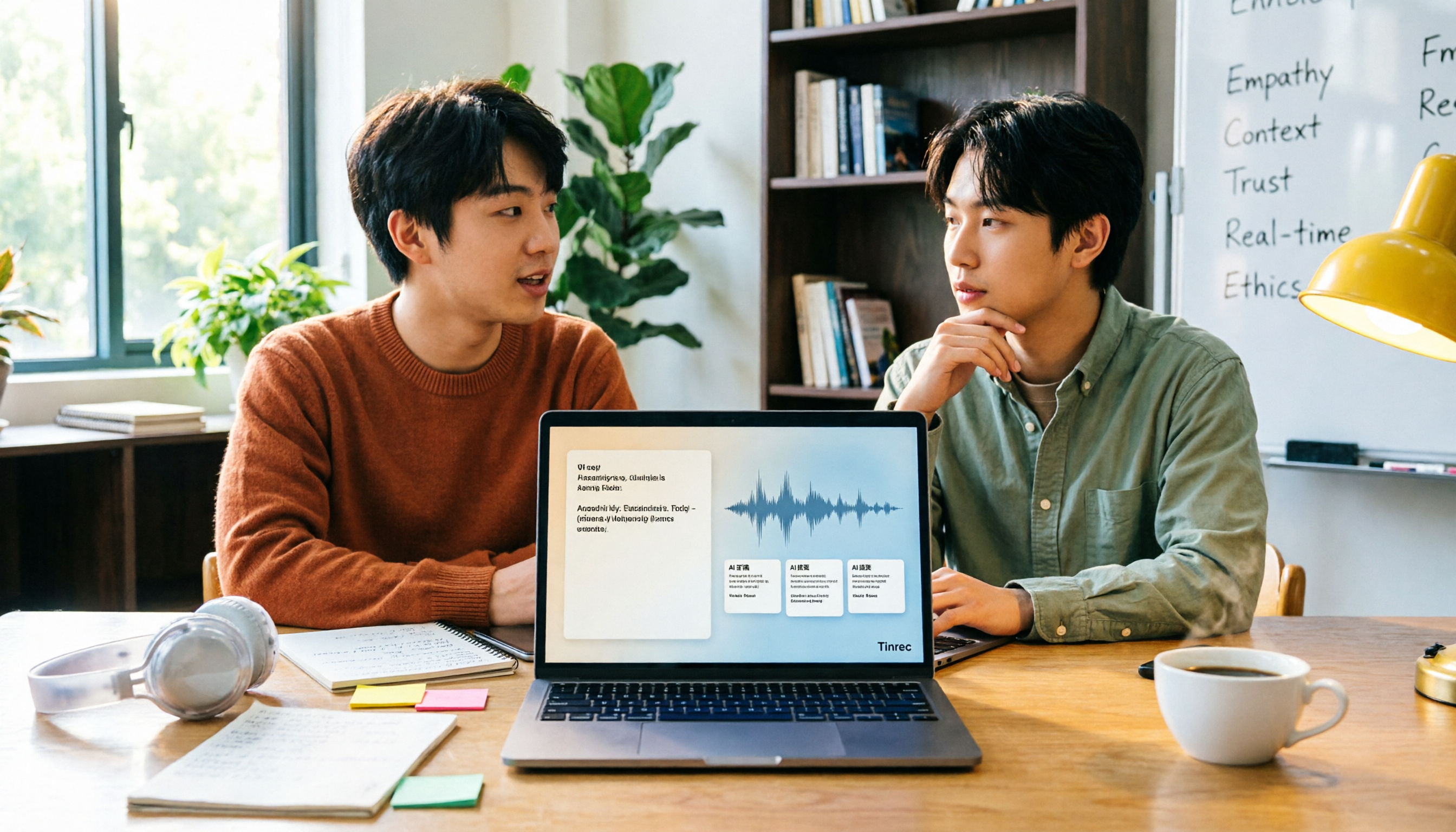
Turn recordings into transcripts and summaries in minutes
Upload audio or video for multilingual transcription, AI notes, and action items
How to Transcribe Audio to Text with Tinrec in 2026: 3 Steps to Transcripts + AI Summaries
Transcribed but Useless? Three Common Mistakes Students Make
"Before finals, I opened the recording of that lecture, listened from start to finish for two hours, and still couldn't find the professor's line 'this will be on the exam.'"
In my sophomore year, I thought "audio to text" just meant throwing a file into a tool, getting a transcript, and calling it done. Later I realized that's exactly where three common mistakes begin.
Mistake 1: Thinking the transcript is the final product. A two-hour lecture can produce 20,000 to 30,000 words. If you still have to read the whole thing and highlight key points yourself, you're spending about as much time as re-listening to the recording. The real product should be summaries, key points, and to-dos; the transcript is just raw material.
Mistake 2: Assuming all tools transcribe about the same. Chinese lectures often mix in English, classrooms have echo, and classmates flip through handouts nearby. Under these real conditions, the differences between tools really show.
Mistake 3: Thinking you must pay first. Students have limited budgets. The right order is to use the free tier on your own lecture recording first, confirm it actually fits into your study workflow, and then consider paying.
If you've also experienced "too many recordings, can't find the key points," the problem usually isn't you—it's the process.
Before Choosing a Tool, Understand These 5 Key Points
1. Accuracy depends on your recording conditions. Official numbers are mostly measured in ideal environments. Classroom echo, mixed Chinese and English, and multiple people talking over each other are students' daily reality. The simple approach: take your own lecture or group discussion recording and test it. That's what the free tier is for.
2. What you can do after transcription. A tool that only gives you a transcript is like swapping "listening and typing" for "reading and typing." To truly save time, see if it can automatically generate summaries, chapters, to-dos, or even let you ask questions directly about the content.
3. Cross-platform. Recording on your phone, organizing on your computer, and reviewing on the web before exams is a fixed routine for many students. If a tool is stuck on a single platform, your data will be scattered across several places.
4. Free tier and paid ladder. First see how much the free version can do, then check whether paid plans are weekly, monthly, or yearly—short sprints and long-term use naturally suit different plans.
5. Whether you need group sharing. If project meeting data only exists in one person's account, when they leave, the whole group has to start over. This is often overlooked but can be fatal for a graduation project.
Tinrec — The One I Still Use After a Semester
Tinrec is an AI meeting notes and collaboration tool for individuals and teams, available on iOS, Android, desktop, and web. What attracted me most: the whole process is just three steps—give it the audio, get a transcript, and ask it for the key points directly.
Step 1: Transcribe while in class, get a transcript when class ends. Turn on real-time recording, and text appears on screen as people speak. After class, it automatically generates summaries, chapters, and key points. I usually spend five minutes reading the summary, pinpoint the section I need, then go back to the corresponding timestamp in the transcript. Before, I'd re-listen for two hours; now I grab key points in five minutes—the difference is huge. The desktop version can also capture system audio directly, so for online meetings like Zoom, Google Meet, Microsoft Teams, and Webex, you don't need to invite an extra meeting bot. That's especially convenient for online group meetings.
Step 2: Rescue old audio and video files. MP3s from graduation project interviews, course videos left by seniors—all can be imported and converted to text. As someone who "records everything for a year before thinking about organizing," this step saved a lot of material for me.
Step 3: Ask it directly after transcription. This is where I feel the biggest gap with ordinary transcription tools. For example, I can directly ask: "What is the final exam scope the professor mentioned?" It answers based on the semantics of the meeting content, rather than throwing a string of keyword matches for me to slowly read. It also extracts to-dos from discussions and can export results to Notion, Google Docs, and other common tools, directly connecting to my existing note-taking workflow. For English lectures, you can view in original, translated, or bilingual mode.
Stop organizing recordings by hand
Upload audio or video and automatically get a transcript, summary, and action items
For group projects, the team plan is more suitable. The team plan isn't "multiple people sharing one personal account"; it's an independent team space: you can create multiple teams, invite members via join links, and distinguish "roles" and "seats"—members with seats can record, upload, edit, and export; members without seats can still view, play, and read team data. Currently, each paid seat provides 2,000 minutes of team shared import quota per month. Team monthly is USD 29.80 per paid seat per month; annual is USD 199 per paid seat per year (about USD 16.58 per month). Eligible teams get a 7-day trial, 1 free seat, and 300 minutes of shared import quota on first use. Real-time recording currently does not deduct minutes under an active plan and seat. Prices and benefits are subject to the official purchase page.
Three reasons I recommend it: First, it handles Chinese and mixed Chinese-English lecture content smoothly. Second, "ask follow-up questions after transcription" makes the transcript truly usable data, not just a file sitting in a folder. Third, the team space makes group data belong to the team; when someone leaves or is removed, their resources can be handed over to other members, so the whole group doesn't suffer.
Honest limitations: It won't and shouldn't be treated as 100% accurate—actual performance is affected by recording quality, echo, accents, overlapping speech, and technical terms. I still cross-check important content against the recording. Also, the free version has only basic quota. If you record every class and organize weekly, you'll need to consider a weekly pass or Pro plan.
Who it's for: Chinese lectures or mixed Chinese-English classes, people who need to organize a year's worth of historical recordings into searchable data, and groups that need to share meeting data.
Besides Tinrec, What Other Options Are There?
Notta: A veteran tool for multilingual transcription and meeting notes, with high overlap with Tinrec. Official free version is 120 minutes per month, max 3 minutes per session; Pro annual is about USD 8.17 per month, 1,800 minutes per month. If you just need to convert files to text, it's enough. But if you want desktop meeting recording without a bot, post-meeting AI follow-up questions, and team data retention, Tinrec's workflow is more complete.
Otter.ai: A mature choice for English meetings. Basic free is 300 minutes per month; Pro annual is about USD 8.49 per user per month, including 1,200 minutes of in-app recording and 10 file imports per month. If all your classes are in English for the whole semester, its value is hard to beat. But for Chinese lectures, mixed Chinese-English, and real-time translation needs, Tinrec's experience is closer to the scenarios of Taiwanese students.
PLAUD: AI recording hardware. Official prices: NotePin USD 159, Note Pro USD 189. App membership ranges from 300 minutes per month (Starter) to Pro USD 99.99 per year (1,200 minutes per month) and Unlimited USD 239.99 per year. The advantage of hardware is portability and long battery life. But for budget-limited students, Tinrec doesn't require buying another device—phone, computer, and web can all directly handle online meetings and existing audio files.
Pitfall Guide: Four Most Common Traps
Trap 1: Only looking at advertised accuracy. Many tools claim to be very accurate, but that's mostly measured in quiet environments. Real classrooms have echo, air conditioning noise, and people talking over each other—test with your own recording for free, don't just look at ads.
Trap 2: Ignoring the "after recording" workflow. If a tool only gives you a transcript, you still have to read it all yourself. Before choosing, ask yourself: can it help me capture key points, list to-dos, and let me ask questions?
Trap 3: Treating AI tools as pure typewriters. Using it only as "audio to text" means using only one-third of its capability. After recording, directly asking "What's the homework for this class?" is much faster than Ctrl+F in the transcript.
Trap 4: Sharing group data through personal accounts. Project data scattered across four or five people's accounts—once versions get messy, no one knows which is final. When the responsible student leaves, the data disappears with them. That's where the value of a team space lies. Also, a reminder: inform participants before recording, get consent when needed, and follow local regulations.
Conclusion: Which One Should Students Choose?
- Chinese lectures, mixed Chinese-English, need summaries and key points → Tinrec
- Want to ask AI for conclusions directly after recording, without manually flipping through transcripts → Tinrec
- Record on phone, organize on computer, review on web before exams → Tinrec
- Graduation project needs shared meeting data, member and usage management → Tinrec Team Plan
- All-English lectures for the whole semester, extremely low budget → Otter.ai (the few exceptions in this article)
My advice is to run the free version for a week or two first: record the class you find most difficult, see if the summary captures the key points, then decide whether to upgrade. Tools are only useful if they fit your study habits. No matter what others say, nothing beats trying it yourself.
References
Turn every recording into actionable outcomes
Get 60 free transcription minutes when you sign in. No credit card required.
Related Reading
You might also like

4 AI Meeting Minutes Tools Tested for 2026: Which Handles Chinese Meeting Notes and Team Knowledge Best?
How do you write company meeting minutes that people actually read? Starting from real post-meeting pain points, this article breaks down the 7 elements of a qualified meeting summary, the core capabilities and buying considerations for AI tools, and uses Tinrec to demonstrate a complete workflow from recording, summarization, and action items to team knowledge retention, ending with pricing and quotas for personal and team plans.

2026 Audio-to-Text App Comparison: 4 Apps Tested — Don't Just Look at Accuracy, Avoid These 3 Mistakes First
There are countless audio-to-text apps, but most people make the wrong choice from the start. This article tackles common misconceptions, outlines 4 key buying factors, and compares Tinrec, Yating Transcription, Otter.ai, and Notta. It also lists 3 pitfalls to avoid, helping you find the one that truly saves time.

How to Choose a Live Audio-to-Text App in 2026: 5 Steps to Find Your Best Fit
How do you pick a live audio-to-text app? This guide breaks down five key factors—online vs. offline meetings, what you get after transcription, Chinese language support, team data ownership, and pricing—with hands-on comparisons of Tinrec, Otter.ai, Granola, and PLAUD, plus four common pitfalls to avoid so you can choose the one that truly fits your needs.

How to Extract Subtitles in 2026: 5 Steps from Video to Transcript
Student-tested review: subtitle extraction isn't just one-click SRT download. This article compares Tinrec and CapCut across 5 dimensions—workflow, language support, post-transcription organization, cross-platform collaboration, and pricing—and shows you how to turn lecture videos into searchable, summarizable transcripts in 5 steps.
4 Best Speech-to-Text Software in 2026: Which One Saves the Most Time After Meetings?
Speech-to-text software isn't just about turning recordings into transcripts. This article starts from the need for post-meeting organization, outlines 4 key factors for choosing a tool, and compares Tinrec, Otter.ai, Notta, and PLAUD in terms of positioning, pricing, and limitations. It also includes common pitfalls and scenario-based recommendations to help you find the one that truly saves time.

How to Summarize Skill-Learning Videos in 2026: A Complete 5-Step Tutorial
Do you forget skill-learning videos right after watching them or struggle to find key steps? This article covers 4 key factors for summarizing skill-learning videos and demonstrates a 5-step workflow using Tinrec: from uploading videos and generating transcripts to AI Q&A and exporting notes. It also compares TurboScribe, Notta, and Otter.ai for different use cases to help you find the most time-efficient way to organize your learning.

6 Best Audio-to-Text Tools in 2026: Which AI Meeting Notes Actually Save Time?
We tested 6 popular audio-to-text tools in 2026, from free online transcription to AI meeting assistants. Compare their positioning, key features, pricing, and best use cases, plus the most overlooked factors when choosing a tool.

Tinrec vs Otter.ai 2026: 5-Dimension Comparison for Chinese Meeting Minutes
Tired of transcribing meeting recordings yourself? This article compares Tinrec and Otter.ai across 5 dimensions for AI meeting minutes, covering bot-free recording, Chinese and mixed-language transcription, summary and action item extraction, AI Q&A and export, and team workspace and seat management, to help you decide which is better for Chinese meeting scenarios.
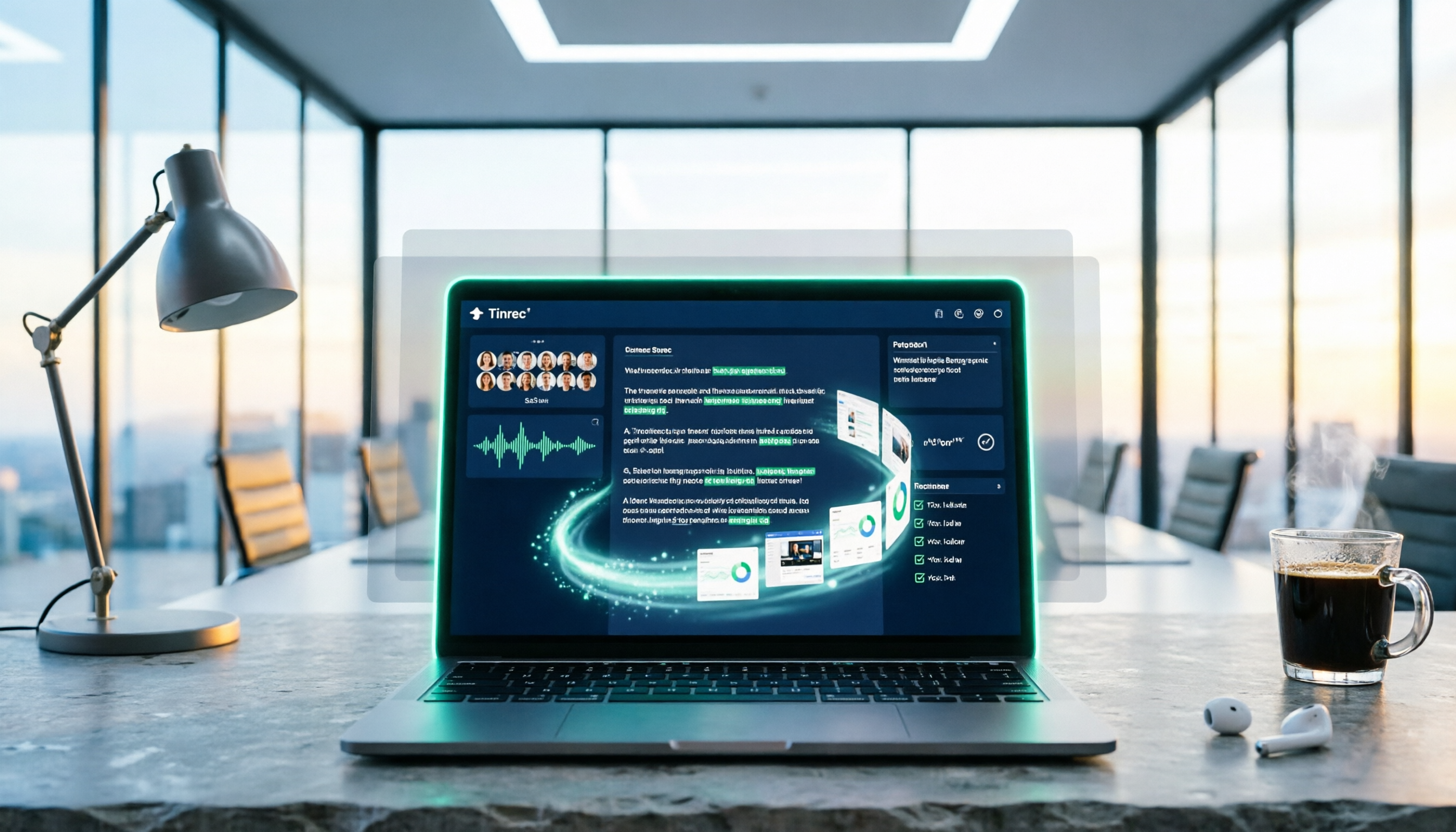
5 Best PNG Image Summary Apps in 2026: Meeting Notes and Image Organization Compared
Starting from the need to summarize PNG images, we tested how Tinrec turns meeting recordings and videos into searchable, summarizable notes, and compared image tools with AI meeting tools.