
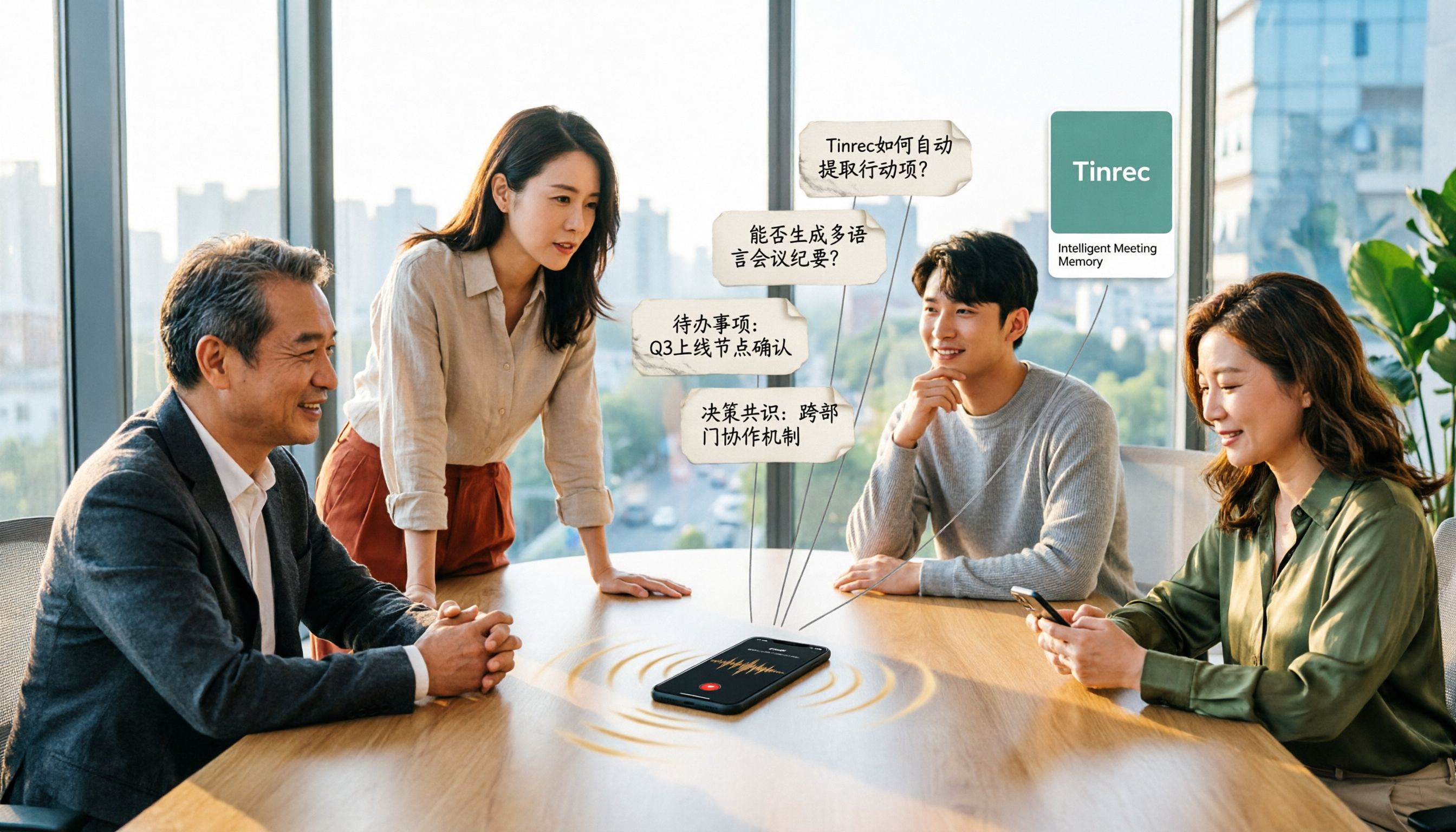
Turn recordings into transcripts and summaries in minutes
Upload audio or video for multilingual transcription, AI notes, and action items
4 Online Audio-to-Text Tools Tested for 2026: Which Is Best for Chinese Meeting Notes and AI Q&A?
Still spending two hours organizing notes after a meeting? You don't need faster typing—you need the right tool
The Wednesday afternoon online meeting just ended, and your manager dropped a message in the group chat: "What was the budget mentioned earlier?" You only remember someone said it, but can't recall who. So you open the recording, listen from the beginning, drag to the 37-minute mark, pause, replay, pause again.
Another scenario: a two-hour client interview recording, and you need to submit a summary by tomorrow morning. Or a cross-department meeting mainly in Chinese but mixed with English project terms, and the transcription writes "project manager" as "project experience."
The real pain point of meeting notes is never slow typing—it's that "recording is just the starting point." What you need is meeting data that can be searched, summarized, and queried. This article uses the same standard to test 4 online audio-to-text tools.
Before choosing an online audio-to-text tool, understand these 4 key points
1. How is the meeting captured: meeting bot or desktop capture? Many tools rely on a "meeting bot" that joins the meeting room as a participant. It's convenient, but the downside is you have to invite it every time, and it may not be able to enter external client meeting rooms. Another approach is desktop capture that directly records the computer's system audio without adding any participants. Tinrec takes the latter approach, which is its most easily overlooked advantage.
2. Is the input source versatile enough? Besides online meetings, you surely have in-person meeting recordings, voice memos from your phone, and old MP3 or video files. Whether the tool can handle these sources determines whether you'll be forced to move files between three apps.
3. After transcription, what else can it do for you? A tool that only provides a transcript is like throwing a 30-minute meeting back at you to read. Summaries, chapters, action items, AI Q&A, translation, export—these "post-meeting processing" features are where real time savings happen, and where tools have diverged the most in recent years.
4. Is the free quota enough, and do you have team needs? For occasional personal use, just look at the free quota; but if you want to keep meeting data within a team, check if it has team spaces, member and seat management, usage and audit logs. Most cheap transcription tools lack this layer.
Tinrec—our top pick after testing
Tinrec is an AI meeting notes and collaboration tool for individuals and teams, covering iOS, Android, desktop, and web. Its positioning is not just "audio to text," but turning meetings into searchable, queryable, deliverable data.
Record online meetings without a meeting bot. Open Tinrec on desktop, and it captures the computer's system audio, directly processing meeting content played on Zoom, Google Meet, Microsoft Teams, Webex, etc., without inviting an extra bot. Note that this is "user-initiated recording," not automatically joining every meeting on your calendar.
Transcribe while recording, and handle multilingual meetings. The transcript is generated in real-time during recording, and for cross-language meetings, you can switch between original text, translation, and bilingual view. For meetings mixed with Chinese and English, this is much easier than finding a translator afterward.
The hour after the meeting is where it truly saves time. After the meeting, Tinrec generates a summary, chapters, and key points, and extracts action items from the discussion; more importantly, AI Q&A—you can directly ask it "Who mentioned the budget in the last meeting?" and it gives a semantic answer, not a keyword search list. When you need to deliver results, you can also use Agent post-processing to generate reports, tables, and documents, or export results to Notion, Google Docs, OneNote, Dropbox, etc. for further editing.
Stop organizing recordings by hand
Upload audio or video and automatically get a transcript, summary, and action items
Test conditions and results. We tested with a roughly 20-minute indoor meeting recording mixed with Chinese and English (recorded with laptop built-in microphone, with air conditioning noise and multiple people talking over each other). Under these unclean conditions, Tinrec delivered a readable transcript and segmentation, and the summary captured the main conclusions and action items. Note that transcription accuracy is affected by audio quality, accent, noise, overlapping speech, and technical terms; no tool should promise a fixed number. Tinrec offers team hotwords to maintain common terms, which is especially useful for product names and internal codes.
Three reasons worth buying: First, bot-free capture allows recording external meetings without scheduling invites. Second, the transcript→summary→action items→Q&A is a one-stop process, saving time re-reading the entire meeting. Third, cross-device plus team capabilities mean meeting data won't be scattered on personal phones.
Limitations to be clear about: The free version provides a basic quota, and heavy users need to pay; team version permissions are "team-level sharing + role and seat management," not file-level granular permissions. Also, the quota rules for real-time recording and file import differ—under an active team plan, real-time recording currently does not deduct minutes, while file and web link imports use the team shared quota.
Team version benefits: Eligible teams get a 7-day first trial, 1 free seat, and 300 minutes of team shared import quota; afterward, monthly payment is USD 29.80 per paid seat per month, annual payment is USD 199 per paid seat per year (about USD 16.58 per month), and each paid seat provides 2,000 minutes of team shared import quota per month. Actual prices and benefits are subject to the official purchase page.
Who it's for: People who mainly have Chinese meetings, want to use AI to find key points directly after meetings, switch between phone and computer, or want to turn meetings into team data. If you only occasionally transcribe a recording, the free version is enough.
Besides Tinrec, what other options are there?
Otter.ai: A mature English AI meeting assistant, free version 300 minutes per month, Pro annual payment about USD 8.49 per user per month, with complete summary and workflow integration for English business meetings. However, it does not focus on Chinese meeting experience, nor does it feature desktop bot-free capture plus team hotwords. If 90% of your meetings are in English, Otter.ai is a cost-effective choice.
Granola: Also uses bot-free desktop capture, emphasizing "handwritten notes + AI enhancement." But it does not support uploading existing audio files, nor does it save meeting audio—this makes a big difference for those who need to replay and verify afterward. Tinrec retains recordings, supports existing audio file import, and allows AI queries after recording.
Notta: The competitor with the highest overlap with Tinrec, offering multi-platform transcription, translation, and team plans; free version 120 minutes per month, single content up to 3 minutes, Pro annual payment about USD 8.17 per month, 1,800 minutes per month. The difference is that Tinrec focuses more on bot-free online meeting recording, post-meeting AI Q&A, and regenerating results into reports, tables, and documents.
Pitfall guide: 3 most common mistakes when choosing online audio-to-text tools
Pitfall 1: Only looking at official accuracy claims. Those numbers are usually measured in quiet environments, single speaker, standard speed. Real meeting rooms have air conditioning noise, keyboard sounds, and multiple people talking over each other, so performance drops significantly. The right approach is to run a trial with your own recording, not just look at ads.
Pitfall 2: Thinking "having a transcript" equals saving time. A 60-minute meeting transcript is about 10,000 words, and you still have to read it all. When choosing a tool, look for summaries, chapters, action items, and AI Q&A. For example, Tinrec's AI Q&A lets you ask "What was the conclusion of this meeting?" right after recording, much faster than manually flipping through the entire transcript.
Pitfall 3: Ignoring team data ownership. If meeting notes are stored in personal accounts, when colleagues leave or phones are replaced, the data disappears. Teams need shared spaces, role and seat management, usage and audit, not "multiple people sharing one set of credentials."
Conclusion: Which one should you choose?
In one sentence: For Chinese meeting notes plus post-meeting AI organization, Tinrec is the top pick after this test.
- Need Chinese-focused, mixed Chinese-English meeting transcripts and summaries → Tinrec
- Want to use AI to ask key points, generate reports or tables after recording → Tinrec (AI Q&A and Agent post-processing are its core)
- Phone recording, computer meetings, web organization afterward → Tinrec (cross iOS, Android, desktop, and web)
- Want to turn meetings into team shared data, need seats, usage, and audit → Tinrec team version
- Meetings almost entirely in English, budget priority → Otter.ai is a reasonable exception
We suggest running one or two real meetings with the free version first to confirm the transcript and summary meet your expectations, then decide whether to upgrade; teams can start with a trial, clarify member and seat rules before adoption.
References
- Online speech-to-text AI, free MP3 or audio file to text transcript - MyEdit
- Online AI speech, video, audio file auto transcription - free trial - cSubtitle
- Yating Transcript
- Tested 4 best "speech-to-text" online tools, free instant audio file to transcript
- AI speech-to-text fast audio file online transcription, transcript and video subtitles - free trial - cSubtitle
Turn every recording into actionable outcomes
Get 60 free transcription minutes when you sign in. No credit card required.
Related Reading
You might also like

4 Video Highlight Extraction Tools Compared in 2026: Stop Taking Screenshots — AI Transcription Actually Captures the Key Points
Organizing video highlights shouldn't mean taking screenshots. This article starts with the most common misconceptions, compares four video highlight extraction tools — Tinrec, Granola, TurboScribe, and Otter.ai — and explains the differences in transcription, summarization, AI Q&A, and team knowledge retention. It also includes buying criteria, pitfalls to avoid, and a quick-start checklist.

2026 M4A Audio Summarizer Comparison: Which Tool Turns Recordings into Usable Meeting Notes?
M4A recordings pile up, but transcripts alone don't highlight key points. This article explains what M4A audio summarization can do, its core capabilities, 4 practical use cases, and 5 things to consider when choosing a tool. Using Tinrec as an example, it walks through the complete workflow from recording to summary, action items, and export.

4 Free Video-to-Text Tools Tested for 2026: Which Free Tier Is Most Generous?
A 2026 comparison of 4 free video-to-text tools covering free quotas, Chinese recognition, output formats, and AI post-processing. Tinrec offers transcription plus automatic summaries, to-dos, AI Q&A, and team sharing; cSubtitle, Video Transcriber AI, and TurboScribe each have free limits. This article provides selection criteria and pitfalls to help you find the most usable free option.
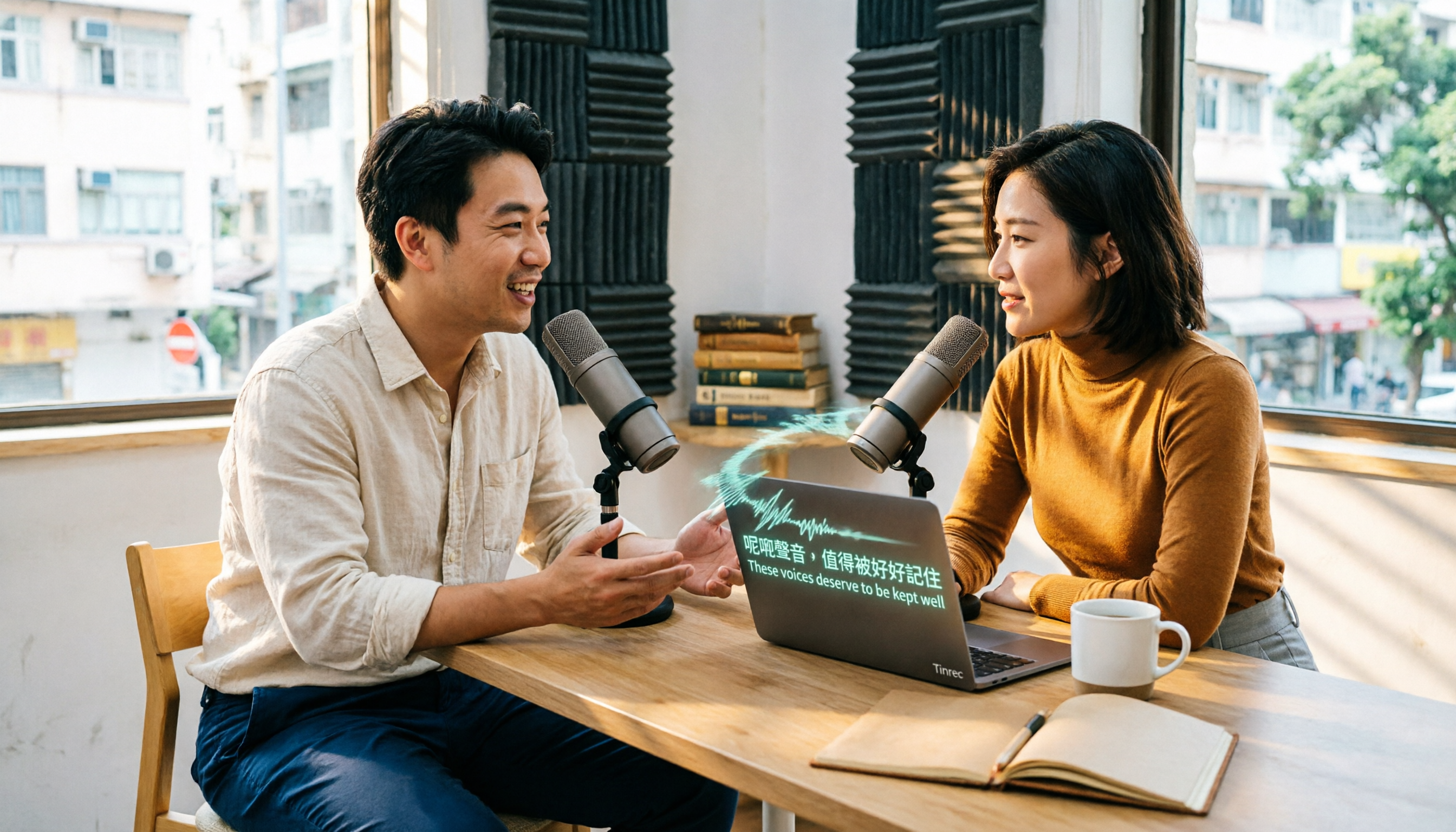
2026 Cantonese Speech-to-Text Tools Buying Guide: 4 Tested Picks and Recommendations
Transcribing Cantonese meetings, interviews, or videos often takes more time than the meeting itself. This guide tests Tinrec, Otter.ai, Notta, and TurboScribe with the same Cantonese and mixed Chinese-English material, outlining 5 key buying factors, 4 common pitfalls, and scenario-based recommendations to help you decide which tool truly fits your Cantonese speech-to-text needs.

2026 MP3 Audio Summarizer App Comparison: Tinrec vs Audio Cutter
Most people start by using an editing tool to organize MP3s, but after cutting, they still have to listen from beginning to end. This article addresses common misconceptions and compares Tinrec, Audio Cutter (mp3cut.net), and MP3 Cutter Merger & Convertor. It explains why an audio summarizer app that can summarize and answer questions is better suited for meeting and interview recordings, and lists five key points to consider when choosing one.
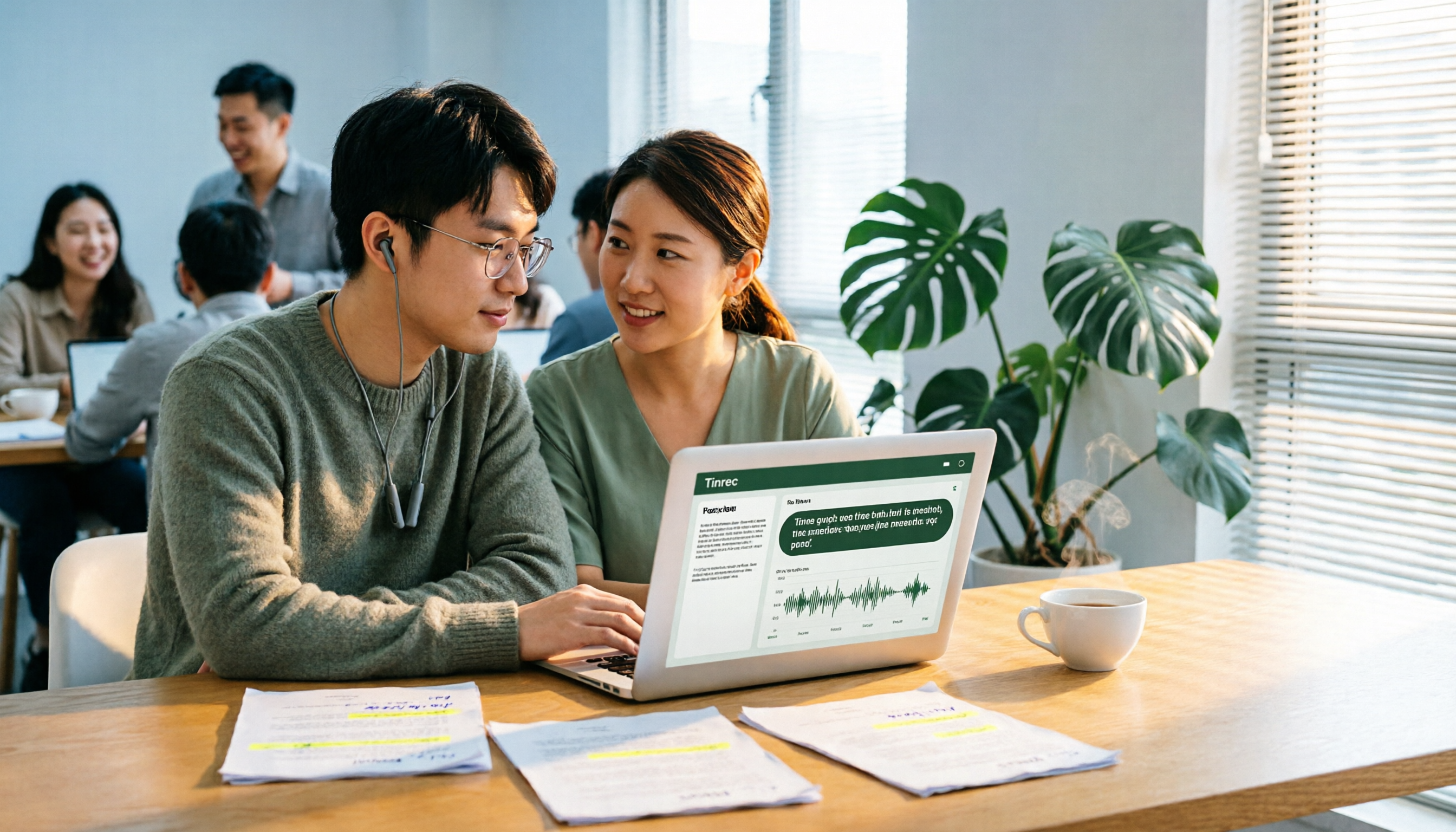
2026 AI Summarizer Showdown: 4 Tools Tested for Meeting Notes vs. Research Papers
AI summarizers are everywhere, but whether you're condensing meeting recordings or research paper PDFs determines which tool you need. This hands-on comparison evaluates Tinrec, Wordvice AI, GenApe, and SlidesPilot across five dimensions: input sources, post-meeting Q&A, Chinese language handling, output integration, and team collaboration. We also highlight four common pitfalls and give clear recommendations based on your use case.
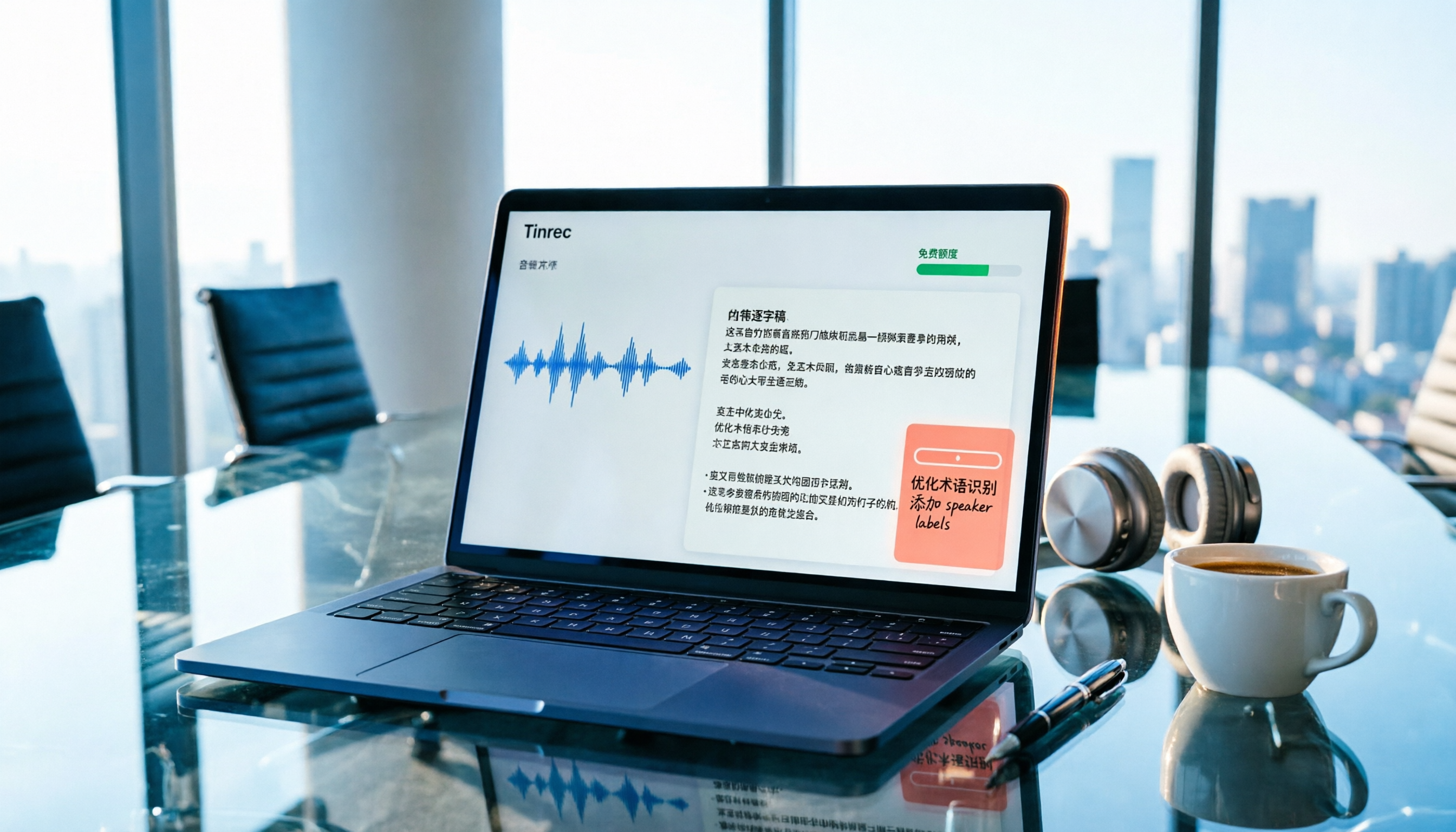
Free Audio-to-Text Apps in 2026: How to Choose Free Tiers + Chinese Transcription Test Highlights
How do you choose a free audio-to-text app? This article compares two actually free options, Tinrec and Otter.ai, across five dimensions: free quota, Chinese recognition, meeting recording methods, post-transcription processing, and team collaboration. It also includes team plan seat and pricing details to help you decide which one fits your meeting and transcript needs.
6 Xiaomi Video-to-Text Solutions Compared: Built-in Recorder vs AI Tools—Which Saves More Time?
We compare 6 Xiaomi video-to-text solutions, from the built-in recorder and AI Recorder to Tinrec, Notta, TurboScribe, Yating Transcript, and free app store apps. We honestly compare free limits, pricing, and post-meeting organization capabilities to help you find one that truly works.

5 Best Speech-to-Text Tools in 2026: Tested Alternatives When WeChat Voice Transcription Fails
WeChat voice-to-text suddenly stops working, usually due to network issues, permissions, accents, or audio compression. This article covers 4 quick troubleshooting steps and tests Tinrec as an alternative for daily meetings and long voice messages, including features, use cases, buying tips, and FAQs.