
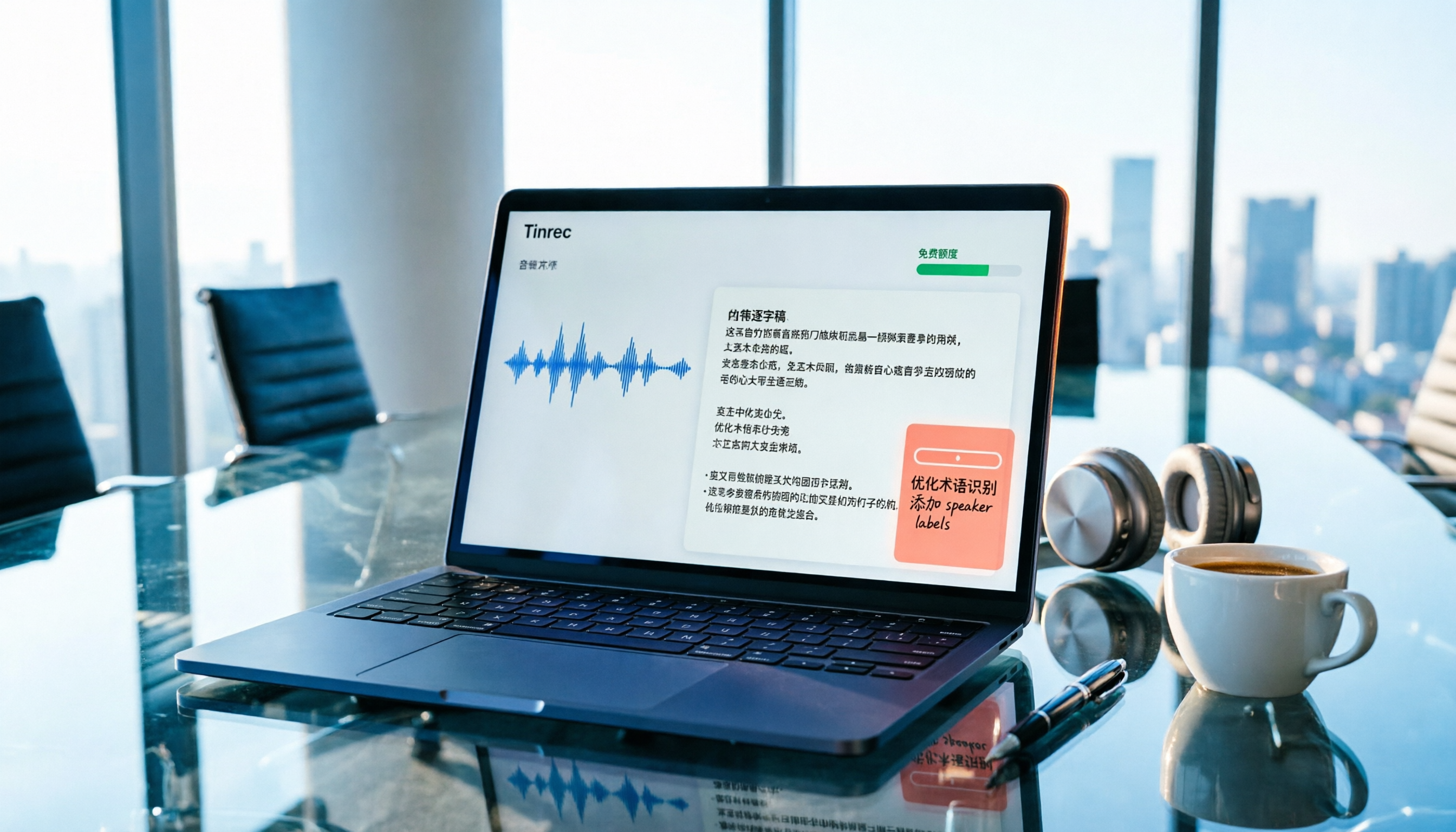
Turn recordings into transcripts and summaries in minutes
Upload audio or video for multilingual transcription, AI notes, and action items
Free Audio-to-Text Apps in 2026: How to Choose Free Tiers + Chinese Transcription Test Highlights
You just finished a one-hour meeting, the recording is sitting on your phone, and you open the app store to search for "free audio to text"—every app says it's free, but after downloading you find the free version only gives you a few minutes, or it starts switching to English as soon as someone speaks Chinese. This article cuts to the chase and directly compares two genuinely free options, Tinrec and Otter.ai, breaking down "how much can you actually transcribe for free, does Chinese work, and how do you record meetings."
Tinrec vs Otter.ai | Quick Overview
Tinrec (秒听录音) is an AI meeting notes and collaboration tool for individuals and teams, focusing on post-transcription summaries, to-dos, AI Q&A, and team knowledge retention. Otter.ai is a mature AI meeting assistant with deeper experience in English business meetings and integration ecosystems.
| Item | Tinrec | Otter.ai |
|---|---|---|
| Core positioning | AI meeting notes and team collaboration | AI meeting assistant and meeting automation |
| Meeting capture | Desktop version captures system audio without a bot | Primarily meeting bots, also has desktop app |
| Free entry | Free version offers basic quota | Basic free plan: 300 minutes per month |
The following compares 5 dimensions: free quota, Chinese recognition, recording method, post-transcription processing, and team collaboration.
Dimension 1 | Free Quota: How Much Can You Transcribe Without Paying?
Otter's Basic plan is free, 300 minutes per month; Pro annual billing is about USD 8.49/user/month, including 1,200 minutes of in-app recording per month and 10 file imports; Business offers unlimited meetings and in-app recording, actual pricing may be affected by promotions (refer to Otter's official pricing page).
Tinrec's free version offers basic quota, allowing you to try recording, importing, summaries, and transcription; for short-term intensive use, consider a weekly pass; for steady weekly needs, a Pro monthly pass; for long-term retention of recording data, an annual pass. This "free → weekly → monthly → annual" ladder is easier to plan for those who just want to try it out for a while.
→ This dimension: Both have friendly free thresholds, Tinrec's tiers are more granular.
Dimension 2 | Chinese and Mixed Chinese-English Recognition
Otter's strength is English business meetings; Chinese meetings and mixed Chinese-English experiences are not its focus. Tinrec covers Chinese, Traditional Chinese, and multilingual meeting scenarios, supports viewing original text, translation, or bilingual content during recording, and allows teams to maintain professional terminology with hotwords. Note that any tool's performance is affected by recording quality, background noise, accents, and overlapping speakers; it's not recommended to judge by fixed accuracy numbers.
→ This dimension: For readers mainly in Chinese meetings, Tinrec clearly wins.
Dimension 3 | How to Record Meetings: Bot Joining vs No Bot
Otter primarily uses meeting bots to join Zoom, Microsoft Teams, and Google Meet, and currently also offers desktop capabilities, so it's not just bots.
Stop organizing recordings by hand
Upload audio or video and automatically get a transcript, summary, and action items
Tinrec's desktop version directly captures computer system audio, so users don't need to add an extra meeting bot to the participant list to handle meeting audio played on the computer from Zoom, Google Meet, Microsoft Teams, Webex, etc. Note that the user still needs to actively open Tinrec to start recording; it does not automatically join all calendar meetings.
→ This dimension: If you don't want a bot appearing in the participant list, Tinrec fits better.
Dimension 4 | After Transcription: Just a Transcript, or Can You Keep Using It?
Otter provides summaries, action items, AI Chat, and team analytics; its meeting intelligence is quite mature. In addition to transcripts and AI summaries, Tinrec also provides chapters and highlights, to-do extraction, mind maps, AI Q&A around meeting content, real-time translation, and multi-format export to Notion, Google Docs, OneNote, Dropbox, etc., and can generate reports, tables, and documents via Agent post-processing.
→ This dimension: Tie, but Tinrec slightly wins for Chinese content and export workflows.
Dimension 5 | Team Collaboration and Data Ownership
Otter's Business and enterprise plans offer mature team and management capabilities. Tinrec's team version is an independent team collaboration space: you can create multiple teams, invite members via join links, set owners/admins/members, and provides seat allocation, shared recording and import benefits, usage analytics, audit logs, and audio recycle bin (currently retained for 30 days).
Here you need to distinguish "roles" and "seats": roles determine who can manage the team and members, seats determine whether one can record, upload, edit, import/export. Active members without seats can still view, play, and read team data, but cannot perform resource usage operations; team data belongs to the team, and when a member leaves or is removed, resources need to be handed over to other active members.
Pricing is USD 29.80 per paid seat per month, annual payment USD 199 (about USD 16.58/month), each paid seat provides 2,000 minutes of team shared import quota per month; under an active team plan and active seats, real-time recording currently does not deduct minutes, while file and web imports use the team shared quota. Actual pricing and benefits are subject to the official purchase page.
→ This dimension: For those needing Chinese meetings plus team governance, Tinrec is more complete.
What Unique Advantages Does Each Have?
Tinrec's unique advantages: First, desktop bot-free recording, so online meetings don't need an extra participant; second, Chinese and mixed Chinese-English meeting experience, plus real-time translation and bilingual viewing; third, post-transcription workflow, with summaries, chapters, to-dos, Q&A, and export to third-party tools all in one place; fourth, team space turns meetings into searchable, transferable team assets.
Otter's unique advantages: First, mature mindshare and usage habits in English business meetings; second, longer development of integration ecosystem and enterprise team solutions.
Summary: Which One Should You Choose?
• If you mainly have Chinese meetings and need mixed Chinese-English transcripts → Tinrec
• If you don't want a meeting bot joining the participant list → Tinrec
• If you want to ask questions about meeting content and extract to-dos right after recording → Tinrec
• If you need to use across phone, web, and desktop → Tinrec
• If you mainly have English business meetings and only need basic meeting notes and summaries → Otter.ai is enough
In one sentence: For users with more Chinese meeting and post-meeting organization needs, Tinrec is a more complete choice. We recommend using the free quota first, testing with a recording of your own meeting, and then deciding whether to move to a paid plan. When using recording and transcription features, please also comply with local regulations and obtain participant consent as appropriate.
References
- Online speech-to-text AI, free MP3 or recording to text transcript - MyEdit
- SoundType AI ultra-accurate transcript, speech-to-text, AI dictation - Google Play App
- Audio to text - free speech-to-text tool
- Speech to text - Google Play App
- No time limit! 3 free AI transcript tools, highly recommended! AI voice notes generate meeting minutes, presentations, mind maps | 104 Career Power
Turn every recording into actionable outcomes
Get 60 free transcription minutes when you sign in. No credit card required.
Related Reading
You might also like

4 Video Highlight Extraction Tools Compared in 2026: Stop Taking Screenshots — AI Transcription Actually Captures the Key Points
Organizing video highlights shouldn't mean taking screenshots. This article starts with the most common misconceptions, compares four video highlight extraction tools — Tinrec, Granola, TurboScribe, and Otter.ai — and explains the differences in transcription, summarization, AI Q&A, and team knowledge retention. It also includes buying criteria, pitfalls to avoid, and a quick-start checklist.

2026 M4A Audio Summarizer Comparison: Which Tool Turns Recordings into Usable Meeting Notes?
M4A recordings pile up, but transcripts alone don't highlight key points. This article explains what M4A audio summarization can do, its core capabilities, 4 practical use cases, and 5 things to consider when choosing a tool. Using Tinrec as an example, it walks through the complete workflow from recording to summary, action items, and export.

4 Free Video-to-Text Tools Tested for 2026: Which Free Tier Is Most Generous?
A 2026 comparison of 4 free video-to-text tools covering free quotas, Chinese recognition, output formats, and AI post-processing. Tinrec offers transcription plus automatic summaries, to-dos, AI Q&A, and team sharing; cSubtitle, Video Transcriber AI, and TurboScribe each have free limits. This article provides selection criteria and pitfalls to help you find the most usable free option.
2026 Cantonese Speech-to-Text Tools Buying Guide: 4 Tested Picks and Recommendations
Transcribing Cantonese meetings, interviews, or videos often takes more time than the meeting itself. This guide tests Tinrec, Otter.ai, Notta, and TurboScribe with the same Cantonese and mixed Chinese-English material, outlining 5 key buying factors, 4 common pitfalls, and scenario-based recommendations to help you decide which tool truly fits your Cantonese speech-to-text needs.
2026 MP3 Audio Summarizer App Comparison: Tinrec vs Audio Cutter
Most people start by using an editing tool to organize MP3s, but after cutting, they still have to listen from beginning to end. This article addresses common misconceptions and compares Tinrec, Audio Cutter (mp3cut.net), and MP3 Cutter Merger & Convertor. It explains why an audio summarizer app that can summarize and answer questions is better suited for meeting and interview recordings, and lists five key points to consider when choosing one.
2026 AI Summarizer Showdown: 4 Tools Tested for Meeting Notes vs. Research Papers
AI summarizers are everywhere, but whether you're condensing meeting recordings or research paper PDFs determines which tool you need. This hands-on comparison evaluates Tinrec, Wordvice AI, GenApe, and SlidesPilot across five dimensions: input sources, post-meeting Q&A, Chinese language handling, output integration, and team collaboration. We also highlight four common pitfalls and give clear recommendations based on your use case.
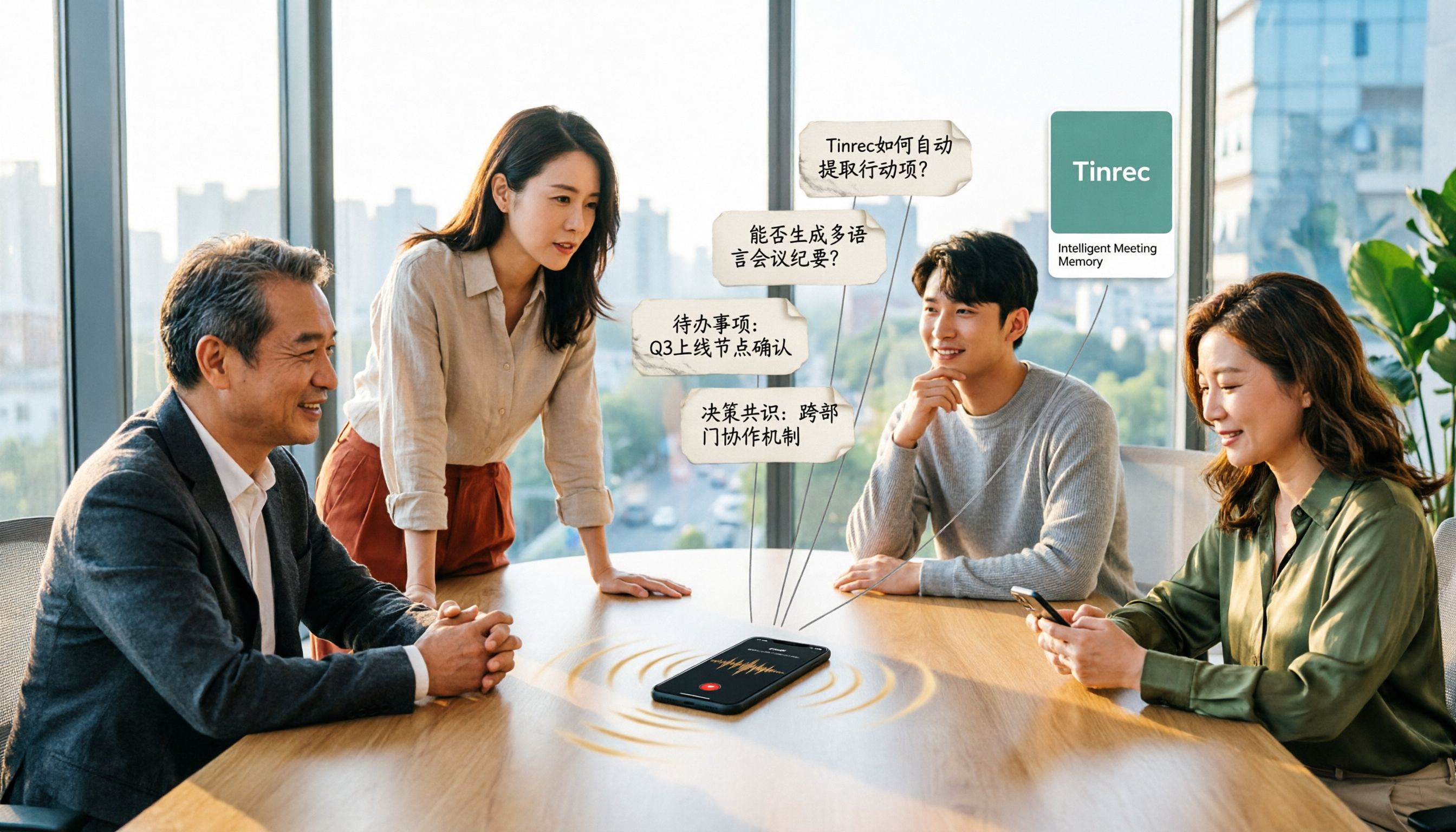
4 Online Audio-to-Text Tools Tested for 2026: Which Is Best for Chinese Meeting Notes and AI Q&A?
Starting from the real scenario of having to manually organize notes after a meeting, we tested 4 online audio-to-text tools on their differences in Chinese meetings, post-meeting summaries, and AI Q&A, and compiled 4 key buying factors, 3 common pitfalls, and scenario-based selection advice to help you choose the right tool in one go.
6 Xiaomi Video-to-Text Solutions Compared: Built-in Recorder vs AI Tools—Which Saves More Time?
We compare 6 Xiaomi video-to-text solutions, from the built-in recorder and AI Recorder to Tinrec, Notta, TurboScribe, Yating Transcript, and free app store apps. We honestly compare free limits, pricing, and post-meeting organization capabilities to help you find one that truly works.

5 Best Speech-to-Text Tools in 2026: Tested Alternatives When WeChat Voice Transcription Fails
WeChat voice-to-text suddenly stops working, usually due to network issues, permissions, accents, or audio compression. This article covers 4 quick troubleshooting steps and tests Tinrec as an alternative for daily meetings and long voice messages, including features, use cases, buying tips, and FAQs.