

Turn recordings into transcripts and summaries in minutes
Upload audio or video for multilingual transcription, AI notes, and action items
Why the judgment that 'built-in is enough' often goes wrong after the meeting
Many people initially think: Huawei tablets have built-in voice-to-text, just open Notes and tap the microphone, and you get text after speaking. Why install another tool?
If the need is just 'turn a passage into text,' this judgment is correct. According to Huawei's official support page, Xiaoyi Input Method is developed by Huawei and supports efficient voice input, smooth handwriting, simulated mechanical keyboard, and input in over 170 languages worldwide; another tutorial mentions that when paired with a Huawei smart magnetic keyboard, you can directly tap the voice icon on the keyboard to input, and the quick note function in Notes also allows selecting voice-to-text.
The real problem usually doesn't happen at the moment of 'input,' but after the meeting ends.
A 40-minute meeting, the built-in feature types your speech smoothly, and the transcript looks complete. But when you need to answer 'who promised what, what are the deadlines, which item was rejected,' you still have to read through the entire text from the beginning.
More troublesome is the follow-up. If you want to organize on a computer, you have to find a way to transfer the text; if the meeting was held by a team, the data is scattered on each person's device, and next time you need to check, you can only ask one by one.
Simply put, built-in voice input solves the 'typing' problem, not the 'meeting notes' problem. This article discusses the latter half: after text is generated, how to organize, how to find, and how to make it accessible to the whole team.
Before choosing a voice-to-text tool, understand these 5 key points
Recognition quality should be judged in real scenarios, not by promotional numbers. Many tools boast high recognition rates, but that's usually measured in quiet environments. Real meeting rooms have air conditioning noise, keyboard sounds, multiple people talking over each other, and people using technical terms, so performance will differ significantly. A more reliable approach is to test with your own recording, not just read what the official website says.
What else does it do after converting to text? If the tool only gives you a transcript, your work is only half done. What's worth looking at is whether it can automatically organize summaries, chapters, key points, and action items—these are what you'll actually use.
Can you directly ask questions about the meeting content? The traditional way is to search and find keywords, but you have to guess the right keywords first. If you can directly ask the meeting data 'who mentioned the budget in the last meeting,' and it answers based on semantic understanding, your organization efficiency will be completely different.
Will cross-device and cross-platform use be hindered? Record on a tablet today, organize on a computer tomorrow, review on a phone the day after—if the tool only works on a single device, you'll be trapped by your own devices. Whether web, desktop, and mobile can interoperate is more important than you think.
How should the team use it together? Personal use and team use are two different things. For teams, consider: who owns the data, who can edit, who can only view, and what happens to data after a member leaves. This involves role and seat design, and cannot be solved by 'everyone sharing one account.'
Tinrec—the most recommended solution after testing
Tinrec is an AI meeting notes and collaboration tool for individuals and teams, available on web, desktop, and mobile, covering Chinese, Traditional Chinese, and multilingual meeting scenarios.
During the meeting, it records and transcribes simultaneously. For offline meetings, start real-time recording, and the content is synced into a transcript. For online meetings, the Tinrec desktop version directly captures the computer's system audio, handling meetings on platforms like Zoom, Google Meet, Microsoft Teams, and Webex without inviting a meeting bot as a participant. This is especially noticeable for external client meetings—you don't want an unfamiliar account appearing on the list in front of clients.
After the meeting, it's already organized. After the meeting, Tinrec automatically generates summaries, chapters, and key points, and extracts action items from the discussion. Previously, you had to re-listen to the recording or flip through the transcript to confirm 'who is responsible for this,' but now you can see it in the summary. If you have existing audio or video files, you can directly upload them for transcription to complete historical meetings.
After recording, you can ask it directly. This is where Tinrec differs most from ordinary transcription tools. You can ask questions directly about a single meeting or even across multiple meetings, such as 'what do customers complain about most this quarter,' and it will provide answers based on semantics, rather than throwing a bunch of paragraphs containing keywords for you to read yourself. In addition, it supports real-time translation during recording, allowing switching between original text, translation, or bilingual view, and can export results to Notion, Google Docs, OneNote, Dropbox, etc., or use Agent post-processing to further generate reports, tables, and documents.
Stop organizing recordings by hand
Upload audio or video and automatically get a transcript, summary, and action items
Regarding recognition rate, we don't intend to report a pretty number. The reason is simple: the same tool can perform very differently in a quiet meeting room versus an open office with air conditioning noise, keyboard sounds, and multiple people talking over each other. In our actual testing, we used our own real meeting recordings, not official demo audio. We suggest you verify the same way, because that's the condition you'll encounter daily.
Three advantages worth listing as purchase reasons: First, no meeting bot needed. The desktop version directly captures system audio, so online meeting notes won't have an extra participant, and you don't have to worry about the other platform not supporting it. Second, the post-transcription workflow is complete. Summaries, chapters, action items, AI Q&A, translation, export, report generation—these are a rare combination among tools at the same price point. Third, data can settle into team assets. The team version provides an independent team space, meeting data belongs to the team, and even if members leave, the data won't disappear.
Limitations to honestly note: The free version provides basic quota to experience recording, import, summaries, and transcription, suitable for those who occasionally organize a recording; if you have steady needs every week, you'll need to evaluate paid plans. Also, the team version's real-time recording currently does not deduct minutes under valid team packages and valid seats, but file and web imports consume the team's shared import quota—if your usage involves uploading many existing files, calculate this in advance.
In terms of pricing, the team version is currently USD 29.80 per paid seat per month, or USD 199 per paid seat per year, equivalent to about USD 16.58 per month; eligible teams get a 7-day trial, 1 free seat, and 300 minutes of shared team import quota. Actual prices and benefits are subject to the official purchase page.
Who is it for: If you frequently handle Chinese meetings, want to use AI to find key points directly after recording, and switch between tablet, phone, and computer, Tinrec is one of the most suitable choices currently. If your meetings are shared by a team and require unified storage and traceability, go directly to the team version.
Besides Tinrec, what other options are there?
Huawei tablet built-in voice-to-text If you're out and about and just want to jot down a quick thought, the built-in solution is actually the fastest—tap and speak, no need to switch apps. Its limitations are in 'organization' and 'collaboration': no automatic summaries and action item extraction, no cross-file AI Q&A, and data is stored on a single device. Tinrec can retain recording files, upload existing audio files, be used across devices, and organize transcriptions into summaries and action items, supporting AI Q&A. The two can actually coexist: use built-in for quick notes, Tinrec for formal meetings.
Notta Notta overlaps significantly with Tinrec, both support multi-platform transcription, file import, translation, and team plans. The official current plan is free version with 120 minutes per month, max 3 minutes per session; Pro annual equivalent to about USD 8.17 per month, 1,800 minutes per month; Business annual equivalent to about USD 16.67 per seat per month. It suits users who mainly transcribe files; but if you want bot-free online meeting recording, cross-meeting AI Q&A, and team data governance, Tinrec focuses more on these.
Otter.ai Otter is a mature choice for English business meetings, Basic free version has 300 minutes per month, Pro annual equivalent to about USD 8.49 per user per month. If your meetings are almost entirely in English, Otter is one of the more cost-effective options compared to Tinrec. However, its Chinese meeting experience is not its focus, and it lacks Tinrec desktop's recording method of 'no bot invitation, directly capturing system audio.' Teams primarily using Chinese will usually find Tinrec more convenient.
Pitfall guide: 4 most common mistakes when choosing voice-to-text tools
Pitfall 1: Only looking at official recognition rates. Numbers on the official website are usually results under ideal conditions. Real meetings have noise, accents, technical terms, and interruptions. The correct approach is to test with your own recording, not believe the percentage in ads.
Pitfall 2: Treating 'transcript' as the end goal. Getting a transcript is only half the work. What really saves time is summaries, chapters, action items, and Q&A. When choosing a tool, make 'what it gives you after transcription' a main scoring item, not just transcription speed.
Pitfall 3: Ignoring cross-device and data ownership. Using only on a tablet is fine short-term; once you need to share with a team, you'll face the problem of 'whose data is it.' For team use, confirm how roles and seats are divided—can you manage members, can you see usage, how is data handed over after members leave—these are more critical than feature lists.
Pitfall 4: Buying a tool but only using 30% of it. Many people use AI meeting tools as 'recording to text,' which is a waste. For example, Tinrec's AI Q&A lets you directly ask 'what was the conclusion of this meeting,' much faster than manually flipping through the transcript. If you buy the tool, actually use its features.
Conclusion: Which one should you choose?
In one sentence: if you need Chinese meeting notes and want usable summaries and action items immediately after the meeting, Tinrec is our top choice after this round of testing.
By scenario:
- Need Chinese meeting transcription and post-meeting organization → Tinrec (summaries, chapters, action items all in one)
- Want to ask questions directly about meeting content after recording → Tinrec (supports cross-meeting AI Q&A)
- Switch between tablet, phone, and computer → Tinrec (web, desktop, mobile interoperable)
- Team needs to jointly store and manage meeting data → Tinrec team version (independent team space, role and seat management, usage analytics, audit logs)
- Just jotting down a quick note → Huawei tablet built-in voice input is sufficient
- Meetings almost entirely in English, zero budget → Otter.ai free quota is worth trying first
The recommended approach is to start with the free version. Test with a real meeting recording you have, see if summaries are accurate, if action items are missed, and if Q&A answers are useful. If it works for you, consider upgrading; no need to pay from the start.
One final reminder: recording and transcription involve others' conversations; before use, confirm local regulations and obtain consent from participants when needed.
References
- How to use voice-to-text on Huawei tablets - Baidu Experience
- Using Xiaoyi Input Method | Huawei Support Hong Kong
- How to switch language and input method on Huawei phones | yuan's blog | Uncategorized sharing | Pixnet
- Voice-to-Text - Google Play App
- How to implement voice-to-text on Huawei phones? Simple, step-by-step guide_Huawei voice-to-text hard to use-CSDN Blog
Turn every recording into actionable outcomes
Get 60 free transcription minutes when you sign in. No credit card required.
Related Reading
You might also like
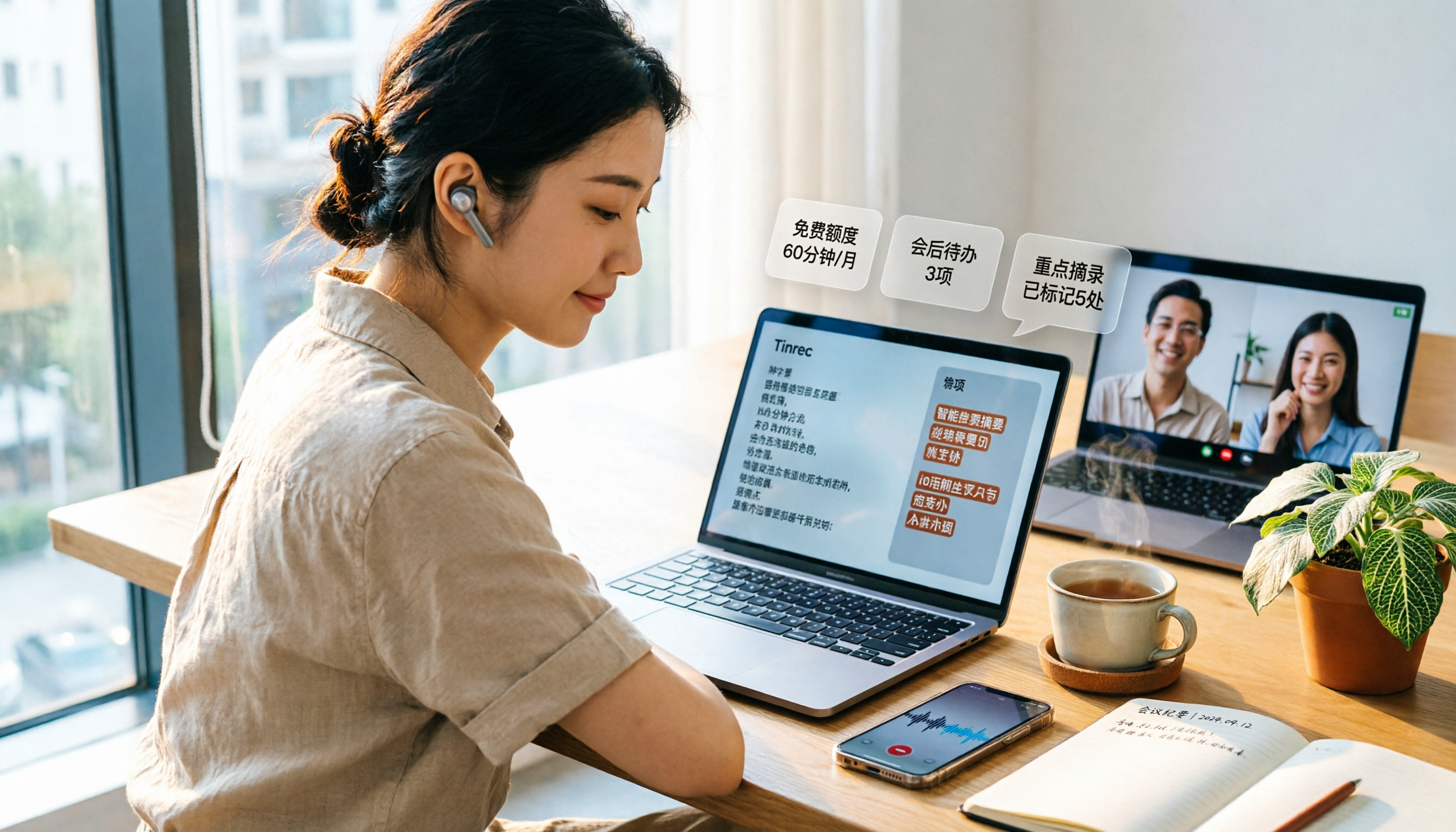
3 Free Audio-to-Text Tools Tested and Compared in 2026: Is the Free Tier Enough?
How do you choose a free audio-to-text tool? This article examines four key aspects: the unit of the free quota, Chinese recognition, post-meeting organization capabilities, and online meeting support. It compares the free plans of Tinrec, Notta, Otter.ai, and TurboScribe, and highlights the three most common pitfalls to help you find the one that truly meets your needs.

How to Choose a Free AI Transcription Tool in 2026: 5 Steps from Recording to Meeting Minutes
Starting from a mid-level manager's real meeting scenarios, this article breaks down the four key factors for choosing a free AI transcription tool, tests Tinrec's 5-step workflow, compares it with Notta, Otter.ai, and MyEdit, and includes pitfalls to avoid—helping you pick a tool that truly works after the meeting.

4 Image-to-Text OCR Tools Compared in 2026: How to Choose Between Free OCR and Tinrec for Meeting Notes
A guide to key considerations for choosing image-to-text (OCR) tools, comparing imagetotext.me, Gaitubao, Google Keep, and Chenghua OCR, plus when to use Tinrec for meeting transcription.

3 AI Meeting Note Apps Tested in 2026: Why Huawei Users Ultimately Chose Tinrec
From the perspective of a mid-level manager, this article analyzes the search intent behind "Huawei AI meeting notes" and uses Tinrec as an example to explain how AI meeting notes can automatically generate transcripts, summaries, and action items, and how these can be stored in a team space as searchable, collaborative data. It includes features, use cases, buying advice, and FAQs.

2026 AI Audio-to-Text Showdown: Tinrec vs PLAUD Note — Which Is Better for Chinese Meetings?
We compare Tinrec and PLAUD Note across meeting capture, Chinese-language experience, post-meeting workflow, team collaboration, and pricing to help you decide which AI audio-to-text tool fits your needs.

2026 Comparison of 4 Meeting Minutes Tools: Which One Actually Saves You Post-Meeting Time?
With 15 meetings a week and notes to organize after each one, a mid-level manager tests 4 meeting minutes tools, comparing audio transcription, post-meeting summaries and action items, AI Q&A, team sharing, and quotas. Includes 4 common pitfalls and selection advice to help you find the one that truly saves post-meeting time.

2026 Comparison of 2 Online YouTube Video Analysis Tools: From Video Link to Transcript Organization
Many people think YouTube video analysis means finding a website to download videos, but the real need is turning video content into searchable, organizable data. This article starts from common misconceptions and compares Tinrec and Notta across 5 dimensions: video link import, Chinese transcription, AI Q&A, team collaboration, and export workflows, helping you find a more suitable video analysis and transcript organization solution.
2026 Video and Audio Transcription Tools Buying Guide: 2 Tested Picks and Recommendations
When converting videos, interviews, or meeting notes to text, the first thing to determine is: are you dealing with a pre-recorded video file or a live meeting? This article compares two solutions, Tinrec and PLAUD Note, across six dimensions: video and audio input, Chinese recognition, post-transcription processing, audio file storage, team collaboration, and upfront cost, to help you decide which one better fits your use case.
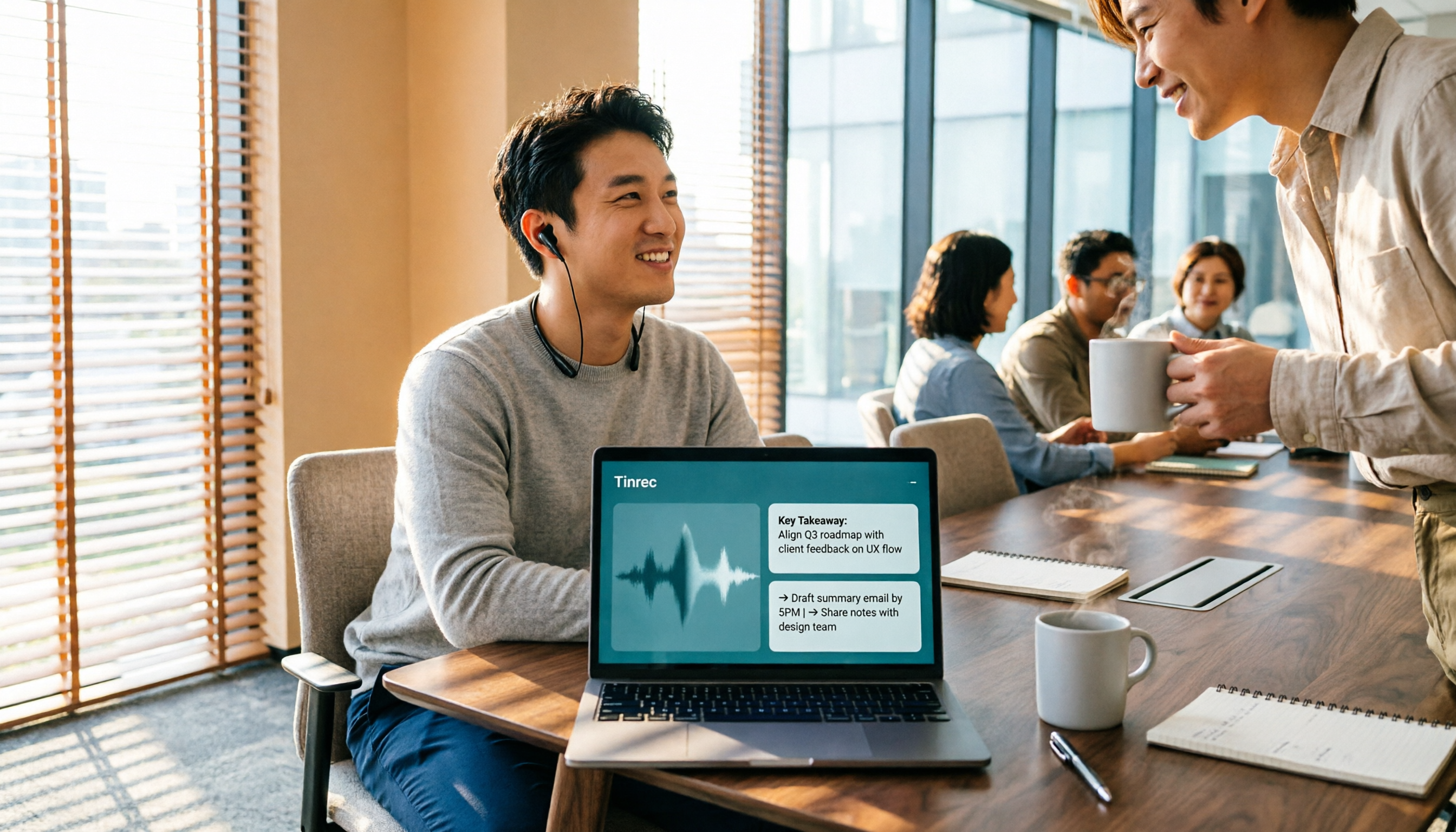
4 Voice-to-Meeting-Minutes Tools Tested for 2026: Is the Free Version Enough? Which Saves the Most Time After Meetings?
After a meeting, spending time organizing minutes is a daily pain point for most office workers. This article compares four voice-to-meeting-minutes tools: Tinrec, Otter.ai, Notta, and PLAUD. It covers recognition scenarios, post-meeting summaries and action items, online meeting recording methods, team data ownership, and free version limitations, with key tips to avoid pitfalls when choosing a tool.