

Turn recordings into transcripts and summaries in minutes
Upload audio or video for multilingual transcription, AI notes, and action items
6 Voice Memo Transcription Tools Compared in 2026: Is iPhone's Built-in Free Option Enough?
Have you ever encountered this situation?
You finish recording a 40-minute interview, and the file sits quietly in your phone's Voice Memos.
But to turn it into text, you have to put on headphones, listen sentence by sentence, and type sentence by sentence.
I've dealt with too many cases like this. The problem usually isn't that you don't know how to use the tool, but that you haven't found the right path for the current situation.
So in this article, I've compiled 6 ways to convert voice memos into text.
From completely free iPhone built-in features to AI tools that can then help you organize key points and answer questions, I'll clearly explain each one: who it's for and where its limitations lie.
Why do you need to convert voice memos to text?
In classes, meetings, interviews, or sudden inspirations, many people are used to recording first and thinking later.
But the real problem with recording isn't recording—it's finding things later.
In a 40-minute audio file, to find a specific sentence, you often have to listen to the whole thing again.
So the value of converting recordings to text isn't just saving typing—it's turning content into searchable, quotable, and further processable data.
The following 6 methods range from zero cost to AI post-processing.
Tinrec | Turning a recording into data you can continue working with
Let me start with what I use most now.
Tinrec isn't positioned as a simple audio-to-text tool, but as an AI meeting notes and collaboration tool.
It doesn't just turn sound into text—it turns a recording into searchable, queryable, and organizable data.
My workflow is like this: import the .m4a file from Voice Memos into Tinrec, and after generating the transcript, summaries, chapters, key points, and to-dos grow together.
If the recording is an interview or meeting, I'll then use AI Q&A to follow up, for example, asking it to summarize the three concerns the interviewee mentioned, or to organize commitments into a table.
It also supports real-time recording transcription, desktop bot-free recording of online meetings, and audio and video file transcription. Results can be exported to Notion, Google Docs, and other tools for continued use.
In other words, from the same recording, you can go all the way from transcript to meeting minutes, reports, or tables.
In terms of cost, the free version provides basic quota to experience recording, import, summaries, and transcription; for short-term intensive interviews or courses, you can consider a weekly card; if you have stable needs every week, a Pro monthly or annual card is more suitable.
If this happens in a team, for example, weekly project meetings need to be documented, the team version provides an independent team space, meeting data belongs to the team, and you can manage members, roles, and seats. Eligible teams get a 7-day trial, 1 free seat, and 300 minutes of shared team import quota for the first time; team monthly payment is USD 29.80 per paid seat per month, annual payment is USD 199 per paid seat per year, equivalent to about USD 16.58 per month, and each paid seat provides 2,000 minutes of shared team import quota per month.
Who it's for: people who need Chinese transcripts and still need to organize and follow up after meetings, and teams that want to accumulate meeting data as team assets.
iPhone built-in Voice Memos transcription | Free, but check your device first
This is a completely free option, and the operation is the simplest.
Open the Voice Memos app on your iPhone (in the Utilities folder), select a recording or start recording directly, and you can view the transcript during or after recording.
When you return to the main menu, if a speech bubble icon appears to the right of the recording date, it means the recording has a transcript and you can copy the entire thing and paste it anywhere.
If you open a recording made with iOS 17 or earlier that contains speech, Voice Memos will also automatically generate a transcript for it.
Limitations to clarify first: the audio transcript feature requires iOS 18.0 or later and is available on iPhone 12 and later models.
The list of supported languages is subject to Apple's official support page. Different sources have inconsistent statements about Chinese support, so it's recommended to record a test in your usual speaking language first before deciding whether to rely on it long-term.
Recording quality, ambient noise, and multiple people speaking simultaneously all directly affect the results.
Who it's for: people who only use an iPhone, have simple needs, and don't want to install extra tools.
Stop organizing recordings by hand
Upload audio or video and automatically get a transcript, summary, and action items
iPhone Notes app and Mac Voice Memos | Other entry points in the Apple ecosystem
If what you want is to jot down inspiration as soon as it comes, the iPhone Notes app also supports recording and real-time transcription, so you have text immediately after recording.
If you work on a Mac, there's another way: drag the audio file into Mac's Voice Memos, click on the audio file, and a quotation mark icon will appear in the top right corner. Click it to start recognition.
Note that this method requires the audio file extension to be .m4a; other formats need to be converted first.
Who it's for: people whose recordings naturally flow between iPhone and Mac and who have long used the Apple ecosystem.
Notta | Multilingual transcription and file organization
Positioned as a cross-platform transcription and meeting notes tool, with considerable overlap with Tinrec.
Highlights include multi-device use, file import, translation, and team plans.
In terms of pricing, Free gives 120 minutes per month, with a maximum of 3 minutes per content; Pro annual payment is equivalent to about USD 8.17 per month, with 1,800 minutes per month; Business annual payment is equivalent to about USD 16.67 per seat per month, offering unlimited transcription, role permissions, and usage reports. Subject to the official pricing page.
Who it's for: people who need multilingual transcription and want to batch-organize existing files.
TurboScribe | Long files and batch uploads
Positioned as a file transcription tool with a high cost-performance ratio.
Highlights include long file processing and batch uploads.
In terms of pricing, Free gives 3 files per day, with a maximum of 30 minutes per file; Unlimited annual payment is USD 120, equivalent to about USD 10 per month. The paid version supports files up to 10 hours or 5 GB, and you can upload 50 files at once. Subject to the official pricing page.
Who it's for: people who already have a bunch of audio files and need to process them in bulk.
PLAUD Note / NotePin | The hardware route for portable recording
Positioned as AI recording hardware, you're buying an independent device you can carry around to record.
Highlights are in the device itself, suitable for in-person meetings and phone call recording, with the app providing summaries and templates.
In terms of pricing, NotePin is USD 159, Note Pro is USD 189; Starter gives 300 minutes per month; Pro is USD 99.99 per year, 1,200 minutes per month; Unlimited is USD 239.99 per year. Subject to the official page.
Who it's for: people who are often on the go and find it inconvenient to record with their phone.
With so many options, how should you choose?
• Want to complete transcript, summary, to-dos, and follow-up questions in one go → Tinrec, these things are done in the same tool • Recordings are Chinese or mixed Chinese-English interviews, courses, meetings → Tinrec, Chinese experience and real-time translation are its focus • Want to organize historical recordings into a searchable, queryable database → Tinrec, after import you can continue Q&A and export • Team needs to share meeting notes, manage member seats and usage → Tinrec team version • Need to switch between phone, computer, and web → Tinrec • Budget is zero, only use iPhone, only need a simple transcript → iPhone built-in Voice Memos • Have many long audio files to batch transcribe → TurboScribe • Need multilingual transcription and translation → Notta • Often outdoors, inconvenient to hold phone to record → PLAUD
Before using voice memo transcription, here are 4 things to know
First, recording quality determines success. Microphone distance, ambient noise, and overlapping speech from multiple people will greatly affect the usability of the transcript. Taking care of the recording environment is more effective than changing tools afterward.
Second, the transcript is just the starting point. What really takes time is organizing key points, finding to-dos, and going back to confirm who said what. Tools like Tinrec put summaries, chapters, to-dos, and AI Q&A in the same workflow, precisely to handle this part.
Third, device models, system versions, and language support need to be confirmed first. iPhone built-in transcription has device and version thresholds, and language support is also limited. Test first before deciding.
Fourth, get consent before recording. Meeting, interview, and course recordings should comply with local regulations, and participants should be informed when necessary.
Conclusion
Converting voice memos to text is no longer difficult.
The hard part is what you do with it after conversion.
My suggestion is to first try a short segment with iPhone's built-in feature to feel the transcript quality; if you find you often need to go back to find a certain sentence, need summaries, need to-dos, then it's worth handing the entire workflow to Tinrec.
Start with a short recording, test gradually, and you'll slowly master this method.
Quick start: 5 steps you can do today
- Open iPhone Voice Memos and record a 3-minute test
- Check if a speech bubble icon appears to the right of the date to confirm the transcript is available
- Copy a segment and paste it into Notes to see if the quality is acceptable
- Import the same .m4a into Tinrec and compare the difference summaries and Q&A make
- Choose the one that best fits your daily situation and make it a habit
References
- View Voice Memos transcript on iPhone - Apple Support (Taiwan)
- iPhone Voice Memo to Text Method Tutorial: Transcript Without Third-Party Built-in Also Achievable - Mr. Mad
- [iPhone Voice Memo to Text] Complete Tutorial of 3 Major Methods! iOS Built-in, App, Recorder, Which is Best?
- iPhone Notes, Recording App Also Have Transcript Function! Class, Meeting, Speech Content Instantly Converted to Text: Simple 4-Step Tutorial | BusinessNext
- iPhone's Speech Recognition Function: Voice Memos, Automatic Punctuation and Paragraphing - Let's Write
Turn every recording into actionable outcomes
Get 60 free transcription minutes when you sign in. No credit card required.
Related Reading
You might also like

4 AI YouTube Video Summarizers Tested in 2026: Which One Actually Saves You Time?
Can't finish watching videos? Don't understand foreign languages? Still have to rewind after reading a summary? This guide covers practical AI video summarization methods in 2026, comparing Tinrec, Monica, Felo AI, and Glasp on transcripts, follow-up questions, exports, and Chinese language support to help you pick the most time-saving option.

4 Best Speech-to-Text Tools for Meeting Notes in 2026: Which One Turns Huawei Phone Recordings into Transcripts Fastest?
Recording a meeting on your phone is easy—the real challenge is what comes after. This article compares four speech-to-text tools for meeting notes—Tinrec, Notta, Granola, and PLAUD—focusing on Huawei phone recording transcription. We evaluate file support, Chinese recognition, post-meeting organization, and team collaboration to help you choose the right tool.

Tinrec vs Otter.ai 2026: 5-Dimension Comparison — Which Chinese Meeting Minutes Generator Is Better?
How to choose a meeting minutes generator in 2026? This article compares Tinrec and Otter.ai across 5 dimensions: Chinese recognition, bot-free meeting recording, post-meeting AI organization, team collaboration, and pricing. Based on real testing in Chinese meeting scenarios, Tinrec is the top choice if you need Chinese meeting minutes, AI Q&A, and team knowledge retention; Otter.ai's free version is worth considering if you only hold English meetings.

2026 Comparison of 4 Audio-to-Text Tools: Which Chinese Transcription Tool Saves the Most Time?
The meeting ends, but the real work begins—replaying a 50-minute recording, pausing, and typing often takes another two hours. This article starts from real usage scenarios, outlines 5 key points for choosing an audio-to-text tool, and tests the differences between Tinrec, Otter.ai, Notta, and Granola, with a guide to avoid pitfalls and purchasing advice.

2026 Recording App Comparison: Tinrec vs Notta for Chinese-Speaking Teams
2026 recording app comparison. Which recording app is best? This hands-on review compares Tinrec and Notta across Chinese-language meetings, bot-free recording, AI post-meeting organization, and team collaboration. It also covers Tinrec's core features and real-world use cases. If you need accurate Chinese transcripts, queryable meeting summaries, and a tool that turns meetings into team knowledge, Tinrec is a better fit for Chinese-speaking teams than Notta.
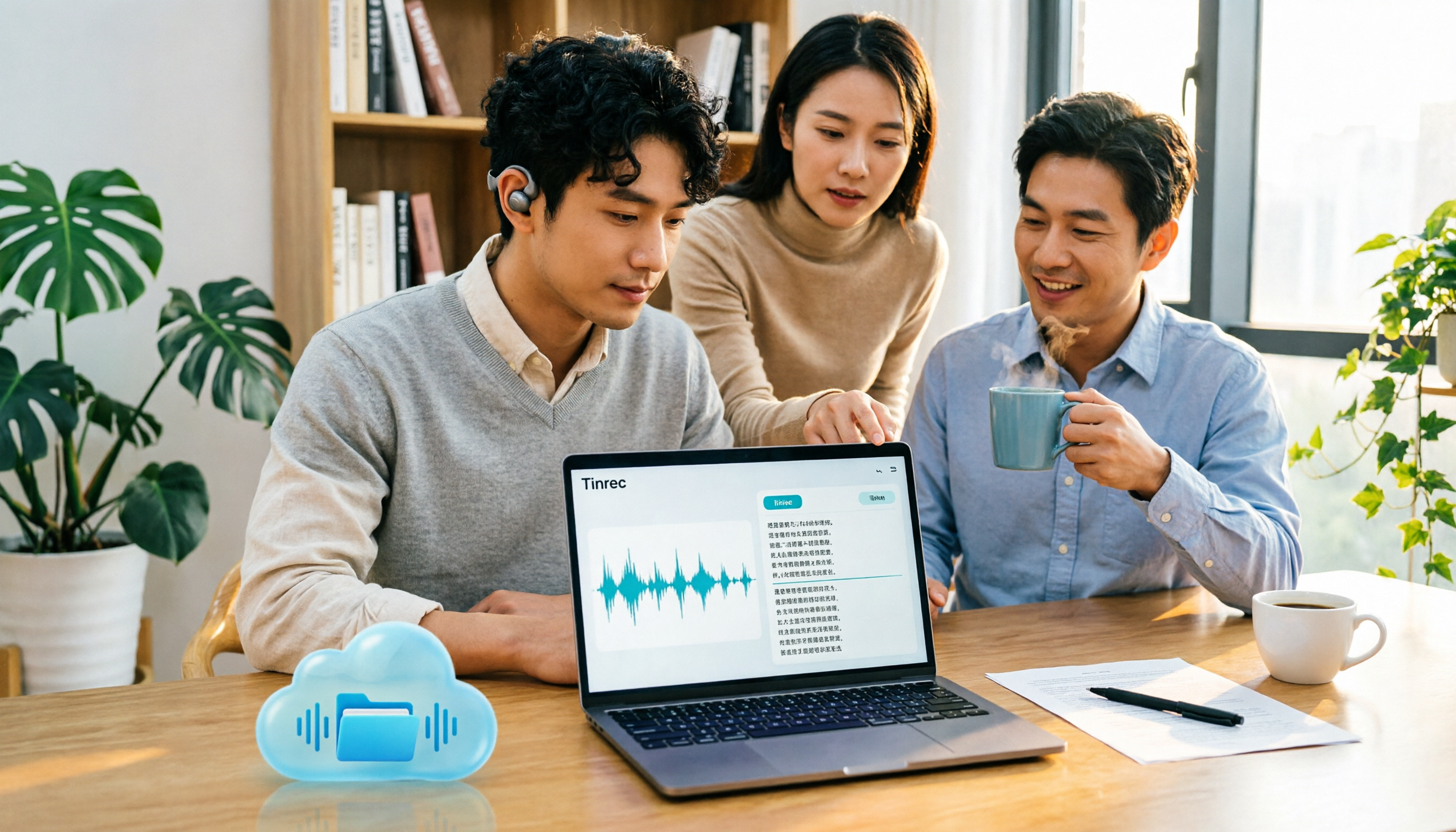
Tinrec vs Google AI Studio in 2026: 5-Dimension Comparison for Cloud Drive Audio Transcription
Storing audio files in Google Drive and need to convert them to transcripts? This article compares Tinrec with Google AI Studio and Google Cloud Speech-to-Text across 5 dimensions including single file length, Chinese recognition, post-meeting organization, and team data ownership. It also lists 4 common pitfalls to help you choose the most hassle-free cloud drive audio transcription solution.

2026 Recording-to-Data App Comparison: Tinrec vs PLAUD Note – Which Workflow Fits You?
In 2026, the real question isn't how to record audio—it's how to turn recordings into usable data. This hands-on comparison of Tinrec and PLAUD Note examines hardware needs, online meeting recording, post-meeting organization, Chinese and multilingual support, team collaboration, and pricing to help you decide which path to take.

4 Free Speech-to-Text Apps Tested: Free Tiers and Chinese Recognition Compared
Many free speech-to-text apps exist, but the real differences lie in how free tiers work, how well they recognize Chinese, and whether transcripts are ready to use. This article breaks down the selection logic using 4 key points, compares the free plans of Tinrec, Notta, Otter.ai, and TurboScribe, and highlights 3 common pitfalls.

2026 Video Summarizer Buying Guide: 4 Tools Tested and Recommended
Looking for a video summarizer but not sure where to start? This guide shares hands-on testing and recommendations for 4 tools, covering no-subtitle videos, multilingual processing, AI Q&A, and team knowledge retention, helping you see the differences between Tinrec, Monica, WayinVideo, and Glarity.