
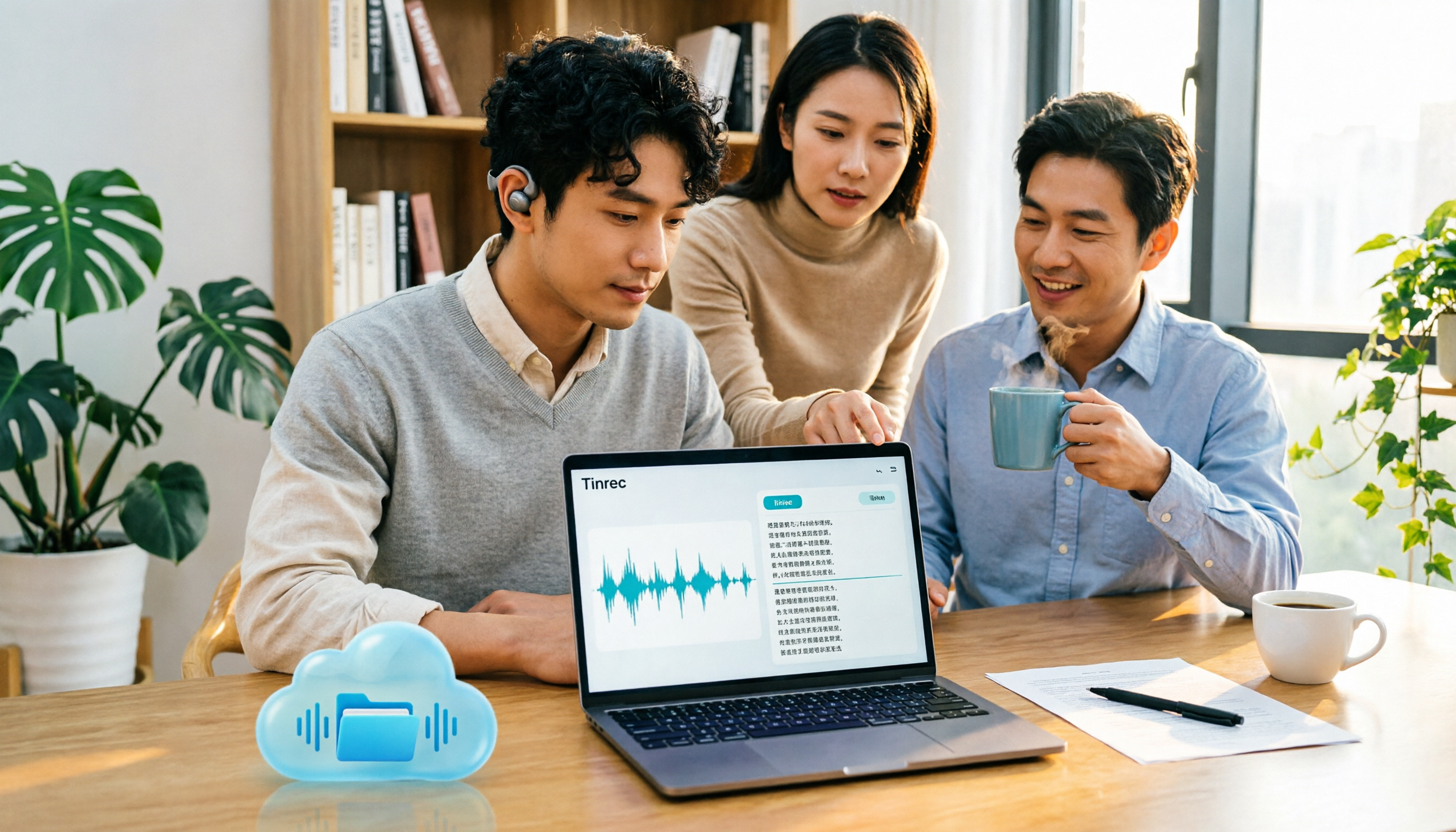
Turn recordings into transcripts and summaries in minutes
Upload audio or video for multilingual transcription, AI notes, and action items
When recordings sit in cloud drives, the real pain comes later
Many people store recordings of interviews, meetings, and courses directly in Google Drive, thinking they'll organize them later.
But when they actually need them, the trouble begins.
You have to download the audio from the cloud to your computer, find a tool that can read the audio, upload it, wait in line, and pray it doesn't turn mixed Chinese-English segments into gibberish.
More often, the tool does produce a transcript, but without punctuation, paragraphs, or speaker labels. A 40-minute meeting still requires you to edit line by line, taking longer than the meeting itself.
This article isn't about giving up free tools, but about clarifying: when recordings are already in Google Drive, how to turn them into truly usable text.
Before choosing a tool, understand these 5 key points
1. Can it access files in your cloud drive?
Most tools don't directly integrate with Google Drive; you have to download and re-upload.
This is fine for one or two recordings, but when you have a dozen interviews, downloading, renaming, and re-uploading can take half a day.
When choosing a tool, first check which audio and video formats it supports, and the maximum length per file.
2. How long can it process at once? This determines if you need to split files manually.
This is the most overlooked point. Free tools usually have a length limit; exceeding it may cause interruptions or errors.
Users have found that recordings over about 1 hour 5 minutes start having issues, so it's recommended to split long files into segments under 1 hour and upload them in the same conversation thread to maintain context.
In other words, whether it can handle long files directly affects how much time you'll spend splitting them.
3. Does it output a transcript or directly usable data?
A transcript is just a semi-finished product.
What really saves time is the next part: automatic segmentation, summaries, chapters, action items, and even the ability to ask questions about the meeting content.
If a tool only gives you a block of text, you still have to read and organize it yourself.
4. How accurate is it for Chinese and mixed Chinese-English?
Meetings in Taiwan are rarely pure Chinese or pure English. With mixed Chinese-English, product codes, and many names, recognition difficulty increases.
Free tools often lack hotwords or custom vocabulary, so technical terms require manual correction afterward.
Note that any tool performs worse in noisy environments, with heavy accents, or when multiple people speak over each other. This is a fundamental limitation of speech recognition, not a specific flaw of any one tool.
5. Where does the data ultimately reside?
Files from personal tools are stored in your own account. When a team member leaves, meeting records go with them.
If these recordings are company assets, this must be considered early, not discovered when someone resigns.
Tinrec – Our most recommended choice after testing
Tinrec is an AI meeting notes and collaboration tool for individuals and teams, available on web, desktop, and mobile. It doesn't just convert speech to text; it organizes meeting content into searchable, summarizable, queryable, and exportable data.
Turn cloud drive audio files into readable transcripts
Meeting recordings, interview audio, and course recordings downloaded from Google Drive can be uploaded directly to Tinrec for transcription. The system automatically segments, adds punctuation, and splits long meetings into chapters, so you don't have to reread the entire transcript to find a specific discussion.
In my own trial, Chinese segmentation was quite natural. Mixed Chinese-English proper nouns occasionally needed manual correction—this is the same with any tool, so don't expect zero proofreading.
No need to invite a bot to online meetings
This is the biggest difference from many similar tools.
Tinrec's desktop version directly captures system audio. For online meetings like Zoom, Google Meet, Microsoft Teams, and Webex, you don't need to add a meeting bot or ask the host for authorization.
Open the desktop app to record and get transcripts simultaneously. For those who frequently have cross-department meetings, this eliminates the awkward "wait, let me approve the bot first" moment.
The real value comes after transcription
Most people think of audio-to-text as just getting a transcript, but Tinrec also handles the subsequent workflow: automatically generating summaries, chapters, key points, and action items. For cross-language needs, you can view the original, translation, or bilingual comparison.
Even better is AI Q&A—after recording, you can directly ask "What was the conclusion of this meeting?" or "Who mentioned the budget?" It answers based on semantics, not just keyword search results.
Organized content can be exported to Notion, Google Docs, OneNote, Dropbox, etc., or post-processed with Agent to generate reports, tables, and meeting minutes.
Team version: Turn meetings into team assets
Stop organizing recordings by hand
Upload audio or video and automatically get a transcript, summary, and action items
If meeting records are shared by the team, Tinrec's team version provides independent team spaces where data belongs to the team, not tied to individual accounts.
Admins can create multiple team spaces, invite members via links, set owners and admins, and distinguish between "roles" and "seats"—roles determine who can manage the team and settings, seats determine whether members can record, upload, edit, and export. Members without seats can still view and play team data.
There are also team hotwords, usage analytics, audit logs, and an audio recycle bin. When a member leaves or loses their seat, resources can be transferred to other members.
Current team version trial and pricing: eligible teams can try for 7 days, 1 free seat, 300 minutes of shared team import quota; monthly payment USD 29.80 per paid seat, annual payment USD 199 per paid seat (about USD 16.58/month), each paid seat provides 2,000 minutes of shared team import quota per month. Actual prices and benefits are subject to the official purchase page.
Personal version includes free, weekly, monthly, and annual plans. For occasional transcription, try the free version first; consider upgrading if you have regular weekly meetings.
Limitations to note
The free version has basic quota, suitable for trial. File imports consume quota; the team version uses shared import minutes.
Transcription accuracy is affected by audio quality, noise, accents, overlapping speech, and technical terms. For important content, it's recommended to verify with playback at timestamps. It's not intended to completely replace human review.
Who is it for?
Those who have recordings in Google Drive and want to handle transcription and post-meeting organization in one go; teams that need to record Zoom, Meet, Teams meetings without adding a bot; and departments that want meeting data to be searchable, queryable, and shared across members.
Besides Tinrec, Google's own methods are worth knowing
Google AI Studio (Gemini)
Completely free. Log in with a Google account to upload common formats like MP3, WAV. Gemini automatically segments by tone, and can recognize speakers and add timestamps.
But note two things: official and user experience suggest not exceeding 20 minutes per session; over about 1 hour is prone to errors. Also, you need to write prompts and adjust parameters yourself, and the transcript still requires manual proofreading.
It has no team space, no action item extraction, and no AI Q&A post-meeting workflow—this is exactly what Tinrec adds.
Google Cloud Speech-to-Text
This is an API for developers, supporting over 85 languages and dialects, automatic punctuation, speaker diarization, and custom vocabulary via prompts to convert spoken numbers into addresses, years, or amounts.
Powerful, but you need to write code to integrate it. Regular office workers won't use it directly for meeting organization.
Tinrec's out-of-the-box interface essentially does the API layer for you, plus summaries and action items.
Google Docs voice typing / live transcription
Works in a browser. With a virtual audio cable feeding playback into the microphone, Google types into the document. Free, no time limit, multilingual recognition.
Downside: you must manually play the entire recording, cannot speed up, no batch processing, and no summaries or action items.
If your need is just "one or two short recordings per month, zero budget," this works. But for large volumes or long files, the time cost is higher than you think.
Pitfall guide: 4 most common mistakes when transcribing cloud drive recordings
Pitfall 1: Assuming free means no limits
Free tools' limits are usually not on "number of times" but on "length per session" and "daily file count."
Many people excitedly upload a two-hour meeting recording, only to have it fail midway or lose the second half.
The correct approach is to check the per-file limit first, split if necessary, and don't fight the tool.
Pitfall 2: Uploading the entire long file at once
The error rate for long files doesn't increase linearly; it suddenly worsens after a certain length.
Recommended: split into segments under 1 hour and upload them in the same conversation thread to maintain context, so the transcript doesn't break.
Pitfall 3: Using the tool only as a typewriter
If you only use a transcription tool to convert audio to text, you're using only one-third of its capability.
After recording, directly ask "What are the action items from this meeting?" It's much faster than reading through a 30-minute transcript yourself. This is the real value of tools like Tinrec.
Pitfall 4: Storing team meeting records in personal accounts
This is the most expensive pitfall, and usually only discovered when someone leaves.
If recordings, transcripts, and action items are all in personal cloud drives or personal tool accounts, they leave with the person.
If this content belongs to the team, it should be placed in a team space with members, roles, seats, and usage management, so data ownership is decoupled from personnel changes.
Also note: recording and transcription involve others' voices. Confirm compliance with local laws and obtain consent from participants when necessary.
Conclusion: Which one should you choose?
Simply put, Google's own tools are not unusable, but they have different positioning—one is a free AI experiment platform, one is an API for developers, one is a purely manual input alternative.
- Recordings already in Google Drive, want quick readable transcripts plus summaries and action items → Tinrec
- Need to record Zoom, Meet, Teams but don't want a bot joining → Tinrec
- Want to use AI to query meeting highlights and who said what → Tinrec
- Team needs to share meeting data, with seat and usage management → Tinrec Team
- Only one or two short recordings per month, zero budget → Google AI Studio
- Want to write code to embed speech recognition into a system → Google Cloud Speech-to-Text
Overall, if your recordings are for work and will accumulate, it's worth finding a tool that handles long files, organizes content, and keeps data within the team.
Try uploading one of your own recordings to Tinrec's free version to see how it performs with your accent and meeting scenarios. Upgrade only if it works for you—no need to pay upfront.
References
- Speech-to-Text: AI voice input and transcription | Google Cloud
- Google AI Studio transcript tutorial, free AI audio-to-text tips - Mr. Mad
- Google transcript tutorial! Convert video and audio to text in a browser
- Audio file to text - Google free online tool - amisay168's blog - udn blog
- From recording to text: Gemini helps you with transcripts - Lawyer Zhang Qinghao's blog
Turn every recording into actionable outcomes
Get 60 free transcription minutes when you sign in. No credit card required.
Related Reading
You might also like

4 AI YouTube Video Summarizers Tested in 2026: Which One Actually Saves You Time?
Can't finish watching videos? Don't understand foreign languages? Still have to rewind after reading a summary? This guide covers practical AI video summarization methods in 2026, comparing Tinrec, Monica, Felo AI, and Glasp on transcripts, follow-up questions, exports, and Chinese language support to help you pick the most time-saving option.

4 Best Speech-to-Text Tools for Meeting Notes in 2026: Which One Turns Huawei Phone Recordings into Transcripts Fastest?
Recording a meeting on your phone is easy—the real challenge is what comes after. This article compares four speech-to-text tools for meeting notes—Tinrec, Notta, Granola, and PLAUD—focusing on Huawei phone recording transcription. We evaluate file support, Chinese recognition, post-meeting organization, and team collaboration to help you choose the right tool.
Tinrec vs Otter.ai 2026: 5-Dimension Comparison — Which Chinese Meeting Minutes Generator Is Better?
How to choose a meeting minutes generator in 2026? This article compares Tinrec and Otter.ai across 5 dimensions: Chinese recognition, bot-free meeting recording, post-meeting AI organization, team collaboration, and pricing. Based on real testing in Chinese meeting scenarios, Tinrec is the top choice if you need Chinese meeting minutes, AI Q&A, and team knowledge retention; Otter.ai's free version is worth considering if you only hold English meetings.
2026 Comparison of 4 Audio-to-Text Tools: Which Chinese Transcription Tool Saves the Most Time?
The meeting ends, but the real work begins—replaying a 50-minute recording, pausing, and typing often takes another two hours. This article starts from real usage scenarios, outlines 5 key points for choosing an audio-to-text tool, and tests the differences between Tinrec, Otter.ai, Notta, and Granola, with a guide to avoid pitfalls and purchasing advice.

2026 Recording App Comparison: Tinrec vs Notta for Chinese-Speaking Teams
2026 recording app comparison. Which recording app is best? This hands-on review compares Tinrec and Notta across Chinese-language meetings, bot-free recording, AI post-meeting organization, and team collaboration. It also covers Tinrec's core features and real-world use cases. If you need accurate Chinese transcripts, queryable meeting summaries, and a tool that turns meetings into team knowledge, Tinrec is a better fit for Chinese-speaking teams than Notta.

2026 Recording-to-Data App Comparison: Tinrec vs PLAUD Note – Which Workflow Fits You?
In 2026, the real question isn't how to record audio—it's how to turn recordings into usable data. This hands-on comparison of Tinrec and PLAUD Note examines hardware needs, online meeting recording, post-meeting organization, Chinese and multilingual support, team collaboration, and pricing to help you decide which path to take.
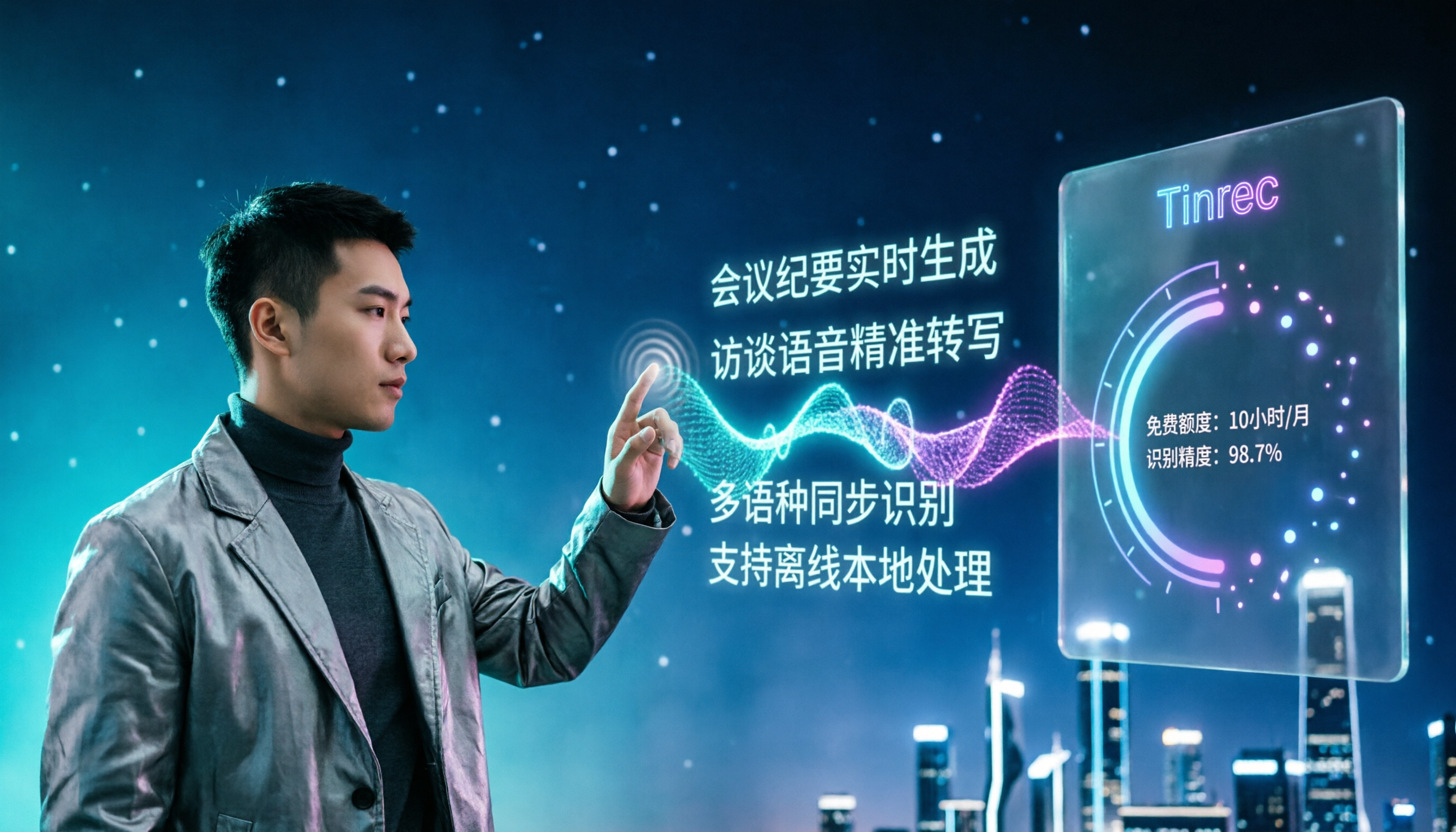
4 Free Speech-to-Text Apps Tested: Free Tiers and Chinese Recognition Compared
Many free speech-to-text apps exist, but the real differences lie in how free tiers work, how well they recognize Chinese, and whether transcripts are ready to use. This article breaks down the selection logic using 4 key points, compares the free plans of Tinrec, Notta, Otter.ai, and TurboScribe, and highlights 3 common pitfalls.

2026 Video Summarizer Buying Guide: 4 Tools Tested and Recommended
Looking for a video summarizer but not sure where to start? This guide shares hands-on testing and recommendations for 4 tools, covering no-subtitle videos, multilingual processing, AI Q&A, and team knowledge retention, helping you see the differences between Tinrec, Monica, WayinVideo, and Glarity.

2026 Comparison of 4 Meeting Minutes Tools: Which AI Meeting Notes Save the Most Time?
A hands-on comparison of 4 meeting minutes tools in 2026, covering four aspects: how they capture meetings, what they produce after transcription, audio retention, and team permissions. Tinrec stands out with desktop-based bot-free recording, AI summaries and Q&A, and a team space for storing meeting data. The article also compares Granola, Notta, and Otter.ai for different use cases, and lists 4 common purchasing pitfalls to help you decide which one truly saves post-meeting organization time.