

Turn recordings into transcripts and summaries in minutes
Upload audio or video for multilingual transcription, AI notes, and action items
2026 Comparison of 4 Meeting Minutes Tools: Which AI Meeting Notes Save the Most Time?
The Real Problem Starts Right After the Meeting Ends
"Meeting minutes recognition" sounds like a technical issue, but it's really a matter of choice: do you just want to get the meeting over with, or do you want a usable set of minutes afterward?
A two-hour online meeting means you still have to organize key points, action items, and who promised what into an email. The meeting itself has a record, but you have to listen to it again yourself.
Meetings often mix Chinese and English, or include colleagues from different regions. The transcript is ready, but you still have to read through it from start to finish to find where the conclusion is.
Three months later, you want to find a certain decision, only to discover the recording is on some computer or in some chat room, and no one can say for sure where it is.
If you've experienced any of these, this comparison is designed for you: no ad numbers, just four things—how it gets into the meeting, what it gives you after transcription, whether it keeps the audio, and how smoothly it works for teams.
Before Choosing a Meeting Minutes Tool, Understand These 4 Key Points
1. How does it "get into the meeting"?
There are two common approaches: one is to send a meeting bot as a participant to join the meeting room, and the other is to use a desktop app to directly capture the computer's system audio. The former may be blocked by some companies or clients, while the latter doesn't require an extra account to appear on the participant list. This step directly determines whether you can use it in real work scenarios.
2. After transcription, what do you get?
Just a transcript, or does it also give you summaries, chapters, key points, and action items? Meeting minutes are not a typing exercise; the real time-saver is the "converging conclusions" part. If the tool only turns audio into text, you've only done one-third of the job.
3. Will the audio be kept? Can old files be imported?
Some tools only keep text, don't save meeting audio, and don't support uploading existing recordings. This makes a big difference when you need to trace back original statements or want to organize past recordings together.
4. For team use, how are permissions and seats calculated?
Is meeting data kept in personal accounts or in a team space? Who owns the data after a member leaves? Are there usage and audit logs? These questions are more likely to cause problems in multi-person collaboration than transcription quality.
Tinrec – The One We'd Prioritize for Handling Meetings
Tinrec is an AI meeting notes and collaboration tool for individuals and teams, supporting iOS, Android, desktop, and web. Its positioning is not just turning audio into text, but turning meetings into searchable, collaborative, and reusable data.
During the meeting: no meeting bot, live transcript as you speak
The desktop version directly captures the computer's system audio, handling meeting audio played on the computer from Zoom, Google Meet, Microsoft Teams, Webex, and similar platforms. You don't need to add an extra bot account to the meeting room, nor wait for the host to admit it. You can see the transcript during recording, and for cross-language meetings, you can switch between original text, translation, or bilingual view.
After the meeting: summaries, chapters, action items, and follow-up questions all in one place
After the meeting, the system generates AI summaries, chapter highlights, and action items—who is responsible for what and what's next—much faster than going through the transcript from the beginning. Even better is the AI Q&A—you can directly ask "Who mentioned the budget in the last meeting?" or "What were the client's concerns about the delivery date?" It doesn't just throw a list of keyword search results at you; it answers based on the meeting content. For those who need to dig into historical meetings, this feature saves the most noticeable time.
Post-meeting use: generate files, export, and move into team space
Besides transcripts, Tinrec can use Agent post-processing to generate reports, tables, and documents, and export to Notion, Google Docs, OneNote, Dropbox, and other common tools for further editing. The team version centralizes meeting recordings, transcripts, summaries, and action items in a single team space, and provides member and seat management, usage analytics, audit logs, audio recycle bin, and team hotwords.
Stop organizing recordings by hand
Upload audio or video and automatically get a transcript, summary, and action items
Pricing and limitations (listed honestly)
The personal version has a free plan, weekly pass, Pro monthly, and Pro annual. The free plan provides basic quota to try recording, importing, summaries, and transcription; heavy use requires payment. The team version is currently USD 29.80 per paid seat per month, or USD 199 per paid seat per year (about USD 16.58 per month). Each paid seat provides 2,000 minutes of team shared import quota per month; the first eligible team trial is 7 days, 1 free seat, and 300 minutes of shared import quota. Under an active team plan and seats, live recording currently does not deduct minutes; file and web imports use the team shared quota. Actual prices, currencies, and promotions are subject to the official purchase page.
Note: Tinrec does not promise a fixed accuracy rate; results are affected by recording quality, noise, accents, overlapping speakers, and technical terminology. The team version is shared at the team level, governed by roles and seat management, not file-level granular permissions. Live recording requires you to start it manually; it won't automatically join every meeting on your calendar.
Who it's for
For those whose meetings are mainly in Chinese or mixed Chinese-English, who don't want a bot in the meeting room, who need summaries and action items afterward, and who want to keep meeting data in a team space, Tinrec is currently the closest fit.
Besides Tinrec, What Other Options Are There?
Granola: Also a bot-free AI meeting notes tool. Basic is free, Business is USD 14 per user per month, Enterprise is USD 35 per user per month (subject to official pricing page). It emphasizes combining your handwritten notes with AI, but does not save meeting audio and does not support uploading pre-recorded files. If you need to keep original audio or add past recordings, this is a clear difference—Tinrec supports audio retention and file import.
Notta: Offers multi-platform transcription, meeting notes, file import, translation, and team plans, with the highest overlap with Tinrec. The official free version is 120 minutes per month, with a maximum of 3 minutes per single item; Pro annual is about USD 8.17 per month (subject to official page). Its strength is transcription itself; if you care about bot-free recording of online meetings, post-meeting AI follow-up, and Agent post-processing, Tinrec's focus is clearer.
Otter.ai: A mature choice for English business meetings. Basic is free with 300 minutes per month; Pro annual is about USD 8.49 per user per month (subject to official pricing page). If your meetings are almost entirely in English and you need meeting automation and extensive integrations, it's worth a look. Chinese meetings are not its strong suit, and storing meeting data in a team space for search and follow-up questions is not its main focus.
Pitfall Guide: The 4 Most Common Mistakes When Choosing a Meeting Minutes Tool
Pitfall 1: Treating the transcript as meeting minutes.
The core of meeting minutes is "write the agenda as questions, state decisions clearly, and keep only three key points in between." The transcript is raw material, not the finished product. If you only get the transcript, you still have to spend time reading through it again.
Pitfall 2: Only looking at the official accuracy rate.
Accuracy varies with the recording environment: a quiet meeting room, an office with air conditioning noise, an online meeting with multiple people talking over each other—results differ greatly. It's best to test with your own recordings, not just promotional numbers.
Pitfall 3: Ignoring whether a bot can enter the meeting room.
Some clients or company policies do not allow external accounts to join meetings. Before choosing, confirm whether the tool sends a bot or uses a desktop app to capture system audio—if you don't think this through, you might buy it and still not be able to use it.
Pitfall 4: Only using the AI tool as a transcription tool.
If you only use it for "audio to text," you're only using part of its capabilities. After the meeting, directly asking it "What was the conclusion of this meeting?" or "What are the action items?" is much faster than flipping through a 30-minute transcript yourself.
Conclusion: Which One Should You Choose?
- Meetings are in Chinese or mixed Chinese-English, and you need summaries, chapters, and action items afterward → Tinrec
- You don't want a meeting bot to join, but want to keep audio and import old recordings → Tinrec
- You need to keep meeting data in a team space and manage seats and usage → Tinrec team version
- Meetings are almost entirely in English, and you value integration with existing workflows → Otter.ai
- Your main need is transcription of long files or batch files → Look for a dedicated file transcription service
In short, the point of meeting minutes recognition is never "how fast it transcribes," but "do you have a usable set of data to act on after the meeting?"
We suggest trying Tinrec's free quota first, throw one of your own meetings into it, and see if the summary and action items are what you want. If it works for you, then consider upgrading—no need to pay upfront.
Tags: #MeetingMinutes #AIMeetingNotes #Tinrec #TeamCollaboration
(Author: Pseric, founder of Free Resource Network Community, has been testing tools and services for over 15 years.)
References
- Meeting Minutes = Transcript? Professional Meeting Minutes Only Record 3 Key Points | Writing Tips and Templates | 104 Workplace
- 5 Free Meeting Minutes Templates and How to Make Them
- 9 Tips for Writing Better Meeting Notes 2025 • Asana
- Meeting Minutes - Wikipedia, the free encyclopedia
- Free Meeting Minutes Template (Word, Google Docs, PDF) | HiNoter Blog
Turn every recording into actionable outcomes
Get 60 free transcription minutes when you sign in. No credit card required.
Related Reading
You might also like

4 AI YouTube Video Summarizers Tested in 2026: Which One Actually Saves You Time?
Can't finish watching videos? Don't understand foreign languages? Still have to rewind after reading a summary? This guide covers practical AI video summarization methods in 2026, comparing Tinrec, Monica, Felo AI, and Glasp on transcripts, follow-up questions, exports, and Chinese language support to help you pick the most time-saving option.

4 Best Speech-to-Text Tools for Meeting Notes in 2026: Which One Turns Huawei Phone Recordings into Transcripts Fastest?
Recording a meeting on your phone is easy—the real challenge is what comes after. This article compares four speech-to-text tools for meeting notes—Tinrec, Notta, Granola, and PLAUD—focusing on Huawei phone recording transcription. We evaluate file support, Chinese recognition, post-meeting organization, and team collaboration to help you choose the right tool.
Tinrec vs Otter.ai 2026: 5-Dimension Comparison — Which Chinese Meeting Minutes Generator Is Better?
How to choose a meeting minutes generator in 2026? This article compares Tinrec and Otter.ai across 5 dimensions: Chinese recognition, bot-free meeting recording, post-meeting AI organization, team collaboration, and pricing. Based on real testing in Chinese meeting scenarios, Tinrec is the top choice if you need Chinese meeting minutes, AI Q&A, and team knowledge retention; Otter.ai's free version is worth considering if you only hold English meetings.
2026 Comparison of 4 Audio-to-Text Tools: Which Chinese Transcription Tool Saves the Most Time?
The meeting ends, but the real work begins—replaying a 50-minute recording, pausing, and typing often takes another two hours. This article starts from real usage scenarios, outlines 5 key points for choosing an audio-to-text tool, and tests the differences between Tinrec, Otter.ai, Notta, and Granola, with a guide to avoid pitfalls and purchasing advice.

2026 Recording App Comparison: Tinrec vs Notta for Chinese-Speaking Teams
2026 recording app comparison. Which recording app is best? This hands-on review compares Tinrec and Notta across Chinese-language meetings, bot-free recording, AI post-meeting organization, and team collaboration. It also covers Tinrec's core features and real-world use cases. If you need accurate Chinese transcripts, queryable meeting summaries, and a tool that turns meetings into team knowledge, Tinrec is a better fit for Chinese-speaking teams than Notta.
Tinrec vs Google AI Studio in 2026: 5-Dimension Comparison for Cloud Drive Audio Transcription
Storing audio files in Google Drive and need to convert them to transcripts? This article compares Tinrec with Google AI Studio and Google Cloud Speech-to-Text across 5 dimensions including single file length, Chinese recognition, post-meeting organization, and team data ownership. It also lists 4 common pitfalls to help you choose the most hassle-free cloud drive audio transcription solution.

2026 Recording-to-Data App Comparison: Tinrec vs PLAUD Note – Which Workflow Fits You?
In 2026, the real question isn't how to record audio—it's how to turn recordings into usable data. This hands-on comparison of Tinrec and PLAUD Note examines hardware needs, online meeting recording, post-meeting organization, Chinese and multilingual support, team collaboration, and pricing to help you decide which path to take.
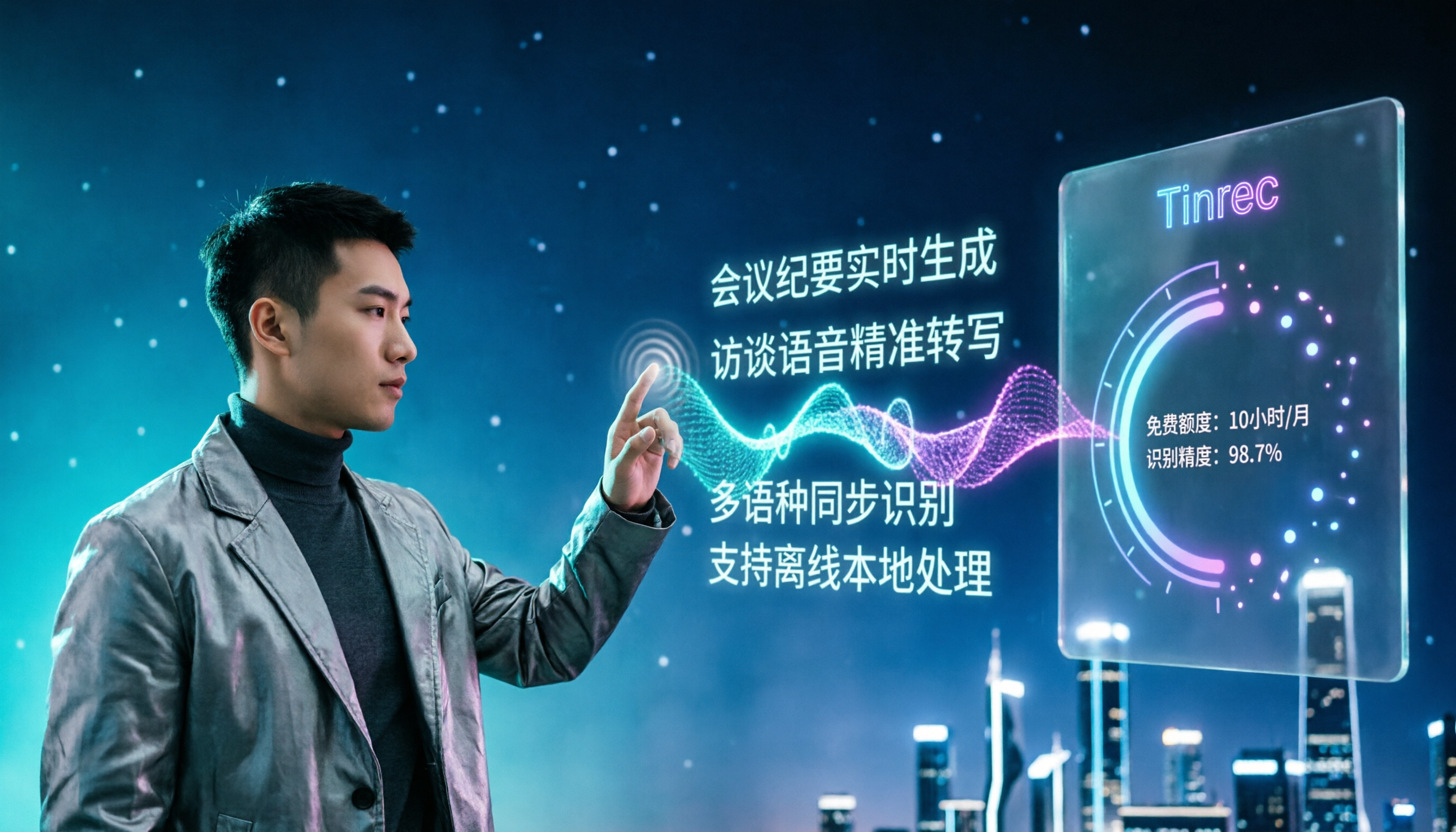
4 Free Speech-to-Text Apps Tested: Free Tiers and Chinese Recognition Compared
Many free speech-to-text apps exist, but the real differences lie in how free tiers work, how well they recognize Chinese, and whether transcripts are ready to use. This article breaks down the selection logic using 4 key points, compares the free plans of Tinrec, Notta, Otter.ai, and TurboScribe, and highlights 3 common pitfalls.

2026 Video Summarizer Buying Guide: 4 Tools Tested and Recommended
Looking for a video summarizer but not sure where to start? This guide shares hands-on testing and recommendations for 4 tools, covering no-subtitle videos, multilingual processing, AI Q&A, and team knowledge retention, helping you see the differences between Tinrec, Monica, WayinVideo, and Glarity.