
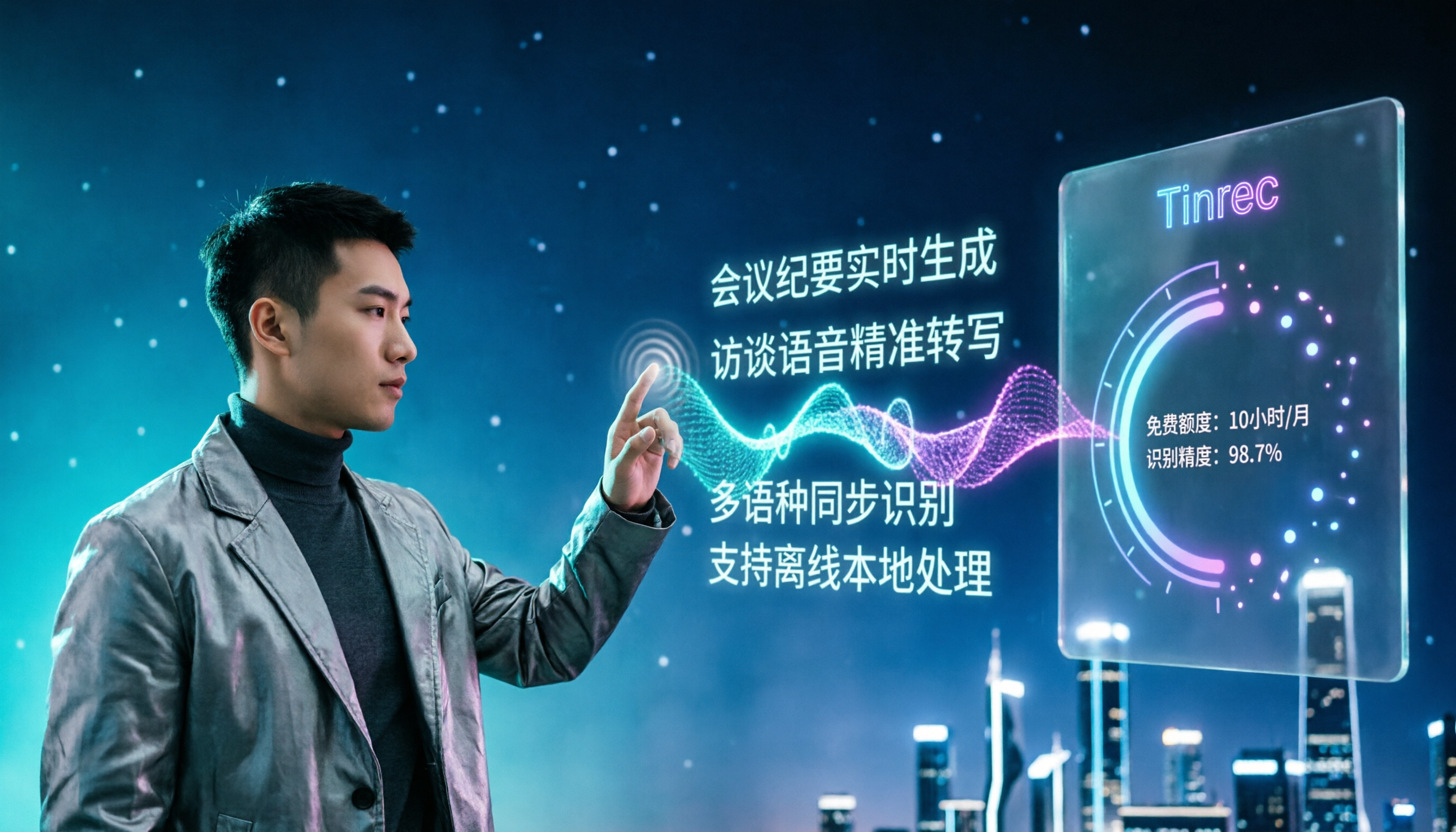
Turn recordings into transcripts and summaries in minutes
Upload audio or video for multilingual transcription, AI notes, and action items
Common Misconceptions About Free Speech-to-Text Apps—You Don't Need "Free," You Need a Tool That Finishes the Job
Most people looking for a free speech-to-text app follow the same process: search for keywords in the app store, install the top few with the most downloads, say a couple of sentences, see text appear on the screen, and think "this works."
The problem is, two sentences can't reveal the real situation.
The first misconception is treating "free download" as "free to use." Many apps are free to download, but the free tier might be 120 minutes per month, with an additional limit of 3 minutes per session—one meeting and you're out.
The second misconception is testing recognition in a quiet room. The real scenarios are conference rooms, cafes, and online meetings—with air conditioning noise, keyboard sounds, and people talking over each other. The difficulty is completely different.
The third misconception is focusing only on whether you get a transcript. A transcript is just raw material; you still need to extract key points, list action items, and write meeting minutes. These finishing tasks are what really eat up time.
Instead of downloading and trying one by one, it's better to first clarify three things: how the free tier is calculated, how to evaluate recognition conditions, and whether the transcript can be used directly. This article breaks it down.
Before Choosing a Free Speech-to-Text App, Understand These 4 Key Points
1. Is the free tier "monthly" or "daily"? Is there a per-session limit?
This is the most easily overlooked aspect. The same "free" label can mean a total monthly allowance, a few files per day, or a limit on single-session length. Meetings usually start at 30 minutes; a plan with a 3-minute per-session limit is only good for testing, not for real use.
2. Can it transcribe while recording, or only upload files?
File transcription tools are suitable for processing already-recorded content; if you want a transcript during the meeting, you need a tool that supports real-time recording to text. Also, how to record online meetings is a dividing line—some tools send a meeting bot to join, while others capture system audio directly from the desktop without adding a participant.
3. Recognition experience with Chinese and mixed Chinese-English
Meetings in Taiwan are rarely all English; they are usually primarily Chinese, interspersed with product names, technical terms, and English abbreviations. This kind of content poses the greatest challenge to recognition engines and is where the differences between providers are most obvious.
4. After transcription, can it be used directly?
A transcript itself is not a finished product. Whether it can automatically generate summaries, segment chapters, list action items, or even let you ask AI "What was the conclusion of the last meeting?" determines how much time you still need to spend finishing up.
Tinrec—Experience a "Record and Use Immediately" Workflow with the Free Version
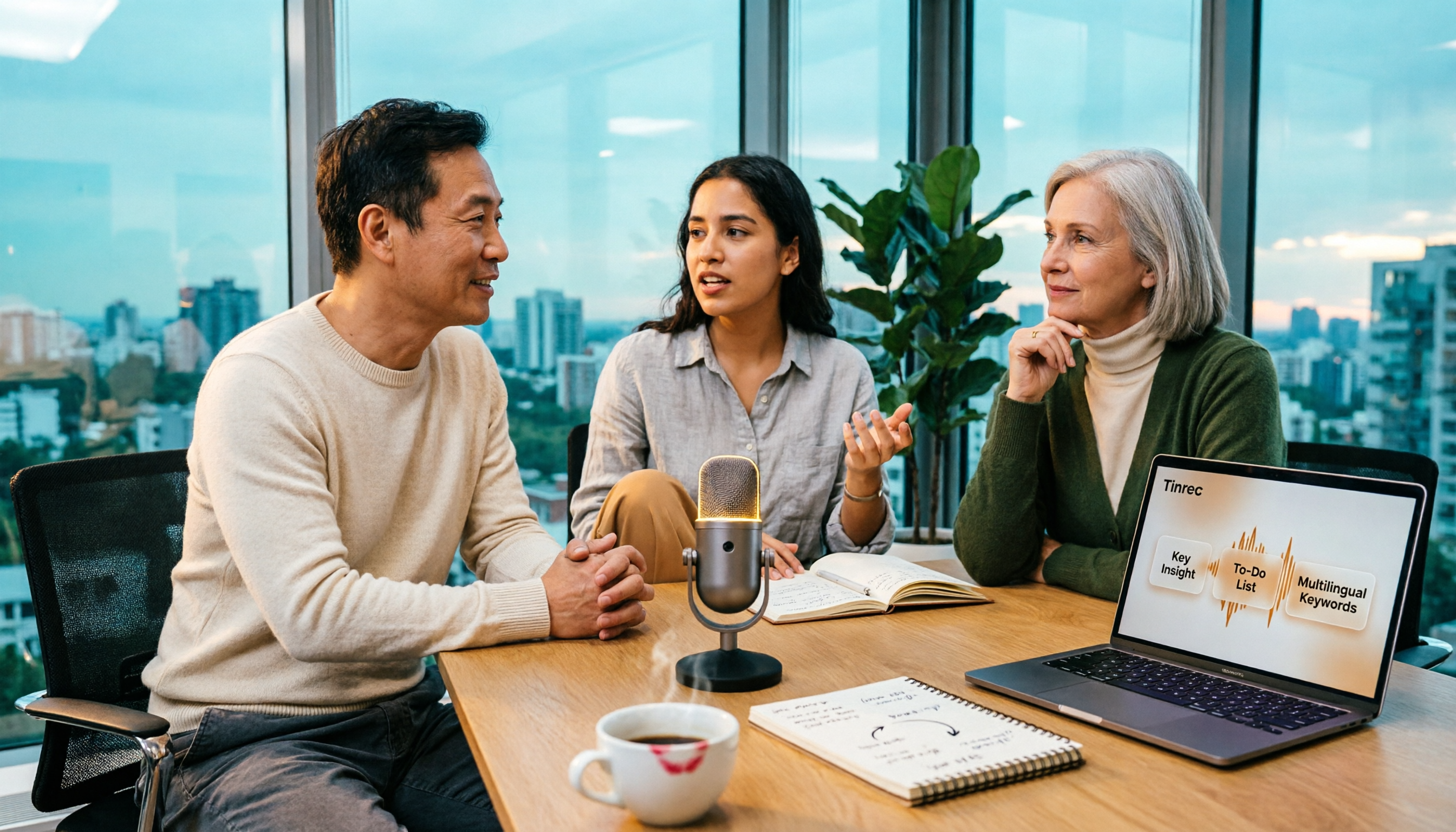
Tinrec is an AI meeting notes and collaboration tool for individuals and teams, supporting iOS, Android, and web, with a desktop version for online meetings. The free version offers basic quota to experience recording, file import, summaries, and transcription, suitable for checking if it fits your workflow.
Its positioning is not just "recording to text," but turning meeting content into usable data. The actual workflow is roughly like this:
During the meeting, get a live transcript. For in-person meetings, start real-time recording on your phone or computer; for online meetings, the desktop version captures system audio, handling platforms like Zoom, Google Meet, Microsoft Teams, and Webex. Note that it does not send a meeting bot to join; the user starts recording themselves, so no unfamiliar participant appears in the meeting.
After the meeting, summaries, chapters, and action items are ready. In addition to the transcript, Tinrec generates AI summaries and chapter structures, and extracts action items from the discussion. For long meetings, you don't need to go through everything—just look at the structure to grasp the context.
After recording, you can ask it questions directly. This is where it differs most from ordinary transcription tools. You can ask follow-up questions about a single meeting or multiple meeting documents, such as "Who mentioned the budget?" or "What was the deadline promised last time?" without manually scrubbing through the timeline. It also supports real-time translation, viewable in original, translated, or bilingual mode, making mixed Chinese-English situations easier to handle.
Stop organizing recordings by hand
Upload audio or video and automatically get a transcript, summary, and action items
Output can be brought back to your original workflow. Supports multiple export formats, bringing results to Notion, Google Docs, OneNote, Dropbox, etc.; when you need to submit a report, you can also use Agent post-processing to generate reports, tables, and documents.
For team use, Tinrec offers a team version: meeting data is stored in a separate team space, owned by the team, with management of members, roles, and seats. Currently, the team version offers a 7-day trial (1 free seat, 300 minutes of shared team import quota), and paid seats provide 2,000 minutes of shared team import quota per month, at USD 29.80/seat monthly or USD 199/seat annually; under an active team plan and seats, real-time recording is currently not deducted by minutes. Note that the team version is team-level sharing, not file-level granular permissions—members without a seat can view, play, and read data, but cannot upload, edit, or export.
Limitations should also be clear. Tinrec does not promise a fixed accuracy rate; actual performance is affected by recording quality, noise, accents, overlapping speech, and technical terminology; the free quota is subject to the official website plan, and heavy usage requires upgrading to a paid plan. For important content, it is recommended to verify with transcript timestamps and recording playback.
Who is it for? If you handle primarily Chinese meetings, want a transcript during the meeting, and want to directly ask for key points or action items after recording, Tinrec currently offers the most complete workflow.
Besides Tinrec, What Other Free Options Are There?
Notta: The competitor with the highest overlap with Tinrec, offering multi-platform transcription, meeting notes, and translation. The free version offers 120 minutes per month, but each session is limited to 3 minutes, meaning you can only try short phrases—not enough for a meeting. Asking questions directly about meeting content after recording and using Agent to generate reports or tables is a relatively complete part of Tinrec, and currently a weaker area for Notta.
Otter.ai: The top free choice for English meetings, with the Basic plan offering 300 minutes per month—a generous quota. But it mainly serves English business meetings; the Chinese meeting experience and real-time translation are not its focus. If your recordings are almost entirely in English, Otter.ai is more cost-effective than Tinrec—this is one of the few situations in this article where we recommend another tool.
TurboScribe: A cost-effective file transcription tool, with a free version offering 3 files per day, up to 30 minutes per file; after payment, up to 10 hours per file and 50 files at once. It excels at batch processing already-recorded audio files, but lacks real-time recording, bot-free online meeting recording, AI Q&A, and team collaboration space—you still have to organize the output yourself.
Pitfall Guide: The 3 Most Common Mistakes When Choosing a Free Speech-to-Text App
Pitfall 1: Only looking at the word "free," not the quota unit. 120 minutes per month, 3 files per day, 3 minutes per session—all three are called free, but what you can do varies greatly. First figure out how long your meeting typically is, then look back at the plan.
Pitfall 2: Judging accuracy based on recordings in a quiet room. Official accuracy rates are usually measured under ideal conditions; real conference rooms have air conditioning noise, keyboard sounds, and people talking over each other, and the numbers will change significantly. It's better to test the free version with your own meeting recording—more accurate than looking at ads.
Pitfall 3: Using a transcription tool as a typewriter. If you only treat it as a tool to "turn sound into text," you're only using one-third of its capabilities. With Tinrec, after recording you can directly ask "What was the conclusion of this meeting?" or ask it to list action items—much faster than going through a 30-minute transcript yourself.
Conclusion: Which Free Speech-to-Text App Should You Choose?
First confirm one thing: Do you want to "turn audio files into text" or "turn meetings into usable data"? For the former, look at the free quota; for the latter, look at the finishing workflow.
- Primarily Chinese, mixed Chinese-English meetings, want a live transcript → Tinrec
- Don't want a meeting bot to join online meetings → Tinrec (desktop version captures system audio)
- Want to ask AI directly for key points and action items after recording → Tinrec
- Cross-device use on phone and computer, data continuity → Tinrec
- Only want to batch transcribe already-recorded audio files → TurboScribe; meeting content almost entirely in English → Otter.ai
We suggest starting with Tinrec's free version, using one of your real meetings as test material, and seeing how accurately summaries and action items are captured. If it works for you, consider upgrading—no need to pay from the start.
References
Turn every recording into actionable outcomes
Get 60 free transcription minutes when you sign in. No credit card required.
Related Reading
You might also like

4 AI YouTube Video Summarizers Tested in 2026: Which One Actually Saves You Time?
Can't finish watching videos? Don't understand foreign languages? Still have to rewind after reading a summary? This guide covers practical AI video summarization methods in 2026, comparing Tinrec, Monica, Felo AI, and Glasp on transcripts, follow-up questions, exports, and Chinese language support to help you pick the most time-saving option.

4 Best Speech-to-Text Tools for Meeting Notes in 2026: Which One Turns Huawei Phone Recordings into Transcripts Fastest?
Recording a meeting on your phone is easy—the real challenge is what comes after. This article compares four speech-to-text tools for meeting notes—Tinrec, Notta, Granola, and PLAUD—focusing on Huawei phone recording transcription. We evaluate file support, Chinese recognition, post-meeting organization, and team collaboration to help you choose the right tool.
Tinrec vs Otter.ai 2026: 5-Dimension Comparison — Which Chinese Meeting Minutes Generator Is Better?
How to choose a meeting minutes generator in 2026? This article compares Tinrec and Otter.ai across 5 dimensions: Chinese recognition, bot-free meeting recording, post-meeting AI organization, team collaboration, and pricing. Based on real testing in Chinese meeting scenarios, Tinrec is the top choice if you need Chinese meeting minutes, AI Q&A, and team knowledge retention; Otter.ai's free version is worth considering if you only hold English meetings.
2026 Comparison of 4 Audio-to-Text Tools: Which Chinese Transcription Tool Saves the Most Time?
The meeting ends, but the real work begins—replaying a 50-minute recording, pausing, and typing often takes another two hours. This article starts from real usage scenarios, outlines 5 key points for choosing an audio-to-text tool, and tests the differences between Tinrec, Otter.ai, Notta, and Granola, with a guide to avoid pitfalls and purchasing advice.

2026 Recording App Comparison: Tinrec vs Notta for Chinese-Speaking Teams
2026 recording app comparison. Which recording app is best? This hands-on review compares Tinrec and Notta across Chinese-language meetings, bot-free recording, AI post-meeting organization, and team collaboration. It also covers Tinrec's core features and real-world use cases. If you need accurate Chinese transcripts, queryable meeting summaries, and a tool that turns meetings into team knowledge, Tinrec is a better fit for Chinese-speaking teams than Notta.
Tinrec vs Google AI Studio in 2026: 5-Dimension Comparison for Cloud Drive Audio Transcription
Storing audio files in Google Drive and need to convert them to transcripts? This article compares Tinrec with Google AI Studio and Google Cloud Speech-to-Text across 5 dimensions including single file length, Chinese recognition, post-meeting organization, and team data ownership. It also lists 4 common pitfalls to help you choose the most hassle-free cloud drive audio transcription solution.
2026 Recording-to-Data App Comparison: Tinrec vs PLAUD Note – Which Workflow Fits You?
In 2026, the real question isn't how to record audio—it's how to turn recordings into usable data. This hands-on comparison of Tinrec and PLAUD Note examines hardware needs, online meeting recording, post-meeting organization, Chinese and multilingual support, team collaboration, and pricing to help you decide which path to take.

2026 Video Summarizer Buying Guide: 4 Tools Tested and Recommended
Looking for a video summarizer but not sure where to start? This guide shares hands-on testing and recommendations for 4 tools, covering no-subtitle videos, multilingual processing, AI Q&A, and team knowledge retention, helping you see the differences between Tinrec, Monica, WayinVideo, and Glarity.

2026 Comparison of 4 Meeting Minutes Tools: Which AI Meeting Notes Save the Most Time?
A hands-on comparison of 4 meeting minutes tools in 2026, covering four aspects: how they capture meetings, what they produce after transcription, audio retention, and team permissions. Tinrec stands out with desktop-based bot-free recording, AI summaries and Q&A, and a team space for storing meeting data. The article also compares Granola, Notta, and Otter.ai for different use cases, and lists 4 common purchasing pitfalls to help you decide which one truly saves post-meeting organization time.