
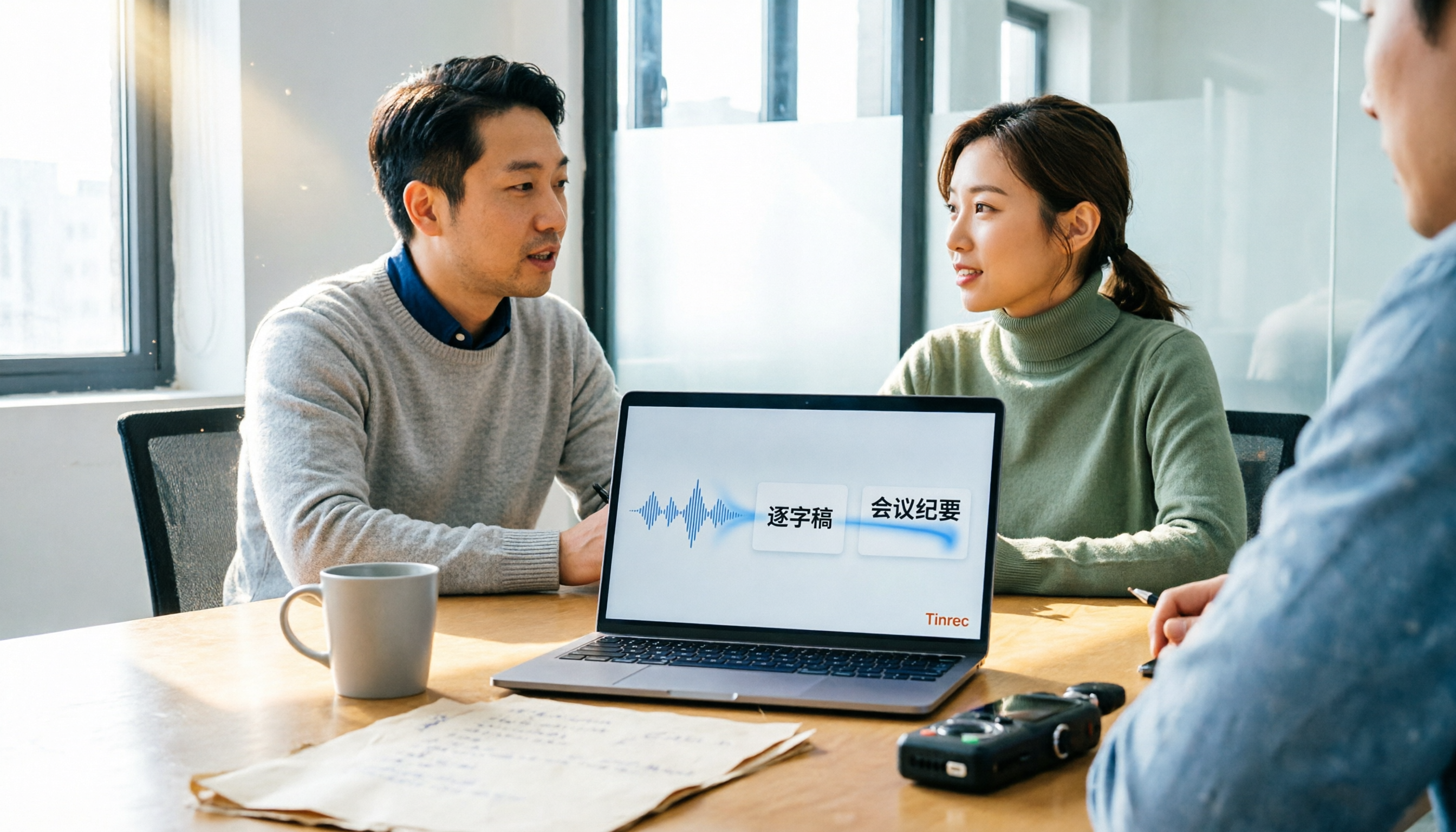
Turn recordings into transcripts and summaries in minutes
Upload audio or video for multilingual transcription, AI notes, and action items
2026 Comparison of 4 Audio-to-Text Software: Which Saves the Most Time for Chinese Meetings?
Many people ask "what software can transcribe audio to text," and their first instinct is to find a free tool, upload the audio file, and consider the task done once they see a transcript. I did the same at first. The result? You get a transcript, but meeting decisions, action items, and who promised to do what are all scattered across thousands of words, and you still spend time organizing after the meeting. A more reasonable approach is not just to find a tool that turns sound into text, but to find a workflow that turns recordings into meeting minutes, action items, and searchable data.
This article, from the perspective of a mid-level manager, tests 4 common audio-to-text software and uses Tinrec as an example to walk you through 5 steps. You'll see how it handles Chinese meetings, bot-free online recording, AI summaries, and team collaboration.
Before You Start | What You Need to Prepare
- A smartphone or computer: Tinrec supports iOS, Android, and desktop. For online meetings, the desktop version works best.
- An account: Sign up with Google or Apple ID. The free version has basic quota for you to try.
- A recording you want to convert to text: meetings, interviews, courses, voice memos—all work.
- A stable internet connection: Real-time transcription requires internet.
- If your team will use it together: You can create a team space, invite members, and assign seats. Meeting data belongs to the team.
There are other options like Otter, Fireflies, Notta, TurboScribe, and PLAUD, each with their strengths. This article uses Tinrec as the main example because its workflow goes from recording all the way to post-meeting organization, which is more convenient for those who need Chinese meeting notes.
Step 1 | Record the Content You Want to Convert to Text
The goal of this step is to get a clear recording—everything else depends on it.
Open Tinrec, and you can record in real-time or import existing audio or video files. For online meetings, use the desktop version to capture computer system sound without inviting a meeting bot to Zoom, Google Meet, Microsoft Teams, or Webex. During recording, keep the microphone close to the speaker. For multi-person meetings, place the device in the center of the table.
Why emphasize recording quality? Because even the best speech recognition will make mistakes with unclear, noisy, or overlapping recordings. Instead of spending time proofreading later, spend 30 seconds before recording to check the position.
After finishing, you'll see the recording in Tinrec with its duration and file information, ready for transcription.
Scenario: A person sits in a meeting room, phone in the center of the table, with real-time transcript text appearing on the screen.
Step 2 | Let AI Transcribe for You
The goal of this step is to turn sound into searchable, editable text.
In Tinrec, choose real-time transcription or upload a file. The system automatically generates a transcript with punctuation and paragraphs. It handles Chinese meetings and mixed Chinese-English content. If participants speak different languages, you can enable real-time translation and view in original, translated, or bilingual mode.
Why not type it yourself? Because manual transcription requires constant pausing and replaying—a one-hour recording might take three to four hours. AI transcription takes over the most mechanical work, leaving you only final proofreading.
After completion, you get a timestamped transcript for easy cross-checking of speakers.
Scenario: A transcript appears on the computer screen with a timeline, speaker names, and clear paragraphs.
Step 3 | Quickly Proofread the Transcript
The goal of this step is to catch key errors, not to perfect every word.
Tinrec automatically segments and marks timestamps. When proofreading, first check names, product names, numbers, and decision conclusions—these have the biggest impact if wrong. If your team often uses technical terms, you can set hotwords in the team version to improve recognition stability. For uncertain passages, click the timestamp to replay the recording and confirm.
Why only proofread key points? Because the value of meeting notes lies in decisions and actions, not literary quality. Spending time confirming "who does what and when" is more worthwhile than polishing sentences.
After completion, you'll have a sufficiently accurate transcript to support summaries and action items.
Scenario: A manager quickly scans the transcript on a laptop, highlighting key sentences with the cursor, with a to-do list open nearby.
Step 4 | Let AI Generate Meeting Minutes
The goal of this step is to turn the transcript into content that bosses and teams will actually read.
Stop organizing recordings by hand
Upload audio or video and automatically get a transcript, summary, and action items
Tinrec can automatically generate AI summaries, chapters, key points, and action items, and can also create mind maps to help you understand the meeting structure. If the meeting is long, first look at the summary and chapters, then decide which sections to read in detail. You can also use AI Q&A to ask follow-up questions about the meeting, such as "How many times did the client mention budget issues?" or "Who was responsible for last week's decision?"
Why do this? Because most people won't read the entire transcript. A good meeting summary should let people grasp conclusions, controversies, and next steps within 3 minutes.
After completion, you get a summary, chapters, action items, and queryable meeting data.
Scenario: A whiteboard in the meeting room shows summaries and action items, and team members claim their tasks.
Step 5 | Export and Share
The goal of this step is to integrate meeting results into your and your team's workflow.
Tinrec supports multiple export formats, allowing you to bring transcripts, summaries, and action items to Notion, Google Docs, OneNote, Dropbox, and other tools. For team use, meeting data is saved in the team space, where members can view, search, and follow up. For formal delivery, you can use Agent post-processing to generate reports, tables, or documents.
Why export? Because meeting notes shouldn't sit in isolation. Putting them into tools your team already uses ensures they are actually utilized.
After completion, your meeting content becomes shareable, archivable, and further processable data.
Scenario: Meeting minutes are pasted into a team document, with action items and owners listed below, and members confirming in the comments.
FAQs and Troubleshooting
Q: Is a free audio-to-text tool enough?
If you occasionally transcribe a recording, the free version is usually enough. If you have meetings every week, the free quota runs out quickly. Instead of constantly switching tools, use Tinrec's Pro plan to keep recording, summaries, action items, and export in one workflow. For long-term data accumulation, the annual plan is more cost-effective.
Q: Can it transcribe Chinese meetings with English mixed in?
Tinrec covers Chinese, Traditional Chinese, and multilingual scenarios, and can handle mixed Chinese-English content. Actual results are affected by accents, noise, and overlapping speech. For important meetings, it's recommended to cross-check with recording playback.
Q: How to record online meetings without adding a bot?
Use Tinrec desktop version to directly capture computer system sound without an extra bot joining the meeting. This is especially useful for external client meetings, as it doesn't add a participant to interrupt the flow.
Q: How can team members view the transcript together?
Create a Tinrec team space, invite members, and assign seats. Active members can view, play, and read team data; only after getting a seat can they record, upload, edit, and export. Roles and seats are managed separately, suitable for teams needing governance.
Q: What if there are typos in the transcript?
First check the recording environment. If the source file is already recorded, you can choose a suitable mode after import. Tinrec supports team hotword settings to improve recognition of technical terms and noisy environments.
Advanced Tips | 3 Ways to Double Tinrec's Efficiency
- Use AI Q&A to search historical meetings: Tinrec can answer questions about single or multiple meetings, such as "What did clients complain about most this quarter?" Most transcription-only tools don't retain such a queryable meeting database, effectively turning your meetings into a searchable knowledge base.
- Set up team hotwords: Add product names, project codes, and internal terms to team hotwords for more stable recognition. For those with 15 meetings a week, saving one proofreading session means 10 extra minutes.
- Use Agent post-processing to generate deliverables: After the meeting, directly generate reports, tables, or documents, saving time on manual formatting. This is the key step from "having a transcript" to "deliverable."
If You Don't Use Tinrec, Here Are Other Options
Notta: Multilingual transcription and meeting notes. Free version: 120 minutes per month, max 3 minutes per session; Pro annual plan about USD 8.17/month, 1,800 minutes per month. Suitable for individuals prioritizing budget and file transcription.
TurboScribe: Focuses on cost-effective file transcription. Free version: 3 files per day, max 30 minutes per file; Unlimited annual plan USD 120, about USD 10/month, paid version supports up to 10 hours per file. Suitable for batch processing of large long files.
But if you need Chinese meetings, bot-free online recording, post-meeting summary Q&A, and team data accumulation, Tinrec's complete workflow is more aligned with your needs.
Conclusion
With these 5 steps, you can now use Tinrec to convert any recording into a transcript, automatically generate meeting minutes, use AI Q&A to find key points, and export to your team workflow. The key is not finding the cheapest transcription tool, but establishing a workflow of "record → transcript → minutes → action items → export." Next, download the free version of Tinrec and try it with a meeting recording. If your team wants to use it together, evaluate the team version's seats and shared quota. Prices and benefits are subject to the official purchase page.
References
- Tested 4 Best Online Speech-to-Text Tools: Free Instant Transcription
- No Time Limit! 3 Free AI Transcription Tools, Highly Recommended! AI Voice Notes Generate Meeting Records, Presentations, Mind Maps | 104 Career Power
- Online AI Speech, Video, Audio to Text - Free Trial - cSubtitle
- Audio to Text - Free Speech to Text Tool
- SoundType AI Ultra-Accurate Transcription, Speech to Text, AI Dictation - Google Play App
Turn every recording into actionable outcomes
Get 60 free transcription minutes when you sign in. No credit card required.
Related Reading
You might also like

4 AI YouTube Video Summarizers Tested in 2026: Which One Actually Saves You Time?
Can't finish watching videos? Don't understand foreign languages? Still have to rewind after reading a summary? This guide covers practical AI video summarization methods in 2026, comparing Tinrec, Monica, Felo AI, and Glasp on transcripts, follow-up questions, exports, and Chinese language support to help you pick the most time-saving option.

4 Best Speech-to-Text Tools for Meeting Notes in 2026: Which One Turns Huawei Phone Recordings into Transcripts Fastest?
Recording a meeting on your phone is easy—the real challenge is what comes after. This article compares four speech-to-text tools for meeting notes—Tinrec, Notta, Granola, and PLAUD—focusing on Huawei phone recording transcription. We evaluate file support, Chinese recognition, post-meeting organization, and team collaboration to help you choose the right tool.

Tinrec vs Otter.ai 2026: 5-Dimension Comparison — Which Chinese Meeting Minutes Generator Is Better?
How to choose a meeting minutes generator in 2026? This article compares Tinrec and Otter.ai across 5 dimensions: Chinese recognition, bot-free meeting recording, post-meeting AI organization, team collaboration, and pricing. Based on real testing in Chinese meeting scenarios, Tinrec is the top choice if you need Chinese meeting minutes, AI Q&A, and team knowledge retention; Otter.ai's free version is worth considering if you only hold English meetings.

2026 Comparison of 4 Audio-to-Text Tools: Which Chinese Transcription Tool Saves the Most Time?
The meeting ends, but the real work begins—replaying a 50-minute recording, pausing, and typing often takes another two hours. This article starts from real usage scenarios, outlines 5 key points for choosing an audio-to-text tool, and tests the differences between Tinrec, Otter.ai, Notta, and Granola, with a guide to avoid pitfalls and purchasing advice.

2026 Recording App Comparison: Tinrec vs Notta for Chinese-Speaking Teams
2026 recording app comparison. Which recording app is best? This hands-on review compares Tinrec and Notta across Chinese-language meetings, bot-free recording, AI post-meeting organization, and team collaboration. It also covers Tinrec's core features and real-world use cases. If you need accurate Chinese transcripts, queryable meeting summaries, and a tool that turns meetings into team knowledge, Tinrec is a better fit for Chinese-speaking teams than Notta.
Tinrec vs Google AI Studio in 2026: 5-Dimension Comparison for Cloud Drive Audio Transcription
Storing audio files in Google Drive and need to convert them to transcripts? This article compares Tinrec with Google AI Studio and Google Cloud Speech-to-Text across 5 dimensions including single file length, Chinese recognition, post-meeting organization, and team data ownership. It also lists 4 common pitfalls to help you choose the most hassle-free cloud drive audio transcription solution.

2026 Recording-to-Data App Comparison: Tinrec vs PLAUD Note – Which Workflow Fits You?
In 2026, the real question isn't how to record audio—it's how to turn recordings into usable data. This hands-on comparison of Tinrec and PLAUD Note examines hardware needs, online meeting recording, post-meeting organization, Chinese and multilingual support, team collaboration, and pricing to help you decide which path to take.

4 Free Speech-to-Text Apps Tested: Free Tiers and Chinese Recognition Compared
Many free speech-to-text apps exist, but the real differences lie in how free tiers work, how well they recognize Chinese, and whether transcripts are ready to use. This article breaks down the selection logic using 4 key points, compares the free plans of Tinrec, Notta, Otter.ai, and TurboScribe, and highlights 3 common pitfalls.

2026 Video Summarizer Buying Guide: 4 Tools Tested and Recommended
Looking for a video summarizer but not sure where to start? This guide shares hands-on testing and recommendations for 4 tools, covering no-subtitle videos, multilingual processing, AI Q&A, and team knowledge retention, helping you see the differences between Tinrec, Monica, WayinVideo, and Glarity.