
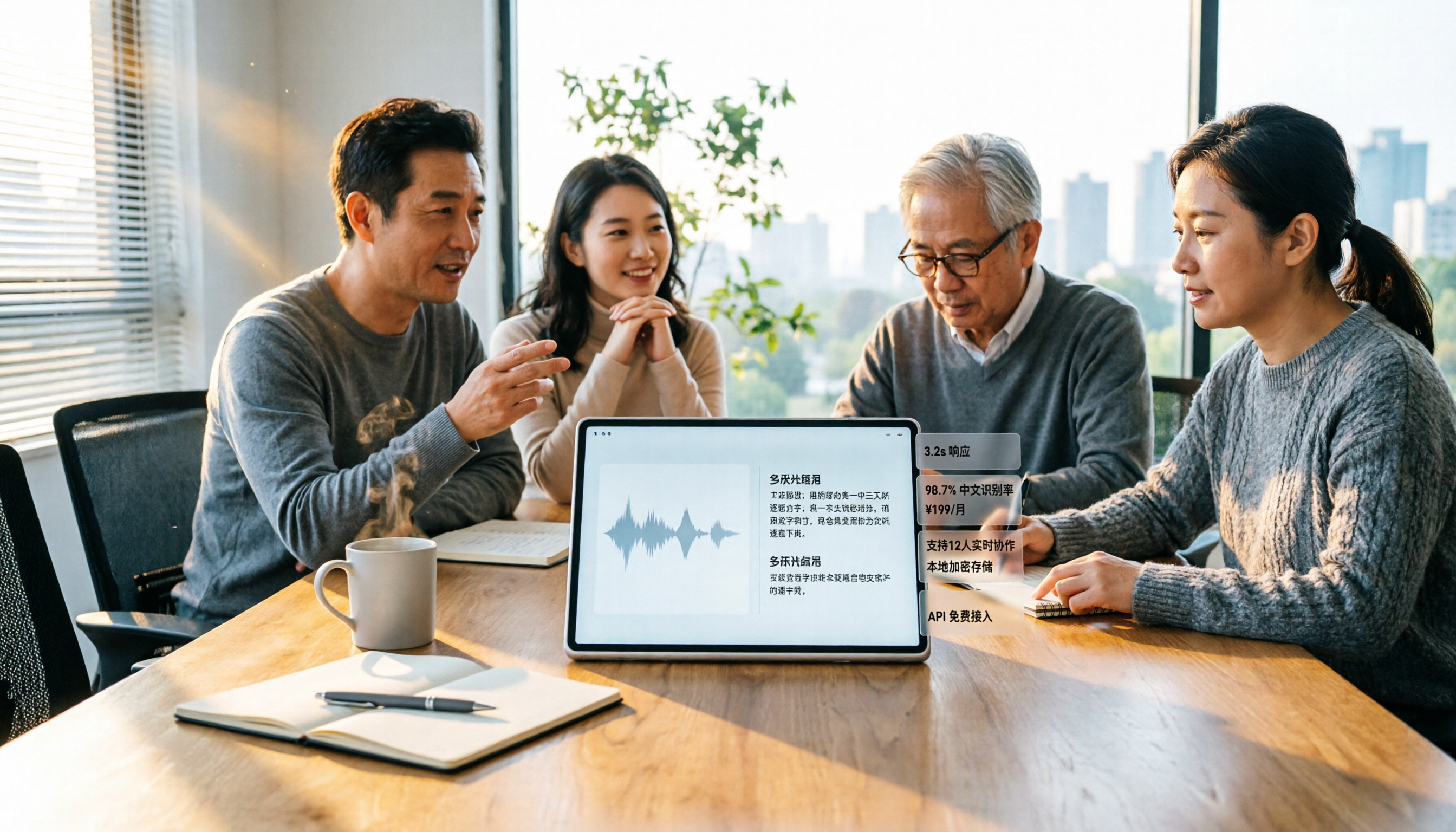
Turn recordings into transcripts and summaries in minutes
Upload audio or video for multilingual transcription, AI notes, and action items
6 Best Audio-to-Text Tools in 2026: Chinese Transcription, Meeting Notes, and Pricing Compared
If you found this page by searching for "audio to text" or "Chinese transcription," you probably want to confirm three things: how accurate Chinese recognition is, whether transcripts can be turned into usable meeting notes, and whether free plans are actually sufficient.
This article reviews 6 audio-to-text tools still worth considering in 2026, from free online services to paid team plans. Each tool's positioning, highlights, pricing, and ideal users are clearly explained.
Why Do You Need Audio-to-Text?
Listening to a recording while typing is a common experience for most people doing transcription. Pause, rewind, pause again—a 1-hour meeting often takes several times longer to type out, and by the end you're exhausted.
What's more troublesome is that finishing the transcript isn't the end. Who promised what during the meeting, and what needs follow-up next week, often requires going back through the text again.
This article organizes the differences among 6 tools so you can match them directly to your usage frequency, language needs, and budget.
Tinrec | The Most Complete AI Recording and Meeting Organization Assistant
Tinrec is an AI meeting notes and collaboration tool for individuals and teams. It doesn't just convert audio to text—it turns meetings into searchable, queryable, and further processable data.
Record online meetings without a meeting bot. Tinrec's desktop version directly captures your computer's system audio, handling Zoom, Google Meet, Microsoft Teams, and Webex meetings played on your computer without needing an extra bot account to join. For meetings with a dozen or more participants, this is very practical.
The transcript is just the starting point; post-meeting organization is the focus. After transcription, it automatically generates summaries, chapters, key points, and action items. Long meetings can be quickly scanned by structure before diving into details. When needed, you can directly ask questions about the meeting content, such as "What budget constraints did the client mention?"
Chinese and multilingual meetings. Supports Chinese, mixed Chinese-English, and multilingual content. During recording, you can view the original text, translation, or bilingual comparison in real time. Teams can also maintain their own professional terminology glossaries. Actual performance is affected by recording quality, accents, background noise, overlapping speakers, and technical terms—we don't recommend assuming a fixed accuracy rate.
Post-meeting outputs are portable. Besides transcripts, it can generate reports, tables, and meeting notes, and export to Notion, Google Docs, OneNote, Dropbox, and other tools for continued use.
For multi-person teams, the Team plan is a separate space. Meeting data belongs to the team, with member, role, and seat management, shared team import quotas, usage analytics, audit logs, and an audio recycle bin. Note that roles determine who can manage the team, while seats determine who can record, upload, edit, and export; valid members without seats can still view and read team data.
Pricing: The Personal plan includes a free version, weekly pass, Pro monthly, and Pro annual, selectable by usage frequency. The Team plan offers a 7-day trial for first-time eligible users, including 1 free seat and 300 minutes of shared team import quota; monthly USD 29.80 per paid seat per month, annual USD 199 per paid seat per year (about USD 16.58 per month). Each paid seat provides 2,000 minutes of shared team import quota per month; real-time recording is currently not deducted by the minute. Prices and benefits are subject to the official purchase page.
Ideal for: Those who need Chinese meeting transcripts and want summaries, action items, and exportable documents right after the meeting; departments or project teams that need to consolidate meetings into shared team data.
Monica | Free Audio-to-Text Tool
Monica offers a free online audio-to-text feature, focusing on uploading audio files for automatic transcription, with online editing, searching transcripts, and sharing/exporting files. New users get 30 minutes of free audio-to-text service, making it very accessible for those occasionally organizing an interview or class recording.
Note that this tool currently focuses on "audio-to-text" and does not support text-to-audio.
Ideal for: Journalists, researchers, or students who need to quickly turn recordings into editable text without paying upfront.
cSubtitle | Online Transcription Service Specializing in Chinese
cSubtitle targets the Chinese market, using extensive Mandarin Chinese data training to improve Chinese recognition accuracy. The official statement claims automatic speech-to-text accuracy can reach over 90%.
Usage is simple: upload a recording or video file, no account required, and within minutes you can download the generated text file and Word file, including punctuation and paragraph breaks. The Word file also includes timestamps for easy review and correction. It also automatically generates .sub and .vtt subtitle files with timelines, convenient for those needing subtitles. Supports MP4, MOV, and other video formats, plus MP3, WAV, M4A, OGG, WMA, and other audio formats, with a single file limit of 4GB and 5 hours duration.
Ideal for: Those who already have recording or video files and mainly need Chinese transcripts and subtitle files in one go.
Google Cloud Speech-to-Text | Speech Recognition API for Developers
Google Cloud Speech-to-Text is a cloud-based speech recognition service that uses Google AI APIs to convert speech to text, supporting over 85 languages and dialects, and can transcribe short audio, long audio, and streaming audio data.
Stop organizing recordings by hand
Upload audio or video and automatically get a transcript, summary, and action items
It offers model adaptation features to customize vocabulary and increase recognition frequency for specific words, plus a profanity filter to help filter inappropriate content; the new generation universal speech model Chirp 3 focuses on more accurate speech transcription.
Ideal for: Development teams embedding speech recognition into their own systems, apps, or products. It's not an out-of-the-box transcription website; general users need APIs or integration services to use it.
Yating Transcription | Chinese Speech-to-Text Service from a Taiwan Team
Yating Transcription is a Chinese speech-to-text service launched by a Taiwan team. Its official website uses "You talk, we type." as its slogan and emphasizes offering more ways to organize voice memos on its app.
Ideal for: Users who prefer a Taiwan team's service, focus on Chinese content, and want to compare different Chinese recognition performances.
Speech to Text (Google Play App) | Entry-Level Choice for Quick Mobile Notes
This speech-to-text app on Google Play offers continuous, unlimited-length speech recognition. You can create long notes, dictations, articles, posts, and reports via voice, and share notes with other apps.
Features include language switching, custom dictionary (to replace recognized words), auto-spacing, and auto-save. You can edit text while dictating, and finally export as a text file. Some users mentioned in reviews that this type of real-time dictation tool helped in medical communication scenarios.
Ideal for: Those who want to quickly record to-dos, memos, and short texts on their phone, without needing meeting notes or team features.
With So Many Options, How Should You Choose?
- Want the most complete post-meeting organization (transcript + summary + chapters + action items + AI Q&A) → Tinrec, currently the only option on this list with all these post-processing capabilities.
- Need Chinese meetings, plus mixed Chinese-English or multilingual content → Tinrec, with real-time translation and bilingual comparison viewing.
- Don't want a bot joining online meetings → Tinrec, desktop version directly captures computer system audio, no extra participant needed.
- Need to switch between phone, computer, and web → Tinrec, works across devices, recordings and data continue seamlessly.
- Meeting data must stay within the team, plus member and usage management → Tinrec Team plan, with space, roles, seats, usage, and audit capabilities.
- Just want to convert a recording to text with zero budget → Monica's free quota lets you try a short segment first.
- Need Chinese transcripts plus subtitle files, and the file is already recorded → cSubtitle.
- Quick mobile notes for to-dos and short memos → Speech to Text app on Google Play.
Simply put, if your need stops at "turning audio into text," free tools are sufficient; once your need extends to "how to use this meeting afterward," it's worth considering tools like Tinrec that handle organization and collaboration together.
4 Things to Know Before Using Audio-to-Text
1. Recording quality determines the upper limit of results. Being too far from the microphone, high ambient echo, and multiple people speaking simultaneously will degrade recognition results. Testing your audio setup before a meeting is far more cost-effective than correcting afterward.
2. A transcript is not the same as meeting notes. Getting the transcript is just the first step; what really saves time is summaries, chapters, and action items. Tinrec's approach is to directly produce these after transcription and support asking questions about the meeting—this is the biggest difference from other pure transcription tools.
3. Look carefully at free quotas, don't just see "free." Free plans usually have minute or feature limits, e.g., Monica's new user free quota is 30 minutes. Rather than switching tools repeatedly, estimate how many minutes you'll use per month first.
4. Confirm consent and regulations before recording. Regardless of which tool you use, recording and transcription should comply with local laws. Obtain participant consent when needed, and pay attention to data storage location and retention period.
Frequently Asked Questions
Q1: Can audio-to-text tools completely replace manual transcription?
They can greatly reduce manual recording and organization costs, but we don't recommend completely replacing humans. AI may still miss or misinterpret details; important information should be verified against transcript timestamps and recording playback.
Q2: Are free plans sufficient?
Depends on your usage. For occasionally organizing a recording, class, or voice memo, free plans are usually enough; if you have meetings every week, paid plans' quotas and post-processing features are much more practical.
Q3: How should I evaluate Chinese recognition accuracy?
Accuracy figures from various providers usually come from specific test conditions. Actual performance is affected by recording quality, accents, noise, overlapping speakers, and technical terms. The most practical way is to test with your own recording.
Q4: When using Zoom or Teams, do I need a bot to join?
Tinrec's desktop version directly captures computer system audio; users just start recording manually, no extra bot needed to join the meeting. Note that this does not mean it automatically joins all calendar meetings, nor does it imply official partnerships with these platforms.
Q5: Can transcripts be directly turned into meeting notes?
In Tinrec, yes. After transcription, it generates summaries, chapters, key points, and action items, and can further generate reports, tables, and documents, exporting to Notion, Google Docs, and other tools for continued editing.
Q6: What's the difference between Team and Personal plans?
Personal plan data is managed by the individual account; the Team plan is a separate team space where data belongs to the team, adding members, roles, seats, shared benefits, usage analytics, audit logs, and audio recycle bin. When a member leaves, their team resources need to be handed over to other valid members.
Q7: Can all team members see all data?
Currently, the Team plan is primarily team-level sharing. Valid members can view, play, and read team data; only after obtaining a seat can they record, upload, edit, and export.
Conclusion
The dividing line for audio-to-text tools is roughly between "just giving you text" and "giving you data you can continue working with."
If you only need to occasionally turn recordings into text, free or low-barrier services like Monica and cSubtitle can solve it; if you have meetings every week and meeting conclusions need to be taken over by the team, a tool like Tinrec that combines transcripts, summaries, action items, Q&A, and team space is closer to actual workflows.
We recommend starting with a free plan, testing with a segment of your own meeting recording, and seeing if Chinese recognition and post-meeting organization meet expectations before deciding to go further.
References
Turn every recording into actionable outcomes
Get 60 free transcription minutes when you sign in. No credit card required.
Related Reading
You might also like

How to Extract Video Subtitles in 2026: A Complete 5-Step Guide
Video subtitles come in two types: soft subtitles and hard subtitles, and they require completely different handling. This article walks you through 5 steps to identify your subtitle type, and uses Tinrec as an example to show how to turn spoken dialogue into transcripts, summaries, and action items, then export them to your existing workflow.

Tinrec vs Otter.ai 2026: 5-Dimension Comparison — Which Is Better for Chinese Audio-to-Text?
Tinrec and Otter.ai both convert meeting audio to text, but with different focuses. This article compares them across 5 dimensions: Chinese and mixed Chinese-English transcription, online meeting recording methods, post-meeting AI Q&A and post-processing, real-time translation and bilingual transcripts, and team data retention. It explains which workflow better suits Chinese meetings and team collaboration needs.

5 Best Video Note Generators in 2026: AI Transcripts vs. Q&A—Which Saves More Time?
Watching videos to learn is convenient, but organizing notes afterward often takes longer. This hands-on comparison tackles the real pain points of video note generation, testing and comparing 5 tools including Tinrec, Notta, TurboScribe, and Otter.ai. Learn how to choose a video note tool that automatically generates transcripts, AI summaries, key Q&A, and team sharing, plus common pitfalls to avoid.

Best Automatic Meeting Notes Software in 2026: 4 Tools Tested, This One Wins for Chinese Meetings
Many people think automatic meeting notes software just needs to turn recordings into text, but the transcript still requires manual cleanup. This article compares 4 tools in 2026 on meeting capture methods, Chinese transcription, post-meeting summaries and action items, AI Q&A, export, and team data management, and honestly explains Tinrec's limitations and other tools' suitable scenarios.

2026 Comparison of 4 Tencent Meeting Minutes Solutions: Which Can Auto-Generate Transcripts and Action Items?
After a Tencent Meeting, are you still staying up late to organize meeting minutes? This article compares four meeting minutes approaches: Tencent Meeting itself, Tinrec, Otter.ai, and Notta. It breaks down recording methods, post-meeting outputs, Chinese and mixed Chinese-English recognition, whether audio is retained, and team data ownership. It also summarizes 4 common pitfalls to help you find the workflow that truly saves time.

2026 Top 5 Work Summary Video Tools Compared: Which Saves the Most Time on Recording-to-Script?
When creating an annual work summary video, the bottleneck is usually not editing but the scattered material from dozens of meetings. This article reviews 6 tools that convert meetings and interviews into transcripts, summaries, and scripts, comparing Chinese meeting experience, AI follow-up questions, export capabilities, and free tier limits, with clear recommendations for different budgets and scenarios.

2026 Tinrec Video Summarization Guide: Transcribe Videos and Generate AI Summaries & To-Dos
Videos keep piling up, but you're stuck because tools only support content with subtitles and can only process one at a time? Starting from the real need for 'bulk video summarization,' this article reviews how Tinrec handles input sources, output depth, Chinese language experience, quota calculation, and team data retention. It includes practical use cases, key considerations for purchase, and FAQs to help you decide if it's suitable for your batch of videos.

2026 Complete Guide to Meeting Notes Software: A Practical Workflow from Transcript to Action Items
Most people make the wrong first choice when picking meeting notes software. This guide starts with common pitfalls, covers 5 key buying factors, a hands-on walkthrough of Tinrec's full workflow, brief reviews of 3 alternatives, and the 4 most common mistakes—so you can find the one that truly saves you time.

2026 Comparison of 4 Online Video Summarization Tools: Which Handles Chinese Videos and Meeting Replays Best?
Which online video summarization tool should you use? This article uses three real-world scenarios—Chinese online courses, meeting replays, and team sharing—to compare Tinrec, Notta, TurboScribe, and Granola on supported sources, post-summary processing, free quotas, and team management. It also highlights four common pitfalls when choosing a tool, helping you find a workflow that truly saves time from watching videos.