
Turn recordings into transcripts and summaries in minutes
Upload audio or video for multilingual transcription, AI notes, and action items
Scanned documents can't be copied, whiteboard photos need retyping—the problem isn't slow typing
A client sends a scanned PDF contract, and you want to quote a clause, but you find that not a single word in the entire document can be selected.
After a meeting, you take a photo of the whiteboard, but back at your desk, you still have to type the flowchart word by word into your computer. Invoices and receipts for reimbursement follow the same cycle.
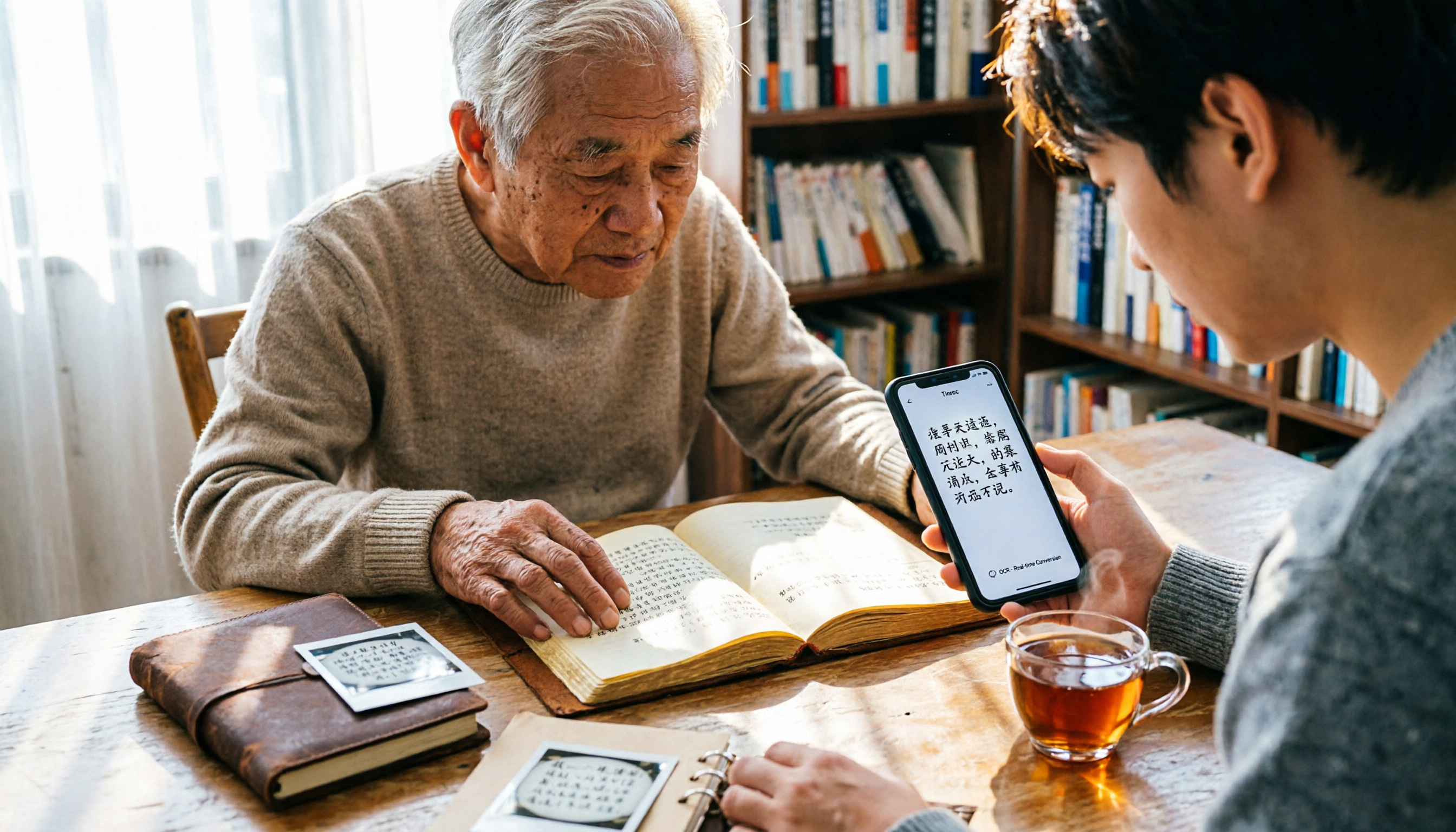
This situation—where there are clearly words in an image but you can't use them—is something almost every office worker encounters weekly. The only difference is whether you have a handy OCR tool to extract the text for you.
Before choosing an image-to-text tool, understand these 4 key points
Recognition language and Chinese support. OCR works by scanning images, identifying patterns and shapes similar to letters and words, and then converting them into text by matching against a database. For users in Taiwan, whether simplified and traditional Chinese can be accurately recognized is more important than supporting dozens of obscure languages.
Free quota and file limits. Some tools can only recognize 5 times per day, while others limit the length of a single file. Heavy users should pay special attention to this.
Output format. Whether you can directly copy or download as txt or Word determines how much time you'll spend organizing afterward.
Privacy and file retention. How long are uploaded images kept? This is especially important for sensitive documents like contracts and financial reports.
Baimiao Web Version—No installation, works right in your browser
Baimiao Web Version is a free online image-to-text tool. Its biggest advantage is that you don't need to install any software—just open your browser and turn images into text.
It supports accurate recognition of multiple languages including Simplified Chinese, Traditional Chinese, English, Japanese, Korean, and Russian, making it relatively friendly for those who need to handle mixed Chinese-English documents.
The operation is intuitive: click the button to select an image, drag it into the dotted box, or directly paste a screenshot from your clipboard. The recognition results can be copied or downloaded as txt or Word files.
This "directly paste screenshot" design is very thoughtful. Many people take a screenshot and then have to save it as a file before uploading; Baimiao eliminates that step.
Note that since it's an online tool, before processing sensitive content like contracts or IDs, it's advisable to check the website's data processing policy.
If you only occasionally need to convert screenshots, handouts, or presentation slides into text, Baimiao Web Version is a great starting point.
Stop organizing recordings by hand
Upload audio or video and automatically get a transcript, summary, and action items
Besides Baimiao, what other options are there?
Image to Text (imagetotext.me): Also a free online OCR, using OCR models like Tesseract. It has a practical feature—you can crop the image before uploading to keep only the area to be converted, and multiple images can be cropped separately. It also has some recognition ability for blurry images. Suitable for those who need to process partial screens, but it mainly processes images one by one, so it's not as convenient for converting many files at once.
Gaitubao Online OCR: The official description states recognition accuracy is about 90%. Because it consumes OCR resources, it is limited to 5 uses per day; uploaded image files are automatically deleted within 30 minutes. Suitable for those with very low usage who only need to recognize one or two images occasionally.
Chenghua OCR: A free online OCR, focused on converting scanned paper, PDF files, or images taken with digital cameras into editable documents. Suitable for those with a pile of scanned documents to digitize.
Google Play's "Image to Text" App: If you want to scan on the go with your phone, this app supports text recognition and translation in over 41 languages, and can convert scanned text into PDF, Word, or plain text. It's handy for scanning receipts, books, and notes.
Pitfall guide: The 3 most common mistakes when choosing an OCR tool
Pitfall 1: Assuming the recognition result is ready to use. OCR outputs "text," not "layout." Tables and multi-column layouts often get messed up, so you must proofread after recognition, especially numbers and names.
Pitfall 2: Ignoring free quotas. Many free tools have daily usage or file length limits. If you need to process a large number of documents daily, first check if the quota is sufficient before deciding whether to use a paid version.
Pitfall 3: Throwing everything into online tools. Before uploading content like contracts, pay stubs, or IDs, check the website's deletion policy and privacy statement. For example, Gaitubao explicitly states "uploaded files are automatically deleted within 30 minutes." Such information is worth confirming before uploading.
Summary: Which one should you actually use?
Want no installation, use browser to process screenshots and handouts → Baimiao Web Version, supports multiple languages, results can be copied or downloaded as txt, Word.
Only use mobile, want to scan receipts and books conveniently → Image to Text App, supports over 41 languages, can directly convert to PDF, Word, or plain text.
Need to crop partial screens, handle blurry photos → Image to Text, can crop before uploading, multiple images can be processed separately.
Very low usage, zero budget → Gaitubao Online OCR, 5 times per day, about 90% accuracy, sufficient for occasional use.
Need to organize audio, not images → That's a different type of tool. For example, Tinrec is an AI meeting notes tool that supports real-time audio-to-text conversion and can automatically generate summaries and action items. It's more suitable for handling meetings and interviews than OCR tools.
It's recommended to start with a free plan, test with your actual documents, see if the Chinese recognition results are directly usable, and then decide whether to upgrade.
References
Turn every recording into actionable outcomes
Get 60 free transcription minutes when you sign in. No credit card required.
Related Reading
You might also like

2026 Best Free Speech-to-Text Software Comparison: Which Free Version Is Enough?
We tested Tinrec, Otter.ai, Notta, and Granola to compare free tiers, Chinese recognition, AI post-meeting summaries, and team collaboration—helping busy professionals pick the best free option.

2026 Comparison of 2 Online AI Speech-to-Text Tools: Tinrec vs cSubtitle for Meeting Notes
This article compares two online AI speech-to-text tools, Tinrec and cSubtitle, in the context of meeting notes. It analyzes five dimensions: core positioning, real-time meeting transcription, AI post-processing, team collaboration, and Chinese language support, to help you decide which tool better fits your needs.

4 Best Online Meeting Speech-to-Text Tools for 2026: Free and Paid Options Compared
Tired of spending an hour after every meeting replaying recordings and taking notes manually? This article covers the four key factors for choosing an online meeting speech-to-text tool in 2026, from how meetings are recorded, post-meeting organization capabilities, Chinese and mixed Chinese-English recognition, to team data ownership. It compares Tinrec, Notta, Otter.ai, and Granola in features and pricing, and includes four common pitfalls and selection advice for beginners.

4 Online Speech-to-Text Tools Tested and Compared in 2026: Beyond Free Whisper, Which One Saves Meeting Organization Time?
Free online Whisper tools are convenient, but the real work begins after you get the transcript. This article starts from actual workplace needs and compares Whisper Web, Whisper JAX, Otter.ai, and Tinrec on Chinese recognition, online meeting recording, post-meeting organization, and team collaboration, helping you decide whether to use a free transcription tool or switch to a solution that turns meetings into usable data.

4 Online Speech-to-Text Tools Tested for 2026: Which Is Fastest for Chinese Transcripts?
This article tests several online speech-to-text tools, using Tinrec as the primary example, and introduces its real-time transcription, bot-free meeting recording, AI summaries, and team collaboration features to help readers choose the right Chinese transcription tool.

Tinrec vs Notta 2026: 5-Dimension Comparison for Audio Transcription
Looking for an audio transcription tool? This article compares Tinrec and Notta across five dimensions: bot-free meeting recording, Chinese transcription, AI Q&A, post-meeting organization, team collaboration, and seat management. It also includes alternatives like Otter.ai and Granola to help you choose the right tool for meetings, interviews, courses, and team scenarios.
2026 Comparison of 4 YouTube Shorts Tools: Which Saves the Most Time from Script to Upload?
When making YouTube Shorts, what usually holds you back isn't editing—it's organizing your content before editing. This article compares 4 tools using the same workflow: Tinrec handles transcription, summaries, and AI-powered quote finding; Adobe Express and YouTube's built-in tools handle visuals and publishing. It also covers the 4 most common mistakes beginners make and offers selection advice.

2026 Smart Short Video Summarizer Free Plans: 5 Tools Compared
A student-tested review of free smart short video summarization plans in 2026, comparing 5 tools including Tinrec and Notta on single-session length limits, AI follow-up questions, Chinese language support, and export workflows. Find out if free versions are enough and how students should choose.

2026 AI Simultaneous Interpretation Showdown: Tinrec vs Otter.ai — Which Is Better for Chinese Meetings Across 5 Key Dimensions?
How do you choose an AI simultaneous interpretation tool in 2026? This article compares Tinrec and Otter.ai across five dimensions: meeting recording methods, Chinese and real-time translation performance, input sources and audio retention, post-meeting organization capabilities, and pricing and team seat governance. It also includes six FAQs to help you determine which tool better fits your work scenarios.