
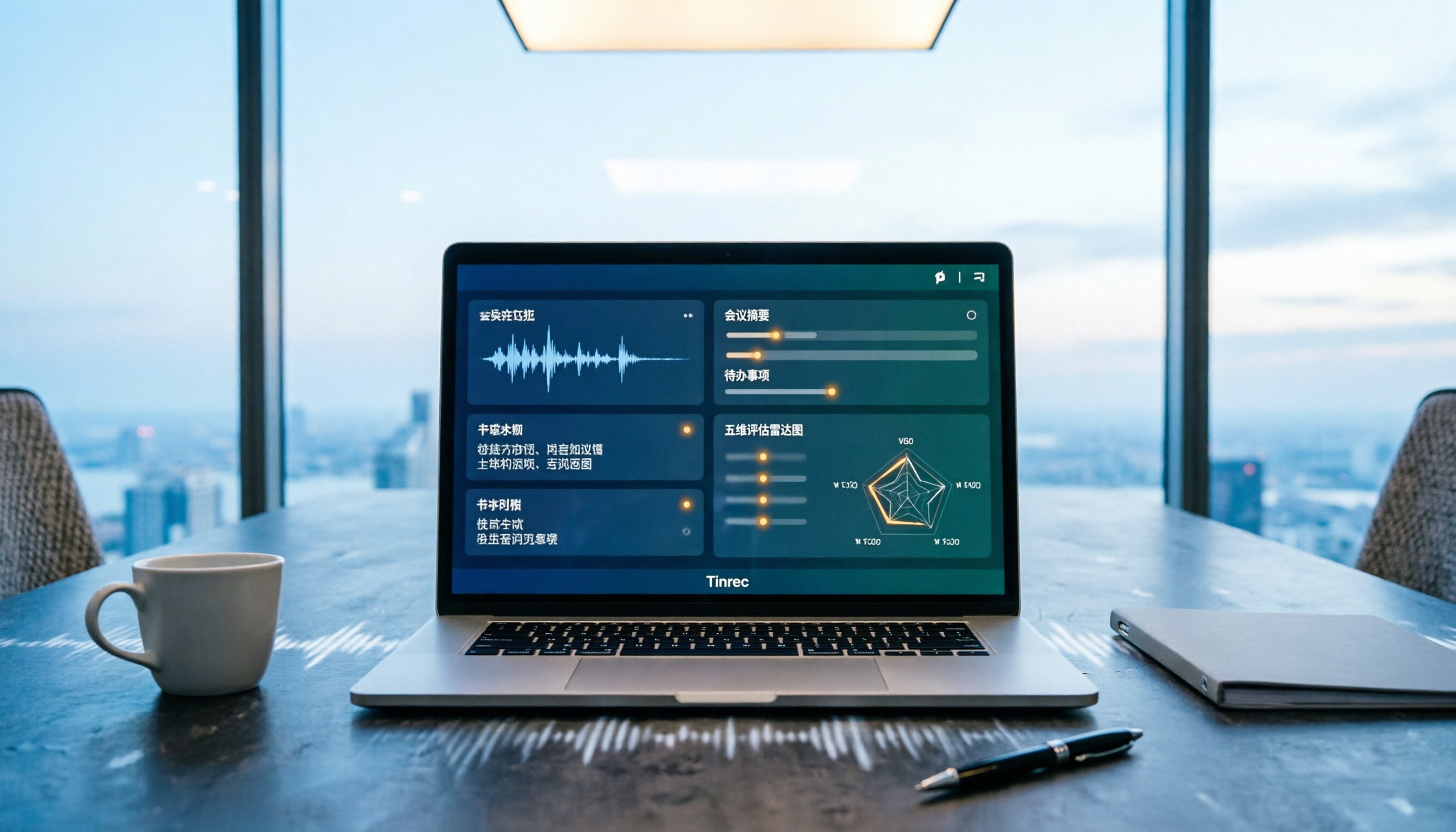
Turn recordings into transcripts and summaries in minutes
Upload audio or video for multilingual transcription, AI notes, and action items
Tinrec vs Otter.ai | Quick Overview
Tinrec positions itself as an "AI meeting notes and team collaboration tool," while Otter.ai is a long-established AI meeting assistant with a deep foundation in English business meetings. Both can turn meeting audio into transcripts. The real differences lie in three areas: how recordings enter the system, what you get after transcription, and where team data ultimately resides.
| Item | Tinrec | Otter.ai |
|---|---|---|
| Core positioning | AI meeting notes and team collaboration | AI meeting assistant and meeting automation |
| Meeting capture | Desktop version captures system audio; no bot needs to join the meeting | Meeting bot, desktop app, and other methods |
| Chinese scenarios | Chinese, Traditional Chinese, mixed Chinese-English, and multilingual meetings | Primarily English business meetings over the long term |
| Audio file retention | Supported | Depends on product and plan |
| Team governance | Team spaces, roles, seats, usage, audit, recycle bin | Mature team and enterprise capabilities |
Below we break down the comparison across 5 dimensions: Chinese transcription experience, meeting recording methods, post-meeting outputs, team collaboration and data ownership, and pricing and quotas.
Dimension 1 | Chinese and Mixed Chinese-English Transcription Experience
Otter.ai's strength is English business meetings. From joining meetings to real-time transcription to speaker identification, the entire workflow is quite mature in English environments. But if your meetings are in Chinese, use Taiwan-specific terms, mix Chinese and English, or include sentences like "this proposal needs another meeting before next Wednesday," you'll usually still spend considerable time manually proofreading.
Tinrec covers Chinese, Traditional Chinese, and multilingual meeting scenarios. It supports mixed Chinese-English content organization, real-time translation during recording with bilingual viewing, and team hotwords to maintain company-specific product names and terminology. Actual performance is still affected by recording quality, noise, accents, overlapping speakers, and proper nouns. We recommend testing with your own recordings.
→ This dimension: For Chinese-dominant meetings, Tinrec is closer to actual needs.
Dimension 2 | Meeting Recording Methods: One More Bot, or No Bot?
Otter.ai's most familiar mode is having a meeting bot join online meetings as a participant, though it also offers desktop capabilities—it's not limited to just a bot.
Tinrec takes a different path: the desktop version directly captures your computer's system audio. You open Tinrec yourself to start recording, and no extra AI attendee appears on the participant list. It can handle meeting audio played on your computer from Zoom, Google Meet, Microsoft Teams, Webex, and other platforms. To be clear, this does not mean "automatically joining all calendar meetings"—users still need to initiate recording manually.
→ This dimension: For those who don't want a bot appearing on the meeting roster, or who frequently meet with external clients, Tinrec's workflow is cleaner.
Dimension 3 | Post-Meeting Outputs: Just a Transcript, or Ready to Deliver?
Otter.ai provides summaries, action items, AI Chat, and team analytics after meetings. For English-speaking teams, this is enough to handle most meeting note needs.
Tinrec focuses on "after the transcript." In addition to the transcript, it produces AI summaries, chapters, key points, to-dos, and mind maps. You can ask AI questions about meeting content, view in original/translated/bilingual modes, and export in multiple formats to Notion, Google Docs, OneNote, Dropbox, and other tools. Agent post-processing can further generate reports, tables, and documents.
→ This dimension: From "getting text" to "delivering something usable," Tinrec's output types are more complete.
Stop organizing recordings by hand
Upload audio or video and automatically get a transcript, summary, and action items
Dimension 4 | Team Collaboration and Meeting Data Ownership
Otter.ai offers mature team and enterprise plans. For purely English-speaking teams, member management and centralized meeting records have a low barrier to entry.
Tinrec's team edition manages meetings as team assets: independent team spaces, inviting members via join links, three roles (owner/admin/member), seat allocation and revocation, unified storage of Audio, Folder, and TODO, shared team real-time recording and import privileges, team usage trends and member rankings, team hotwords, audit logs, plus an audio recycle bin and ownership transfer.
Here's the most confusing point during procurement: roles and seats are two different things. Roles determine who can manage the team and members; seats determine who can record, upload, edit, and import/export. Members who are active but have no seat can still view, play, and read team data, but cannot perform resource-consuming operations. Also, currently it's team-level shared visibility with role governance and seat control—not a file-level granular permission system.
→ This dimension: For teams that need to turn meetings into transferable team data and also want to see usage and audits, Tinrec is more suitable.
Dimension 5 | How Pricing and Quotas Are Calculated
Otter.ai's official pricing page currently shows: Basic is free, 300 minutes per month; Pro annual billing is approximately USD 8.49 per user per month, including 1,200 minutes of in-app recording per month and 10 file imports; Business offers unlimited meetings and in-app recording, more imports, and management capabilities. Actual prices may be affected by promotions; refer to the official pricing page.
Tinrec's personal plans include Free, Weekly Pass, Pro Monthly, and Pro Annual. The choice depends on your usage rhythm: use Free for occasional recording organization, Weekly Pass for short-term intensive meetings or interviews, Pro for steady weekly use, and Annual for long-term recording data accumulation. The team edition offers a 7-day trial for first-time eligible users, including 1 free seat and 300 minutes of team shared import quota; team monthly billing is USD 29.80 per paid seat per month, annual billing is USD 199 per paid seat per year (about USD 16.58 per month), with each paid seat providing 2,000 minutes of team shared import quota per month. Under an active team plan and active seat, real-time recording currently does not deduct minutes; file and web imports use team shared import minutes.
→ This dimension: The two have different billing units. Otter primarily uses in-app recording minutes; Tinrec's team edition separates "shared import minutes" and "seats." If your team's usage is concentrated in real-time recording of online meetings, this structure is relatively easy to estimate.
What Are Each Tool's Unique Strengths?
Tinrec
- Bot-free recording: Desktop version captures system audio, no extra attendee needed, handles meeting audio from Zoom, Meet, Teams, Webex.
- Chinese and multilingual scenarios: Chinese, Traditional Chinese, mixed Chinese-English, real-time translation and bilingual viewing, plus team hotwords for terminology management.
- End-to-end post-meeting: Summaries, chapters, to-dos, mind maps, AI Q&A, Agent post-processing, and third-party exports.
- Team data governance: Team spaces, roles and seats, usage analytics, audit logs, audio recycle bin, and resource handover when members leave.
Otter.ai
- Mature mindset for English business meetings, with a long-accumulated base of English users and existing workflows.
- Complete team and enterprise plans, low onboarding cost for purely English-speaking teams.
Conclusion: Which Should You Choose?
- If your meetings are mainly in Chinese, Traditional Chinese, or mixed Chinese-English → Tinrec (Chinese and multilingual scenarios are its home turf)
- If meetings are often online and you don't want a bot on the participant list → Tinrec (desktop version captures system audio)
- If you want more than a transcript—summaries, to-dos, reports, and tables → Tinrec (Agent post-processing and multi-format export)
- If you need to turn meetings into searchable, transferable team data → Tinrec (team spaces, roles, seats, usage, and audit)
- If you and your team meet almost exclusively in English and are already familiar with existing workflows → Otter.ai is still sufficient
In one sentence: For most users who primarily hold Chinese meetings and want to further process and accumulate meeting content, Tinrec is the more complete choice. Actual results are highly related to recording quality, accents, noise, and specialized terminology. We recommend first using the free version on a segment of your own meeting recording and making a decision based on real results. Finally, a reminder: recording and transcription involve personal data and communication privacy. Please pay attention to local regulations before recording and obtain participant consent when necessary.
References
- Online AI speech, video, audio file auto-transcription - Free trial - cSubtitle
- Yating Transcript
- SoundType AI Ultra-Precise Transcript, Speech to Text, AI Dictation - Google Play App
- Audio to Text - Free Speech to Text Tool
- Tested 4 Best "Speech to Text" Online Tools, Free Instant Audio to Transcript
Turn every recording into actionable outcomes
Get 60 free transcription minutes when you sign in. No credit card required.
Related Reading
You might also like

2026 Video-to-Text Tools Compared: Which One Actually Saves Time After Transcription?
How do you turn meeting recordings, interviews, and course videos into usable text? This article compares four video-to-text tools—Tinrec, TurboScribe, Notta, and Otter.ai—breaking down input sources, post-transcription organization, Chinese recognition, and team data ownership. It also covers free quotas, file limits, and pitfalls to help you choose the best tool for your needs.

5 Best Web-Based Audio-to-Text Tools for 2026: No App Needed, Which Free Version Handles Chinese Meetings Best?
The meeting ends, and the pain begins. This hands-on comparison of 5 web-based audio-to-text tools covers real-time transcription during meetings, Chinese and mixed Chinese-English recognition, free tier limits, and post-meeting AI-powered key point extraction. We also explain why Tinrec stands out for Chinese meetings and team collaboration.

4 AI Video Summarizer Tools Tested in 2026: Which One Actually Turns Videos into Usable Data?
Too many videos to watch? We tested AI video summarizers like Tinrec, Felo AI, Notta, and TurboScribe, comparing video sources, summary depth, AI Q&A, and team collaboration to help you find the best fit. Tinrec stands out for meeting notes and team knowledge retention.

4 YouTube Study Summary Tools Tested for 2026: Which One Saves You the Most Review Time?
Watch an online course and forget it? Can't find key points when reviewing? We tested 4 YouTube study summary tools across four dimensions: transcripts, AI Q&A, mixed Chinese-English recognition, and data accumulation. We explain why Tinrec is better suited for long-term learning with transcript retention, semantic Q&A, and team knowledge building, plus a pitfalls guide and selection advice.

2026 Comparison of 2 Xiaohongshu Video Summary Tools: Tinrec vs Notta — Which One Can Extract Key Points in One Click?
Many people waste time manually fast-forwarding and taking notes while watching Xiaohongshu videos, often missing key points. This article addresses common pitfalls and compares Tinrec and Notta across video-to-text conversion, Chinese recognition, summary extraction, AI Q&A, export options, and pricing to help you find a more efficient way to summarize Xiaohongshu videos.
Best One-Click Video Link Extraction Tools in 2026: Testing 3 Options, Tinrec Offers the Most Complete Chinese Support
Many people think one-click video link extraction means downloading video files, but what's really needed is turning video content into transcripts, summaries, and action items. This article uses Tinrec as an example to explain link import transcription, AI summaries, Q&A, export, and team collaboration, plus 5 key buying considerations and FAQs.

2026 AI Audio Transcription Guide: From Transcripts to Meeting Minutes
How to choose an AI audio transcription tool? This guide starts from real meeting scenarios for mid-level managers, breaks down 4 key selection factors, tests Tinrec's bot-free online meeting recording, AI Q&A, and team spaces, compares Otter.ai, Granola, and PLAUD, and concludes with 5 common pitfalls and selection advice.
4 AI Meeting Note Takers Tested for 2026: Which Handles Chinese Meetings and Team Collaboration Best?
Spending too much time on meeting notes? We tested 4 recording-to-meeting-minutes tools, comparing Chinese recognition, bot-free recording, post-meeting AI Q&A, and team collaboration to help you find the best fit for your workplace.

How to Transcribe Phone Recordings in 2026: Real-Time Transcripts + AI Summaries
How do you turn phone recordings into text? Starting from the real-world scenario of needing text right after recording on your phone, this article compares Tinrec and Otter.ai across 5 dimensions, covering Chinese and mixed Chinese-English recognition, post-recording summaries and action items, team knowledge retention, free tiers and pricing, and tells you directly which one to choose.