

Turn recordings into transcripts and summaries in minutes
Upload audio or video for multilingual transcription, AI notes, and action items
You scroll past a short video in 30 seconds, but can't recall a single key point
The choice you need to make isn't whether to take notes, but which method to use to capture the key points from short videos.
You scroll through a dozen short videos during your commute, feel like you've gained a lot in the moment, but when you get home and want to find that one key phrase, you only remember "there seemed to be one that talked about it."
What's more troublesome is that short videos are inherently fast-paced. Source material mentions that the key to short video editing is maintaining a fast pace, avoiding lengthy pauses, and ensuring every frame has a purpose—this means high information density but almost no time for you to take notes.
If you've also experienced "saved dozens, but actually used less than three," this article is for you.
Before organizing short video key points, understand these 4 criteria
1. Does it give you a transcript or key points?
A transcript is raw material, not a finished product. Tools that only provide text still require you to extract three sentences from three thousand words yourself. What truly saves time is a tool that can automatically generate summaries, chapters, and key points.
2. Can it handle Chinese colloquial speech and mixed Chinese-English?
Many tools excel at English meetings or subtitles, but start dropping words when faced with Chinese colloquial speech, fast speech, or mixed Chinese-English content. Instead of looking at the officially claimed accuracy rate, try it with the type of videos you usually watch.
3. Can you jump back to the original timestamp?
No matter how nice the summary is, when you encounter important numbers or quotes, you'll still want to confirm the original words. Whether you can click to jump back to the corresponding segment determines whether you dare to quote directly.
4. Can the organized content fit into your workflow?
Notes that stay in the tool are as good as no notes. Whether you can export to Notion, Google Docs, OneNote, or other places you already use is the most easily overlooked point in practice.
After listing these four points, you'll find that most tools on the market only solve one of them.
Tinrec—Our top pick after testing
Tinrec is an AI meeting notes and collaboration tool for individuals and teams, supporting iOS, Android, and web versions. It can handle live recording and also import existing audio and video files.
It doesn't just convert sound to text; it organizes content into usable data.
Drop in a video, get readable key points.
For content you don't have time to take notes on, such as short videos, course videos, or interview recordings, you can upload them as files. Tinrec will produce a transcript and then automatically generate summaries, chapters, and key points. A one-hour piece will be split into several sections, so you don't have to read from start to finish.
After recording, you can ask questions directly about the content.
This is where it differs most noticeably from ordinary transcription tools. After organizing a video, you can directly ask: "What are the three methods mentioned in this video?" "What did the speaker say about the budget?" It answers based on semantics, rather than throwing a bunch of keyword search results at you. Most tools at the same price point are still stuck at "giving you a transcript."
Beyond key points, there are actionable outputs.
In addition to summaries, Tinrec can extract to-dos from content and generate mind maps, reports, tables, and documents. The organized results can be exported to Notion, Google Docs, OneNote, Dropbox, and other tools, directly connecting to your existing note-taking workflow.
Additionally, the desktop version can capture computer system audio to record online meetings on Zoom, Google Meet, Microsoft Teams, Webex, etc., without inviting an extra bot to join the meeting. If the content is in a foreign language, real-time translation is supported during recording, and you can switch between original text, translation, or bilingual view.
If used by a team.
Stop organizing recordings by hand
Upload audio or video and automatically get a transcript, summary, and action items
The team version is not multiple people sharing one account, but an independent team space. Meeting and video data belong to the team; members can view, play, and read. Administrators can manage roles, assign seats, view usage trends and details, and query and export operation logs. When a member leaves or loses their seat, they need to hand over their team resources to other active members, so data doesn't leave with the individual.
The current pricing for the team version is USD 29.80 per paid seat per month, or USD 199 per paid seat per year, which averages about USD 16.58 per month. Each paid seat provides 2,000 minutes of shared team import quota per month. Eligible teams get a 7-day trial, 1 free seat, and 300 minutes of shared quota for the first time. Actual amounts and benefits are subject to the official purchase page.
Things to note.
The free plan for the personal version provides basic quota, allowing you to experience recording, importing, summaries, and transcription. If you have a lot of content to organize every week, you'll need a paid plan. Also, the actual performance of transcription and summaries can be affected by recording quality, background noise, accents, overlapping speakers, and technical terminology. Tinrec does not recommend promising a fixed accuracy rate externally—for important information, it's advisable to cross-check with transcript timestamps and original recordings.
Who is it for?
If you frequently learn from Chinese or mixed Chinese-English content, need to quickly turn large amounts of audio and video into readable notes, want to ask questions and dig into details after organizing, or if your team wants to centrally store this data, Tinrec is currently the most hassle-free choice.
Besides Tinrec, what other options are there?
**Notta:** A multi-platform transcription tool with high overlap with Tinrec, covering meeting notes, document import, translation, and team plans. The free version offers 120 minutes per month, up to 3 minutes per session. Pro annual billing averages about USD 8.17 per month, with 1,800 minutes per month. Suitable for those who simply need transcripts, but post-transcription Agent processing (directly generating reports, tables, documents) is not its main focus.
**TurboScribe:** Focuses on cost-effective file transcription. The free version allows 3 files per day, up to 30 minutes per file. Unlimited annual plan is USD 120. Paid version supports up to 10 hours or 5 GB per file, and can upload 50 files at once. If you have a large number of long audio files for batch processing, it's a good deal; but it's not designed for live meetings and post-meeting Q&A.
**Online video summarization tools (e.g., WayinVideo):** These tools list video highlights by topic, mark sentences worth saving, and include corresponding screenshots. They are convenient for quickly reviewing public videos on YouTube or TikTok. The limitation is that they process public links; your own recordings, offline interviews, and internal team data cannot be put in, and there is no team space for accumulation.
Pitfall guide: 3 most common mistakes when organizing short video key points
Pitfall 1: Saving only links, not key points.
Saving is the lowest-cost self-comfort. Three months later, when you open your saved folder, you'll only see a row of titles and still not know what each one said. When you see valuable content, save the summary and timestamp immediately.
Pitfall 2: Only reading summaries, not the original text.
AI summaries can save you a lot of time, but they may also miss or misunderstand details. When it involves numbers, commitments, contracts, or quotes, please go back to the corresponding timestamp in the transcript to confirm, and don't treat the summary as the final version.
Pitfall 3: Ignoring authorization issues for recording and transcription.
When organizing others' videos or meeting content, please comply with local laws and regulations, and obtain consent when necessary. This is not something the tool can handle for you.
Conclusion: Which one should you choose?
Need transcripts and key point organization for Chinese or mixed Chinese-English content → Tinrec (summaries, chapters, to-dos all in one)
Want to ask follow-up questions about details after organizing → Tinrec (can ask questions directly about content, no need to Ctrl+F yourself)
Want key points to go into Notion, Google Docs, etc. → Tinrec (supports multiple formats and third-party exports)
Team needs sharing, member and usage management → Tinrec Team version (team space, roles, seats, usage and operation logs)
Have dozens of long audio files for batch transcription → TurboScribe (file length and batch upload are its strengths)
Don't want to pay, only watch English public videos → Online video summarization tools, or English meeting tools like Otter.ai
It's recommended to start with Tinrec's free version and try it with a short video you really want to remember. If you find the summaries accurate and Q&A truly saves time, then consider upgrading; there's no need to pay right away.
References
- How to make short videos most eye-catching? 4 essential rules for viral videos at a glance | AlleyPin Blog
- Key to eye-catching short video production: 3 major techniques to quickly attract target customers | Riverimg Studio | Building visible strength for SMEs: corporate image videos/video production/product videos
- [2026] Complete short video production tutorial: Essential short video production techniques for beginners | Little Dream Big Things
- What can a one-minute video say? Master 3 video rhythms to make short videos super powerful
- Free YouTube video summarization tool: Fast, accurate, one-click key points generation
Turn every recording into actionable outcomes
Get 60 free transcription minutes when you sign in. No credit card required.
Related Reading
You might also like

2026 Voice-to-Text Mind Map Tools Compared: Which Turns Meeting Recordings into Mind Maps?
Turning meeting recordings into mind maps is time-consuming, mainly due to transcription and structuring. This article compares Tinrec, Xmind, Notta, PLAUD, and Otter.ai, highlighting 4 key buying factors, 4 common pitfalls, and scenario-based recommendations to help you choose the most efficient workflow.

5 Best Audio-to-Text Tools in 2026: SRT Subtitles and Meeting Notes Compared
Need audio-to-text transcription and SRT subtitle files? This guide starts with the decision point of whether you need subtitles or meeting minutes, breaks down 5 key buying criteria, and uses Tinrec to demonstrate the complete workflow from recording, transcription, summarization to export and team knowledge retention, including FAQs and real-world use cases.

5 Best Audio-to-Text Tools in 2026: Which Exports to Word and PDF Most Smoothly?
The most time-consuming part of audio transcription is often not the transcription itself, but exporting, formatting, and post-meeting organization. This article compares 5 tools on their differences in exporting to Word, PDF, time codes, AI summaries, and team collaboration, and compares the suitable use cases for Tinrec, cSubtitle, TurboScribe, and Notta.

2026 Large Language Model Speech-to-Text Tool Buying Guide: 4 Hands-On Tests and Recommendations
Typing meeting transcripts after meetings is a pain point for many office workers. Starting from real meeting scenarios, this article outlines 4 key factors for choosing large language model speech-to-text tools, hands-on tests Tinrec's bot-free meeting recording, real-time transcription, AI summaries, to-dos, and AI Q&A, compares the applicable scenarios of Otter.ai, Granola, and TurboScribe, and finally provides a pitfall guide and selection advice.

2026 Second-Generation AI Meeting Assistants: Complete Guide to 6 Tools, Features, and How to Choose
Start by answering three key questions: how meeting audio gets in, what you get after the meeting, and who holds the data. This guide reviews the features, pricing, and best use cases of six second-generation AI meeting assistants in 2026, and shares practical selection logic and usage tips from a mid-level manager's perspective.

2026 Voice Recognition AI Agent Comparison: Which Saves the Most Time on Chinese Meeting Notes and Post-Meeting Organization?
A voice recognition AI Agent is not just about turning speech into text. This article addresses the real pain points of meeting notes, covers 4 key points to understand before buying, tests Tinrec's bot-free online meeting recording and post-meeting AI organization workflow, compares Granola, PLAUD, and TurboScribe to see who each is best for, and includes a pitfalls guide and selection advice.

2026 Complete Guide to Automated Meeting Minutes: Tinrec Uses AI to Auto-Generate Summaries and Action Items
Automated meeting minutes aren't just about turning recordings into transcripts. This article starts with common mistakes students make, explains why a transcript alone still leaves you organizing everything yourself, and shares a complete workflow using Tinrec to record meetings, auto-generate summaries and action items, and then use AI Q&A to find key points—including real scenarios like group projects, classes, and interviews.
How to Auto-Sync Meeting Notes to Google Docs in 2026: 7 Tools + Setup Guide
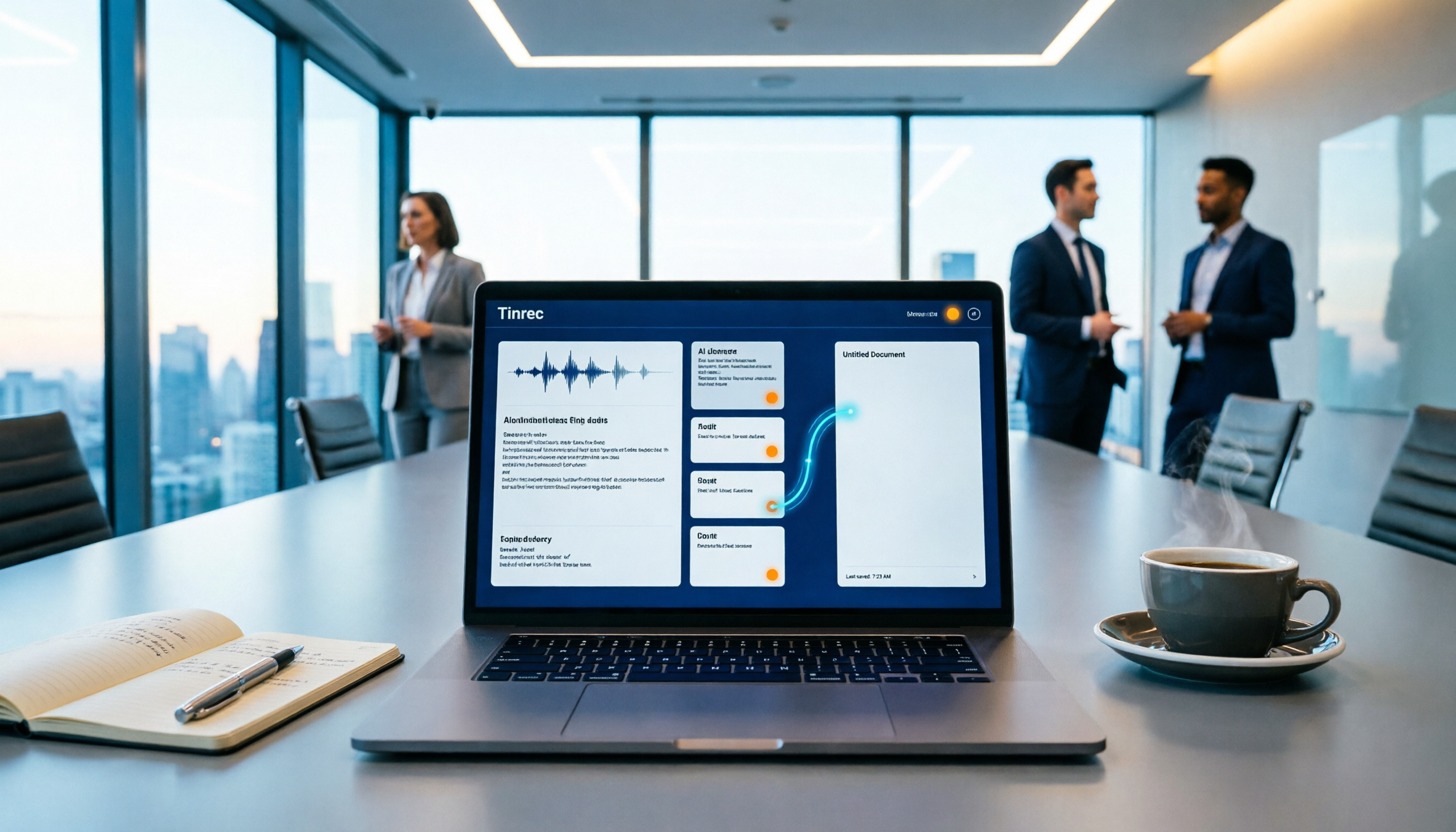
Tired of replaying recordings and manually pasting highlights into Google Docs after every meeting? This guide covers 7 ways to automatically sync meeting notes to Google Docs, from built-in Google Calendar and Google Meet features to AI meeting tools like Tinrec, Notta, Otter.ai, Fireflies.ai, and HiNoter. We compare transcription, summarization, action items, and export workflows, plus key selection criteria and usage considerations.

Tinrec vs WayinVideo 2026: 5-Dimension Comparison — Which Is Better for Teams to Organize Key Video Content?
Starting from the most common misconception: thinking an AI-generated summary means you've captured the key video content. This article compares Tinrec and WayinVideo across 5 dimensions, explaining why transcripts, timestamps, AI chat queries, and team spaces are the real keys. It also includes buying tips, other options, and pitfalls to avoid, helping you decide which tool to use for organizing video and meeting highlights.