

Turn recordings into transcripts and summaries in minutes
Upload audio or video for multilingual transcription, AI notes, and action items
Why Most People Use Voice Recognition AI Agents Wrong: You Don't Need Speech-to-Text, You Need Actionable Post-Meeting Data
Many people's first impression of a voice recognition AI Agent is "turning speech into text."
So they intuitively open a free transcription tool, record the entire meeting, and get a 30-page transcript afterward—then get stuck.
Where is the decision? Who agreed to do what? Do the numbers mentioned last week match this week? You still have to search page by page.
Another common inefficient approach is taking notes by hand throughout. A two-hour meeting takes another hour to organize, and what you capture is usually what the last speaker said, not the most important sentence.
A more reasonable approach is to treat "recognition" as the first step, not the end: audio in → transcript → summary and chapters → action items → follow-up questions → export and archive.
This article uses that standard to compare several voice recognition AI Agents and see which one truly turns meetings into reusable data.
Before Buying a Voice Recognition AI Agent, Understand These 4 Key Points
1. How does it "enter" the meeting? There are two common approaches: one is sending a meeting bot as a participant, the other is a desktop app that directly captures computer system audio. The former requires managing a bunch of bot accounts and adds an extra person to the participant list; the latter is initiated by the user and doesn't add a participant. In client meetings, this directly affects perception.
2. What does it give you after recognition? Getting only a transcript versus getting a summary, chapters, action items, and an AI Q&A you can follow up with are completely different levels. You can ask yourself: if I only get a transcript, how many more things do I need to do to finish the job?
3. Does it understand Chinese and mixed Chinese-English? Meetings in Taiwan rarely use a single language throughout. Product names, technical terms, and client names are often mixed Chinese-English. Beyond the recognition model itself, whether there are "team hotwords" to maintain internal company terminology makes a big practical difference.
4. Where does the data end up? Are the recorded audio files, transcripts, and summaries stored in a personal account or a team space? This relates to two things: whether data remains after a colleague leaves, and who has permission to use it. Often overlooked for personal use, but once brought to a team, it becomes an issue.
Tinrec—Our Top Pick After Testing
Tinrec is an AI meeting notes and collaboration tool for individuals and teams, supporting web, desktop, and mobile. Its biggest difference from pure transcription tools is that it breaks meetings into five stages: "record → understand → act → collaborate → govern."
No extra bot needed during meetings. Tinrec's desktop app directly captures computer system audio, handling online meetings on Zoom, Google Meet, Microsoft Teams, Webex, etc., without adding an extra bot to the participant list. Note that it is initiated by the user, not automatically joining every meeting on your calendar.
After the meeting, it doesn't just dump a transcript on you. After recording, it generates an AI summary, chapters, and key points, extracts action items from the discussion, and can produce a mind map. To write weekly reports or meeting minutes, you can use Agent post-processing to generate reports, tables, and documents, then export to existing workflows like Notion, Google Docs, OneNote, Dropbox, etc.
You can ask questions directly about the meeting content. This is where it differs most from many tools at the same price. You can ask "What was the conclusion about the budget in the last meeting?" or "What delivery conditions did the client mention?" It will search within the meeting content for answers, rather than just giving you keyword search results. It also supports real-time translation during recording, viewable in original, translated, or bilingual mode.
Test conditions and observations. We used the same mixed Chinese-English online meeting recording (about 30 minutes, with air conditioning noise, three people taking turns speaking, interspersed with English product codes) on the desktop version. The transcript was directly searchable, the summary captured decision paragraphs, and action items were organized into a list; mixed Chinese-English technical terms depended on pronunciation clarity, which is why team hotwords are recommended. Actual performance will be affected by recording quality, accent, noise, overlapping speech, and technical terminology.
Stop organizing recordings by hand
Upload audio or video and automatically get a transcript, summary, and action items
Three practical advantages:
- No hardware to buy, no bots to set up—just open your computer to record online meetings.
- Summary and action items are ready right after the meeting, saving a round of manual organization.
- Comprehensive export formats—organized content can go directly into existing workflows.
Limitations should also be clear. The free version offers a basic quota, suitable for trying one or two meetings before deciding; audio and web link imports consume import quota, and the team version uses team shared import minutes, not individual member quotas. Also, recording involves personal data and local regulations; in practice, it's recommended to inform participants at the start.
The team version deserves separate mention. It's not "multiple people sharing one account," but an independent team space: with its own members, roles, and seats, meeting data belongs to the team. Members without a seat can view and listen; only with a seat can they record, upload, edit, and export. Admins can see usage trends, member rankings, and audit logs; deleted audio files can be restored from the recycle bin (currently 30-day retention). Currently, team monthly is USD 29.80 per paid seat per month, annual is USD 199 per paid seat per year (about USD 16.58 per month), each paid seat provides 2,000 minutes of team shared import quota per month; eligible first trial is 7 days, 1 free seat, 300 minutes of team shared import quota. Actual prices and benefits are subject to the official purchase page.
Besides Tinrec, What Other Options Are There?
Granola: Also a bot-free AI meeting notes tool, focusing on "your handwritten notes plus AI enhancement," Business is USD 14 per user per month. Note that it does not save meeting audio files and does not support uploading existing recordings. If you need to keep recordings and organize historical files, Tinrec's recording retention and file import are more suitable.
PLAUD Note/NotePin: A representative of AI recording hardware, NotePin starts at USD 159, with additional membership plans, suitable for those who like physical devices and need portable recording. But it adds hardware cost, and the focus is on on-site recording. Tinrec requires no extra equipment, works on web, desktop, and mobile, and can handle online meetings and existing files together.
TurboScribe: Takes a high cost-performance file transcription route, Unlimited annual is USD 120, single file up to 10 hours or 5 GB, can upload 50 files at once, great for processing large volumes of long files. However, it lacks real-time meeting transcription, AI Q&A, and team collaboration governance, suitable for those who simply want to convert files to text.
Pitfalls Guide: The 4 Most Common Mistakes When Choosing a Voice Recognition AI Agent
Pitfall 1: Only looking at official accuracy rates. That number is usually measured in a quiet environment. Real meetings have air conditioning noise, keyboard sounds, people talking over each other, and mixed Chinese-English. It's better to test with one of your own meetings, not just ad numbers.
Pitfall 2: Only comparing minutes, not what you get after the meeting. Minutes only determine whether you can record; what really saves time is summaries, action items, Q&A, and exports. Two plans with the same minutes can differ by double in actual workload.
Pitfall 3: Thinking you must send a bot into the meeting. In client meetings, an extra unfamiliar account can sometimes be more awkward than spending five extra minutes organizing. Desktop system audio capture is another way, but remember it's user-initiated, not automatically joining all meetings.
Pitfall 4: Ignoring data ownership and permissions. Meeting data left in personal accounts breaks when the person leaves; when switching to the team version, also understand that roles, seats, and members are three different things—members without a seat can view but not edit. Also, important decisions should still be verified against the recording timestamp; don't treat AI output as the sole basis.
Conclusion: Which One Should You Choose?
Need Chinese and mixed Chinese-English meeting notes, and want summaries, action items, and Q&A directly → Tinrec.
Don't want an extra bot participant in online meetings → Tinrec (desktop captures system audio).
Want to follow up on meeting content, generate reports and tables after recording → Tinrec (AI Q&A plus Agent post-processing).
Team needs to share meeting data, manage seats and usage → Tinrec team version.
Just need to convert a batch of existing audio files to text, budget-oriented → TurboScribe.
Honestly, the value of a voice recognition AI Agent is not just in "how accurately it hears," but in how much you still have to do after recognition. If you have several meetings a week and need to write minutes and follow up on action items afterward, it's recommended to start with the free version for one or two meetings, feel the difference of "no bot setup to enter meetings, summaries and action items right out of meetings," then decide whether to upgrade. Finally, remember to obtain participant consent before recording according to local regulations.
References
Turn every recording into actionable outcomes
Get 60 free transcription minutes when you sign in. No credit card required.
Related Reading
You might also like

2026 Voice-to-Text Mind Map Tools Compared: Which Turns Meeting Recordings into Mind Maps?
Turning meeting recordings into mind maps is time-consuming, mainly due to transcription and structuring. This article compares Tinrec, Xmind, Notta, PLAUD, and Otter.ai, highlighting 4 key buying factors, 4 common pitfalls, and scenario-based recommendations to help you choose the most efficient workflow.
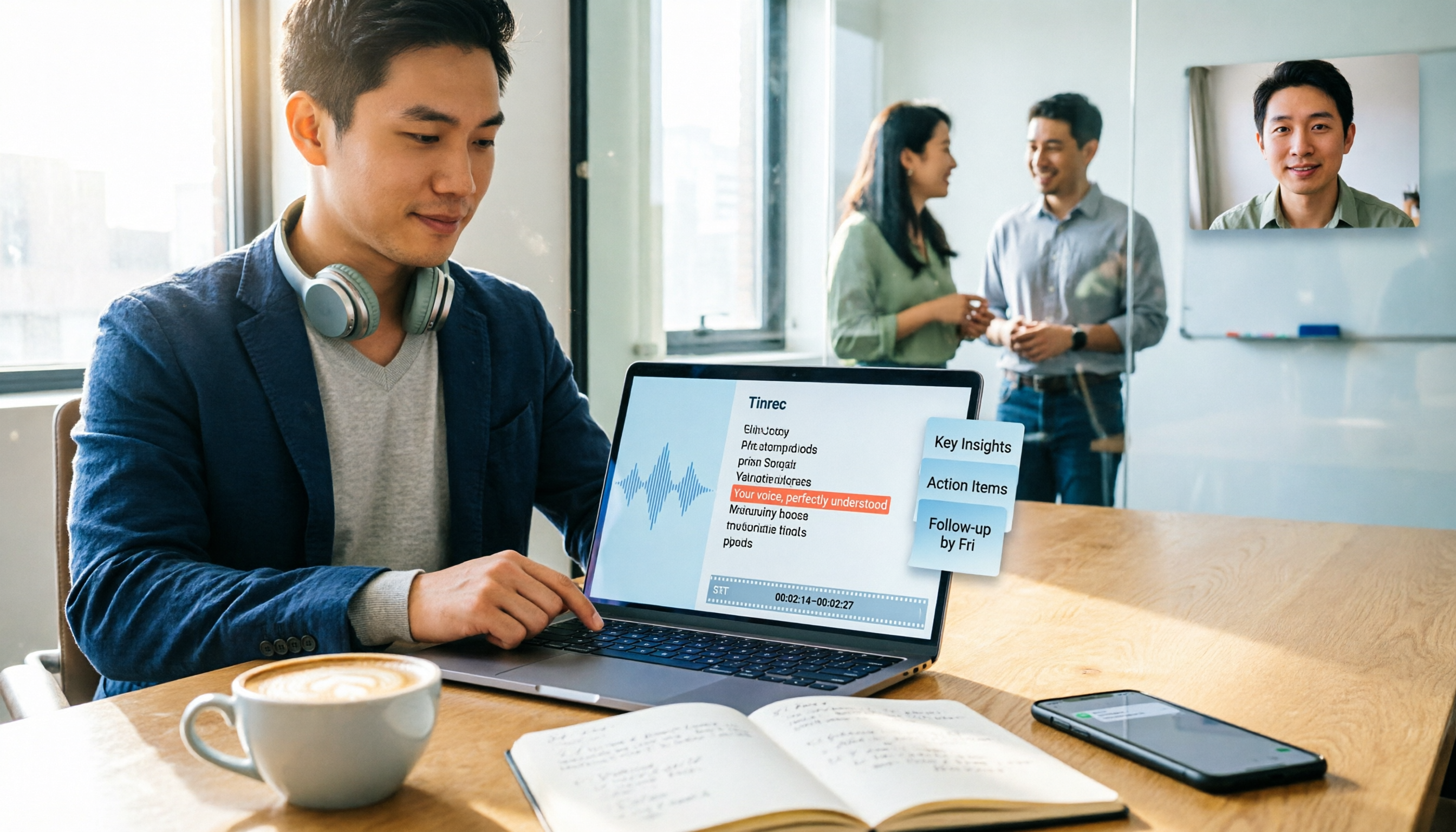
5 Best Audio-to-Text Tools in 2026: SRT Subtitles and Meeting Notes Compared
Need audio-to-text transcription and SRT subtitle files? This guide starts with the decision point of whether you need subtitles or meeting minutes, breaks down 5 key buying criteria, and uses Tinrec to demonstrate the complete workflow from recording, transcription, summarization to export and team knowledge retention, including FAQs and real-world use cases.
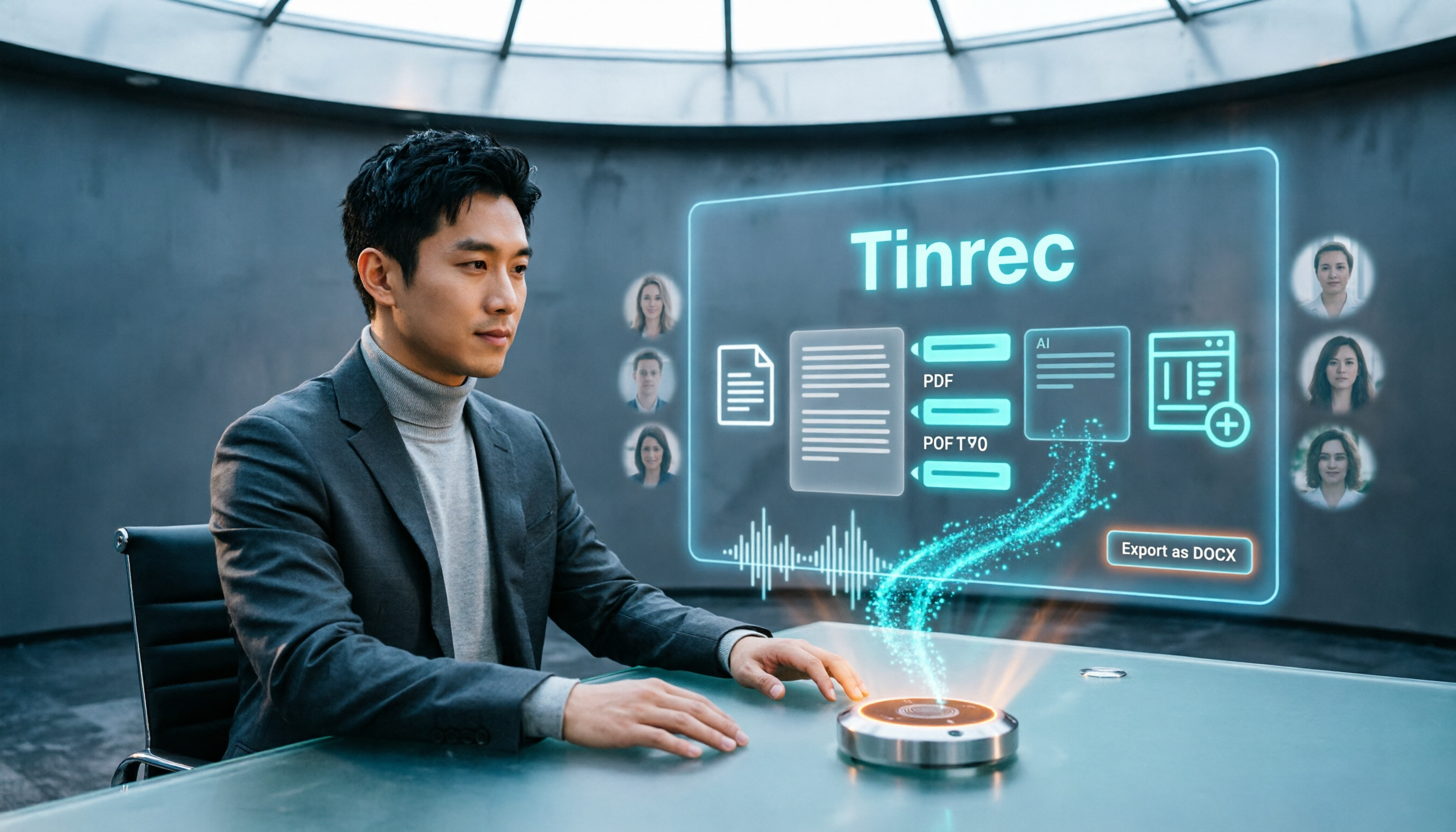
5 Best Audio-to-Text Tools in 2026: Which Exports to Word and PDF Most Smoothly?
The most time-consuming part of audio transcription is often not the transcription itself, but exporting, formatting, and post-meeting organization. This article compares 5 tools on their differences in exporting to Word, PDF, time codes, AI summaries, and team collaboration, and compares the suitable use cases for Tinrec, cSubtitle, TurboScribe, and Notta.

2026 Large Language Model Speech-to-Text Tool Buying Guide: 4 Hands-On Tests and Recommendations
Typing meeting transcripts after meetings is a pain point for many office workers. Starting from real meeting scenarios, this article outlines 4 key factors for choosing large language model speech-to-text tools, hands-on tests Tinrec's bot-free meeting recording, real-time transcription, AI summaries, to-dos, and AI Q&A, compares the applicable scenarios of Otter.ai, Granola, and TurboScribe, and finally provides a pitfall guide and selection advice.
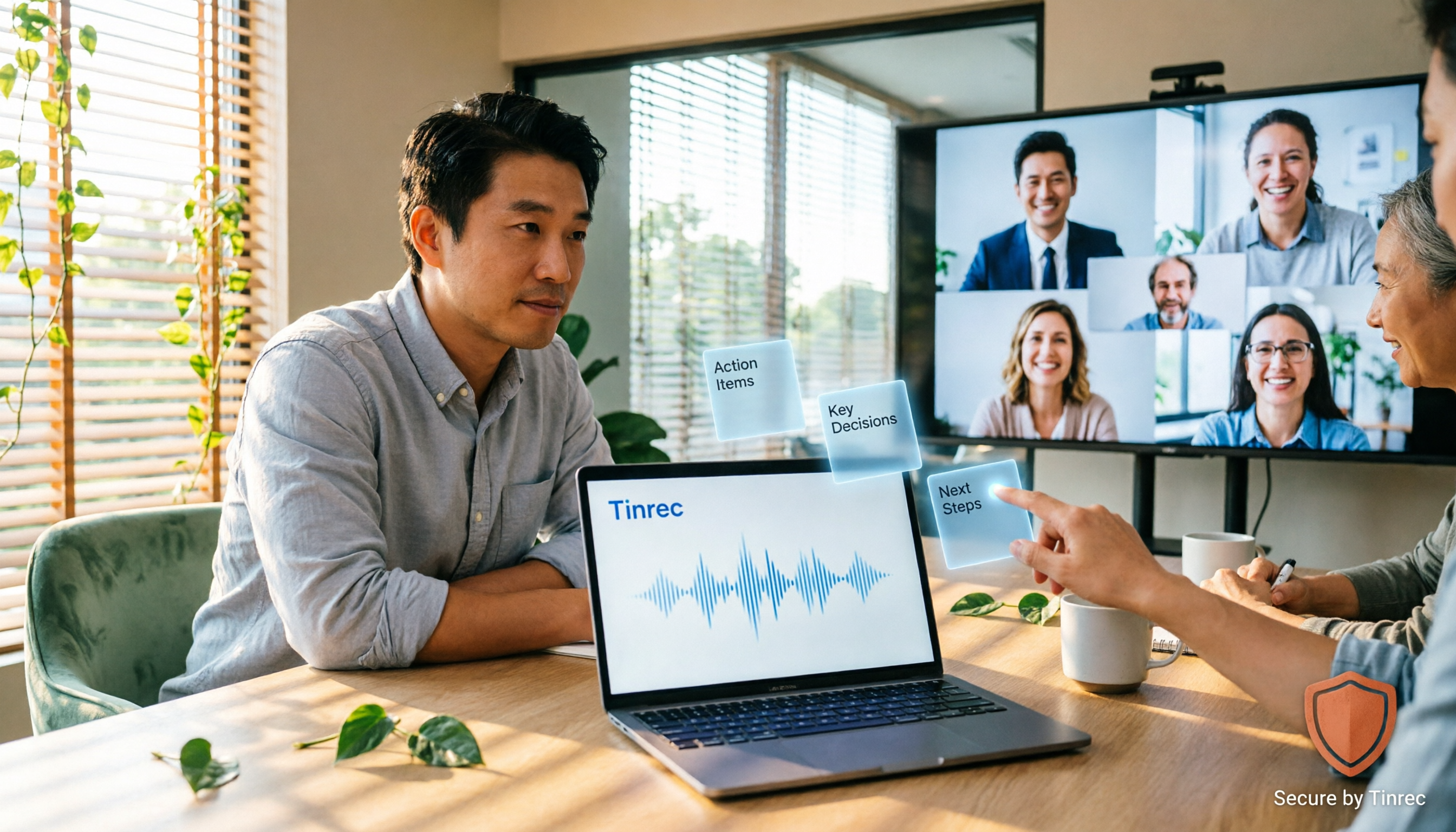
2026 Second-Generation AI Meeting Assistants: Complete Guide to 6 Tools, Features, and How to Choose
Start by answering three key questions: how meeting audio gets in, what you get after the meeting, and who holds the data. This guide reviews the features, pricing, and best use cases of six second-generation AI meeting assistants in 2026, and shares practical selection logic and usage tips from a mid-level manager's perspective.

2026 Complete Guide to Automated Meeting Minutes: Tinrec Uses AI to Auto-Generate Summaries and Action Items
Automated meeting minutes aren't just about turning recordings into transcripts. This article starts with common mistakes students make, explains why a transcript alone still leaves you organizing everything yourself, and shares a complete workflow using Tinrec to record meetings, auto-generate summaries and action items, and then use AI Q&A to find key points—including real scenarios like group projects, classes, and interviews.
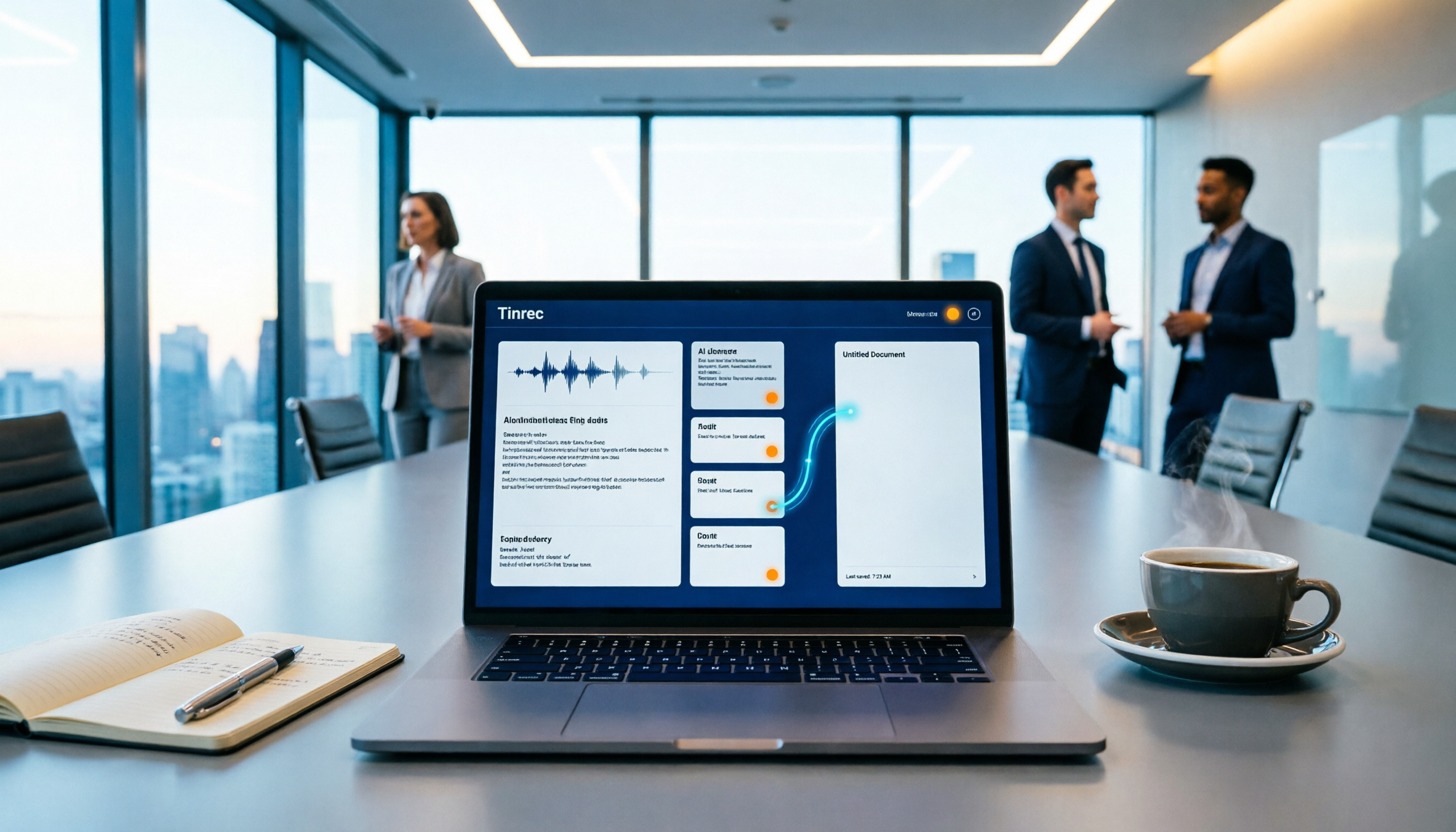
How to Auto-Sync Meeting Notes to Google Docs in 2026: 7 Tools + Setup Guide
Tired of replaying recordings and manually pasting highlights into Google Docs after every meeting? This guide covers 7 ways to automatically sync meeting notes to Google Docs, from built-in Google Calendar and Google Meet features to AI meeting tools like Tinrec, Notta, Otter.ai, Fireflies.ai, and HiNoter. We compare transcription, summarization, action items, and export workflows, plus key selection criteria and usage considerations.

Tinrec vs WayinVideo 2026: 5-Dimension Comparison — Which Is Better for Teams to Organize Key Video Content?
Starting from the most common misconception: thinking an AI-generated summary means you've captured the key video content. This article compares Tinrec and WayinVideo across 5 dimensions, explaining why transcripts, timestamps, AI chat queries, and team spaces are the real keys. It also includes buying tips, other options, and pitfalls to avoid, helping you decide which tool to use for organizing video and meeting highlights.

2026 Short Video Summarization Guide: AI Summaries + Transcript Notes in One Go
Short videos keep coming, but you can't find the key points even after saving a bunch. This article uses 4 criteria to help you choose the right tool, tests Tinrec's transcript, AI summary, chapters, and AI Q&A, and compares Notta, TurboScribe, and video summarization tools for different use cases.