

Turn recordings into transcripts and summaries in minutes
Upload audio or video for multilingual transcription, AI notes, and action items
2026 Complete Guide to Automated Meeting Minutes: Tinrec Uses AI to Auto-Generate Summaries and Action Items
Why do many people still not save time with automated meeting minutes?
I originally thought automated meeting minutes meant: after the meeting, throw the recording to AI, the transcript comes out, task done.
Last semester, for my graduation project, our group had a fixed meeting every week. I actually did it this way for the first time. The transcript ended up over 20,000 words, and I still had to read from the first line to the last, highlighting key points and figuring out "who does what" as I went. Counting it up, the only time I saved was typing time; organizing time barely changed.
Later I realized: a transcript is raw material, not a finished product. The minutes that truly save time are ones where you open the file and already have a summary, sections, and a to-do list clearly stating "who / does what / by when."
Before I found Tinrec, I tried three approaches:
- Notta: Very complete multilingual support, can automatically distinguish speakers, generate summaries and action items—a mature tool; but the free version gives 120 minutes per month and a maximum of 3 minutes per single piece of content, which ran out quickly for me since I had weekly meetings.
- Whisper + ChatGPT manual workflow: Converting audio to text and pasting into ChatGPT for summaries is doable, but every step requires moving files and copying/pasting yourself. With too many steps, it's easy to give up.
- PLAUD.ai recording device (my roommate bought one): Convenient for recording on the go, but requires an extra hardware cost, which is a high barrier for students.
It's not that these tools are bad—they each only solve part of the problem. Later, a senior in my department recommended Tinrec. I used it for a whole semester and still use it now. It fills in the path from "meeting ends" to "producing actionable minutes" more completely.
Tinrec vs. traditional methods: What's the core experience difference?
No need to invite a bot to record meetings
The most annoying thing about online meetings is "how to record." Tinrec's desktop version directly captures your computer's system audio, handling Zoom, Google Meet, Microsoft Teams, and Webex without needing an extra bot account to join the meeting. When presenting group reports to professors, no unfamiliar participant suddenly appears on screen—I personally really appreciate this. You just open Tinrec and start recording, and the transcript grows along with the meeting.
The real deciding point comes after the transcript
Traditional methods stop at the transcript, leaving all organizing to you. Tinrec automatically generates summaries, sections, and key points, and also picks out action items from discussions as to-dos. For group meetings, the difference is very clear—previously it took half an hour to organize after the meeting; now it's roughly: meeting ends, I review once, add a few words, and done.
Chinese and mixed Chinese-English situations
In the Information Management department, mixing Chinese and English is the norm. Professors say things like "the schema of this API needs to be confirmed again," and classmates mix English technical terms into discussions. Tinrec covers Chinese, Traditional Chinese, and multilingual meetings, and can enable real-time translation during recording, viewing in original or bilingual mode. Actual performance is still affected by recording quality, accents, background noise, and multiple people talking over each other—be prepared for that. For important content, it's recommended to replay against the transcript timestamps.
Multi-device workflow: record on phone, organize on computer
For general education courses, I'm too lazy to bring a laptop, so I just use my phone to record with Tinrec; back in the dorm, I organize and export on the web version. This "record on phone, organize on computer" division is very practical for students—no need to bring special equipment just for recording. You can also import existing audio or video files; I used this method before to help a classmate organize interview recordings.
Free quota and upgrade pace
Tinrec's free version provides a basic quota to experience recording, importing, summaries, and transcription—first confirm whether it's accurate enough for your Chinese content. If you only occasionally organize a recording, the free version is enough; for short-term intensive meetings or interviews, consider a weekly card; for steady weekly needs, the Pro monthly card is more suitable; for long-term accumulation of a whole semester's recordings, the annual card's monthly equivalent is more cost-effective.
Stop organizing recordings by hand
Upload audio or video and automatically get a transcript, summary, and action items
Overview of Tinrec's core features
Real-time audio-to-text recording
Text appears while recording. During meetings, you can follow along to confirm no key points are missed, and by the time the meeting ends, the transcript is almost complete.
AI summaries, sections, and key points
Long meetings are broken into structured sections. When reviewing, no need to re-listen—just jump to the section you want.
Action item extraction
Organizes action items from discussions. This is my most-used feature. The biggest fear in group meetings is "everyone assumes someone else will do it."
AI conversational query
This is the key feature I use to convince classmates. After a one-hour meeting, I directly ask "What was the conclusion of this meeting?" "Who is responsible for which item?" It answers based on semantics, no need to flip through the transcript yourself.
Multi-format export and Agent post-processing
Can export to Notion, Google Docs, OneNote, Dropbox, etc. for continued use, and can also generate reports, tables, and documents. For my graduation project meeting notes, I directly exported them as Notion pages.
Team space (for group projects)
If the group is large and data needs to be shared, Tinrec's team version provides an independent team space. Meeting data belongs to the team, with distinctions for members, roles, and seats, usage analytics, audit logs, and an audio recycle bin; when a member leaves, team resources can be handed over to other members and won't disappear with the individual. Members without a seat can still view, play, and read team data; recording, uploading, and editing require a seat. Currently, team monthly payment is USD 29.80 per paid seat per month, annual payment is USD 199 per paid seat per year (about USD 16.58 per month). Each paid seat provides 2,000 minutes of team shared import quota per month; eligible teams can try 7 days, 1 free seat, and 300 minutes of team shared import quota for the first time.
Four scenarios students will actually use
Group project discussions
Once a week, one hour each time—over a semester that's more than a dozen meetings. Use team space to keep each meeting's decisions and action items. Before the next meeting, first check whether last time's action items are done—much faster than scrolling through group chat messages.
General education courses and lectures
Professors speak fast, slides flip even faster—handwriting definitely can't keep up. Record on your phone, then review summaries and sections after class. For midterms and finals, no need to listen to recordings from the beginning.
Graduation project interviews
Qualitative interviews often last an hour or more, and transcripts originally take several times longer to organize. After recording, directly generate transcript and summary, then ask questions about specific sections—much faster for finding citation material.
Internships and online meetings
Internship online meetings are mostly on Teams or Meet. Record with the desktop version and confirm action items after the meeting—much more reliable than reporting from memory.
When choosing automated meeting minutes tools, these points are worth noting
- Chinese and mixed Chinese-English recognition performance: English-oriented tools often fall short in Chinese meetings. It's recommended to test with your own class recordings, not just rely on official descriptions.
- What else besides the transcript: Whether there are summaries, sections, action items, and Q&A capabilities determines how much time you'll spend after the meeting. Tinrec is relatively complete in this area.
- How the meeting is recorded: If a bot needs to join, consider privacy and how it looks on screen. Tinrec's desktop version doesn't require an extra account to join the meeting.
- Multi-device and cross-platform: Recording on phone and organizing on computer is a very real need. Tinrec works on iOS, Android, and web.
- Free quota and pricing pace: Students have limited budgets. First use the free version to test Chinese performance, then decide whether to upgrade—this is the safest order.
Conclusion: Is Tinrec worth a try?
If you think "automated meeting minutes" just means turning recordings into transcripts, then you won't save much time. What really makes a difference is whether after transcription it can directly give you summaries, sections, action items, and even let you continue asking questions about the meeting content. Tinrec goes further than most tools in this workflow, plus it performs stably in Chinese and mixed Chinese-English situations, and the desktop version doesn't require inviting a bot—making it a very practical combination for students.
My own advice: first download the free version, test it with a class or group meeting recording to see if its key point and action item extraction matches your habits—this is more direct than reading any review. If your group later needs to share data, then consider the team version's seat configuration.
References
- I spent four hours building an AI meeting notes tool, cost less than ten Taiwan dollars | WenHao Yu
- Meeting minutes too troublesome? ChatGPT+Whisper done in one go! Auto transcription, summary, and sending all possible | BusinessNext
- 2026's most recommended AI meeting notes神器, time-saving must-have tool for meetings!
- Organizing meeting minutes so painful? 5 tricks with NotebookLM's "AI note transformation", accurate translation even with mixed Chinese-English and technical terms | BusinessNext
- Meeting Ink - 2026 AI meeting notes tool hands-on test | 7 voice-to-text and summary speed comparison | Meeting Ink - AI meeting notes assistant auto transcription and summary
Turn every recording into actionable outcomes
Get 60 free transcription minutes when you sign in. No credit card required.
Related Reading
You might also like

2026 Voice-to-Text Mind Map Tools Compared: Which Turns Meeting Recordings into Mind Maps?
Turning meeting recordings into mind maps is time-consuming, mainly due to transcription and structuring. This article compares Tinrec, Xmind, Notta, PLAUD, and Otter.ai, highlighting 4 key buying factors, 4 common pitfalls, and scenario-based recommendations to help you choose the most efficient workflow.

5 Best Audio-to-Text Tools in 2026: SRT Subtitles and Meeting Notes Compared
Need audio-to-text transcription and SRT subtitle files? This guide starts with the decision point of whether you need subtitles or meeting minutes, breaks down 5 key buying criteria, and uses Tinrec to demonstrate the complete workflow from recording, transcription, summarization to export and team knowledge retention, including FAQs and real-world use cases.
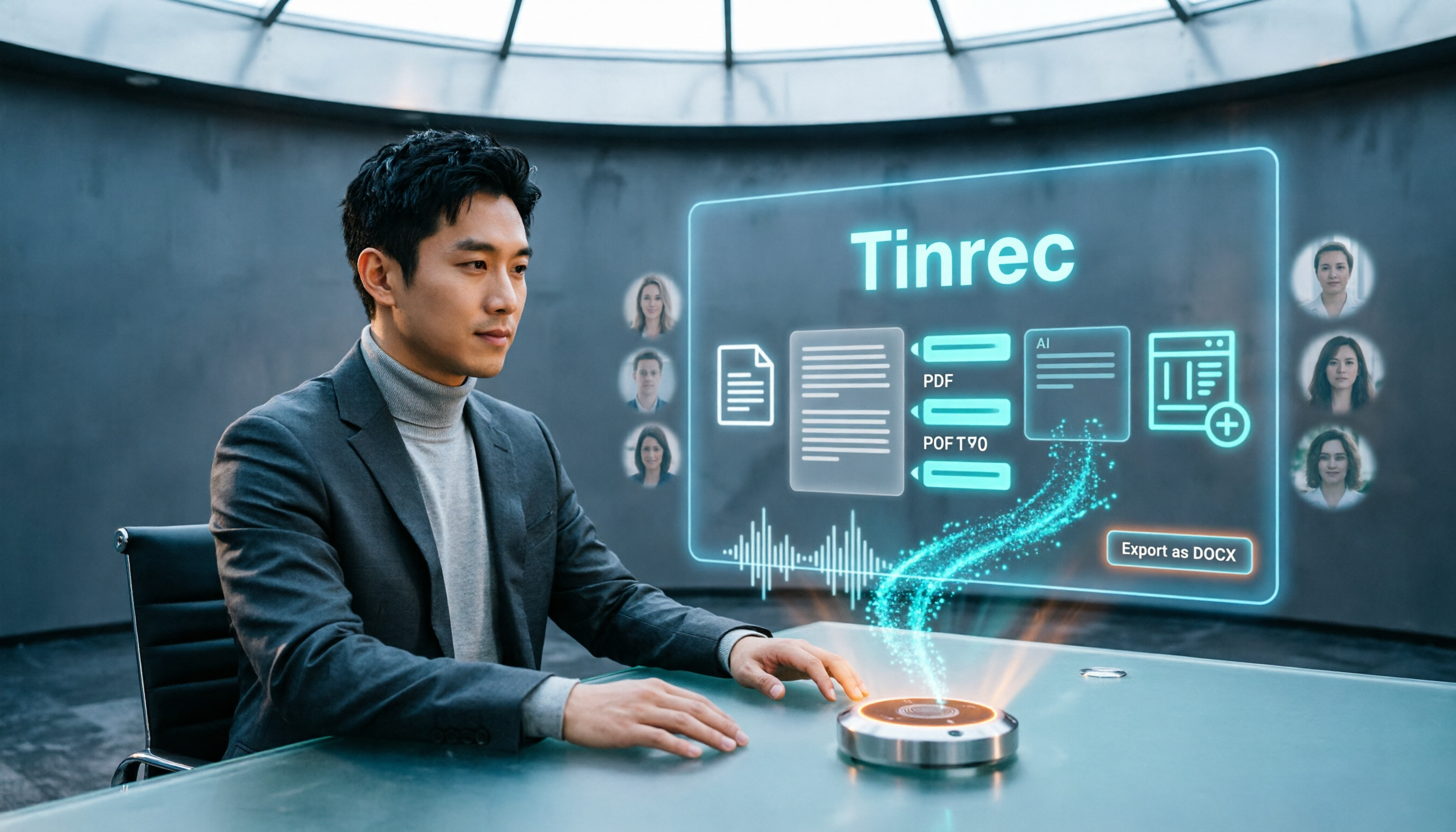
5 Best Audio-to-Text Tools in 2026: Which Exports to Word and PDF Most Smoothly?
The most time-consuming part of audio transcription is often not the transcription itself, but exporting, formatting, and post-meeting organization. This article compares 5 tools on their differences in exporting to Word, PDF, time codes, AI summaries, and team collaboration, and compares the suitable use cases for Tinrec, cSubtitle, TurboScribe, and Notta.

2026 Large Language Model Speech-to-Text Tool Buying Guide: 4 Hands-On Tests and Recommendations
Typing meeting transcripts after meetings is a pain point for many office workers. Starting from real meeting scenarios, this article outlines 4 key factors for choosing large language model speech-to-text tools, hands-on tests Tinrec's bot-free meeting recording, real-time transcription, AI summaries, to-dos, and AI Q&A, compares the applicable scenarios of Otter.ai, Granola, and TurboScribe, and finally provides a pitfall guide and selection advice.
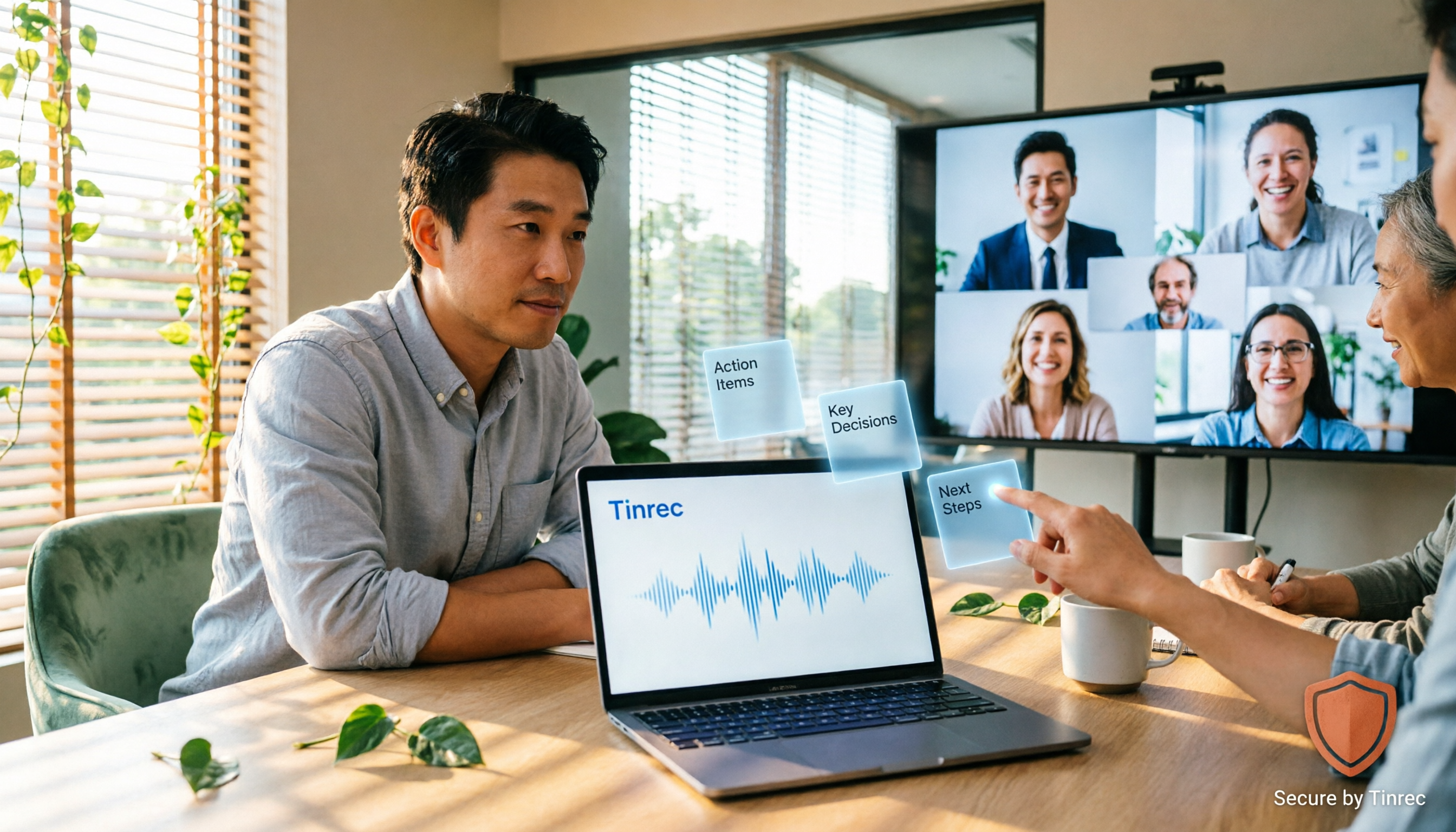
2026 Second-Generation AI Meeting Assistants: Complete Guide to 6 Tools, Features, and How to Choose
Start by answering three key questions: how meeting audio gets in, what you get after the meeting, and who holds the data. This guide reviews the features, pricing, and best use cases of six second-generation AI meeting assistants in 2026, and shares practical selection logic and usage tips from a mid-level manager's perspective.

2026 Voice Recognition AI Agent Comparison: Which Saves the Most Time on Chinese Meeting Notes and Post-Meeting Organization?
A voice recognition AI Agent is not just about turning speech into text. This article addresses the real pain points of meeting notes, covers 4 key points to understand before buying, tests Tinrec's bot-free online meeting recording and post-meeting AI organization workflow, compares Granola, PLAUD, and TurboScribe to see who each is best for, and includes a pitfalls guide and selection advice.
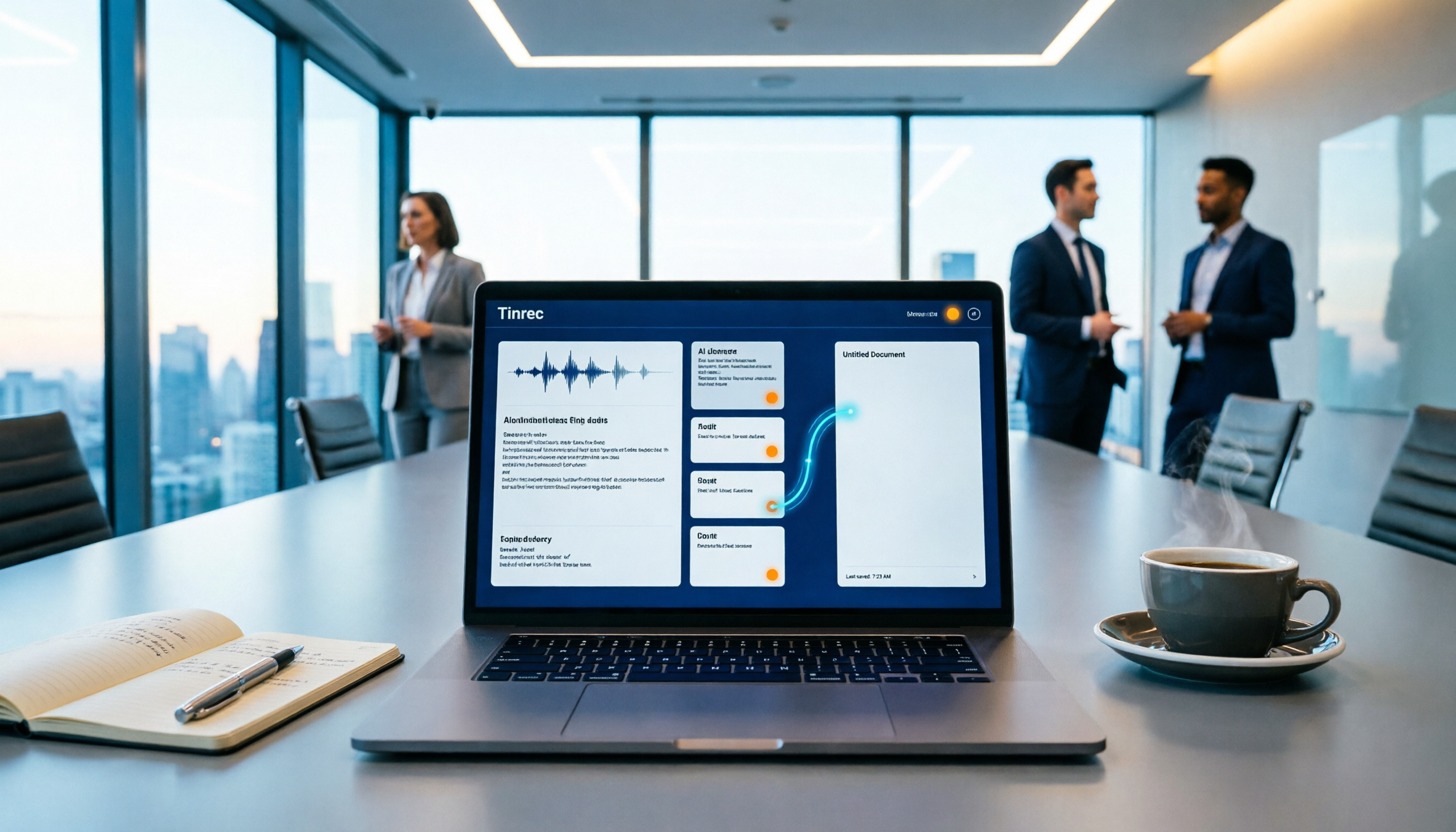
How to Auto-Sync Meeting Notes to Google Docs in 2026: 7 Tools + Setup Guide
Tired of replaying recordings and manually pasting highlights into Google Docs after every meeting? This guide covers 7 ways to automatically sync meeting notes to Google Docs, from built-in Google Calendar and Google Meet features to AI meeting tools like Tinrec, Notta, Otter.ai, Fireflies.ai, and HiNoter. We compare transcription, summarization, action items, and export workflows, plus key selection criteria and usage considerations.

Tinrec vs WayinVideo 2026: 5-Dimension Comparison — Which Is Better for Teams to Organize Key Video Content?
Starting from the most common misconception: thinking an AI-generated summary means you've captured the key video content. This article compares Tinrec and WayinVideo across 5 dimensions, explaining why transcripts, timestamps, AI chat queries, and team spaces are the real keys. It also includes buying tips, other options, and pitfalls to avoid, helping you decide which tool to use for organizing video and meeting highlights.

2026 Short Video Summarization Guide: AI Summaries + Transcript Notes in One Go
Short videos keep coming, but you can't find the key points even after saving a bunch. This article uses 4 criteria to help you choose the right tool, tests Tinrec's transcript, AI summary, chapters, and AI Q&A, and compares Notta, TurboScribe, and video summarization tools for different use cases.