
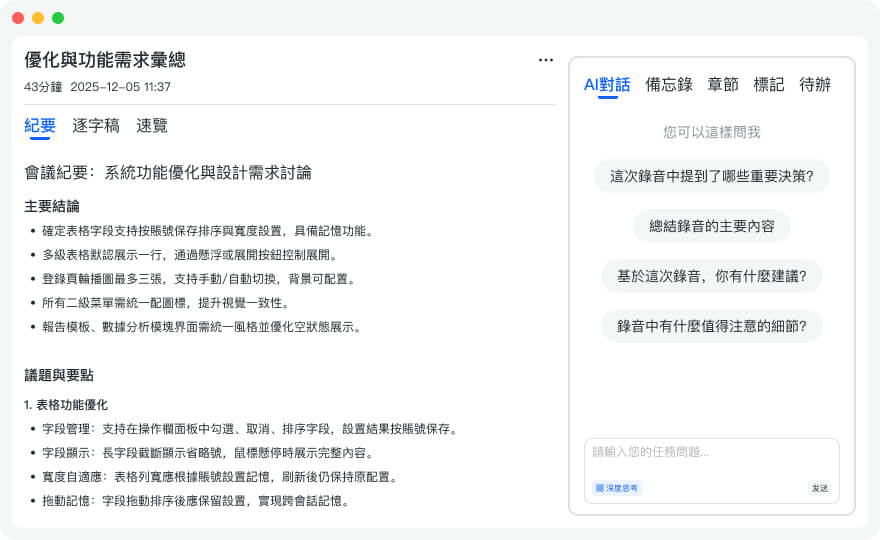
Turn recordings into transcripts and summaries in minutes
Upload audio or video for multilingual transcription, AI notes, and action items
The Secret to Boosting Efficiency|How to Write Effective Meeting Minutes (with Free Templates)
Whether you're in a fast-paced marketing meeting or responsible for recording formal board or committee meetings, writing effective meeting minutes can become an art that significantly enhances your organization's efficiency and success.
Remember the Key Points: Stop Asking "What Just Happened?"
Have you ever left a long meeting thinking, 'What just happened?' There are likely two reasons: either the meeting facilitator failed, or you hardly took notes. While you can't control the former, you can definitely improve your note-taking skills.
Whether the meeting minutes are for personal use or to be shared with team members, it's your responsibility to ensure the information is clear and complete. A conscious, action-oriented note-taking approach will significantly boost team collaboration and get everyone on the same page.
Preparation: Set the Right Mindset and Tools
Before pouring coffee, checking video equipment, and sitting in an ergonomic chair, take a moment to enter "meeting focus mode." When using 秒聽錄音 to prepare your note-taking tool, consider these questions:
- Who will read these notes? Consider your audience—colleagues or external partners? What are their expectations for the meeting? What information do they hope to get after?
- What is the meeting agenda? Familiarize yourself with it, master it, even "become the agenda." Pre-design your note template based on the agenda to avoid straying into trivial discussions.
- Anticipate needs: What information might the team need? Links? Past documents? To-dos? Prepare relevant materials in advance.
Don't reinvent the wheel! We've provided several useful free templates for download at the end of this article.
During the Meeting: Master Effective Note-Taking Strategies
Encourage attendees to follow a "no-devices" policy to minimize distractions and focus on the discussion. Designate one note-taker, or use 秒聽錄音助手 to automatically generate records, which not only increases participation but also ensures no information is missed.
Avoid getting sidetracked by small talk, gossip, or office politics. The most effective approach is to stick to the agenda—this doesn't mean being rigid, but rather ensuring your notes focus on the meeting's core objectives.
Write notes at a level your team can understand. If you use jargon that's hard for cross-departmental members to grasp, switch to clear, plain language. Always review and edit after writing.
With 秒聽錄音, you'll automatically get a full speech-to-text transcript and can mark key points in real time, saving a lot of post-meeting organization time.
Post-Meeting Management: Refine and Share Notes
Back at your desk after the meeting, you'll have a wealth of raw material: facts, quotes, tasks, charts, etc. Now it's time to turn them into professional meeting minutes.
Once edited, send the final version to team members promptly. You don't need perfection, but make sure to double-check each attendee's contact details.
Integrate into Project Management Tools
Choose the best delivery method based on your team's habits. While email is common, you may also need to format your notes and integrate them into project management platforms like Jira, Slack, Asana, or Microsoft Teams.
Before sending, consider asking a trusted attendee to review it. While you can't completely avoid disputes, you can at least reduce misunderstandings.
Stop organizing recordings by hand
Upload audio or video and automatically get a transcript, summary, and action items
Even if your notes are perfect, you may still face challenges: 'That's not how it happened!' 'We never agreed to that plan!' Don't worry—now you have a new strategy: provide synchronized audio and text clips via 秒聽錄音 to easily recreate the conversation and quickly resolve disputes.
Tech Boost: Choosing the Right Note-Taking Tool is Key
The key to becoming a note-taking pro is leveraging modern note-taking apps. 秒聽錄音 supports multiple languages (Chinese, English, Japanese, Cantonese, Taiwanese) and offers these core features:
- Real-time Speech-to-Text: High-accuracy recording and transcription
- AI Summary Generation: Automatically produce meeting summaries
- Action Item Extraction: Identify and list to-dos from conversations
- Multimedia Integration: Sync audio, text, and images
- Cross-Platform Collaboration: Supports iOS, Android, Chrome extension, and web
- Secure Sharing: Set group permissions to protect sensitive information
- Search and Playback: Quickly find key passages and play corresponding audio
- Integrate Common Tools: Supports Zoom, Dropbox, G Suite, and Office 365
Choosing a widely recognized, intuitive tool that seamlessly fits into your existing workflow will greatly boost your meeting efficiency.
Free Meeting Minutes Templates
Team Meeting Minutes
[Team Name] | [Date] / [Time] / [Location]
Attendees:
Agenda
Previous Meeting Follow-up
[Add content here]
New Business
[Add content here]
[Add content here]
Meeting Notes
[Add content here]
[Add content here]
[Add content here]
[Add content here]
[Add content here]
Action Items
[Add content here]
[Add content here]
Next Meeting Agenda
[Add content here]
Organizational Meeting Minutes
[Google Docs Download Link]
[Organization/Committee Name] Meeting Minutes
[Date]
Call to Order
The regular meeting of the [Organization/Committee Name] was called to order on [Date] at [Time] at [Location] by [Chairperson Name].
Attendance
[Attendee Names]
Approval of Agenda
The agenda was approved unanimously.
Approval of Previous Meeting Minutes
The minutes of the previous meeting were approved unanimously.
Old Business
[Summarize discussion for each existing item, state outcomes, and assign action items]
New Business
[Summarize discussion for new items, state next steps, and assign action items]
Next Meeting Agenda
[List items to be discussed at the next meeting]
Adjournment
The meeting was adjourned at [Time] by [Chairperson Name]. The next general meeting will be held on [Date] at [Time] at [Location].
Minutes submitted by:
Name:
Approved by:
Name:
Traditional Meeting Minutes
Call to Order
The meeting of [Organization or Team Name] was held at [Location] on [Date]. Attendees included [List names]. Absent members included [List names].
Approval of Minutes
[Replace placeholder. It's recommended not to leave spaces around brackets.]
Reports
[Add content here]
Unfinished Business
[Add content here]
Proposals
[Add content here]
New Business
[Add content here]
Announcements
[Add content here]
Adjournment
[Add content here]
Secretary:
Date Approved:
Formal Meeting Minutes
[Company]/[Department Name] Meeting Minutes
[Date]
I. Call to Order
Chairperson Name called the regular meeting of Organization/Committee Name to order at [Time] on [Date] at [Location].
II. Roll Call
Secretary Name conducted roll call. Present were: [Attendee Names]
III. Approval of Previous Meeting Minutes
Secretary Name read the previous meeting minutes. The minutes were approved unanimously.
IV. Old Business
a) Issue / Discussion Summary
b) Issue / Discussion Summary
c) Issue / Discussion Summary
V. New Business
a) Issue / Discussion Summary
b) Issue / Discussion Summary
c) Issue / Discussion Summary
VI. Adjournment
Chairperson Name adjourned the meeting at [Time].
Minutes submitted by: Name
Minutes approved by: Name
Turn every recording into actionable outcomes
Get 60 free transcription minutes when you sign in. No credit card required.
Related Reading
You might also like

for mac google meet: Audio Permissions, Recording, and Transcript Handoff for Google Meet on Mac
Recording Google Meet on a Mac usually gets stuck not because you cannot find the record button, but because macOS separates 'capture system audio' and 'use microphone' into two independent authorizations. This article proceeds in three parts—permission setup, recording, and post-meeting organization—explaining how to determine which layer is causing meeting audio not to be recorded, and how to organize the recording into a transcript, summary, and to-dos and hand it off to a colleague.

How to Change Your Google Meet Background on Mobile: Check Account and Version Requirements First, Then Follow the Pre-Meeting or In-Meeting Path
When you're told to join a client-facing meeting and only have your phone on hand, the last thing you want is to discover five minutes before the call that you can't find the background option. This article first explains what's required to use backgrounds on mobile (account type, app version, device permissions), then walks through two paths step by step—one before you join the meeting and one during it—and closes with a pre-meeting checklist and alternatives if you can't find the option.
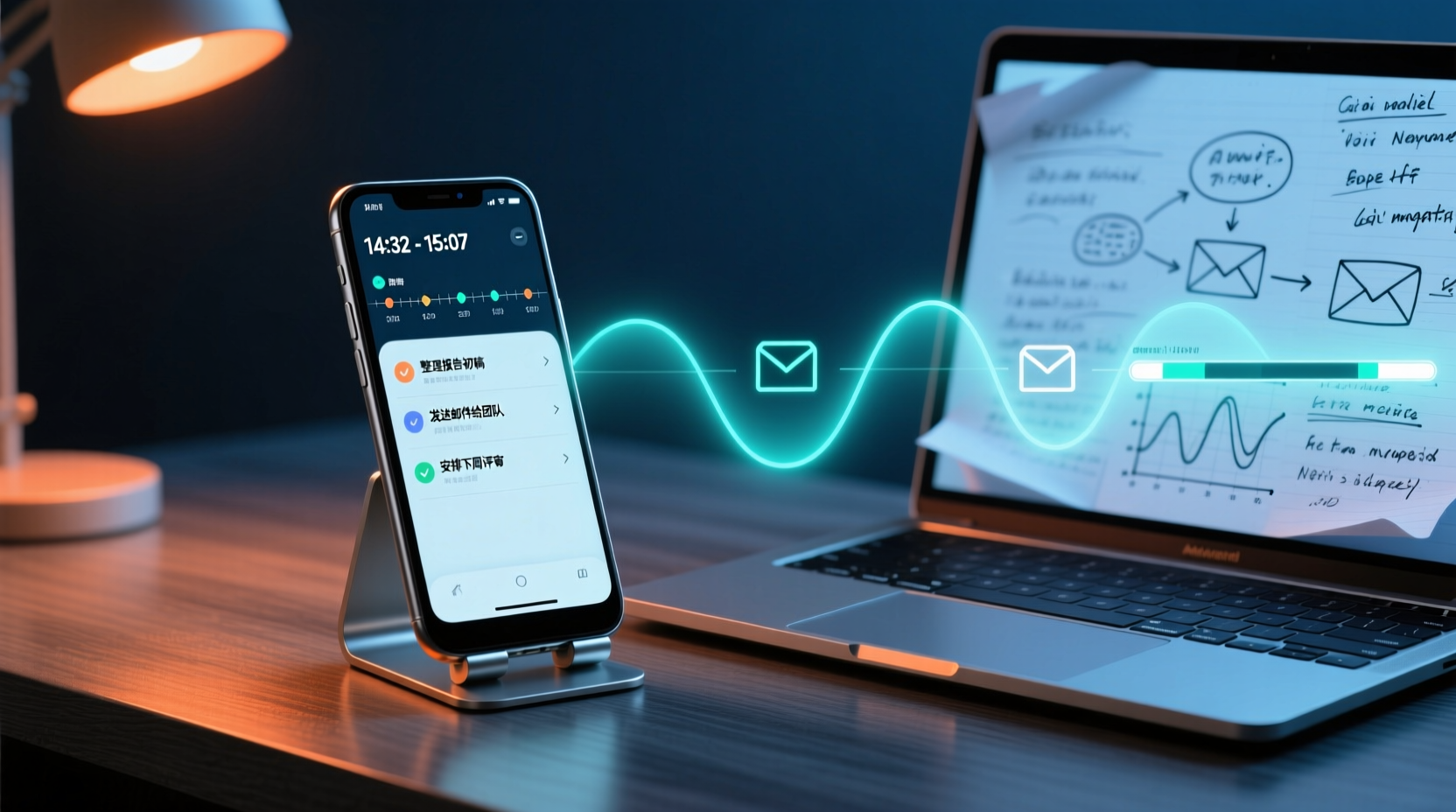
Google Meet 2026 APK Installed: Choosing a Meeting Notes Tool on Android — First Look at the Mobile vs. Desktop Organization Gap
Installing the Google Meet 2026 APK is just the first step. This article uses four dimensions to narrow down meeting notes tools that claim to 'support Google Meet' to two or three options, focusing on the real-world gap between Android mobile and desktop post-meeting organization. Each dimension includes specific questions you should confirm with the product page or vendor.

Google Meet 2026 Meeting Notes Capability Review: Where Built-in Transcription Ends and How to Split Post-Meeting Action Items and Deliverables
A practical mid-level manager's review of Google Meet 2026 recording and transcription coverage, explaining the responsibility boundaries for post-meeting summaries, action items, and deliverables, with recommendations for Chinese and mixed Chinese-English meetings, data storage, and team handoffs.

Which Google Meet 2026 APK Should You Install? Android Install Source Guide, Meeting Prerequisites, and Backup Recording Handoff Order When Nothing Was Recorded
When you're assigned to join a Google Meet on an Android phone and handle post-meeting notes, first clarify whether you're attending, hosting, or responsible for organizing. Then decide whether to install from the official app store or a third-party APK source, what prerequisites are needed to sign in, and how to use audio recording and transcription in order to fill in the transcript and action items and hand them off when the meeting wasn't recorded.

Google Meet 2026 Meeting Notes Capabilities: Where Built-In Transcription Ends and How to Split Post-Meeting To-Dos and Deliverables
Google Meet 2026 recording and transcription are not automatically enabled by default, and post-meeting summaries, to-dos, and deliverables still have coverage boundaries. This article walks through the actual workflow to assess built-in platform capabilities, explains the differences in organizing Chinese and mixed Chinese-English meetings, the distinction between data storage and team spaces, and offers recommendations for dividing post-meeting to-dos, deliverables, and data storage.
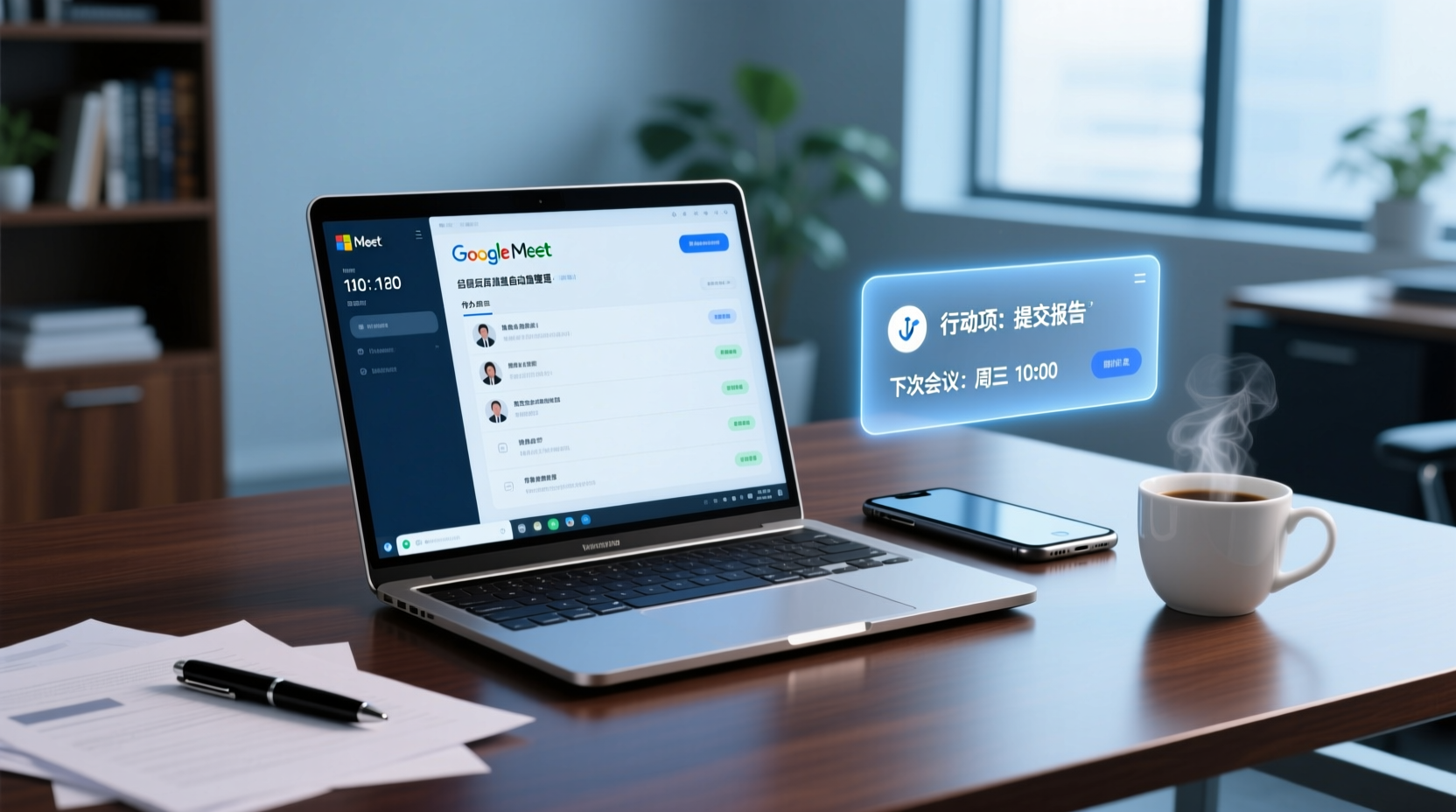
How to Choose a Google Meet Note-Taking Tool for Windows: Four Dimensions to Narrow Down from Cross-Device Gaps to Two or Three Options
Meetings happen on Google Meet on a Windows PC, but organizing often gets picked up on a phone or another device. This article uses four dimensions (how audio gets in, how far post-meeting output goes, the organizing gap between Windows and phone, and whether data stays in a personal or team space) to narrow down candidate tools to two or three, with specific questions to ask product pages or vendors for each dimension.
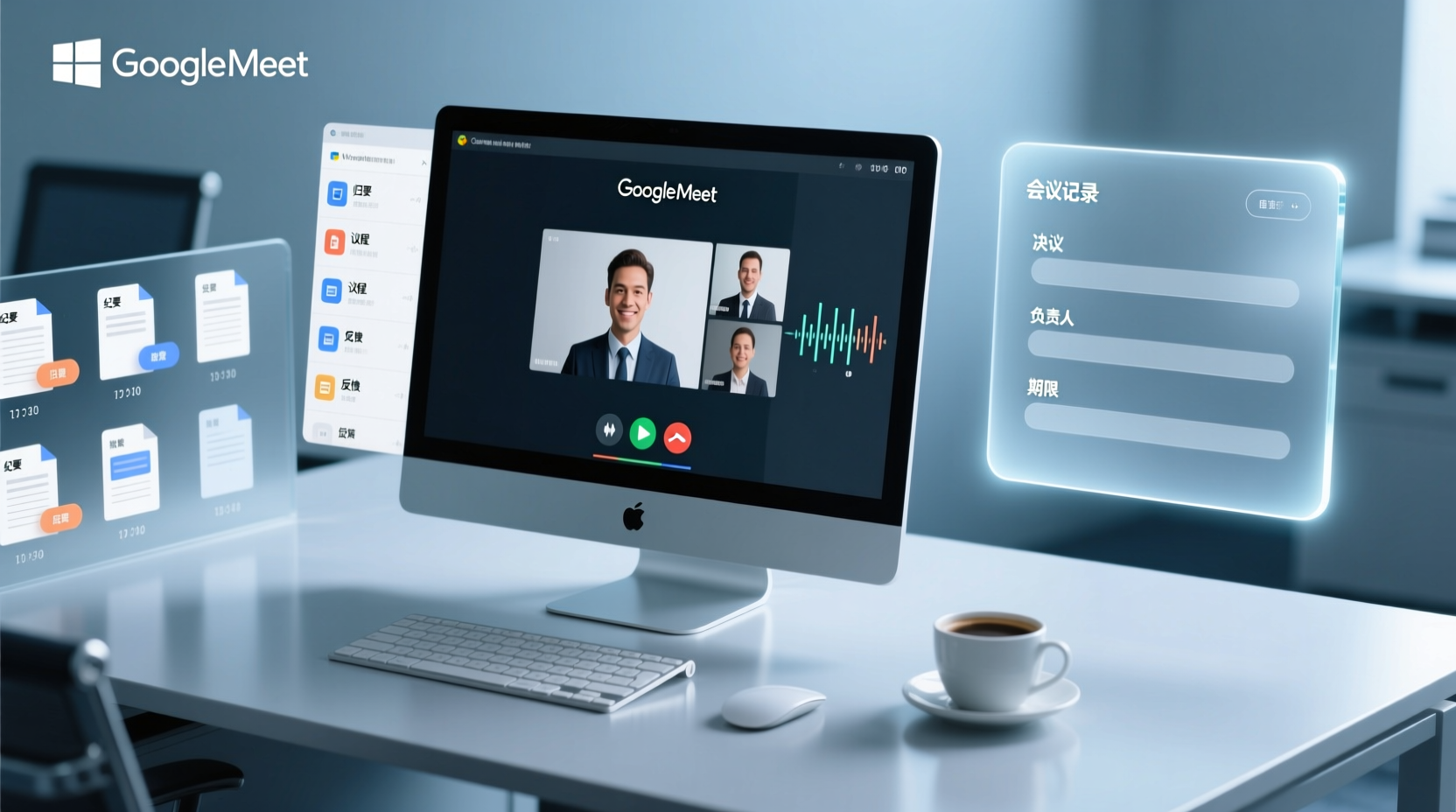
How to Choose a Google Meet Meeting Notes Tool for PC: Narrow a Dozen Options to Two or Three with Four Dimensions, and What to Confirm with Vendors for Each
After a Google Meet call on a Windows PC, what you actually need to deliver is decisions, owners, deadlines, and an archivable record. This article uses four dimensions to help you narrow a dozen tools that claim Google Meet support down to two or three, with specific questions to confirm on product pages or with vendors for each dimension.

What You Need for Google Meet: Pre-Meeting Role Checklist and Post-Meeting Handoff
From the perspective of administrative assistants and project coordinators, this guide breaks down the prerequisites for joining or hosting a Google Meet by role, including account requirements, organizational settings, recording permissions, and extra conditions for external attendees. It also provides a pre-meeting checklist and a post-meeting handoff sequence for transcripts, decisions, and action items.