

Turn recordings into transcripts and summaries in minutes
Upload audio or video for multilingual transcription, AI notes, and action items
Which AI Meeting Minutes Tool Is Best? 2026 Hands-On Test of 4 Tools: Tinrec Beats Word Copilot for Chinese Meetings
Meetings aren't hard—it's the minutes afterward that are. Most people get stuck on the same question: should you stick with document software like Word plus built-in AI to turn minutes directly into a formal document, or switch to a dedicated meeting tool that first organizes the content clearly and then exports it in the format you need?
This article breaks it down from two angles: "format" and "tools." We'll look at what a standard AI meeting minutes should look like, what Word's built-in Copilot can do, and why more and more Chinese meeting users are handing the work to Tinrec.
Why Are People Looking for Meeting Minutes Solutions Beyond Word Copilot?
Microsoft's Copilot meeting minutes feature in Word can reference meeting recordings or transcripts on OneDrive, organize spoken content into structured meeting notes, automatically pull out attendees, agenda items, discussion points, and follow-up actions, and offers several customizable free templates. If your workflow already revolves around Word and OneDrive, this path is quite smooth.
In practice, though, teams often run into a few common situations. First, materials need to be ready—you need a meeting recording or transcript in the cloud before AI has anything to work with. Second, cross-platform meetings are increasing—today Zoom, tomorrow Microsoft Teams, the day after an in-person meeting, with sources scattered in different places. Third, the output is a "document," not a "meeting database." As meetings pile up, decisions get scattered across files, and three months later, to look up a conclusion, you have to open file after file.
If these points matter to you, Tinrec's approach is worth a look.
What Fields Does a Standard Meeting Minutes Have? How Does Tinrec Auto-Fill Them?
First, format. A meeting minutes that can be sent directly to attendees and stakeholders usually includes these fields: meeting name, date and time, location or online platform, host and attendee list, agenda items, discussion content and key points for each topic, decisions, and action items with owners and deadlines.
Manually filling in these fields often takes two to three times the length of a one-hour meeting. Tinrec's approach lets the fields emerge on their own: when recording ends, the transcript is already done, AI summaries capture the main discussion threads, chapter features break long meetings into sections, and action item extraction picks out "who is responsible for what." For a formal version to send to managers or clients, you can export directly to common document formats or hand it to an Agent for post-processing to generate reports, tables, and documents.
You don't have to build the skeleton from a blank page—you just confirm and refine.
Tinrec vs Word Copilot: What's Different in the Core Experience?
Source Materials: Live Recording vs. Pre-Prepared Files
Tinrec supports real-time transcription while recording and can also import existing audio and video files. The desktop version can directly capture online meeting audio playing on your computer. You don't need a recording sitting in the cloud to start. For someone pulled into a meeting last minute who needs to take notes on the spot, the difference is immediate.
Flexibility for Chinese Meetings
Tinrec covers Chinese, Traditional Chinese, and multilingual meeting scenarios, can handle mixed Chinese-English content, and supports real-time translation during recording, with options to view the original, translation, or bilingual side-by-side. Teams can also add company-specific product names and technical terms to team hotwords to improve recognition of specialized vocabulary. If your meetings are mainly in Chinese, this area is more closely aligned with daily needs.
Post-Meeting Workflow
Word's Copilot can turn long paragraphs into bullet points, rewrite tone, and optimize formatting. Tinrec focuses on reusing meeting content: beyond summaries, chapters, and action items, you can ask questions directly about a single meeting or multiple meetings—"What was the conclusion of this meeting?" "Who is responsible for what?"—and it answers based on semantic understanding, so you don't have to flip through thirty pages of transcript. It can also generate mind maps, reports, and tables. The transcript is a starting point, not the end.
How Team Data Is Retained
Tinrec's personal version keeps data with your account; switching to the team version puts meeting data into a separate team space, so new members can access historical meetings upon joining. The team version separates "roles" and "seats": roles determine who can manage members and team settings, while seats determine whether members can record, upload, edit, and export. Members who are active but don't have a seat can still view, play, and read team data. When a member leaves or loses a seat, data is handed over to other members by the team and isn't taken away by the individual.
Devices and Cross-Platform
Stop organizing recordings by hand
Upload audio or video and automatically get a transcript, summary, and action items
Tinrec works on iOS, Android, and web, and the desktop version captures system audio to record online meetings without inviting a meeting bot as an attendee. Record casually on your phone today, process a Zoom meeting on your computer tomorrow, and data returns to the same place. For those who need to switch between multiple devices and platforms, this consistency is more practical than feature depth within a single piece of software.
Tinrec's Core Features at a Glance
Real-Time Audio to Text: Open and record, text generates simultaneously, and the transcript is ready when the meeting ends. Suitable for in-person meetings, interviews, and impromptu discussions. You can also watch the text during the meeting to make sure you don't miss key points.
Bot-Free Online Meeting Recording: The desktop version directly captures computer system audio to handle meetings on Zoom, Google Meet, Microsoft Teams, Webex, and other platforms without adding an extra bot to the meeting room. Note that this is user-initiated recording, not automatic joining of all calendar meetings.
AI Summary, Chapters, and Action Item Extraction: Long meetings are automatically split into browsable sections, and key points and action items are pulled out. When reviewing, you don't have to re-listen to the recording—just look at the structure to find which section a decision falls under.
AI Conversational Query: Continue asking questions about meeting content, including across sessions. This is the fastest way to look up decisions and commitments, especially for those with many meetings who need to revisit old discussions.
Multi-Format Export and Agent Post-Processing: Organized content can be brought into existing workflows like Notion, Google Docs, OneNote, and Dropbox for further processing, and can also generate reports, tables, and documents.
Real-World Use Cases
Weekly Project Meetings: The transcript is generated when the meeting ends, summaries and action items come out simultaneously, and minutes can be sent to attendees within minutes after the meeting. Project leads no longer need to spend an afternoon re-listening to recordings.
Client Interviews and Requirements Meetings: Client needs, concerns, and commitments are fully captured in text. When needed, use AI Q&A to pull out key passages and export them as proposal materials. This record is far more reliable than recalling from memory.
Cross-Language Meetings: Enable real-time translation during recording and freely switch between original, translation, or bilingual views. When communicating with international teams, decisions won't be missed due to language gaps.
Personal Learning and Idea Notes: Record courses or ideas on your phone anytime, then use AI Q&A to retrieve key points later. Scattered recordings can become a searchable personal database.
What to Look for When Choosing an AI Meeting Minutes Tool
Coverage of Input Sources: First confirm whether the tool can handle real-time recording, online meetings, and existing audio/video files. Tinrec supports all three sources, including mobile recording and some web link imports.
Chinese and Multilingual Capabilities: If your meetings are mainly in Chinese, the actual performance of Chinese transcription, mixed Chinese-English, and real-time translation is more important than the number of languages on a feature list. Tinrec has corresponding designs for these, and provides team hotwords for maintaining technical terms.
Depth of Post-Meeting Output: Getting only a transcript is usually not enough. Look at whether the tool can produce summaries, chapters, action items, queryable Q&A, and deliverable documents. This determines how much time you still need to spend processing.
Team Collaboration and Governance: When multiple people use it, how permissions are divided, how quotas are calculated, and who owns the data all need to be clarified. Tinrec's team version provides team space, roles and seats, usage analytics, audit logs, and an audio recycle bin.
Quotas and Pricing: Tinrec's personal version has a free version, weekly card, Pro monthly card, and Pro annual card. For occasional recording organization, the free version works; for short-term intensive use, consider the weekly card. The team version offers a 7-day trial for first-time eligible users, 1 free seat, and 300 minutes of shared team import quota; paid plans are seat-based, with monthly at USD 29.80 per paid seat per month and annual at USD 199 per paid seat per year, about USD 16.58 per month. Each paid seat provides 2,000 minutes of shared team import quota per month, and real-time recording under an active team plan is currently not deducted by the minute. Actual prices and benefits are subject to the official purchase page.
Compliance and Authorization: Before recording and transcribing, remember to obtain attendee consent in accordance with local regulations. Also, accuracy can be affected by recording quality, ambient noise, accents, overlapping speakers, and technical terms. For important content, it's recommended to verify against transcript timestamps and recording playback.
Conclusion: Is Tinrec Worth a Try?
If what you want is a meeting minutes you can hand over directly, the format itself isn't hard—what's hard is the entire process from recording to final product. Tinrec brings this process into one tool: real-time recording and bot-free online meeting recording solve source materials, summaries, chapters, action items, and AI Q&A solve content organization, and multi-format export and team space solve delivery and retention.
It's especially suitable for three types of people: those whose meetings are mainly in Chinese, those who frequently switch between Zoom, Teams, and Meet, and individuals and teams that need to accumulate meeting content into team assets. If you just want to occasionally turn a recording into text, the free version's basic quota is enough to test the waters; we recommend running one of your real meetings through it before deciding whether to upgrade.
References
- How to Use AI for Meeting Minutes? How to Organize Meeting Transcripts? | AI Speech-to-Transcript Tutorial | 104 Career Power
- Meeting Minutes: Microsoft Word Free AI Note-Taking Feature | Microsoft Word
- Free Meeting Minutes Template (Word, Google Docs, PDF) | HiNoter Blog
- Meeting Minutes Example | Meeting Minutes Format Template (Chinese and English) | Subanana | Subanana
- Customizable Free Meeting Minutes Templates | Microsoft Word
Turn every recording into actionable outcomes
Get 60 free transcription minutes when you sign in. No credit card required.
Related Reading
You might also like
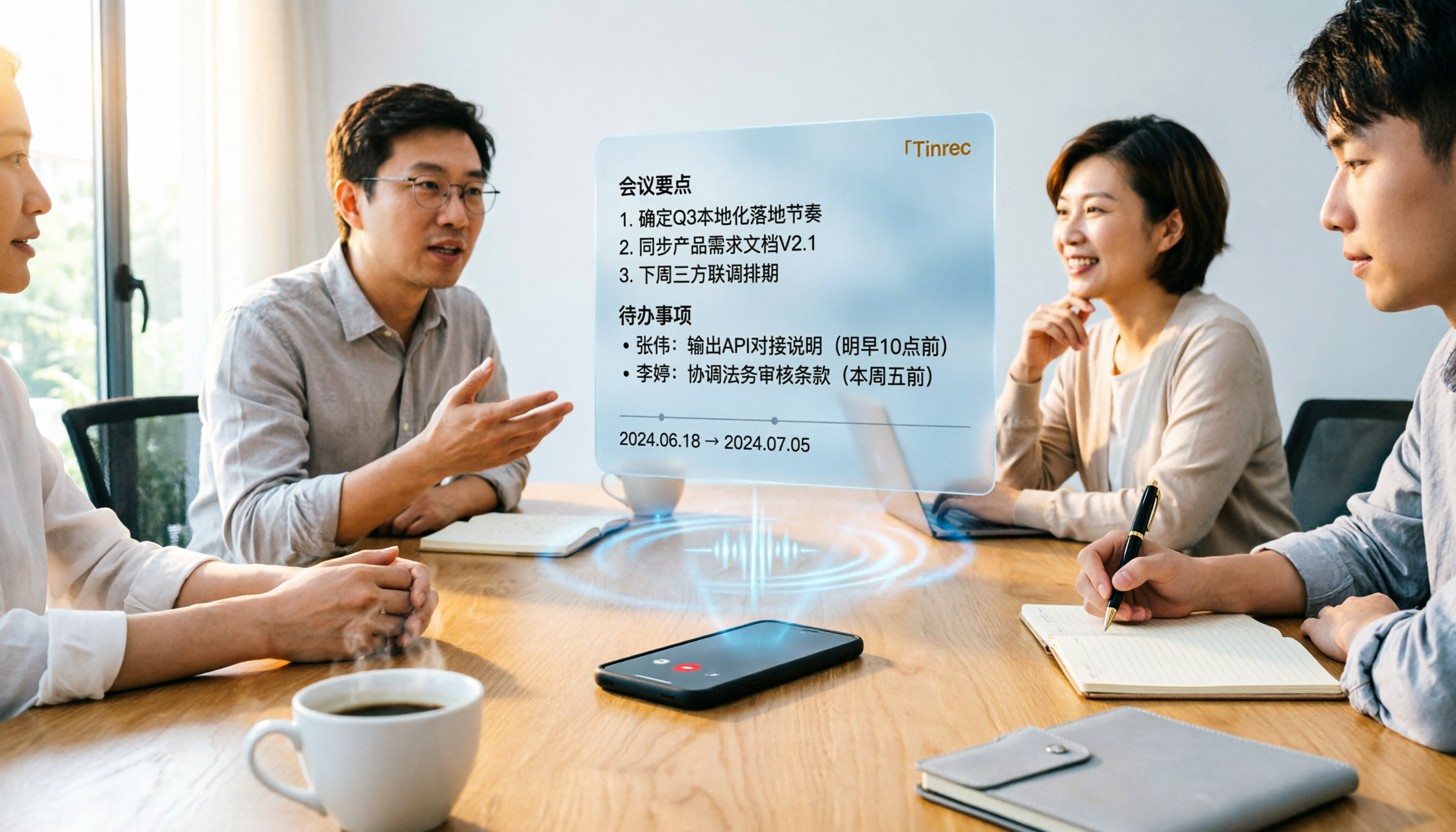
Tinrec vs Word Transcription: Which Is Better for Chinese Meetings in 2026?
Recording meetings and turning them into minutes isn't about the tool—it's about the workflow. This article compares Tinrec and Word's built-in transcription on a single workflow, covering Chinese recognition, online meeting recording, post-meeting organization, team collaboration, and Word export, with a copy-paste prompt template for meeting minutes.

4 AI Meeting Notes Tools Compared for 2026: From Transcripts to Team Knowledge
What is an AI Agent meeting notes tool, and how is it different from simple audio-to-text transcription? This side-by-side comparison of four common approaches in 2026 covers how meeting audio is captured, Chinese and mixed Chinese-English performance, post-meeting summaries and AI Q&A, team data ownership, and pricing—so you can see how to choose at a glance. It also outlines the four most common pitfalls.

How to Export Audio to Excel in 2026: AI Transcription + Auto-Generated To-Dos
Tired of spending hours transcribing meeting recordings into Excel? This guide breaks down the 4 key factors for choosing an audio-to-Excel tool, tests Tinrec's live transcription, AI Q&A, and multi-format export, and compares Otter.ai, Notta, and PLAUD to help you pick the right tool before your next meeting.

2026 Comparison of 4 Audio-to-Report Tools: From Transcript to PPT Outline, Which Saves the Most Time?
Turning meeting recordings into reports and PPTs often gets stuck not at transcription, but at post-transcription organization. This article breaks down the differences among 4 audio-to-report tools, covering summary sections, AI Q&A, export formats, and team seats, and explains how to connect meeting content into a PPT outline.
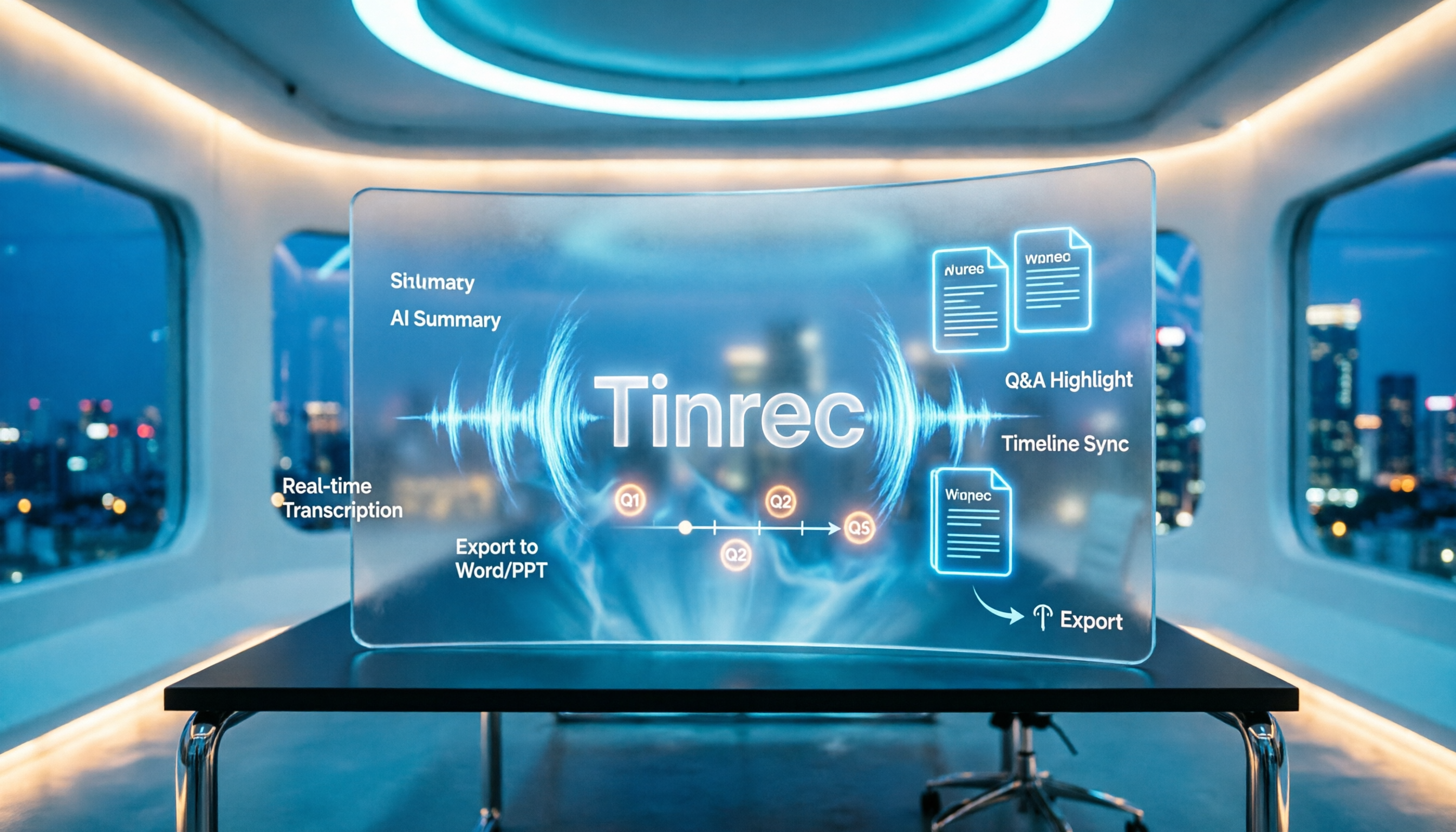
2026 AI Meeting Minutes Tools Compared: How to Use Word Templates Most Efficiently
Taking manual Word meeting minutes after a meeting is a common pain point for many office workers. This article compares four AI meeting transcription tools—Tinrec, Notta, Granola, and Otter.ai—covering transcript organization, mixed Chinese-English recognition, AI Q&A, and export to Word templates. It also summarizes 5 key selection criteria and 4 common pitfalls to help you find a truly time-saving approach.

2026 AI Meeting Notes Tools Compared: Which Handles Chinese Transcripts and Action Items Best?
Tired of replaying recordings and typing transcripts after meetings? We tested 4 AI meeting note tools, comparing recording methods, Chinese and mixed-language recognition, summary and action item generation, team sharing, and seat management. We also highlight 3 common pitfalls to help you find a tool that turns meetings into usable documents.

4 AI Agent Meeting Tools Tested in 2026: Which One Actually Gets the Post-Meeting Work Done?
Still spending time organizing after meetings? This article uses the same mixed Chinese-English meeting recording to compare 4 AI Agent meeting tools on bot-free recording, Chinese transcription, post-meeting output, and team data management. It also covers key buying factors, common pitfalls, and scenario-based recommendations to help you decide which tool best fits your workflow.
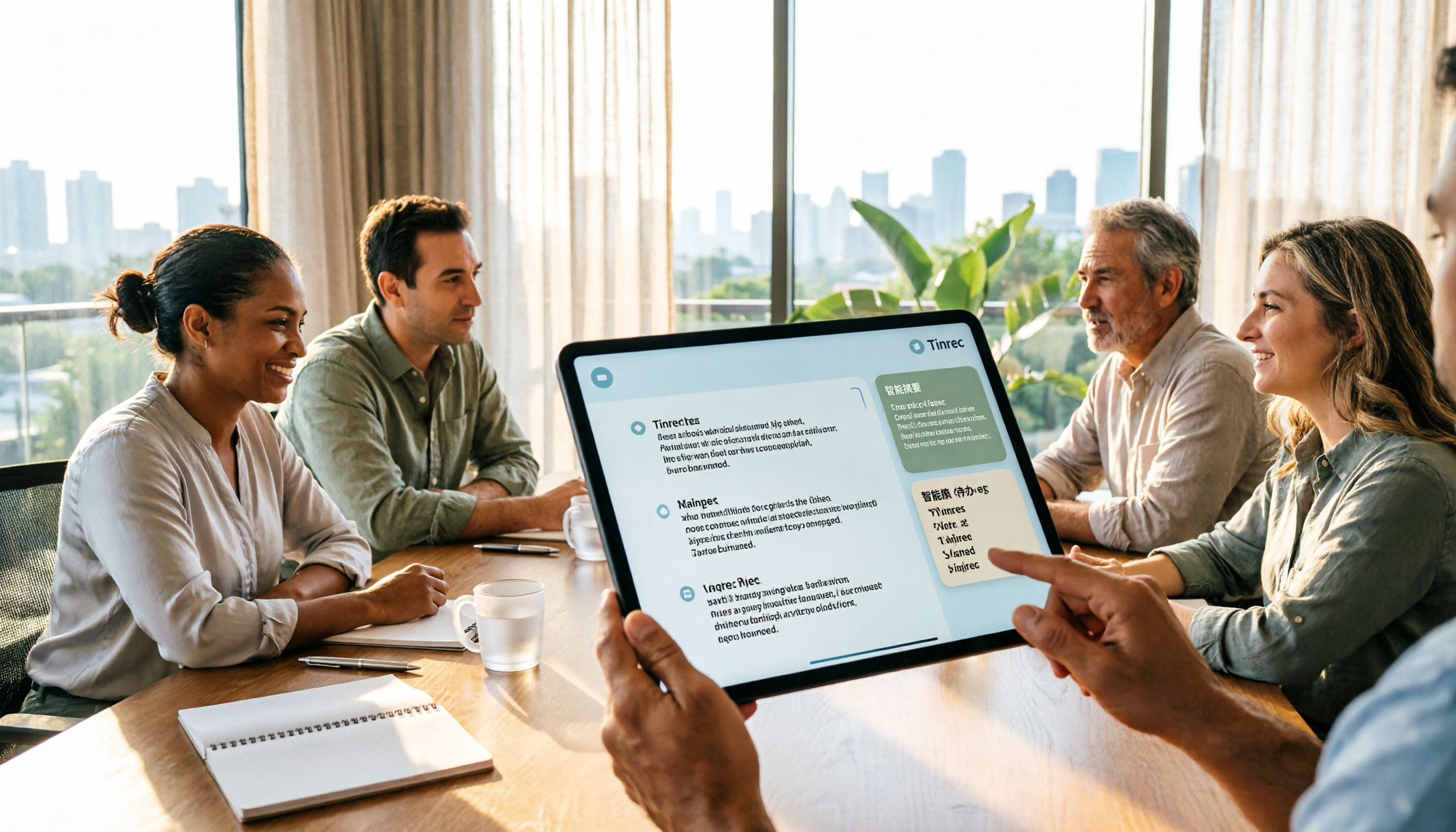
2026 AI Meeting Notes Showdown: Tinrec vs Plaud Note — Which Fits You Best Across 5 Key Dimensions?
AI Agent meeting notes: which one to choose? This article compares software-based Tinrec (Miao Ting Lu Yin) and hardware-based Plaud Note across 5 dimensions, breaking down audio capture, mixed Chinese-English meetings, post-meeting summaries and action items, export workflows, and team seat governance. It concludes with clear guidance on which work scenario suits which tool.
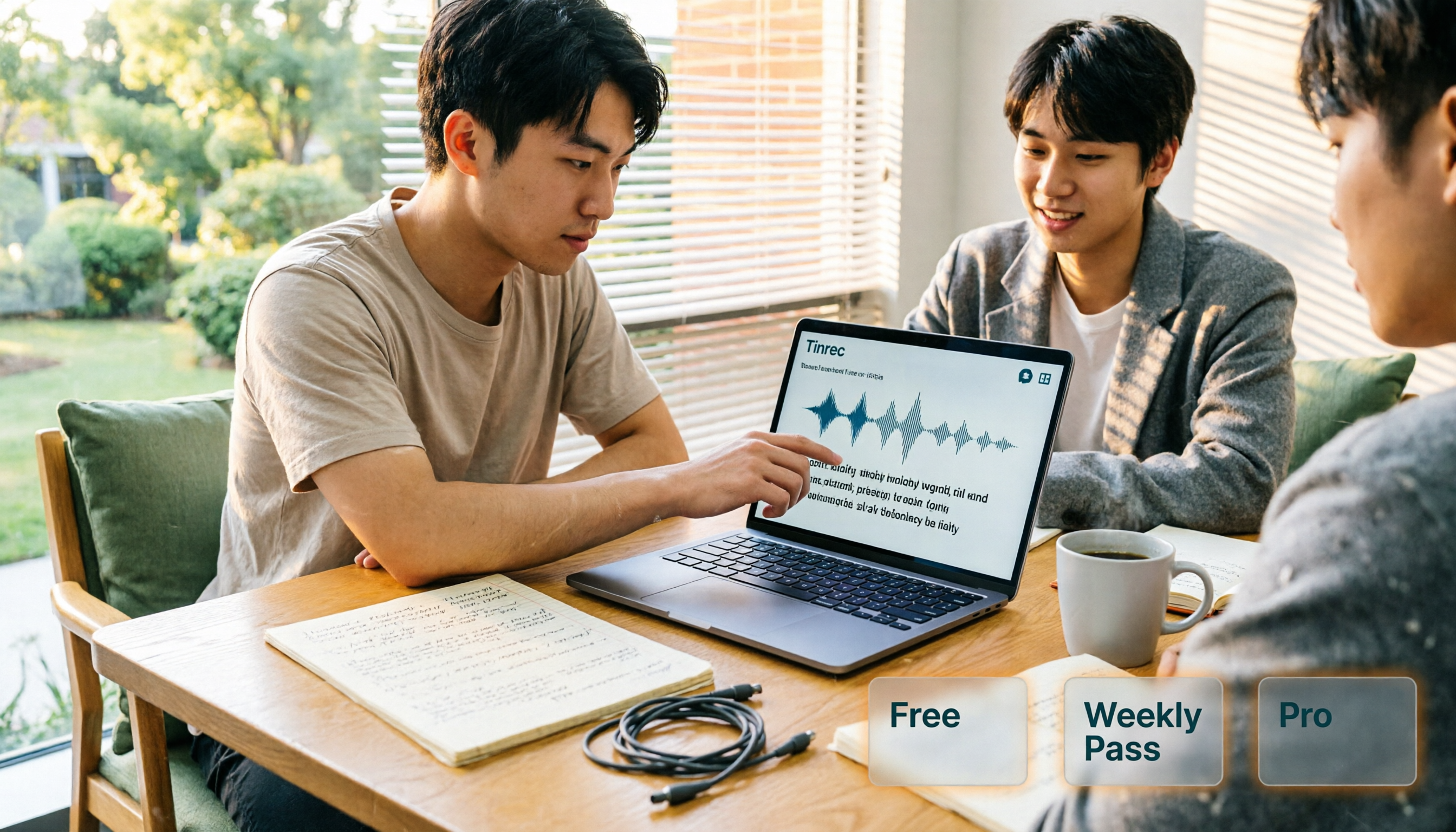
AI Personal Assistant Free Plans in 2026: 3 Options Compared
A 2026 guide to free AI personal assistant plans. Based on a college senior's real experience, learn how an AI personal assistant can help you organize class recordings, group discussions, and interview transcripts. We break down Tinrec's free version, weekly pass, and Pro plan, plus 5 key things to consider before buying.