

Turn recordings into transcripts and summaries in minutes
Upload audio or video for multilingual transcription, AI notes, and action items
Why do you still have to listen to a 40-minute meeting recording from the start?
"Record it first, organize it later"—that phrase is often the beginning of a recording that never gets organized. Phone recording is so convenient: meetings, classes, interviews, client calls—just tap and record. The real hassle comes afterward: turning 40 minutes of audio into readable text means pausing, playing, and typing over and over, often taking longer than the meeting itself.
The second issue is the word "free." Open an app store or search engine, and almost every tool says free. But after downloading, you find: some free versions limit recording length per session, some limit how many files you can process per day, and some only let you try once or twice before you have to pay. Free isn't unusable—you just need to understand where the free boundaries are.
An even more common scenario: you record on your phone and want to organize on your computer, but the tool only has an app for one platform. You transfer files back and forth between phone and computer, and eventually give up—so the transcript never happens.
This article isn't about which is cheapest. It puts 5 common approaches on the same table: how free rules work, whether you can continue between phone and computer, and whether you can still use the text after transcription. After reading, you'll know which one fits your situation.
Before choosing a phone recording-to-text tool, understand these 5 key points
1. How the free quota works is more important than the word "free" Free rules vary widely: some use "minutes per month," some limit "length per file," and some limit "number of files per day." Look at these three separately. If one of your meetings is 50 minutes, a free version that only handles 3 minutes per file is useless to you.
2. Can you continue from phone recording to computer organizing? Most people's real workflow: record casually on phone, then organize the transcript on computer back at your desk. If the tool only supports one system, you'll have to solve file transfer first. Cross-device capability isn't a bonus—it's the key to whether you'll actually finish the transcript.
3. What can you do with the text after transcription? A tool that only gives you a transcript still makes you read the whole thing yourself. Tools that automatically generate summaries, chapters, key points, and to-dos—or even let you ask questions directly about the meeting content—are the ones that truly save time. This is usually where free and paid versions differ most.
4. Recognition performance for Chinese and mixed Chinese-English Meetings in Taiwan rarely use a single language throughout. Mixed Chinese-English, technical terms, and names of people and companies are common challenges. Actual performance depends on recording quality, background noise, accents, overlapping speakers, and proper nouns. Any claim of a fixed accuracy rate should be taken with a grain of salt.
5. Will the recording file be kept? No matter how accurate the transcript, when it comes to key numbers, names, or commitments, you'll want to replay the original audio to verify. If the tool only gives text and doesn't keep the recording, later verification becomes painful.
Tinrec — Phone recording to text, our top pick this time
Tinrec is an AI meeting notes and collaboration tool for individuals and teams, supporting mobile recording, desktop, and web versions. Its positioning isn't just converting sound to text—it's turning recordings into searchable, summarizable, queryable, exportable, and further processable data.
Record on phone, get transcript as you go For client visits, impromptu interviews, classes, or on-site meetings, just open Tinrec on your phone and record. It transcribes while recording, so meeting content is captured in real time—no need to wait until you're back at the office.
Automatic post-meeting organization, and you can ask questions directly After recording, Tinrec automatically generates summaries, chapters, key points, and to-dos. For long meetings, you can review the structure first and decide which part to read in detail. Even more useful is AI Q&A: you can ask follow-up questions about the meeting content, such as "Who mentioned the budget in the last meeting?" or "What are this week's to-dos?"—no need to manually search through a 30-minute transcript. You can also use Agent post-processing to turn meeting content into reports, tables, or documents.
Cross-device and export, bring results back to your workflow After recording on your phone, open the web version on your computer to continue editing. Transcripts and summaries can be exported to Notion, Google Docs, OneNote, Dropbox, and other common tools, directly connecting to your existing workflow. For online meetings, you can use the desktop version to capture computer system audio directly, handling Zoom, Google Meet, Microsoft Teams, and Webex without inviting a meeting bot as an extra participant.
Stop organizing recordings by hand
Upload audio or video and automatically get a transcript, summary, and action items
How free and paid differ The free version provides a basic quota, so you can first experience recording, importing, summarizing, and transcription with real recordings. For short-term intensive use (e.g., a week of interview marathons), consider a weekly pass. For stable weekly meeting needs, the Pro monthly plan is more suitable. For long-term accumulation of recording data, the annual plan has a lower monthly equivalent.
If your needs expand to a team, the team version provides an independent team collaboration space, not multiple people sharing one personal account. First-time eligible users can try 7 days, 1 free seat, and 300 minutes of team shared import quota. Monthly payment is USD 29.80 per paid seat per month; annual payment is USD 199 per paid seat per year (about USD 16.58 per month). Each paid seat provides 2,000 minutes of team shared import quota per month. Under an active team plan and active seat, real-time recording currently does not deduct minutes. Actual prices, currencies, and promotions are subject to the official purchase page.
Limitations we must be honest about Tinrec does not promise a fixed accuracy rate. Actual transcription performance is affected by recording quality, noise, accents, overlapping speakers, and technical terms. For important content, we recommend verifying with transcript timestamps and original audio playback. Also, the team version currently focuses on team-level sharing, managing who can manage and who can use through roles and seats—it is not a file-level granular permission design.
Who it's for If you mainly record on your phone, need to continue processing between iPhone, Android, and computer, and want not just a transcript but also the ability to ask about key points, capture to-dos, and export to work documents, Tinrec is currently the most effortless approach.
Besides Tinrec, what other options are there?
iPhone built-in Voice Memos transcript According to media tests (source: 500輯), after upgrading to iOS 18.0 or later on iPhone 12 and above, the Voice Memos app and calls can use transcription for free, supporting 10 languages. A recording of about 50 minutes can be transcribed in real time. The advantage is completely free, no extra app needed. The limitation is it only works on Apple devices, and after transcription there are no summaries, to-dos, or AI Q&A, nor can you continue organizing on Android or web—these are exactly what Tinrec aims to fill.
Notta A veteran choice for multilingual transcription and translation. The official free version offers 120 minutes per month, with a maximum of 3 minutes per item. Pro annual payment is about USD 8.17 per month, with 1,800 minutes per month. Business annual payment is about USD 16.67 per seat per month. If you only occasionally need a transcript, its free version can hold you over. But it doesn't have Tinrec's desktop version method of recording online meetings without joining a bot, and post-meeting AI Q&A and team data accumulation are not its main focus.
TurboScribe A cost-effective file transcription tool. The official free version offers 3 files per day, up to 30 minutes per file. Unlimited annual payment is USD 120. Paid version supports up to 10 hours or 5 GB per file, and can upload 50 files at once. If you have a batch of very long recordings that need batch processing, it's more suitable. Tinrec's strength isn't batch long files, but real-time meetings, post-meeting to-do organization, and team collaboration.
Pitfall guide: 4 most common traps when choosing a free recording-to-text tool
Pitfall 1: Only looking at "free," not how the free rules work. Some limit monthly minutes, some limit file length, some limit files per day. The way to judge is simple: take your most common recording type (e.g., a 50-minute weekly meeting) and compare it to the free rules. Can it handle it in one go? The answer will be clear.
Pitfall 2: Thinking transcription is the end. Treating the tool only as a transcript generator means using only part of its capability. The real time is spent reading, extracting key points, and organizing to-dos. If the tool can automatically generate summaries, chapters, and to-dos, or even let you ask questions directly, the time saved doubles.
Pitfall 3: Ignoring cross-device needs. Recording on iPhone today and organizing on a Windows computer tomorrow is the most common workflow. If the tool doesn't support cross-platform, you'll get stuck transferring files, and eventually the recording just sits there.
Pitfall 4: Treating advertised accuracy as a guarantee. Official numbers mostly come from ideal recording conditions. Real meeting rooms have air conditioning noise, keyboard sounds, and people talking over each other—performance will definitely be lower. We recommend testing with your own recordings, not just looking at promotional numbers.
One final reminder: recording and transcription involve others' privacy and local regulations. For business or commercial meetings, it's best to inform participants and get consent first.
Summary: Which one should you choose?
- Mainly phone recording, and need to continue organizing between iPhone, Android, and computer → Tinrec
- Don't want to re-listen after recording, want to ask AI directly "What's the conclusion, who does what" → Tinrec
- Team needs to share transcripts, to-dos, and historical meeting data → Tinrec team version (team space + role and seat management)
- Only use iPhone, only in Apple ecosystem, only need a free transcript → iPhone built-in Voice Memos
- Have a batch of very long recordings to transcribe in bulk → TurboScribe
- Almost all recordings are English meetings → Otter.ai (the only exception recommendation in this article)
We suggest first using the free quota to run through your most common recording scenarios: a meeting, a class, a client interview. See if the transcript reads smoothly, whether summaries capture key points, and whether to-dos are missed. Then decide whether to upgrade. The best way to know if a tool works is to test it with your own recordings.
References
- Audio to Text - Free Speech to Text Tool
- iPhone recording to text free transcript! iOS 18 supports 10 languages | Quality Life | 500輯
- Tested 4 best online speech-to-text tools, free instant recording to transcript
- iPhone recording to text free app Aiko, no shortcut needed - Mr. Mad
- Online AI speech, video, recording auto to text - free trial - cSubtitle
Turn every recording into actionable outcomes
Get 60 free transcription minutes when you sign in. No credit card required.
Related Reading
You might also like

5 Best Speech-to-Text Tools in 2026: How to Transcribe WeChat Voice Messages Fast
How do you transcribe WeChat voice messages? This guide first distinguishes between understanding a single voice message and transcribing a full meeting, then covers WeChat's three built-in transcription methods and their limitations, plus the positioning, pricing, and ideal users for five tools: Tinrec, Notta, Otter.ai, TurboScribe, and PLAUD—so you can pick the easiest option for your needs.

2026 Speech-to-Text App Ranking: No-Bot Meeting Recording + AI Q&A Transcript Organization
How to evaluate 2026 speech-to-text apps? This article examines four dimensions: meeting capture methods, Chinese recognition, post-meeting AI Q&A, and team data retention. We tested and compared Tinrec, Otter.ai, Notta, and Granola to help you choose the best speech-to-text tool for meeting notes and transcript organization.

2026 AI Meeting Transcription Tools Compared: Tinrec vs Otter.ai vs PLAUD Note — Which Is Best for Chinese-Speaking Teams?
In 2026, choosing an AI meeting transcription tool often comes down to three challenges: Chinese transcription, bot-free recording, and post-meeting team collaboration. This article focuses on Tinrec and Otter.ai, with PLAUD Note as a hardware recording option, comparing them across six dimensions: Chinese language experience, meeting capture method, post-meeting workflow, export and integrations, team governance, and free plans, to help you decide which fits your work style.

Tinrec vs Notta 2026: 5-Dimension Comparison — Which AI Meeting Assistant Is Better?
Tinrec and Notta are both AI meeting note tools. This article compares them across 5 dimensions including meeting capture, post-meeting organization, and team collaboration, with Tinrec as the main focus, explaining how to use AI to turn meeting content into searchable, trackable data.
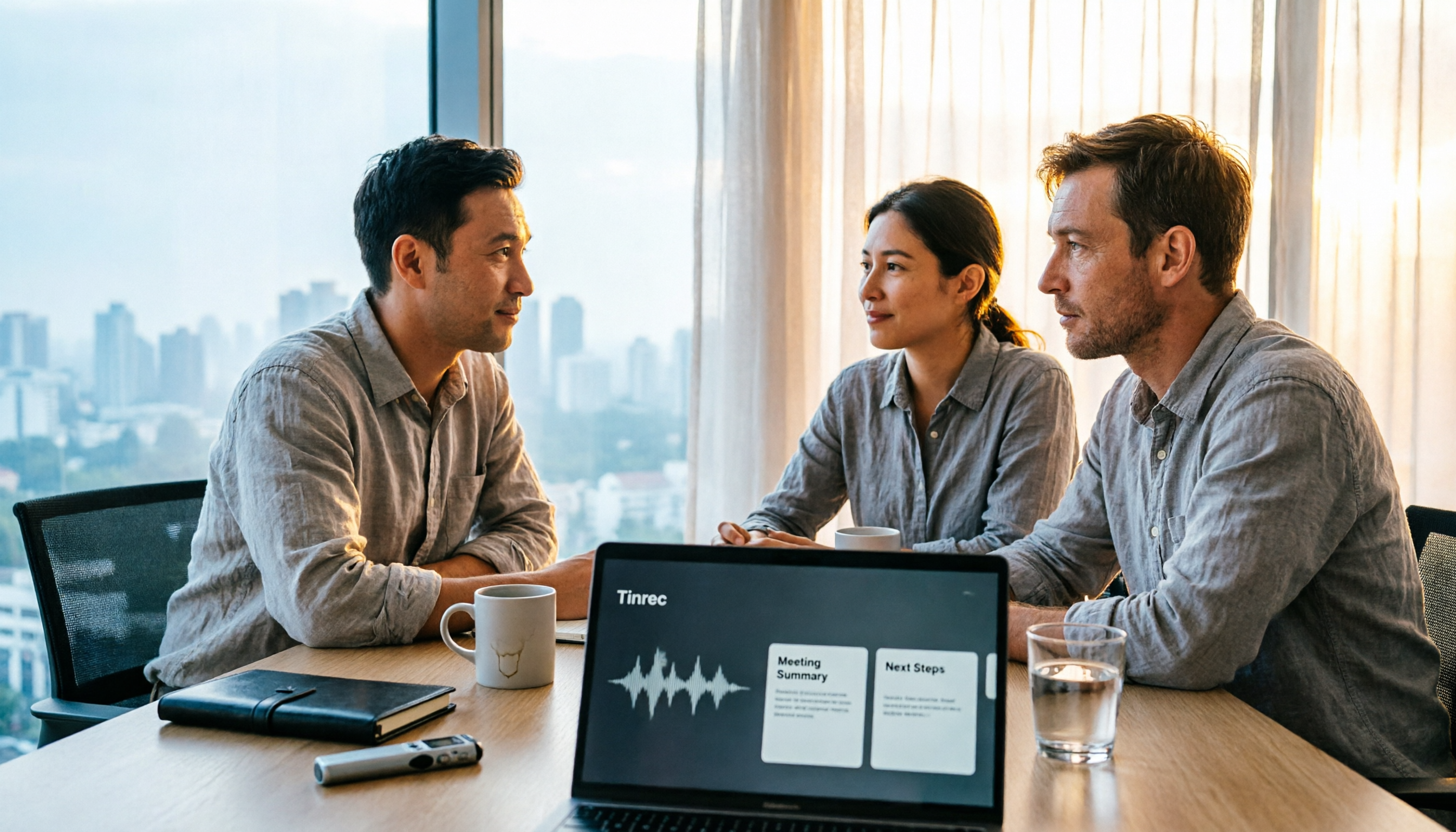
2026 Workplace Recording Tools Free Plans: 5 Options Reviewed
2026 workplace recording tool recommendations, covering free and paid plans. Using Tinrec as an example, we tested AI audio-to-text, meeting summaries, action item extraction, and team collaboration features to help mid-level managers and professionals save post-meeting organization time and boost work efficiency.

2026 Audio Transcription Software Buying Guide: 4 Tools Tested and Recommended
How to choose audio transcription software in 2026? This article starts with common pitfalls, outlines 4 key buying factors (how to evaluate accuracy, how to record online meetings, what you can do after transcription, free tiers and team needs), tests and compares tools like Tinrec, Otter.ai, Notta, and PLAUD, and includes a guide to avoid mistakes plus scenario-based recommendations.

2026 Best Audio-to-Text Tools Compared: Which Transcription Can Become a Ready-to-Use Meeting Record?
The real challenge with audio-to-text isn't whether it can transcribe, but whether the transcript can be used directly. This article first clarifies four key criteria: export formats, timestamps, AI Q&A, and team data ownership. Then it compares Tinrec, Notta, Otter.ai, and PLAUD Note, and highlights four common pitfalls to help you choose the most time-saving tool.
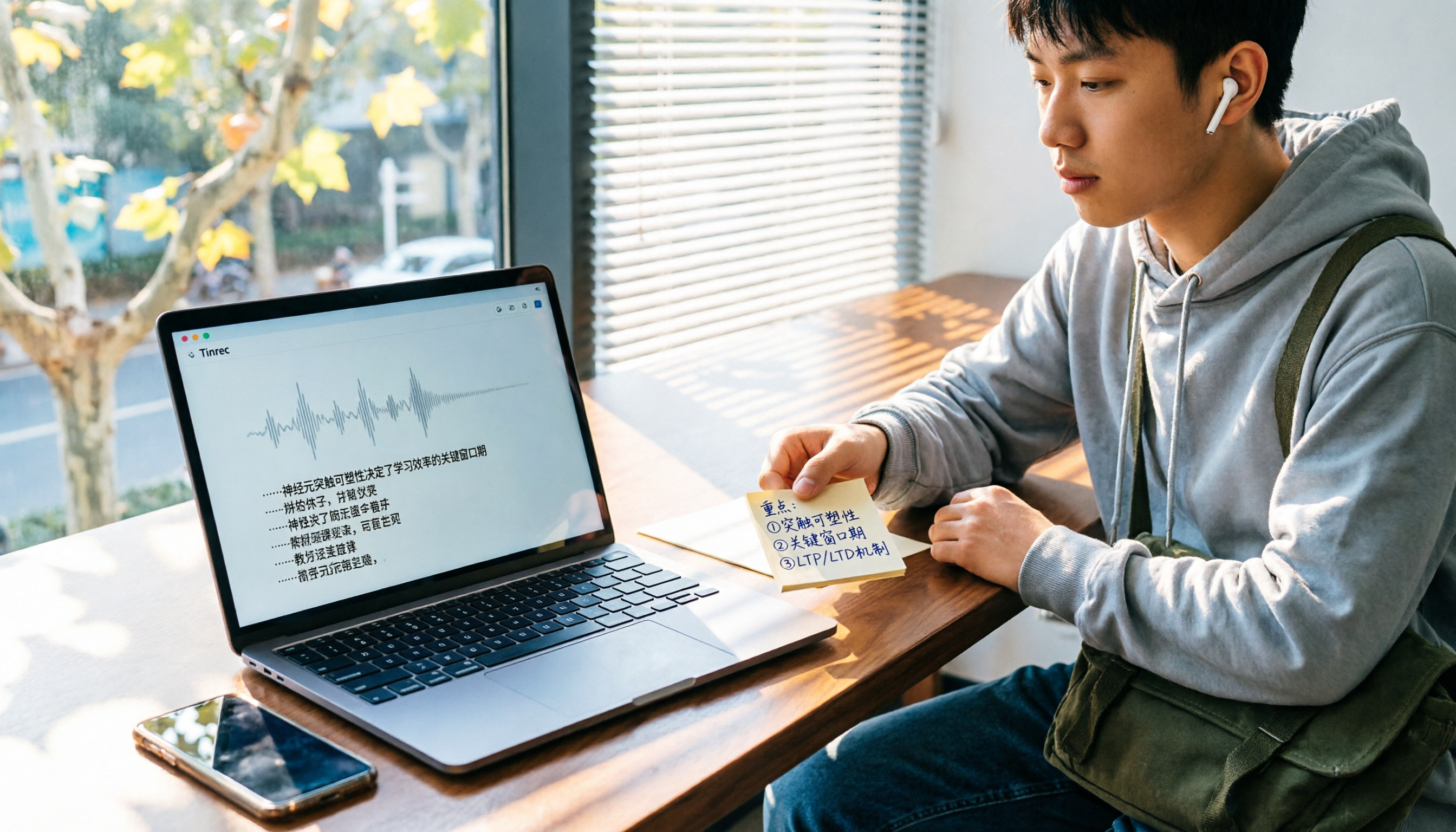
5 Best Audio-to-Text Apps for Students in 2026: Which Free Version Lasts a Semester?
Professors speak too fast and notes are impossible to keep up with—a common struggle for most students. We tested 5 popular audio-to-text apps in 2026, comparing Chinese recognition, AI summaries, and free tiers, and compiled key buying tips and pitfalls to help you find the one that truly works for review.

2026 Comparison of 4 Free Screen Recorders: The Real Time Sink Is After You Stop Recording
How to choose a free screen recorder in 2026? This article starts with the common misconception that recording is the end of the task, then compares the free capabilities, limitations, and use cases of Tinrec, OBS Studio, Xbox Game Bar, and QuickTime Player. It also lists the 4 most common pitfalls when choosing free screen recording software, helping you decide which one truly saves time on post-meeting organization.