

Turn recordings into transcripts and summaries in minutes
Upload audio or video for multilingual transcription, AI notes, and action items
2026 Audio Transcription Software Buying Guide: 4 Tools Tested and Recommended
Bought a Tool but Can't Stick With It? The Problem Usually Isn't Accuracy
Most people start by searching for "which tool has the highest accuracy" when choosing audio transcription software.
But once you actually use it, what trips you up often isn't the recognition rate.
It's that after recording, you still have to read through the entire transcript yourself. It's that when an online meeting starts, you realize the tool needs a bot to join the meeting room, and you have to explain to the host who that is. It's that the meeting mixes Chinese and English, and the transcription turns into gibberish no one can read.
These problems can't be solved by a claim of "98% accuracy."
Worse, many reviews only compare specs and prices but don't tell you "how much longer you'll spend in the half hour after the meeting." This article is written for that: first how to choose, then which one I ended up keeping after testing.
Before Buying Audio Transcription Software, Understand These 4 Key Points
1. Accuracy depends on "your scenario," not official marketing numbers
Many tools claim high accuracy, but that's usually measured under ideal conditions like a quiet studio and standard pronunciation. Generally, with clear recording and low background noise, most tools can achieve 90-95%, but conditions change things a lot. Real meeting rooms have air conditioning noise, keyboard sounds, and people talking over each other.
So I suggest you test with your own recording. Especially test mixed Chinese-English and Taiwanese accents—that's where the differences show most clearly.
2. How to record online meetings? Bot or desktop capture
Some tools use a "meeting bot" that joins as a participant; another approach is to capture system audio directly from the desktop, so no unfamiliar account appears in the meeting. The latter is especially useful for external meetings and client calls—you don't have to explain first.
3. What you can do after transcription determines how much time you save
If you only use the tool as "voice to text," you're only using a third of its capabilities. Summaries, chapters, action items, and whether you can ask questions directly about the meeting content—these are where the real time goes after the meeting.
4. Is the free tier enough, and do you have team needs
First check if the free version lets you complete a full meeting workflow—from recording to transcription to summary. If meeting data is shared with a team, look for separate team spaces, member and seat management, rather than several people sharing one account.
Tinrec — The One I Kept After Testing
Tinrec is an AI meeting notes and collaboration tool for individuals and teams, supporting iOS, Android, and web, with a desktop version that directly handles online meetings on your computer. It doesn't just turn voice into text; it turns meetings into searchable, queryable, reusable data.
No extra bot for online meetings
When you open Zoom, Google Meet, Microsoft Teams, or Webex, just open Tinrec desktop and it captures system audio for recording and real-time transcription, without inviting any bot to join. This is practical for external meetings—you don't have to explain to clients why there's an extra account in the room.
After recording, you can ask it questions directly
This is where it differs most from ordinary transcription tools. After the meeting, transcripts, summaries, chapters, and action items are automatically organized; even better, you can ask it "Who mentioned the budget last time?" "What was the conclusion of this project?" It answers based on meeting content, rather than throwing keywords at you to search yourself. This feature is not common among tools at the same price point.
From transcript to meeting minutes and reports
Besides transcripts, Tinrec can produce summaries, chapters, action items, mind maps, reports, and tables, and export to Notion, Google Docs, OneNote, Dropbox, etc. for further editing. It supports Chinese, Traditional Chinese, and multilingual meetings, with real-time translation and bilingual display, so mixed Chinese-English meetings aren't a mess to read.
Stop organizing recordings by hand
Upload audio or video and automatically get a transcript, summary, and action items
Test conditions clearly stated
I used a ~5-minute Chinese meeting recording (phone recording, indoor environment, mixed Chinese-English content). The typos were mainly in names and product codes; adding these to team hotwords improved things a lot. Note that accuracy is never fixed for any tool—it depends on recording quality, background noise, accents, overlapping speech, and technical terms.
Pros
- No meeting bot; record online meetings directly, real-time transcript.
- After the meeting, not just a transcript but also summaries and action items, and you can ask questions directly.
- Works on phone, computer, and web; results can be exported to your existing workflow.
Limitations
- Free version offers basic quota, enough to try a few meetings; if used weekly, consider a paid plan.
- Like all AI transcription tools, important content should be verified with timestamps and audio playback; not recommended to fully replace human confirmation.
Who it's for
If you often have Chinese or mixed Chinese-English meetings, don't want a bot joining online meetings, and want to use AI to find key points after recording, Tinrec is one of the smoothest choices. For teams sharing meeting data, it also has separate team spaces to manage members, roles, and seats; meeting data belongs to the team and won't disappear when someone leaves.
Besides Tinrec, What Other Options Are There?
Otter.ai: A mature choice for English business meetings, with a generous free tier of 300 minutes per month. But if you mainly record Chinese meetings, its Chinese experience is not as good as Tinrec; it also lacks Tinrec's combination of bot-free desktop capture and team hotwords. If 90%+ of your meetings are in English, Otter is a reasonable option.
Notta: Offers multi-platform transcription, translation, and team plans, with high overlap with Tinrec. Free version: 120 minutes per month, max 3 minutes per file; Pro annual billing about USD 8.17/month, 1,800 minutes per month. It lacks Tinrec's bot-free online meeting recording and Agent post-processing. If you mainly upload files for batch transcription, you can compare it as well.
PLAUD Note / NotePin: AI recording hardware; device itself NotePin about USD 159, Note Pro about USD 189, membership fees extra. Advantage is portable recording without a computer. But you need to carry an extra device, and handling online meetings on a computer is less direct than desktop. Tinrec requires no extra hardware; works on phone, computer, and web.
Pitfall Guide: 4 Most Common Mistakes When Choosing Audio Transcription Software
Pitfall 1: Only looking at official accuracy claims. Those numbers are mostly measured in quiet studios. Real meeting rooms have air conditioning, keyboards, and people talking over each other. Test the free version with your own recording, don't just look at ads.
Pitfall 2: Ignoring mixed Chinese-English and Taiwanese accents. Many tools are strong in English but average in Chinese, and mixed Chinese-English is a disaster. If you often say "this KPI needs to be aligned" in meetings, be sure to test that.
Pitfall 3: Buying a tool but only using it for transcription. Using a transcription tool as just a typist means you're only using a third of its capabilities. After recording, ask it "What's the conclusion?" "Who's responsible for what?"—much faster than reading a 30-minute transcript yourself.
Pitfall 4: Treating team needs as individual needs. Several people sharing one account may seem cheap short-term, but data ownership, permissions, and usage become a mess. If you have team sharing needs, look for team spaces, member and seat management.
Conclusion: Which One Should You Choose?
Simply put, match your scenario:
- Don't want an extra bot account in online meetings → Tinrec (desktop captures system audio directly)
- Meetings are in Chinese or mixed Chinese-English → Tinrec (supports Traditional Chinese, multilingual, and real-time translation)
- Want to ask AI directly for conclusions and action items after recording → Tinrec (AI Q&A and Agent post-processing)
- Need to continue on phone, computer, and web → Tinrec
- Almost all meetings are in English → Otter.ai is a reasonable choice
- Mainly batch converting existing files to subtitles → compare tools like Notta, TurboScribe
Overall, in 2026, audio transcription tools are no longer just "voice to text." If you care about how much time you spend organizing after the meeting and whether the data can be reused by the team, Tinrec is the one I'd recommend trying first.
Start with the free version's basic quota to run through a complete meeting workflow—from recording to transcription to summary and Q&A—experience how much time you save after the meeting, then decide whether to upgrade. That's the most practical approach.
References
Turn every recording into actionable outcomes
Get 60 free transcription minutes when you sign in. No credit card required.
Related Reading
You might also like

5 Best Speech-to-Text Tools in 2026: How to Transcribe WeChat Voice Messages Fast
How do you transcribe WeChat voice messages? This guide first distinguishes between understanding a single voice message and transcribing a full meeting, then covers WeChat's three built-in transcription methods and their limitations, plus the positioning, pricing, and ideal users for five tools: Tinrec, Notta, Otter.ai, TurboScribe, and PLAUD—so you can pick the easiest option for your needs.

2026 Speech-to-Text App Ranking: No-Bot Meeting Recording + AI Q&A Transcript Organization
How to evaluate 2026 speech-to-text apps? This article examines four dimensions: meeting capture methods, Chinese recognition, post-meeting AI Q&A, and team data retention. We tested and compared Tinrec, Otter.ai, Notta, and Granola to help you choose the best speech-to-text tool for meeting notes and transcript organization.

2026 AI Meeting Transcription Tools Compared: Tinrec vs Otter.ai vs PLAUD Note — Which Is Best for Chinese-Speaking Teams?
In 2026, choosing an AI meeting transcription tool often comes down to three challenges: Chinese transcription, bot-free recording, and post-meeting team collaboration. This article focuses on Tinrec and Otter.ai, with PLAUD Note as a hardware recording option, comparing them across six dimensions: Chinese language experience, meeting capture method, post-meeting workflow, export and integrations, team governance, and free plans, to help you decide which fits your work style.

Tinrec vs Notta 2026: 5-Dimension Comparison — Which AI Meeting Assistant Is Better?
Tinrec and Notta are both AI meeting note tools. This article compares them across 5 dimensions including meeting capture, post-meeting organization, and team collaboration, with Tinrec as the main focus, explaining how to use AI to turn meeting content into searchable, trackable data.
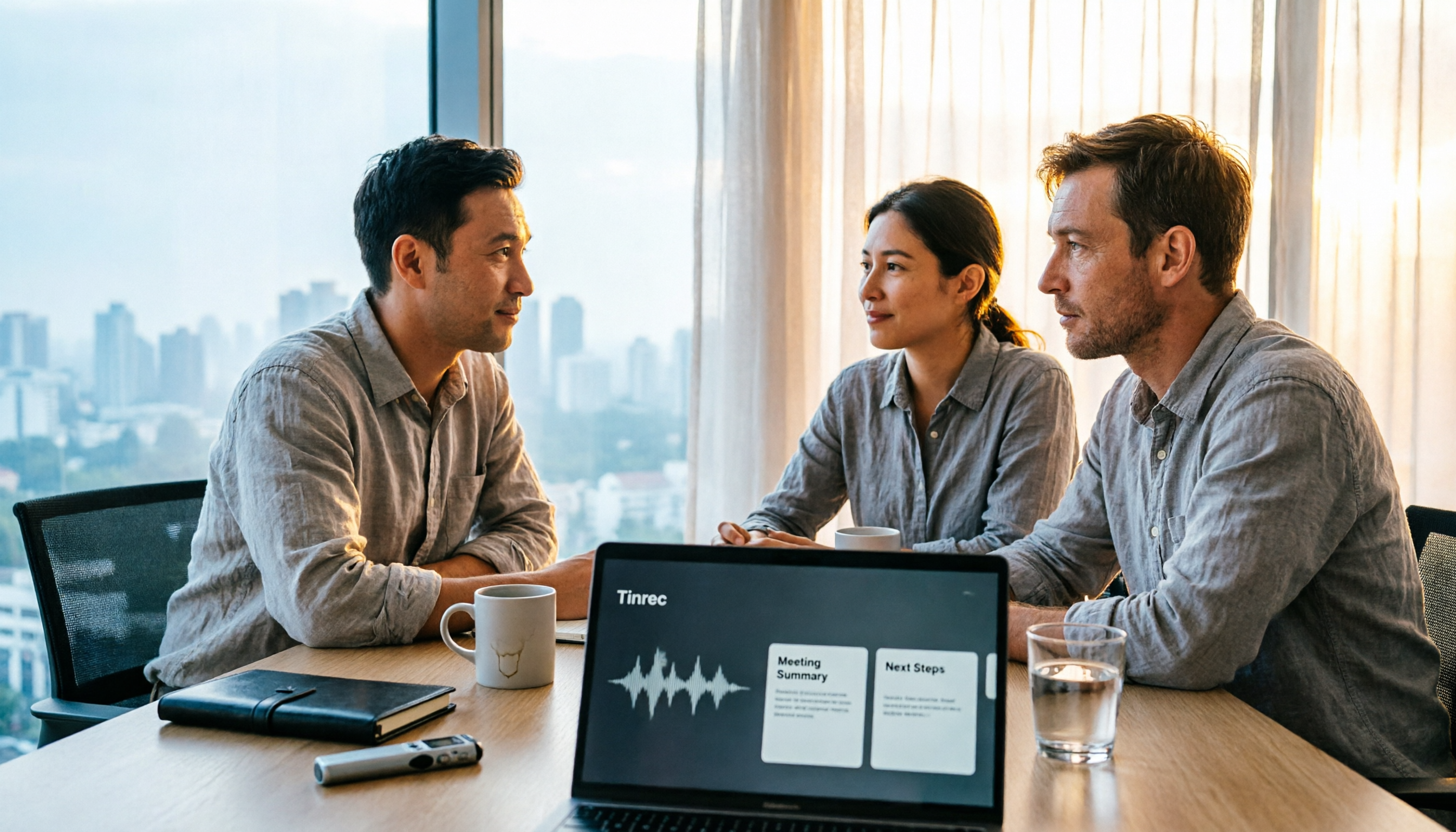
2026 Workplace Recording Tools Free Plans: 5 Options Reviewed
2026 workplace recording tool recommendations, covering free and paid plans. Using Tinrec as an example, we tested AI audio-to-text, meeting summaries, action item extraction, and team collaboration features to help mid-level managers and professionals save post-meeting organization time and boost work efficiency.

2026 Best Audio-to-Text Tools Compared: Which Transcription Can Become a Ready-to-Use Meeting Record?
The real challenge with audio-to-text isn't whether it can transcribe, but whether the transcript can be used directly. This article first clarifies four key criteria: export formats, timestamps, AI Q&A, and team data ownership. Then it compares Tinrec, Notta, Otter.ai, and PLAUD Note, and highlights four common pitfalls to help you choose the most time-saving tool.
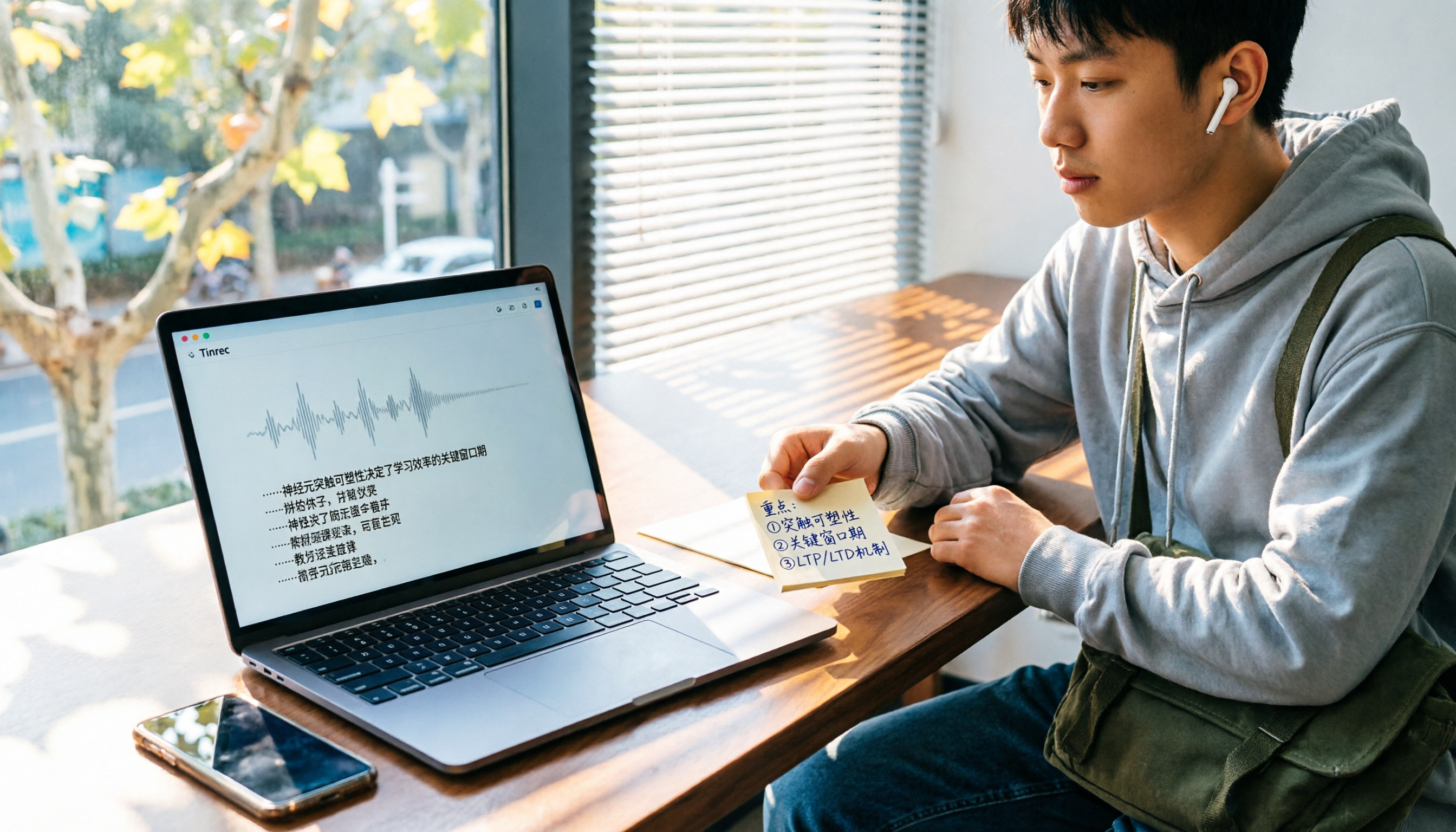
5 Best Audio-to-Text Apps for Students in 2026: Which Free Version Lasts a Semester?
Professors speak too fast and notes are impossible to keep up with—a common struggle for most students. We tested 5 popular audio-to-text apps in 2026, comparing Chinese recognition, AI summaries, and free tiers, and compiled key buying tips and pitfalls to help you find the one that truly works for review.

2026 Comparison of 4 Free Screen Recorders: The Real Time Sink Is After You Stop Recording
How to choose a free screen recorder in 2026? This article starts with the common misconception that recording is the end of the task, then compares the free capabilities, limitations, and use cases of Tinrec, OBS Studio, Xbox Game Bar, and QuickTime Player. It also lists the 4 most common pitfalls when choosing free screen recording software, helping you decide which one truly saves time on post-meeting organization.

5 Phone Recording-to-Text Tools Tested: Which Free Tier Actually Works?
Looking for a free way to turn phone recordings into text? The real difference isn't the word 'free'—it's how the free rules work, whether you can continue across devices, and whether you can still use the text after it's transcribed. This article compares 5 common approaches using the same scenario, breaks down key buying factors, our top pick after testing, and 4 pitfalls to avoid, so you can choose the right tool in one go.