
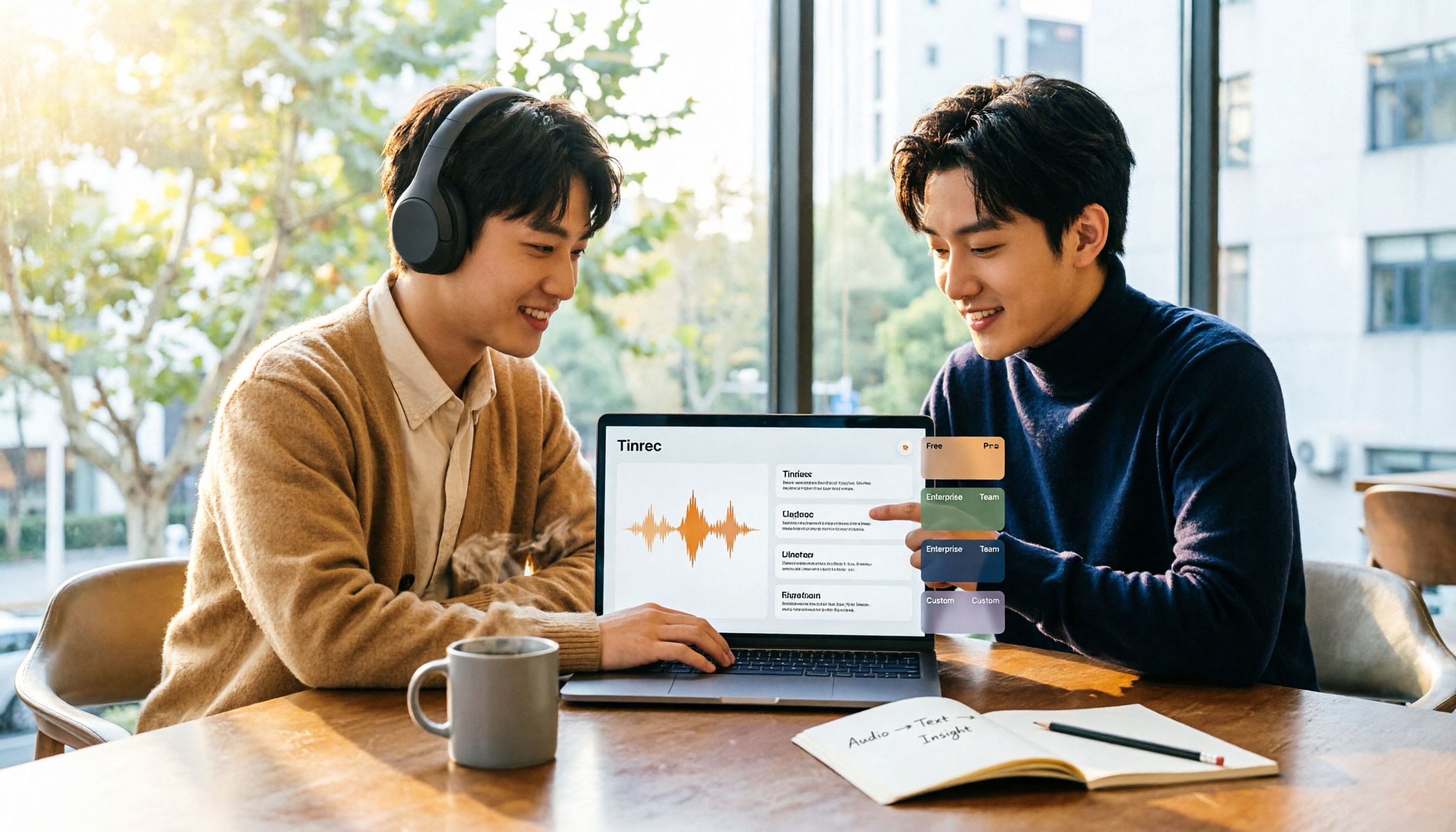
Turn recordings into transcripts and summaries in minutes
Upload audio or video for multilingual transcription, AI notes, and action items
2026 Video Summarization Software Free Plans: 5 Options Compared
When choosing video summarization software, most people first ask, "Is there a free version?" But the real decision point that you'll regret later is a different question: Do you just want to turn a video into a transcript, or do you need a workflow that turns video into data you can actually use? The former only needs accurate transcription; the latter needs summarization, follow-up questions, export, and handoff to colleagues. This article skips vague definitions and starts from "how you'll use it," using Tinrec as a hands-on example to explain free plans and when to upgrade.
What Can Video Summarization Software Do for You?
Scenario 1: Get key points 5 minutes after a 2-hour online meeting Previously, after a meeting you'd spend another hour organizing notes—that's how overtime happens. With Tinrec, for example, the desktop version can record and transcribe simultaneously during the meeting. After the meeting, the summary, chapters, and action items are already organized. Who's responsible for what and what's next—all at a glance.
Scenario 2: For online courses and lectures you want to watch, check the summary first before deciding whether to spend time For a 90-minute video, Tinrec breaks the content into structured chapters and key points. You can scan the summary first, then go back to the sections you really need—saving an entire evening.
Scenario 3: You have a bunch of old recordings and audio files that need to become searchable data Import audio/video files into Tinrec, and after transcription you can search full text, ask questions about the content, and export to Notion, Google Docs, OneNote, Dropbox, and other workflows—instead of letting them gather dust on your hard drive.
Scenario 4: Cross-language content, listen and read bilingually Tinrec supports real-time translation. During recording, you can switch between original text, translation, or bilingual view. For international meetings or foreign language courses, no need to find someone else to translate.
What Are the Core Capabilities of Video Summarization Software?
1. Multiple input sources, not just file uploads Tinrec supports real-time recording, computer meeting recording, audio/video file import, and mobile recording. Some public web links can also be used as supplementary sources. In other words, offline interviews, online meetings, and old files can all be organized in one place.
2. Bot-free online meeting recording Tinrec desktop version directly captures computer system audio. When handling Zoom, Google Meet, Microsoft Teams, Webex, and other online meetings, you don't need to invite a meeting bot as a participant, and no unfamiliar attendee appears on the screen.
3. AI summaries, chapters, and action item extraction Transcription is just the first step. Tinrec organizes long content into summaries, chapters, and key points, and extracts action items from discussions, turning "reviewed" into "ready to act." Proper nouns and key numbers won't get lost in the transcript.
4. AI Q&A and Agent post-processing After transcription, you can ask Tinrec directly, for example, "What are the three conclusions from this meeting?" "What concerns did the client mention?" You can also generate reports, tables, and documents, turning content into deliverable results.
5. Team space and governance capabilities For individuals, Tinrec gives you your own database; for teams, Tinrec gives you a shared workspace. The team version stores Audio, Folder, TODO, and related meeting data in one place, and provides management capabilities such as members, roles, seats, usage analytics, audit logs, and audio recycle bin.
Real-World Use Cases
Meetings and project discussions The biggest pain point of weekly meetings, review meetings, and cross-department communication isn't the meeting itself—it's that after the meeting no one remembers how conclusions were reached. With Tinrec, record and transcribe simultaneously, then directly view summaries and action items after the meeting. When you need to check details, go back to the corresponding timestamp. Decision basis no longer relies solely on personal memory.
Classroom and online lectures In a 90-minute class, key points are often concentrated in a few segments. Tinrec organizes course videos into chapters and summaries, so you don't have to rewatch the entire video when reviewing. For parts you don't understand, you can use AI Q&A to ask for a more plain-language explanation.
Interviews and user research Research interviews often last one or two hours. Transcripts are the baseline, but the real value is whether you can quickly extract quotes and insights. Tinrec's transcripts support search, and AI Q&A helps you quickly locate "the part where the interviewee mentioned budget."
Stop organizing recordings by hand
Upload audio or video and automatically get a transcript, summary, and action items
Content creation and market research To compare competitor launches, product reviews, or industry lectures, Tinrec can summarize key points from multiple videos, then export them as blog outlines, presentation materials, or social media post drafts—significantly shortening pre-production time.
How to Choose Tinrec's Free Plan? 5 Options at a Glance
If you're not sure which plan to use, match by "usage frequency":
- Free version: Use basic quota to experience recording, import, summarization, and transcription. Suitable for occasional recording organization.
- Weekly pass: Suitable for short-term sprints, e.g., consecutive meetings, courses, or interviews within a week.
- Pro monthly: For steady weekly usage, closest to the rhythm of a typical office worker.
- Pro annual: For long-term accumulation of audio and video data, lower monthly equivalent cost.
- Team version 7-day trial: First eligible teams can get 7 days, 1 free seat, and 300 minutes of team shared import quota.
Team version pricing: monthly USD 29.80 per paid seat per month, annual USD 199 per paid seat per year (about USD 16.58 per month). Each paid seat provides 2,000 minutes of team shared import quota per month. Note: under an active team plan and active seat, real-time recording is currently not deducted by minutes; file and web imports consume team shared import minutes, not individual member quota. Actual prices, currencies, and promotions are subject to the official purchase page.
5 Things to Consider When Buying Video Summarization Tools
1. Do input sources match your workflow? First confirm whether the tool can handle the materials you'll actually encounter: offline meetings need real-time recording, online meetings need system audio handling, old files need file import. Tinrec covers all four sources, and online meetings are recorded bot-free via desktop version, so you don't have to change your meeting habits.
2. What can you do after transcription? Transcripts are just the entry ticket; post-processing determines efficiency. After transcription, Tinrec produces summaries, chapters, action items, and mind maps. You can also use AI Q&A to follow up on details and Agent to generate reports and tables—connecting "recording" directly to "action."
3. Real performance with Chinese and multiple languages Taiwan users often encounter mixed Chinese-English meetings. Some tools perform well in a single language but start making errors when mixed. Tinrec covers Chinese, Traditional Chinese, and multilingual meeting scenarios, and supports real-time translation and team hotwords, allowing you to build a custom vocabulary of internal terminology.
4. Can data be retained and handed off smoothly? The value of meeting data accumulates over time, so check whether the tool can retain audio files and store them centrally. Tinrec provides an audio recycle bin; accidentally deleted files can be restored before permanent cleanup (currently 30-day retention). The team version also assigns meeting assets to the team; when a member leaves, is removed, or loses their seat, their team resources can be handed over to other active members—so data doesn't disappear when people leave.
5. Are quotas and pricing clearly explained? How free quotas are calculated and whether real-time recording and file import are counted separately directly affect your bill. Tinrec is relatively clear: real-time recording is not deducted by minutes under an active team plan and seat; imports use shared quota. Ask about the rules clearly before deciding which plan to choose.
FAQ
Q1: Can AI summarize a video without subtitles? Yes. These tools directly parse the video's audio track, convert speech to text, and then organize it. So even if the original video has no uploaded subtitles, you can still get a transcript and summary. Tinrec's file import and real-time transcription both work this way.
Q2: What can the free version do? The free version provides basic quota so you can experience the full process of recording, import, summarization, and transcription. If you only need to occasionally organize a recording or course video, starting with the free version makes the most sense. If you have meetings every week, consider monthly or annual.
Q3: What's the difference between team and personal versions? The difference is data ownership and governance. Personal version data follows the individual account; team version has an independent team space, meeting data belongs to the team, and adds member invitations, role and seat management, shared benefits, usage analytics, audit logs, and audio recycle bin. Distinguish roles and seats: roles determine who can manage the team, seats determine who can record, upload, edit, and export. Active members without a seat can still view, play, and read team data.
Q4: Can summaries be translated directly into Chinese? Yes. Tinrec supports real-time translation. During recording, you can switch between original text, translation, or bilingual view—very useful for foreign language courses or international meetings.
Q5: Is accuracy guaranteed? It's not recommended to ask any tool to promise a fixed number. Actual performance is affected by recording quality, background noise, accents, overlapping speakers, and technical terminology. Tinrec's value is in greatly reducing manual recording and organizing costs. For important content, still verify with transcript timestamps and audio playback.
Conclusion
Choosing video summarization software isn't about who has more free quota—it's about what you get after transcription. If your need stops at transcripts, there are many options. If you want summaries, action items, AI Q&A, export, and team data accumulation all in one, Tinrec is one of the most complete ways to connect this workflow. We suggest running a free version on your own meeting or course video first to see how much time you save, then decide whether to upgrade. Finally, please comply with local laws when recording and transcribing, and obtain participant consent when needed.
References
- Use GPT to Summarize YouTube: Free Online Video Summary Tool
- Free AI Video Summary Tool—Accurate, Fast, with Timestamps
- One-Click Video to Text: 3 Video Summarization AI Tools Recommended, Quickly Produce High-Quality Key Summaries - Tinrec Blog
- ChatGPT YouTube Video Summary Tips: From Transcript to Summary Method - Mr. Mad
- Save Time with Felo AI: Instantly Summarize YouTube Videos | Felo Search Blog
Turn every recording into actionable outcomes
Get 60 free transcription minutes when you sign in. No credit card required.
Related Reading
You might also like

2026 Video-to-Text Tools Comparison: Tinrec vs Notta for Chinese Meetings
We tested Tinrec and Notta for video-to-text transcription, Chinese meeting notes, and post-meeting organization. Learn how Tinrec's bot-free recording, AI Q&A, and team collaboration features can help you find the best transcription tool for Chinese teams.
How to Download YouTube Videos Without Watermark in 2026: 5-Step Guide
2026 updated guide on downloading YouTube videos without watermarks. This article addresses common misconceptions, outlines a 5-step process, tool selection, resolution and format options, and copyright considerations. It also explains how to use Tinrec to transcribe, summarize, and extract action items after downloading.

2026 Comparison of 4 Online Audio-to-Text Tools: Which Is Best for Chinese Meetings and Team Knowledge Retention?
A hands-on comparison of 4 online audio-to-text tools, covering Chinese recognition, post-meeting organization, data retention, and free quotas. It explains Tinrec's advantages for Chinese meetings and team collaboration, compares it with Notta, TurboScribe, and Granola, and includes buying advice to avoid pitfalls.

2026 Recording Summary AI Free Plans: 4 Top Tools Compared
Recording summary AI is not the same as a transcription tool. This guide reviews the free plans and limitations of 4 popular recording summary AI tools in 2026, comparing post-transcription summaries, action items, AI Q&A, team collaboration, and pricing. It also includes selection criteria and common pitfalls to help you decide which tool best fits your meeting needs.

Best Text-to-Speech Tools in 2026: 5 Tested, This Free One Wins
We compare five online text-to-speech tools—Luvvoice, TTSMaker, Ondoku, PiliApp, and MyEdit—across free limits, languages and voices, pacing controls, download options, and ease of use. Find the best fit for your needs, plus how to handle the reverse: turning recordings into text.

5 Best Audio-to-Text Software in 2026: Which One Turns Meetings into Searchable, Trackable Data?
There are countless audio-to-text tools, but the real comparison isn't about price or monthly minutes—it's about whether the transcript can be organized, whether meetings can be recorded without adding a bot, and who ultimately holds the data. Using Tinrec as an example, this article breaks down the core capabilities, real-world use cases, 5 key buying criteria, and FAQs to help you see clearly how to choose.
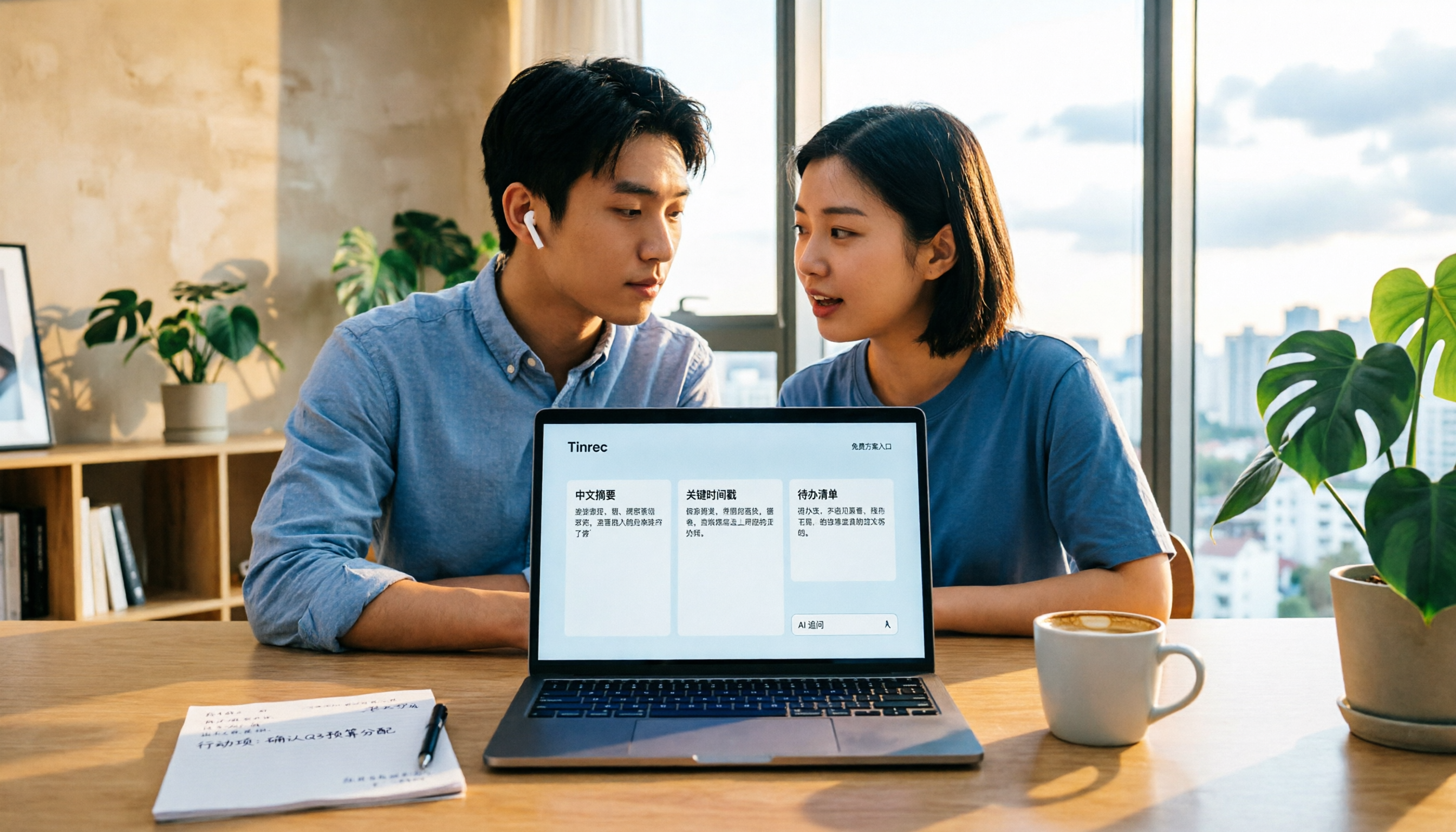
2026 Video Summarization Software Free Plans: 4 Options Compared
Videos too long to finish? Meeting recordings gathering dust? This article reviews the free plans of 4 video summarization software in 2026, comparing free quotas, Chinese recognition, summarization and AI follow-up questions, and team collaboration. It also includes 5 key buying factors and 4 common pitfalls to help you find the one that truly works for you.
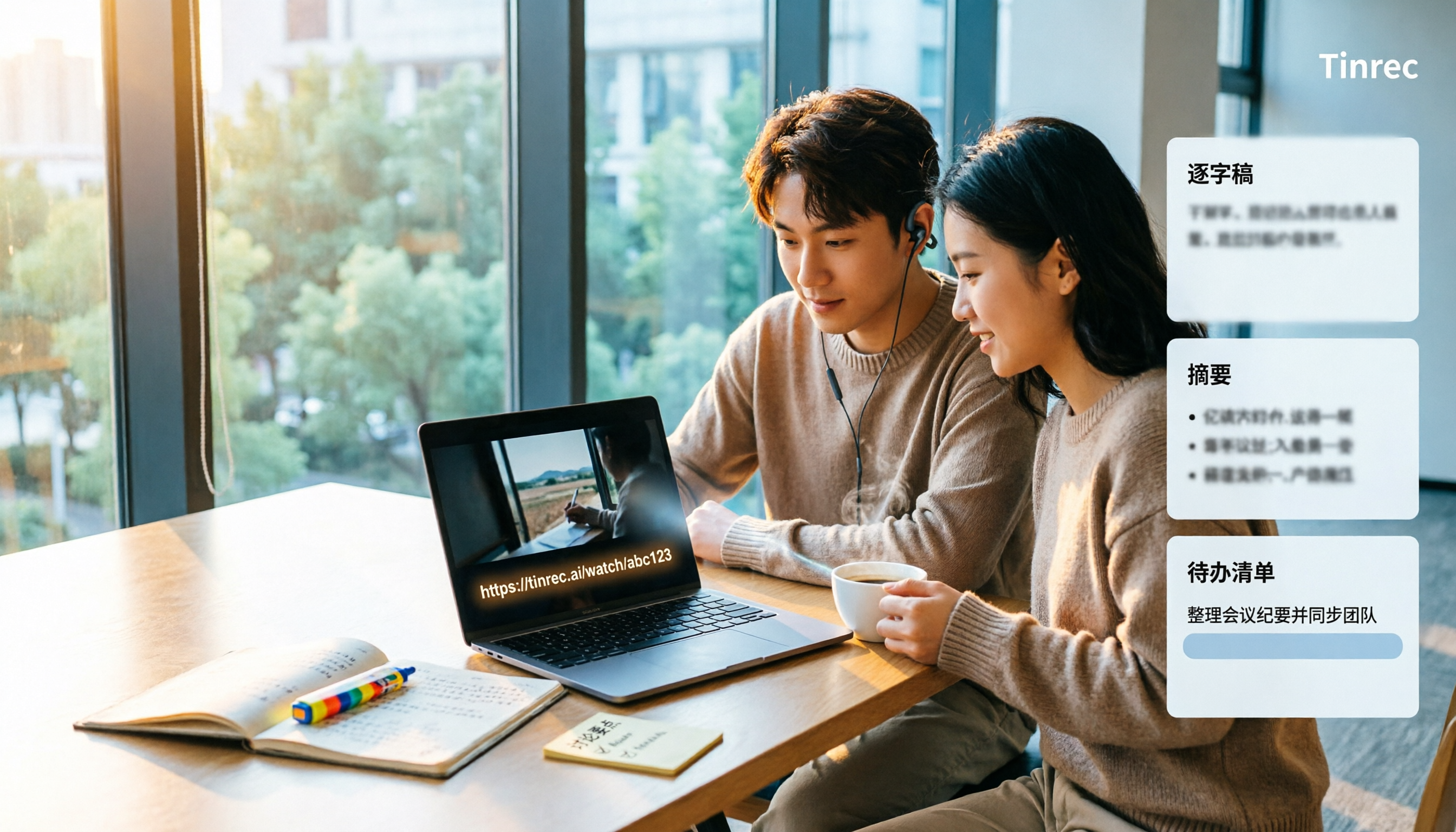
2026 Video Download Link Extraction Tools Compared: Why You Usually Can't Grab the Video (It's the Wrong Link)
The biggest obstacle to extracting a video download link isn't the tool—it's which part of the URL you copied. This student-tested breakdown compares 4 tools and common pitfalls, and explains why turning a public video link into a transcript, summary, and action items often saves more time than saving an MP4.

How to Choose an AI Meeting Notes Tool in 2026: 5 Steps to Find Your Perfect Fit
Which AI meeting notes tool is best? There's no one-size-fits-all answer—it depends on your meeting format and post-meeting needs. This article walks you through 5 decision steps to choose the right tool, using Tinrec as an example to demonstrate a complete workflow from live transcription, AI summaries, action item extraction, to team knowledge retention, including free and team plan details.