
Turn recordings into transcripts and summaries in minutes
Upload audio or video for multilingual transcription, AI notes, and action items
2026 Video-to-Text Tools Comparison: Tinrec vs Notta for Chinese Meetings
Many people think converting video to text is as simple as dropping an audio file into a tool and waiting for the transcript. But in practice, the real challenge isn't the transcription itself—it's the unstructured, unfocused text that requires endless proofreading afterward. Instead of just finding a transcription tool, it's better to find one that helps you turn content into usable data. That's why more and more people are comparing options like Tinrec and Notta.
Why Are People Looking for Notta Alternatives?
Notta is a multi-platform transcription tool that supports meeting notes, document import, translation, and team plans. For many users, it's an entry point into the world of transcription. However, as usage increases, some run into limitations like the free plan's 120 minutes per month and 3 minutes per session, or they realize they need more than just a transcript—they need meeting summaries, action item extraction, and team sharing. If you feel like transcription only gets half the job done, Tinrec is worth a look.
Tinrec vs Notta: What's Different in the Core Experience?
Chinese Meetings and Multilingual Transcription Tinrec covers Chinese, Traditional Chinese, and multilingual meeting scenarios, supports mixed Chinese-English content organization, and offers real-time translation and bilingual viewing. Notta also has some support for multilingual transcription. If you frequently handle Chinese-dominant meetings, Tinrec's team glossary feature lets you customize professional terminology to improve recognition.
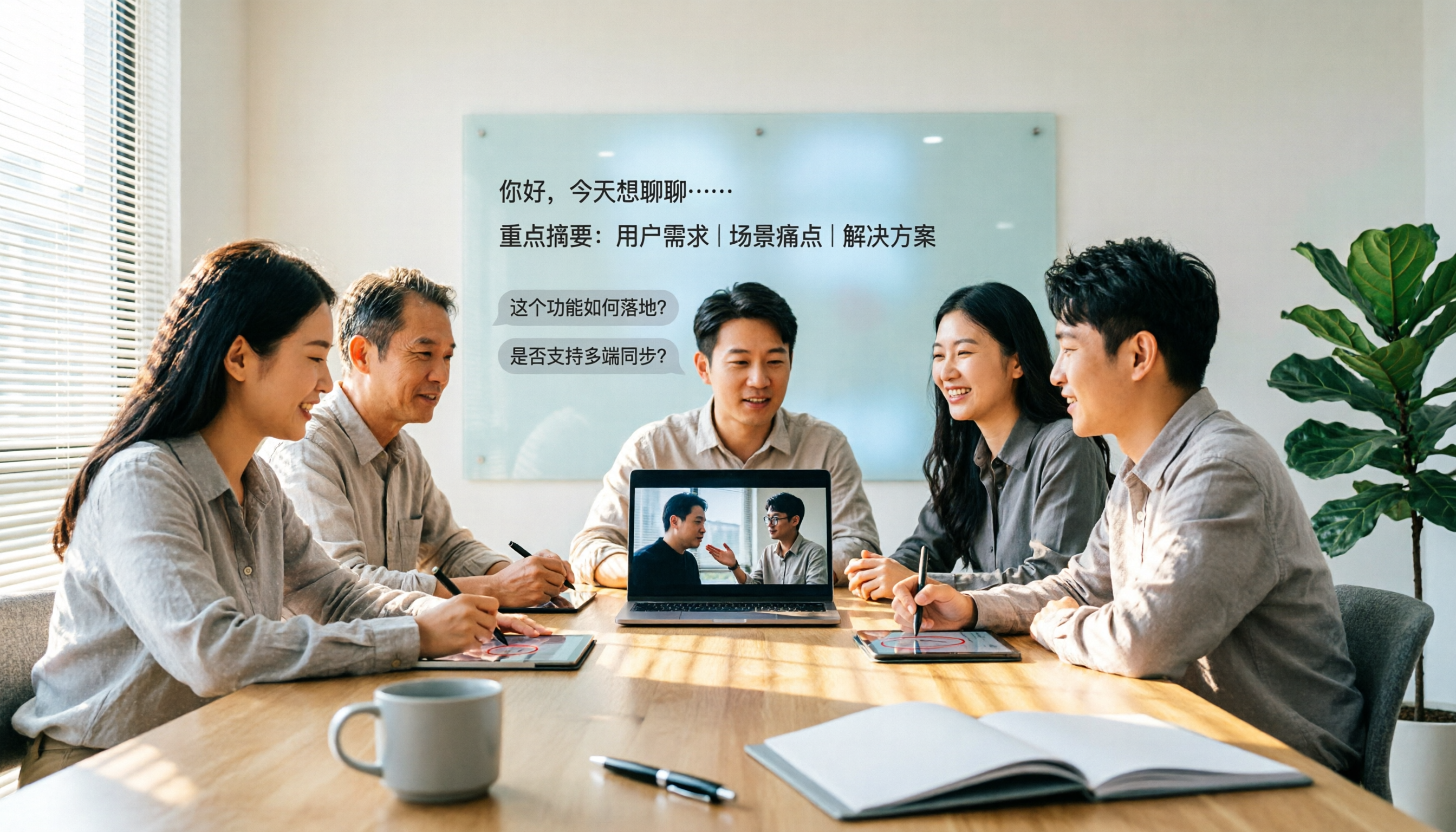
Online Meeting Capture Method Tinrec's desktop app directly captures your computer's system audio, handling Zoom, Google Meet, Microsoft Teams, Webex, and other meetings without needing an extra bot to join. This is practical for users who don't want a bot appearing in the participant list. Notta's meeting notes feature is also popular, but Tinrec's bot-free approach has an edge in workflow simplicity.
Post-Meeting AI Organization Tinrec doesn't just give you a transcript—it automatically generates summaries, chapters, key points, and action items, and supports AI Q&A. You can ask questions directly about the meeting content, such as "What was the conclusion?" or "Who is responsible for what?" Notta also offers summary features, but Tinrec's Agent post-processing can further generate reports, tables, and documents, turning meeting content directly into work output.
Team Collaboration and Knowledge Retention Tinrec's team plan provides an independent team space where meeting data belongs to the team. Members can share and view, and admins can manage roles, seats, usage, and audits. Notta's Business plan also offers role permissions and usage reports, but Tinrec additionally provides an audio recycle bin, team glossary, and resource handover when members leave, making it better suited for teams that need to accumulate meeting assets long-term.
Free Plans and Pricing Tinrec's personal plan has a free tier to experience basic quotas, and the team plan offers a 7-day trial, 1 free seat, and 300 minutes of shared team import quota. Notta's free version offers 120 minutes per month and up to 3 minutes per session; the Pro annual plan is about USD 8.17/month for 1,800 minutes per month. The two have different positioning, so choose based on your usage frequency and team needs. Prices and benefits are subject to the official pages.
Tinrec's Core Features at a Glance
Real-time Audio-to-Text: Open Tinrec to record, and text appears simultaneously with low latency. Ideal for in-person meetings, interviews, and on-site notes.
Bot-free Online Meeting Recording: The desktop app captures system audio without inviting a meeting bot. Supports Zoom, Google Meet, Microsoft Teams, Webex, and more.
Audio/Video File Transcription: Upload existing video or audio files and quickly organize them into transcripts. Great for past meetings, course recordings, and interview materials.
AI Summaries and Chapters: Automatically splits long meetings into chapters, generating summaries and key points so you don't have to scroll through the entire transcript.
Action Item Extraction and AI Q&A: Organizes action items from discussions and lets you ask questions about the meeting content to quickly find conclusions and owners.
Stop organizing recordings by hand
Upload audio or video and automatically get a transcript, summary, and action items
Multi-format Export and Agent Post-processing: Supports export to Notion, Google Docs, OneNote, Dropbox, etc., and can generate reports, tables, and documents.
Team Space and Governance: The team plan offers member, role, and seat management, usage analytics, audit logs, and an audio recycle bin, turning meeting data into team assets.
Real-world Use Cases
Meeting Notes For weekly stand-ups, client meetings, and project discussions, use Tinrec's desktop app for bot-free recording and get transcripts, summaries, and action items right after. Compared to manual notes, it reduces omissions and makes follow-up easier.
Classes and Lectures Record online courses or in-person lectures, and Tinrec automatically transcribes and generates chapters. When reviewing, you can search keywords directly without re-watching the entire video.
Interviews and Research Journalists and researchers can upload interview recordings or videos. After Tinrec transcribes, use AI Q&A to quickly find interviewee viewpoints and quotes, saving organization time.
Personal Knowledge Management Idea recordings, voice memos, and online learning videos can all be dropped into Tinrec for transcription and saved in your personal space. Later, you can search and ask questions, turning scattered content into reusable notes.
What to Look for When Choosing a Video-to-Text Tool
Language Support and Chinese Experience: If you mainly handle Chinese content, pay attention to how well the tool recognizes Chinese, mixed Chinese-English, and professional terminology. Tinrec supports Chinese, Traditional Chinese, and multiple languages, and offers a team glossary feature.
Diverse Input Sources: Beyond uploading files, can it directly record online meetings, phone audio, or web links? Tinrec covers real-time recording, desktop meeting recording, file upload, and mobile recording, making use cases more complete.
Post-Meeting Organization: A transcript is just the starting point. Whether it can automatically summarize, segment, extract action items, and support AI Q&A determines how much time you'll spend organizing afterward. Tinrec builds all of this into the workflow.
Team Collaboration and Permission Management: If multiple people need to share meeting data, confirm whether the tool provides team spaces, role seats, and usage management. Tinrec's team plan distinguishes roles and seats. Members can view shared data, but only those with a seat can edit and upload.
Pricing and Quota Transparency: Free plan limits and paid plan pricing should be public. Tinrec's personal plan offers free, weekly, monthly, and annual options; the team plan is priced per seat, so you can choose based on your needs.
Conclusion: Is Tinrec Worth a Try?
When it comes to video-to-text, Tinrec doesn't just convert audio to text—it turns meetings and media content into searchable, queryable, collaborative data. Its bot-free online meeting recording, AI Q&A, action item extraction, and team space make it a worthy alternative to Notta for teams handling large volumes of Chinese meetings and media content. If you're looking for a tool to reduce post-meeting organization time, we suggest downloading Tinrec's free version and testing it with your own recordings or videos. That's more direct than reading any review.
FAQ
Q1: Can Tinrec convert video content to text? A1: Yes. Tinrec supports uploading audio and video files, as well as real-time recording and desktop online meeting recording, and automatically generates transcripts, summaries, and action items.
Q2: What are the limitations of Tinrec's free version? A2: The personal free plan provides basic quotas to experience recording, import, summaries, and transcription. If you need higher frequency, consider a weekly pass, Pro monthly, or annual plan. The team plan also offers a 7-day trial with 1 free seat and 300 minutes of shared team import quota.
Q3: Which is better for Chinese meetings, Tinrec or Notta? A3: Both support Chinese transcription. Tinrec emphasizes Chinese meeting experience, bot-free desktop recording, AI Q&A, and team knowledge retention, and offers a team glossary feature. Notta also performs well in multilingual transcription and document processing. We recommend choosing based on your use case and team needs.
Q4: Does Tinrec require a meeting bot to join meetings? A4: No. Tinrec's desktop app directly captures system audio. Users can start recording to handle Zoom, Google Meet, Microsoft Teams, Webex, and other online meetings without an extra bot appearing in the participant list.
Q5: Can all team members edit Tinrec meeting data? A5: The team plan distinguishes roles and seats. Active members can view, play, and read team data even without a seat; only those with a seat can record, upload, edit, import/export, etc. Team resources belong to the team and must be handed over when members leave.
Q6: How accurate is Tinrec's transcription? A6: Actual results depend on recording quality, background noise, accents, overlapping speakers, and professional terminology. Tinrec provides high-quality transcription for clear audio and common scenarios, and supports team glossary to improve specialized vocabulary recognition. For important content, we recommend cross-checking with transcript timestamps and audio playback.
References
- Convert Video to Text | Transcribe App & Online Editor
- Online AI Speech, Video, Audio to Text - Free Trial - cSubtitle
- Video to Text - Free Online AI Video Transcriber, Unlimited and No Registration | Video Transcriber AI
- Transcribe Video to Text - Instant, 99.9% Accurate - VEED.IO
- Video to Text | Convert Video to Text Online — Clideo
Turn every recording into actionable outcomes
Get 60 free transcription minutes when you sign in. No credit card required.
Related Reading
You might also like
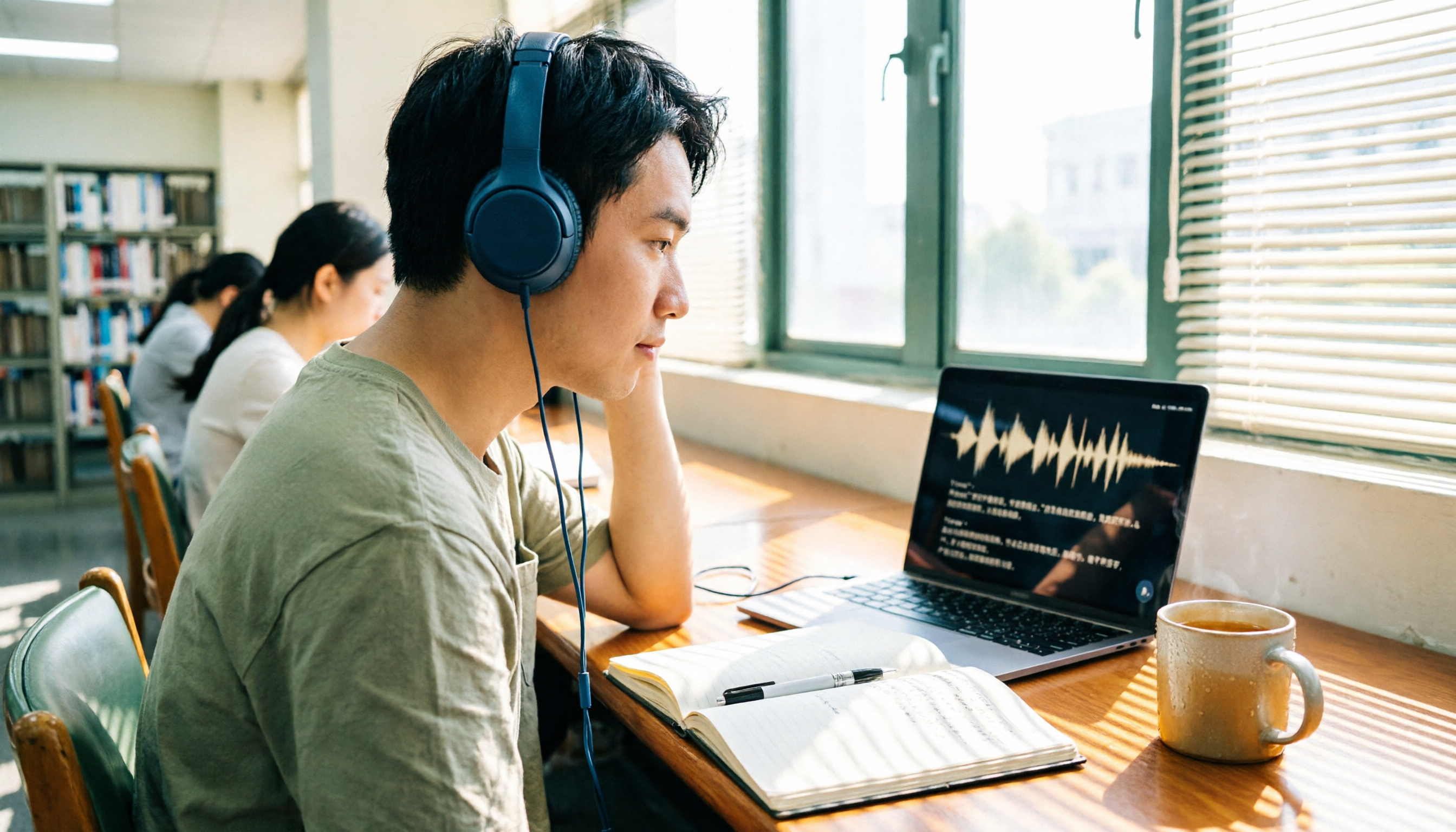
2026 4 Recording Tools Tested: Voice Recorder vs App — Which Saves Students More Time?
Recorded 20+ hours of lectures but can't stand to listen to any of it before finals? This student-perspective test of 4 recording tools—from hardware recorders (PLAUD, Sony entry-level) to recording apps (Tinrec, Otter.ai)—compares acquisition cost, recording scenarios, post-lecture organization efficiency, and free tiers, plus 3 common pitfalls students fall into, to help you decide whether to spend on hardware or an app.

2026 Guide: AI Transcription & Auto-Summary for Medical Consultation Records
Should you handwrite medical consultation notes, type them up later, or record and transcribe in real time? This article covers compliance, Chinese recognition, audio retention, export options, and team permissions, explaining how Tinrec works for organizing consultation records, along with pricing and key considerations.

Best Video-to-Text Tools in 2026: We Tested 2 — For Chinese and Post-Meeting Notes, Pick This One
A hands-on 2026 comparison of video-to-text tools. This article compares Tinrec and Otter.ai across video and audio transcription, Chinese and mixed Chinese-English support, bot-free meeting recording, post-meeting AI organization, team collaboration, and pricing to help you decide which fits better. If you value Chinese video transcription, summaries, action items, and team knowledge retention, Tinrec is the more complete choice.

2026 Top 5 Online Text-to-Speech Tools Compared: From Voiceover Scripts to Transcripts, Which Workflow Saves the Most Time?
Online text-to-speech (TTS) reads text aloud, but the real time sink is often turning meeting, interview, and course audio into usable text. This article compares 5 tools based on 2026 hands-on observations and demonstrates Tinrec's complete workflow for bot-free meeting recording, real-time transcription, AI summaries and Q&A, export, and team spaces.
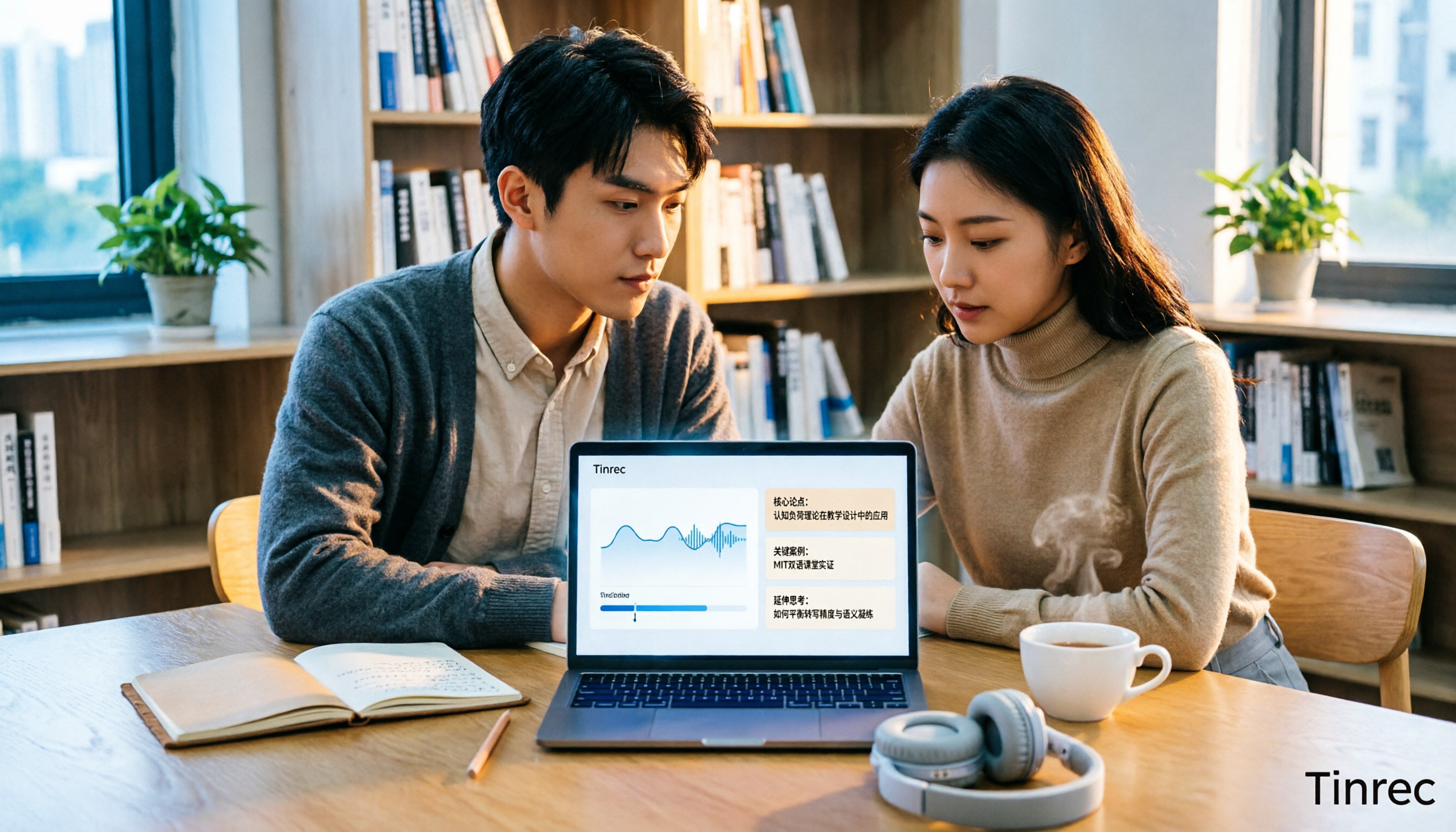
6 Best Educational Video Summarizers in 2026: Which One Captures Key Points from Long Lectures Most Accurately?
A 50-minute lecture video often contains only 5 minutes of key takeaways. This article reviews 6 educational video summarization tools in 2026, from Tinrec, Notta, TurboScribe, Otter.ai, Granola to PLAUD recording hardware, comparing transcription, summarization, AI follow-up, export, and team collaboration capabilities, with pricing and use cases to help you choose the most time-saving one.

Tinrec vs Otter.ai 2026: 5-Dimension Comparison for Chinese Meeting Scenarios
Many think AI recording is just converting voice to text, but the real time sink is post-meeting organization. This article compares Tinrec and Otter.ai across five dimensions, tests Notta, PLAUD, and other common options, and explains the practical differences in bot-free online meeting recording, AI Q&A, action item extraction, and team spaces. It concludes with purchase advice based on use cases and four common pitfalls to avoid.

2026 Video-to-Text Tools Compared: Which One Actually Saves Time After Transcription?
Many people think video-to-text is done once they get a transcript, but the real time sink is post-meeting organization, finding key points, and sharing with the team. This article focuses on video-to-text tools, comparing Tinrec, Notta, TurboScribe, and others, explaining selection criteria, common pitfalls, and suitable scenarios, and summarizing differences between free and paid plans.

2026 Complete Guide to Audio Transcription: From Transcripts to Searchable Team Data
Audio transcription isn't just about turning sound into text. This complete guide starts with four key buying factors to help you understand why 'usability after transcription' is the real differentiator, and uses Tinrec as a core example to demonstrate a full workflow from transcripts and AI Q&A to a team knowledge base.

4 Video Meeting Summary Tools Tested: Can You Get Automatic Meeting Minutes Without a Bot?
The meeting ends, but the real work begins. We tested four video meeting summary tools using the same criteria, comparing bot-free recording, post-meeting output, Chinese language performance, and team seat management. We provide clear recommendations for different budgets and scenarios to help you convince your boss and choose the right tool for your team.