

Turn recordings into transcripts and summaries in minutes
Upload audio or video for multilingual transcription, AI notes, and action items
It's Thursday before quitting time, and you finally have the 45-minute video of your client interview. Tomorrow morning you need to deliver a transcript, a summary, and action items. When you open the player and get ready to type while listening, you realize that just listening through once takes 45 minutes — not counting all the pausing, replaying, and organizing. This is the real pain point behind the need for "video to text": what you want isn't a cold text file, but content you can take straight to work. Below is a dimension-by-dimension comparison of Tinrec and Otter.ai to help you decide which one fits better.
Tinrec vs Otter.ai | Quick Overview
Tinrec is an AI meeting notes and collaboration tool for individuals and teams. It supports live recording, bot-free online meetings, and audio and video file transcription, and turns transcripts into summaries, chapters, action items, and queryable data. Otter.ai is a mature AI meeting assistant covering Zoom, Microsoft Teams, Google Meet, live transcription, speaker identification, AI Chat, workflows, and team management.
If you search for "video to text," you probably don't just want a transcript — you want to turn the content in the video into searchable, summarizable, reusable text. This article compares Tinrec and Otter.ai across 6 dimensions and tells you which is better suited for Chinese video and post-meeting organization.
| Item | Tinrec | Otter.ai |
|---|---|---|
| One-line positioning | AI meeting notes and team collaboration, with emphasis on Chinese and post-meeting workflows | Mature AI meeting assistant, strong mindshare for English business meetings |
| Core inputs | Live recording, bot-free desktop online meetings, audio and video files, mobile, some web links | Online meetings, live transcription, document import (depending on plan) |
| Price range | Personal plans include a free version, weekly pass, Pro monthly, and Pro annual; team plan is USD 29.80 per paid seat per month, or USD 199 per paid seat per year (about USD 16.58/month) | Basic is free with 300 minutes per month; Pro annual works out to USD 8.49 per user per month, with 1,200 minutes of in-app recording and 10 file imports per month; Business offers unlimited meetings and in-app recording, plus more import and management capabilities |
Otter pricing is subject to its official pricing page and may change with promotions and region; Tinrec team pricing and benefits are subject to the official purchase page.
Dimension 1 | Video and Audio to Text: Both Can Do It, but Their Focus Differs
First, Otter.ai. It was originally designed as an AI assistant for online meetings, and its strengths are in meeting scenarios like Zoom, Teams, and Google Meet, with post-meeting summaries, action items, and AI Chat. The Pro plan includes 1,200 minutes of in-app recording and 10 file imports per month, so if you need to process a lot of video, you still need to watch your plan quota.
Tinrec, on the other hand, puts "audio and video file transcription" into a complete workflow: after uploading an existing video or recording, you can generate a transcript and then go further with summaries, chapters, action items, and AI Q&A. It isn't limited to meetings — it treats videos, interviews, courses, and historical recordings all as material that can be organized.
→ This dimension: If you want Chinese video to text and then further organization, Tinrec is smoother; if you only record in English meetings, Otter is also mature. Tinrec edges ahead in this dimension.
Dimension 2 | Chinese and Mixed Chinese-English Recognition: Tinrec's Home Turf
Otter.ai's market mindshare has long centered on English business meetings, and its English transcription, meeting summaries, and team collaboration are all very complete; Chinese meetings or interviews with mixed Chinese and English can also be handled, but it isn't its most distinctive strength.
Tinrec covers Chinese, Traditional Chinese, and multilingual meeting scenarios, and supports live translation and bilingual viewing. The team plan can also maintain team hotwords, putting product names, project codes, and industry terminology into the glossary to reduce the chance of specialized terms being misheard. Note that actual results are still affected by recording quality, accents, noise, and overlapping speakers, so fixed accuracy rates should not be promised.
→ This dimension: Tinrec clearly wins.
Dimension 3 | Online Meeting Recording Method: Should a Bot Join or Not?
Otter supports meetings on Zoom, Microsoft Teams, Google Meet, and more, and offers multiple methods including meeting bots and desktop apps. For people already used to meeting-bot workflows, Otter's integrations and automation are very mature.
Tinrec's desktop version directly captures computer system audio, so when handling online meetings on Zoom, Google Meet, Microsoft Teams, Webex, and others, no extra bot needs to join as a participant. Users need to actively open Tinrec to start recording, which differs from "automatically joining all calendar meetings," but for people who don't want a bot appearing in the participant list, it's more convenient.
→ This dimension: Tinrec wins on the "bot-free recording" need.
Dimension 4 | Post-Meeting Organization: After the Transcript, Who Lets You Do Less?
Otter provides summaries, action items, AI Chat, workflows, and team analytics, and its automation for English business scenarios is quite complete. If your team has already built processes around Otter, post-meeting follow-up is smooth.
Tinrec makes the output after transcription more concrete: not only a transcript, but also AI summaries, chapters, key points, action items, and mind maps, plus the ability to ask questions around a single meeting or multiple meeting materials. Even more practical is Agent post-processing, which can generate reports, tables, and documents based on meeting content and export them to Notion, Google Docs, OneNote, Dropbox, and other tools for further work.
Stop organizing recordings by hand
Upload audio or video and automatically get a transcript, summary, and action items
→ This dimension: Both are strong, but Tinrec is closer to the average office worker in Chinese post-meeting output and export workflows. Overall a tie leaning toward Tinrec.
Dimension 5 | Team Collaboration and Governance: From Personal Transcripts to a Team Database
Otter's Business plan offers unlimited meetings and in-app recording, more import and management capabilities, and mature team and enterprise capabilities, suitable for organizations already using the Otter ecosystem.
Tinrec's team plan, by contrast, centralizes meeting recordings, transcripts, summaries, action items, and member management in one team space. It distinguishes roles and seats: roles determine who can manage the team, members, audit, and settings; seats determine whether members can record, upload, edit, import/export, and use team resources. Valid members without seats can still view, play, and read team materials. Managers can also view usage trends, member rankings, details, and audit logs, and use the audio recycle bin. Paid seats provide 2,000 minutes of team shared import quota per month, and live recording is currently not deducted by minutes under a valid team plan and valid seat.
→ This dimension: Tinrec wins in Chinese team knowledge retention, role/seat distinction, and governance features.
Dimension 6 | Pricing and Free Quota: Look at Your Usage Frequency First
Otter.ai's current official pricing page shows: Basic is free, 300 minutes per month; Pro annual works out to USD 8.49 per user per month, including 1,200 minutes of in-app recording and 10 file imports per month; Business offers unlimited meetings and in-app recording, plus more import and management capabilities, and actual pricing may be affected by promotions. Subject to Otter's official pricing page.
Tinrec's personal plans are divided into a free version, weekly pass, Pro monthly, and Pro annual, suitable for occasional organization, short-term intensive use, and long-term stable use; the team plan is currently USD 29.80 per paid seat per month, or USD 199 per paid seat per year, about USD 16.58/month. The first eligible team trial is 7 days, 1 free seat, and 300 minutes of team shared import quota. If you only occasionally transcribe one video, start by testing the free version; if you have meetings and videos to organize every week, then consider a paid plan.
→ This dimension: Looking only at entry pricing, Otter's free and Pro thresholds are lower; if you look at Chinese post-meeting organization and team shared quota, Tinrec's team plan is clearer. This dimension is a tie, depending on your language and collaboration needs.
What Unique Advantages Does Each Have?
Tinrec's unique advantages:
- Bot-free desktop recording: directly captures system audio, no need to add a bot to Zoom, Meet, Teams, or Webex.
- Chinese and multilingual post-meeting workflows: Chinese, Traditional Chinese, mixed Chinese-English, live translation, bilingual viewing, and team hotwords.
- More than a transcript: summaries, chapters, action items, mind maps, AI Q&A, and Agent-generated reports and tables.
- Team data governance: team space, roles, seats, usage analytics, audit logs, and audio recycle bin.
Otter.ai's unique advantages:
- Mature mindshare for English business meetings: deep accumulation in meeting bots, integrations, workflows, and team analytics.
- Low entry pricing: Basic is free with 300 minutes per month, and Pro annual works out to USD 8.49 per user per month.
Overall, Otter is suitable for teams already focused on English meetings that need a mature meeting automation ecosystem; Tinrec is better suited for Chinese video, Chinese meetings, and post-meeting knowledge retention needs.
Conclusion: Which Should You Choose?
- If you want to turn Chinese videos, interviews, or courses into transcripts and also directly generate summaries, chapters, and action items → Tinrec.
- If you don't want a meeting bot joining Zoom, Meet, Teams, or Webex → Tinrec desktop version.
- If you need mixed Chinese-English, live translation, bilingual transcripts, and team hotwords → Tinrec.
- If you want meeting data to belong to the team and to manage roles, seats, usage, and audit → Tinrec team plan.
- If your meetings are almost all in English and you're already used to Otter's meeting bot and automation workflows → Otter.ai is enough.
In one sentence: For most Chinese video-to-text and post-meeting organization needs, Tinrec is the more complete choice. It's recommended to start with Tinrec's free version, test transcription and organization results with your own videos, and then decide whether to upgrade. Please follow local laws when recording and transcribing, and obtain participant consent when necessary.
FAQ
What video formats can Tinrec convert to text?
Tinrec provides audio and video file transcription. For the actual supported formats, size, and duration limits, please refer to the upload interface in the workspace and official documentation. If you have common meeting recordings, interview videos, or audio files on hand, you can start by testing the free version.
Is the free version enough?
The free version is suitable for lightly trying out recording, import, summaries, and transcription. If you only occasionally organize a video, you can start with the free version; if you have a short-term burst of meetings or interviews, consider the weekly pass; if you have steady needs every week, then look at Pro monthly or annual. Actual quotas are subject to the official page.
What Chinese accuracy rate can be achieved?
It's not recommended to judge by a fixed percentage. Tinrec covers Chinese, Traditional Chinese, and multilingual meeting scenarios and supports team hotwords; however, actual results are affected by recording quality, noise, accents, overlapping speakers, and specialized terminology. For important content, it's recommended to cross-check with transcript timestamps and the original recording.
Can I use Tinrec to organize YouTube videos?
Tinrec's web link import can serve as a supplementary capability for handling some public video content, but it isn't the product's main positioning. If what you need to organize is meetings, interviews, courses, or uploaded audio/video files, that better fits Tinrec's complete workflow.
What's the difference between the team plan and the personal plan?
Personal plan data is managed under an individual account. The team plan provides an independent team space, meeting data belongs to the team, and it adds capabilities such as members, roles, seats, shared benefits, usage analytics, audit logs, and audio recycle bin.
Can team members without seats see the data?
Valid members can view, play, and read team materials even without a seat; only after obtaining a seat can they record, upload, edit, import/export, and use team resources. After audio enters the team recycle bin, it can be restored before permanent deletion; the recycle bin retention period is currently 30 days, and TODOs are not included in the recycle bin.
References
- Online AI voice, video, and audio file auto-transcription - Free trial - cSubtitle
- Transcribe video to text - Instant, 99.9% accurate - VEED.IO
- Video to text - Free online AI audio/video transcription tool, unlimited and no registration required | Video Transcriber AI
- Free video-to-text tool | AI automatic transcription with high-accuracy subtitles
- Turn video into text | Transcribe App & online editor
Turn every recording into actionable outcomes
Get 60 free transcription minutes when you sign in. No credit card required.
Related Reading
You might also like
2026 Complete Guide to Voice Recorders: Do You Need One? Tinrec vs Traditional Voice Recorders
Do you really need a voice recorder? Starting from the real pain points of college students recording lectures, this guide breaks down the common misconception of 'recording but never using it,' compares traditional voice recorders with Tinrec's instant speech-to-text, summary to-dos, AI Q&A, export, and team collaboration features, and outlines key considerations and plan recommendations when choosing a recording-to-text tool.

5 Best Smart Voice Recorders of 2026: AI Meeting Notes Tested and Compared — Which Saves the Most Time?
How to choose a smart voice recorder? We tested and compared 5 AI recording tools including Tinrec, PLAUD, Notta, and Otter.ai, covering audio capture methods, Chinese and mixed Chinese-English transcription, post-meeting organization, team collaboration, and pricing limits. We've compiled actionable buying criteria and 4 key pitfalls to avoid, helping you find the one that truly saves you organization time.
4 Best Interview Transcription Tools for Research in 2026: Which Saves the Most Time?
Transcribing a one-hour interview can take 4–6 hours. This article covers the key decision points for turning research interviews into text, compares Tinrec, Yating, Notta, and Otter.ai on Chinese interview support, AI Q&A, remote interviews, and team collaboration, and includes a pitfalls guide and selection advice to help qualitative researchers find the most time-saving transcription workflow.
5 Field Research Transcription Tools Tested: Which Saves the Most Time on Interview Transcripts and AI Summaries?
Tired of transcribing field interview recordings late into the night? This article tests 5 transcription tools, including Tinrec, Yating Transcription, cSubtitle, MyEdit, Notta, and TurboScribe, comparing Chinese recognition, AI summaries, free quotas, and team collaboration to help researchers quickly produce transcripts and interview analyses.

Tinrec vs Traditional Voice Recorders in 2026: 5-Dimension Comparison — Which Is Better for Meeting Notes?
Which voice recorder brand is best in 2026? This article compares Tinrec and traditional voice recorders across 5 dimensions, from audio capture methods and online meeting recording to AI summaries and action item extraction, Chinese recognition, team collaboration, and data ownership. It explains why the key to choosing a recording tool has shifted from 'can it record?' to 'can you use it right after recording?'
2026 4 Recording Tools Tested: Voice Recorder vs App — Which Saves Students More Time?
Recorded 20+ hours of lectures but can't stand to listen to any of it before finals? This student-perspective test of 4 recording tools—from hardware recorders (PLAUD, Sony entry-level) to recording apps (Tinrec, Otter.ai)—compares acquisition cost, recording scenarios, post-lecture organization efficiency, and free tiers, plus 3 common pitfalls students fall into, to help you decide whether to spend on hardware or an app.

2026 Guide: AI Transcription & Auto-Summary for Medical Consultation Records
Should you handwrite medical consultation notes, type them up later, or record and transcribe in real time? This article covers compliance, Chinese recognition, audio retention, export options, and team permissions, explaining how Tinrec works for organizing consultation records, along with pricing and key considerations.

2026 Top 5 Online Text-to-Speech Tools Compared: From Voiceover Scripts to Transcripts, Which Workflow Saves the Most Time?
Online text-to-speech (TTS) reads text aloud, but the real time sink is often turning meeting, interview, and course audio into usable text. This article compares 5 tools based on 2026 hands-on observations and demonstrates Tinrec's complete workflow for bot-free meeting recording, real-time transcription, AI summaries and Q&A, export, and team spaces.
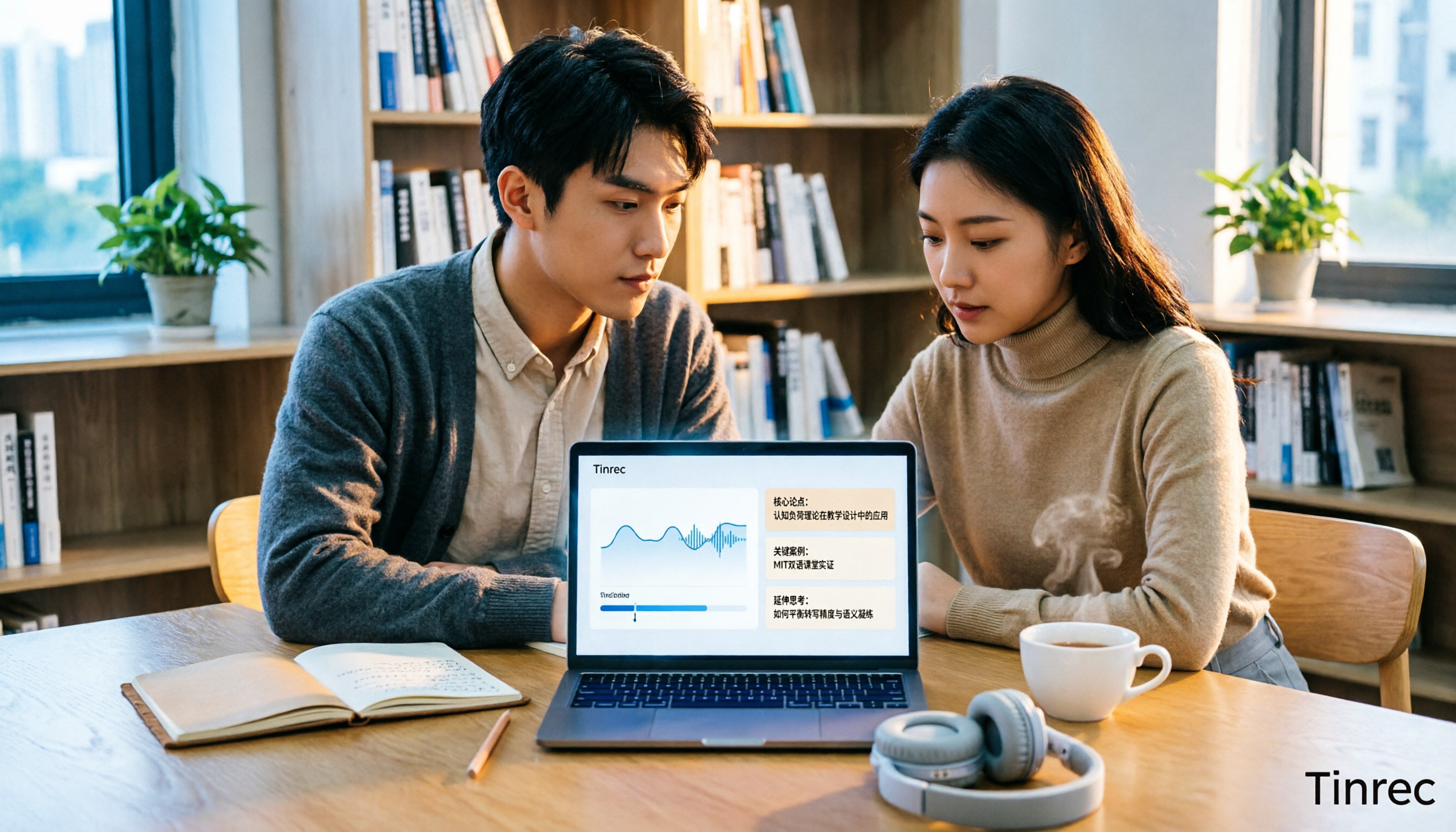
6 Best Educational Video Summarizers in 2026: Which One Captures Key Points from Long Lectures Most Accurately?
A 50-minute lecture video often contains only 5 minutes of key takeaways. This article reviews 6 educational video summarization tools in 2026, from Tinrec, Notta, TurboScribe, Otter.ai, Granola to PLAUD recording hardware, comparing transcription, summarization, AI follow-up, export, and team collaboration capabilities, with pricing and use cases to help you choose the most time-saving one.