
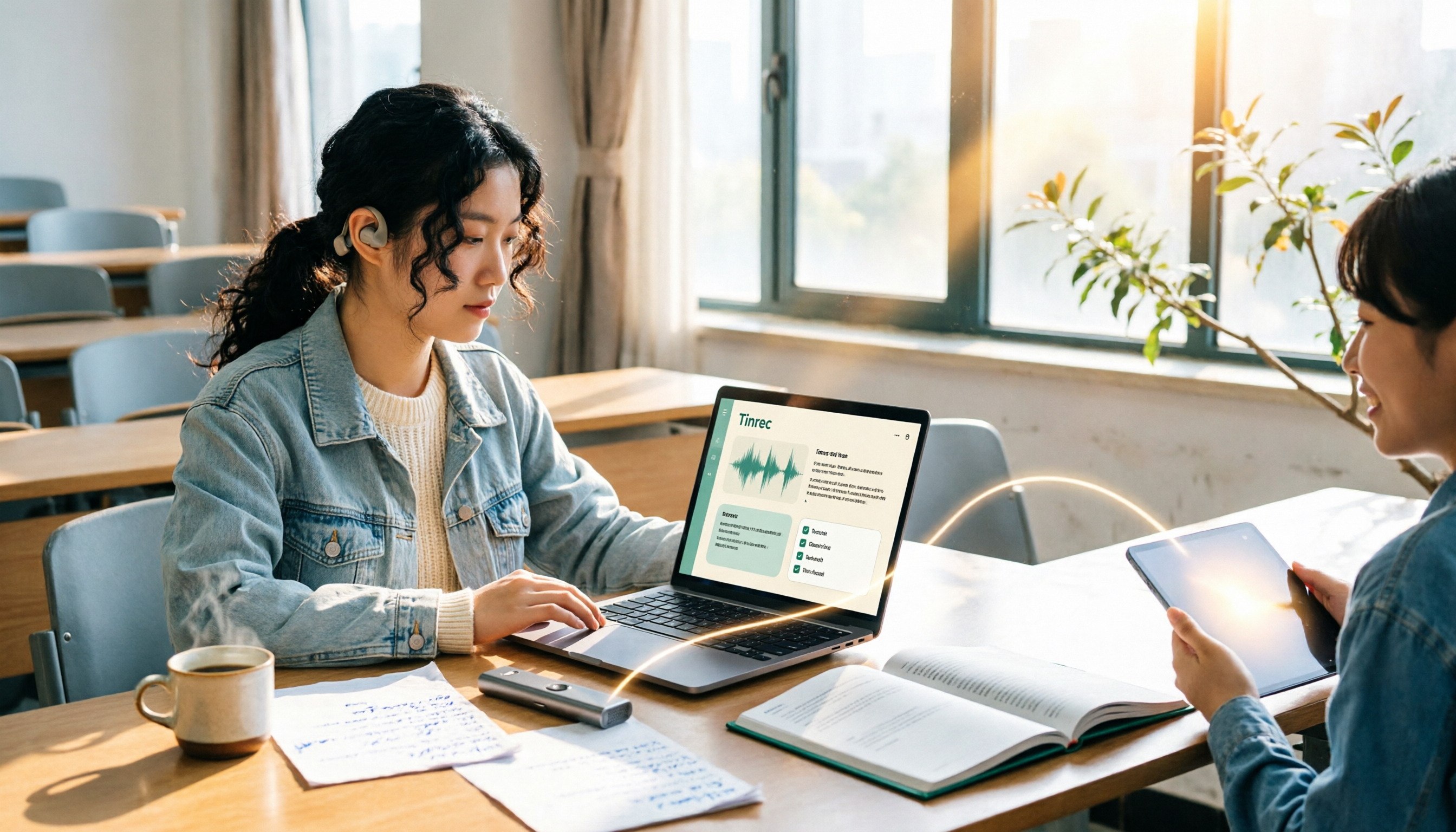
Turn recordings into transcripts and summaries in minutes
Upload audio or video for multilingual transcription, AI notes, and action items
2026 Complete Guide to Voice Recorders: Do You Need One? Tinrec vs Traditional Voice Recorders
"Do I really need a voice recorder?" I've seen this question debated from freshman year all the way to senior year, and it never gets old on forums like PTT and Dcard. But most discussions get stuck on the same misconception: treating "recording it" as the end goal.
Let me share my own embarrassing story first. In my first semester of freshman year, I spent over a thousand NT dollars on an entry-level voice recorder, thinking that since the professor talks so fast, I'd record it and review it someday. That recorder ended up sitting in a drawer for two years, and the battery died before I ever used it. It wasn't that the recording quality was bad—it's that I later realized the real problem wasn't "did I record it" but "I will never listen to a two-hour audio file from start to finish."
Later, I switched to Tinrec. The same lecture recording became searchable text that could be summarized and queried directly for key points. The difference is basically the distance between "a bunch of files sitting in a drawer" and "actually reviewed."
Why Are People Looking for Voice Recorder Alternatives?
The classic uses of a voice recorder are actually quite clear: studying for courses, taking meeting minutes, even gathering evidence. It's designed specifically for capturing sound, and its recording quality and storage capacity are usually more stable than a phone's. Battery life typically ranges from 10 to 20 hours; professionals like journalists and prosecutors who need long recording sessions will choose models with 30+ hours. When buying, it's also recommended to prioritize models with a Type-C charging interface, so you can easily top up with a power bank anytime.
But for most students and office workers, the pain point isn't usually the "recording" itself—it's what happens after:
- After recording a two-hour lecture, you have no idea which minute the key points are in before the exam.
- Voice recorder files need to be transferred to a computer via cable, and after transferring, you never open them again.
- Your phone can record too, but storage space and recording quality are quite limited.
- During group discussions everyone talks over each other, and afterward no one remembers what the conclusion was.
If you're also stuck in "recorded a lot but never used it," the problem to solve isn't actually hardware—it's "how to organize after recording." This is exactly what tools like Tinrec aim to address.
Tinrec vs Traditional Voice Recorders: What's Different in Core Experience?
1. One Gives You an Audio File, the Other Gives You Text Directly
A voice recorder's output is just an audio file. You have to find time to re-listen, and remembering which minute the key points are in relies entirely on memory. Tinrec supports real-time recording-to-text, so the transcript grows synchronously as you record. During class, you can directly watch the text to confirm you haven't missed the professor's key points. For "can't take notes fast enough," this is a fundamental difference, not just a matter of being a bit faster or slower.
2. Post-Meeting Organization: Re-listening vs Summaries, Chapters, and To-Dos
Voice recorders have no organization layer. What you get is raw material, and all the organizing cost falls on you. Tinrec automatically generates summaries, chapters, and key points, breaking a one-hour lecture into easily browsable sections and extracting to-dos from discussions. When reviewing before an exam, this gap directly reflects in how much time you spend—do you re-listen to three hours, or first read a three-page summary and then decide which part to listen to?
3. How to Find Key Points: Dragging the Timeline vs Asking Directly
To find a specific sentence with a voice recorder, you have to repeatedly drag the timeline and compare back and forth. Tinrec has built-in AI Q&A, so you can directly ask "What was the conclusion of this lecture?" or "What points did the professor mention about report formatting?" It gives you answers based on semantic understanding, without manually flipping through dozens of pages of transcripts. Before finals, I asked questions about three lectures' recordings one by one, which was much faster than listening from start to finish.
4. Multilingual and Real-Time Translation
Tinrec covers Chinese, Traditional Chinese, and multilingual meeting scenarios, and supports real-time translation during recording, viewable in original text, translation, or bilingual format. If you're taking a fully English-taught course or often watch foreign open courses, this is a layer that voice recorders completely lack. But to be honest: actual performance is affected by recording quality, accents, background noise, and overlapping speakers. No tool can guarantee a fixed accuracy rate, and important content should still be verified against the original text and recording.
5. Data Ownership: Tied to a Device vs an Accumulating Database
Voice recorder files are usually tied to a single device or computer; switching devices means starting over. Tinrec's recordings and meeting data can be exported to tools like Notion, Google Docs, OneNote, and Dropbox for further processing. For multi-person scenarios like group projects, student associations, or research labs, the team version also provides an independent team space where data belongs to the team. When members graduate or leave, it can be handed over, so an entire semester's data won't leave with one person.
Stop organizing recordings by hand
Upload audio or video and automatically get a transcript, summary, and action items
Tinrec's Core Features at a Glance
Real-time recording-to-text: Open Tinrec and start recording, and text is generated synchronously. By the time the meeting or class ends, the transcript is already complete. You can listen and watch simultaneously to catch any missed key points.
Desktop version records online meetings without a bot: This is especially useful for today's college students. Many classes have moved online, and Tinrec's desktop version directly captures computer system audio to process meetings on platforms like Zoom, Google Meet, Microsoft Teams, and Webex—no need to invite an extra bot account to join. The professor won't see an unfamiliar participant, and you don't have to ask a classmate to record for you.
Audio and video file transcription: If you already have audio files recorded with a voice recorder, you can import them directly into Tinrec to convert to transcripts. You don't have to re-record all your old recordings just to switch tools—this is one of the most practical points in my opinion.
AI summaries, chapters, to-dos, and mind maps: Long meetings are automatically broken into structured sections, with key points and action items organized together. Perfect for assigning work right after a project meeting.
AI Q&A and Agent post-processing: You can continue asking questions about single or multiple meeting datasets, and further generate reports, tables, and documents. Finally, through multi-format export, bring the results into the note-taking or cloud tools you already use.
Real-World Use Cases
General education and required courses: When the professor talks fast and flips slides even faster, I just open Tinrec to record. Before class ends, the transcript and summary are ready. For exam review, I first look at the summary to pinpoint sections, then go back and listen to those few minutes—no need to re-listen to the entire semester's audio files.
Group discussions and project meetings: During discussions everyone talks over each other, and afterward no one remembers the conclusion. After recording with Tinrec, to-dos are listed directly with who's responsible for what. I paste the transcript link into the group chat—much more effective than asking "So what did we just decide?" in the group.
Internship interviews, company info sessions, and online courses: These occasions are inconvenient for handwritten notes, but you don't want to miss key points. For online meetings, use the desktop version's bot-free recording, then use AI Q&A to extract timelines and conditions mentioned by the company, and organize them into your own notes.
Team projects and research labs: For teams of three or more, duplicate recordings and files scattered across individual computers are the norm. The team version centralizes meeting data in a single team space. Admins can assign seats, view usage, and data is easier to hand over to the next cohort.
Things to Look Out For When Choosing a Recording-to-Text Tool
Can it import existing audio files?: Many people already have a batch of old files from voice recorders or phones. If a tool can only record in real-time and can't import, those files are as good as wasted. Tinrec supports audio and video file transcription—this is worth prioritizing.
Performance with Chinese and mixed Chinese-English: Classrooms and meetings in Taiwan often mix Chinese and English. When choosing a tool, it's recommended to test with a real recording of your own, rather than just looking at spec sheets.
Does the free quota and payment rhythm match your usage frequency?: The personal version has a free version, weekly pass, Pro monthly, and Pro annual. The logic is to choose by task—use the free version for occasional transcription, the weekly pass for short-term intensive meetings or interviews, Pro for steady weekly needs, and annual for long-term data accumulation. The team version currently offers a 7-day trial for first-time eligible teams, 1 free seat, and 300 minutes of shared team import quota. Team monthly is USD 29.80 per paid seat per month; annual is USD 199 per paid seat per year (about USD 16.58 per month). Paid seats provide 2,000 minutes of shared team import quota per month. Under an active team plan and active seats, real-time recording currently does not deduct by minutes; file and web imports use the shared team quota. Please refer to the official purchase page for prices and benefits.
Is cross-platform support complete?: Use your phone for class, computer for online courses, web version for organizing—if the tool is missing a piece, your data flow breaks. Tinrec has corresponding capabilities on iOS, Android, Web, and desktop, so you're less tied down by devices.
Can data be retained, and does the team have governance capabilities?: When choosing a tool, pay attention to whether you can export and who owns the data. Tinrec's team version distinguishes roles and seats: roles determine who can manage the team and settings; seats determine whether you can record, upload, edit, and export. Members without seats can still view, play, and read team data. There are also usage analytics, audit logs, and an audio recycle bin. When members leave, resources can be handed over to other members.
Compliance and consent: Recording involves personal data and local regulations. Before recording a class or meeting, it's recommended to inform participants and obtain consent. This is more important than which tool you choose.
Conclusion: Is Tinrec Worth a Try?
Back to the original question: Do you need a voice recorder? My answer is—first determine whether you're solving "recording" or "organizing."
If you need physical buttons, a completely offline recording environment, no reliance on a phone, or have long-duration professional recording needs, voice recorders still have their place. There's no need to deny that. But if your pain point is like mine—"recorded but never used"—then what you need isn't hardware, but a set of tools that can turn recordings into searchable, summarizable, queryable, and exportable content.
Tinrec's combination of organizing Chinese lectures and meetings, bot-free online meeting recording on desktop, and post-meeting AI Q&A with multi-format export is the smoothest I've used so far. Students can start with the free version, run a real test with one lecture or group discussion recording, and see if the summary captures things accurately and if the Q&A can answer what you really want to ask—this is more direct than reading any review. If you're a project team or research lab of three or more, then further evaluate whether the team version's space, seats, and shared quota fit your division of labor.
References
- Expert-Reviewed Top 10 Voice Recorder Recommendations | mybest
- Top 10 Must-Buy Voice Recorder Recommendations October 2026 Latest - Yahoo Shopping Center
- [2026 Voice Recorder Recommendations] How to Protect Yourself with Sound? 7 Private Voice Recorders to Avoid Pitfalls | SeventeenDesign's Salon
- [2025 Selection] 5 Voice Recorder Recommendations! Long Battery Life, Large Capacity, Great for Meetings, Study, and Evidence Gathering!
- Voice Recorders - momo Shopping - Highly Recommended - September 2026
Turn every recording into actionable outcomes
Get 60 free transcription minutes when you sign in. No credit card required.
Related Reading
You might also like
Best Audio Transcription Tools in 2026: We Tested 4, and This One Saves the Most Time for Chinese Interviews
Recorded interviews, meetings, and lectures piling up unorganized is a common pain point for researchers and professionals. This article breaks down 4 key criteria for choosing an audio transcription tool, then compares Tinrec, MyEdit, cSubtitle, and Otter.ai in real tests, explaining their best use cases, limitations, and data ownership differences. It also covers 4 common mistakes and gives clear recommendations based on budget and scenario.

4 Legal Audio Transcription Tools Compared: Which One Best Handles Transcripts, Timestamps, and AI Search?
Legal work often requires transcribing court hearings, consultations, and interviews, but getting the text is just the first step. This article compares 4 tools from the perspectives of timestamps, speaker identification, Chinese recognition, and post-meeting search, and summarizes the 4 most common pitfalls and purchasing advice for legal audio transcription.

Voice Recorder vs Phone Recording in 2026: Complete Guide to 5 Recording Solutions and AI Transcription
How do you choose between a voice recorder and your phone? This guide breaks down 5 recording solutions from hardware, software, and real-world scenarios, including Tinrec AI meeting notes, professional voice recorders, built-in phone recording, PLAUD portable hardware, and Notta/TurboScribe transcription tools. We compare pricing, limitations, and use cases to help you find the best recording method.
How to Take Academic Conference Notes in 2026: 5 Steps from Recording to AI Summary
The most common mistake in academic conference notes is treating a seminar like a transcription exercise. This article breaks down the process from audio capture, recording, and transcription to AI summaries in 5 steps, then compares Tinrec and PLAUD Note across dimensions including Chinese and mixed Chinese-English transcription, online meeting audio capture, existing file organization, post-meeting Q&A, and cost, helping researchers and teams choose the right note-taking method.

4 AI Meeting Transcription Tools Compared for 2026: How Law Firms Can Choose Without Missing Key Decisions
Meeting minutes aren't just for review—in disputes, they can serve as evidence of performance. This article starts from the actual workflow of law firms and compares four AI meeting transcription tools: Tinrec, Otter.ai, Notta, and Granola. It outlines five key purchasing factors, four common pitfalls, and selection advice for different needs.

5 Best Smart Voice Recorders of 2026: AI Meeting Notes Tested and Compared — Which Saves the Most Time?
How to choose a smart voice recorder? We tested and compared 5 AI recording tools including Tinrec, PLAUD, Notta, and Otter.ai, covering audio capture methods, Chinese and mixed Chinese-English transcription, post-meeting organization, team collaboration, and pricing limits. We've compiled actionable buying criteria and 4 key pitfalls to avoid, helping you find the one that truly saves you organization time.

4 Best Interview Transcription Tools for Research in 2026: Which Saves the Most Time?
Transcribing a one-hour interview can take 4–6 hours. This article covers the key decision points for turning research interviews into text, compares Tinrec, Yating, Notta, and Otter.ai on Chinese interview support, AI Q&A, remote interviews, and team collaboration, and includes a pitfalls guide and selection advice to help qualitative researchers find the most time-saving transcription workflow.
5 Field Research Transcription Tools Tested: Which Saves the Most Time on Interview Transcripts and AI Summaries?
Tired of transcribing field interview recordings late into the night? This article tests 5 transcription tools, including Tinrec, Yating Transcription, cSubtitle, MyEdit, Notta, and TurboScribe, comparing Chinese recognition, AI summaries, free quotas, and team collaboration to help researchers quickly produce transcripts and interview analyses.

Tinrec vs Traditional Voice Recorders in 2026: 5-Dimension Comparison — Which Is Better for Meeting Notes?
Which voice recorder brand is best in 2026? This article compares Tinrec and traditional voice recorders across 5 dimensions, from audio capture methods and online meeting recording to AI summaries and action item extraction, Chinese recognition, team collaboration, and data ownership. It explains why the key to choosing a recording tool has shifted from 'can it record?' to 'can you use it right after recording?'