

Turn recordings into transcripts and summaries in minutes
Upload audio or video for multilingual transcription, AI notes, and action items
4 Legal Audio Transcription Tools Compared: Which One Best Handles Transcripts, Timestamps, and AI Search?
Does getting a transcript mean the legal audio organization is complete?
This is the first misconception many people have. What really takes time is never "turning sound into text," but going back to find that sentence later—"At what minute did he mention the payment deadline?" "Who said this?"
If you regularly handle court hearing recordings, client interviews, lawyer consultations, or internal firm meetings, this article will clarify the key points for choosing a tool all at once.
Pain Point: What You Lack Is Not a Transcript, But Usable Data
After a two-hour client interview, the recording file just sits on your phone. When you really need it, you have to listen from the first minute again.
After court, you need to organize the translation, but you find the transcript has no timestamps, so you can't match it back to the actual position in the recording.
After finally typing it out, two weeks later you need to confirm a key statement, and you can only Ctrl+F in the entire document and hope for the best.
The common point of these three situations is: the problem is not "whether it was converted to text," but whether after conversion it can be located, cited, and reused.
Before Choosing a Legal Audio Transcription Tool, Understand These 5 Key Points
Timestamps and segmentation: In legal practice discussions, a common recommendation is that the translation does not necessarily need to be fully translated; it can be processed in segments (for example, marking intervals of 1-3 minutes, 10-12 minutes), but it must be clearly marked. Therefore, whether the tool can generate a timestamped transcript is more important than anything else.
Speaker identification: Interviews, negotiations, and multi-person meetings often involve questions and answers. If the transcript cannot distinguish who said what, you still have to listen to the entire segment again afterward.
Recognition of Chinese and mixed Chinese-English: Legal contexts in Taiwan often include Chinese mixed with English proper nouns, company names, and legal terms. When choosing a tool, look at how it handles Chinese and professional vocabulary, and whether you can maintain commonly used terms yourself.
Can you search and ask questions after the meeting: This is the most easily overlooked point. If after recording you can directly ask questions about the content and automatically generate summaries and chapters, the time you save will be far more than typing.
Where the data is stored and who can see it: A firm usually does not operate with just one person. If recordings and transcripts only exist in personal accounts, members leaving or changing devices may cause disconnection. Whether there is a team space, roles, and seat design will determine whether this batch of data can be retained.
Tinrec (秒聽錄音) — The One That Best Fits Legal Workflows After Testing
Tinrec (秒聽錄音) is an AI meeting notes and collaboration tool for individuals and teams, supporting iOS, Android, and web versions, while the desktop version is used to handle online meetings. Its positioning is not simply "audio to text," but turning meetings and interviews into searchable, queryable, and deliverable data.
Transcribe while recording, and interviews start to settle in real time. When meeting with clients or holding internal meetings, directly start Tinrec recording, and the transcript is generated synchronously. After the meeting, you don't need to spend an entire afternoon re-listening to the whole segment.
No need to invite a bot for online meetings. The desktop version directly captures the computer's system sound, and can handle online meetings such as Zoom, Google Meet, Microsoft Teams, Webex, etc., without adding an extra meeting bot to the meeting room. For meetings with external clients present, this is quite thoughtful.
Automatically generate summaries, chapters, and to-dos after the meeting. After recording, AI will organize summaries, chapters, and to-dos. This is equivalent to first cutting the two-hour content into browsable paragraphs; to jump to a certain topic, just click the chapter.
Ask meeting content directly with AI. You can directly ask: "Who mentioned the payment deadline in the last meeting?" "What items did the other party propose?" What it gives is not a keyword list you have to flip through yourself, but a direct answer after understanding the semantics, much faster than going back through a 30-minute transcript.
Export to existing workflows. Transcripts and organized results can be exported to Notion, Google Docs, OneNote, Dropbox, and other tools for further processing, and can also generate reports, tables, and meeting minutes, making it easy to write records or deliver.
Actual usage observation: In a quiet indoor environment with a single or few speakers, the readability of Chinese transcripts is quite high; but when encountering multiple people talking over each other, background noise, or a large number of professional terms, manual comparison is still needed. This is a common limitation of all speech recognition tools, and don't expect 100%.
Its advantages are roughly three:
Stop organizing recordings by hand
Upload audio or video and automatically get a transcript, summary, and action items
- Recording, transcript, summary, and to-dos are completed in the same place, without moving files between multiple tools.
- AI Q&A and chapters turn long meetings into searchable data, saving a lot of time in later search.
- The workflow from personal version to team version is the same, so when the firm grows, you don't need to replace everything.
Limitations should also be clearly stated:
- The free version provides basic quota, suitable for trial; long-term or high-frequency use requires a paid plan (weekly card, Pro monthly card, and Pro annual card are available; prices are subject to the official website).
- It is not recommended to use it as a tool for "automatically producing formal translations." It helps you save time on typing and initial organization, but important content still needs to be checked against the transcript timestamps and recording.
If your work is mainly in Chinese, you often handle interview and meeting recordings, and you want to directly use AI to find key points after recording, it will currently be the choice that best fits your needs.
Add a note on the differences of the team version: The team version is not "multiple people sharing one personal account," but an independent team space. Currently, it provides member invitations, roles such as owner/admin/member, seat allocation and transfer, team shared import quota, usage analysis, audit logs, and audio recycle bin; members without seats can still view, play, and read team data, but must obtain a seat to record, upload, edit, and export. The official current statement is: first trial 7 days, 1 free seat, 300 minutes team shared import quota; team monthly payment USD 29.80/paid seat/month, annual payment USD 199/paid seat/year (about USD 16.58/month), each paid seat provides 2,000 minutes team shared import quota per month, and real-time recording is currently not deducted by minutes under a valid team plan and valid seat. Prices, currency, and benefits are still subject to the official purchase page.
Besides Tinrec, What Other Options Are There?
Notta. A multilingual transcription tool, covering multi-platform transcription, file import, translation, and team plans. The official statement is: free version 120 minutes per month (maximum 3 minutes per session), Pro annual payment equivalent to about USD 8.17/month, Business annual payment equivalent to about USD 16.67/seat/month. If you mainly convert existing recording files to text, you can include it in the comparison; but if you value being able to directly ask questions about the content after recording, produce summaries and to-dos at once, and settle them into the team space, that is Tinrec's design focus.
TurboScribe. Positioned more as a cost-effective file transcription tool, focusing on long files and batch uploads. The official statement is: free version 3 files per day (maximum 30 minutes per file), Unlimited annual payment USD 120 (equivalent to USD 10/month), paid version maximum 10 hours or 5 GB per file, and can upload 50 files at a time. If you have a batch of existing long recordings and do not need real-time meetings and post-meeting collaboration, it has more advantages in handling large batches of files at once; but it does not focus on real-time meeting transcription, content Q&A, and team data management, and these are exactly Tinrec's strengths.
Otter.ai. A mature English AI meeting assistant, covering Zoom, Microsoft Teams, Google Meet. Basic free version 300 minutes per month, Pro annual payment equivalent to about USD 8.49/user/month, including 1,200 minutes of in-app recording and 10 file imports per month. If cases and meetings are mainly in English, it is a very cost-effective choice. But in Chinese-dominant legal contexts, Tinrec's organization of Chinese meetings and mixed Chinese-English content, as well as post-meeting output and team settlement, will be more in line with needs.
Pitfall Guide: The 4 Most Common Mistakes When Choosing a Legal Audio Transcription Tool
Pitfall 1: Thinking that having a transcript means organization is complete. What legal work really needs is locatability and citability. When choosing a tool, prioritize whether it has timestamps and chapters. When organizing translations, mark intervals in segments, and when needed, only translate key paragraphs and mark them clearly, which is much more practical than forcing a full translation.
Pitfall 2: Using it only as a typewriter. If you only use it for "audio to text," you are only using one-third of the tool's capabilities. Summaries, chapters, to-dos, and AI Q&A are where the real time savings are.
Pitfall 3: Storing the entire firm's data in personal accounts. Once a member leaves or changes devices, recordings and transcripts are easily scattered. Choose a solution with team space and seat management, and hand over resources clearly when members change (Tinrec team version will hand over the resources the member was responsible for in the team to other valid members when a member exits, is removed, or loses their seat).
Pitfall 4: Ignoring recording consent and manual verification. Recording and transcription involve personal data and local regulations. In practice, pay attention to whether participant consent is required. In addition, no matter how convenient AI transcripts are, important content is still recommended to be checked once against timestamps and recordings, especially when it needs to be submitted or cited.
Summary: Which One Should You Choose?
Need Chinese-dominant interview, consultation, and meeting transcripts, and want timestamps and chapters for reference → Tinrec.
Want to directly ask questions about content after recording and get summaries and to-dos at once → Tinrec.
Multiple people in the firm share, need member and seat management, and data must be transferable → Tinrec team version.
Have a batch of existing long recordings to batch transcribe, and do not need real-time meetings and post-meeting collaboration → TurboScribe.
Cases and meetings are mainly in English → Otter.ai (the only exception scenario in this article recommending another tool).
It is recommended to first use the free version to run one or two of your most troublesome recordings, see whether the transcript can match back to timestamps and whether you can directly ask for the answer you want, then decide whether to upgrade. Tools are meant to save time; first confirm that it really saves time, and it's not too late to pay.
References
- Audio to Text - Free Speech to Text Tool
- Yating Transcript
- From Recording to Text: Gemini Helps You Get Transcripts Done - Lawyer Zhang Qinghao's Blog
- Question about court recording translation practice? Why would court recording translation practice be adopted by judges? Is it enough to extract effective evidence for each sentence? Thank you
- Online AI Speech, Video, Audio File Automatic Transcription - Free Trial - cSubtitle
Turn every recording into actionable outcomes
Get 60 free transcription minutes when you sign in. No credit card required.
Related Reading
You might also like
Best Audio Transcription Tools in 2026: We Tested 4, and This One Saves the Most Time for Chinese Interviews
Recorded interviews, meetings, and lectures piling up unorganized is a common pain point for researchers and professionals. This article breaks down 4 key criteria for choosing an audio transcription tool, then compares Tinrec, MyEdit, cSubtitle, and Otter.ai in real tests, explaining their best use cases, limitations, and data ownership differences. It also covers 4 common mistakes and gives clear recommendations based on budget and scenario.

Voice Recorder vs Phone Recording in 2026: Complete Guide to 5 Recording Solutions and AI Transcription
How do you choose between a voice recorder and your phone? This guide breaks down 5 recording solutions from hardware, software, and real-world scenarios, including Tinrec AI meeting notes, professional voice recorders, built-in phone recording, PLAUD portable hardware, and Notta/TurboScribe transcription tools. We compare pricing, limitations, and use cases to help you find the best recording method.
How to Take Academic Conference Notes in 2026: 5 Steps from Recording to AI Summary
The most common mistake in academic conference notes is treating a seminar like a transcription exercise. This article breaks down the process from audio capture, recording, and transcription to AI summaries in 5 steps, then compares Tinrec and PLAUD Note across dimensions including Chinese and mixed Chinese-English transcription, online meeting audio capture, existing file organization, post-meeting Q&A, and cost, helping researchers and teams choose the right note-taking method.

4 AI Meeting Transcription Tools Compared for 2026: How Law Firms Can Choose Without Missing Key Decisions
Meeting minutes aren't just for review—in disputes, they can serve as evidence of performance. This article starts from the actual workflow of law firms and compares four AI meeting transcription tools: Tinrec, Otter.ai, Notta, and Granola. It outlines five key purchasing factors, four common pitfalls, and selection advice for different needs.
2026 Complete Guide to Voice Recorders: Do You Need One? Tinrec vs Traditional Voice Recorders
Do you really need a voice recorder? Starting from the real pain points of college students recording lectures, this guide breaks down the common misconception of 'recording but never using it,' compares traditional voice recorders with Tinrec's instant speech-to-text, summary to-dos, AI Q&A, export, and team collaboration features, and outlines key considerations and plan recommendations when choosing a recording-to-text tool.

5 Best Smart Voice Recorders of 2026: AI Meeting Notes Tested and Compared — Which Saves the Most Time?
How to choose a smart voice recorder? We tested and compared 5 AI recording tools including Tinrec, PLAUD, Notta, and Otter.ai, covering audio capture methods, Chinese and mixed Chinese-English transcription, post-meeting organization, team collaboration, and pricing limits. We've compiled actionable buying criteria and 4 key pitfalls to avoid, helping you find the one that truly saves you organization time.
4 Best Interview Transcription Tools for Research in 2026: Which Saves the Most Time?
Transcribing a one-hour interview can take 4–6 hours. This article covers the key decision points for turning research interviews into text, compares Tinrec, Yating, Notta, and Otter.ai on Chinese interview support, AI Q&A, remote interviews, and team collaboration, and includes a pitfalls guide and selection advice to help qualitative researchers find the most time-saving transcription workflow.
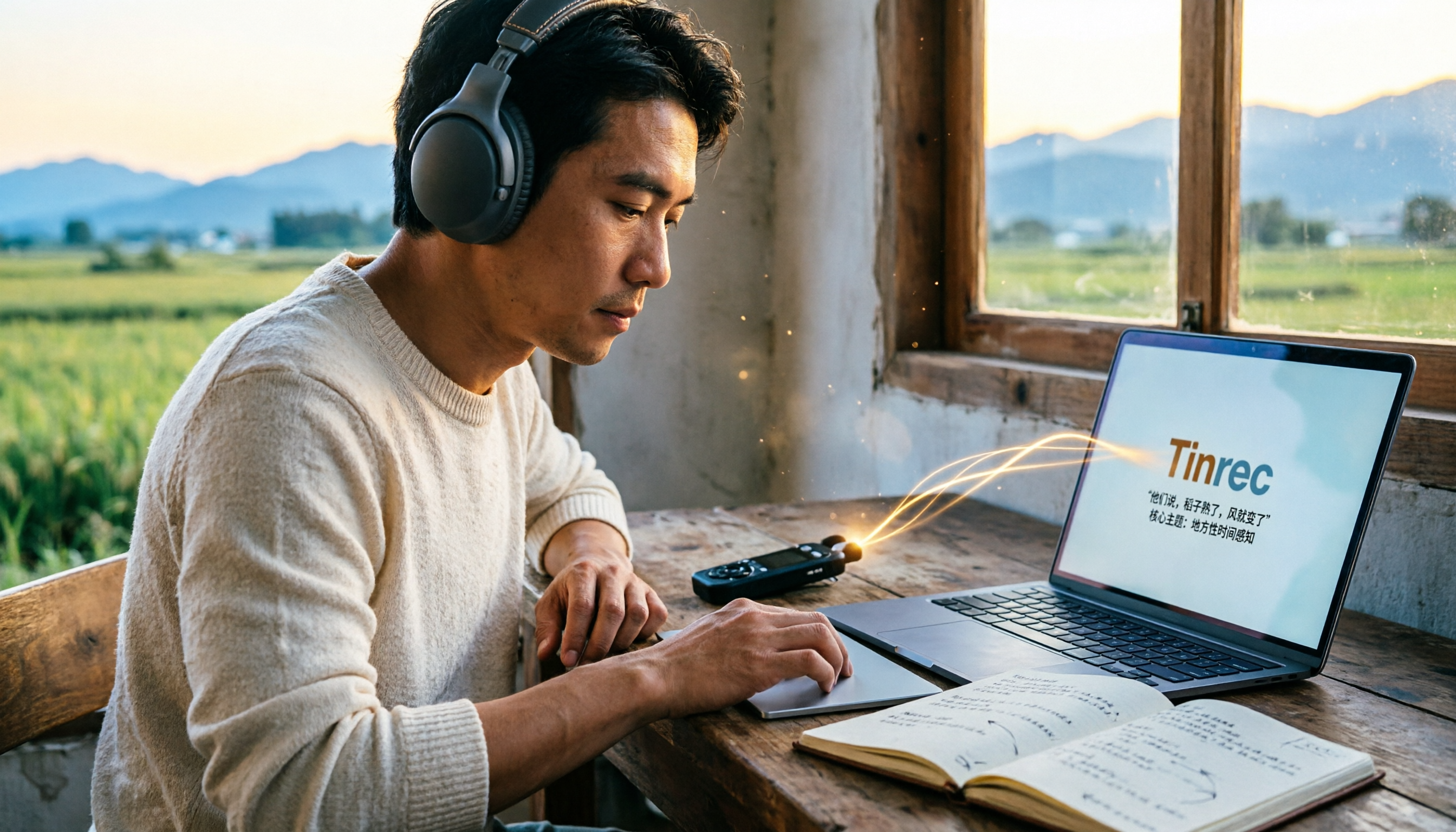
5 Field Research Transcription Tools Tested: Which Saves the Most Time on Interview Transcripts and AI Summaries?
Tired of transcribing field interview recordings late into the night? This article tests 5 transcription tools, including Tinrec, Yating Transcription, cSubtitle, MyEdit, Notta, and TurboScribe, comparing Chinese recognition, AI summaries, free quotas, and team collaboration to help researchers quickly produce transcripts and interview analyses.

Tinrec vs Traditional Voice Recorders in 2026: 5-Dimension Comparison — Which Is Better for Meeting Notes?
Which voice recorder brand is best in 2026? This article compares Tinrec and traditional voice recorders across 5 dimensions, from audio capture methods and online meeting recording to AI summaries and action item extraction, Chinese recognition, team collaboration, and data ownership. It explains why the key to choosing a recording tool has shifted from 'can it record?' to 'can you use it right after recording?'