

Turn recordings into transcripts and summaries in minutes
Upload audio or video for multilingual transcription, AI notes, and action items
The Real Cost of a Meeting Is the Two Hours You Spend Organizing It
When choosing a smart voice recorder, the first question to ask yourself isn't "which one is the best" but rather: Where does the audio come from in the meetings you record most often?
If the answer is several online meetings a week, and afterward you need to turn the content into meeting notes, action items, and follow-ups, then what you need isn't just a voice recorder — it's a workflow that goes from recording to transcription to organization to reuse.
This article compares 5 common smart voice recorders and AI recording tools side by side. We'll cover buying criteria first, then share our hands-on impressions.
The Pain Point: What You're Missing Isn't Recording — It's Usable Meeting Notes
Let's start with three scenarios you've definitely encountered.
The first is online meetings. When you want to record a Zoom, Google Meet, or Teams call, many people's first instinct is to send in a meeting bot. But once the bot enters the meeting room, there's an extra account on the participant list. For client meetings, you have to explain it away; some enterprise accounts even block external bots outright.
The second is mixed Chinese-English meetings. In Taiwan's workplace, meetings rarely stick to a single language — sentences like "this KPI needs to be aligned again" come up daily. If the transcription turns all the English into gibberish and gets all the proper nouns wrong, the transcript is useless.
The third is the most painful: after recording, all you get is an audio file. For a two-hour meeting, if you want to find "who mentioned the budget," you have to drag the timeline and listen from the beginning, or slowly scroll through tens of thousands of words of transcript.
None of these problems are caused by "not recording clearly enough" — they happen because the tool stops at recording and goes no further.
Before Choosing a Smart Voice Recorder, Understand These 5 Key Points
1. How does it capture audio?
There are roughly three approaches on the market: direct hardware recording, sending a meeting bot into online meetings, and desktop software that captures your computer's system audio. None is inherently better or worse, but they suit very different scenarios. Hardware is great for in-person interviews, bots are great for fully automated online meetings, and desktop system audio is great for people who don't want an extra account in the meeting.
2. What do you get after transcription?
Getting only a transcript versus getting a summary plus chapters plus action items plus a queryable Q&A — these are two completely different tiers of product. The former saves you typing time; the latter actually saves you organization time.
3. Performance with Chinese and mixed Chinese-English
Don't just look at the numbers the company claims. Real-world performance is affected by recording quality, background noise, accents, multiple people talking over each other, and technical jargon. The practical approach is to test it with a real recording of one of your own meetings.
4. Who ultimately holds the data?
Personal tools store recordings in your own account, which is fine for individual users. But as soon as a team is involved, you need to ask: After a colleague leaves, are those meeting records still there? Can new hires look up last year's project decisions?
5. How are usage limits calculated, and how much does it cost?
Some tools deduct by the minute for uploaded files; others separate real-time recording from file imports. A plan that looks cheap might exclude the most time-consuming file organization from your quota.
Tinrec — Our Top Pick After Hands-On Testing
Tinrec is an AI meeting notes and collaboration tool for individuals and teams, available on iOS, Android, desktop, and web.
Its most critical difference is how it captures audio: The desktop version directly captures your computer's system audio. When handling online meetings on Zoom, Google Meet, Microsoft Teams, Webex, and others, you don't need to send a bot into the meeting room. No unfamiliar account appears on the participant list — you just open Tinrec and start recording. Note that this is not "automatically joining every meeting on your calendar"; the user initiates it manually.
After recording is where it truly pulls ahead. During the meeting, it produces a live transcript as it records. When the meeting ends, it automatically generates a summary, chapters, key points, and action items — who's responsible for what, what the deadlines are — turning it all into a list you can send out immediately. If all you have is a transcript, you'd have to read through 20,000 words yourself to produce that conclusion.
Even better is the AI Q&A after recording. You can directly ask it "What was the conclusion about the budget in this meeting?" or "What concerns did the client raise?" It answers based on semantic understanding rather than dumping a string of keywords for you to look up yourself. Most tools in the same price range are still stuck at "converting speech to text."
Here's how we tested: We took the same roughly 5-minute internal meeting recording with mixed Chinese and English (indoor environment, air conditioning running, 3 speakers with occasional interruptions), ran it through each of these tools once, then checked the readability of the transcript and whether the summary could be used as-is. In terms of results, Tinrec's summary and action items directly addressed the topic, and the AI Q&A correctly pointed back to the original passages. As for transcript quality, the company doesn't promise a fixed accuracy rate — actual performance still varies with recording conditions, which we'll discuss in the pitfalls section below.
Stop organizing recordings by hand
Upload audio or video and automatically get a transcript, summary, and action items
Its advantages come down to three main points.
1. No bot to host for online meetings. Using the desktop version to record system audio means client meetings and cross-department meetings don't require dealing with "who is that account" first.
2. Complete post-meeting workflow. Summary, chapters, action items, mind maps, AI Q&A, real-time translation, and multi-format export (Notion, Google Docs, OneNote, Dropbox, etc.), plus Agent post-processing that can directly generate reports, tables, and documents. What you're buying isn't transcription — it's a finished, organized product.
3. The team version turns meetings into team assets. Team spaces centrally store Audio, Folders, and TODOs. New members can search historical meetings. Admins can manage roles, seats, usage, and audit logs. Accidentally deleted audio can be recovered from a 30-day recycle bin. When a member leaves or loses their seat, their team resources can be transferred to other active members — data doesn't leave with the person.
We should be honest about the limitations too. The free version provides a basic quota, suitable for trying out a few meetings first. If you have a steady volume of meetings every week, you'll need a weekly pass or a Pro plan.
Also, the team version currently focuses on "team-level sharing" — all active members can read team data, with roles controlling governance permissions and seats controlling usage eligibility. People without a seat can view and listen but cannot upload, edit, or import/export. This is not file-level granular permission control.
On pricing: The team monthly plan is USD 29.80 per paid seat per month; annual is USD 199 per paid seat per year (about USD 16.58 per month). Each paid seat provides 2,000 minutes of team shared import quota per month. Eligible teams get a 7-day first trial with 1 free seat and 300 minutes of shared import quota. Real-time recording within an active plan is currently not deducted by the minute. Please refer to the official purchase page for final pricing, currency, and benefits.
Who is it for? If you frequently record online meetings, need Chinese transcription with mixed Chinese-English, want to use AI to find key points right after recording, and will share meeting data with colleagues, Tinrec is currently the closest fit for this set of needs.
Besides Tinrec, What Other Options Are There?
Plaud Note / NotePin: A representative of AI recording hardware. You're buying a standalone device, suitable for portable recording, phone call recording, and long standby time. On the US official site, NotePin is currently USD 159 and Note Pro is USD 189. Its advantage is the hardware form factor, but that also means you have to carry it with you. Tinrec doesn't require buying extra equipment — phone, computer, and web all work, and it can handle online meetings and existing files.
Notta: A multi-platform transcription tool with significant overlap with Tinrec. The free version offers 120 minutes per month, max 3 minutes per session. Pro annual billing comes to about USD 8.17 per month (1,800 minutes per month). Its strengths are file transcription and multilingual support. Tinrec wins on bot-free online meeting recording, AI Q&A, and post-meeting Agent processing.
Otter.ai: A mature choice for English business meetings. Free version offers 300 minutes per month; annual Pro comes to about USD 8.49 per user per month. If your meetings are almost entirely in English and you only need English transcripts, its value is genuinely good. But Chinese and mixed Chinese-English meetings are not its strong suit, and it lacks Tinrec's team spaces and post-meeting output workflow.
Pitfall Guide: The 4 Most Common Mistakes When Choosing a Smart Voice Recorder
Pitfall 1: Only looking at the accuracy rate the company claims. Accuracy is affected by recording quality, noise, accents, overlapping speakers, and technical jargon. A beautiful result in a quiet recording studio doesn't mean the same in your conference room. The more reliable approach is to run a real recording of one of your meetings and check whether proper nouns and numbers come out correctly.
Pitfall 2: Ignoring the cost of "one more bot in the meeting." Automation is convenient, but for external meetings, interviews, legal discussions, or client calls, an extra account on the list means an extra layer of explanation and consent issues. The desktop system audio capture method exists precisely for these scenarios. Also note: Please follow local regulations before recording, and obtain participant consent when necessary.
Pitfall 3: Only using the tool as "voice-to-text." If you buy an AI voice recorder but only export the transcript, you're using only one-third of its capability. With Tinrec's AI Q&A, for example, you can ask "What was the conclusion of this meeting?" right after recording — far faster than manually scrolling through a 30-minute transcript.
Pitfall 4: Using a personal account to do a team's work. At first, everyone using the personal version is convenient. But when it's time to hand off, look up historical decisions, or calculate who used how much quota, you discover the data is scattered across individual accounts. As soon as meetings involve a team, you should start with a team space and clarify roles, seats, and data ownership from the beginning.
Summary: Which One Should You Actually Choose?
To bring it back to the conclusion in one sentence: To save time on post-meeting organization, Tinrec is the most complete choice among these 5.
By scenario:
- Online meetings where you don't want a bot to join → Tinrec (desktop captures system audio, supports Zoom, Meet, Teams, Webex)
- Want to use AI to find key points and generate action items right after recording → Tinrec (AI Q&A plus summary, chapters, and action items all in one)
- Need it to work on phone, computer, and web → Tinrec (multi-platform support, no extra hardware needed)
- Team needs to share meeting data and manage seats and usage → Tinrec team version (team space + role-based seats + usage analytics + audit logs)
- Only recording in-person interviews, value hardware form factor → PLAUD Note series
- Meetings are almost entirely in English → Otter.ai
The final advice is simple: Start with a free version or short-term plan, and test it with one of your own real meetings. See if the transcript it produces is something you can use directly, and whether the action items it generates are something you'd dare to send to colleagues. Then decide whether to upgrade. Whether a tool is good or not — one meeting will tell you.
References
- No More Confusion in Meetings and Classes! 2025 Voice Recorder Recommendations: 5 Picks (AI Smart/Long Battery/Discreet) Buying Guide and Practical Tips
- Top 10 Voice Recorders You Must Buy — October 2026 Latest — Yahoo Shopping Center
- 🎯 Wow! 2026 Workplace Game-Changer! 6 Hot-Selling "AI Voice Recorders/Smart Recording Cards" In-Depth Review | Voice-to-Text, Meeting Notes in 30 Seconds! | Black-Eyed Pea's Salon
- Professional IC Voice Recorder Ranking: 4 High-End Voice-to-Text Models, Preferred by Doctors and Lawyers
- PHILIPS, Three Major Brands of AI Voice Recorders Tested and Compared! 🎤 Which One Suits You Best?
Turn every recording into actionable outcomes
Get 60 free transcription minutes when you sign in. No credit card required.
Related Reading
You might also like
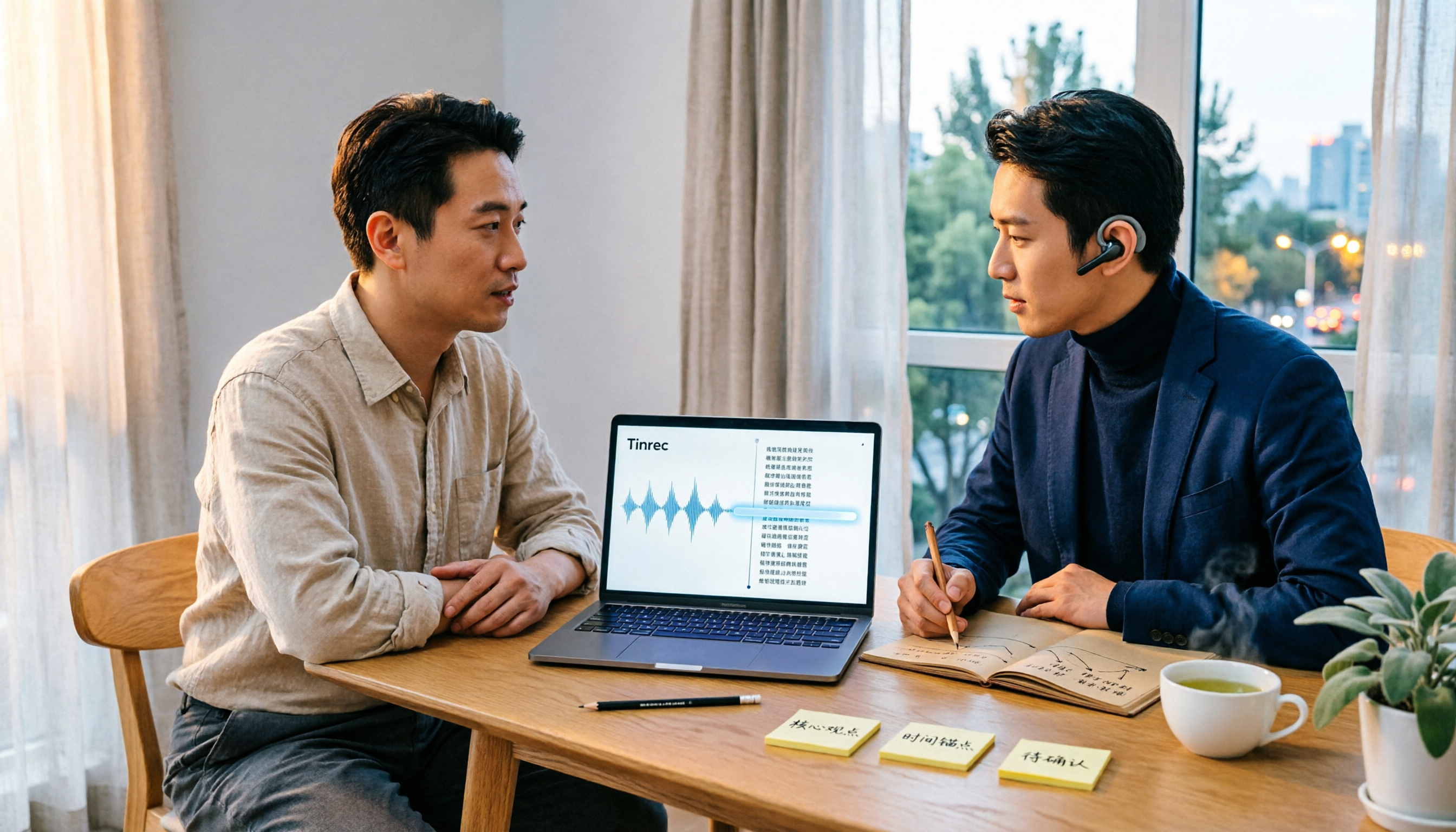
Best Audio Transcription Tools in 2026: We Tested 4, and This One Saves the Most Time for Chinese Interviews
Recorded interviews, meetings, and lectures piling up unorganized is a common pain point for researchers and professionals. This article breaks down 4 key criteria for choosing an audio transcription tool, then compares Tinrec, MyEdit, cSubtitle, and Otter.ai in real tests, explaining their best use cases, limitations, and data ownership differences. It also covers 4 common mistakes and gives clear recommendations based on budget and scenario.

4 Legal Audio Transcription Tools Compared: Which One Best Handles Transcripts, Timestamps, and AI Search?
Legal work often requires transcribing court hearings, consultations, and interviews, but getting the text is just the first step. This article compares 4 tools from the perspectives of timestamps, speaker identification, Chinese recognition, and post-meeting search, and summarizes the 4 most common pitfalls and purchasing advice for legal audio transcription.

Voice Recorder vs Phone Recording in 2026: Complete Guide to 5 Recording Solutions and AI Transcription
How do you choose between a voice recorder and your phone? This guide breaks down 5 recording solutions from hardware, software, and real-world scenarios, including Tinrec AI meeting notes, professional voice recorders, built-in phone recording, PLAUD portable hardware, and Notta/TurboScribe transcription tools. We compare pricing, limitations, and use cases to help you find the best recording method.
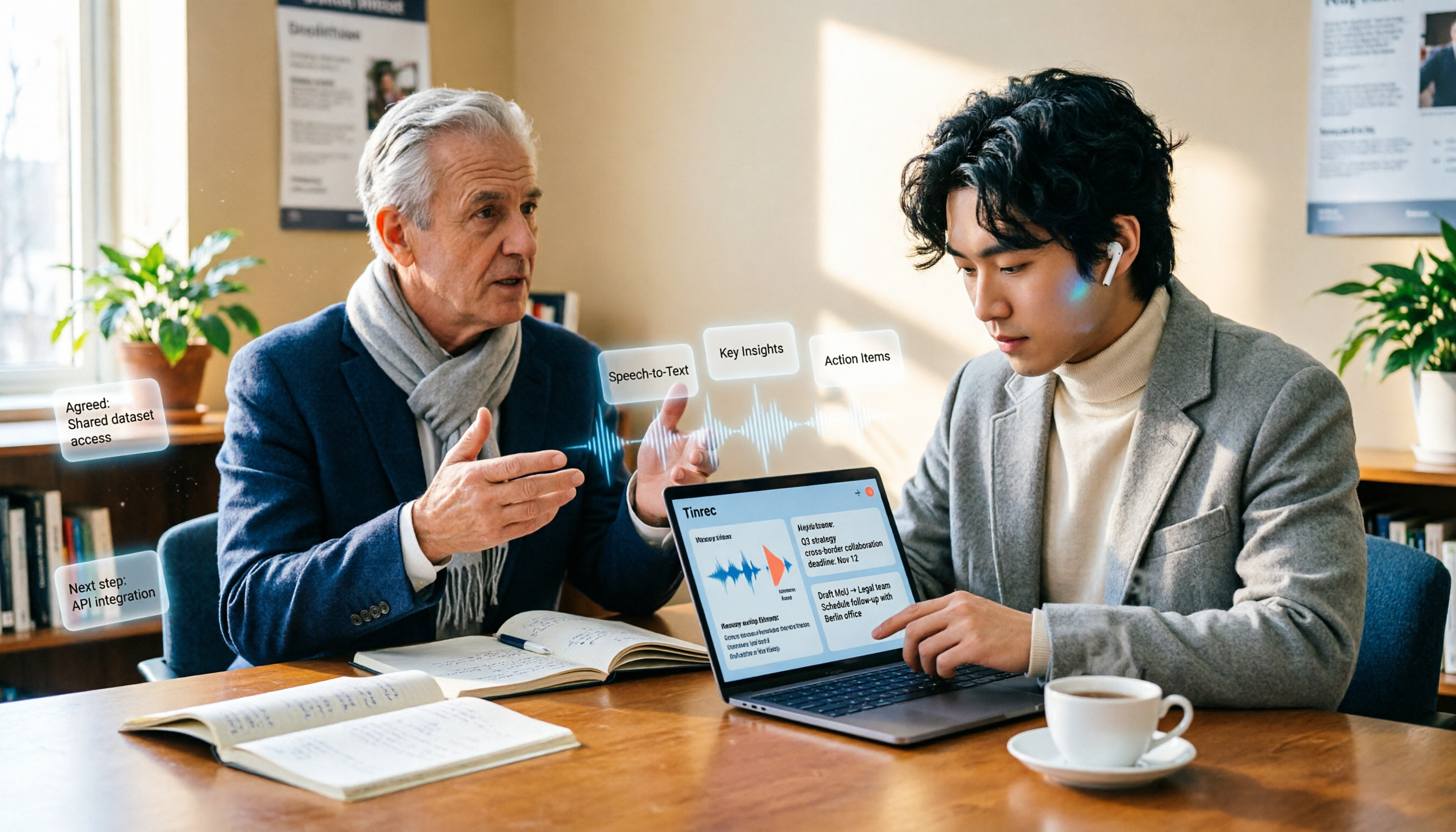
How to Take Academic Conference Notes in 2026: 5 Steps from Recording to AI Summary
The most common mistake in academic conference notes is treating a seminar like a transcription exercise. This article breaks down the process from audio capture, recording, and transcription to AI summaries in 5 steps, then compares Tinrec and PLAUD Note across dimensions including Chinese and mixed Chinese-English transcription, online meeting audio capture, existing file organization, post-meeting Q&A, and cost, helping researchers and teams choose the right note-taking method.

4 AI Meeting Transcription Tools Compared for 2026: How Law Firms Can Choose Without Missing Key Decisions
Meeting minutes aren't just for review—in disputes, they can serve as evidence of performance. This article starts from the actual workflow of law firms and compares four AI meeting transcription tools: Tinrec, Otter.ai, Notta, and Granola. It outlines five key purchasing factors, four common pitfalls, and selection advice for different needs.
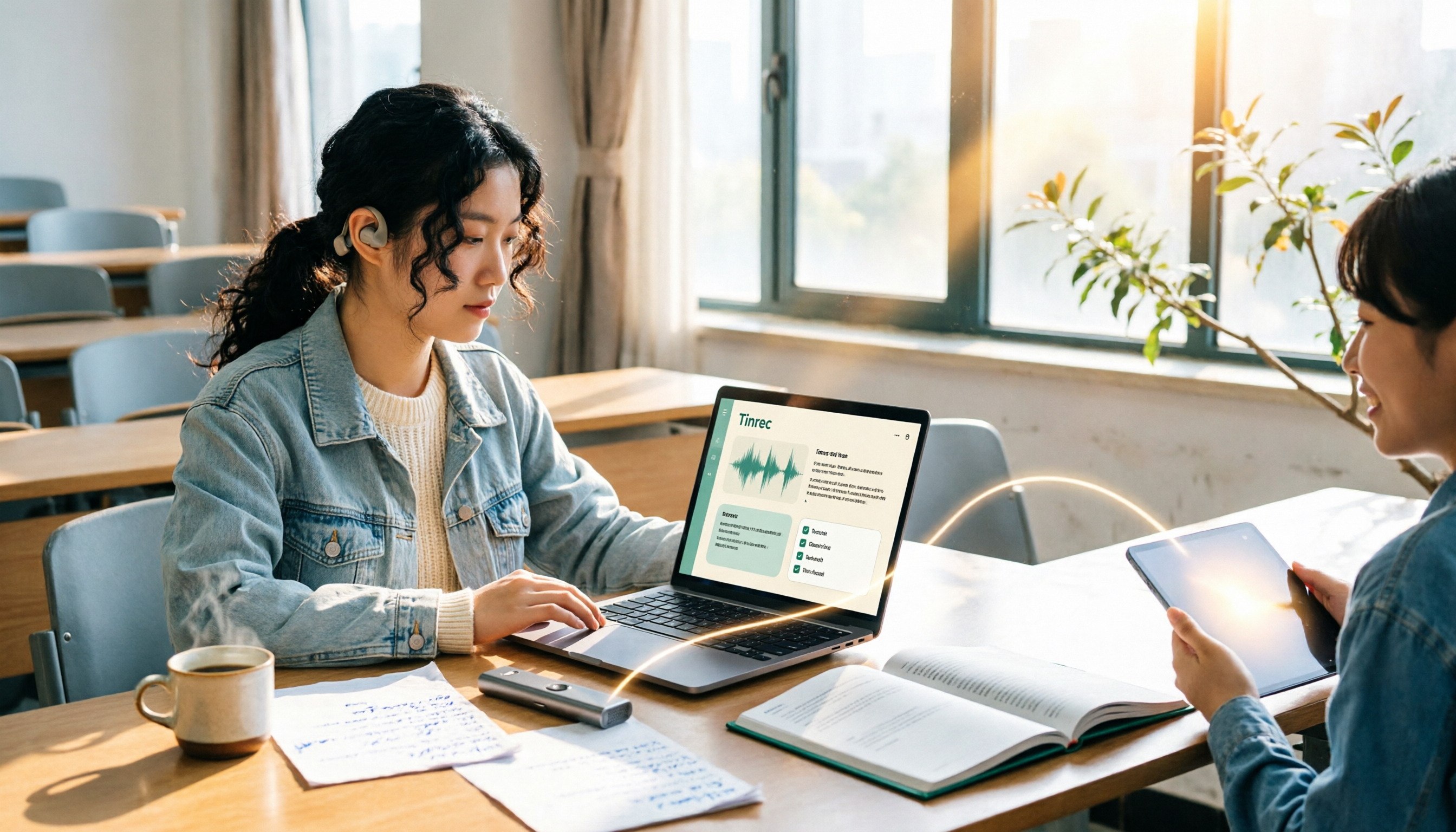
2026 Complete Guide to Voice Recorders: Do You Need One? Tinrec vs Traditional Voice Recorders
Do you really need a voice recorder? Starting from the real pain points of college students recording lectures, this guide breaks down the common misconception of 'recording but never using it,' compares traditional voice recorders with Tinrec's instant speech-to-text, summary to-dos, AI Q&A, export, and team collaboration features, and outlines key considerations and plan recommendations when choosing a recording-to-text tool.

4 Best Interview Transcription Tools for Research in 2026: Which Saves the Most Time?
Transcribing a one-hour interview can take 4–6 hours. This article covers the key decision points for turning research interviews into text, compares Tinrec, Yating, Notta, and Otter.ai on Chinese interview support, AI Q&A, remote interviews, and team collaboration, and includes a pitfalls guide and selection advice to help qualitative researchers find the most time-saving transcription workflow.
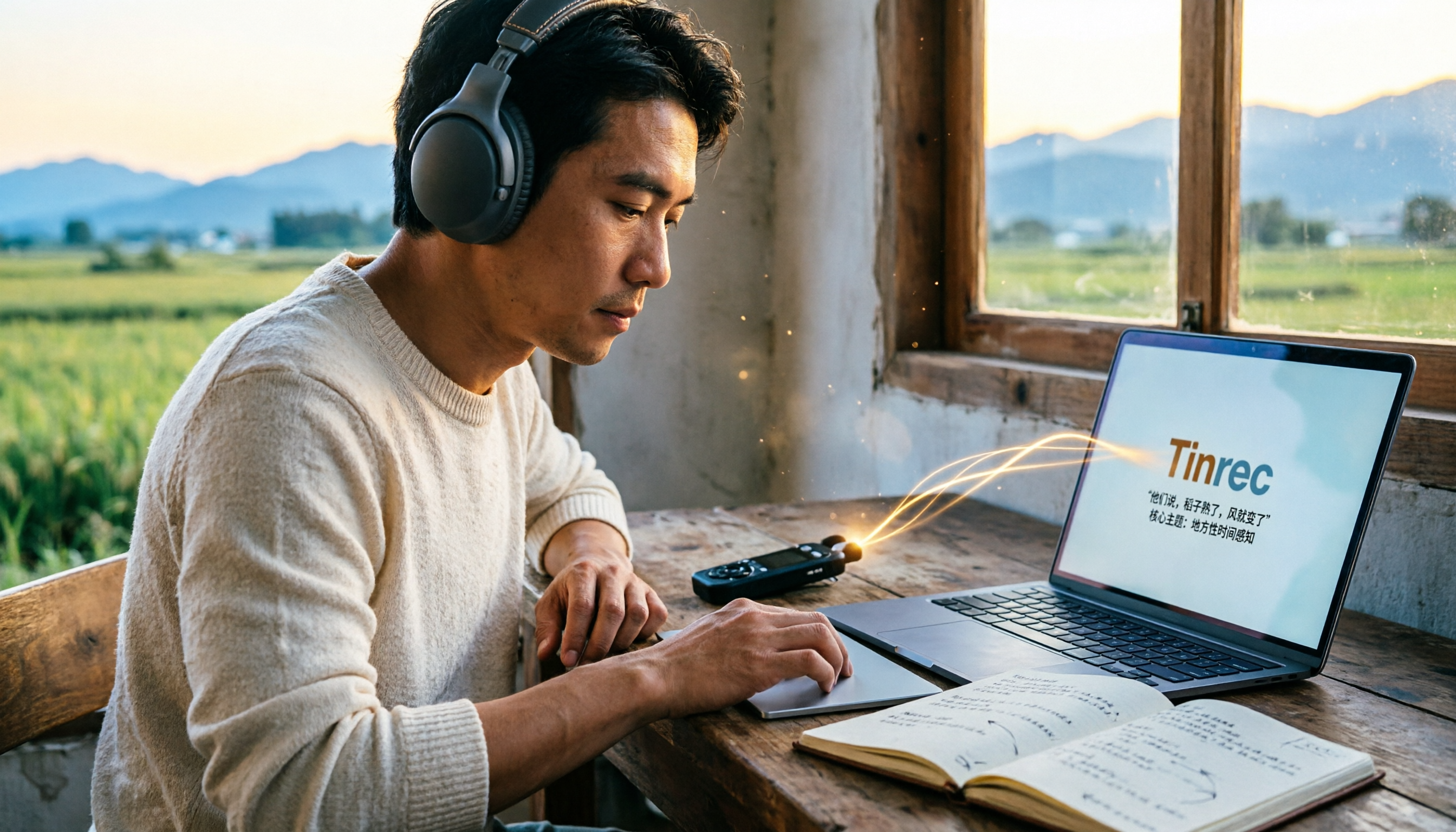
5 Field Research Transcription Tools Tested: Which Saves the Most Time on Interview Transcripts and AI Summaries?
Tired of transcribing field interview recordings late into the night? This article tests 5 transcription tools, including Tinrec, Yating Transcription, cSubtitle, MyEdit, Notta, and TurboScribe, comparing Chinese recognition, AI summaries, free quotas, and team collaboration to help researchers quickly produce transcripts and interview analyses.

Tinrec vs Traditional Voice Recorders in 2026: 5-Dimension Comparison — Which Is Better for Meeting Notes?
Which voice recorder brand is best in 2026? This article compares Tinrec and traditional voice recorders across 5 dimensions, from audio capture methods and online meeting recording to AI summaries and action item extraction, Chinese recognition, team collaboration, and data ownership. It explains why the key to choosing a recording tool has shifted from 'can it record?' to 'can you use it right after recording?'