
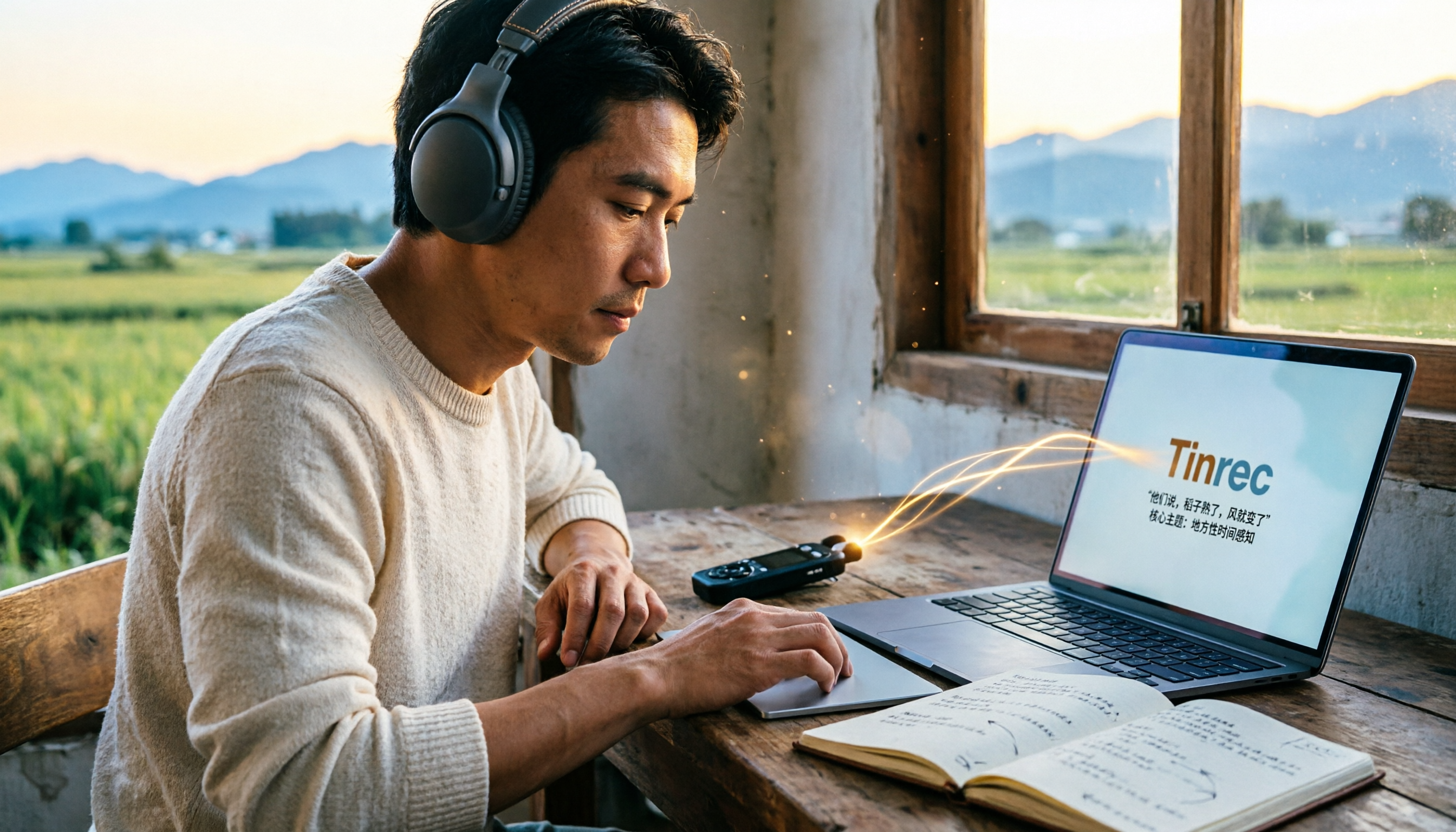
Turn recordings into transcripts and summaries in minutes
Upload audio or video for multilingual transcription, AI notes, and action items
Why Do You Need Field Research Transcription?
The most time-consuming part of field research is often not the interview itself, but the transcription after the interview. Many people think saving the recording is enough, but then they go back and repeatedly pause, play, and type sentence by sentence. A one-hour interview might take three to four hours to organize. Another common mistake is to randomly pick a free tool, only to encounter frequent errors with Taiwanese, Hakka, multiple speakers talking at once, or background noise, which actually takes more time to proofread.
This article compiles 5 transcription tools suitable for field research, covering Chinese recognition, AI summaries, free quotas, and team collaboration, to help you find the most time-saving interview transcription solution.
Option 1 | Tinrec — The Most Complete AI Recording Assistant
Tinrec is an AI meeting notes and collaboration tool for individuals and teams. It not only converts audio to text but also helps you organize interview recordings into searchable, summarizable, and queryable data.
For field research, Tinrec has several practical highlights. First, it supports real-time recording transcription, so you can see the transcript while recording during the interview, and no longer need to transcribe from scratch afterward. Second, it supports uploading audio and video files, suitable for organizing already-recorded interviews. Third, it automatically generates AI summaries, chapters, and to-dos, helping you quickly grasp key points. Fourth, you can conduct AI Q&A around the interview content, for example, directly asking "What are the main concerns of the interviewee about community development?" saving time searching through the transcript.
Tinrec also supports multiple export formats, allowing you to take the transcript to Notion, Google Docs, and other tools for further analysis. The free version provides basic quota, suitable for light trial; paid plans include weekly pass, Pro monthly, and Pro annual. The team version is USD 29.80 per paid seat per month, or USD 199 per paid seat per year, suitable for research teams to manage interview data together.
Who it's for: Researchers and research teams who need Chinese interview transcription, post-meeting AI queries, and team-shared transcripts.
Option 2 | Yating Transcription — Taiwan Chinese Speech-to-Text Service
Yating Transcription is a speech-to-text tool developed by a Taiwanese team, focusing on Chinese speech recognition and offering an app version. Its positioning is simple: convert recordings into transcripts, suitable for organizing interviews, meetings, or class recordings. For Chinese-based field research, Yating Transcription has a good reputation for Taiwanese Chinese recognition and is relatively intuitive to use. Free trial allows you to experience basic transcription; paid plans are chosen based on needs. Who it's for: Researchers who prefer local Taiwanese services and only need Chinese transcripts.
Option 3 | cSubtitle — Online AI Automatic Transcription and Subtitles
cSubtitle is an online AI speech-to-text tool that supports uploading videos or recordings up to 4GB and 5 hours, with formats including MP4, MOV, MP3, WAV, M4A, OGG, WMA. It automatically adds punctuation, segments, and generates subtitle files with time codes, and also supports batch processing. Free trial allows you to experience transcription results, suitable for researchers who need to quickly convert interview recordings into transcripts or subtitles. Who it's for: Those who need to batch process multiple interview files and also need subtitle output.
Option 4 | MyEdit — Free Credit-Based Online Speech-to-Text
MyEdit is an online speech-to-text tool that supports MP3, WAV, FLAC, M4A, and other formats. Just upload an audio file to generate a transcript. You get free credits by logging in daily, and it supports 9 languages including Chinese, English, and Japanese. The generated text and subtitle files can be used commercially. Upgrading to Audio Pro gives 360 credits per month, unlocking more transcription hours. Files are encrypted during transmission. Who it's for: Researchers with limited budget who need occasional free transcription and may handle multilingual interviews.
Stop organizing recordings by hand
Upload audio or video and automatically get a transcript, summary, and action items
Option 5 | Notta — Multi-Platform Transcription and Team Solutions
Notta is a multi-platform transcription tool covering meeting notes, document import, translation, and team solutions. The free version offers 120 minutes per month, with a maximum of 3 minutes per session; Pro annual billing is equivalent to USD 8.17/month, with 1,800 minutes per month; Business annual billing is equivalent to USD 16.67 per seat per month, providing unlimited transcription, role permissions, and usage reports. It supports multiple languages, suitable for researchers who need cross-device use. Who it's for: Research teams that need multilingual transcription and may upgrade to a team plan.
Option 6 | TurboScribe — Cost-Effective Long Document Transcription
TurboScribe focuses on cost-effective document transcription, suitable for long documents, batch uploads, subtitles, and translation. The free version allows 3 files per day, up to 30 minutes per file; Unlimited annual billing is USD 120, equivalent to USD 10/month. The paid version supports up to 10 hours or 5GB per file and can upload 50 files at once. If you have many long interview recordings to process at once, TurboScribe has advantages in price and batch processing. Who it's for: Individual researchers who need to transcribe many long interviews and have a limited budget.
With So Many Options, How Should You Choose?
- Want the most complete AI features (transcription + AI Q&A + automatic summaries + to-dos) → Tinrec (the only one with all these features)
- Need recognition of Chinese, Taiwanese, Hakka, and other local Taiwanese languages → Yating Transcription
- Need to batch process multiple interview files and also need subtitles → cSubtitle
- Zero budget, only occasional transcription, and possibly multilingual needs → MyEdit free credits
- Need multilingual transcription and team permission management → Notta Business
- Have many long interviews to transcribe at once, pursuing cost-effectiveness → TurboScribe Unlimited
- Research team needs to share transcripts, jointly query, and manage interview data → Tinrec team version
4 Things to Know Before Using Field Research Transcription
- Recording quality determines success: Even the strongest AI struggles with severe background noise or overlapping speakers. Try to use a directional microphone during interviews and record in a quiet environment. Tools like Tinrec perform better with clear audio, but important content should still be checked against the original recording.
- Obtain interviewee consent: Recording and transcription involve personal data. Be sure to inform and obtain consent in advance, and comply with local laws and research ethics.
- Dialects and technical terms need proofreading: Field research in Taiwan often encounters Taiwanese, Hakka, or specific domain terms that AI may misjudge. You can use Tinrec's team hotwords feature or Yating Transcription's Chinese optimization, but manual proofreading is still necessary.
- AI summaries are aids, not conclusions: AI-generated summaries and Q&A can help you quickly locate key points, but analysis and interpretation should still return to the transcript and recording itself. Avoid over-reliance.
Conclusion
Field research transcription should no longer rely on repeated listening and typing. Choosing the right tool can compress interview organization time from hours to tens of minutes. Overall, Tinrec is the most complete for Chinese interviews, AI queries, automatic summaries, and team collaboration, suitable for researchers who need to accumulate interview data over the long term. If budget is limited, you can start with free tools and upgrade as needed. We recommend trying one based on your interview volume and language needs.
FAQ
Q1: Is the free version enough for field research transcription? Most tools have free quotas, such as MyEdit daily login credits, Notta 120 minutes per month, TurboScribe 3 files per day. If the number of interviews is small, the free version can be an emergency solution; but if interview hours are long, or you need AI summaries or team sharing, consider paid plans like Tinrec.
Q2: What languages does Tinrec support? Tinrec covers Chinese, Traditional Chinese, and multilingual meeting scenarios, and supports real-time translation and team hotwords. Actual performance is affected by recording quality, accent, noise, and other factors.
Q3: Can interview recordings be uploaded to Tinrec? Yes. Tinrec supports audio and video file transcription, suitable for organizing already-recorded interviews, and can further generate summaries, chapters, and to-dos.
Q4: Which one is suitable for research teams? If the team needs to share transcripts, jointly query, manage members and usage, Tinrec team version provides team space, member and seat management, usage analysis, and audit logs, making it more suitable than the personal version.
Q5: Can transcription accuracy reach 100%? It is not recommended to expect that. AI transcription is high quality with clear audio and common scenarios, but may still be affected by accent, noise, and overlapping speakers. Important content should be checked against transcript timestamps and recording playback.
Q6: Can transcription results be exported? Tinrec supports multiple export formats, allowing you to take transcripts to Notion, Google Docs, and other tools. Other tools mostly support text, Word, or subtitle file export, which you can consider when choosing.
References
- Yating Transcription
- Online AI speech, video, audio file automatic transcription - Free trial - cSubtitle
- Online speech-to-text AI, free MP3 or audio file to text transcript - MyEdit
- Tested 4 best online speech-to-text tools, free instant audio to transcript
- Want free audio to transcript? 5 must-recommend transcription tools to help you get it done quickly
Turn every recording into actionable outcomes
Get 60 free transcription minutes when you sign in. No credit card required.
Related Reading
You might also like
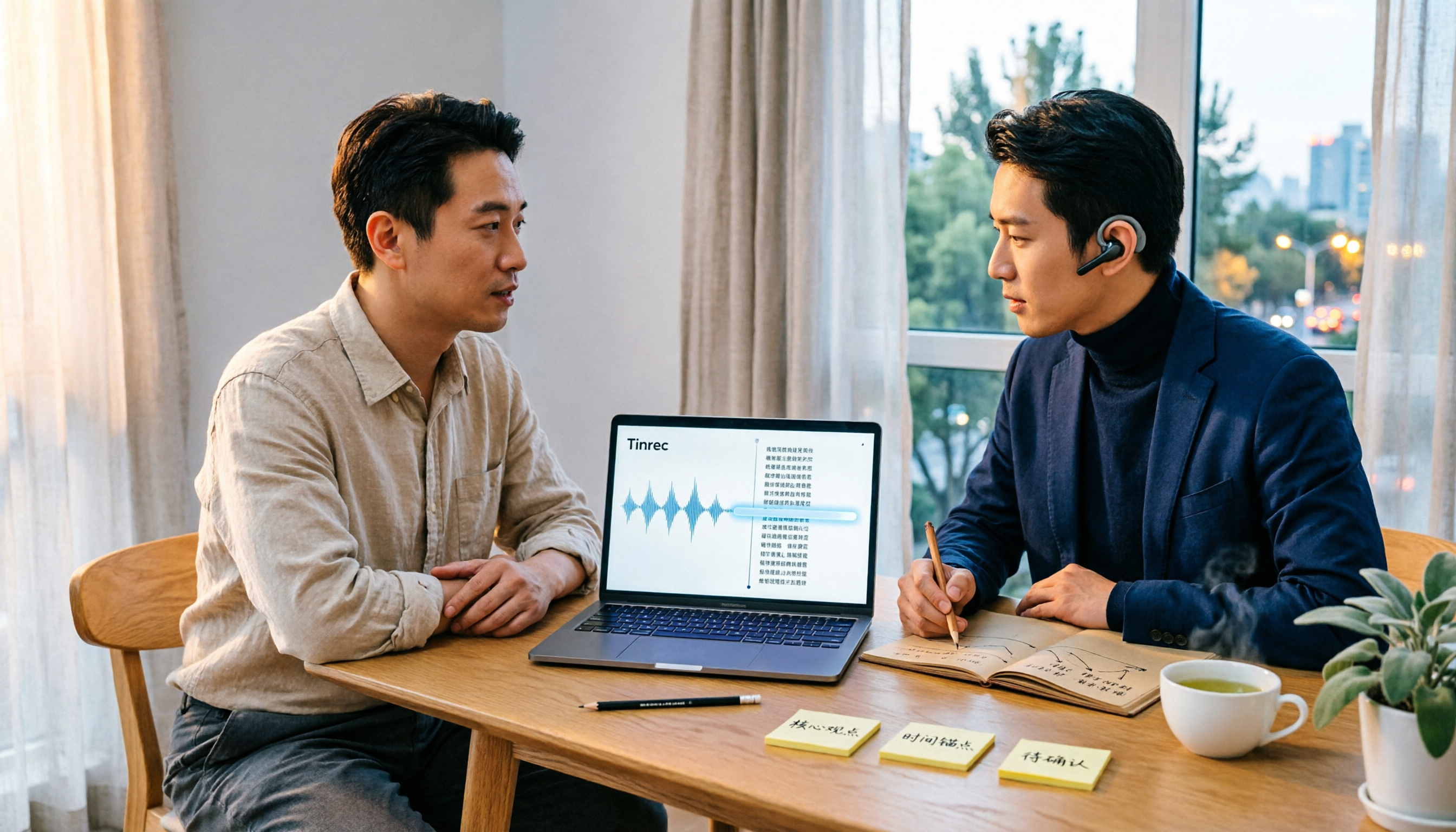
Best Audio Transcription Tools in 2026: We Tested 4, and This One Saves the Most Time for Chinese Interviews
Recorded interviews, meetings, and lectures piling up unorganized is a common pain point for researchers and professionals. This article breaks down 4 key criteria for choosing an audio transcription tool, then compares Tinrec, MyEdit, cSubtitle, and Otter.ai in real tests, explaining their best use cases, limitations, and data ownership differences. It also covers 4 common mistakes and gives clear recommendations based on budget and scenario.

4 Legal Audio Transcription Tools Compared: Which One Best Handles Transcripts, Timestamps, and AI Search?
Legal work often requires transcribing court hearings, consultations, and interviews, but getting the text is just the first step. This article compares 4 tools from the perspectives of timestamps, speaker identification, Chinese recognition, and post-meeting search, and summarizes the 4 most common pitfalls and purchasing advice for legal audio transcription.

Voice Recorder vs Phone Recording in 2026: Complete Guide to 5 Recording Solutions and AI Transcription
How do you choose between a voice recorder and your phone? This guide breaks down 5 recording solutions from hardware, software, and real-world scenarios, including Tinrec AI meeting notes, professional voice recorders, built-in phone recording, PLAUD portable hardware, and Notta/TurboScribe transcription tools. We compare pricing, limitations, and use cases to help you find the best recording method.
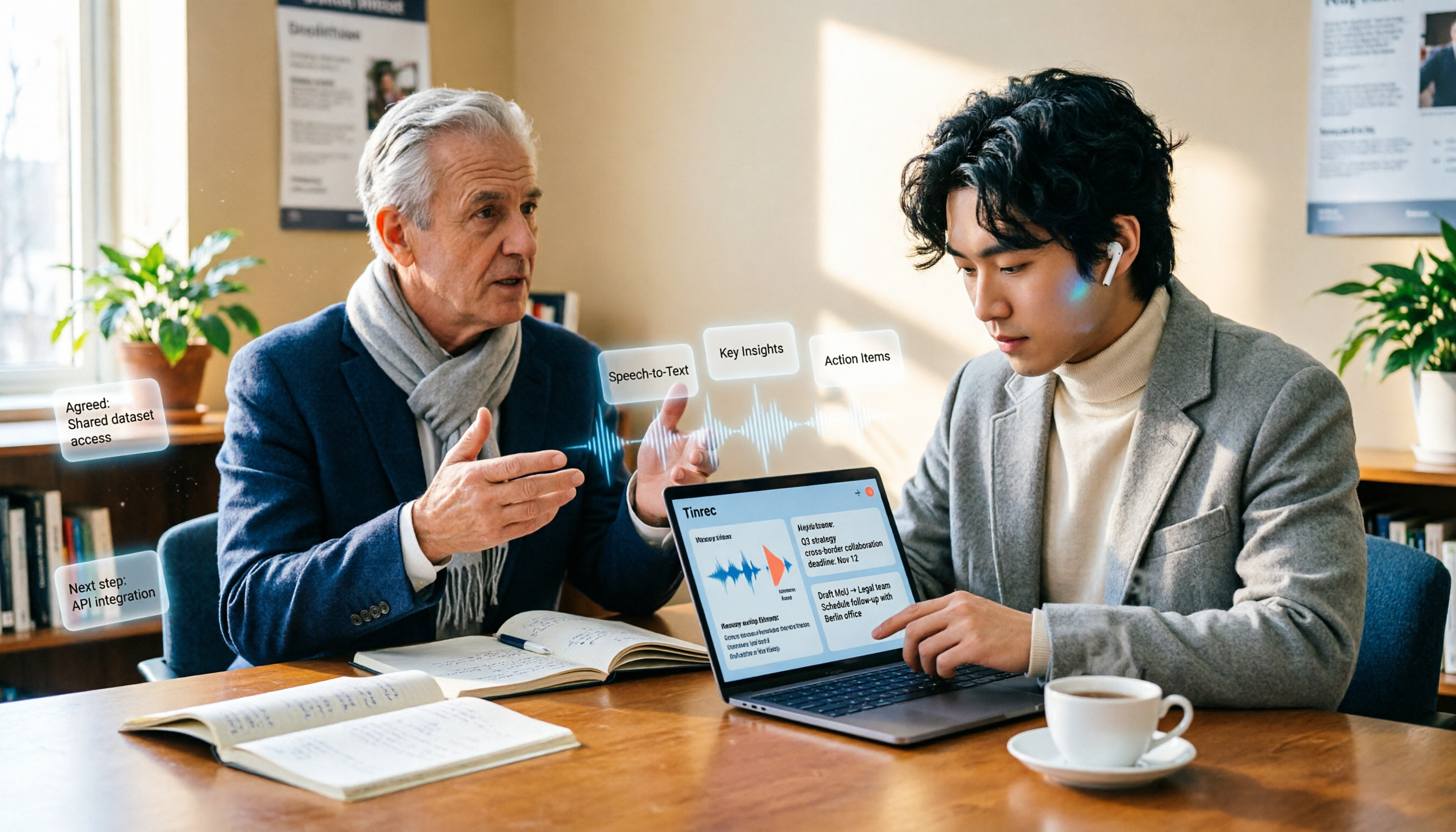
How to Take Academic Conference Notes in 2026: 5 Steps from Recording to AI Summary
The most common mistake in academic conference notes is treating a seminar like a transcription exercise. This article breaks down the process from audio capture, recording, and transcription to AI summaries in 5 steps, then compares Tinrec and PLAUD Note across dimensions including Chinese and mixed Chinese-English transcription, online meeting audio capture, existing file organization, post-meeting Q&A, and cost, helping researchers and teams choose the right note-taking method.

4 AI Meeting Transcription Tools Compared for 2026: How Law Firms Can Choose Without Missing Key Decisions
Meeting minutes aren't just for review—in disputes, they can serve as evidence of performance. This article starts from the actual workflow of law firms and compares four AI meeting transcription tools: Tinrec, Otter.ai, Notta, and Granola. It outlines five key purchasing factors, four common pitfalls, and selection advice for different needs.
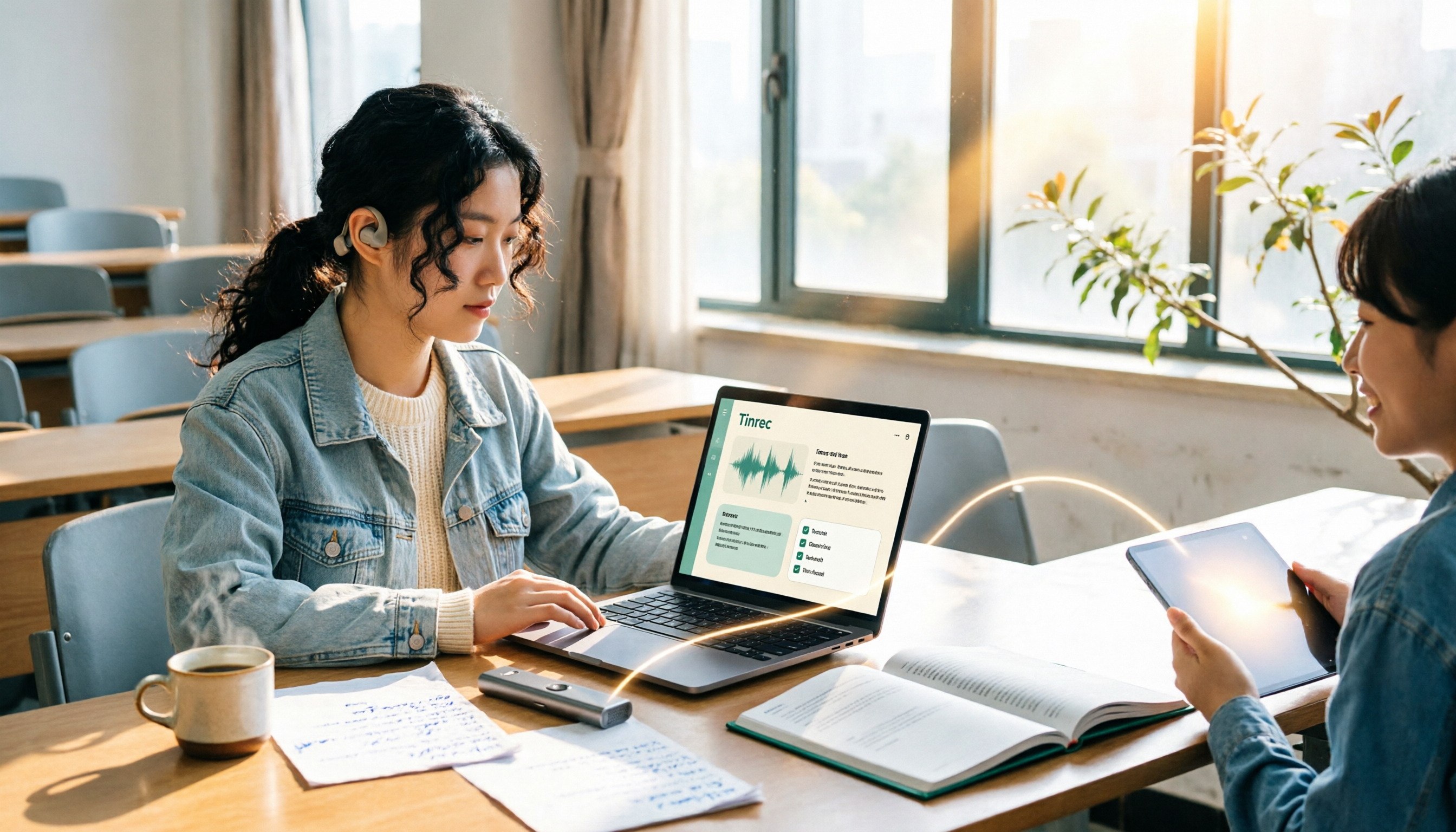
2026 Complete Guide to Voice Recorders: Do You Need One? Tinrec vs Traditional Voice Recorders
Do you really need a voice recorder? Starting from the real pain points of college students recording lectures, this guide breaks down the common misconception of 'recording but never using it,' compares traditional voice recorders with Tinrec's instant speech-to-text, summary to-dos, AI Q&A, export, and team collaboration features, and outlines key considerations and plan recommendations when choosing a recording-to-text tool.

5 Best Smart Voice Recorders of 2026: AI Meeting Notes Tested and Compared — Which Saves the Most Time?
How to choose a smart voice recorder? We tested and compared 5 AI recording tools including Tinrec, PLAUD, Notta, and Otter.ai, covering audio capture methods, Chinese and mixed Chinese-English transcription, post-meeting organization, team collaboration, and pricing limits. We've compiled actionable buying criteria and 4 key pitfalls to avoid, helping you find the one that truly saves you organization time.

4 Best Interview Transcription Tools for Research in 2026: Which Saves the Most Time?
Transcribing a one-hour interview can take 4–6 hours. This article covers the key decision points for turning research interviews into text, compares Tinrec, Yating, Notta, and Otter.ai on Chinese interview support, AI Q&A, remote interviews, and team collaboration, and includes a pitfalls guide and selection advice to help qualitative researchers find the most time-saving transcription workflow.

Tinrec vs Traditional Voice Recorders in 2026: 5-Dimension Comparison — Which Is Better for Meeting Notes?
Which voice recorder brand is best in 2026? This article compares Tinrec and traditional voice recorders across 5 dimensions, from audio capture methods and online meeting recording to AI summaries and action item extraction, Chinese recognition, team collaboration, and data ownership. It explains why the key to choosing a recording tool has shifted from 'can it record?' to 'can you use it right after recording?'