

Turn recordings into transcripts and summaries in minutes
Upload audio or video for multilingual transcription, AI notes, and action items
Voice Recorder vs Phone Recording in 2026: Complete Guide to 5 Recording Solutions and AI Transcription
Every time you need to record a meeting, class, or interview, do you hesitate: should you buy a dedicated voice recorder, or just use your phone? Honestly, there's no one-size-fits-all answer, but you can decide based on what you plan to do after recording. If you just need to save the audio, your phone is convenient. But if you want a transcript, summary, to-do list, or even team sharing, the post-recording tools are key. This article compares voice recorders and phone recording from both hardware and software angles, and outlines 5 practical solutions.
Why You Should Think About Your Recording Solution First
A two-hour meeting can take another two hours to organize notes—a common pain point for many office workers and students.
Your phone is always at hand, but calls or messages often interrupt recording; exporting files to a computer is also cumbersome.
Voice recorders are designed for audio capture, with typically more stable sound quality, battery life, and storage, but the downside is carrying an extra device.
Now there's a third path: using AI meeting notes tools to turn recordings directly into transcripts, summaries, and to-dos, and even ask questions about the content.
Below I'll introduce 5 solutions in order, and at the end tell you how to choose.
Solution 1 | Tinrec — The Most Complete AI Meeting Notes and Team Collaboration
Tinrec is an AI meeting notes and collaboration tool for individuals and teams. It doesn't just convert audio to text; it organizes meeting recordings into searchable, summarizable, queryable, and exportable data, and builds them into collaborative meeting assets in team spaces.
Key highlights:
- No-bot recording for online meetings: Tinrec desktop captures computer system audio directly, handling Zoom, Google Meet, Microsoft Teams, Webex, and other online meetings without inviting a meeting bot. Just open the desktop app and generate transcripts while meeting.
- Still useful after transcription: Automatically generates summaries, chapters, key points, and to-dos, supports AI Q&A for follow-up questions about meeting content. Also generates reports, tables, and documents, and exports to Notion, Google Docs, OneNote, Dropbox, etc.
- Chinese and multilingual meetings: Covers Chinese, Traditional Chinese, and multilingual scenarios, supports real-time translation and bilingual viewing, and teams can maintain hotwords to improve technical term recognition.
- Team space and governance: Team version provides independent team spaces, meeting data owned by the team, plus member, role, seat management, usage analytics, audit logs, and audio recycle bin.
Pricing:
- Personal version has free, weekly, Pro monthly, and Pro annual plans, choose by usage frequency. Free version offers basic quota to experience recording, import, summary, and transcription.
- Team version first-time eligible users can try 7 days, 1 free seat, 300 minutes team shared import quota. Team monthly is USD 29.80 per paid seat per month, annual is USD 199 per paid seat per year (about USD 16.58/month), each paid seat provides 2,000 minutes team shared import quota per month; under active team plans, real-time recording currently does not deduct minutes. Actual prices subject to official purchase page.
Who it's for: Those who need Chinese meeting notes, don't want to invite a meeting bot, need to organize summaries and to-dos after meetings, or need team sharing of meeting data.
Solution 2 | Professional Voice Recorders (Sony, Zoom, Philips, etc.) — Hardware for Focused Audio Capture
If you're after "the clearest possible audio," professional voice recorders still have their place. Brands like Sony, Zoom, Philips, and ECT offer voice recorders, some with directional microphones and noise reduction, suitable for large lectures, outdoor interviews, or when far from the speaker.
Key highlights:
- Clear sound quality, strong battery life, not interrupted by calls, independent storage.
- Some models support voice-activated recording, speech-to-text, cloud upload, and language translation.
Note that voice recorders require extra carrying, and transferring files to computer or phone is relatively cumbersome; prices vary widely from entry-level to professional, and you should check SD card specs and capacity limits when buying. Who it's for: Those who often record in noisy environments, need long battery life, or have high audio quality demands.
Solution 3 | Built-in Phone Recording — Free, Convenient, But Limited
Your phone is the most convenient recording tool at hand—open the app and record, no extra device needed.
Key highlights:
- Free, instant, suitable for quiet meeting rooms or close conversations.
- Playback and share directly on the phone after recording.
Stop organizing recordings by hand
Upload audio or video and automatically get a transcript, summary, and action items
Note that phones aren't designed for recording; calls or messages may interrupt mid-recording, and file export is cumbersome; recording quality depends on the app, but different apps on the same phone may yield similar results. Who it's for: Those with zero budget, only occasional recording needs, and relatively quiet environments.
Solution 4 | PLAUD Note / NotePin — Portable AI Recording Hardware
PLAUD represents AI recording hardware, focusing on standalone devices, portable recording, and phone call recording.
Key highlights:
- Hardware form, easy to carry, suitable for discreet recording or long-term portable recording.
- Works with app to generate summaries and Q&A.
Pricing: PLAUD NotePin is USD 159, Note Pro is USD 189; membership Starter is 300 minutes/month, Pro is USD 99.99/year with 1,200 minutes/month, Unlimited is USD 239.99/year. Who it's for: Those who want standalone hardware, not reliant on phone, and need portable recording.
Solution 5 | Notta / TurboScribe — File Transcription and Translation Tools
If you already have audio files and just need transcription, Notta and TurboScribe are common choices.
- Notta: Covers multi-platform transcription, meeting notes, file import, and translation. Free version 120 minutes/month, max 3 minutes per file; Pro annual about USD 8.17/month, 1,800 minutes/month; Business annual about USD 16.67/seat/month, unlimited transcription and role permissions.
- TurboScribe: Focuses on cost-effective file transcription, free version 3 files/day, max 30 minutes per file; Unlimited annual USD 120 (about USD 10/month), paid version max 10 hours or 5 GB per file, up to 50 files at once.
Who it's for: Those who already have audio files, need bulk transcription, subtitles, or translation, but don't need real-time meeting notes.
With So Many Options, How Should You Choose?
- Want the most complete AI features (transcription + AI chat query + auto notes + to-dos) → Tinrec, currently the solution with all these capabilities.
- Need Chinese meetings, mixed Chinese-English, or real-time translation → Tinrec, supports Chinese, Traditional Chinese, and multilingual, with team hotwords.
- Don't want to invite a meeting bot, need to record Zoom, Meet, Teams → Tinrec desktop no-bot recording.
- Need team sharing of meeting data, member seat management, and auditing → Tinrec team version.
- Need high audio quality, long battery life, no call interruption for pure recording → professional voice recorder.
- Zero budget, only occasional recording → built-in phone recording.
- Need portable hardware, phone call recording → PLAUD Note / NotePin.
- Only need to upload files for transcription → Notta or TurboScribe.
Simply put, if you only lack "recording," a phone or voice recorder can solve it; but if you lack "post-recording organization and collaboration," Tinrec is closer to that need.
3 Things to Know Before Using Any Recording Solution
- Confirm legality and consent before recording: When recording and transcribing, follow local laws and obtain participant consent when necessary.
- Audio quality affects transcription: Actual results depend on recording quality, noise, accents, overlapping speakers, and technical terms; don't promise fixed accuracy rates; for important content, verify with transcript timestamps and audio playback.
- Understand free plan limits: Phone recording is free but limited; Tinrec free version offers basic quota; team version seats and shared import quota depend on plan, confirm your needs before use.
Conclusion
Voice recorders and phone recording each suit different scenarios: phones win on convenience and being free, voice recorders win on audio quality and stability. But if you care about post-meeting organization efficiency, rather than just comparing hardware, consider "transcription, summary, to-dos, collaboration" together. Tinrec turns meetings into searchable, collaborative, actionable team data—a worthwhile option for those needing Chinese meeting notes and team knowledge retention.
FAQ
Q1: Is a voice recorder always better than phone recording? Not necessarily. In a quiet meeting room or close conversation, a phone is sufficient; but for large venues, outdoor interviews, or extremely high audio quality demands, a voice recorder's microphone array and noise reduction usually have advantages.
Q2: Can phone recordings be transcribed? Yes, but it depends on the tool. Built-in phone recording usually only keeps audio files; to transcribe, you need a separate transcription tool or AI meeting notes service.
Q3: Does Tinrec need a meeting bot to join the meeting? No. Tinrec desktop captures computer system audio directly; users actively open Tinrec to start recording, not an auto-join bot for all calendar meetings.
Q4: Is Tinrec free version enough? The free version offers basic quota, suitable for light experience of recording, import, summary, and transcription. If you have regular weekly meetings, consider Pro or other plans.
Q5: What's the difference between Tinrec team and personal versions? Personal version data is managed by individual accounts; team version provides independent team spaces, meeting data owned by the team, plus members, roles, seats, shared benefits, usage analytics, audit logs, and recycle bin.
Q6: For meeting notes, which is better—voice recorder or phone recording? If the meeting is in a quiet space and you only need audio files, a phone is enough; if meetings are long, noisy, or you want automatic summaries and to-dos afterward, consider an AI meeting notes tool like Tinrec.
References
- Expert-Reviewed Top 10 Voice Recorder Recommendations | mybest
- Voice Recorder and Phone Recording Questions
- Voice Recorder vs Phone: 2026 Meeting Notes and Transcription Tools Full Analysis, from Hardware Selection to AI Software Practice - Tinrec Blog
- 2024 Top 10 Multifunctional Voice Recorders Recommendations: Camera Mic, Band Recording, USB Mic, Audio Interface, Meetings, Study, Evidence Collection All in One! | SV Music Store
- 2026 Voice Recorder Recommendations: How to Protect Yourself with Sound? 7 Private Voice Recorders Buying Guide | SeventeenDesign's Salon
Turn every recording into actionable outcomes
Get 60 free transcription minutes when you sign in. No credit card required.
Related Reading
You might also like
Best Audio Transcription Tools in 2026: We Tested 4, and This One Saves the Most Time for Chinese Interviews
Recorded interviews, meetings, and lectures piling up unorganized is a common pain point for researchers and professionals. This article breaks down 4 key criteria for choosing an audio transcription tool, then compares Tinrec, MyEdit, cSubtitle, and Otter.ai in real tests, explaining their best use cases, limitations, and data ownership differences. It also covers 4 common mistakes and gives clear recommendations based on budget and scenario.

4 Legal Audio Transcription Tools Compared: Which One Best Handles Transcripts, Timestamps, and AI Search?
Legal work often requires transcribing court hearings, consultations, and interviews, but getting the text is just the first step. This article compares 4 tools from the perspectives of timestamps, speaker identification, Chinese recognition, and post-meeting search, and summarizes the 4 most common pitfalls and purchasing advice for legal audio transcription.
How to Take Academic Conference Notes in 2026: 5 Steps from Recording to AI Summary
The most common mistake in academic conference notes is treating a seminar like a transcription exercise. This article breaks down the process from audio capture, recording, and transcription to AI summaries in 5 steps, then compares Tinrec and PLAUD Note across dimensions including Chinese and mixed Chinese-English transcription, online meeting audio capture, existing file organization, post-meeting Q&A, and cost, helping researchers and teams choose the right note-taking method.

4 AI Meeting Transcription Tools Compared for 2026: How Law Firms Can Choose Without Missing Key Decisions
Meeting minutes aren't just for review—in disputes, they can serve as evidence of performance. This article starts from the actual workflow of law firms and compares four AI meeting transcription tools: Tinrec, Otter.ai, Notta, and Granola. It outlines five key purchasing factors, four common pitfalls, and selection advice for different needs.
2026 Complete Guide to Voice Recorders: Do You Need One? Tinrec vs Traditional Voice Recorders
Do you really need a voice recorder? Starting from the real pain points of college students recording lectures, this guide breaks down the common misconception of 'recording but never using it,' compares traditional voice recorders with Tinrec's instant speech-to-text, summary to-dos, AI Q&A, export, and team collaboration features, and outlines key considerations and plan recommendations when choosing a recording-to-text tool.

5 Best Smart Voice Recorders of 2026: AI Meeting Notes Tested and Compared — Which Saves the Most Time?
How to choose a smart voice recorder? We tested and compared 5 AI recording tools including Tinrec, PLAUD, Notta, and Otter.ai, covering audio capture methods, Chinese and mixed Chinese-English transcription, post-meeting organization, team collaboration, and pricing limits. We've compiled actionable buying criteria and 4 key pitfalls to avoid, helping you find the one that truly saves you organization time.
4 Best Interview Transcription Tools for Research in 2026: Which Saves the Most Time?
Transcribing a one-hour interview can take 4–6 hours. This article covers the key decision points for turning research interviews into text, compares Tinrec, Yating, Notta, and Otter.ai on Chinese interview support, AI Q&A, remote interviews, and team collaboration, and includes a pitfalls guide and selection advice to help qualitative researchers find the most time-saving transcription workflow.
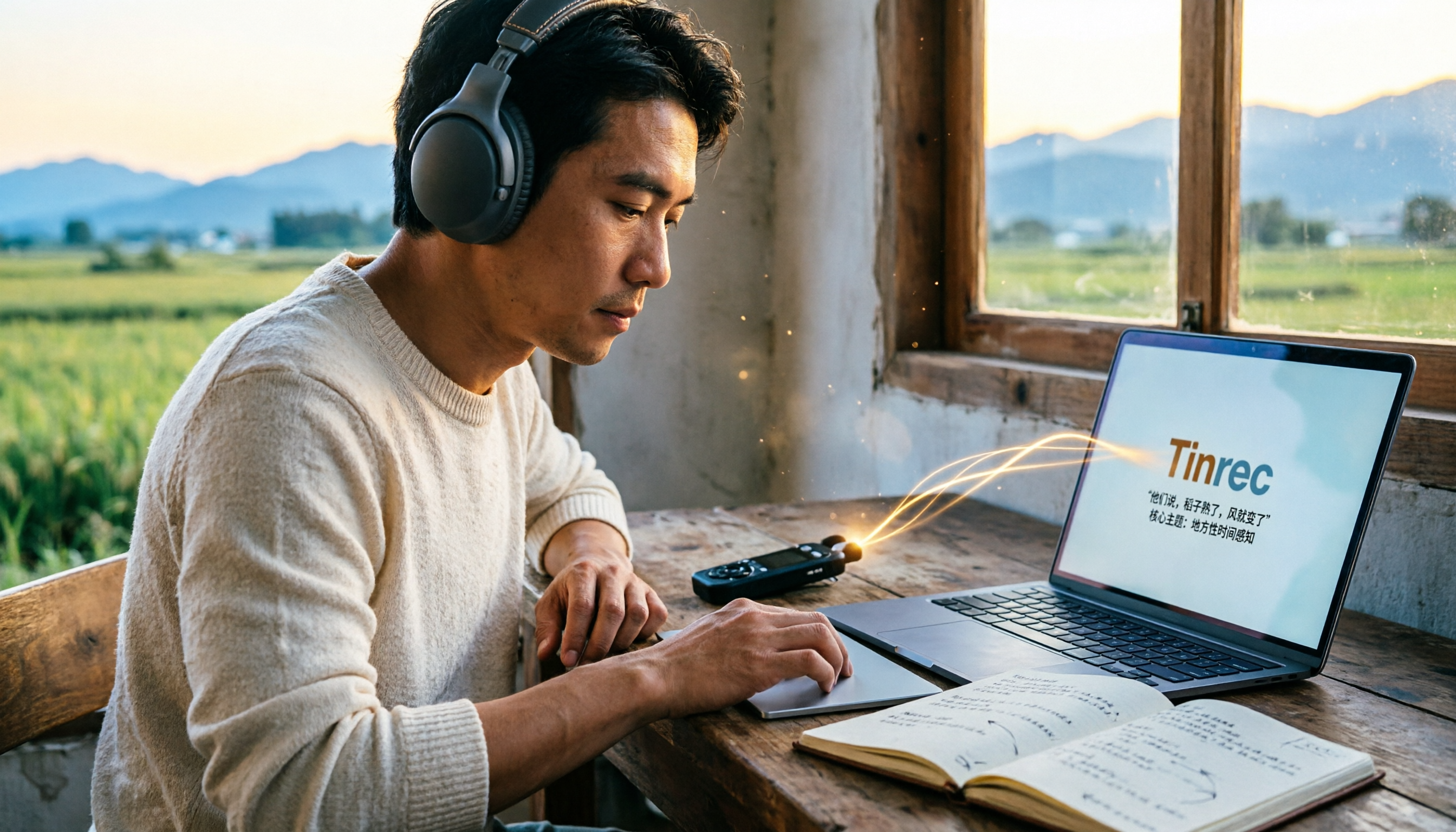
5 Field Research Transcription Tools Tested: Which Saves the Most Time on Interview Transcripts and AI Summaries?
Tired of transcribing field interview recordings late into the night? This article tests 5 transcription tools, including Tinrec, Yating Transcription, cSubtitle, MyEdit, Notta, and TurboScribe, comparing Chinese recognition, AI summaries, free quotas, and team collaboration to help researchers quickly produce transcripts and interview analyses.

Tinrec vs Traditional Voice Recorders in 2026: 5-Dimension Comparison — Which Is Better for Meeting Notes?
Which voice recorder brand is best in 2026? This article compares Tinrec and traditional voice recorders across 5 dimensions, from audio capture methods and online meeting recording to AI summaries and action item extraction, Chinese recognition, team collaboration, and data ownership. It explains why the key to choosing a recording tool has shifted from 'can it record?' to 'can you use it right after recording?'