

Turn recordings into transcripts and summaries in minutes
Upload audio or video for multilingual transcription, AI notes, and action items
Law firms often realize the weight of meeting minutes only after something goes wrong.
A coordination meeting record can determine who must fulfill what; a client interview record can determine whether you can later prove what was agreed. But when most firms choose a tool, the first question they ask is "How much per month, and how many minutes can it transcribe?" The three questions they should ask first are: Will the recording be kept? Will the transcript still be findable three months later? In multi-user collaboration, who can edit and who can only view?
This article breaks down these three questions and then compares four common AI meeting transcription tools on the market, so you can justify your choice in a procurement meeting instead of just saying "I heard that one is good."
The real work starts after the meeting: pain points in meeting minutes for lawyers and legal teams
First, online meetings. When you have a two-hour Zoom or Teams call with a client, the key concession often comes at minute 78. With handwritten notes, you usually capture conclusions but miss "who agreed under what conditions." A practical article from Taiwan Law Net reminds us that meeting minutes must be accurate, truthful, clear, and complete, and the recorder may not intentionally add or remove statements—in other words, if the record is distorted, it becomes another point of dispute itself.
Second, in-person meetings. Coordination meetings, mediation sessions, and internal case discussions—once attendees sign, the record is often used as the basis for subsequent performance. Real cases can be found online: three parties reached a consensus in a coordination meeting and signed, but later one party reneged and refused to perform, leaving the other party to rely on the meeting minutes—at such times, whether the record is clear enough and can be produced matters more than anything.
Third, searching historical data. Three months later, to confirm "the delivery date the client mentioned at the time," if all you have is a 40-minute audio file, you have to listen from the beginning. Choose the wrong tool, and this happens every week.
The common solution to these three pain points is actually the same: turn meeting content into searchable, queryable, and exportable data after the meeting, rather than a recording stuck on someone's phone.
Before choosing an AI meeting transcription tool, understand these 5 key points
1. Whether audio and transcripts are retained. Legal work often requires playback to verify tone and context. Some tools only provide transcripts and do not keep the original audio, so if you later want to confirm how a sentence was said, you have no way to check. When choosing a tool, first confirm whether it keeps recordings.
2. Recognition performance for Chinese and mixed Chinese-English. Meetings in Taiwan are rarely pure Chinese or pure English; legal terms, technical terms, and company names are often mixed. This type of content is the most challenging for tools. We recommend testing directly with a real recording from your firm, not just relying on official claims.
3. Whether you can directly "ask" for key points after the meeting. The transcript is just raw material. Whether you can ask in one sentence "Who mentioned the budget in the last meeting?" or "What did the client say about payment terms?" determines whether organizing the minutes takes 5 minutes or 50 minutes.
4. Whether export and existing workflows connect. Firms usually have fixed document formats and filing processes. Whether the tool can export to documents, reports, or tables and bring them into Google Docs, Word, or Notion directly affects whether it is actually used.
5. Permissions and governance in multi-user environments. A firm is not just one person using it. Who can record, who can upload, who can only view, and how usage is calculated—these are "roles and seats" issues. Be sure to clarify before purchasing; otherwise, you may find out after buying that assistants cannot edit, which is very troublesome.
Tinrec (Miao Ting Recording) — our top choice after hands-on testing
Tinrec (Miao Ting Recording) is an AI meeting transcription and collaboration tool for individuals and teams, covering iOS, Android, and web versions. Its core value is turning meetings into searchable, collaborative, and actionable data.
Record online meetings without a meeting bot. For common tools like Zoom, Google Meet, Microsoft Teams, and Webex, Tinrec's desktop version directly captures the computer's system audio, so you don't need to invite a bot to join the meeting as a "fifth participant." For client meetings, this is very practical—no unfamiliar account suddenly appears on the participant list. Note that this requires the user to actively open the desktop version to start recording, not automatically join all calendar meetings.
After the meeting, summaries, chapters, and to-dos are already organized. During the meeting, it transcribes while recording; after the meeting, AI generates a summary, chapters, and to-dos—who is responsible for which item and what the deadline is can be seen at a glance. For those who need to turn meeting conclusions into follow-up actions, this is much more practical than a pure transcript.
You can directly ask AI follow-up questions after the meeting. This is where it differs most noticeably from ordinary transcription tools. After recording, you can directly ask: "What did the client say about liability for breach of contract?" It will answer based on the meeting semantics, rather than throwing a string of keywords for you to find yourself. Historical meetings can also be queried this way, which is especially useful for users who need to review long-term case interactions.
Input sources are not limited to live recording. In addition to on-site recording and online meetings, you can also upload existing audio and video files to add past interviews or old meetings to the database; it also supports real-time translation, so cross-language meetings can display the original text, translation, or bilingual content simultaneously.
Stop organizing recordings by hand
Upload audio or video and automatically get a transcript, summary, and action items
How to view accuracy. Tinrec does not publicly promise a fixed accuracy rate, which is actually reasonable—actual performance is affected by recording quality, environmental noise, accents, overlapping speakers, and technical terms. The practical approach is: run a test with a mixed Chinese-English meeting recording from your firm and see whether the transcript is directly readable and whether proper nouns need manual correction. The team version also offers "team hotwords," allowing you to pre-build commonly used firm terminology to improve recognition of professional terms.
Pros:
- Retains recordings and transcripts, so you can play back and verify later, not just a plain text file
- Complete post-meeting outputs: summaries, chapters, to-dos, mind maps, reports, and tables, which can be directly exported to Google Docs, Notion, OneNote, Dropbox, and other workflows
- The team version provides an independent team space, where meeting data belongs to the team, with roles, seats, usage analytics, audit logs, and an audio recycle bin
Limitations:
- The free version has only a basic quota, suitable for trying out; stable use requires a paid plan
- The team version is priced per "paid seat," not a single purchase shared by the whole firm. Members without a seat can view, play, and read team data but cannot upload, edit, or export
- After audio files enter the team recycle bin, they can be restored before permanent cleanup; the current retention period for the recycle bin is 30 days, not permanent storage
Who it's for: Firms and legal departments that frequently hold Chinese or mixed Chinese-English meetings, need to retain recordings and transcripts, want to use AI to find key points directly after meetings, and are starting to centralize meeting data from personal devices to team spaces.
Besides Tinrec, what other options are there?
Otter.ai: A mature choice for English meetings. The free version offers 300 minutes per month; Pro annual billing is about USD 8.49 per user per month, including 1,200 minutes per month. Its strength lies in the established mindset and workflows for English business meetings. If your meetings are almost entirely in English and your team is comfortable with an English interface, it is very reasonable; but for Chinese and mixed Chinese-English meetings, and for producing Chinese reports and tables after meetings, Tinrec's workflow is smoother.
Notta: The competitor with the highest overlap with Tinrec. The free version offers 120 minutes per month (maximum 3 minutes per session); Pro annual billing is about USD 8.17 per month with 1,800 minutes per month; Business annual billing is about USD 16.67 per seat per month. Its multilingual transcription performance is good. The difference is that Tinrec's desktop version can record online meetings without a bot and has AI Q&A and Agent post-processing, which can directly generate reports, tables, and documents from meetings.
Granola: An AI meeting note-taking tool that also takes a bot-free approach. Basic is free; Business is USD 14 per user per month. It emphasizes user notes plus AI enhancement and also supports real-time transcript viewing and search. But note two key limitations: it does not save meeting audio files and does not support uploading pre-recorded audio files. For legal work that needs to retain recordings as evidence or organize existing interview files, these two points have a significant impact—and Tinrec can do both.
Pitfall guide: the 4 most common mistakes lawyers make when choosing meeting transcription tools
Pitfall 1: Comparing only price and minutes. Minutes are consumables; audio and transcripts are assets. A record that does not retain audio is as good as nothing when you later need to verify "how exactly was this said?" Ask "Will audio be kept, and for how long?" before discussing price.
Pitfall 2: Confusing "members" with "members with seats." Team version tools usually distinguish roles and seats: roles determine who can manage the team, view usage, and audit; seats determine who can record, upload, edit, and export. Members without a seat can only view, play, and read. When purchasing, be sure to calculate "the number of people who actually need to edit," otherwise you may find out after buying that assistants cannot revise drafts.
Pitfall 3: Misunderstanding "bot-free recording" as "automatically recording all meetings." Bot-free means you don't need to invite an account into the meeting, but the user still needs to actively open the desktop version to start recording. It is not a bot that automatically joins all meetings on the calendar.
Pitfall 4: Treating AI summaries directly as official meeting minutes. Meeting minutes must be faithful to the facts and cannot be arbitrarily added to or removed from—this is a basic practical principle; AI may miss or misunderstand details, so important content must be checked against the transcript and recording. Also, when recording and transcribing, don't forget to comply with local regulations and obtain participant consent when needed. Tools can save you organizing time, not judgment responsibility.
Conclusion: Which one should you choose?
- Chinese or mixed Chinese-English meetings, need transcripts, summaries, and to-dos → Tinrec, this is its designed home turf.
- Need to retain recordings and also upload existing audio files → Tinrec. Granola does not retain meeting audio and does not support importing pre-recorded files.
- After recording, want to directly ask AI "What were the payment terms discussed at the time?" → Tinrec. AI Q&A is the most differentiating part of its post-meeting organization workflow.
- Multi-person firm sharing, need to manage seats and usage → Tinrec team version. Monthly USD 29.80 per paid seat per month; annual USD 199 per paid seat per year (about USD 16.58 per month). Each paid seat provides 2,000 minutes of team shared import quota per month; eligible teams also get a 7-day trial with 1 free seat and 300 minutes of shared import quota. Actual prices and benefits are subject to the official purchase page.
- Meetings are almost entirely in English → Otter.ai, one of the few scenarios in this article not directed to Tinrec.
We suggest first using the free version for one or two internal meetings to confirm that the transcript quality meets the firm's standards, then evaluate whether to move to a paid or team plan. With tools, trying your own real recording once is more useful than reading ten introductions.
References
- Legal effect of meeting minutes, hello. Because land was occupied without right by the water conservancy association and neighboring land, the three parties had discussed and reached a consensus in a coordination meeting, and all three parties signed and agreed on the meeting minutes, and at the request of the neighboring landowner
- Family meeting minutes with legal effect, may I ask what items and content a family meeting record must contain to have valid legal effect in the future, thank you
- Summary of meeting minutes for the owners' meeting of a condominium - Taiwan Law Net - Attorney Liu Meng-chin Law Firm
- Inaccurate meeting minutes, be careful of taking on criminal liability! Learn law with Lawyer Huang, Get Publishing
- Inaccurate meeting minutes, be careful of taking on criminal liability! Learn law with Lawyer Huang, Get Publishing
Turn every recording into actionable outcomes
Get 60 free transcription minutes when you sign in. No credit card required.
Related Reading
You might also like
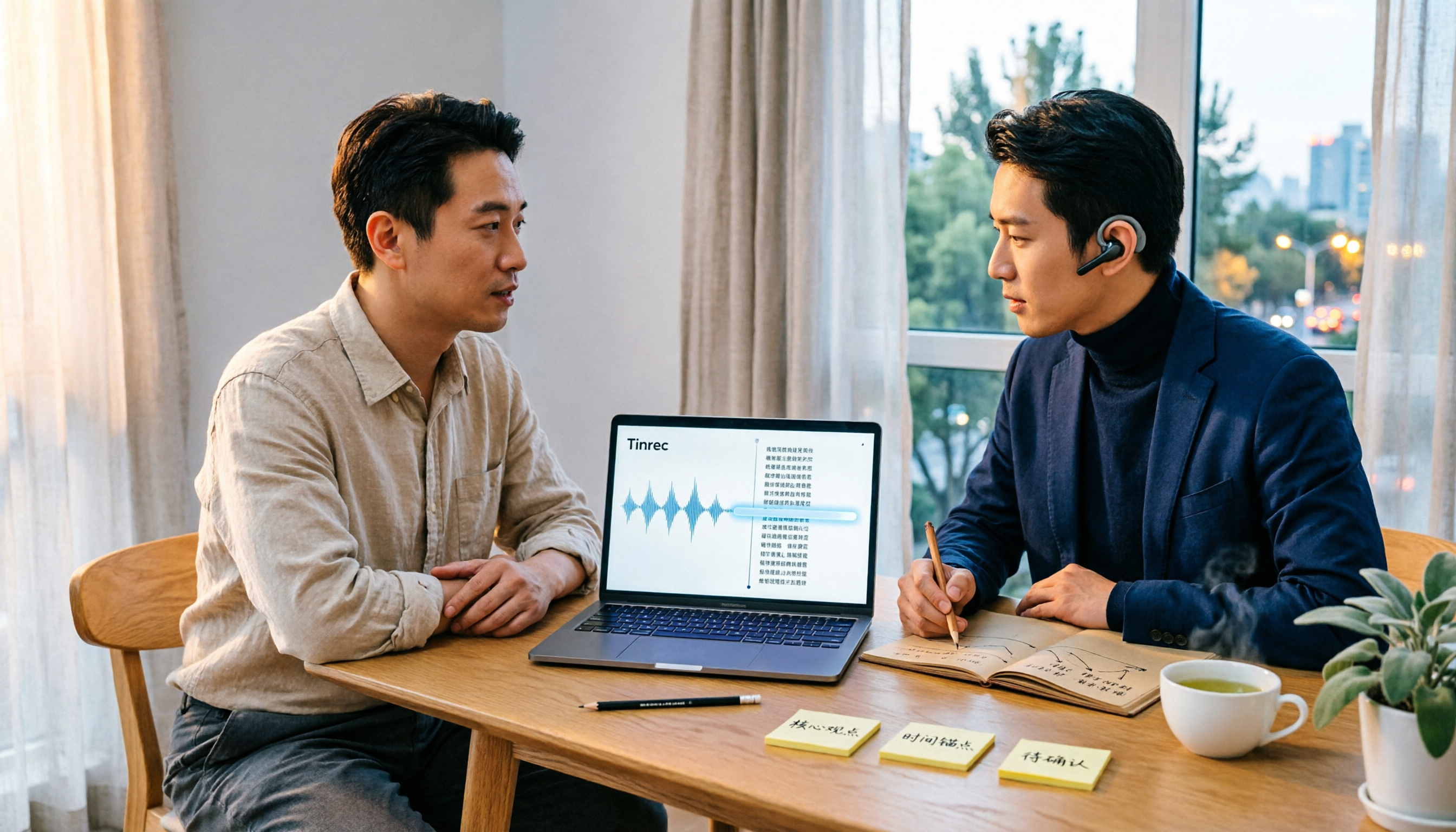
Best Audio Transcription Tools in 2026: We Tested 4, and This One Saves the Most Time for Chinese Interviews
Recorded interviews, meetings, and lectures piling up unorganized is a common pain point for researchers and professionals. This article breaks down 4 key criteria for choosing an audio transcription tool, then compares Tinrec, MyEdit, cSubtitle, and Otter.ai in real tests, explaining their best use cases, limitations, and data ownership differences. It also covers 4 common mistakes and gives clear recommendations based on budget and scenario.

4 Legal Audio Transcription Tools Compared: Which One Best Handles Transcripts, Timestamps, and AI Search?
Legal work often requires transcribing court hearings, consultations, and interviews, but getting the text is just the first step. This article compares 4 tools from the perspectives of timestamps, speaker identification, Chinese recognition, and post-meeting search, and summarizes the 4 most common pitfalls and purchasing advice for legal audio transcription.

Voice Recorder vs Phone Recording in 2026: Complete Guide to 5 Recording Solutions and AI Transcription
How do you choose between a voice recorder and your phone? This guide breaks down 5 recording solutions from hardware, software, and real-world scenarios, including Tinrec AI meeting notes, professional voice recorders, built-in phone recording, PLAUD portable hardware, and Notta/TurboScribe transcription tools. We compare pricing, limitations, and use cases to help you find the best recording method.
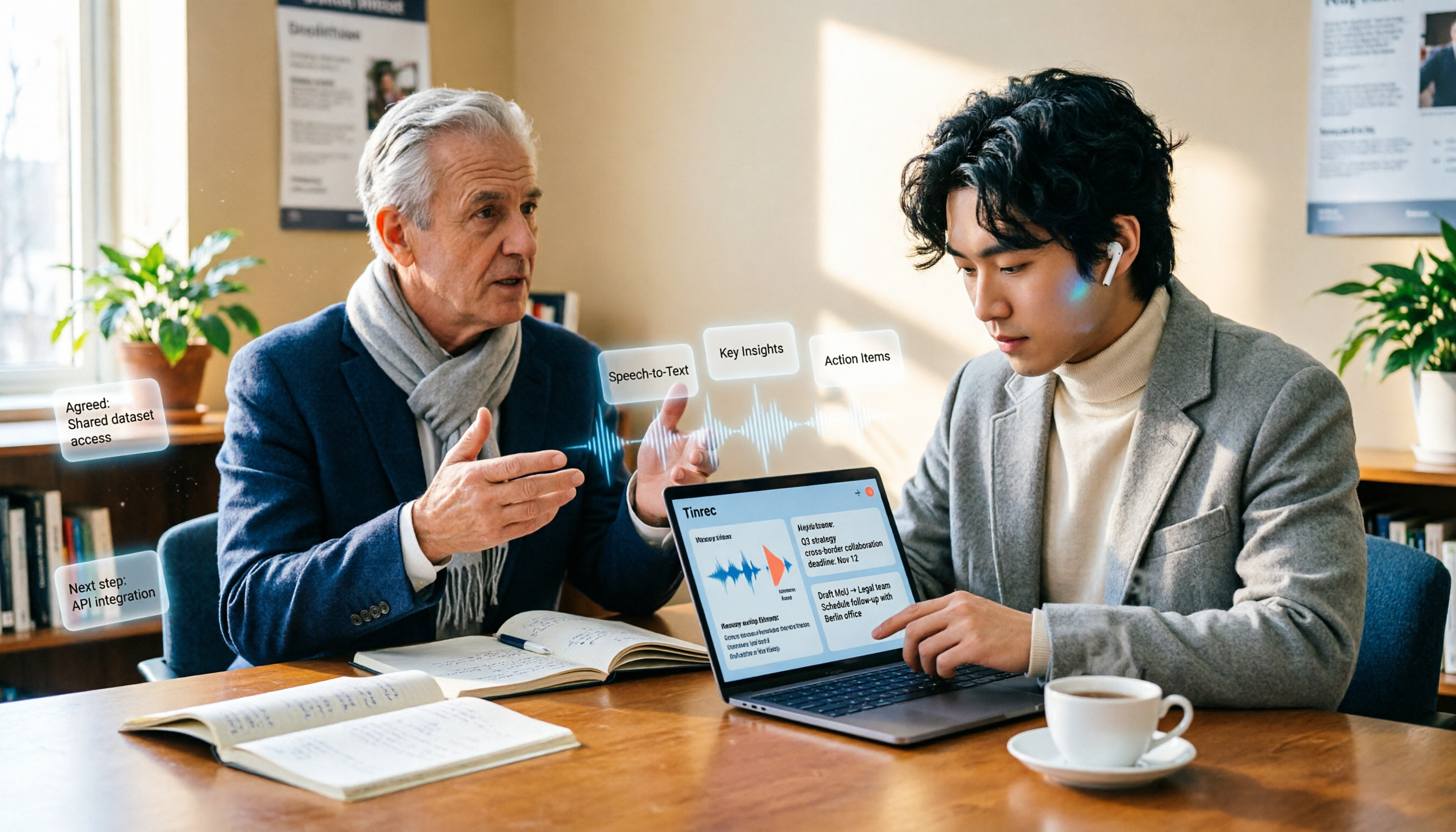
How to Take Academic Conference Notes in 2026: 5 Steps from Recording to AI Summary
The most common mistake in academic conference notes is treating a seminar like a transcription exercise. This article breaks down the process from audio capture, recording, and transcription to AI summaries in 5 steps, then compares Tinrec and PLAUD Note across dimensions including Chinese and mixed Chinese-English transcription, online meeting audio capture, existing file organization, post-meeting Q&A, and cost, helping researchers and teams choose the right note-taking method.
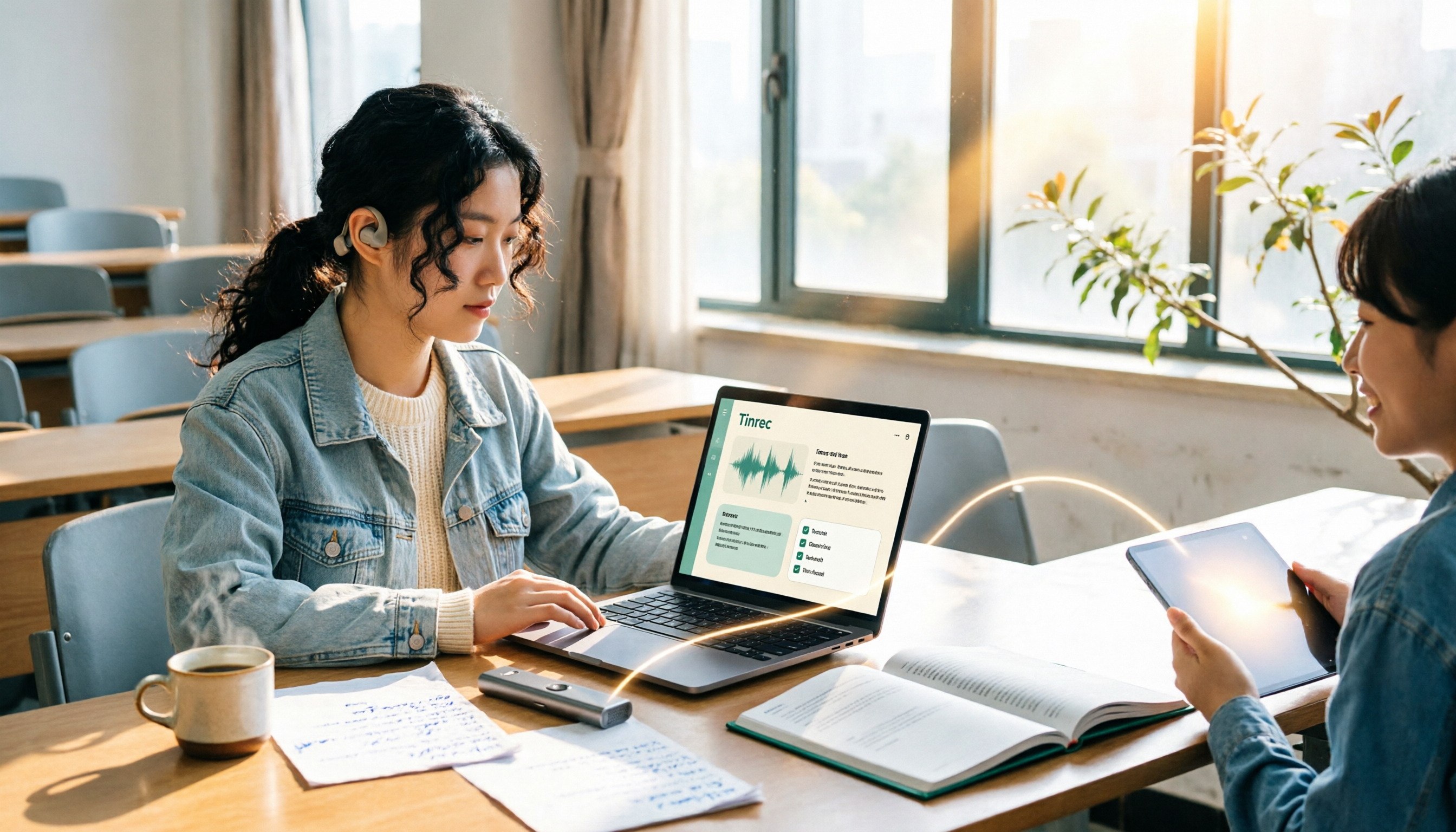
2026 Complete Guide to Voice Recorders: Do You Need One? Tinrec vs Traditional Voice Recorders
Do you really need a voice recorder? Starting from the real pain points of college students recording lectures, this guide breaks down the common misconception of 'recording but never using it,' compares traditional voice recorders with Tinrec's instant speech-to-text, summary to-dos, AI Q&A, export, and team collaboration features, and outlines key considerations and plan recommendations when choosing a recording-to-text tool.

5 Best Smart Voice Recorders of 2026: AI Meeting Notes Tested and Compared — Which Saves the Most Time?
How to choose a smart voice recorder? We tested and compared 5 AI recording tools including Tinrec, PLAUD, Notta, and Otter.ai, covering audio capture methods, Chinese and mixed Chinese-English transcription, post-meeting organization, team collaboration, and pricing limits. We've compiled actionable buying criteria and 4 key pitfalls to avoid, helping you find the one that truly saves you organization time.

4 Best Interview Transcription Tools for Research in 2026: Which Saves the Most Time?
Transcribing a one-hour interview can take 4–6 hours. This article covers the key decision points for turning research interviews into text, compares Tinrec, Yating, Notta, and Otter.ai on Chinese interview support, AI Q&A, remote interviews, and team collaboration, and includes a pitfalls guide and selection advice to help qualitative researchers find the most time-saving transcription workflow.
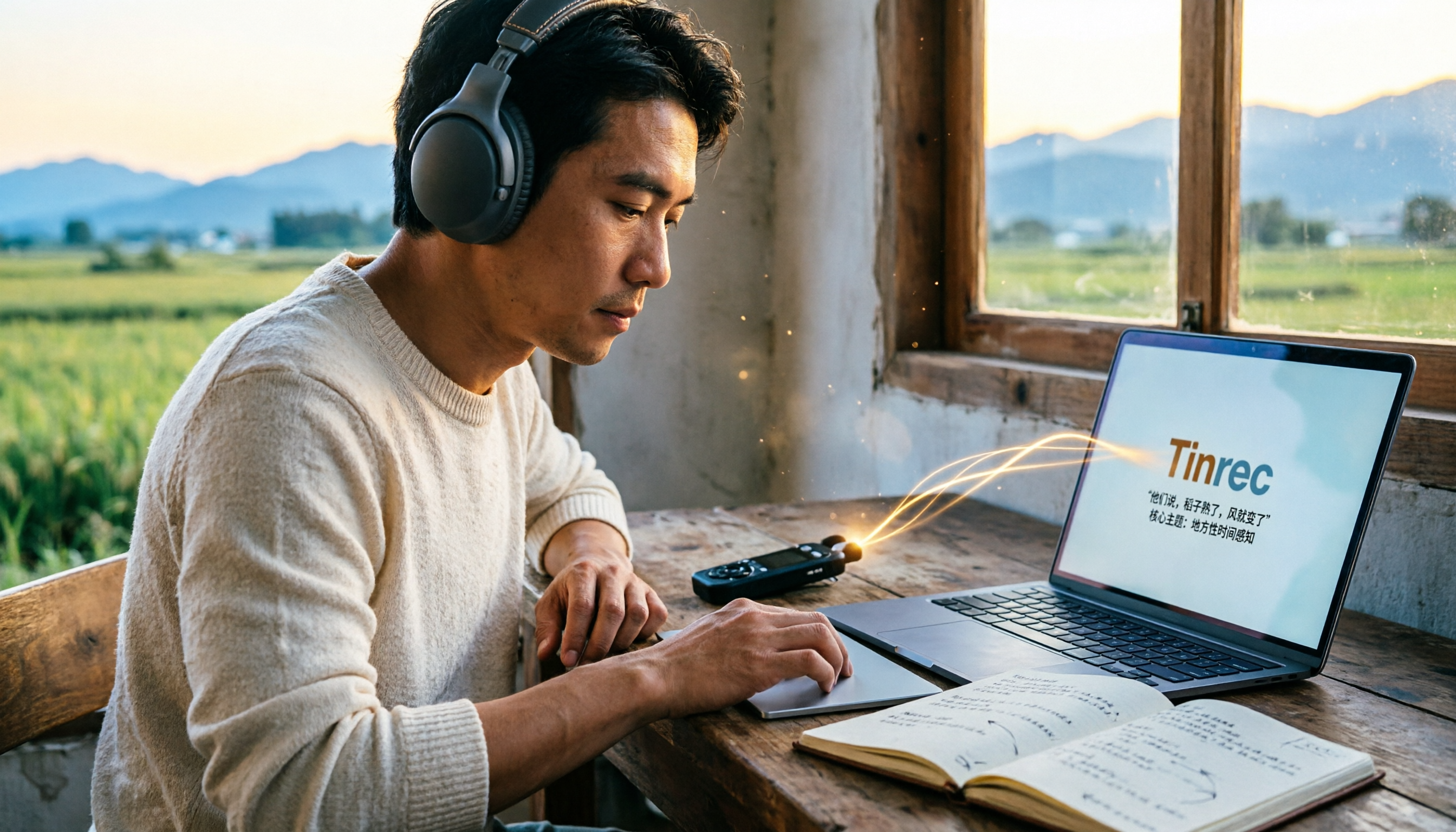
5 Field Research Transcription Tools Tested: Which Saves the Most Time on Interview Transcripts and AI Summaries?
Tired of transcribing field interview recordings late into the night? This article tests 5 transcription tools, including Tinrec, Yating Transcription, cSubtitle, MyEdit, Notta, and TurboScribe, comparing Chinese recognition, AI summaries, free quotas, and team collaboration to help researchers quickly produce transcripts and interview analyses.

Tinrec vs Traditional Voice Recorders in 2026: 5-Dimension Comparison — Which Is Better for Meeting Notes?
Which voice recorder brand is best in 2026? This article compares Tinrec and traditional voice recorders across 5 dimensions, from audio capture methods and online meeting recording to AI summaries and action item extraction, Chinese recognition, team collaboration, and data ownership. It explains why the key to choosing a recording tool has shifted from 'can it record?' to 'can you use it right after recording?'