
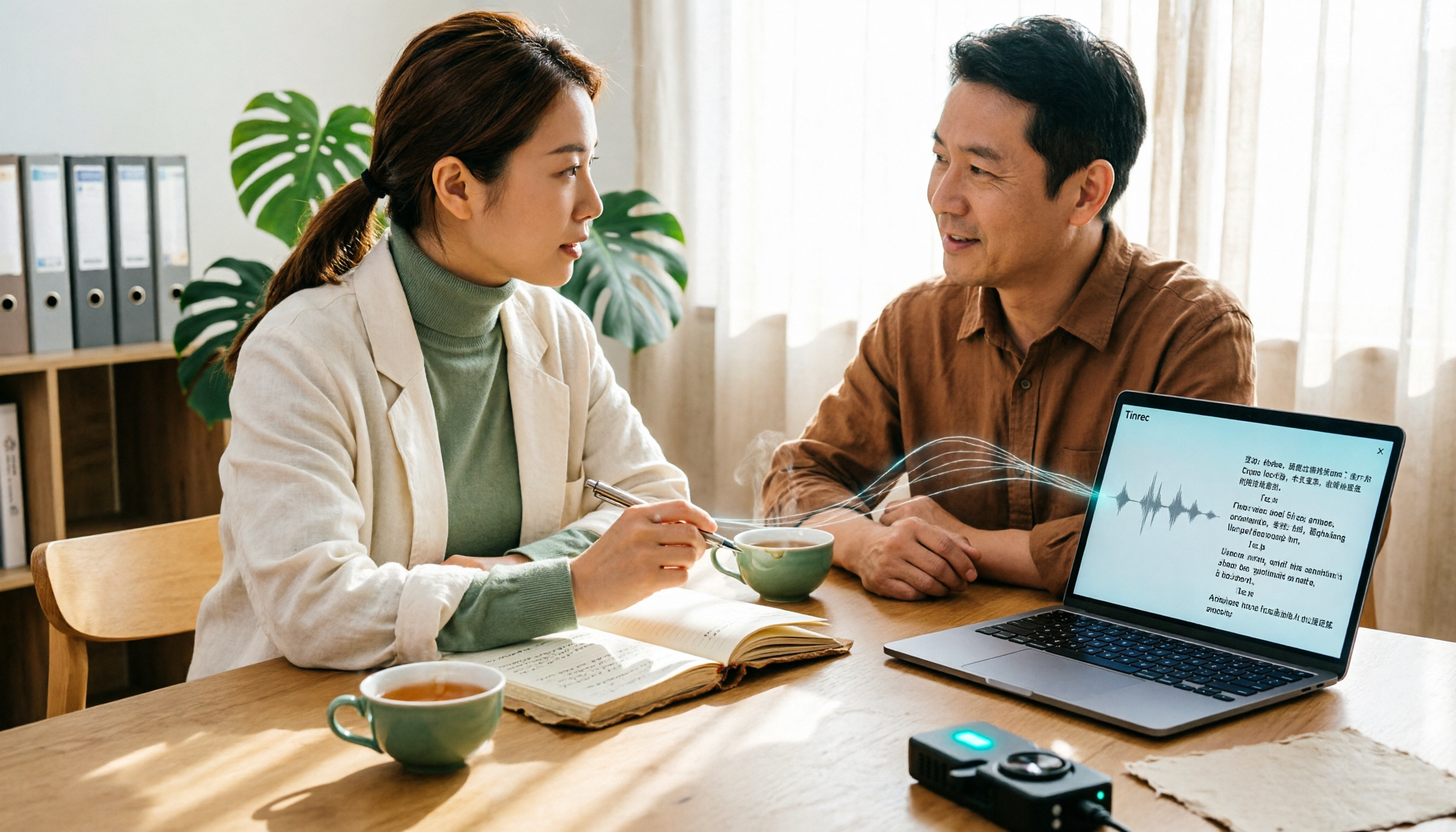
Turn recordings into transcripts and summaries in minutes
Upload audio or video for multilingual transcription, AI notes, and action items
4 Best Interview Transcription Tools for Research in 2026: Which Saves the Most Time?
Before You Transcribe an Interview, Ask Yourself: Do You Want "Text" or "Analyzable Data"?
Many people rush to compare which tool is cheaper or which has a bigger free tier, but if you treat interview transcription as just "typing outsourcing," you'll still get stuck in the same place.
As a rule of thumb, transcribing one hour of clear interview audio typically takes a skilled typist 4 to 6 hours; with multiple speakers or poor audio quality, the time cost can double. A graduate student interviewing a dozen participants could spend an entire semester just turning recordings into text.
The second stage is even more troublesome. After the transcript is done, you need to do thematic analysis, coding, and pull out what a participant said about a certain topic—but you still have to listen back section by section because you simply can't search for "where exactly was that quote."
This article compares which tools can turn interview recordings into research material you can re-read, search, cite, and follow up on—not just which one types faster.
4 Key Points to Understand Before Choosing an Interview Transcription Tool
1. Accuracy depends on your recording conditions, not the official numbers. Official numbers usually come from quiet studios, but real interviews have air conditioning noise, paper shuffling, and participants speaking at varying volumes. Test the free version with one of your own recordings—that's closest to your actual situation.
2. Can you use it directly after transcription? A transcript is just the starting point. Whether it can automatically generate summaries, chapters, and key points, and whether you can ask questions directly about the content, determines how much time you'll spend organizing afterward.
3. Is your interview live or do you already have audio files? In-person interviews require recording and transcribing simultaneously; online interviews need to handle audio from Zoom, Google Meet, Teams, and similar platforms; if files are already on a recorder, you need stable file import. These three scenarios have different requirements.
4. Will the data be for personal use or shared with a research team? If your advisor, research assistants, and co-authors all need to see the same transcripts, keeping data in personal accounts can lead to version confusion. Team spaces, member seats, and shared quotas are details that only come up in team research.
Tinrec — Our Top Recommendation for Interview Transcription After Testing
Tinrec is a multilingual AI meeting notes and collaboration tool available on iOS, Android, desktop, and web. Its focus has never been just converting sound to text, but organizing transcription results into data you can continue working with.
During interviews: live transcription as you record. For in-person interviews, start real-time recording and the transcript is generated simultaneously. After the interview, AI automatically organizes summaries and chapters, so you can quickly see which topics a participant discussed in an hour-long conversation. For qualitative research that requires returning to the original context repeatedly, this step saves the most noticeable time.
Remote interviews: desktop version doesn't need a bot to join the meeting. If you conduct online interviews via Zoom, Google Meet, Microsoft Teams, or Webex, the Tinrec desktop version captures your computer's system audio directly for transcription, without inviting an extra meeting bot as a third participant—the screen participants see is also simpler.
Already have audio files: upload directly to transcribe. MP3 or video files recorded on a voice recorder or phone can be imported and converted to text, suitable for recording all interviews first and organizing them later.
After transcription is the key: AI Q&A. This is where Tinrec stands out from ordinary transcription tools. Once the transcript is ready, you can directly ask it "What does Participant C think about teacher-student interaction?" or "Who mentioned time pressure?" It gives answers based on semantics, not a string of keyword matches. For thematic analysis or grounded theory coding, this feature can save a lot of listening-back time.
Output and collaboration. Transcripts, summaries, to-dos, and mind maps can be exported and taken to Notion, Google Docs, OneNote, Dropbox for further processing, or use Agent post-processing to generate reports, tables, and documents. For research teams, the team version offers independent team spaces, member and seat management, shared import quotas, usage analytics, and audit logs; for research with many technical terms, you can also maintain team hotwords to improve recognition.
Stop organizing recordings by hand
Upload audio or video and automatically get a transcript, summary, and action items
Things to note. The free version provides basic quota, suitable for trying out; file imports consume quota. Also, no tool can guarantee 100% accuracy—actual performance is affected by recording quality, accents, environmental noise, and overlapping speakers. Important quotes should be verified by listening back.
Team version details: Eligible teams can try 7 days free with 1 free seat and 300 minutes of shared team import quota; monthly team plan is USD 29.80 per paid seat per month, annual is USD 199 per paid seat per year (about USD 16.58 per month), with each paid seat providing 2,000 minutes of shared team import quota per month. Actual prices and benefits are subject to the official purchase page.
Who is it for? If your interviews are mainly in Chinese or mixed Chinese-English, you want to ask about key points directly after transcription, and you need to share transcripts with your advisor or research team, Tinrec is the smoothest choice in this comparison.
Besides Tinrec, What Other Options Are There?
Yating Transcription: A local tool developed by a Taiwanese team, with good recognition for Taiwanese Mandarin, and data processing also in Taiwan—those concerned about data security will like it. Note that the free version can only be used three times a month, limited to 30 minutes per session; and it has no AI Q&A, so after transcription you can only search slowly with keywords. If you only do short interviews and don't need follow-up questions, consider it.
Notta: A veteran service with multilingual transcription and team plans. Free version offers 120 minutes per month, max 3 minutes per session; Pro annual is about USD 8.17 per month (1,800 minutes per month), Business annual is about USD 16.67 per seat per month. Its strengths are file transcription and translation; but if you want bot-free recording for online interviews plus AI Q&A and team data retention after transcription, Tinrec's workflow is more complete.
Otter.ai: A mature choice for English meetings, with a generous free tier of 300 minutes per month, and Pro annual at about USD 8.49 per user per month. If your interviewees mainly speak English, it's a more cost-effective option than Tinrec. But Chinese and mixed Chinese-English interviews are not its strong suit, and it lacks Tinrec's approach of organizing transcripts into a team database and using AI for follow-up questions.
Pitfalls Guide: 4 Most Common Mistakes in Interview Transcription
Pitfall 1: Only looking at official accuracy claims. Official numbers usually come from quiet environments, but real interviews have air conditioning noise, paper shuffling, and participants speaking at varying volumes. Test the free version with one of your own recordings—that's the result closest to your actual situation.
Pitfall 2: Using a transcription tool as a typewriter. If you only use the "audio to text" feature, you're only using one-third of its capabilities. After the transcript is ready, directly asking "What categories of difficulties did this participant mention?" is much faster than manually flipping through 30 pages.
Pitfall 3: Transcripts scattered across personal devices. Interview data often needs to be kept for years, and assistants or computers may change. If you put it in a team space from the start, data won't disappear with personal accounts when members change.
Pitfall 4: Ignoring recording consent and research ethics. Before transcribing, confirm you have obtained participant consent and handle recordings according to your school's ethics review and relevant regulations. This is far more important than which tool you choose.
Conclusion: Which One Should Your Interview Research Choose?
In one sentence: If you want "interview recordings turned into research data that can be analyzed, questioned, and shared," Tinrec is the best overall fit in this comparison.
- Chinese or mixed Chinese-English in-depth interviews → Tinrec (multilingual and mixed Chinese-English organization, team hotwords)
- Want to use AI to find key points and do early coding organization right after recording → Tinrec (AI Q&A is the key difference)
- Online interviews without an extra bot joining → Tinrec (desktop version captures system audio)
- Need to share transcripts with advisor and research assistants → Tinrec team version (team space, seats, shared quota, audit logs)
- All-English interviews, zero budget → Otter.ai (free 300 minutes per month, the rare exception recommendation in this article)
We suggest running a segment of your own interview recording through the free version first to get a feel for the transcript and summary quality, then decide whether to upgrade. After all, thesis interview data volume is not small—whether a tool is comfortable to use, you'll know after one try.
References
- How to Cite Interview Content? - Enago Blog: Support for Thesis Writing and Scientific Research Publication
- [Research Tools] Transcript Hell, Qualitative Tools Rise Up - Ni Za Huo Pu - Survival is Not Easy | Good Voice Life | Pixnet
- "2020 Adult Education Triple Innovation Forum" Forum Paper Format Instructions
- Complete Guide to Interview Transcripts: Efficient Organization Strategies from Academic Research to Meeting Notes - Tinrec Blog
- National Taiwan Normal University Fashion International Management In-Service Master's Program Thesis Format Guidelines 1. Thesis Inner Page Binding Order 1. Cover 2. National Taiwan Normal University Master's Thesis Approval Form 3.
Turn every recording into actionable outcomes
Get 60 free transcription minutes when you sign in. No credit card required.
Related Reading
You might also like
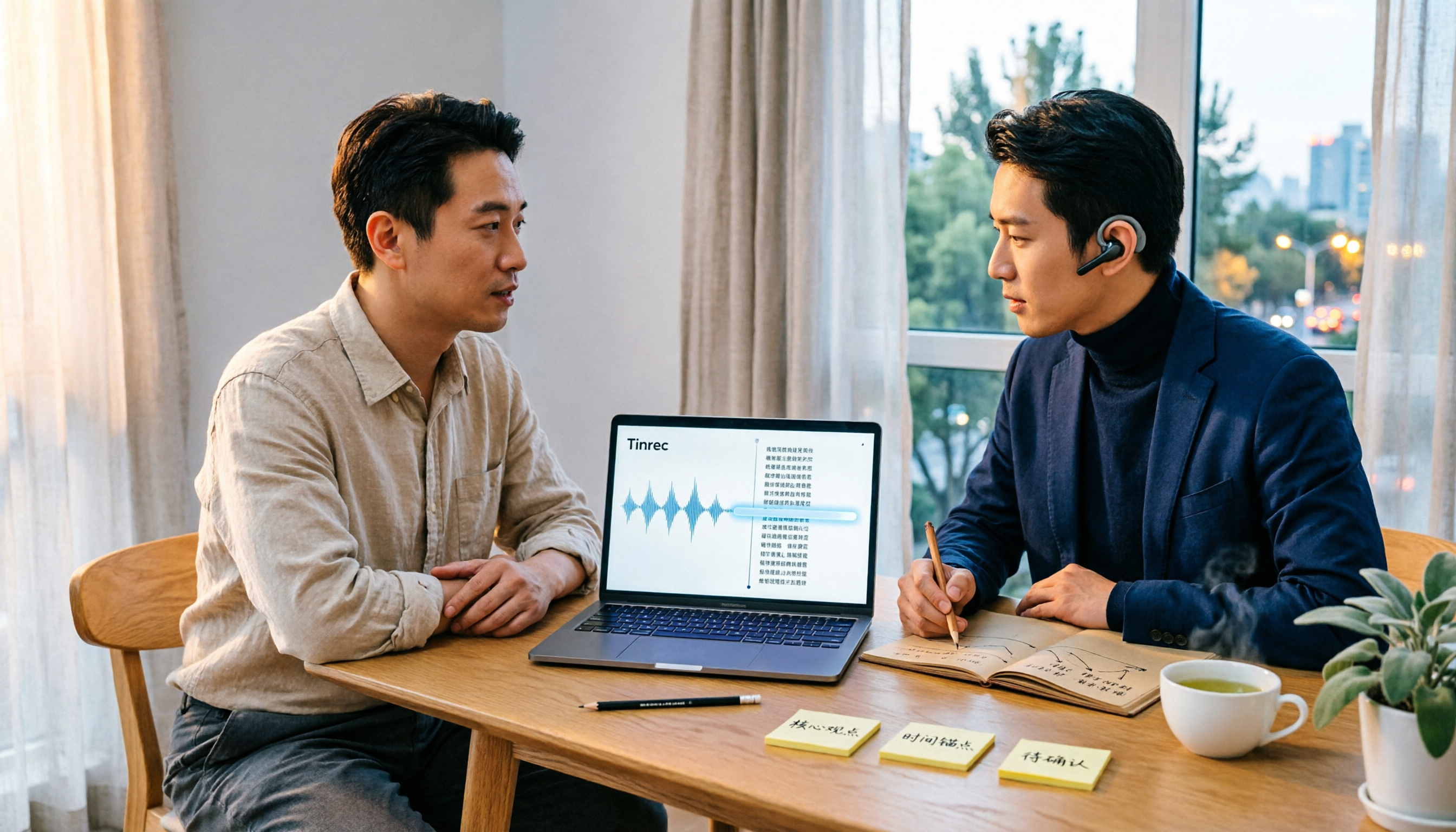
Best Audio Transcription Tools in 2026: We Tested 4, and This One Saves the Most Time for Chinese Interviews
Recorded interviews, meetings, and lectures piling up unorganized is a common pain point for researchers and professionals. This article breaks down 4 key criteria for choosing an audio transcription tool, then compares Tinrec, MyEdit, cSubtitle, and Otter.ai in real tests, explaining their best use cases, limitations, and data ownership differences. It also covers 4 common mistakes and gives clear recommendations based on budget and scenario.

4 Legal Audio Transcription Tools Compared: Which One Best Handles Transcripts, Timestamps, and AI Search?
Legal work often requires transcribing court hearings, consultations, and interviews, but getting the text is just the first step. This article compares 4 tools from the perspectives of timestamps, speaker identification, Chinese recognition, and post-meeting search, and summarizes the 4 most common pitfalls and purchasing advice for legal audio transcription.

Voice Recorder vs Phone Recording in 2026: Complete Guide to 5 Recording Solutions and AI Transcription
How do you choose between a voice recorder and your phone? This guide breaks down 5 recording solutions from hardware, software, and real-world scenarios, including Tinrec AI meeting notes, professional voice recorders, built-in phone recording, PLAUD portable hardware, and Notta/TurboScribe transcription tools. We compare pricing, limitations, and use cases to help you find the best recording method.
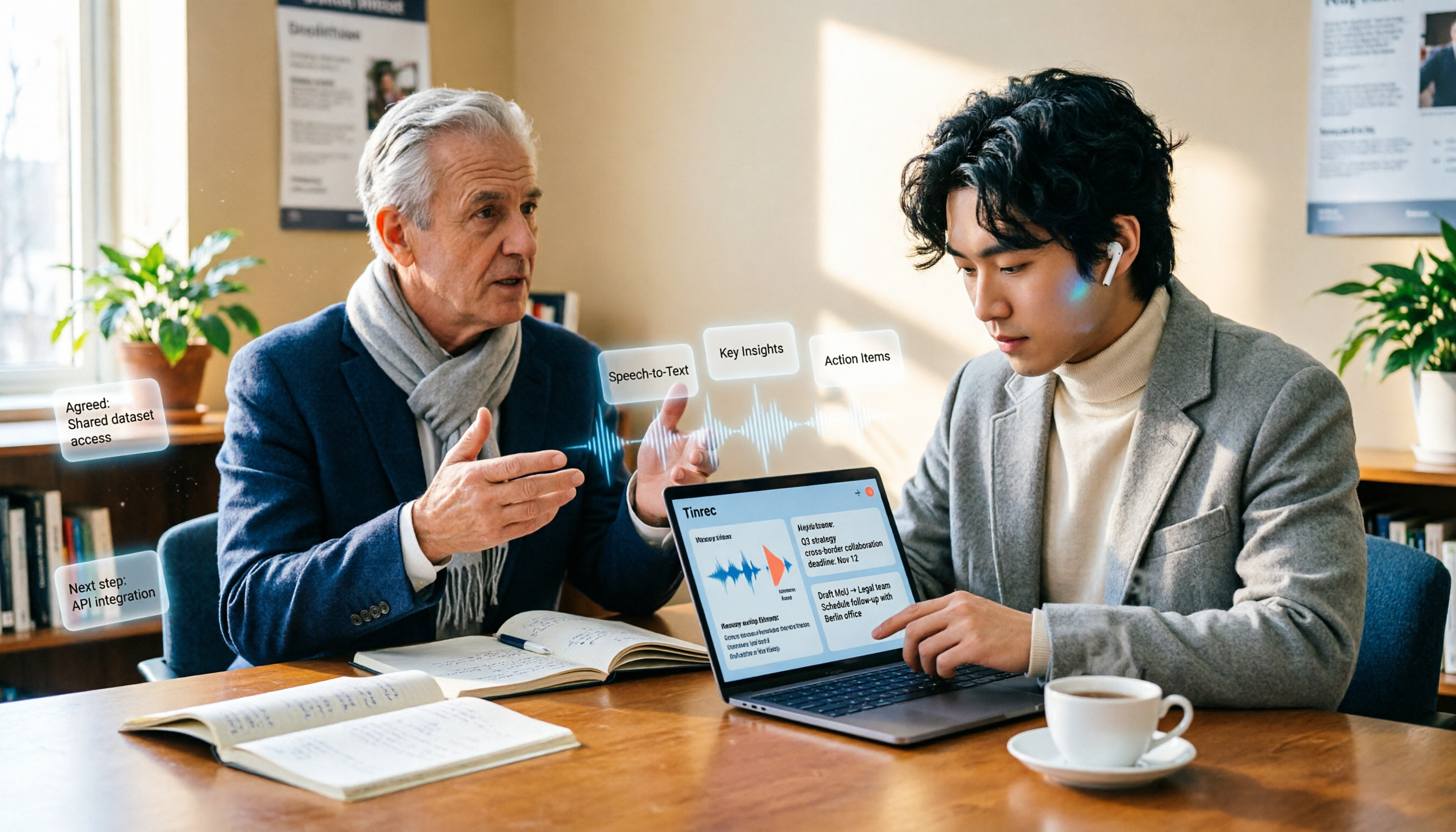
How to Take Academic Conference Notes in 2026: 5 Steps from Recording to AI Summary
The most common mistake in academic conference notes is treating a seminar like a transcription exercise. This article breaks down the process from audio capture, recording, and transcription to AI summaries in 5 steps, then compares Tinrec and PLAUD Note across dimensions including Chinese and mixed Chinese-English transcription, online meeting audio capture, existing file organization, post-meeting Q&A, and cost, helping researchers and teams choose the right note-taking method.

4 AI Meeting Transcription Tools Compared for 2026: How Law Firms Can Choose Without Missing Key Decisions
Meeting minutes aren't just for review—in disputes, they can serve as evidence of performance. This article starts from the actual workflow of law firms and compares four AI meeting transcription tools: Tinrec, Otter.ai, Notta, and Granola. It outlines five key purchasing factors, four common pitfalls, and selection advice for different needs.
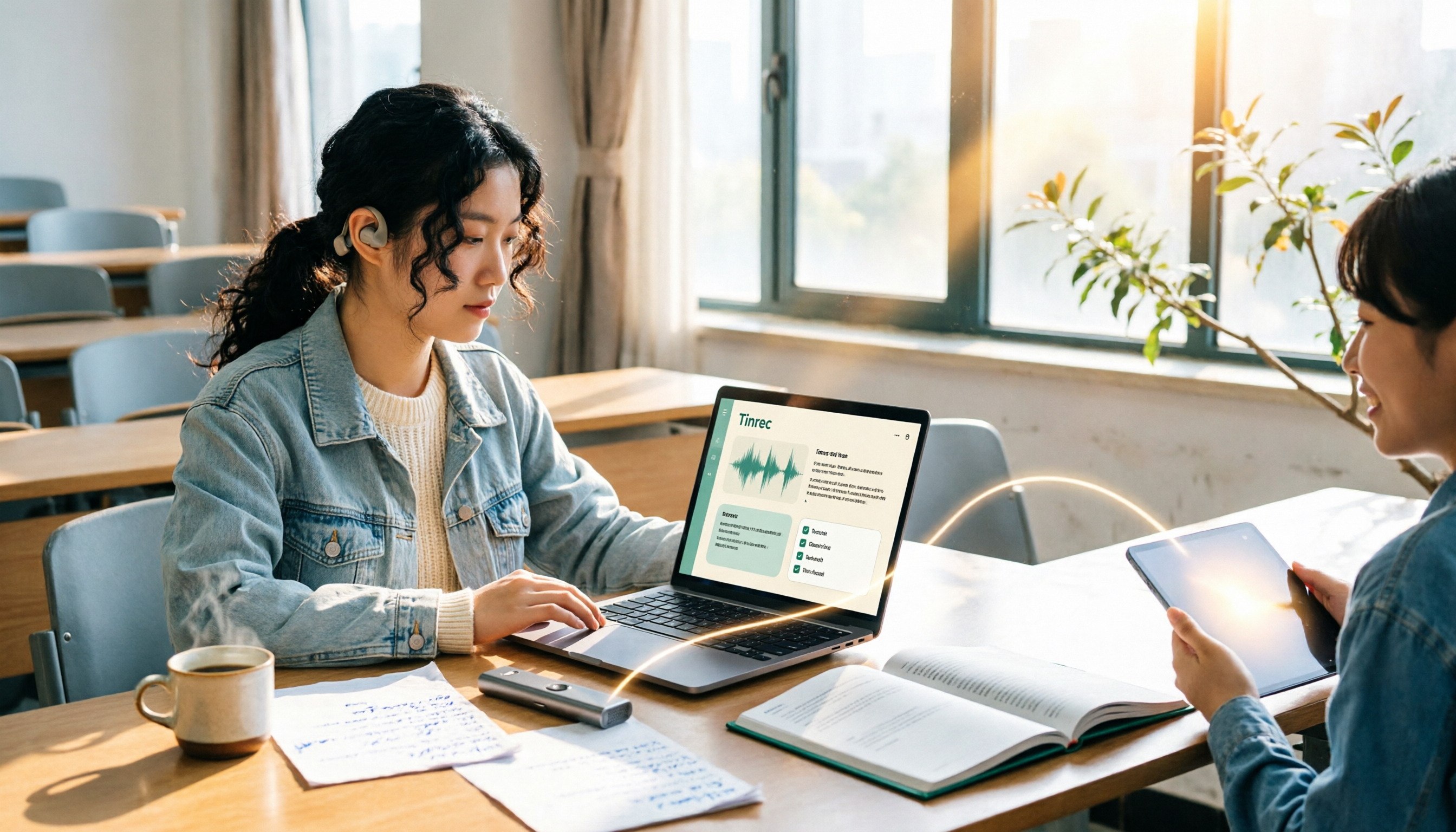
2026 Complete Guide to Voice Recorders: Do You Need One? Tinrec vs Traditional Voice Recorders
Do you really need a voice recorder? Starting from the real pain points of college students recording lectures, this guide breaks down the common misconception of 'recording but never using it,' compares traditional voice recorders with Tinrec's instant speech-to-text, summary to-dos, AI Q&A, export, and team collaboration features, and outlines key considerations and plan recommendations when choosing a recording-to-text tool.

5 Best Smart Voice Recorders of 2026: AI Meeting Notes Tested and Compared — Which Saves the Most Time?
How to choose a smart voice recorder? We tested and compared 5 AI recording tools including Tinrec, PLAUD, Notta, and Otter.ai, covering audio capture methods, Chinese and mixed Chinese-English transcription, post-meeting organization, team collaboration, and pricing limits. We've compiled actionable buying criteria and 4 key pitfalls to avoid, helping you find the one that truly saves you organization time.
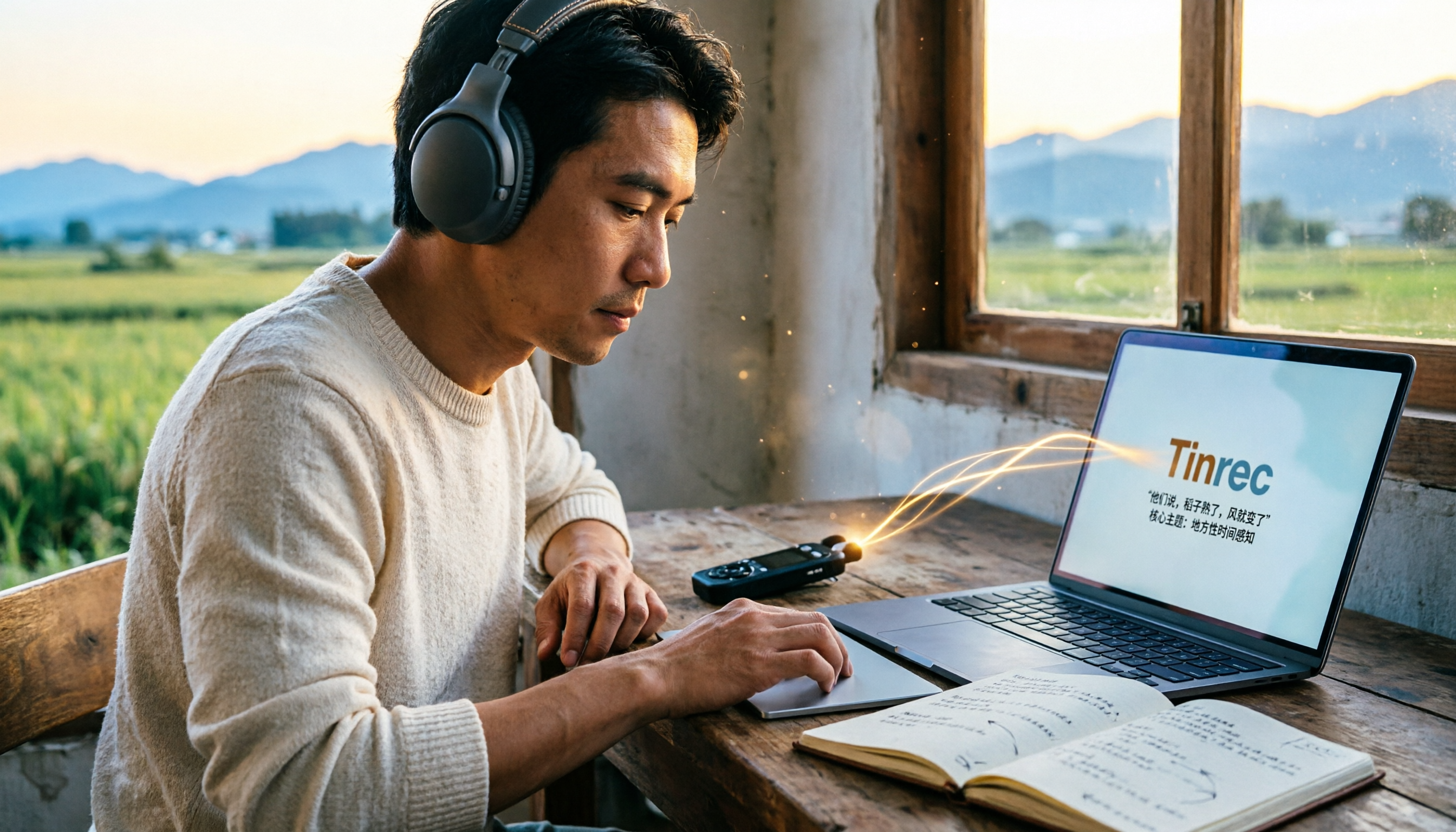
5 Field Research Transcription Tools Tested: Which Saves the Most Time on Interview Transcripts and AI Summaries?
Tired of transcribing field interview recordings late into the night? This article tests 5 transcription tools, including Tinrec, Yating Transcription, cSubtitle, MyEdit, Notta, and TurboScribe, comparing Chinese recognition, AI summaries, free quotas, and team collaboration to help researchers quickly produce transcripts and interview analyses.

Tinrec vs Traditional Voice Recorders in 2026: 5-Dimension Comparison — Which Is Better for Meeting Notes?
Which voice recorder brand is best in 2026? This article compares Tinrec and traditional voice recorders across 5 dimensions, from audio capture methods and online meeting recording to AI summaries and action item extraction, Chinese recognition, team collaboration, and data ownership. It explains why the key to choosing a recording tool has shifted from 'can it record?' to 'can you use it right after recording?'