

Turn recordings into transcripts and summaries in minutes
Upload audio or video for multilingual transcription, AI notes, and action items
2026 Top 5 Online Text-to-Speech Tools Compared: From Voiceover Scripts to Transcripts, Which Workflow Saves the Most Time?
"The video is edited, subtitles are added, but the voiceover just won't come together." Last month, while helping a friend who runs a YouTube channel review his workflow, I realized he wasn't stuck on the voiceover tool—he hadn't even organized the script yet.
Honestly, most people searching for "online text-to-speech" have in mind reading text aloud. But what really eats up time is usually the earlier step—turning interview, meeting, and course audio into text that can be rewritten and cited.
Tinrec handles exactly that step. It's an AI meeting notes and collaboration tool for individuals and teams, supporting real-time recording transcription, bot-free online meeting recording, audio/video file import, and real-time translation, and can automatically generate summaries, chapters, to-dos, and mind maps. The free version offers a basic quota to try first, suitable for general office workers, content creators, and teams that need to retain meeting data.
Below, we'll look at two parts: what text-to-speech (TTS) can do for you, and how Tinrec performs on the speech-to-text side.
What Can Online Text-to-Speech Do for You?
Scenario 1: Social media videos and short video voiceovers Most people making short videos don't lack voiceover tools—they lack a script that can be read directly. If you have an interview or livestream recording, I'd first use Tinrec to transcribe it, then use AI summaries to pick out key sentences, rewrite them into a 30-second voiceover, and finally hand it to a text-to-speech tool. With the right order, voiceover becomes the fastest step.
Scenario 2: Audiobooks and course material narration Textbooks and handouts are often accumulated little by little from lecture recordings. Tinrec can transcribe a two-hour course recording into a transcript and automatically split it into chapters; you rewrite it into a narration script following the chapters, so it doesn't sound like a rambling account.
Scenario 3: Language learning and bilingual comparison The worst part of practicing listening is having only audio and no text. Tinrec supports multilingual transcription and mixed Chinese-English content organization, and can translate in real time during recording, allowing you to view in original, translated, or bilingual mode—getting both audio and corresponding text at once, far more efficient than repeatedly rewinding audio files.
Scenario 4: Cross-language meetings and international client communication When there are foreign language speakers in a meeting, the most troublesome part is having to listen again afterward. Tinrec's real-time translation lets you follow the content during the meeting, and afterward AI summaries organize conclusions and to-dos, filling in the part most easily missed in cross-language communication.
Core Capabilities of the Audio Content Workflow: Tinrec's Five Key Features
Real-time recording to text Transcribe while recording, no need to wait until the meeting ends to start organizing. During the meeting, you can check the text synchronously to confirm no key points are missed—especially useful for offline meetings, interviews, and on-site notes.
Bot-free online meeting recording Tinrec's desktop version directly captures the computer's system audio, handling online meetings on Zoom, Google Meet, Microsoft Teams, Webex, etc., without inviting a meeting bot as a participant. Note that this is not the same as "automatically joining all calendar meetings"—you still need to open Tinrec yourself to start recording.
AI summaries, chapters, and to-dos It doesn't just condense the transcript into a paragraph; it organizes structurally—meeting topics, discussion conclusions, to-dos, and owners listed separately. Long meetings are automatically split into chapters, so you can jump directly to key sections when reviewing.
AI Q&A and multi-format export After transcription, you can directly ask it "Who mentioned the budget in this meeting?" "What was the client's feedback?" and it answers based on semantic understanding. Organized results can be exported to Notion, Google Docs, OneNote, Dropbox, etc., and further processed via Agent to generate reports, tables, and documents.
Team space and governance The team version is not multiple people sharing a personal account, but an independent team space. Meeting data belongs to the team, with member invitations, role and seat management, sharing rights, usage analytics, audit logs, audio recycle bin, and team hotwords.
Practical Application Scenarios
Meeting notes and project tracking For those with weekly meetings, review meetings, and cross-department meetings, what's most needed is "no more spending an hour organizing after the meeting." Use Tinrec to transcribe while meeting; by the time it ends, the transcript, summary, and to-dos are already formed; to-dos can be brought into subsequent workflows, and decision basis stays in the team space—next time you need to check "why was this decided," no need to ask people.
Stop organizing recordings by hand
Upload audio or video and automatically get a transcript, summary, and action items
Classes, lectures, and internal training For two- or three-hour course recordings, the biggest fear is giving up halfway through organizing. Tinrec automatically generates chapters and summaries, so key points the instructor covered and questions students asked can be quickly located; when remaking materials or making narration scripts, just rewrite the transcript directly.
Interviews and user research Interview highlights are usually scattered across different sections, and handwritten notes easily miss them. After transcribing with Tinrec, you can directly ask via AI Q&A "How many times did the interviewee mention price issues?" "Which feature is he most dissatisfied with?" turning qualitative data into citable material.
Content creation and self-media management Podcast, livestream, and video materials often come from the same conversation. First transcribe, then pick sections from summaries and chapters to rewrite into posts, newsletters, or voiceover scripts—one audio content can be split into several outputs, which I find the most time-saving usage.
6 Points to Note When Choosing Such Tools
1. First confirm the direction you need Online text-to-speech tools on the market handle "text to speech"; Tinrec handles the reverse "speech to text and usable data." The two are actually two ends of the same workflow—first figure out which part you lack, so you don't buy a tool but still get stuck on the script.
2. Chinese and multilingual support Transcription experience for Chinese meetings varies greatly, and mixed Chinese-English is a common pain point. Tinrec covers Chinese, Traditional Chinese, and multilingual meeting scenarios, and supports real-time translation and team hotwords; actual results are affected by recording quality, noise, accent, overlapping speakers, and technical terms—recommend trying with your own recording.
3. Can it organize after transcription Tools that only give transcripts are equivalent to returning the organizing work to you unchanged. Tinrec's focus is on the latter half—summaries, chapters, to-dos, AI Q&A, translation, and export—these are where time is truly saved.
4. Input sources and platforms Confirm the tool supports your usual meeting methods. Tinrec supports real-time recording, desktop online meeting recording, audio/video file import, mobile recording, and some web link imports; desktop, web, and mobile versions are available, so cross-device use doesn't require switching tools.
5. Team collaboration and data ownership For team use, distinguish "roles" and "seats": roles determine who can manage the team and audit, seats determine whether members can record, upload, edit, and export. Tinrec's active members can still view, play, and read team data even without a seat; when a member leaves or loses a seat, team resources are handed over to other members and won't disappear with the individual.
6. Are costs and quotas transparent Tinrec's personal version has a free version to experience basic quotas first; for short-term intensive use, consider a weekly card; for regular weekly use, a Pro monthly card is suitable; for long-term data retention, the annual card has a lower monthly equivalent. The team version offers a 7-day trial for first-time eligible users, 1 free seat, and 300 minutes of team shared import quota; paid plans are USD 29.80 per paid seat per month, USD 199 per paid seat per year (about USD 16.58 per month), each paid seat provides 2,000 minutes of team shared import quota per month, and real-time recording under an active plan is currently not deducted by minutes. Prices and promotions are subject to the official purchase page.
FAQ
Can Tinrec directly convert text to speech? Currently no. Tinrec focuses on the reverse: converting speech to text and usable data, including transcripts, summaries, chapters, to-dos, translation, and export. Text-to-speech can be handled by dedicated TTS tools, complementary in the workflow.
Are online text-to-speech tools free? Most tools have free quotas, but limits vary, commonly differences in word count, duration, and commercial licensing. If your need is actually organizing meeting or interview content, Tinrec's free version offers basic quotas to experience recording, import, summaries, and transcription.
Which online meeting platforms are supported? Tinrec's desktop version captures system audio, handling meeting audio played on computers from Zoom, Google Meet, Microsoft Teams, Webex, etc., without a meeting bot joining, and it's not automatically joining all calendar meetings.
Is the free version enough? For occasional recording organization, the free version works; for short-term concentrated meetings or interviews, a weekly card is more suitable; for stable weekly needs, Pro monthly is smoother; for long-term recording data retention, the annual card has a lower monthly equivalent. Teams can start with a 7-day trial.
What's the difference between team and personal versions? Personal version data is managed by the individual account; the team version is an independent team space, meeting data belongs to the team, with additional member and seat management, sharing rights, usage analytics, audit logs, and audio recycle bin.
Can transcription accuracy be guaranteed? It's not recommended to promise fixed numbers. Actual performance is affected by recording quality, environmental noise, accent, overlapping speakers, and technical terms; performance is stable under clear audio and common scenarios, and important content should be verified with transcript timestamps and recording playback. Also note that recording and transcription must comply with local laws, and obtain participant consent when necessary.
Conclusion
Online text-to-speech solves "reading text aloud," but what really gets people stuck is often "how to turn speech into usable text and data."
If you have meetings, interviews, or course content to organize every week, this part can be left to Tinrec. The free version's basic quota is enough to experience a few meetings; for long-term personal use, check the Pro annual card; teams can start with a 7-day trial to feel what it's like when meeting data is automatically organized and retained as a team asset.
References
Turn every recording into actionable outcomes
Get 60 free transcription minutes when you sign in. No credit card required.
Related Reading
You might also like
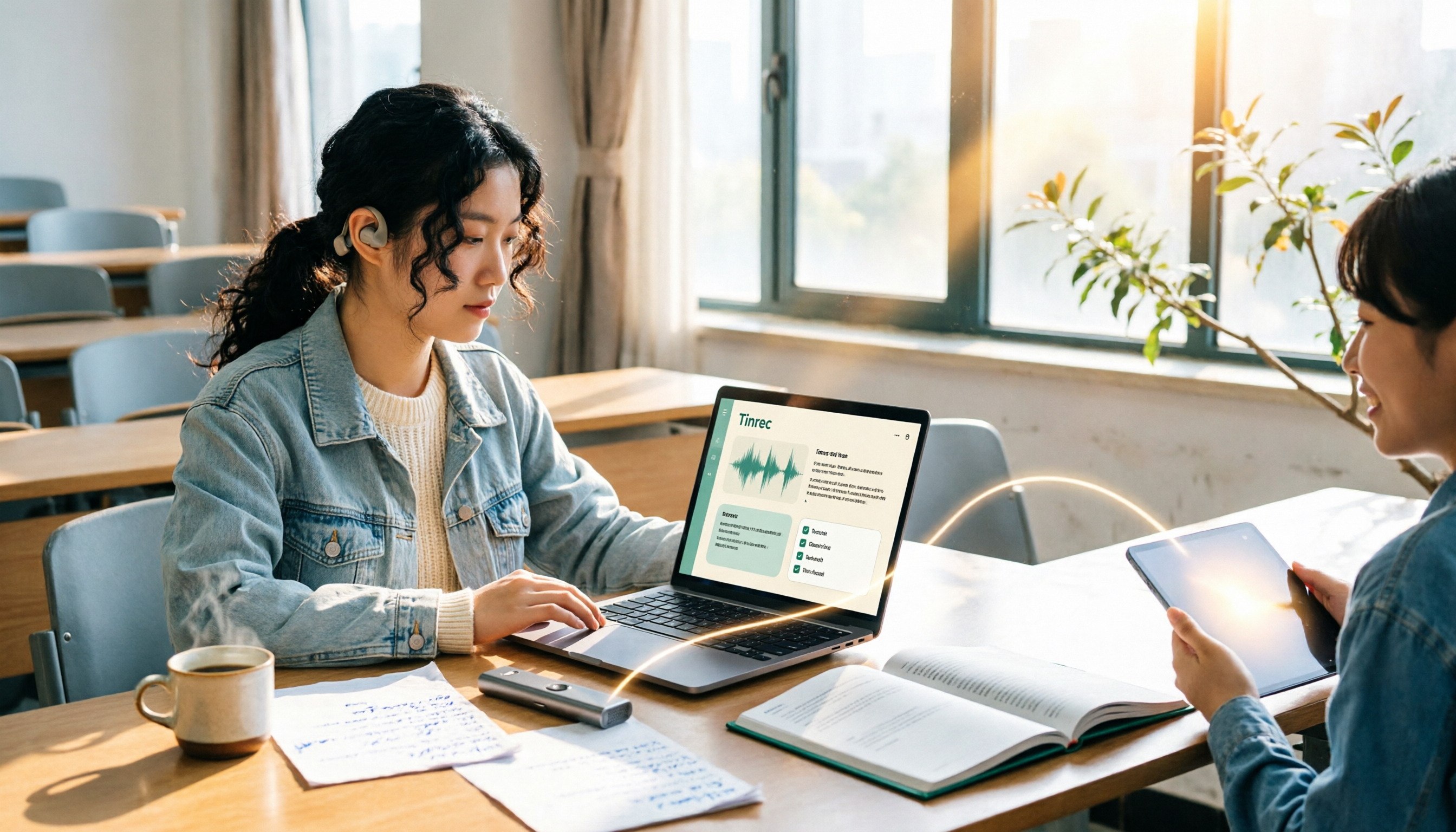
2026 Complete Guide to Voice Recorders: Do You Need One? Tinrec vs Traditional Voice Recorders
Do you really need a voice recorder? Starting from the real pain points of college students recording lectures, this guide breaks down the common misconception of 'recording but never using it,' compares traditional voice recorders with Tinrec's instant speech-to-text, summary to-dos, AI Q&A, export, and team collaboration features, and outlines key considerations and plan recommendations when choosing a recording-to-text tool.

5 Best Smart Voice Recorders of 2026: AI Meeting Notes Tested and Compared — Which Saves the Most Time?
How to choose a smart voice recorder? We tested and compared 5 AI recording tools including Tinrec, PLAUD, Notta, and Otter.ai, covering audio capture methods, Chinese and mixed Chinese-English transcription, post-meeting organization, team collaboration, and pricing limits. We've compiled actionable buying criteria and 4 key pitfalls to avoid, helping you find the one that truly saves you organization time.

4 Best Interview Transcription Tools for Research in 2026: Which Saves the Most Time?
Transcribing a one-hour interview can take 4–6 hours. This article covers the key decision points for turning research interviews into text, compares Tinrec, Yating, Notta, and Otter.ai on Chinese interview support, AI Q&A, remote interviews, and team collaboration, and includes a pitfalls guide and selection advice to help qualitative researchers find the most time-saving transcription workflow.
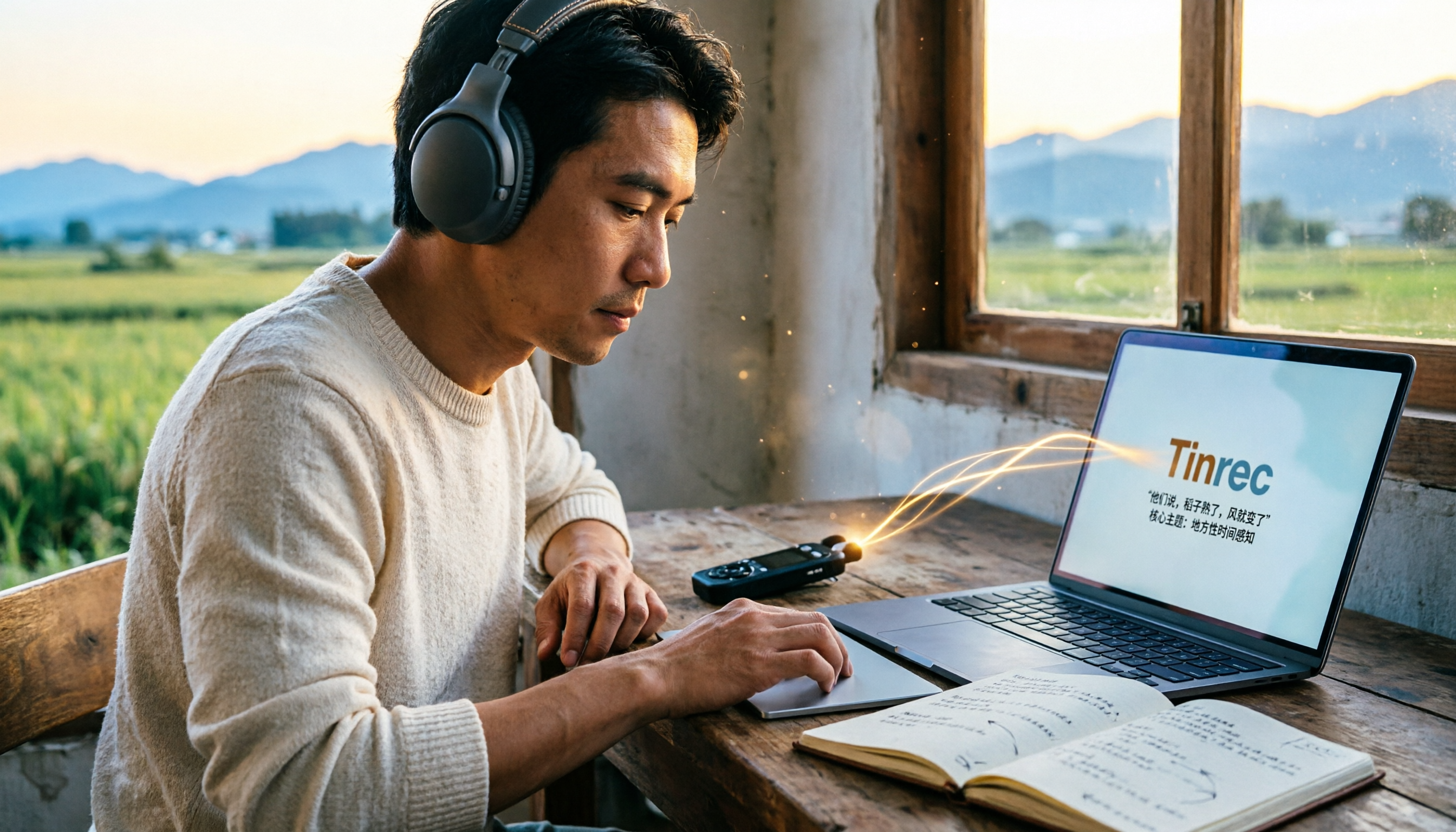
5 Field Research Transcription Tools Tested: Which Saves the Most Time on Interview Transcripts and AI Summaries?
Tired of transcribing field interview recordings late into the night? This article tests 5 transcription tools, including Tinrec, Yating Transcription, cSubtitle, MyEdit, Notta, and TurboScribe, comparing Chinese recognition, AI summaries, free quotas, and team collaboration to help researchers quickly produce transcripts and interview analyses.

Tinrec vs Traditional Voice Recorders in 2026: 5-Dimension Comparison — Which Is Better for Meeting Notes?
Which voice recorder brand is best in 2026? This article compares Tinrec and traditional voice recorders across 5 dimensions, from audio capture methods and online meeting recording to AI summaries and action item extraction, Chinese recognition, team collaboration, and data ownership. It explains why the key to choosing a recording tool has shifted from 'can it record?' to 'can you use it right after recording?'

2026 4 Recording Tools Tested: Voice Recorder vs App — Which Saves Students More Time?
Recorded 20+ hours of lectures but can't stand to listen to any of it before finals? This student-perspective test of 4 recording tools—from hardware recorders (PLAUD, Sony entry-level) to recording apps (Tinrec, Otter.ai)—compares acquisition cost, recording scenarios, post-lecture organization efficiency, and free tiers, plus 3 common pitfalls students fall into, to help you decide whether to spend on hardware or an app.

2026 Guide: AI Transcription & Auto-Summary for Medical Consultation Records
Should you handwrite medical consultation notes, type them up later, or record and transcribe in real time? This article covers compliance, Chinese recognition, audio retention, export options, and team permissions, explaining how Tinrec works for organizing consultation records, along with pricing and key considerations.

Best Video-to-Text Tools in 2026: We Tested 2 — For Chinese and Post-Meeting Notes, Pick This One
A hands-on 2026 comparison of video-to-text tools. This article compares Tinrec and Otter.ai across video and audio transcription, Chinese and mixed Chinese-English support, bot-free meeting recording, post-meeting AI organization, team collaboration, and pricing to help you decide which fits better. If you value Chinese video transcription, summaries, action items, and team knowledge retention, Tinrec is the more complete choice.

6 Best Educational Video Summarizers in 2026: Which One Captures Key Points from Long Lectures Most Accurately?
A 50-minute lecture video often contains only 5 minutes of key takeaways. This article reviews 6 educational video summarization tools in 2026, from Tinrec, Notta, TurboScribe, Otter.ai, Granola to PLAUD recording hardware, comparing transcription, summarization, AI follow-up, export, and team collaboration capabilities, with pricing and use cases to help you choose the most time-saving one.