
Turn recordings into transcripts and summaries in minutes
Upload audio or video for multilingual transcription, AI notes, and action items
2026 4 Recording Tools Tested: Voice Recorder vs App — Which Saves Students More Time?
Opening your recordings before finals and realizing you've got 20+ hours—what you're missing isn't recording, it's notes you can actually use
Last semester I took a 3-credit required course. The professor spoke fast and flipped slides even faster. I knew better, so I started recording from day one, thinking "I'll just listen later."
Then before finals, I opened my phone's recording folder and found over 20 hours of files from the whole semester. I clicked on the first lecture, listened for 6 minutes, and gave up—no highlights, no sections, no keywords. To find "how many pages the report should be," I had to drag the progress bar from start to finish.
This isn't a recording problem; it's a "what do you do after recording" problem. In this article, I tested 4 tools, from hardware recorders to recording apps, and compiled the pitfalls I hit this semester.
Buy a voice recorder or install an app? Understand these 4 key points first
1. Do you want to "record it" or "have something usable after recording"? Many students only look at "sound quality" when choosing tools, but the real cost comes later: re-listening, typing, organizing. If a tool only records for you, it leaves the most time-consuming part to you. So the first question: does it offer transcripts, summaries, highlights, and to-dos?
2. Acquisition cost: one-time hardware purchase vs app subscription A voice recorder is a one-time expense, but it often requires a proprietary app, and exporting files isn't always smooth. Apps usually have free tiers to try, and you pay if you like it. The student principle: run through the workflow with free versions first, then decide whether to spend.
3. What's your lecture scenario? Large lecture halls, professor far away, people flipping handouts nearby—this environment is tough for recording. In contrast, online classes, quiet study rooms, close-up interviews—your phone or computer's mic is already sufficient. Different scenarios, different answers.
4. Cross-device and group collaboration Record on your phone in class, organize on your computer at night. If the tool doesn't support cross-platform, you'll get frustrated. Also, capstone projects or group reports often involve "everyone meets, but no one remembers conclusions." Whether data can be centralized in a team space affects your mood more than single-recording quality.
Tinrec — The one I used for a semester and kept
Tinrec is an AI meeting notes and collaboration tool for individuals and teams, supporting iOS, Android, and web, with a desktop version that can directly record online meetings. It's not just "audio to text"; it turns recordings into searchable, queryable, usable data.
Real-time transcription in class: I usually open the app, hit record, and it transcribes as it records. By the end of a 90-minute class, the transcript is nearly done, and it automatically generates summaries and chapters. Before exams, I don't re-listen; I just read the summary to know the three main topics covered.
Upload old audio files all at once: I had a bunch of MP3s from an old recorder. I uploaded them directly and they converted to text without needing to convert formats first. This is a lifesaver for anyone with a backlog of recordings.
AI Q&A (my favorite feature): Instead of Ctrl+F for keywords, just ask. I've asked "When is the report deadline the professor mentioned?" and "Who was responsible for the survey in the last group meeting?"—it understands semantics and gives direct answers. I haven't seen many tools at this price point do that.
Desktop version records online meetings without a bot: When my capstone group meets on Zoom, Google Meet, or Teams, I don't need to invite a meeting bot. The desktop version directly records the computer's audio, and afterward, summaries and to-dos are organized for you.
Stop organizing recordings by hand
Upload audio or video and automatically get a transcript, summary, and action items
Team space for groups: If the whole project team uses the team version, meeting data is stored in the team space and owned by the team, so it won't disappear when someone graduates. Members have roles (who can manage) and seats (who can record, upload, export); members without seats can still view and read data. The team version offers a 7-day free trial with 1 free seat and 300 minutes of shared team import quota; after payment, it's USD 29.80 per paid seat per month, or USD 199 per paid seat annually (about USD 16.58/month). Each paid seat gets 2,000 minutes of shared team import quota per month; real-time recording currently doesn't deduct minutes.
Pros: First, it saves not recording time but organizing time—summaries, chapters, and to-dos are generated directly, making a big difference for exam prep. Second, one tool handles classes, online meetings, and old audio files, so you don't need three or four apps for different sources. Third, cross-device: record on phone, organize on computer, export to Notion or Google Docs smoothly.
Limitations: The free version offers a basic quota. If you record every class and process lots of old files, you'll still need to pay. Also, recording quality affects transcription; in noisy classrooms with people talking over each other, transcripts will have errors. For important info, it's best to go back and listen to that timestamp once.
Who it's for: If you record lectures and want highlights and to-dos right after, or have group meetings and online classes to handle, Tinrec is currently the most balanced choice.
Besides Tinrec, what other options are there?
PLAUD Note / NotePin: A representative of AI recording hardware. NotePin is USD 159 on the US official site, Note Pro USD 189. Membership: Starter 300 minutes/month, Pro USD 99.99/year (1,200 minutes/month). Suitable for people always on the go who want to record casually. But for students, it requires an upfront hardware cost, and it can't directly record online meetings from your computer like Tinrec's desktop version. Team data accumulation isn't its strength either.
Sony and other entry-level voice recorders: Advantages are physical buttons, record as soon as you turn it on, and it doesn't use your phone's battery or storage. Downsides are obvious—it only records. Transcripts, summaries, to-dos, AI Q&A—things Tinrec does—it completely lacks. Suitable for those who just want to archive and don't plan to organize.
Otter.ai: A veteran choice for English meetings. The free version offers a generous 300 minutes/month; Pro annual is about USD 8.49/month. But its main strength is English business meetings; Chinese classroom terminology organization isn't its forte, and it lacks Tinrec's team glossary design for maintaining department-specific terms. If almost all your classes are taught in English, it's indeed more cost-effective.
Pitfall guide: 3 most common mistakes students make when buying recording tools
Pitfall 1: Only looking at sound quality specs, ignoring post-lecture organization time. Voice recorders usually have better sound quality than phones, but what really eats your time is re-listening and typing. Before buying, ask yourself: how do I plan to handle these 20 hours of recordings?
Pitfall 2: Assuming the free version is enough without checking quotas. Each tool's free tier rules differ—some are monthly minutes, some are per-recording length limits. Test with your longest class, then decide whether to upgrade.
Pitfall 3: Only using AI tools as "audio to text." That's using only a third of their capability. Features like AI Q&A let you directly ask "What homework did the professor assign in this class?"—much faster than scrolling through a 30-minute transcript.
Pitfall 4: Not paying attention to consent and regulations before recording. Classes and group meetings involve others' speech. Before recording, confirm the setting allows it and get consent when needed. This is more important than which tool you choose.
Conclusion: Which one should you choose?
In one sentence: If you want "notes you can use right after recording," Tinrec is the one I actually used for a semester and kept.
- Record lectures, want summaries and to-dos afterward → Tinrec (real-time transcription + auto summaries, chapters)
- Capstone or group online meetings (Zoom/Meet/Teams) → Tinrec desktop version records without a bot, no need to invite a bot
- Record on phone, organize on computer, cross-device use → Tinrec (iOS + Android + web)
- Group needs to share meeting data, and it shouldn't leave when someone graduates → Tinrec team version (team space, role and seat management)
- Almost all English-taught classes, tight budget → Otter.ai (free 300 minutes, the only exception recommendation in this article)
- Just want a device that doesn't need a phone, records as soon as you turn it on → Sony and other entry-level voice recorders
My advice: Start with the free version, record your longest class once, and see if the transcript and summary help your review. If it really saves time, then consider paying. Don't spend on hardware from the start.
References
- 2026 Selected 6 Lecture Recording and Note-Taking Tools: Hardware Voice Recorders vs AI Transcription Apps Full Comparison - Tinrec Blog
- Voice Recorder vs Phone: 2026 Meeting Notes and Transcription Tools Full Analysis, from Hardware Selection to AI Software Practice - Tinrec Blog
- 17 Useful Mobile Recording Apps: No Need to Buy a Voice Recorder - Steachs - Your Rich 3C Info and Tutorial Site
- Recording Equipment/Voice Recorder Buying Guide: 2026 3 Hardware Recommendations and AI Transcription Alternatives Comparison - Tinrec Blog
- Which Recording App is Best? 2026 Tested 4, AI Transcription and Organization Top Pick - Tinrec Blog
Turn every recording into actionable outcomes
Get 60 free transcription minutes when you sign in. No credit card required.
Related Reading
You might also like
2026 Complete Guide to Voice Recorders: Do You Need One? Tinrec vs Traditional Voice Recorders
Do you really need a voice recorder? Starting from the real pain points of college students recording lectures, this guide breaks down the common misconception of 'recording but never using it,' compares traditional voice recorders with Tinrec's instant speech-to-text, summary to-dos, AI Q&A, export, and team collaboration features, and outlines key considerations and plan recommendations when choosing a recording-to-text tool.

5 Best Smart Voice Recorders of 2026: AI Meeting Notes Tested and Compared — Which Saves the Most Time?
How to choose a smart voice recorder? We tested and compared 5 AI recording tools including Tinrec, PLAUD, Notta, and Otter.ai, covering audio capture methods, Chinese and mixed Chinese-English transcription, post-meeting organization, team collaboration, and pricing limits. We've compiled actionable buying criteria and 4 key pitfalls to avoid, helping you find the one that truly saves you organization time.
4 Best Interview Transcription Tools for Research in 2026: Which Saves the Most Time?
Transcribing a one-hour interview can take 4–6 hours. This article covers the key decision points for turning research interviews into text, compares Tinrec, Yating, Notta, and Otter.ai on Chinese interview support, AI Q&A, remote interviews, and team collaboration, and includes a pitfalls guide and selection advice to help qualitative researchers find the most time-saving transcription workflow.
5 Field Research Transcription Tools Tested: Which Saves the Most Time on Interview Transcripts and AI Summaries?
Tired of transcribing field interview recordings late into the night? This article tests 5 transcription tools, including Tinrec, Yating Transcription, cSubtitle, MyEdit, Notta, and TurboScribe, comparing Chinese recognition, AI summaries, free quotas, and team collaboration to help researchers quickly produce transcripts and interview analyses.

Tinrec vs Traditional Voice Recorders in 2026: 5-Dimension Comparison — Which Is Better for Meeting Notes?
Which voice recorder brand is best in 2026? This article compares Tinrec and traditional voice recorders across 5 dimensions, from audio capture methods and online meeting recording to AI summaries and action item extraction, Chinese recognition, team collaboration, and data ownership. It explains why the key to choosing a recording tool has shifted from 'can it record?' to 'can you use it right after recording?'

2026 Guide: AI Transcription & Auto-Summary for Medical Consultation Records
Should you handwrite medical consultation notes, type them up later, or record and transcribe in real time? This article covers compliance, Chinese recognition, audio retention, export options, and team permissions, explaining how Tinrec works for organizing consultation records, along with pricing and key considerations.

Best Video-to-Text Tools in 2026: We Tested 2 — For Chinese and Post-Meeting Notes, Pick This One
A hands-on 2026 comparison of video-to-text tools. This article compares Tinrec and Otter.ai across video and audio transcription, Chinese and mixed Chinese-English support, bot-free meeting recording, post-meeting AI organization, team collaboration, and pricing to help you decide which fits better. If you value Chinese video transcription, summaries, action items, and team knowledge retention, Tinrec is the more complete choice.

2026 Top 5 Online Text-to-Speech Tools Compared: From Voiceover Scripts to Transcripts, Which Workflow Saves the Most Time?
Online text-to-speech (TTS) reads text aloud, but the real time sink is often turning meeting, interview, and course audio into usable text. This article compares 5 tools based on 2026 hands-on observations and demonstrates Tinrec's complete workflow for bot-free meeting recording, real-time transcription, AI summaries and Q&A, export, and team spaces.
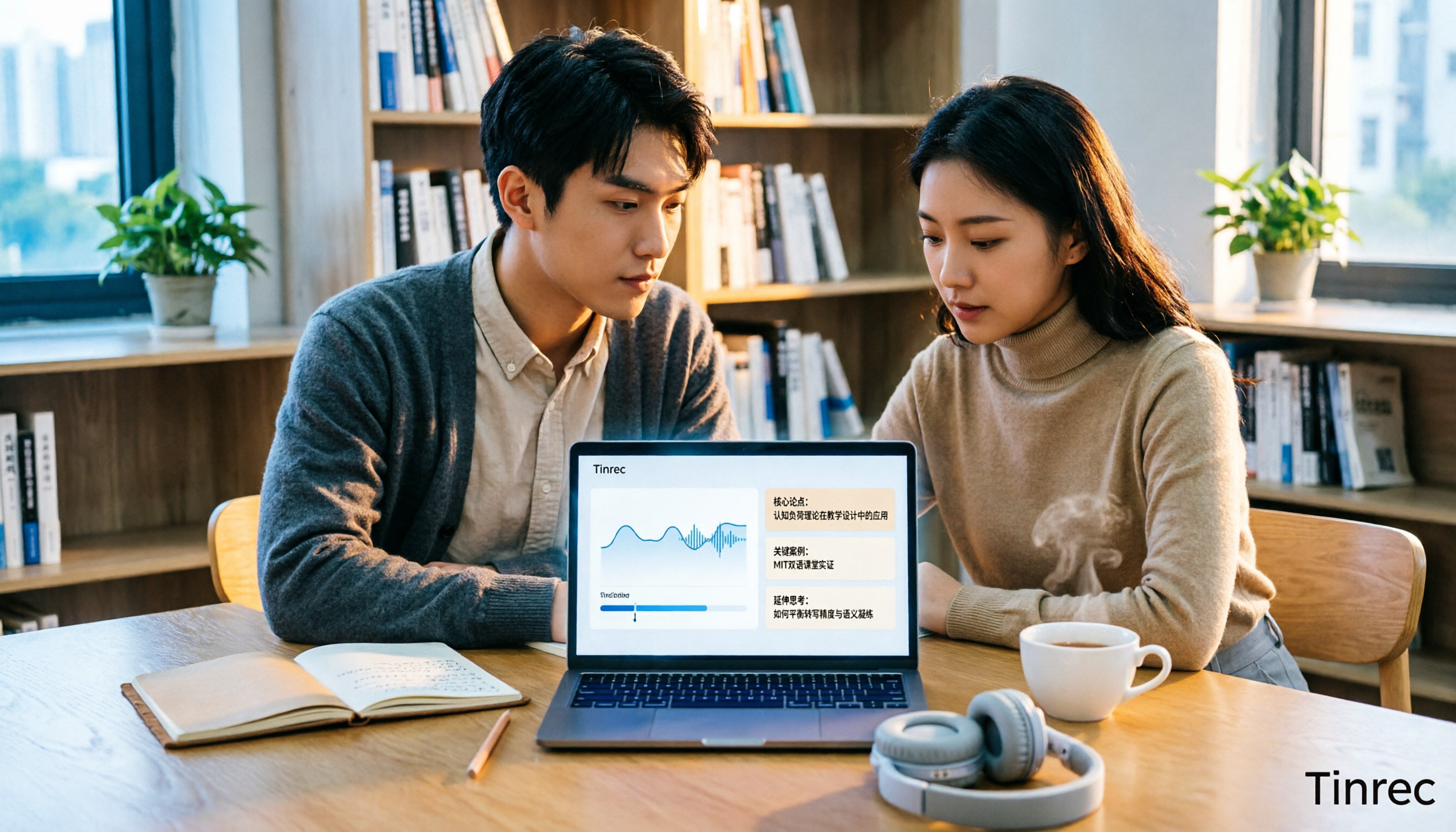
6 Best Educational Video Summarizers in 2026: Which One Captures Key Points from Long Lectures Most Accurately?
A 50-minute lecture video often contains only 5 minutes of key takeaways. This article reviews 6 educational video summarization tools in 2026, from Tinrec, Notta, TurboScribe, Otter.ai, Granola to PLAUD recording hardware, comparing transcription, summarization, AI follow-up, export, and team collaboration capabilities, with pricing and use cases to help you choose the most time-saving one.